Auto Scalper Pro
- Experts
- Version: 8.0
- Updated: 28 August 2026
- Activations: 10

Auto Scalper Pro is a professional scalping Expert Advisor designed for Gold (XAUUSD) trading on the M1 timeframe in MetaTrader 5. The system combines classic technical indicators with a higher-timeframe trend filter to identify short-term price movements and manage every trade with disciplined risk control. It is built for traders who prefer fast entries and exits, automatic trade management, and clear protection rules.
The Expert Advisor analyzes market conditions on every new bar and opens positions only when the entry conditions are confirmed by several independent filters. Stop Loss and Take Profit are calculated automatically from the current volatility (ATR), so the risk per trade adapts to the market instead of using fixed guesswork distances. Open positions are managed automatically: trailing stop, break even, and hidden SL/TP are available and can be enabled according to your preferences.
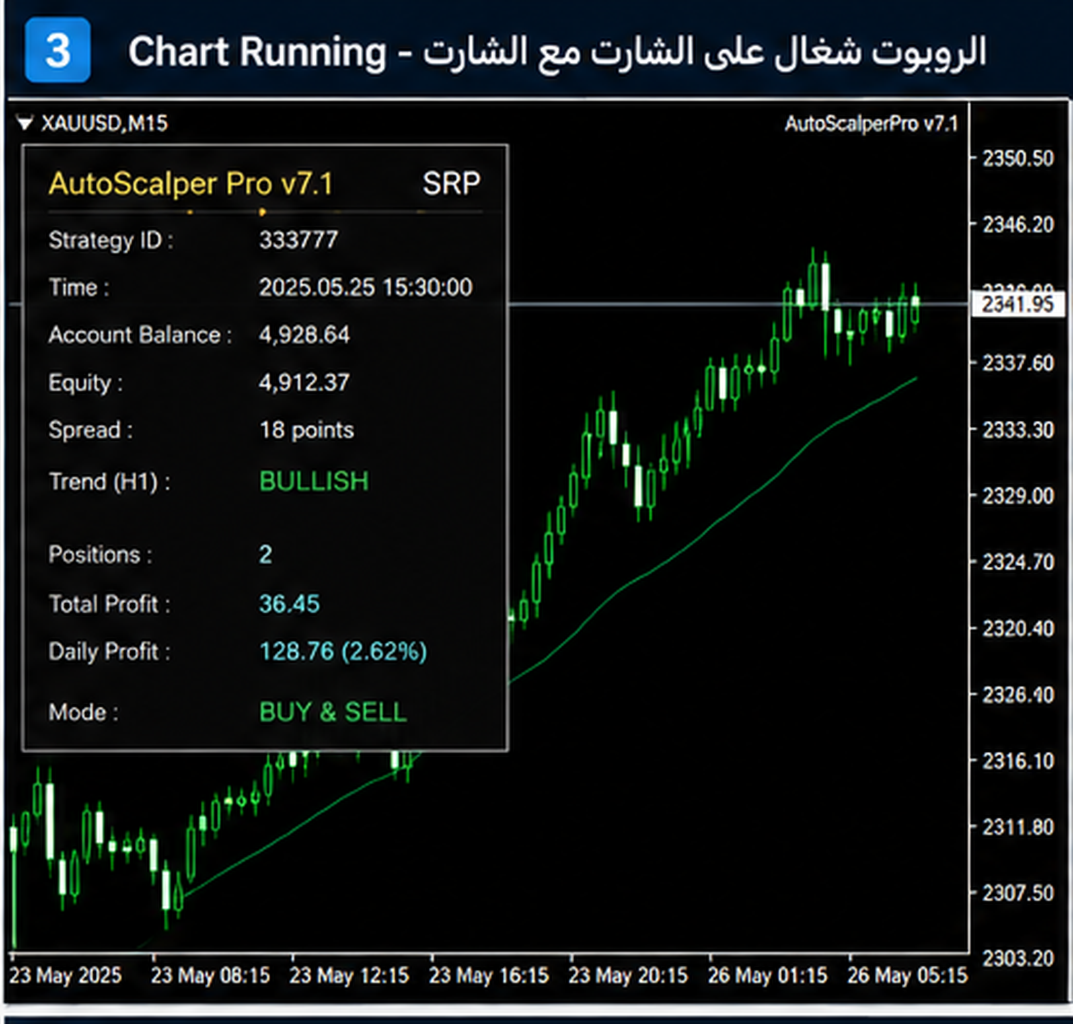
The system includes protection mechanisms designed to help avoid trading in unfavorable conditions: spread protection, news calendar filter, session and holiday filters, daily loss limit, equity protection, and a consecutive-loss cooldown. A visual dashboard on the chart shows the current balance, equity, daily result, spread, open positions, and win rate.
Key Features
- Professional Gold Scalping – Designed specifically for XAUUSD scalping on the M1 timeframe, combining fast market analysis with clear execution logic.
- Multi-Indicator Entry Logic – Entry signals are based on the EMA (12/26) crossover confirmed by RSI (14), the Parabolic SAR direction, and an optional volume confirmation. All conditions must be met before any position is opened.
- Higher Timeframe Trend Filter – An EMA (50) on H1 is used to align trades with the prevailing trend: buying is allowed only when the price is above the H1 EMA and selling only when the price is below it. This helps reduce counter-trend signals.
- Adaptive Stop Loss and Take Profit – SL and TP are calculated from ATR volatility by default (SL = ATR × 1.5, TP = ATR × 2.5). A fixed-point mode is also available. All stop levels automatically respect the broker's minimum distance from the market.
- Trailing Stop – Built-in trailing stop (adaptive or fixed) helps secure profits as the trade moves in your favor, with broker stop-level compliance built in.
- Break Even – Optional break-even moves the Stop Loss to the entry level after a set profit is reached.
- Risk Control – Built-in risk management helps protect capital: spread protection, equity protection, daily target, maximum daily loss limit, emergency basket stop, free margin check, and a consecutive-loss cooldown that automatically pauses trading after a set number of losing trades.
- News Filter Protection – Integrated filter based on the real MQL5 economic calendar avoids trading around high-impact events.
- Holiday Trading Control – Optional holiday protection prevents trading during low-liquidity periods.
- Session Filters – Trading can be limited to selected hours, weekdays, or named sessions (Sydney, Tokyo, London, New York).
- One Position Per Direction – By default the Expert Advisor keeps a maximum of one position per direction, with no martingale. Optional Recovery and Aggressive lot multiplier modes are available for advanced users but are disabled by default (high risk).
- Order Execution Reliability – An automatic retry system resends orders on requote, price change, timeout, or connection issues.
- On-Chart Dashboard – A visual panel shows balance, equity, daily P/L, spread, open positions, trades today, win rate, and consecutive losses in real time.
How Do I Start
- Download Auto Scalper Pro from the product page.
- Attach it to a chart with XAUUSD on the M1 timeframe.
- Use the default settings or adjust them in the Inputs tab.
- For a first run, it is recommended to test on a demo account.
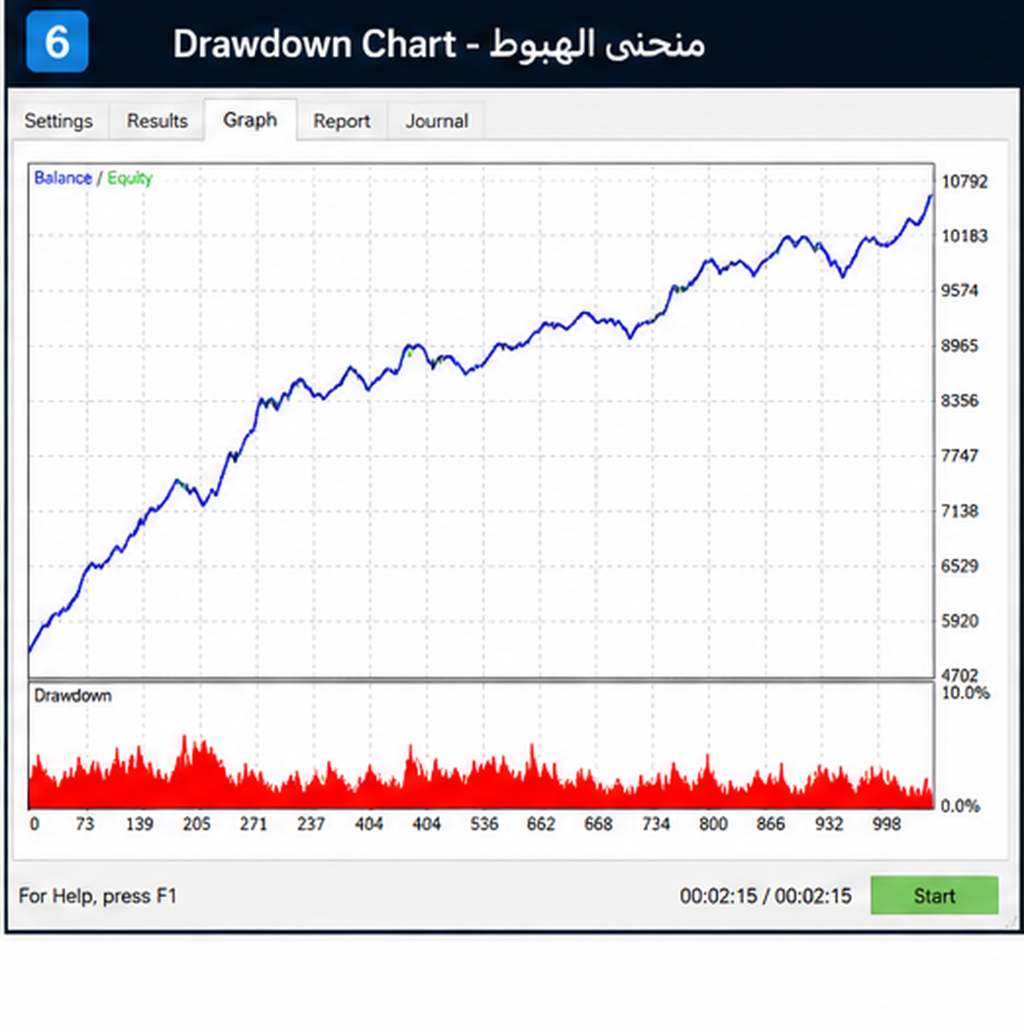
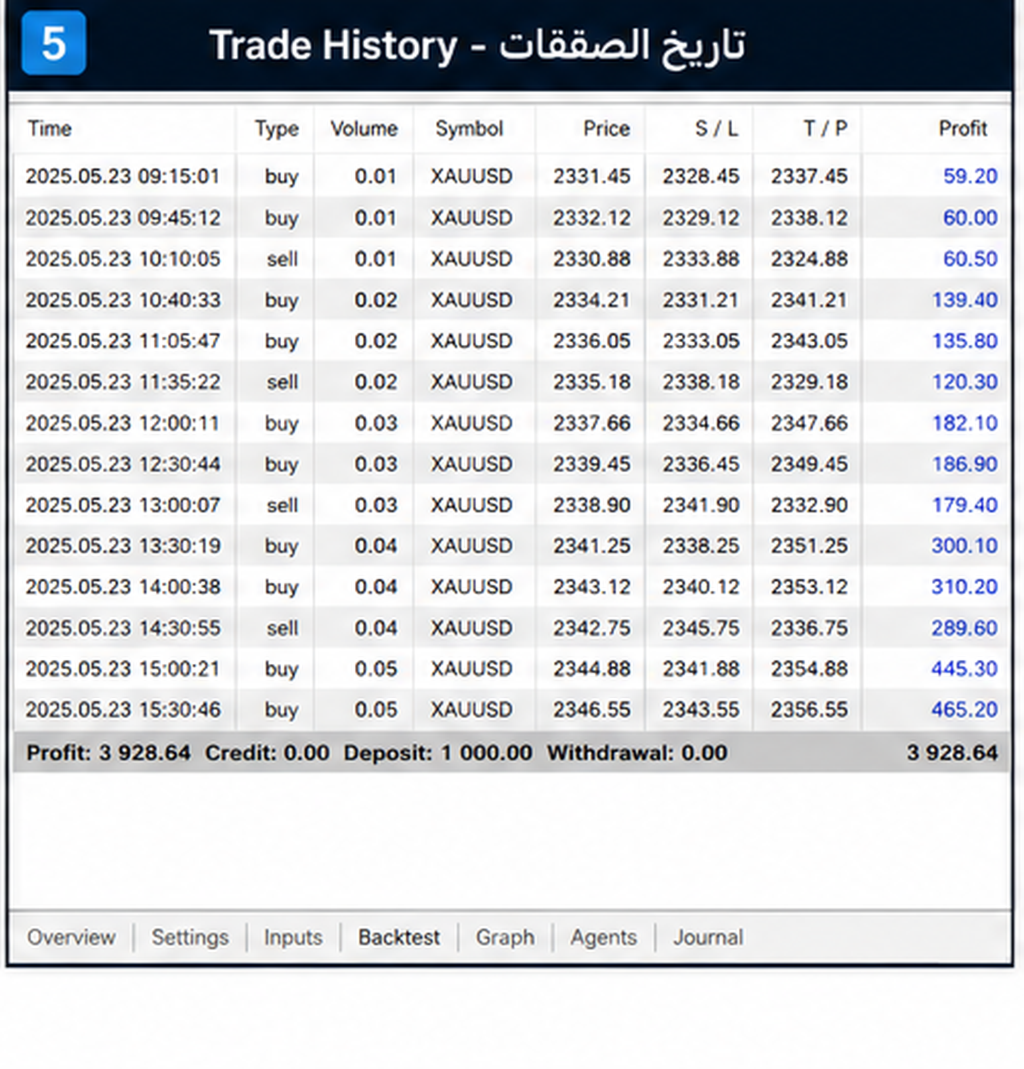
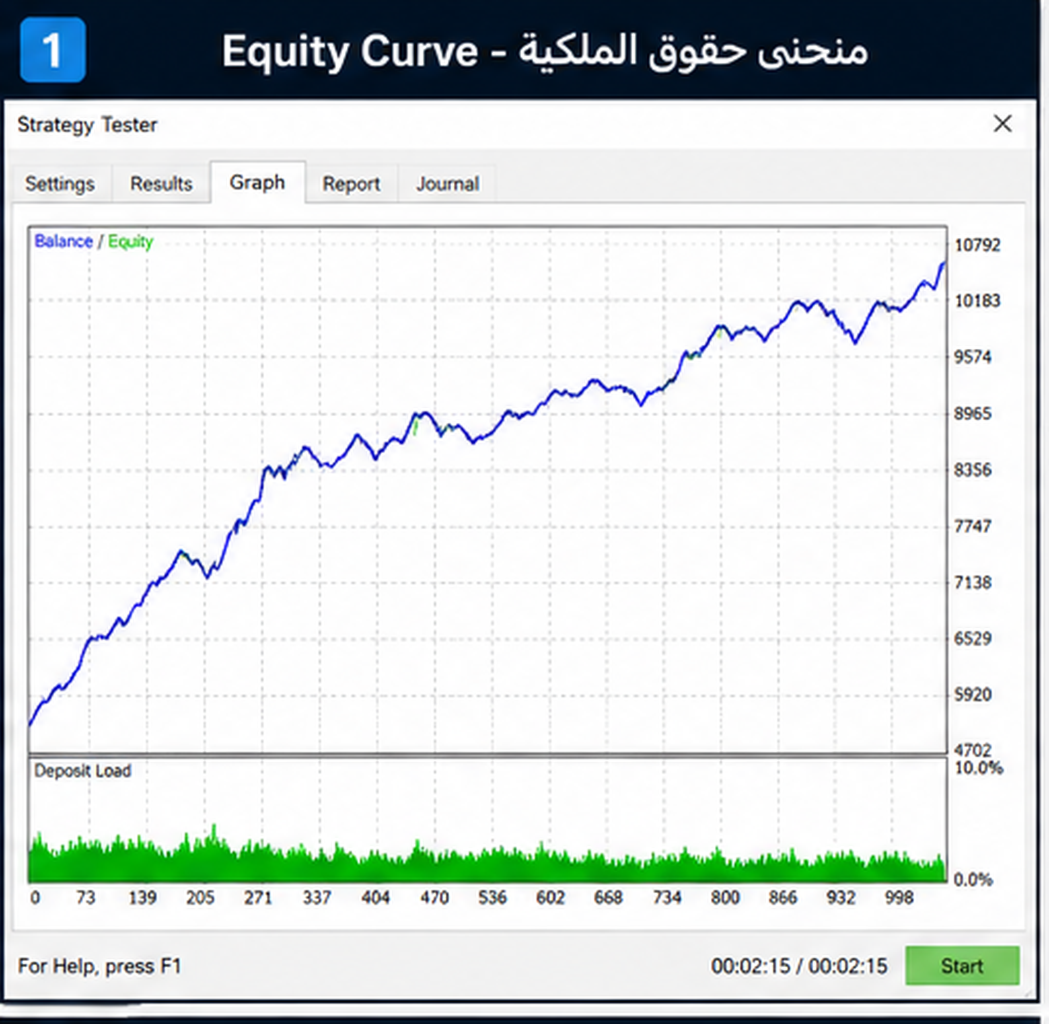
Select the Expert Advisor, choose XAUUSD with the M1 timeframe, set a deposit of 1000 USD, select a custom date range and the "Every tick" modeling mode, then start the test. The Expert Advisor works with the default settings and requires no special preparation.
Information
Updates & Price
Updates — All future updates and improvements are provided free of charge. The latest version is always available from the product page.
Price — The current purchase price is shown on the product page. The license allows activation on multiple devices (see Activations on the product page).
Frequently Asked Questions
It combines classic indicators (EMA, RSI, Parabolic SAR) with an H1 higher-timeframe trend filter and ATR-based risk management, all in one automated system designed for Gold scalping on M1.
No. The Expert Advisor comes with optimized default settings. You only need to set the lot size and, optionally, your risk limits. Entries, Stop Loss, Take Profit, and trade management are handled automatically.
The system is designed for XAUUSD (Gold) on the M1 timeframe.
Yes. It analyzes market conditions and opens and manages trades automatically when the predefined conditions are met.
Each trade is managed automatically: ATR-based or fixed Stop Loss and Take Profit, optional trailing stop, break even, and hidden SL/TP. The Expert Advisor also respects the broker's minimum stop distance.
Yes. You can adjust the lot size, EMA/RSI/ATR periods, SL/TP multipliers, trailing settings, spread limit, session and holiday windows, news filter, daily target, daily loss limit, equity protection, and other safety settings.
Yes, with any broker that supports MetaTrader 5. A low-spread (ECN) account is recommended for scalping.
Yes. All future updates are free of charge.
Trading on financial markets involves a high level of risk. Past performance does not guarantee future results. Test the Expert Advisor on a demo account before using it with real funds.