Anduril EA
- 专家
-
Andras Feher
 I develop automated trading systems and Expert Advisors with a strong focus on long-term performance. My approach prioritizes controlled risk, low drawdown, robust strategy design, and consistent returns rather than short-term gains. I continuously test, refine, and monitor my systems under real
 - 版本: 7.2
- 激活: 10
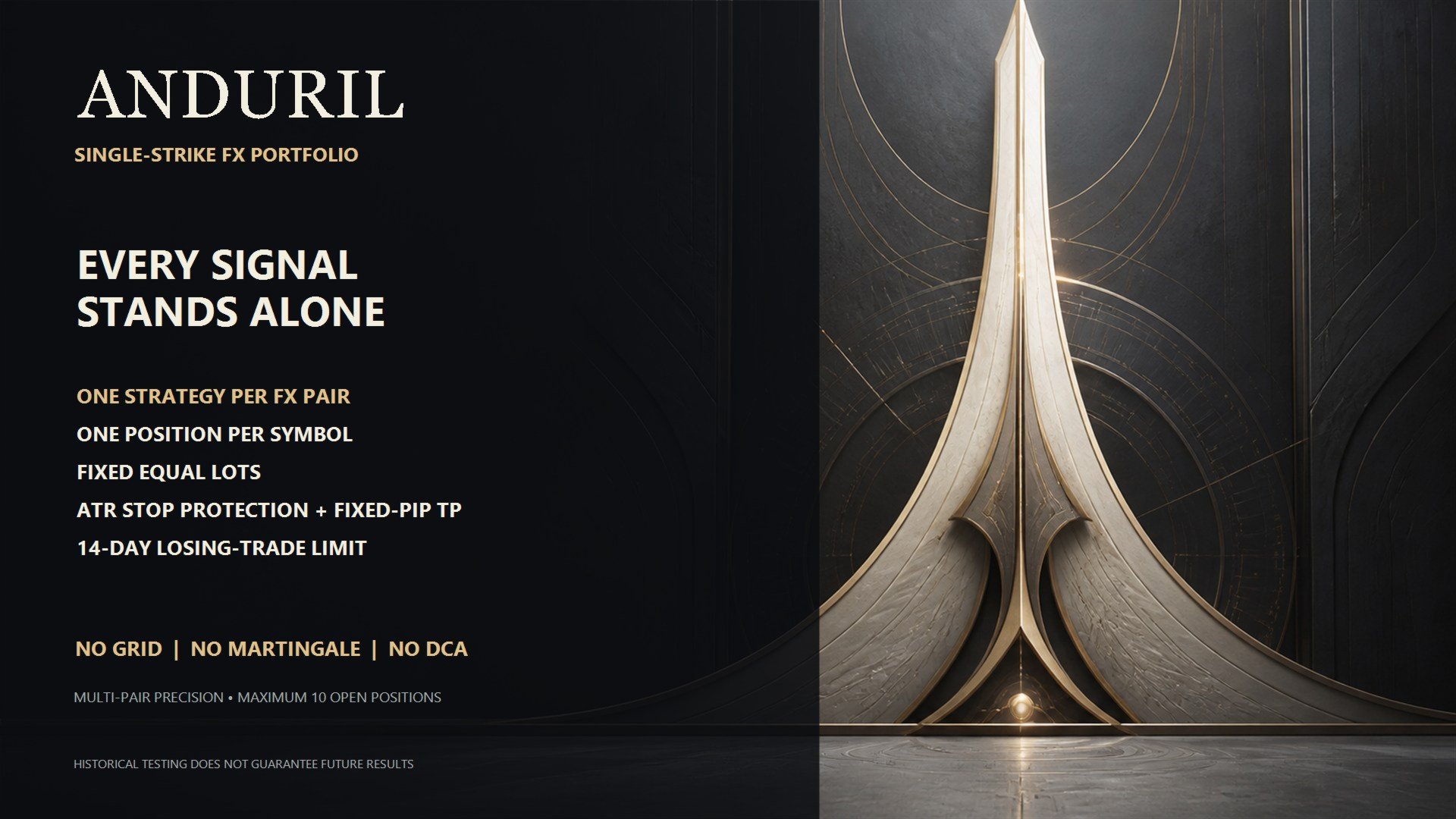
One portfolio. One position per pair. One precision strike.
ANDURIL is a precision-focused, multi-symbol Expert Advisor for MetaTrader 5. It was created for traders who prefer selective entries, defined exits, and controlled portfolio exposure instead of aggressive recovery systems.
From a single chart, ANDURIL monitors a diversified Forex portfolio through 21 pair-specific strategy modules, with 15 modules enabled in the default configuration. Every module has its own signal timeframe, statistical parameters, volatility settings, trading session, spread limit, ATR-based Stop Loss, and fixed Take Profit distance.
This is not one generic setup copied across every currency pair. ANDURIL treats each market as an independent strategy while coordinating all enabled modules through one central portfolio and risk-management engine.
Precision-First Trading
ANDURIL does not enter the market simply to remain active. It continuously scans the enabled currency pairs and waits for a qualified setup.
The main strategy engine measures how far the latest completed price has moved from its recent statistical mean. This deviation is normalized through a standard-deviation model and evaluated together with current ATR volatility and the surrounding trend structure.
Depending on the selected pair, a valid entry can require:
- A pair-specific statistical deviation threshold
- A controlled trend-slope environment
- A confirming reversal candle
- The module’s internal M30, H1, or H4 signal timeframe
- The module’s configured trading session
- An acceptable live spread
- Compliance with Friday entry restrictions
- Compliance with global portfolio exposure limits
- A new completed signal bar
When the complete setup is not present, ANDURIL waits. This selective behavior is intentional. The objective is trade quality, not constant market activity.
One Active Trade per Symbol
ANDURIL allows a maximum of one active position on each currency pair.
If a position is already open on a symbol, no additional position is stacked on that instrument. The existing trade must be closed before the pair can generate another entry.
This structure helps prevent:
- Excessive exposure on one symbol
- Position stacking
- Uncontrolled order accumulation
- Complicated recovery baskets
- Rapidly increasing margin requirements
Different symbols may be traded independently, but every pair follows the same one-position rule.
No Recovery System
ANDURIL does not attempt to repair a losing entry by adding more exposure.
- No Martingale
- No DCA
- No Grid
- No averaging down
- No position stacking
- No lot multiplication after losses
- No recovery baskets
- No hedge-recovery mechanism
A loss is treated as a normal part of trading, not as a signal to increase risk. Every position stands on its own with a defined protective structure.
Defined Stop Loss and Take Profit
Every standard ANDURIL position is opened with an ATR-based Stop Loss and a predefined, pair-specific Take Profit.
The Stop Loss adapts to the current volatility of the relevant market instead of applying one identical distance to every currency pair. The Take Profit is separately configured for each module.
Before an order is sent, ANDURIL also checks the broker’s minimum stop distance and the available free margin. This helps avoid invalid trade requests under different broker conditions.
In addition to the initial SL and TP, the portfolio engine can close a profitable position when its statistical mean-reversion objective has been achieved.
Every position begins with:
- A clearly defined entry
- An ATR-based protective Stop Loss
- A pair-specific Take Profit
- A predefined exit structure
- No additional recovery orders
Adaptive Stale-Trade Management
ANDURIL includes a time-based stale-trade manager.
With the default configuration, a losing position that has remained open for 14 days without sufficient progress toward its target can be closed automatically.
This prevents old, unproductive positions from remaining open indefinitely. The feature is configurable and can be disabled if required.
True Multi-Symbol Operation
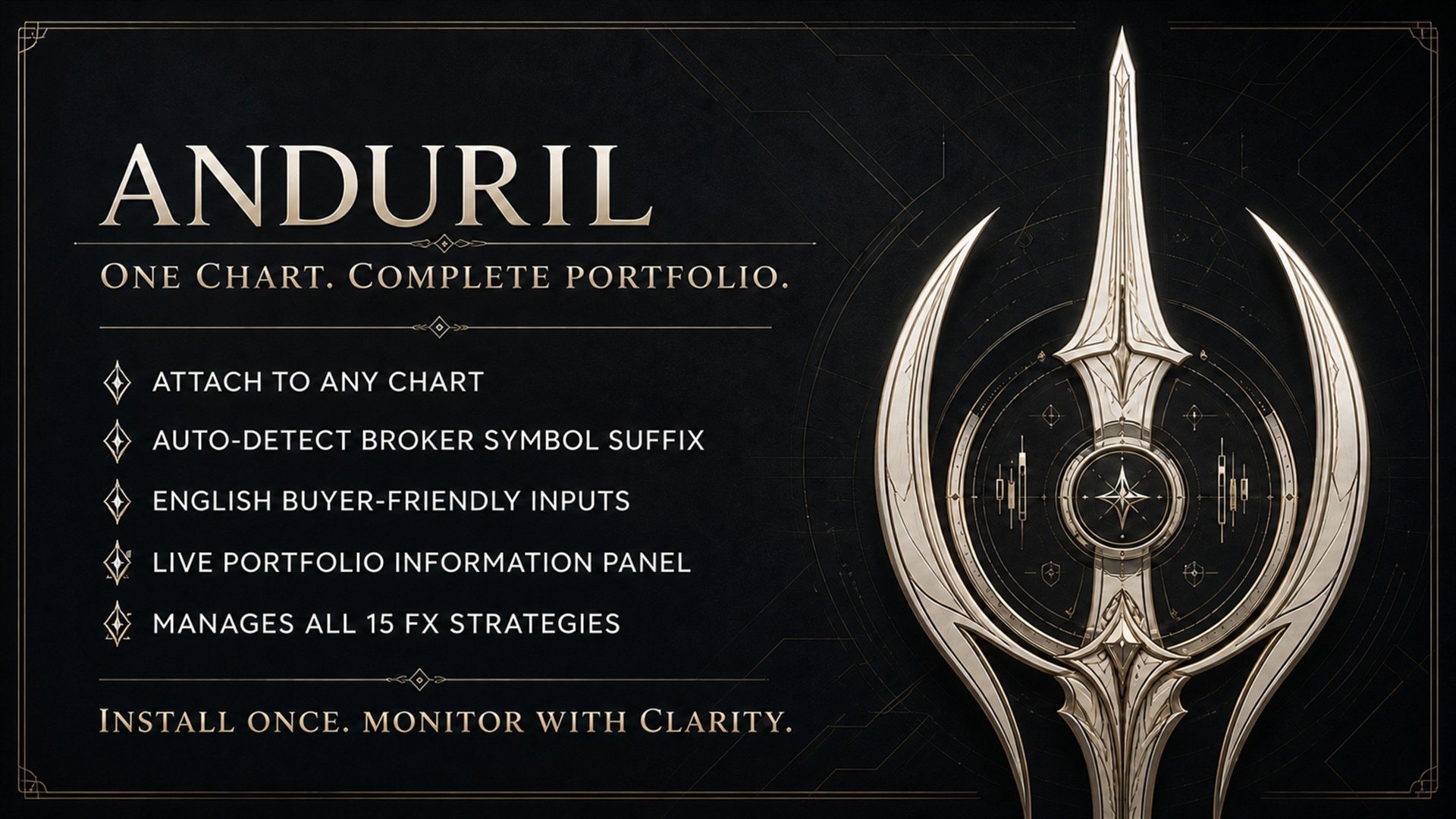
ANDURIL is installed on one chart and manages the entire enabled portfolio from that single instance.
It does not need to be attached separately to every currency pair.
The release includes 21 pair-specific modules.
Enabled by Default
- AUDCAD
- GBPCHF
- EURJPY
- EURCAD
- NZDJPY
- EURNZD
- GBPNZD
- USDCAD
- AUDUSD
- GBPCAD
- NZDCAD
- CHFJPY
- GBPUSD
- AUDCHF
- NZDCHF
Reserve Modules Disabled by Default
- USDCHF
- CADJPY
- EURCHF
- USDJPY
- EURAUD
- CADCHF
Each module can be enabled or disabled individually.
The EA uses its internally assigned M30, H1, and H4 signal timeframes. Changing the timeframe of the host chart does not change the strategy timeframes used by the individual modules.
Portfolio-Level Exposure Control
Before every new order, ANDURIL checks the exposure of the complete portfolio.
Available limits include:
- Maximum combined open lots
- Maximum total open positions
- Maximum positions per FX pair
- Maximum lots per FX pair
- Optional maximum positions involving the same currency
- Optional maximum lot size per order
- Optional maximum lots per strategy
- One-entry-per-signal-bar protection
Conservative Default Configuration
- Fixed lot size per strategy: 0.01
- Maximum combined open lots: 0.10
- Maximum simultaneous positions: 10
- Maximum positions per symbol: 1
- Maximum lots per symbol: 0.01
These values can be changed in the EA inputs. Increasing the lot size or portfolio limits also increases financial risk.
Optional Account Protection
ANDURIL includes additional portfolio guards that are disabled by default and can be configured according to individual requirements.
Available protection options include:
- Daily equity-loss limit
- Floating portfolio-loss limit
- Monthly equity-loss limit
- Monthly profit lock
- Optional closing of ANDURIL positions when selected limits are reached
- Pause after a configurable number of consecutive losses
- Configurable cooldown period after a loss streak
These controls can support disciplined account management, but they do not guarantee compliance with the rules of any particular proprietary trading company.
Execution Filters
ANDURIL includes several practical execution controls:
- Individual maximum spread threshold for every strategy
- Global spread-tolerance adjustment
- Pair-specific trading sessions
- Friday entry cutoff
- Optional rollover trading block
- Maximum execution deviation
- Free-margin validation before every order
- Automatic broker symbol-suffix detection
- Manual symbol-suffix option when required
- Detailed logging of blocked entry reasons
The automatic suffix detector helps ANDURIL recognize broker-specific symbol names such as EURUSD.a or EURUSDm when the standard symbol name is not available.
ANDURIL Information Panel
The built-in chart panel provides a clear view of the enabled portfolio modules.
With the default configuration, it displays the 15 active strategies. Disabled reserve modules are hidden automatically, keeping the interface compact and easy to understand.
The panel displays:
- Current account equity
- Total ANDURIL floating profit or loss
- Current and maximum portfolio lots
- Number of open ANDURIL positions
- Enabled strategy modules
- Resolved broker symbol names
- Current module state: IDLE, BUY, or SELL
- Open volume by module
- Floating result by module
- Remaining distance to Take Profit
- Age of each active position
The panel updates automatically and can be repositioned, resized, or disabled from the EA inputs.
Installation
- Install ANDURIL through the MQL5 Market in MetaTrader 5.
- Open Market Watch and make the required Forex pairs available.
- If necessary, right-click Market Watch and select Show All.
- Open one normal Forex chart.
- Drag ANDURIL from Navigator → Expert Advisors onto that single chart.
- Enable Allow Algo Trading in the EA settings.
- Enable the main Algo Trading button in MetaTrader 5.
- Review the lot size and portfolio exposure limits.
- Confirm that the information panel lists the enabled modules.
- Verify that the broker symbols have been resolved correctly.
Only one ANDURIL instance is required for the complete portfolio.
Do not attach the EA separately to every pair. Doing so would create duplicate portfolio engines using the same strategy Magic Numbers.
If the broker uses non-standard symbol names and automatic detection does not resolve them correctly, enter the broker’s suffix manually or make the required instruments available in Market Watch.
Recommended First Start
- Begin with the default 0.01-lot configuration.
- Test the EA in the MetaTrader 5 Strategy Tester.
- Run it on a demo account before live use.
- Verify the detected broker symbols.
- Use a stable VPS for continuous operation.
- Keep the required portfolio symbols available in Market Watch.
- Do not run duplicate ANDURIL instances on the same account.
- Review the Experts and Journal tabs after installation.
- Avoid modifying strategy parameters without conducting new tests.
Why ANDURIL?
Many automated systems attempt to hide a weak entry by adding more trades. ANDURIL follows a different philosophy:
One selected position. One defined risk. One defined target.
It combines statistical entry logic, volatility-aware protection, pair-specific calibration, session and spread filtering, multi-symbol diversification, strict exposure limits, and transparent monitoring in one Expert Advisor.
ANDURIL does not chase the market.
It does not escalate after a loss.
It waits, measures, and strikes only when its conditions align.
One portfolio.
One position per pair.
One precision strike.
Important Risk Notice
Trading Forex involves substantial risk. No Expert Advisor can guarantee profit or eliminate losses. Historical tests, optimization results, and previous live performance do not guarantee future results.
Spreads, commissions, swaps, slippage, liquidity, execution speed, leverage, and broker-specific conditions can materially affect performance.
Always test ANDURIL before live use and select a lot size appropriate for your account balance, leverage, and personal risk tolerance.
The user remains fully responsible for all trading decisions and financial results.