Sky Dragon EA
- Uzmanlar
- Sürüm: 5.0
- Güncellendi: 25 Şubat 2026
- Etkinleştirmeler: 10

Overview
Sky Dragon EA is an advanced automated trading system for MetaTrader 4 that combines intelligent trend detection, adaptive martingale strategy, and risk management. The EA uses a custom-built trend indicator to identify high-probability market conditions and only executes trades when a valid trend is confirmed, preventing overtrading and improving win rate.
Download SET FILE
SKY DRAGON EA FOR PROP FIRM EA:
- Use Daily Profit Target e.g. 1%
- Use Daily Drawdown Limit e.g. 3.5%
- Use 100K or 200K Account
Recommended
- Chart: XAUUSD, any currencies
- Timeframe: H1, any timeframe
- Balance: $10000 or above
- Daily Target Profit 1% or lower.
Trading Modes
-
Hedge Mode (Default): Trades both directions simultaneously, allowing independent BUY and SELL groups
-
Buy Only / Sell Only: Restrict trading to single direction
-
Close Opposite on Signal: Automatically closes opposing group when new signal appears
Money Management
-
Lot Calculation: Fixed lot or money-based (e.g., $10,000 per 0.01 lot)
-
Martingale System: Progressive lot sizing with configurable:
-
Initial distance between trades (30 pips default)
-
Distance multiplier per step (1.1x)
-
Lot multiplier (1.3x)
-
Maximum steps (30)
-
Minimum delay between entries (1 minute)
-
Risk Management
-
Drawdown Reduction (DR): Automatically closes most profitable position pairs when combined profit thresholds are met. Features:
-
Minimum trades before activation (5)
-
Remaining trades after reduction (5)
-
Tiered profit requirements based on lot size
-
Automatic reopening at specified distance
-
-
Daily Drawdown Limit: Percentage or money-based with automatic shutdown
-
Daily Profit Target: Percentage or money-based with auto-closure
-
Balance Target: Overall account growth target with EA stop
-
Trailing Stop: Configurable trailing in pips
-
Maximum Spread: Blocks trading when spread exceeds threshold
Market Filters
-
Time Filter: Restricts trading to specified hours
-
EMA Trend Filter: Optional multi-EMA alignment (10/20/50/100/200)
-
Gap Detection: Identifies and avoids trading during price gaps
-
News Filter: Configurable avoidance periods around high-impact news
-
Timeframe Change Protection: Pauses trading after timeframe changes until price movement
Position Management
-
Take Profit: Common TP for entire position group with dynamic adjustment
-
Stop Loss: Optional per-trade stop loss
-
Group Management: Tracks positions as BUY and SELL groups
-
Automatic TP Adjustment: Updates all positions when new martingale trades open
Monitoring & Visualization
-
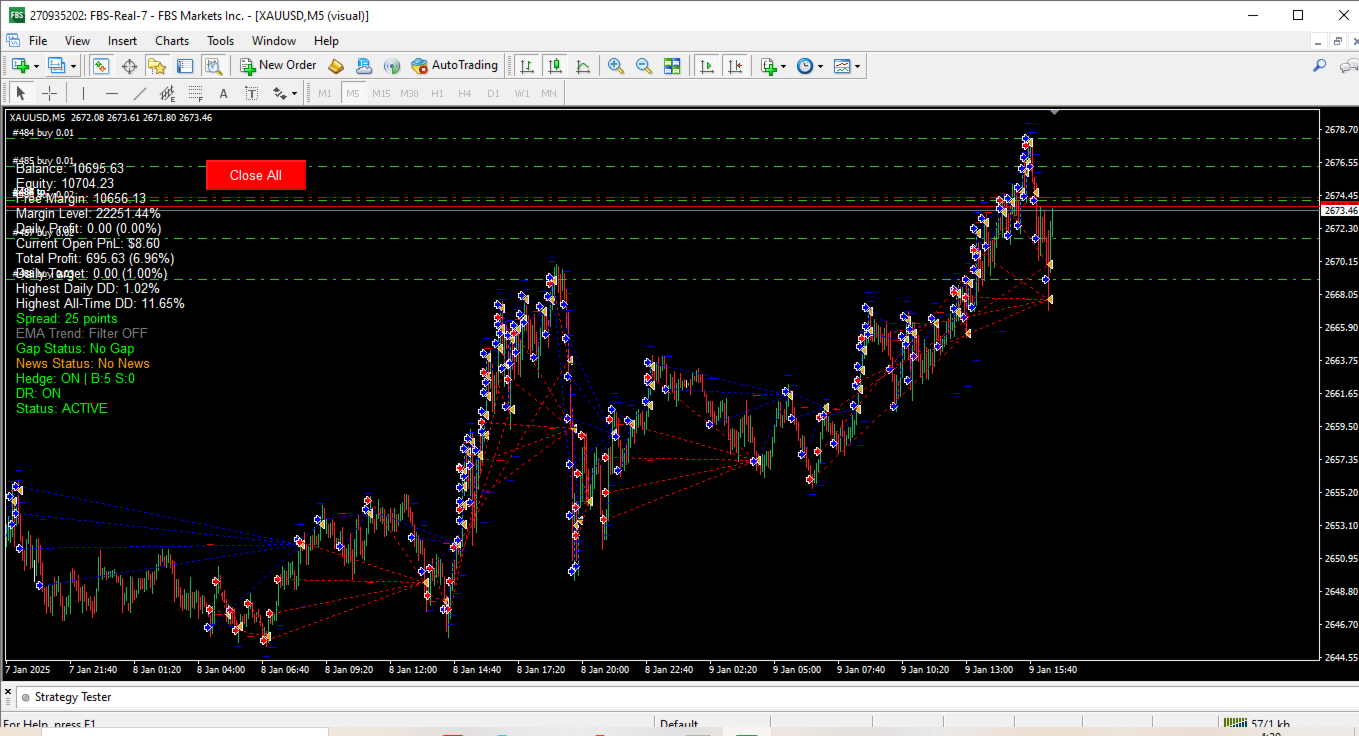
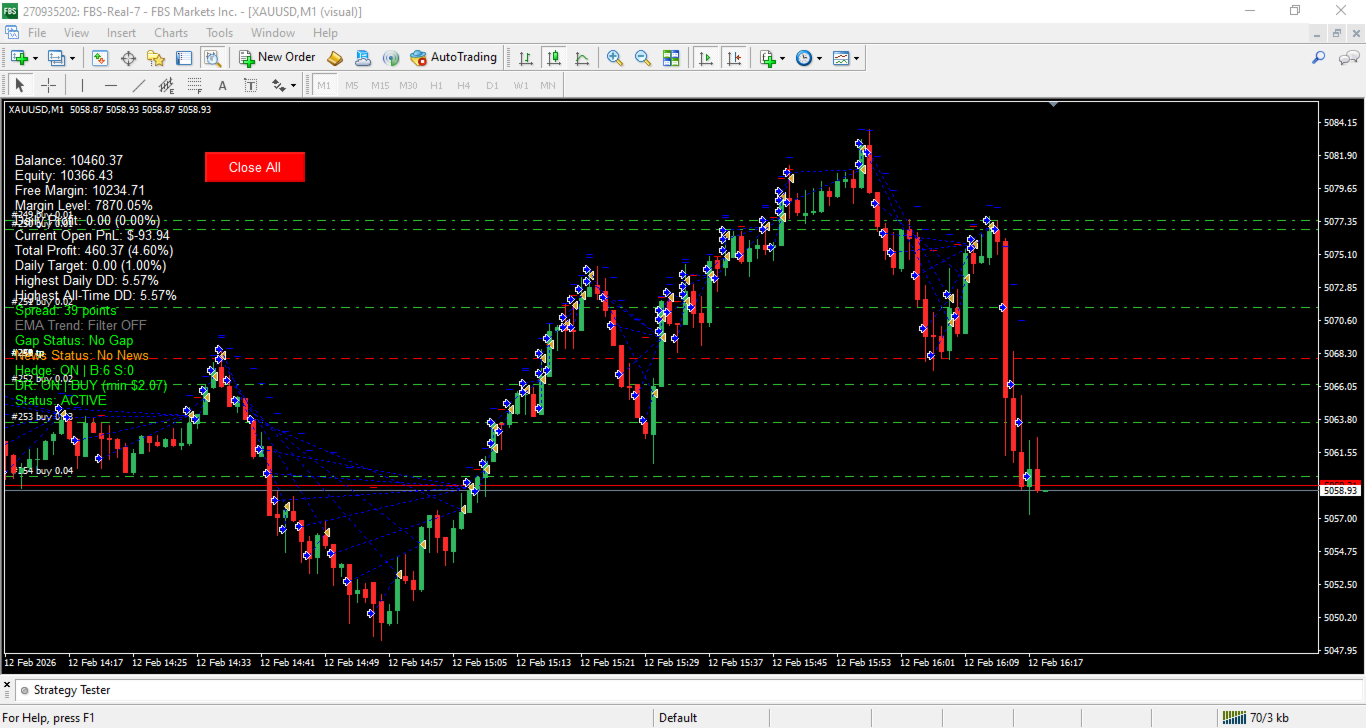
Real-time Dashboard: Displays:
-
Account statistics (Balance, Equity, Margin)
-
Daily performance metrics
-
Current drawdown levels
-
Spread monitoring
-
EMA trend status
-
Gap and news status
-
Hedge mode status
-
DR (Drawdown Reduction) status
-
Trading status with color-coding
-
-
Close All Button: One-click position closure
-
Visual Mode: Enhanced logging for testing
IMPORTANT NOTES:
-
Don't enable both Buy Only and Sell Only modes together
-
If both Fixed Lot and Money Management are enabled, Money Management takes priority
News Filter Setup (Required if News Filter = true)
- Go to MT4: Tools → Options → Expert Advisors
- Check "Allow WebRequest for listed URL"
- Add URL: https://nfs.faireconomy.media
- Click OK