Visual Trailing Stop
- Utilità
- Maksim Novikov
- Versione: 1.0
- Attivazioni: 20
Control your stop-loss visually — just draw a line!
Next-generation trailing stop: no more constant level calculations or manual number entries. Visual Trailing Stop turns any graphical line on your chart into a dynamic stop-loss.
✨ Key Features:
🎯 Visual Control
-
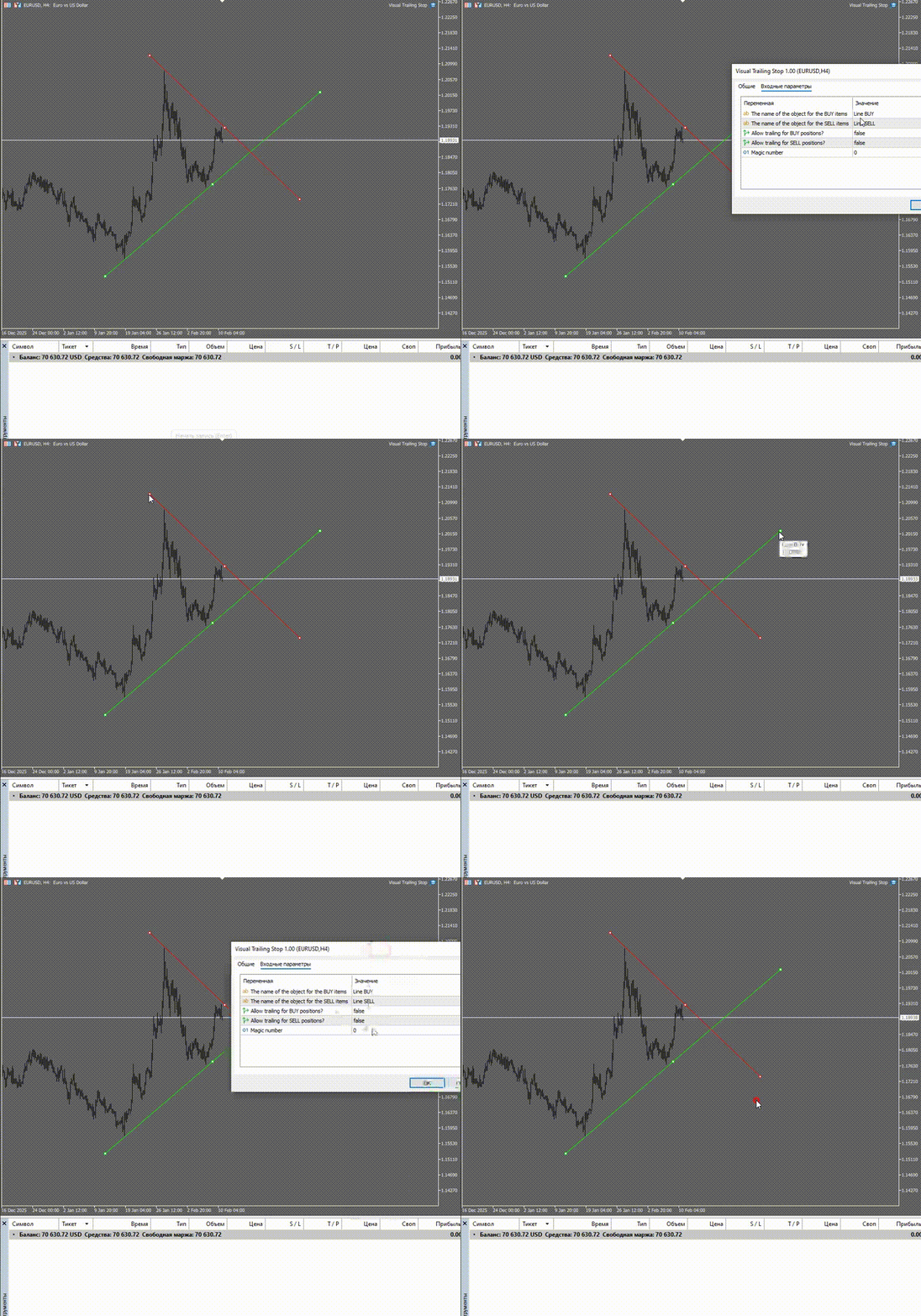
Draw a line → get a trailing stop
-
Works with trendlines, horizontals, and any other lines
-
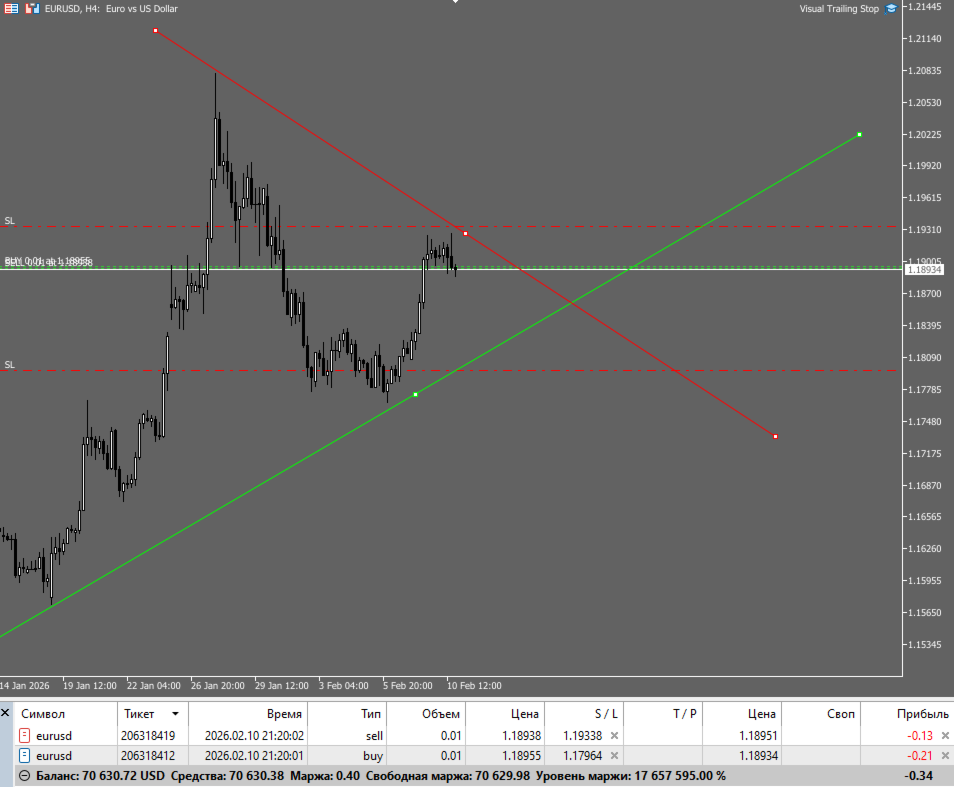
See your protective level directly on the chart
⚡ Automate the Routine
-
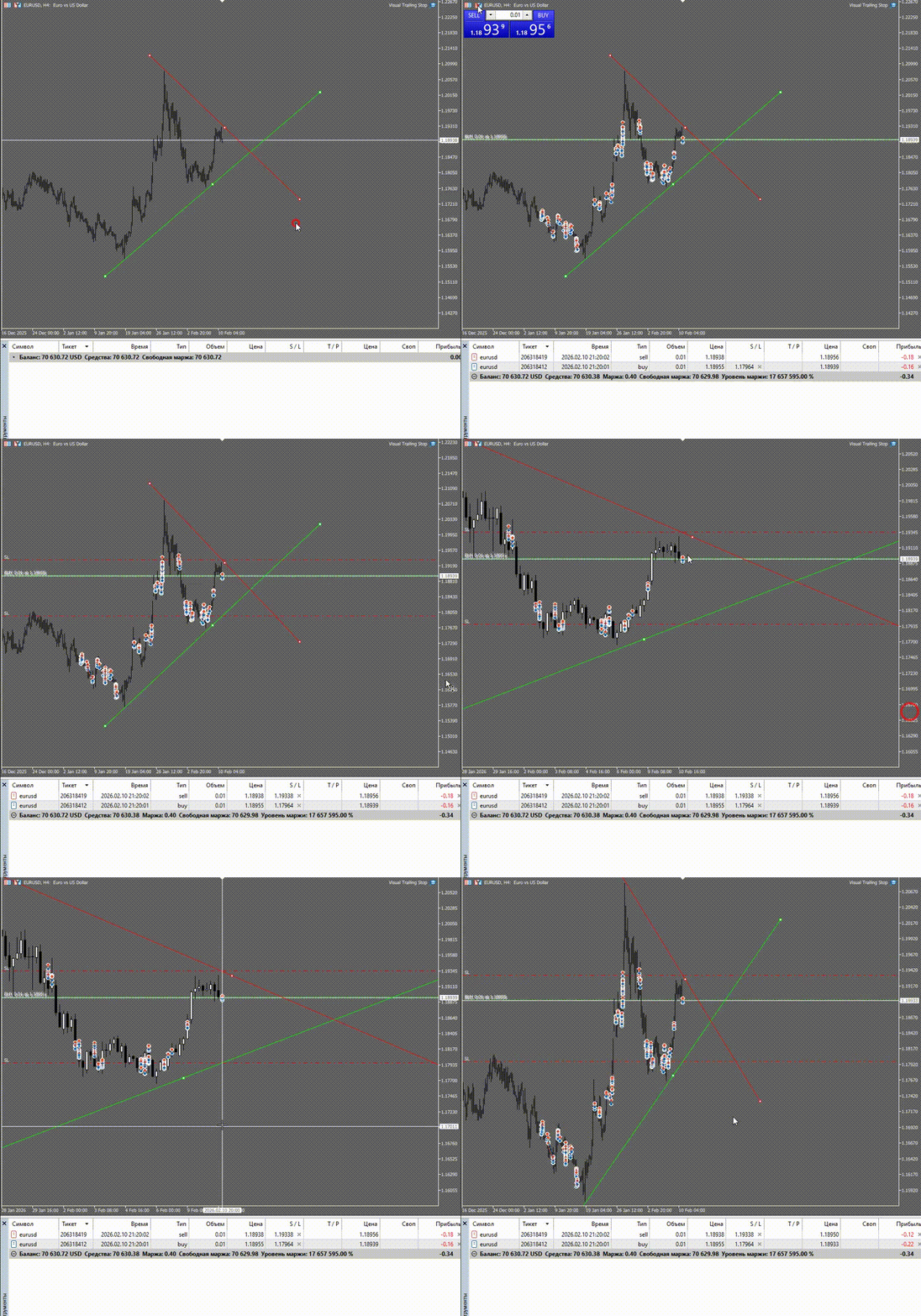
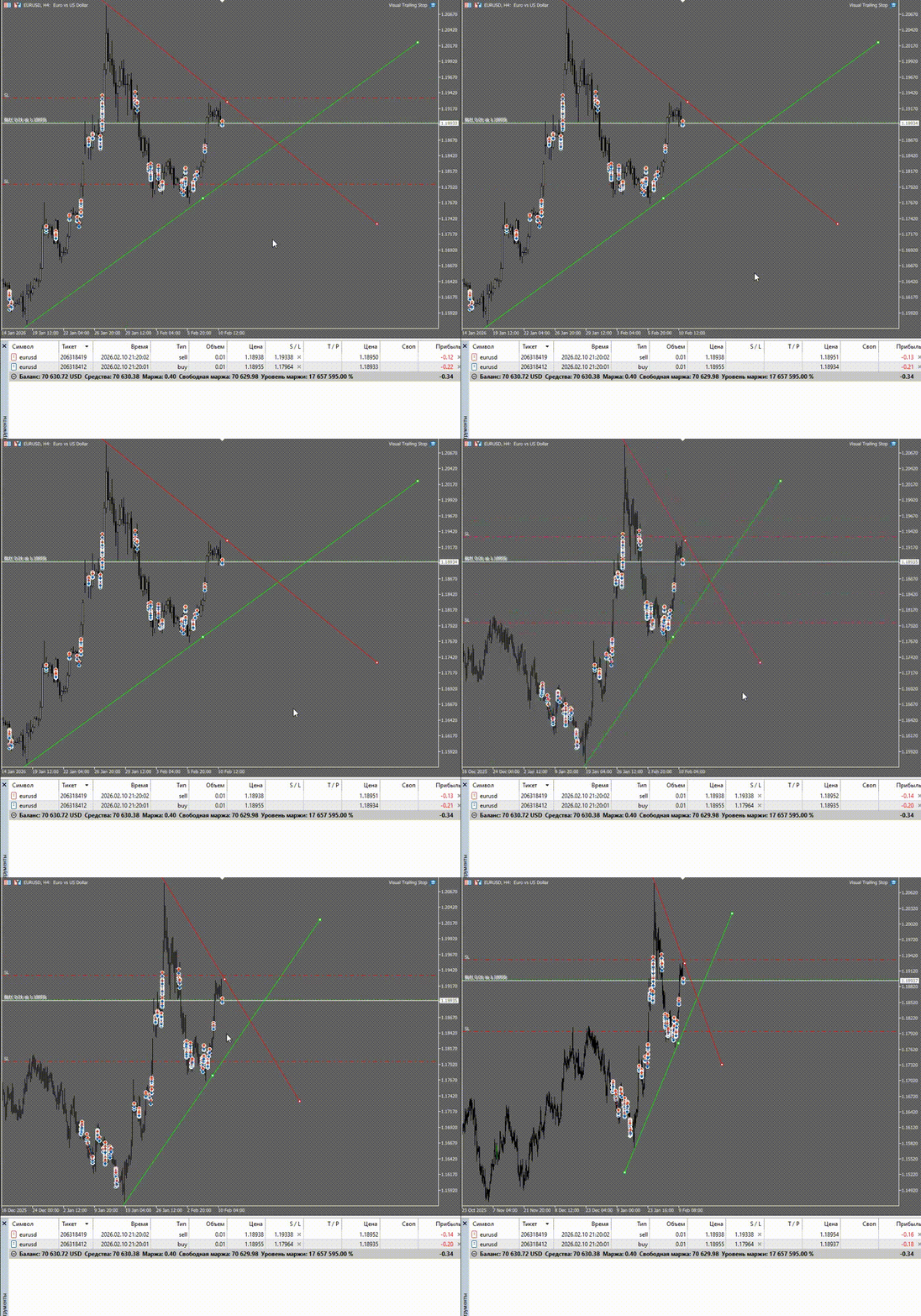
Automatic stop trailing as price moves
-
Separate settings for BUY and SELL positions
-
Works in the background — no constant monitoring needed
🛡️ Complete Control
-
Enable/disable trailing for each direction
-
Use different lines for buys and sells
-
Instant reaction to line position changes
🚀 How It Works:
-
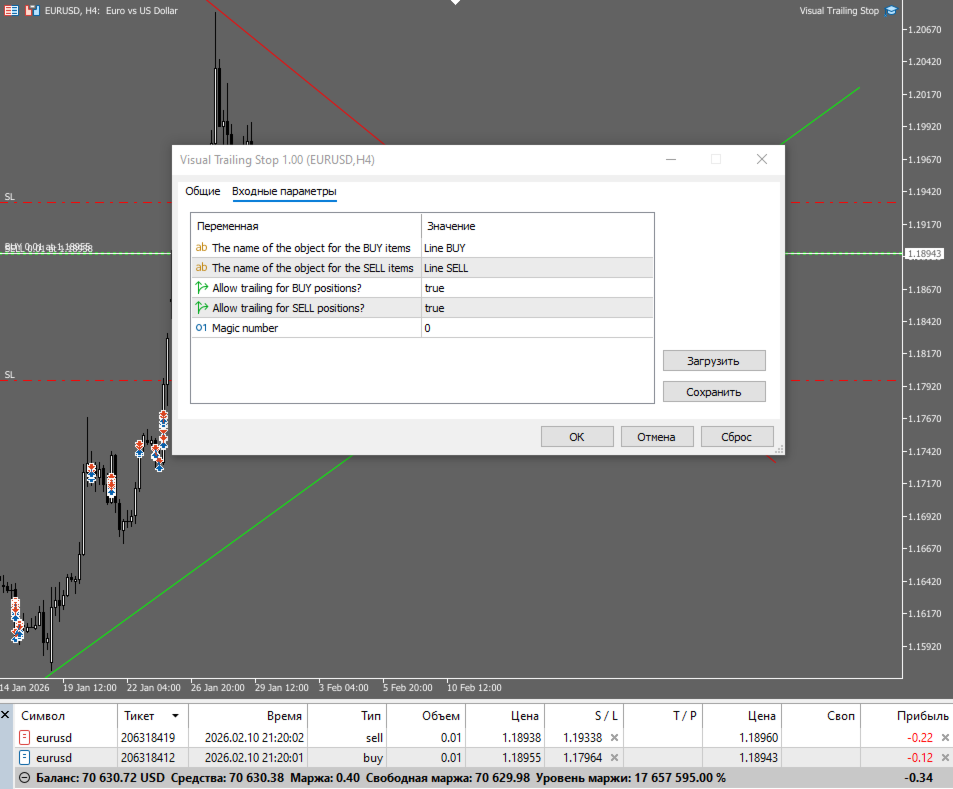
Draw a line on the chart (name it "Line BUY" or "Line SELL")
-
Launch the expert advisor
-
Forget — your stop-loss will automatically follow your line
📊 Who It's For:
-
Beginner traders — intuitive risk management
-
Professionals — save time on routine operations
-
Visual traders — those who work with graphical objects
-
Anyone tired of constantly recalculating stop levels
💎 Benefits:
-
✅ Simplicity — no complicated settings
-
✅ Clarity — see your stop directly on the chart
-
✅ Flexibility — works with any trading strategy
-
✅ Reliability — stable operation 24/7
⚙️ Quick Setup:
1. Attach the EA to your chart
2. Draw a line named "Line BUY" (for buy positions)
3. Draw a line named "Line SELL" (for sell positions)
4. Enable trailing for desired directions
5. Trade — Visual Trailing Stop handles the rest!