AuraQuant
- Indicators
- Version: 1.1
- Updated: 20 October 2026
- Activations: 10

AuraQuant is a momentum intelligence indicator for MetaTrader 5. It brings adaptive signal analysis, trade planning, signal quality and simulated historical statistics into one clear dashboard. Designed for discretionary traders who value structure, clarity and flexible settings.
| Launch price: $59 for a limited time. Need help getting started or an additional PDF copy of the user manual? Contact me through MQL5 messages. |
Key Features
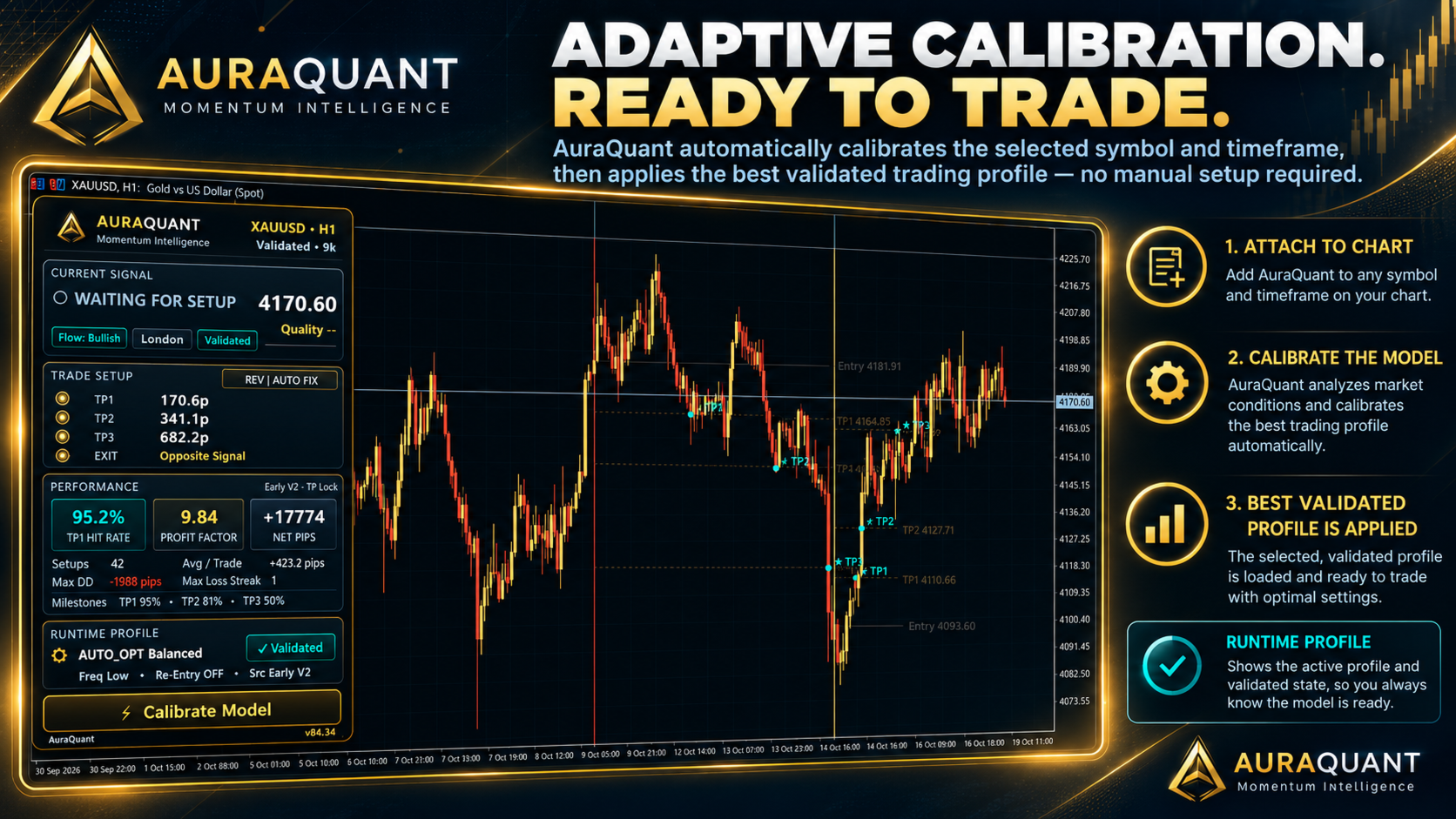
- Adaptive Calibration: Evaluates historical market data and validates selected configurations.
- BUY & SELL Signals: Early, Confirmed and Combined signal modes.
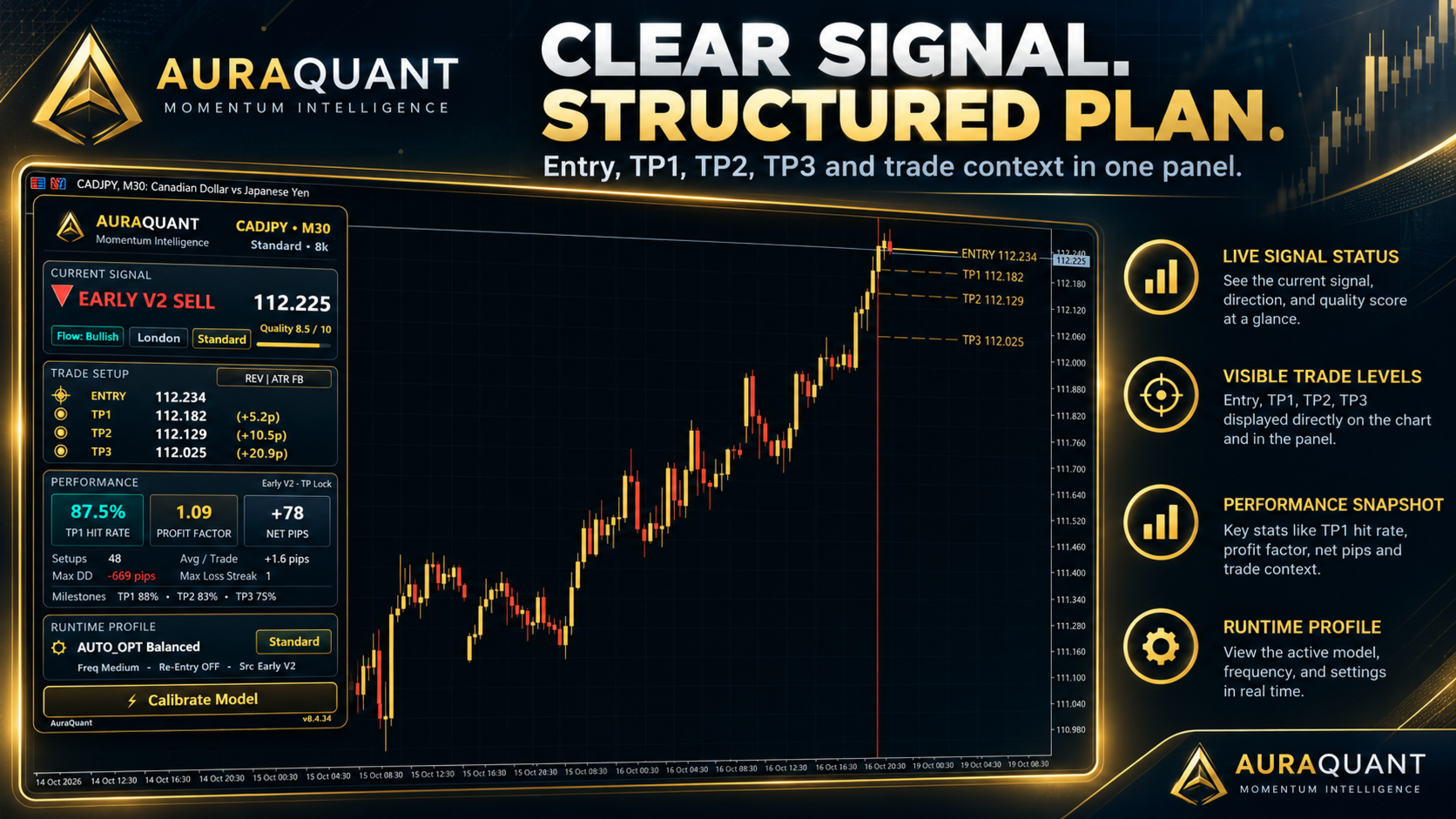
- Trade Planning: Entry reference, TP1 / TP2 / TP3 and configurable exit methods.
- Signal Quality Score: An optional 0-10 technical assessment of the active setup.
- Historical Analytics: Simulated hit rates, profit factor, drawdown, net pips and past signal markers.
- AUTO & MANUAL Modes: Adaptive trading styles and customizable manual configurations.
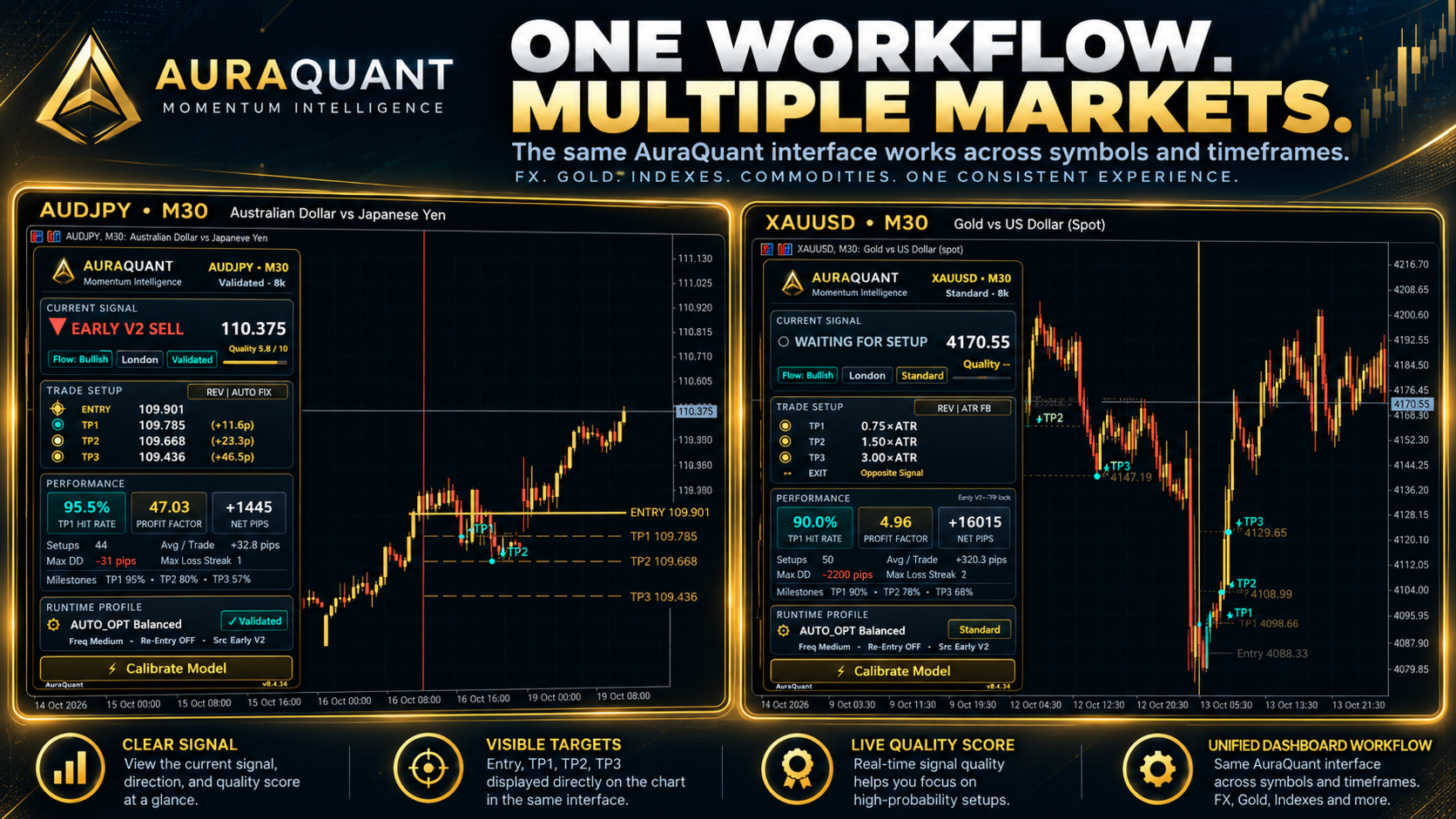
- Premium Dashboard: Live market information, historical trade visualization and adjustable size.
- Notifications: Desktop, phone and email alert options.
Getting Started
- Install AuraQuant through the MetaTrader 5 Market.
- Attach the indicator to a chart. The default mode is Automatic / Balanced.
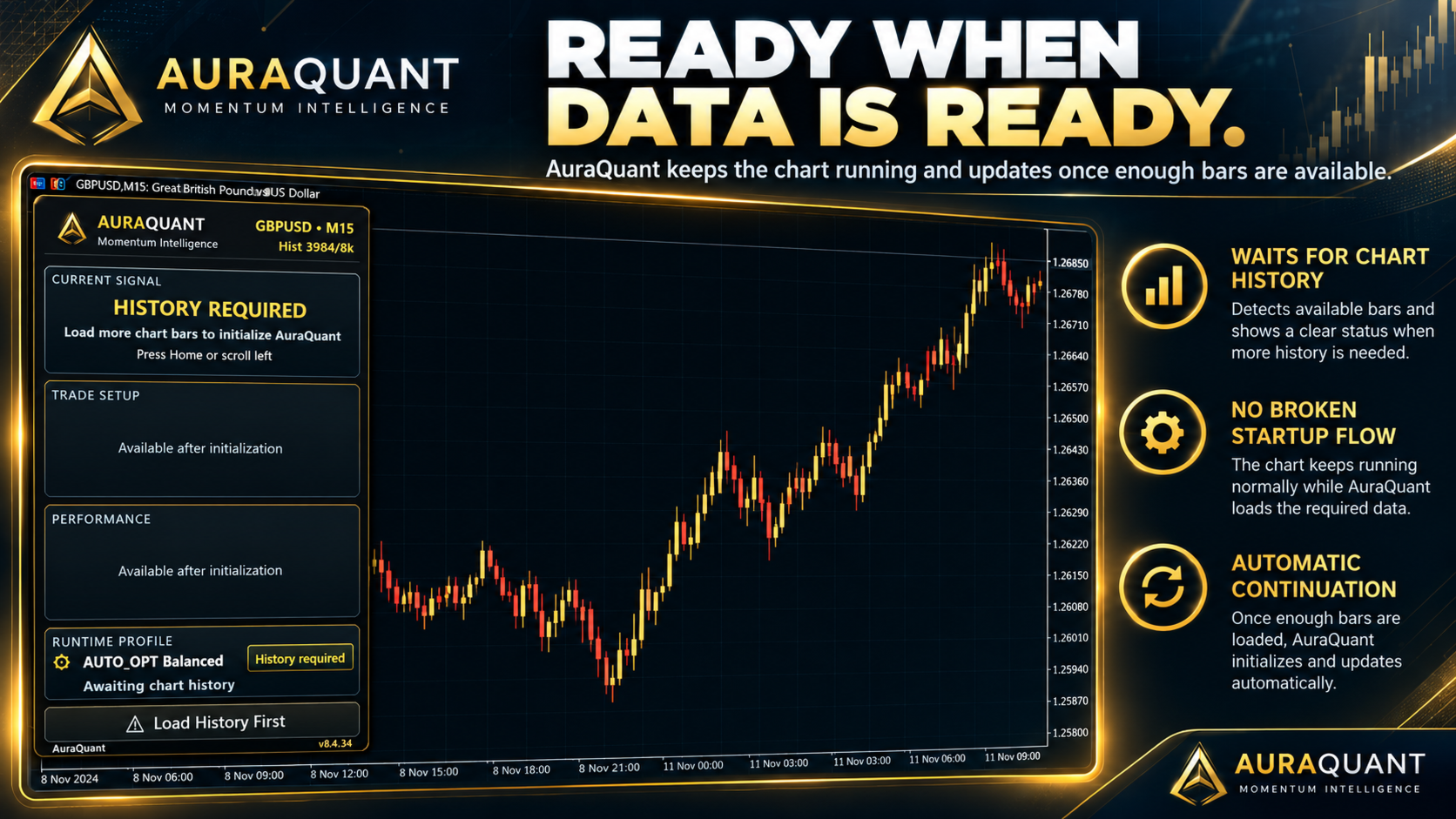
- Allow AuraQuant to check the available history and perform calibration when enough data are ready.
- Read the current signal, quality score, trade levels and active runtime profile on the dashboard.
If HISTORY REQUIRED appears, load additional chart history by scrolling left or pressing Home. The indicator will continue checking for sufficient data.
Settings Overview
Quick Start: Trading Mode, Trading Style and Signal Type.
Take Profits: Automatic, Fixed Pips or Risk-Based (R) method; TP1, TP2 and TP3 values.
Stop Loss & Exit: Exit method, fixed stop distance and same-direction signal replacement.
Filters & Trading Hours: Optional TDI and volume filters, plus Asian, European and New York sessions.
Chart & Alerts: Dashboard appearance, past trade markers and desktop, mobile and email notifications.
Manual Settings: Manual preset and trade frequency.
Advanced Settings: ATR and wick parameters, broker time detection, dashboard scale, history range, Q-Score and alert sound.
Important Usage Notes
- AuraQuant is an analytical indicator, not an Expert Advisor. It does not place, modify or close broker orders.
- Historical results are generated by internal simulation. They are not live-account results and do not guarantee future performance.
- The Q-Score is a technical assessment, not a win probability.
- When choosing Risk-Based (R) take profits, adjust TP1 / TP2 / TP3 to the desired R multiples. The default numeric values 50 / 100 / 200 are not automatically converted from pips to R.
Documentation & Support
For setup questions, technical support or an additional PDF copy of the Quick Start Guide and Complete User Manual, contact me through the MQL5 messaging system.