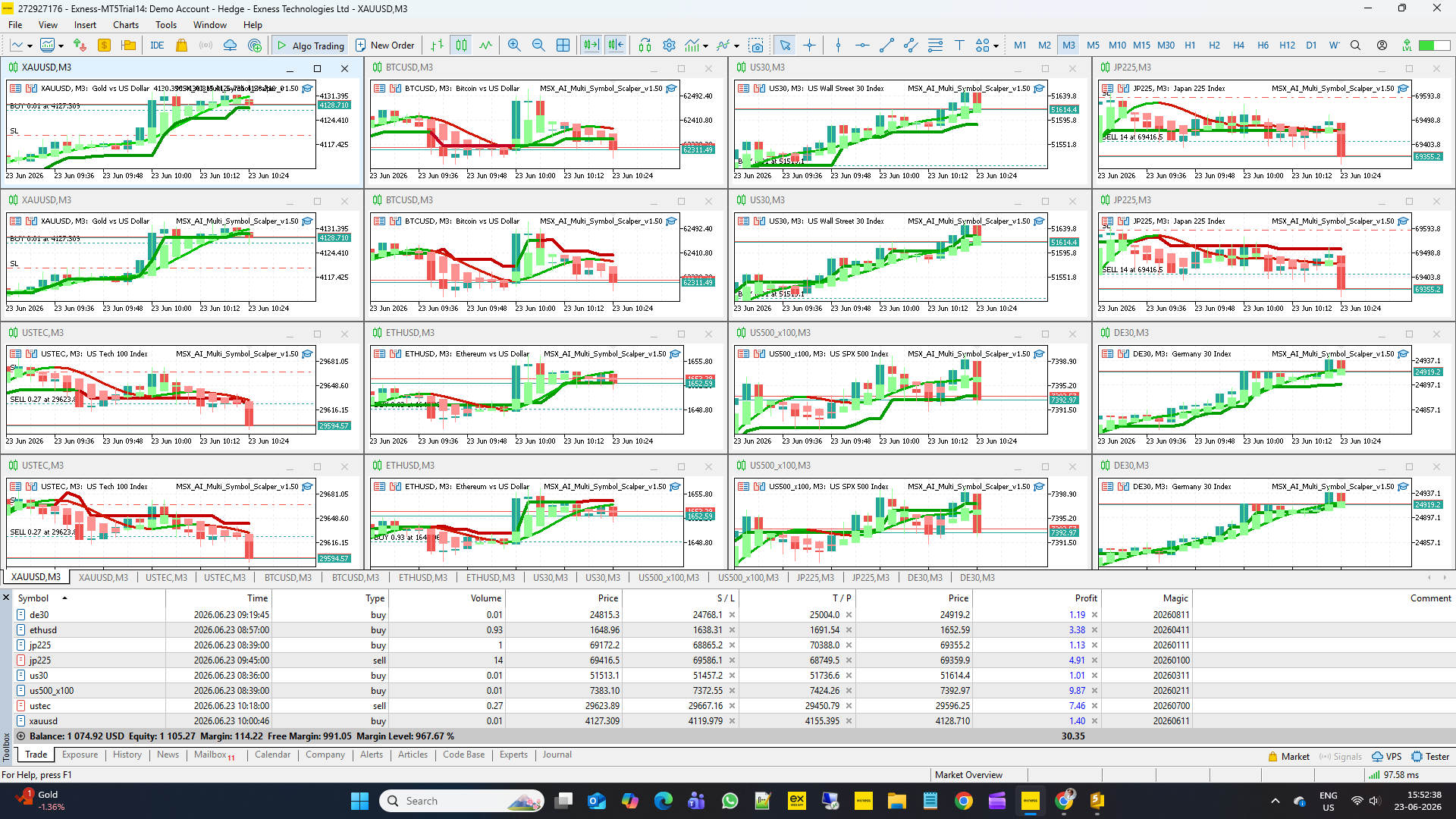
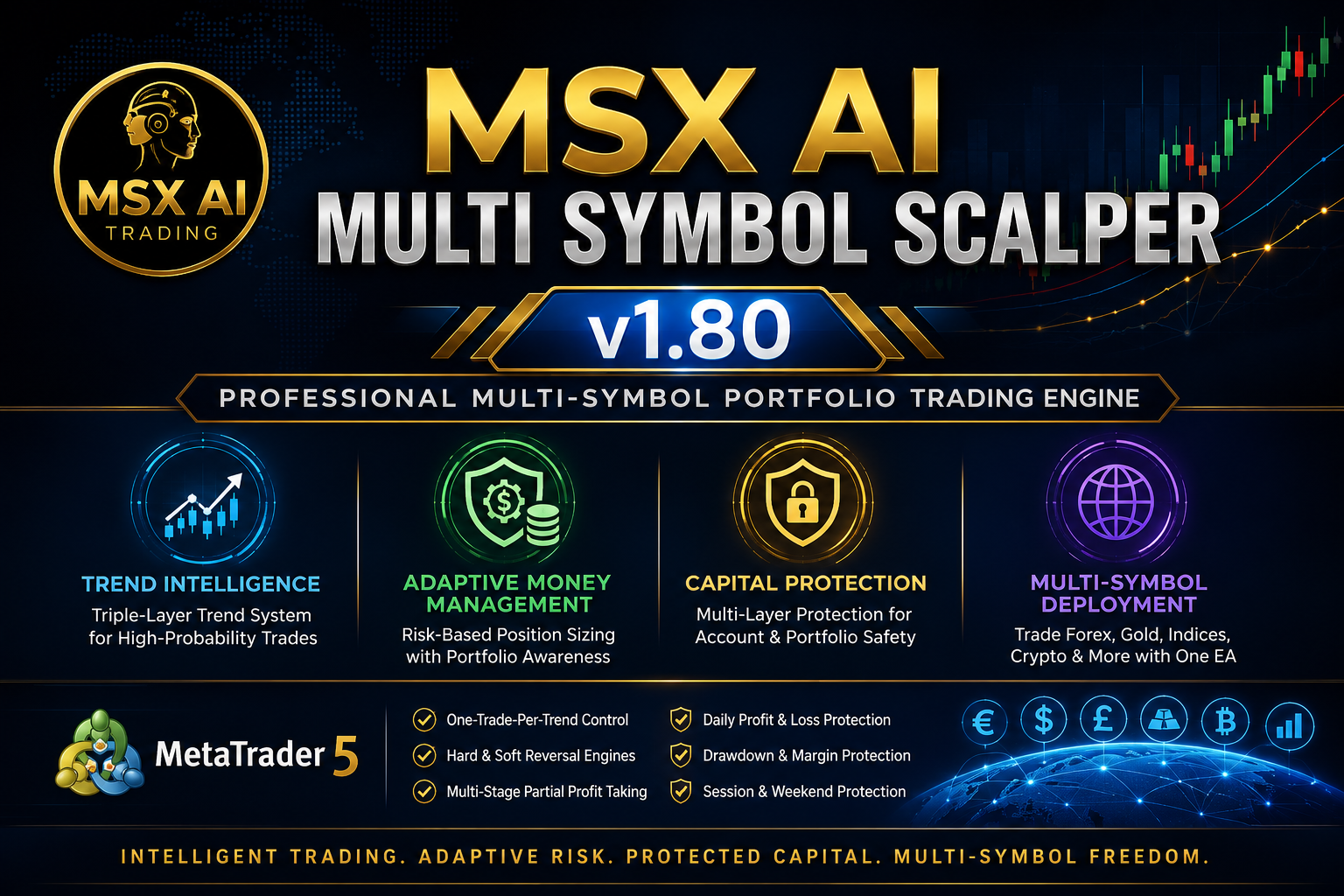
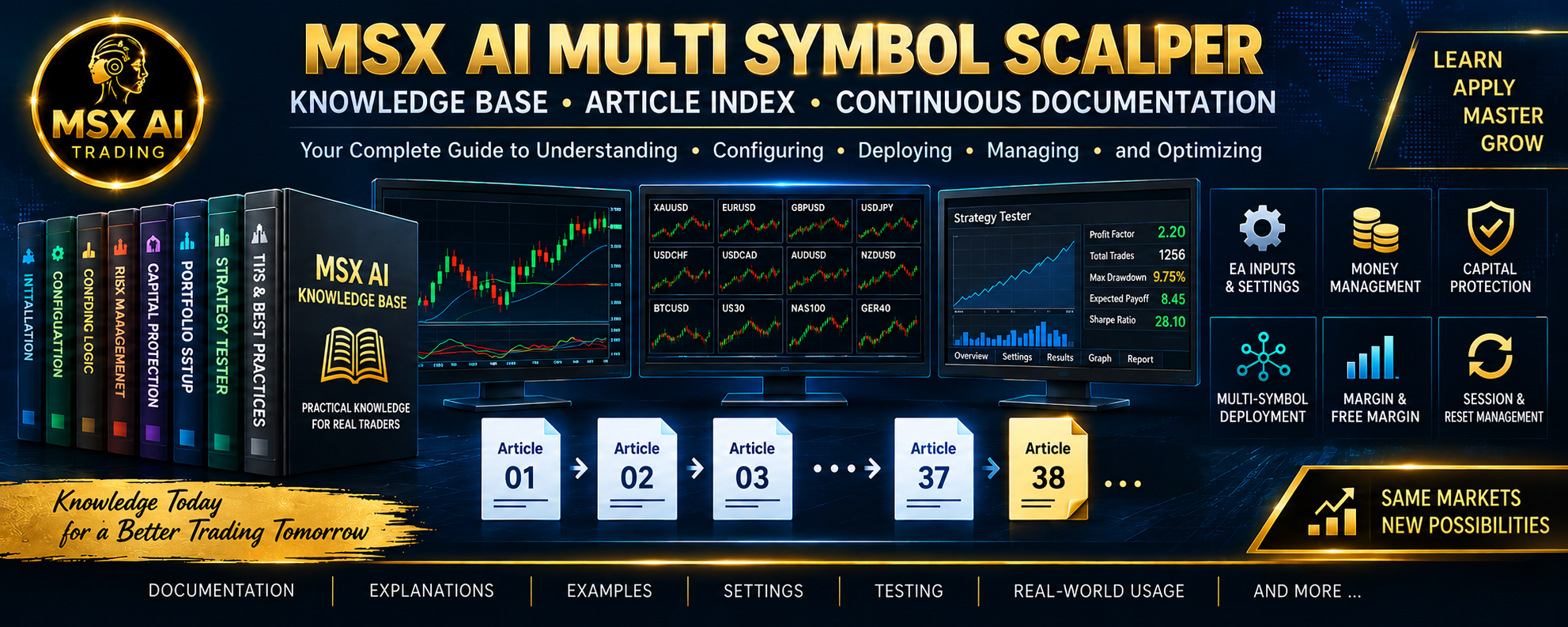
MSX AI Multi Symbol Scalper — Knowledge Base & Article Index
Welcome to the official MSX AI Multi Symbol Scalper Knowledge Base.
This Knowledge Base serves as the official documentation center for MSX AI Multi Symbol Scalper. It provides organized educational articles covering installation, deployment, configuration, trading architecture, money management, capital protection and portfolio administration.Article #1 — Understanding Default Inputs, Portfolio Deployment & .SET File Philosophy
Explains why default inputs exist primarily for installation and validation purposes, and why proper .set files are important for real portfolio deployment.
Article #2 — Portfolio Deployment Architecture, Multi-Chart Operation & .SET File Design Philosophy
Explains how the EA was designed for multi-chart portfolio trading and how individual .set files coordinate overall portfolio behavior.
Article #3 — Lot Sizing Framework, Risk Allocation & Free Margin Budget Engine Explained
Covers fixed lots, risk-based sizing, free-margin budgeting, and capital allocation across multiple EA instances.
Article #4 — Free Margin Reserve, Margin Level Protection & Portfolio Safety Validation Explained
This can lead to excessive margin usage, margin calls, forced liquidation, or unstable account behavior when several trades open at the same time.
Article #5 — Triple-Layer Trend Intelligence Framework Explained
Introduces the HMA, Hybrid Heiken Ashi, and SuperTrend engines that work together to evaluate market direction and trend quality.
Article #6 — One Trade Per Trend, Hard Reversal Exit, Soft Reversal Exit & Pullback Re-Entry Logic Explained
Explains how the EA manages trend participation, exits, and controlled re-entry opportunities.
Article #7 — Trade Direction Control, BUY/SELL Engines & Multi-Instance Portfolio Deployment Explained
Shows how BUY-only, SELL-only, and dual-engine deployments can be organized within a professional portfolio.
Article #8 — Spread Filter, Slippage Control & Execution Protection Systems Explained
Covers broker-condition protection systems designed to improve execution quality and operational safety.
Article #9 — Independent EA Protection vs Master Account Protection Explained
Provides a detailed comparison of local EA safety controls versus account-wide protection architecture.
Article #10 — Trading Schedule Configuration & Multi-Session Architecture
Explains how trading sessions, scheduling controls, and market timing influence EA activity.
Article #11 — ATR-Based Stop Loss, Take Profit, Partial Close & Trade Lifecycle Management Explained
Describes how trades are managed from entry to exit using adaptive volatility-based controls.
Article #12 — Session-End Position Management & Weekend Protection
Explains session transitions, position-management rules, and market-close protection procedures.
Article #13 — Recommended Portfolio Deployment, Multi-Chart Architecture & BUY/SELL Engine Design Explained
Provides practical examples of portfolio construction using multiple symbols and dedicated BUY/SELL engines.
Article #14 — Why Default Inputs Are NOT Real Trading Settings & Why .set Files Matter
Explains why serious deployment requires customized settings rather than relying on installation defaults.
Article #15 — How To Deploy 1 to 16 Charts Safely Using One Trading Account
Step-by-step guidance for scaling the EA from a single chart to a larger multi-chart portfolio.
Article #16 — How To Create Your Own .set Files (Conservative, Balanced & Aggressive Profiles)
Explains the principles behind building custom risk profiles and personalized trading configurations.
Article #17 — How To Visualize EA Signals on Your Chart (Companion Indicator Setup Guide)
Shows how to install and configure the free companion indicators to achieve the closest possible visual alignment with EA logic.
Article #18 — Recommended Maintenance Window for Deposits, Withdrawals, Upgrades & Portfolio Administration
Explains the preferred time window for account maintenance, capital adjustments, EA upgrades, and portfolio administration.
Article #19 — Margin Environment Protection Framework Explained (Adaptive Leverage & Broker Margin Filter)
Most traders understand spread filters, slippage filters, stop loss protection and capital protection. However, very few traders realize that brokers can temporarily increase margin requirements or reduce leverage during high-risk market conditions.
Article #20 — Trend Birth Protection Framework Explained
While many trading systems simply react whenever entry conditions become valid, Trend Birth Protection introduces an additional layer of market-state awareness by recognizing when a new trend is actually born.
Article #21 — Margin Environment Protection Framework Explained
Most traders are familiar with spread filters, slippage filters, stop loss management and capital protection. However, very few realize that a broker can temporarily change margin requirements without warning, even though the trading instrument itself has not changed.
Article #22 — Adaptive Capital Allocation & Per-EA Tradable Equity Limit Explained
Professional portfolio trading is not simply about finding trading signals. It is equally important to determine how much account capital each trading engine is allowed to use.
Article #23 — Multi-Layer Margin Protection Framework Explained
Professional portfolio trading requires much more than simply calculating a position size.
Even if an individual trade appears acceptable, multiple Expert Advisors operating simultaneously can gradually increase overall account margin usage until the trading account approaches unsafe operating conditions.
Article #24 — Fresh Start Reset Engine & Portfolio Recovery Explained
The objective is to ensure that every trading engine begins each new operating cycle from a clean, synchronized and predictable state while preserving the integrity of the portfolio protection framework.
Article #25 — Recommended Portfolio Deployment Architecture (1 to 24 Charts) Explained
"How many charts should I run?" Unlike many conventional Expert Advisors that are designed for a single chart, MSX AI Multi Symbol Scalper was developed as a professional portfolio trading system capable of operating from one chart up to a complete multi-symbol deployment.
Article #26 — What's New in Version 1.70 & Version 1.80
This should serve as the official release notes and upgrade guide.
Article #27 — Manual System Reset & Global Variables Explained
This article explains why Global Variables are used, how the automatic reset system works, and when a manual system reset may be appropriate.
Article #28 — Maximum Adaptive Lot Reduction Protection
The EA already calculates a position according to the configured risk model. Before sending the order, however, the EA must also consider current account capital, Free Margin, portfolio exposure, broker margin requirements, Per-EA capital allocation, and projected Margin Level.
Article #29 — Who Is MSX AI Multi Symbol Scalper Designed For?
This article explains the main types of users who may find MSX AI Multi Symbol Scalper particularly useful and why its architecture can be relevant to each group.
Article #30 — Hard Reversal Exit Upgrade: A Smarter Exit Architecture in MSX AI Multi Symbol Scalper v2.00
A new entry requires strong confirmation before committing capital to a new market direction. An existing position, however, may need to be closed earlier when the market provides sufficient evidence that the current trend is changing.
Article #31 — What Does “Scalper” Really Mean?
Understanding the Product Name, Timeframe Flexibility & Multi-Stage Profit Management. The word “Scalper” in MSX AI Multi Symbol Scalper does not mean that the Expert Advisor is restricted to M1, M3 or M5 trading.
Article #32 — Three Trading Direction Modes Explained
Trade Both Side, Trade Only Buy & Trade Only Sell. One of the less visible but important capabilities of MSX AI Multi Symbol Scalper is that every EA instance can independently determine which trading directions it is allowed to operate.
Article #33 — How Many EA Instances Can Run at the Same Time?
Understanding the Difference Between Reference Portfolio Size and Actual System Capacity, A common question from visitors is: “How many EA instances can I run simultaneously?” The answer is important because there is no fixed “24 EA maximum” hard-coded into the concept of MSX AI Multi Symbol Scalper. The number of simultaneously operating instances depends on the actual MT5 trading environment.Article #34 — Single EA, Multi-EA or Full Portfolio?
Understanding the Three Deployment Architectures, MSX AI Multi Symbol Scalper was designed to support different levels of deployment. A retail trader does not have to begin with a large portfolio. The EA can be operated as: Single-EA Setup, Multi-EA Setup or: Portfolio Setup
Article #35 — Free Demo, Default .SET Files & Tailor-Made Configuration
The 12-Symbol Strategy Tester Analysis Series was created to provide a more transparent way for visitors to study the EA's behavior across different supported markets. The series is based on an important limitation of the MetaTrader 5 Strategy Tester: The tester performs a single-symbol simulation. The complete EA architecture, however, supports multi-symbol and multi-instance portfolio deployment. This difference must be understood before interpreting the published results.
Article #37 — From Trader to MSX AI Trading — My 16+ Year Trading Journey and the Development of MSX AI Multi Symbol Scalper
My name is Som Prakash Gehlot, founder of MSX AI Trading and the person behind the development of MSX AI Multi Symbol Scalper for MetaTrader 5. My trading journey spans more than 16 years, but my journey as an MT5 product developer is much more recent. This distinction is important.
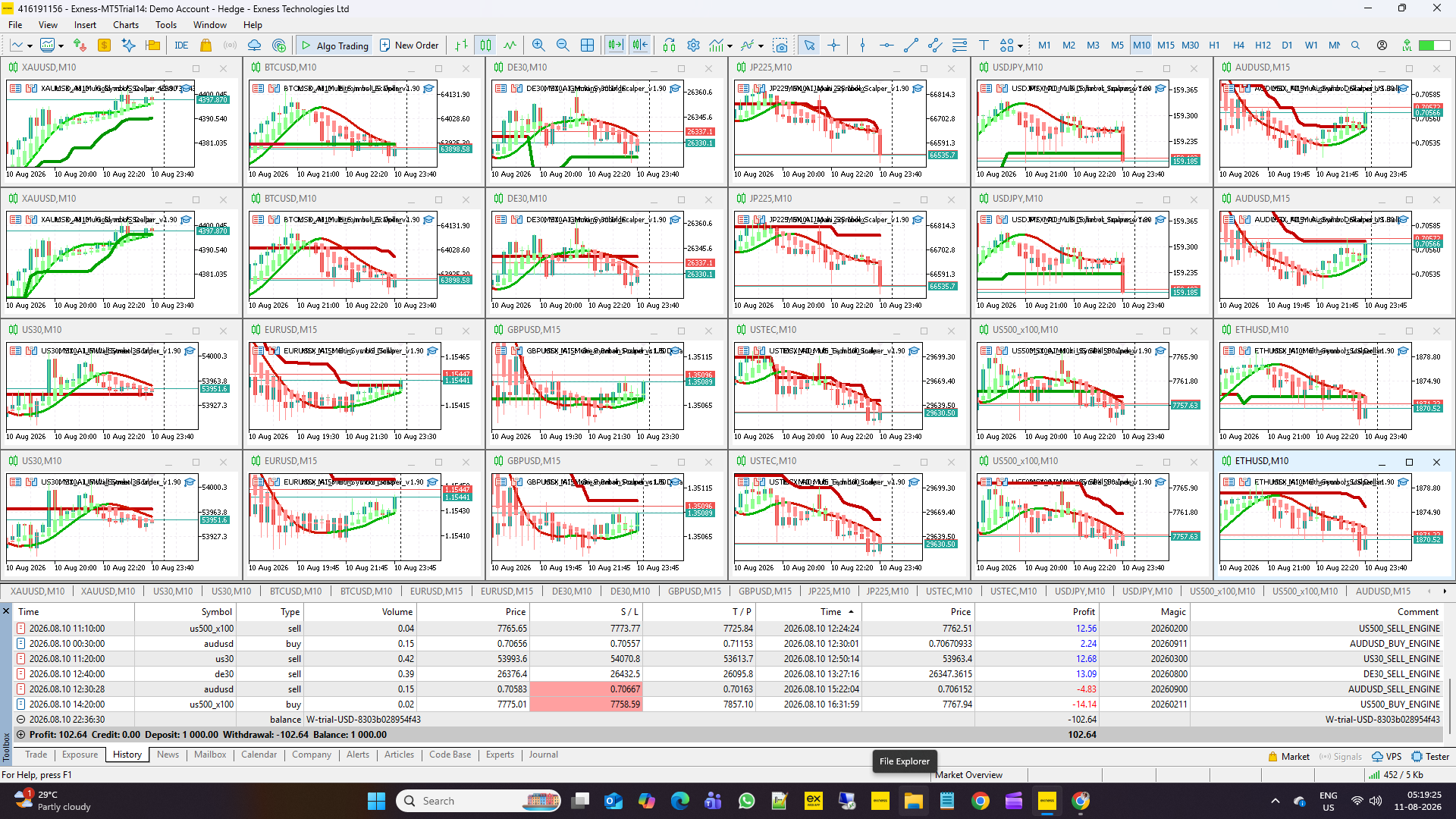
How a Shared $1,000 Account Can Dynamically Participate Across 12 Assets. August 2026 — 12-Symbol Historical Strategy Tester Analysis
Documentation Updates
Additional articles may be published as new features, portfolio deployment techniques and software enhancements become available.
Explore the MSX AI Trading Ecosystem
The MSX AI Trading ecosystem, including the flagship product, Knowledge Base Articles and Strategy Tester Analysis Series, is available within the MQL5 platform, please visit/click below links.
MSX AI Multi Symbol Scalper v2.10
View the flagship product
MSX AI Knowledge Base
Read the Knowledge Base old & latest published Articles
12-Symbol / Assets Strategy Tester report Analysis Series and Default Inputs of .set file
View the Strategy Tester report Series
Important Notice
All articles are intended for educational and informational purposes. They explain the operation, deployment, configuration and risk-management concepts of the Expert Advisor.
Trading leveraged financial instruments involves risk. Users should thoroughly test any configuration on a Demo account before deploying the EA in a live trading environment.
#KnowledgeBase, #ArticleIndex, MultiSymbolEA, PortfolioAutomation, TradingSystemGuide, #RiskManagementFramework, #MetaTraderKnowledgeCenter, #AutomatedPortfolioTrading, #ExpertAdvisorDocumentation, #PortfolioManagement. #msxaitrading