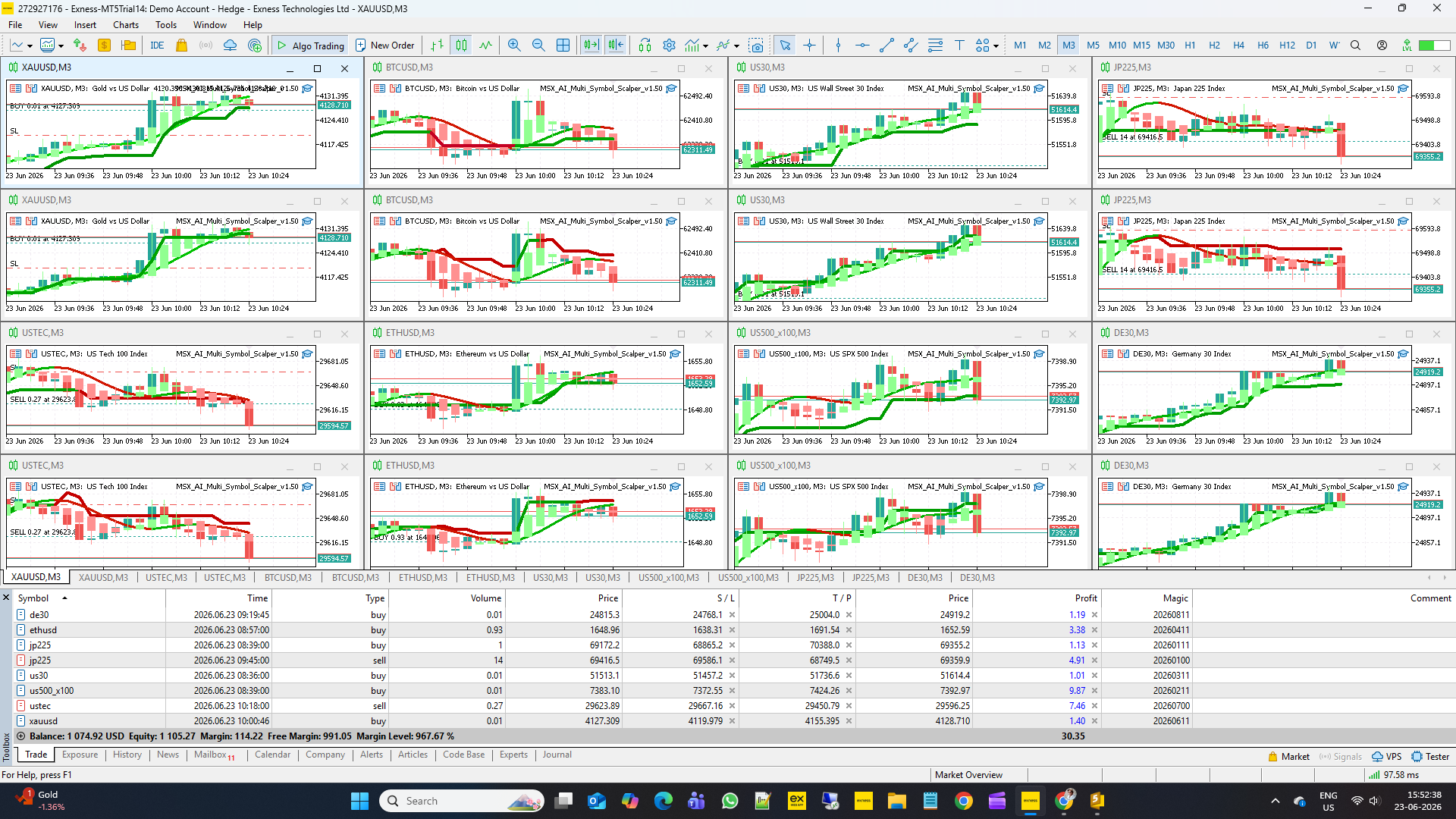
MSX AI Multi Symbol Scalper — Independent EA Protection vs Master Account Protection Explained

MSX AI Multi Symbol Scalper — Independent EA Protection vs Master Account Protection Explained — Article #9
One of the most unique features of MSX AI Multi Symbol Scalper is its Dual-Layer Capital Protection Architecture.
Most Expert Advisors only protect the chart on which they are running.
MSX AI Multi Symbol Scalper goes much further.
The EA can monitor:
• Individual EA instances
• Individual symbols
• Individual strategies
and
• The entire trading account
simultaneously.
This article explains:
• Independent EA Protection
• Master Account Protection
• Daily Loss Protection
• Daily Profit Protection
• Maximum Drawdown Protection
• Sleep Mode Logic
• Portfolio Risk Management
WHY DUAL-LAYER PROTECTION EXISTSWhen operating multiple EA instances, risk exists at two different levels.
Level 1
Individual Strategy Risk
Example:
BTCUSD BUY Engine
may experience losses while
XAUUSD SELL Engine
may remain profitable.
Level 2
Total Account Risk
Even if every EA behaves correctly, the entire portfolio can still become overexposed.
The EA therefore includes two separate protection layers.
LAYER 1 — INDEPENDENT EA PROTECTION
This protection layer monitors each EA instance separately.
Each chart tracks:
• Symbol
• Timeframe
• Magic Number
• Instance Tag
independently.
If protection limits are reached:
Only that specific EA instance is affected.
All other EA instances continue operating normally.
Purpose:
Allow portfolio diversification without shutting down unrelated strategies.
PER-TRADE LOSS PROTECTION
Per-Trade Loss Protection is the most granular protection layer available within the EA.
Unlike Daily Loss Protection, which evaluates the cumulative performance of an EA instance throughout the broker trading day, Per-Trade Loss Protection focuses on a single open position.
Its purpose is to prevent an individual trade from developing into an excessively large floating loss relative to account equity.
Inp_Use_PerTrade_Loss = false
Enables Per-Trade Loss Protection.
false
→ Per-trade monitoring disabled.
true
→ Every open position is continuously monitored.
Purpose:
Provide an additional emergency safety layer for individual trades.
Inp_MaxLoss_Percent = 3.0
Defines the maximum loss percentage allowed for a single position.
Example:
3%
If the floating loss of a position reaches the configured percentage limit:
The EA may close the position automatically.
Purpose:
Prevent excessive losses from a single trade regardless of overall daily performance.
HOW PER-TRADE LOSS PROTECTION DIFFERS FROM OTHER PROTECTIONS
Per-Trade Loss Protection
Protects one individual position.
Daily Loss Protection
Protects one EA instance for the current broker trading day.
Maximum Drawdown Protection
Protects an EA instance against excessive equity decline.
Master Account Protection
Protects the entire trading account across all symbols, charts and EA instances.
Each layer serves a different purpose and can operate independently according to user preferences.
Together they form a multi-layer capital protection architecture designed for portfolio-based trading environments.
Inp_Use_Daily_Loss = false
Enables Independent Daily Loss Protection.
false
→ Daily loss monitoring disabled.
true
→ EA monitors daily losses for that specific instance.
Purpose:
Prevent a single strategy from accumulating excessive losses during one trading day.
Inp_Daily_Loss_Pct = 6.0
Defines maximum daily loss percentage allowed for that EA instance.
Example:
6%
If losses exceed the configured limit:
The EA enters Sleep Mode.
Purpose:
Limit daily damage during unfavorable market conditions.
Inp_Use_Daily_Profit = false
Enables Independent Daily Profit Target.
false
→ Profit target disabled.
true
→ EA stops opening new trades after reaching the target.
Purpose:
Allow traders to lock profits after achieving daily objectives.
Inp_Daily_Profit_Pct = 3.0
Defines the daily profit target.
Example:
3%
When reached:
New trading activity may be suspended until the next broker day.
Purpose:
Preserve gains and avoid giving profits back to the market.
Inp_Use_Max_Drawdown = true
Enables Independent Drawdown Protection.
true
→ Drawdown continuously monitored.
false
→ Drawdown protection disabled.
Purpose:
Provide an additional safety layer beyond daily profit and loss controls.
Inp_Max_Drawdown_Pct = 6.0
Defines maximum drawdown allowed for an individual EA instance.
Example:
6%
If exceeded:
The EA may stop trading or activate protection logic.
Purpose:
Prevent prolonged strategy deterioration.
WHAT IS SLEEP MODE?
Sleep Mode is a temporary protective state.
When activated:
• No new trades are allowed
• Existing logic remains monitored
• Trading resumes automatically when conditions permit
Purpose:
Allow the strategy to recover without requiring manual intervention.
LAYER 2 — MASTER ACCOUNT PROTECTION
Master Protection monitors the entire trading account.
Unlike Independent Protection:
This layer evaluates all EA instances together.
Purpose:
Protect total account equity rather than individual strategies.
This is particularly useful for:
• Multi-symbol portfolios
• Funded accounts
• Portfolio managers
• Signal providers
• Capital preservation models
Inp_Use_Master_Daily_Loss = false
Enables Master Daily Loss Protection.
false
→ Account-wide loss monitoring disabled.
true
→ Entire account monitored.
Purpose:
Prevent excessive daily losses across all EA instances combined.
Inp_Master_Daily_Loss_Pct = 10.0
Defines account-wide daily loss limit.
Example:
10%
If total account losses exceed 10%:
Master Protection activates.
Purpose:
Create a portfolio-level emergency stop.
Inp_Use_Master_Daily_Profit = false
Enables Master Daily Profit Protection.
false
→ Disabled.
true
→ Entire account profit target monitored.
Purpose:
Lock portfolio profits once objectives are achieved.
Inp_Master_Daily_Profit_Pct = 5.0
Defines account-wide profit target.
Example:
5%
When reached:
Master Sleep Mode may activate.
Purpose:
Protect accumulated gains.
Inp_Use_Master_Drawdown = false
Enables Account-Wide Drawdown Protection.
false
→ Disabled.
true
→ Entire account equity monitored.
Purpose:
Provide global portfolio protection.
Inp_Master_Drawdown_Pct = 10.0
Defines maximum allowable account drawdown.
Example:
10%
If exceeded:
Portfolio-wide protection activates.
Purpose:
Prevent catastrophic equity deterioration.
MASTER SLEEP MODE
Master Sleep Mode differs from Independent Sleep Mode.
Independent Sleep Mode
Only one EA instance stops.
Master Sleep Mode
All EA instances stop.
Purpose:
Protect the entire trading account.
EXAMPLE OF INDEPENDENT PROTECTION
Portfolio:
BTCUSD BUY
BTCUSD SELL
XAUUSD BUY
XAUUSD SELL
USTEC BUY
USTEC SELL
Suppose:
BTCUSD BUY reaches its daily loss limit.
Result:
BTCUSD BUY stops trading.
All other engines continue operating normally.
Purpose:
Maintain portfolio diversification.
EXAMPLE OF MASTER PROTECTION
Same portfolio:
BTCUSD BUY
BTCUSD SELL
XAUUSD BUY
XAUUSD SELL
USTEC BUY
USTEC SELL
Suppose:
Total account loss exceeds Master Daily Loss.
Result:
All EA instances enter Master Sleep Mode.
Purpose:
Protect total account capital.
WHY PROFESSIONAL PORTFOLIOS USE BOTH LAYERS
Independent Protection controls:
• Strategy risk
• Symbol risk
• Engine risk
Master Protection controls:
• Portfolio risk
• Equity risk
• Account survival risk
Together they create a much more structured capital-management framework.
IMPORTANT NOTE ABOUT DEFAULT VALUES
The default protection values included with the EA are primarily intended for:
• Validation testing
• Safe installation
• Functional verification
They should not automatically be considered optimal live-trading configurations.
Protection settings should be adjusted according to:
• Account size
• Portfolio size
• Risk tolerance
• Funding rules
• Trading objectives
FINAL THOUGHTS
The Dual-Layer Capital Protection Architecture is one of the most important components of MSX AI Multi Symbol Scalper.
By combining:
• Independent EA Protection
• Daily Loss Controls
• Daily Profit Controls
• Drawdown Protection
• Master Account Protection
• Portfolio-Wide Sleep Mode
the EA helps traders manage both individual strategy risk and total account risk within a structured multi-symbol portfolio environment.
Visit for all old and latest published Articles main page: MSX AI Multi Symbol Scalper — Knowledge Base & Article IndexWelcome to the official MSX AI Multi Symbol Scalper Knowledge Base.
This Knowledge Base serves as the official documentation center for MSX AI Multi Symbol Scalper. It provides organized educational articles covering installation, deployment, configuration, trading architecture, money management, capital protection and portfolio administration.CapitalPreservationFramework, EquityProtectionArchitecture, PortfolioRiskSupervisor, #DailyLockoutMechanism, #StrategyLevelProtection, #AccountWideSafetySystem, #DrawdownContainmentModel, #PortfolioSleepMode, #RiskGovernanceEngine, MultiLayerCapitalControl