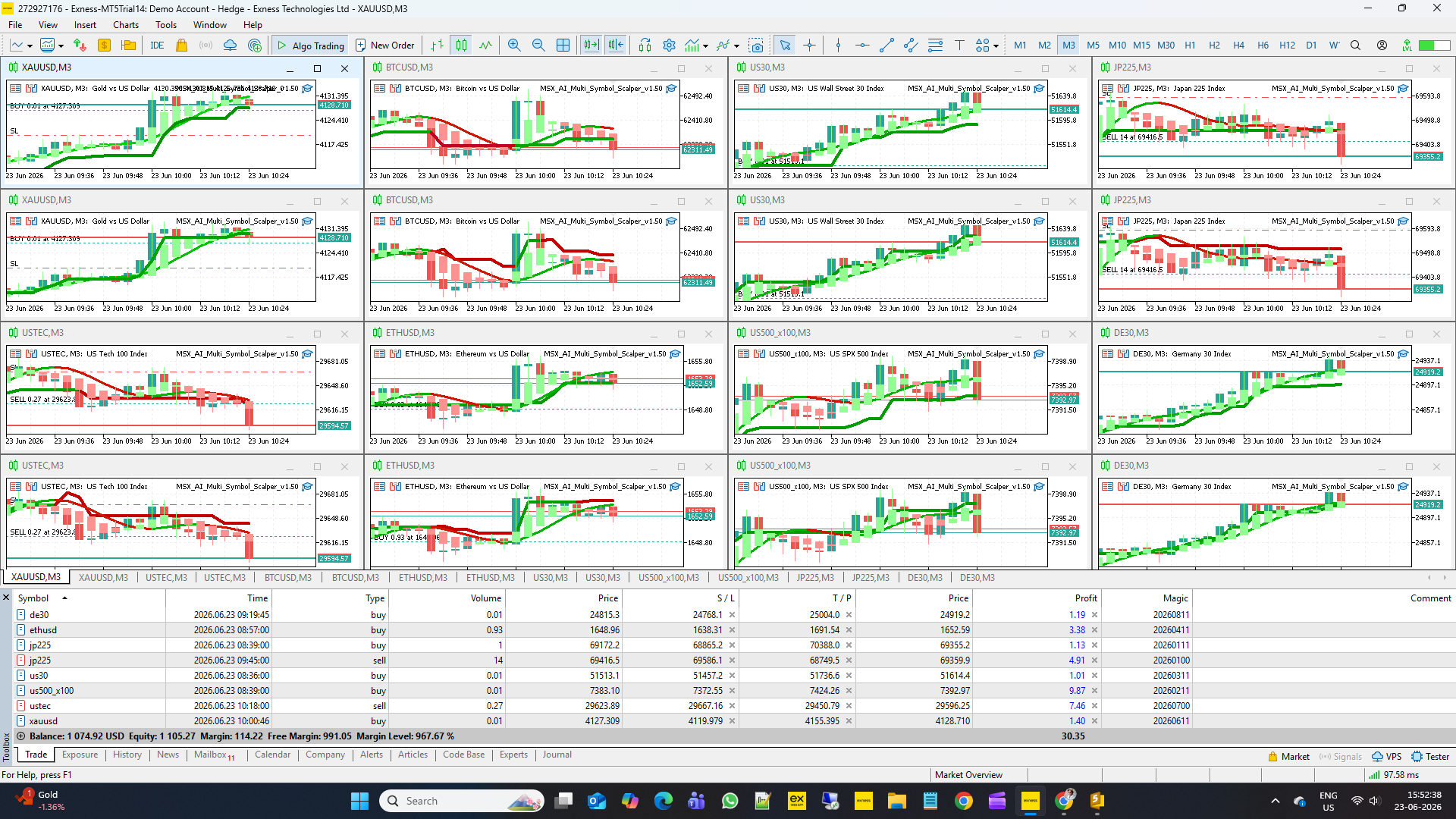
MSX AI Multi Symbol Scalper — Multi-Session Trading Control, Weekend Protection & Trading Schedule Management Explained

MSX AI Multi Symbol Scalper — Multi-Session Trading Control, Weekend Protection & Trading Schedule Management Explained — Article #10
One of the most overlooked causes of poor trading performance is trading at the wrong time.
Even a strong strategy may perform differently during:
• Asian session
• London session
• New York session
• Market rollover
• Weekend close
• Weekend reopening
For this reason, MSX AI Multi Symbol Scalper includes a complete Trading Schedule Management Framework.
This system allows traders to control exactly when the EA is permitted to trade.
This article explains:
• Multi-Session Trading Control
• Session Entry Blocking
• Session End Protection
• Weekend Protection
• Weekend Entry Blocking
• Sunday Resume Logic
• Portfolio Time Management
WHY TRADING HOURS MATTERFinancial markets do not behave the same throughout the day.
Different sessions produce different conditions.
Examples:
Tokyo
• Lower volatility
• Slower movement
• Range behavior
London
• Increased liquidity
• Strong directional movement
• Institutional participation
New York
• High volatility
• News activity
• Strong trend continuation
Because of these differences, many traders prefer restricting trading to specific market hours.
MULTI-SESSION CONTROL FRAMEWORK
The EA allows up to four independent trading sessions.
Supported sessions:
• Tokyo
• London
• New York
• Other (Custom Session)
Each session may be:
• Enabled
• Disabled
• Customized
Purpose:
Allow traders to create their own trading schedule.
Inp_Session_Tokyo_Enable = true
Controls Tokyo Session trading.
true
→ Trading allowed during Tokyo session.
false
→ Tokyo session ignored.
Purpose:
Useful for traders targeting Asian market behavior.
Inp_Session_Tokyo_Start = "00:15"
Defines Tokyo session opening time.
Purpose:
Controls when Tokyo trading becomes available.
Inp_Session_Tokyo_End = "09:00"
Defines Tokyo session closing time.
Purpose:
Stops Tokyo trading after the selected period.
Inp_Session_London_Enable = true
Controls London Session trading.
true
→ Trading allowed during London session.
false
→ London session ignored.
Purpose:
Many trend traders consider London the most important session.
Inp_Session_London_Start = "09:00"
Defines London session start.
Purpose:
Activates London trading window.
Inp_Session_London_End = "17:00"
Defines London session end.
Purpose:
Stops new trading after London closes.
Inp_Session_NewYork_Enable = true
Controls New York Session trading.
true
→ Trading allowed.
false
→ Session ignored.
Purpose:
Allows participation during high-volume US market activity.
Inp_Session_NewYork_Start = "17:00"
Defines New York session opening time.
Purpose:
Activates US trading window.
Inp_Session_NewYork_End = "20:45"
Defines New York session closing time.
Purpose:
Restricts trading after the configured end.
Inp_Session_Other_Enable = true
Enables a custom trading session.
Purpose:
Provides flexibility beyond standard market sessions.
Inp_Session_Other_Start = "20:45"
Defines custom session start time.
Purpose:
Allows traders to create specialized trading windows.
Inp_Session_Other_End = "21:45"
Defines custom session end time.
Purpose:
Completes the custom trading schedule.
SESSION END ENTRY BLOCKER
Some traders do not want new positions opened immediately before a session closes.
The EA includes a protective entry blocker.
Inp_Block_New_Trade_Near_Session_End = false
Controls Session End Entry Blocking.
false
→ New entries allowed until session ends.
true
→ New entries blocked before session closure.
Purpose:
Avoid opening trades shortly before trading windows expire.
Inp_Session_End_Block_Minutes = 15
Defines how many minutes before session end new entries are blocked.
Example:
15 minutes
Purpose:
Prevent late-session entries with limited time to develop.
SESSION END POSITION CLOSURE
Some traders prefer all positions closed after trading hours.
The EA provides this option.
Inp_ClosePositionAtSessionEnd = false
Controls automatic position closure after leaving trading hours.
false
→ Positions remain open.
true
→ Positions may be closed when trading session ends.
Purpose:
Useful for day-trading strategies that avoid overnight exposure.
WEEKEND PROTECTION SYSTEM
Weekend gaps can create unpredictable price movement.
The EA includes a dedicated Weekend Protection framework.
Purpose:
Reduce exposure to weekend risk.
Inp_Weekend_Filter_Enable = false
Controls Weekend Protection.
false
→ Weekend protection disabled.
true
→ Weekend protection active.
Purpose:
Prevent unwanted exposure around market closure.
Inp_Friday_Weekend_Protection_Start = "20:45"
Defines when Weekend Protection begins.
At this time:
• New entries blocked
• Existing positions may be closed
Purpose:
Reduce exposure before market shutdown.
WEEKEND ENTRY BLOCK BUFFER
Some traders prefer blocking entries before protection begins.
The EA allows a configurable buffer.
Inp_Weekend_Entry_Block_Minutes = 15
Defines how many minutes before Weekend Protection starts new entries are forbidden.
Example:
Protection Start = 20:45
Buffer = 15
Entry Blocking Begins = 20:30
Purpose:
Avoid entering positions shortly before market closure.
SUNDAY MARKET REOPEN PROTECTION
Weekend reopening often produces unstable spreads and volatile movement.
The EA can delay trading after market open.
Purpose:
Allow markets to stabilize.
Inp_Sunday_Resume_Trading = "21:45"
Defines when trading resumes after weekend reopening.
Purpose:
Avoid immediate exposure after market open.
BENEFITS OF SESSION MANAGEMENT
Potential advantages include:
• Reduced overnight exposure
• Better volatility targeting
• Improved schedule discipline
• Reduced weekend gap risk
• More predictable trading activity
BENEFITS FOR PORTFOLIO DEPLOYMENT
When operating:
6 charts
12 charts
16 charts
or larger deployments
Session controls help coordinate activity across the entire portfolio.
Benefits:
• Unified trading schedules
• Reduced risk concentration
• Better market participation timing
• Improved operational control
IMPORTANT NOTE ABOUT DEFAULT VALUES
The default session values included with the EA are intended primarily for:
• Validation testing
• Safe installation
• Functional verification
They should not automatically be considered optimal live-trading schedules.
Trading hours should be adjusted according to:
• Symbol
• Broker server time
• Trading style
• Volatility preferences
• Portfolio objectives
FINAL THOUGHTS
The Trading Schedule Management Framework provides traders with precise control over when the EA is allowed to participate in the market.
By combining:
• Multi-Session Trading Control
• Session-End Entry Blocking
• Session-End Position Management
• Weekend Protection
• Weekend Entry Blocking
• Sunday Resume Protection
MSX AI Multi Symbol Scalper helps traders align automated execution with their preferred market conditions while maintaining greater control over portfolio timing and risk exposure.
Visit for all old and latest published Articles main page: MSX AI Multi Symbol Scalper — Knowledge Base & Article IndexWelcome to the official MSX AI Multi Symbol Scalper Knowledge Base.
This Knowledge Base serves as the official documentation center for MSX AI Multi Symbol Scalper. It provides organized educational articles covering installation, deployment, configuration, trading architecture, money management, capital protection and portfolio administration.TradingSessionScheduler, BrokerTimeManagement, MarketHoursAutomation, SessionBoundaryControl, #TimeWindowExecution, #TradingCalendarLogic, #SessionBasedFiltering, #AutomatedMarketScheduling, #TradingHoursGovernance, #WeekendGapProtection