MSX AI Multi Symbol Scalper — Recommended Portfolio Deployment Architecture (1 to 24 Charts) Explained

One of the most common questions received from new users is:
"How many charts should I run?"
Unlike many conventional Expert Advisors that are designed for a single chart, MSX AI Multi Symbol Scalper was developed as a professional portfolio trading system capable of operating from one chart up to a complete multi-symbol deployment.
This article explains the recommended deployment philosophy and how traders can gradually expand their portfolio according to their experience, available capital and personal risk tolerance.
Portfolio Trading PhilosophyThe EA was never intended to be limited to a single trading instrument.
Instead, it was designed around a portfolio approach where multiple independent trading engines work together while sharing:
- Account Equity
- Free Margin
- Capital Protection
- Margin Management
- Master Account Protection
Each EA instance remains completely independent in its own trade analysis while cooperating through the account's shared capital management framework.
Flexible Deployment
The architecture supports gradual expansion.
Users may begin with a single chart and later increase the number of deployed symbols without changing the EA itself.
Typical deployment sizes include:
- 1 Chart
- 2–4 Charts
- 6–12 Charts
- Full Portfolio Deployment
Every deployment uses exactly the same trading engine.
Only the portfolio size changes.
Single-Chart Deployment
This configuration is ideal for:
- Learning the EA
- Strategy familiarization
- Initial Demo testing
- Conservative trading
Example:
- XAUUSD BUY+SELL
- One EA instance
Although only one chart is used, the EA still benefits from the complete Money Management, Trend Intelligence and Capital Protection frameworks.
Small Portfolio Deployment (2–4 Charts)
Once users become familiar with the EA, additional symbols may be introduced.
For example:
- XAUUSD
- EURUSD
- BTCUSD
- US30
This deployment allows traders to experience portfolio behavior while keeping operational complexity relatively low.
Medium Portfolio Deployment (6–12 Charts)
Many users prefer a balanced portfolio covering several asset classes.
A typical deployment may combine:
- Forex
- Precious Metals
- Indices
- Cryptocurrencies
This approach increases market diversification while allowing the EA to identify opportunities across multiple independent markets.
Full Portfolio Deployment
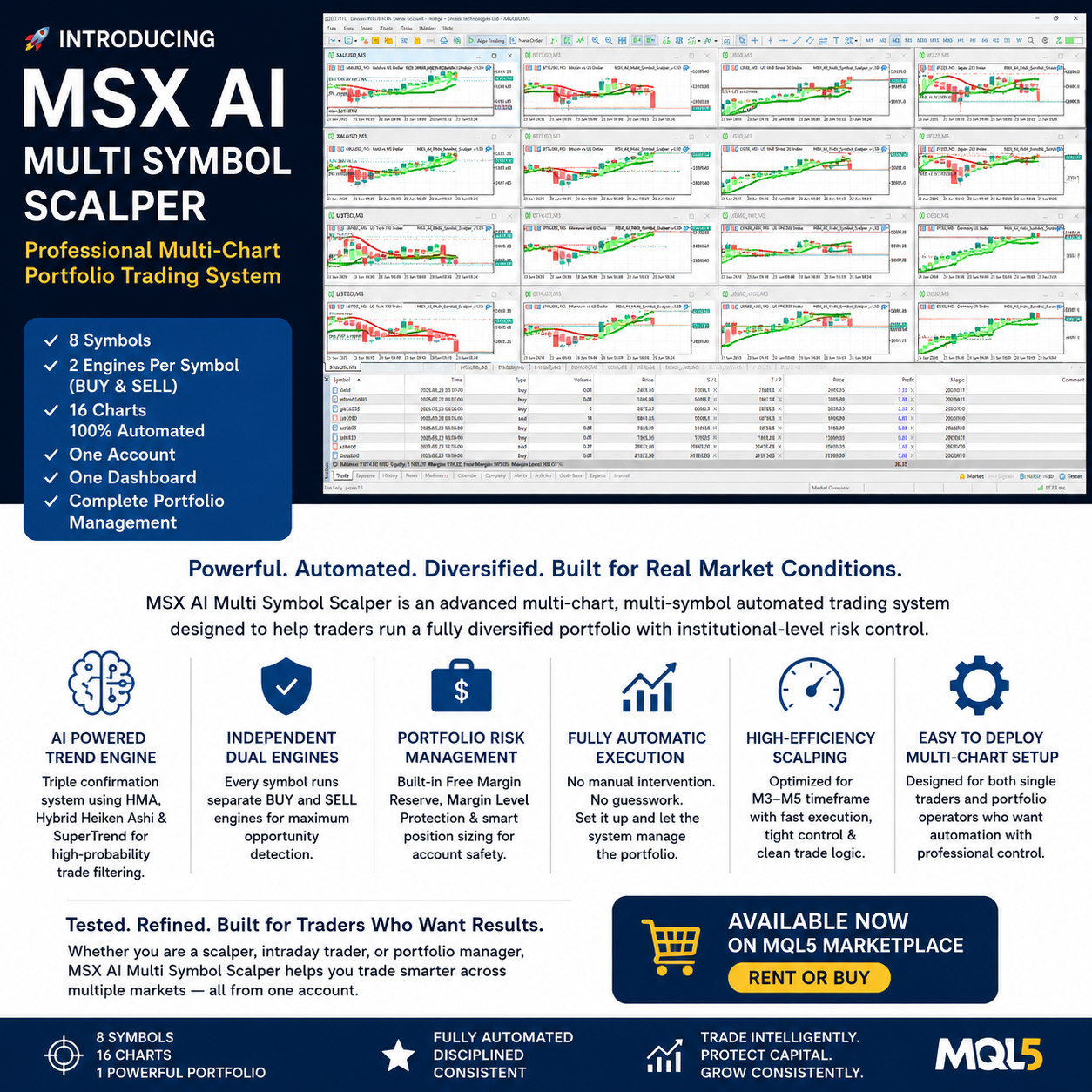
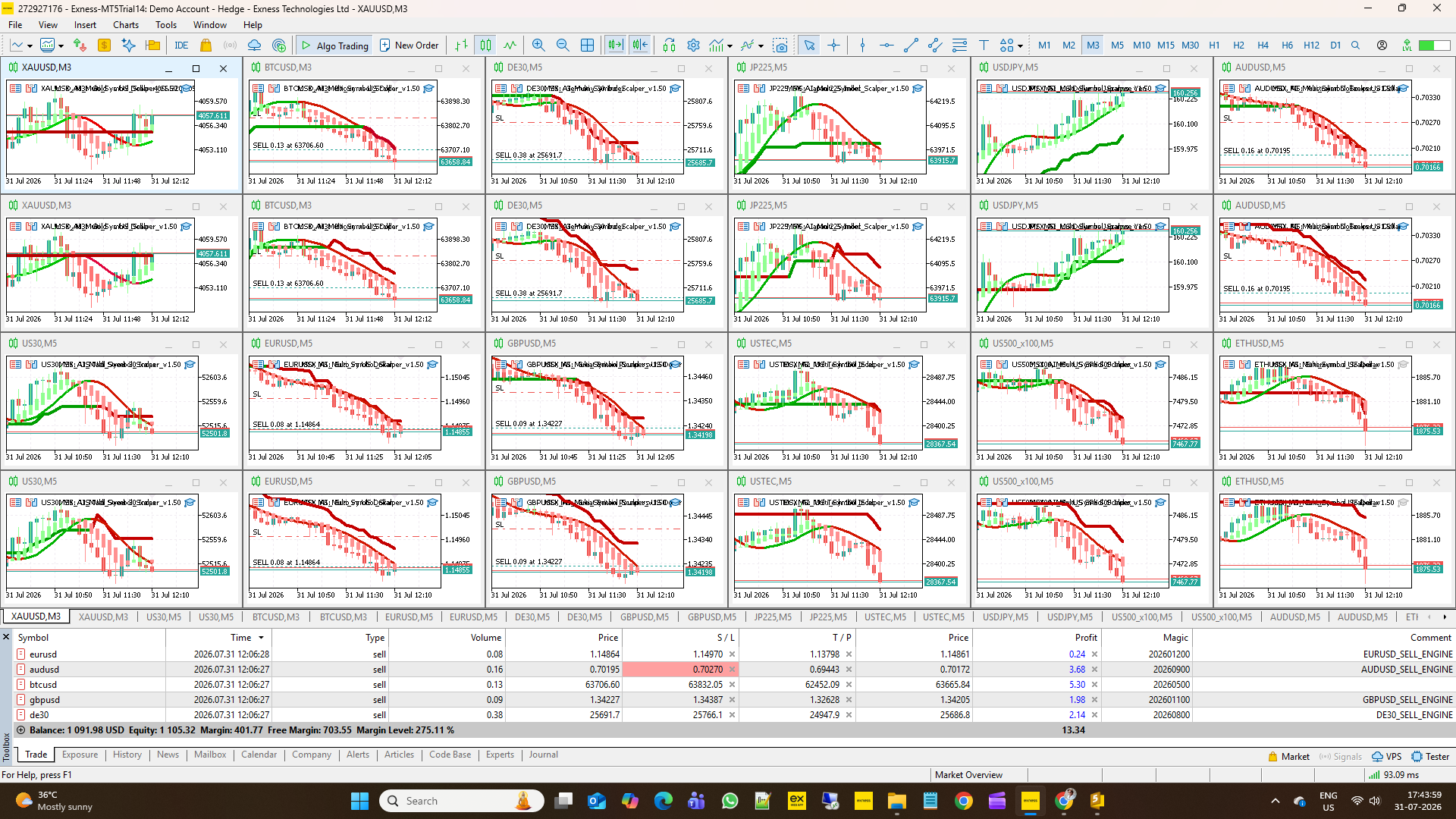
The complete portfolio architecture was designed around twelve carefully selected trading instruments.
Typical examples include:
- XAUUSD
- BTCUSD
- ETHUSD
- EURUSD
- GBPUSD
- USDJPY
- AUDUSD
- US30
- USTEC
- US500
- DE30
- JP225
Each symbol may operate using:
- BUY Engine
- SELL Engine
This creates a maximum deployment of:
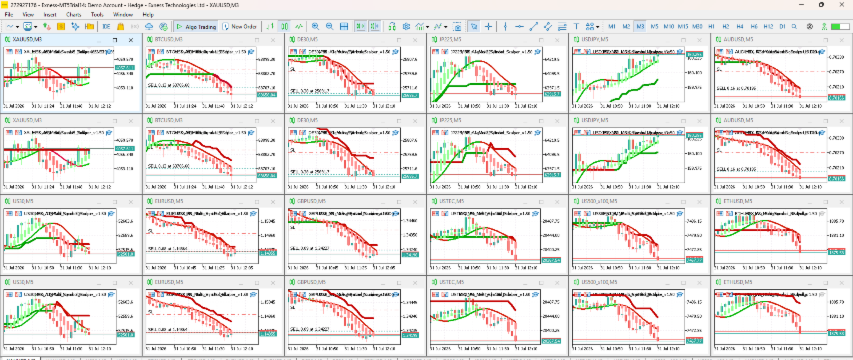
12 Symbols × 2 Independent Engines = 24 EA Instances
All instances share the same account resources while maintaining independent trade analysis and management.
Why Separate BUY and SELL Engines?
Instead of forcing both directions into a single EA instance, the architecture allows dedicated BUY-only and SELL-only deployments.
This provides several advantages:
- Independent strategy optimization.
- Separate risk allocation.
- Flexible portfolio construction.
- Independent session scheduling.
- Separate trade statistics.
- Greater deployment flexibility.
Users remain free to operate:
- BUY only
- SELL only
- BUY + SELL
- Mixed portfolio combinations
according to their own trading objectives.
Session-Based Portfolio Design
The EA includes four independently configurable trading sessions:
- Tokyo
- London
- New York
- Custom Session
Each session may be enabled or disabled independently.
Many portfolio traders choose to deploy different symbol groups according to their preferred market activity.
For example, certain symbols may receive greater attention during Asian trading hours, while others become more active during the London or New York sessions.
The exact portfolio composition remains entirely under the user's control.
Capital Sharing
One of the strengths of the portfolio architecture is its shared capital management.
Instead of assigning fixed account balances to individual charts, every EA instance dynamically shares:
- Account Equity
- Free Margin
- Available Margin Budget
This allows the portfolio to adapt naturally as trading activity changes throughout the day.
Independent Trade Management
Although account resources are shared, each EA instance independently manages:
- Trade Entries
- Trade Exits
- Trend Analysis
- Partial Close
- Session Management
- Trade Direction
- Position Lifecycle
This independence improves flexibility while preserving centralized capital protection.
Gradual Portfolio Expansion
New users are encouraged to expand their deployment gradually.
For example:
Stage 1
Begin with one or two charts on a Demo account.
Stage 2
Expand to a small multi-symbol portfolio.
Stage 3
Evaluate portfolio behavior under different market conditions.
Stage 4
Deploy the complete portfolio using the recommended configuration and provided .set files.
This progressive approach allows traders to become familiar with both the EA and their broker's trading environment.
Portfolio Administration
The architecture was designed to simplify long-term portfolio management.
Users may:
- Add additional symbols.
- Remove symbols.
- Introduce new BUY or SELL engines.
- Modify trading sessions.
- Adjust capital allocation.
- Update individual .set files.
without affecting the overall portfolio design philosophy.
Why Ready-to-Use .SET Files Matter
The default EA inputs are provided primarily for installation and validation purposes.
The recommended .set files supplied with the EA have been prepared to support structured portfolio deployment across multiple symbols and trading engines.
Using these configuration files helps ensure that each EA instance operates within the intended portfolio framework while remaining fully customizable for individual trading preferences.
Benefits
The recommended portfolio architecture offers several advantages:
- Supports deployment from one chart to twenty-four independent EA instances.
- Enables flexible BUY-only, SELL-only or dual-engine operation.
- Shares account resources efficiently across the portfolio.
- Allows gradual expansion as user experience increases.
- Supports multiple asset classes within a single trading account.
- Integrates seamlessly with the EA's Money Management and Capital Protection systems.
- Remains fully configurable according to individual trading objectives.
Summary
The MSX AI Multi Symbol Scalper architecture was designed to provide far more than a conventional single-chart Expert Advisor.
Whether operating a single symbol or a complete 24-instance professional portfolio, the same trading engine, capital protection framework and adaptive money management remain available.
By allowing traders to scale gradually from simple deployments to comprehensive multi-symbol portfolios, the EA provides a flexible foundation suitable for a wide range of trading styles while maintaining consistent operational principles across every deployment size.
Tags
#PortfolioDeployment #MultiChartTrading #TwentyFourCharts #BuySellEngines #PortfolioArchitecture #TradingSessions #SetFiles #MultiAssetTrading #PortfolioScaling #MSXAI