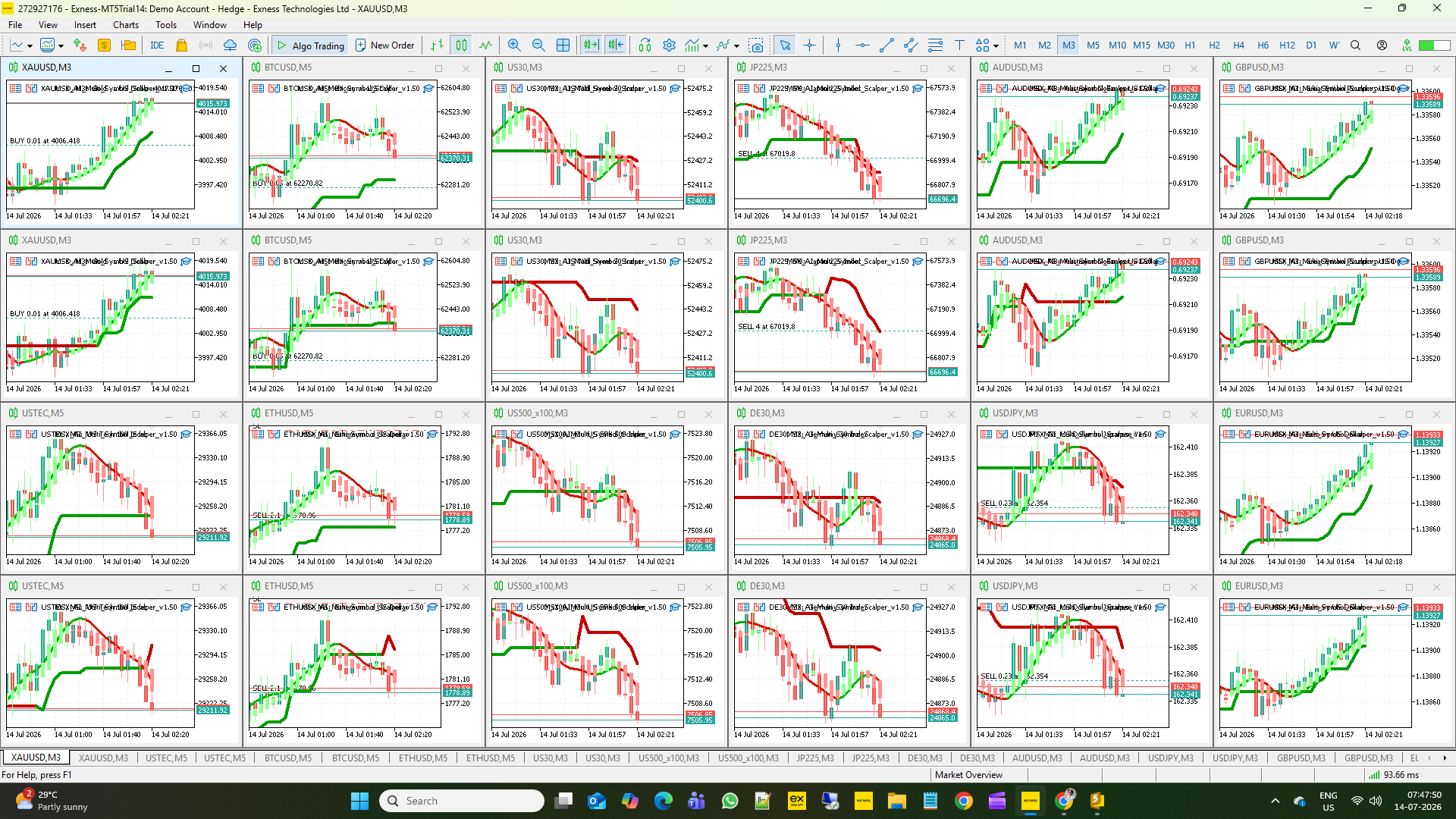
MSX AI Multi Symbol Scalper — Manual System Reset & Global Variables Explained

MSX AI Multi Symbol Scalper — Manual System Reset & Global Variables Explained — Article #27
One of the core design goals of MSX AI Multi Symbol Scalper is to provide consistent, portfolio-wide capital protection across multiple symbols, charts, and trading sessions. To achieve this, the EA stores important runtime information using MetaTrader 5 Global Variables, allowing protection states to survive terminal restarts, VPS reboots, chart refreshes, and EA reloads.
This article explains why Global Variables are used, how the automatic reset system works, and when a manual system reset may be appropriate.
Why Does the EA Use Global Variables?Unlike ordinary program variables, MetaTrader 5 Global Variables are stored by the trading terminal itself. This allows important information to remain available even if the EA or the trading platform is restarted.
The EA uses Global Variables to preserve operational state such as:
- Daily Capital Protection status
- Master Account Protection status
- Daily starting equity
- One Trade Per Trend lock
- Portfolio synchronization information
Without these stored values, the EA could unintentionally resume trading after a restart even though a protection limit had already been triggered earlier in the trading day.
Automatic Protection Recovery
Under normal operation, no manual intervention is required.
The EA automatically manages all protection states using two independent reset mechanisms:
New Broker Trading Day
When a genuine new broker server day begins, the EA performs a complete fresh start by:
- Resetting Daily Capital Protection
- Resetting Master Capital Protection
- Refreshing daily equity baselines
- Clearing One Trade Per Trend locks
- Removing obsolete Global Variables
- Returning every EA instance to a synchronized trading state
Fresh Session Reset (Optional)
When Fresh Start Each Session is enabled, the same reset procedure can also occur whenever a new enabled trading session begins.
This allows each configured trading session to operate independently while maintaining consistent portfolio synchronization.
For most users, these automatic reset mechanisms are all that is required.
Why Manual Reset Exists
Although automatic recovery is sufficient during normal operation, there are situations where an experienced user may intentionally wish to clear all protection locks before the next scheduled reset.
Examples include:
- Portfolio restructuring
- Significant account deposits or withdrawals
- Risk profile changes
- Major EA configuration updates
- Restarting a portfolio after maintenance
- Controlled testing of a new deployment
Rather than waiting for the next broker day or trading session, the user may choose to perform a manual system reset.
Manual System Reset Procedure
MSX AI Multi Symbol Scalper is designed as a complete portfolio trading system. For best results, it is recommended to dedicate a MetaTrader 5 account or terminal exclusively to the MSX AI portfolio and avoid running unrelated Expert Advisors on the same account.
To perform a manual reset:
- Open MetaTrader 5.
- Select Tools → Global Variables (F3).
- Delete all Global Variables.
- Close the dialog and allow the EA to continue running.
On the next market tick, every MSX AI instance will initialize as a fresh system and begin operating using the current account state.
Advantages of Manual Reset
A manual reset provides several practical benefits for advanced users.
Immediate Recovery
There is no need to wait for the next broker trading day or the next enabled trading session.
Portfolio Synchronization
All running EA instances restart together using the same account information and protection framework.
Clean Administrative Restart
Removing stored runtime information allows the entire portfolio to initialize consistently after maintenance or configuration changes.
Useful During Testing
Manual resets simplify repeated testing of different deployment configurations without waiting for scheduled reset events.
Considerations Before Using Manual Reset
Although the procedure is simple, it should only be performed intentionally.
Deleting Global Variables immediately removes all stored protection information, including:
- Daily Profit Protection
- Daily Loss Protection
- Daily Maximum Drawdown Protection
- Master Account Protection locks
- Daily starting equity references
- Portfolio synchronization data
- One Trade Per Trend runtime locks
Because these protections are intentionally cleared, the EA will treat the account as a newly initialized system.
Manual Reset vs Automatic Reset
| Automatic Reset | Manual Reset |
|---|---|
| Occurs automatically | Initiated by the user |
| Triggered by a new broker day or optional fresh session | Can be performed at any time |
| No user action required | Requires user confirmation |
| Preserves normal trading discipline | Intended only for exceptional situations |
| Recommended for everyday operation | Recommended only for administration or testing |
Best Practice
For live portfolio trading, allow the EA to manage protection states automatically.
Manual System Reset should be considered an administrative tool rather than part of normal trading.
The recommended operating procedure is:
- Allow automatic resets to manage daily trading.
- Use manual reset only when intentionally restarting or reconfiguring the entire portfolio.
- Avoid using manual reset simply to bypass capital protection limits after they have been triggered.
Following this approach preserves the integrity of the EA's portfolio management framework while still providing experienced users with full administrative control when necessary.
Conclusion
The Global Variable architecture is an important component of the MSX AI Multi Symbol Scalper framework. It allows the EA to maintain consistent protection across multiple charts, trading sessions, and platform restarts while automatically recovering at the appropriate time.
For exceptional circumstances, the Manual System Reset procedure provides a simple and reliable way to reinitialize the entire portfolio. Used responsibly, it complements the EA's automatic protection system and offers advanced users a controlled method of restarting their trading environment without compromising the overall portfolio architecture.
Visit for all old and latest published Articles main page: MSX AI Multi Symbol Scalper — Knowledge Base & Article IndexWelcome to the official MSX AI Multi Symbol Scalper Knowledge Base. This Knowledge Base serves as the official documentation center for MSX AI Multi Symbol Scalper. It provides organized educational articles covering installation, deployment, configuration, trading architecture, money management, capital protection and portfolio administration.
GlobalVariables ManualReset PortfolioAdministration CapitalProtection RiskManagement #MT5Automation #TradingSystem #PortfolioTrading #ExpertAdvisor #MSXAI #msxaitrading