TP and SL Calculator Indicator MT4
- ユーティリティ
- Mehnoosh Karimi
- バージョン: 3.2
- アップデート済み: 8 12月 2025
TP & SL Calculator Indicator for MT4
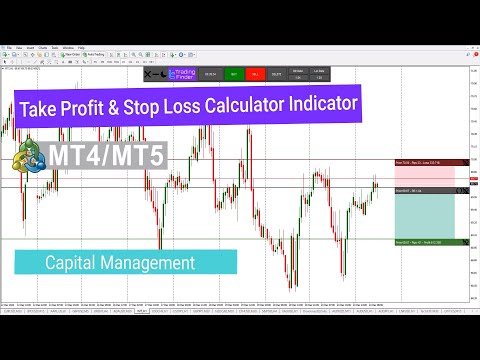
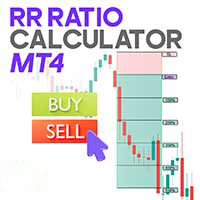
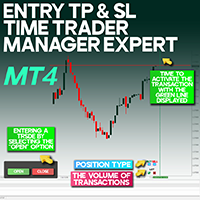
The Take Profit & Stop Loss Calculator Indicator is an essential tool for MetaTrader 4 users, designed to help traders accurately calculate and visualize potential profit and loss for each trade. This indicator features a dedicated management panel that offers several key tools for effective trade management, including:
- Creating Take Profit (TP) and Stop Loss (SL) levels for both buy and sell positions
- Calculating trade volume in lots
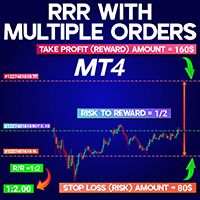
- Displaying the Risk-to-Reward (R/R) ratio
- Showing the countdown timer to the next candle (Time to the next bar)
Specifications Table
| Category | Details |
| Type | Trading Tool – Capital Management – Risk Management |
| Platform | MetaTrader 4 |
| Skill Level | Beginner |
| Indicator Type | Risk and Capital Management |
| Timeframe | Multi-Timeframe |
| Trading Style | Scalping – Intraday – Medium Term – Long Term |
| Market | All Markets |
Indicator Overview
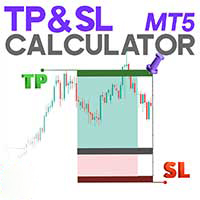
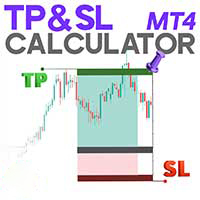
The indicator displays three key levels:
- A gray Open Position line
- A green Take Profit (TP) line
- A red Stop Loss (SL) line
Traders can customize their TP and SL levels either by entering their preferred Risk-to-Reward ratio directly into the indicator panel or by manually dragging the lines on the chart.
Buy Position Example
In the USD/CAD chart on the H1 timeframe, the indicator demonstrates how TP and SL are positioned for buy trades:
- The Take Profit level is set above the Open Position line
- The Stop Loss level is set below the Open Position line
The indicator panel displays helpful information such as the R/R ratio, calculated lot size, and the countdown timer for the next candle.
Sell Position Example
On the ETH/USD chart in the 30-minute timeframe, the indicator operates similarly for sell trades:
- The Take Profit level is placed below the Open Position line
- The Stop Loss level is placed above the Open Position line
The panel also provides the calculated lot volume and the R/R ratio.
Indicator Settings
Based on the configuration panel, the indicator includes the following options:
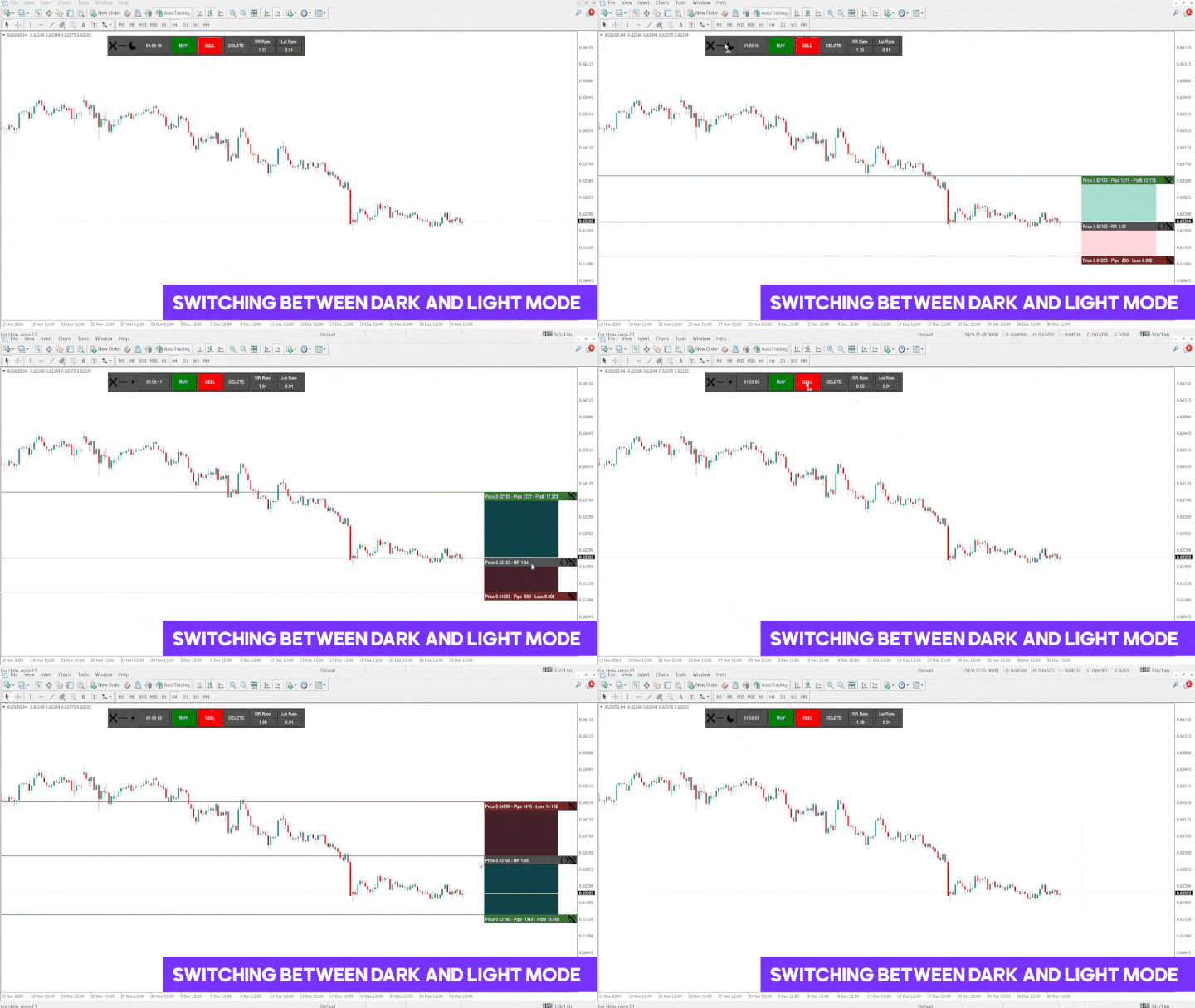
- Light/Dark Mode: Switch between themes
- Time to the next bar: Countdown until the current candle closes
- Buy / Sell: Configure buy or sell positions
- Delete: Remove TP and SL lines
- R/R Rate: Adjust the Risk-to-Reward ratio
- Lot Rate: Manually set the trade volume
Conclusion
The TP & SL Calculator Indicator simplifies the process of setting stop loss and take profit levels by offering adjustable visual lines and a dedicated information panel. Traders can quickly configure TP and SL levels through manual chart adjustments or by entering their preferred R/R ratio, making trade management more efficient and intuitive on MT4.