Drawdown Sentinel MT5
- Utilità
- Versione: 2.1
- Aggiornato: 6 settembre 2026

Professional Drawdown Monitoring & Risk Alert System
Drawdown Sentinel is free a specialized utility designed for traders who need real-time monitoring of their account exposure and drawdown levels. This version focuses on providing instant awareness, allowing you to stay informed about your risk status without the need for automated intervention.
It is essential for all traders who use commercial 'risky' EAs that may not have been thoroughly tested or which use dangerous martingale or grid strategies that could suddenly increase your drawdown, resulting in your account being blown out if you are not constantly present.
Or more simply, if you want an additional security when the risky EA is trading with real money and you are not sure that it uses truly reliable capital protection strategies.
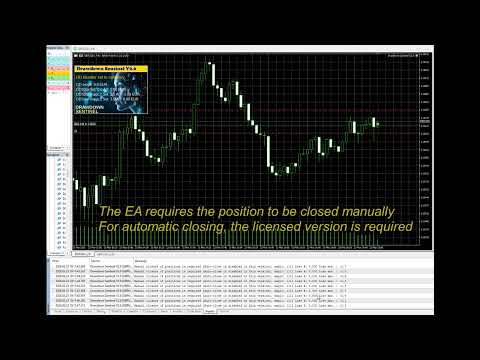
While the professional version of this tool, "Drawdown Monitor for Peaceful Sleep” which you can find among my products, includes automated emergency liquidations (it closes all positions with excessive drawdown), this Sentinel Edition is the perfect companion for manual traders who want to maintain 100% control over their trade closures while benefiting from a sophisticated alert engine.
Core Functionalities
-
Real-Time Equity Tracking: Constantly monitors your floating drawdown and equity fluctuations.
Dual-Layer Monitoring:
-
Global Account Watch: Tracks the total drawdown of your entire portfolio.
-
Specific Magic Number Tracking: Monitor up to two additional independent Magic Numbers separately. This allows you to isolate and track the performance/risk of specific EAs or strategies in real-time, independent of the general account status.
-
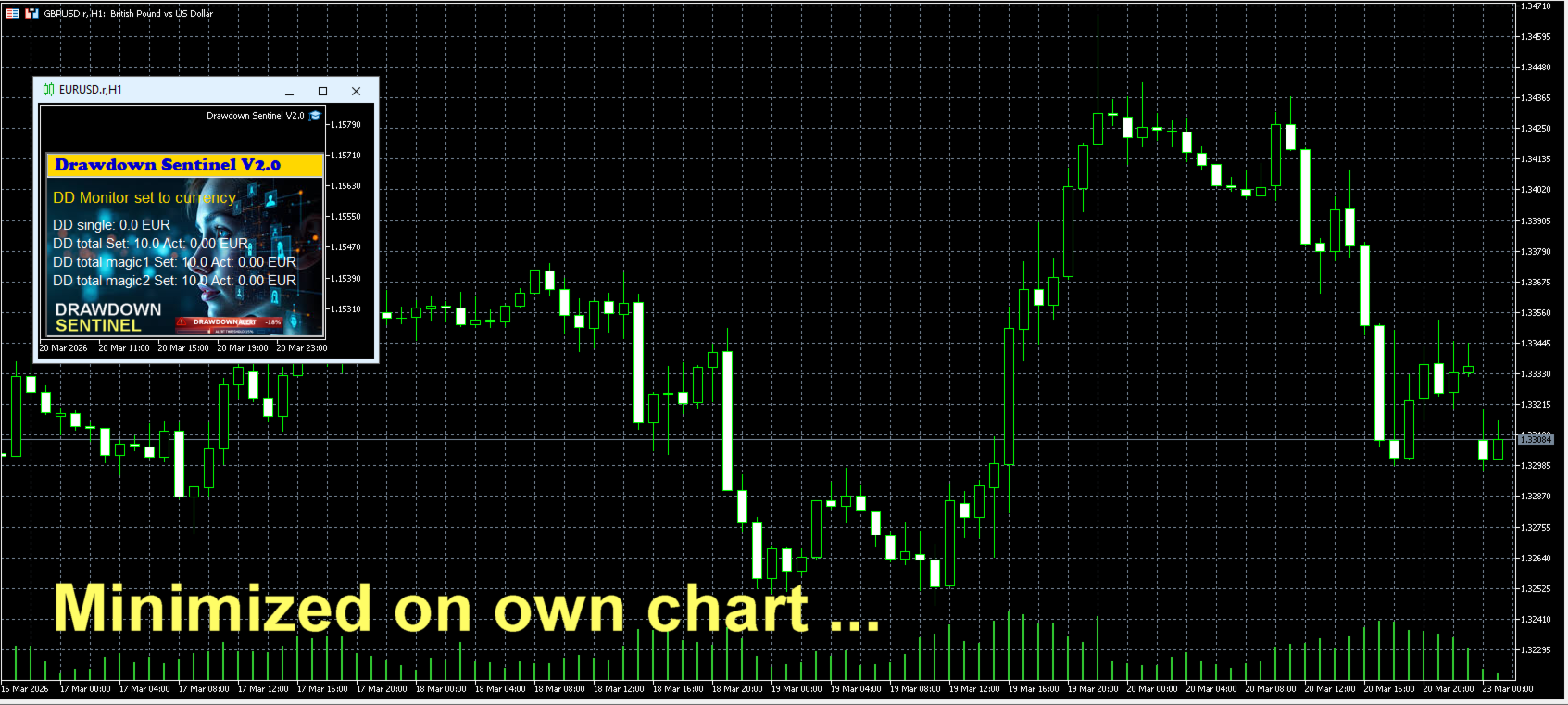
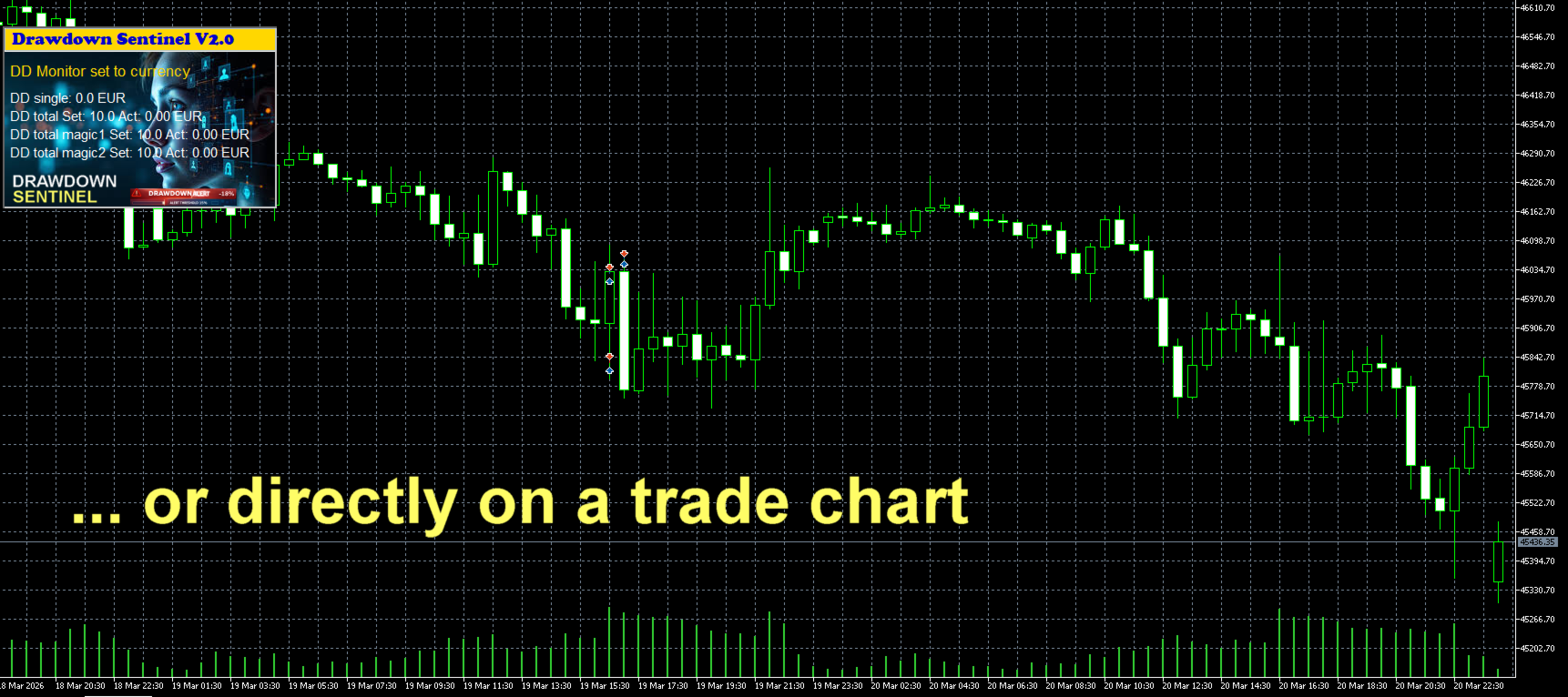
Visual Dashboard: A clean, intuitive on-chart interface that shows current drawdown percentage, remaining margin, and specific risk levels for your selected Magic Numbers.
-
Multi-Stage Alerts: Set specific thresholds to receive warnings before drawdown reaches critical levels.
Instant Notification Suite
Never miss a critical move. The Assistant version includes a full suite of alerts:
-
On-Screen Pop-ups: Immediate visual warnings within your MetaTrader terminal.
-
Sound Alerts: Auditory signals to grab your attention instantly.
-
Push Notifications: Stay protected on the go! Receive alerts directly on your mobile device (MT5 App).
-
Email Integration: Detailed risk reports sent to your inbox.
New Feature starting from V2.1
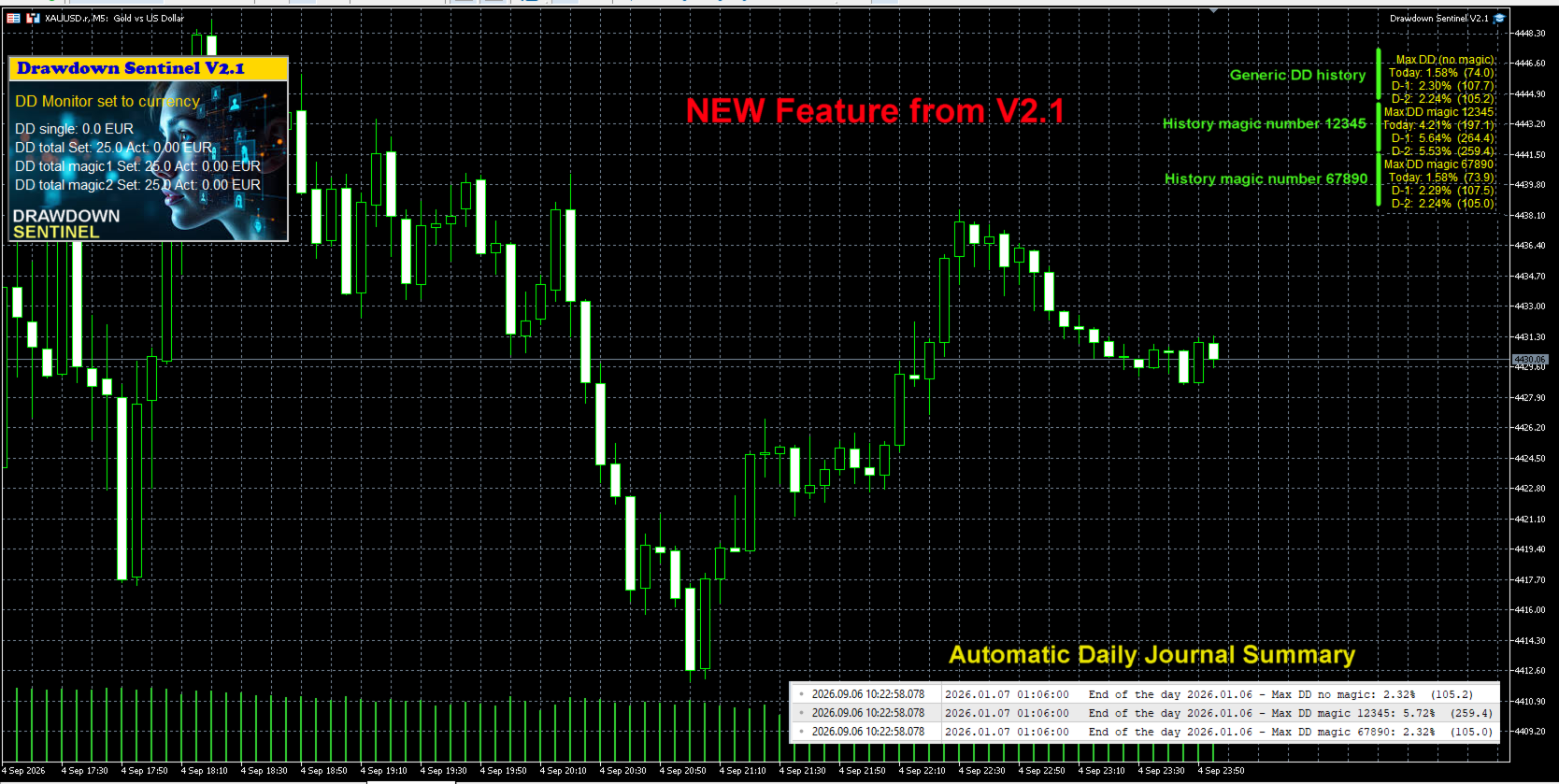
Historical Peak Drawdown Logging (Today, D-1, D-2) To help users optimize their risk management settings and fine-tune their emergency closure thresholds, this update introduces a daily peak drawdown tracking module.
-
Multi-Period Tracking: The EA continuously records the maximum equity drawdown reached during the current trading day (Today), the previous day (D-1), and two days prior (D-2).
-
Granular Data: Daily maximums are calculated separately for overall account equity, Magic Number 1, and Magic Number 2.
-
Automatic Daily Journal Summary: At the end of each trading day (at midnight / bar close), the EA logs a formatted summary of these peak drawdown metrics to the Expert Journal.
This historical visibility provides actionable data regarding normal equity fluctuations, allowing traders to set realistic drawdown thresholds that prevent premature trade closures while maintaining adequate capital protection.
See screenshot
Why Use This Version?
-
Strategy Validation: Test how the drawdown monitoring logic fits your trading style before committing to full automation.
-
Granular Control: Understand exactly which EA is consuming your margin by using the independent Magic Number monitors.
-
Manual Intervention: Ideal for traders who prefer to evaluate market conditions personally before closing positions.
Looking for Automated Equity Protection?
If you require a system that not only monitors but also takes action—such as automatically closing all orders (globally or by specific Magic Number), disabling EAs, or protecting your account balance when specific targets are hit—please visit our Professional Edition available in our Market portfolio.
Setup & Support
-
Easy Installation: Drag and drop onto any chart.
-
Customizable Thresholds: Set your own drawdown limits and Magic Numbers in the input parameters.
-
Dedicated Support: Have questions? Feel free to reach out via the "Comments" tab or private message.
Drawdown Sentinel is not intended for use in backtesting
List of parameters
| Parameter | Description |
|---|---|
| Drawdown monitor mode | Drawdown monitoring mode: percentage or absolute value: true = drawdown percentage related to current equity false = absolute value in currency |
| Max. drawdown in percentage single positions | Drawdown max. considered for single positions, as percentage of the account equity |
| Max. drawdown in currency single positions | Drawdown max. considered for single positions, as absolute value in current currency |
| Max. total drawdown in % | Total drawdown max. as percentage of the account equity - all positions except specified magic numbers |
| Max. total drawdown in currency | Total drawdown max. as absolute value in current currency - all positions except specified magic numbers |
| Max. total drawdown in % - magic 1 only | Total drawdown max. as percentage of the account equity - only for the specified magic number 1 |
| Max. total drawdown in currency - magic 1 only | Total drawdown max. as absolute value in current currency - only for the specified magic number 1 |
| Max. total drawdown in % - magic 2 only | Total drawdown max. as percentage of the account equity - only for the specified magic number 2 |
| Max. total drawdown in currency - magic 2 only | Total drawdown max. as absolute value in current currency - only for the specified magic number 2 |
| Skip monitoring from hour | Disable monitoring from a specific time (hour) to avoid price spikes due to increased spreads when the market closes trading |
| Skip monitoring from minute | Disable monitoring from a specific time (minute) to avoid price spikes due to increased spreads when the market closes trading |
| Skip monitoring until hour | Disable monitoring until a specific time (hour) to avoid price spikes due to increased spreads when the market closes trading |
| Skip monitoring until minute | Disable monitoring until a specific time (hour) to avoid price spikes due to increased spreads when the market closes trading |
| Skip Saturday/Sunday | Disable monitoring on weekend |
| Pre-warning percentage | If 25 is entered, a pre-warning is issued when the DD reaches 75% (25% before the position is closed) |
| Specific magic number to monitor | If a magic number is entered, open positions with this magic number are considered separately in the total DD |
| Mobile notification | Enable/disable pre-warning Mobile notification |
| E-mail notification | Enable/disable pre-warning e-mail notification |
| Prefix mail subject | Prefix that will be indicated in the subject line of the e-mail to identify that it is a pre-warning from Drawdown monitor |
| Alert notification | Enable/disable pre-warning Alert notification (pop-up box) |
| Sound notification | Enable/disable pre-warning sound notification (only if Alert notification is disabled) |
| Broker commission per lot in account currency | Broker commissions per lot to be considered in the drawdown calculation |
| Control panel X position | Position in X of the Control Panel |
| Control panel Y position | Position in Y of the Control Panel |
| Display actual values | True = visualization of actual values False = visualization of set values |
| Background black | The background of the chart will be all black. |
Link to my Blog |