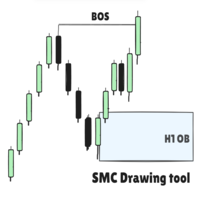
SMC Drawing tool
- Utilità
- Versione: 1.0
- Attivazioni: 5

SMC Drawing Tool - Advanced Charting and Analysis Assistant
Due to limitations in MetaTrader 5, this EA does not work in the Strategy Tester.
To see it in action, you can download the demo version.
SMC Drawing Tool is a professional technical analysis indicator for MetaTrader 5, designed to enhance the Smart Money Concepts (SMC) trading methodology. It deeply integrates a comprehensive suite of drawing tools with an intelligent labeling system and includes advanced features such as multi-timeframe display and chart synchronization. This tool is dedicated to streamlining a trader's markup process, enabling the quick and precise identification of key market structures and liquidity zones.
Product Features
Core Drawing and Labeling System
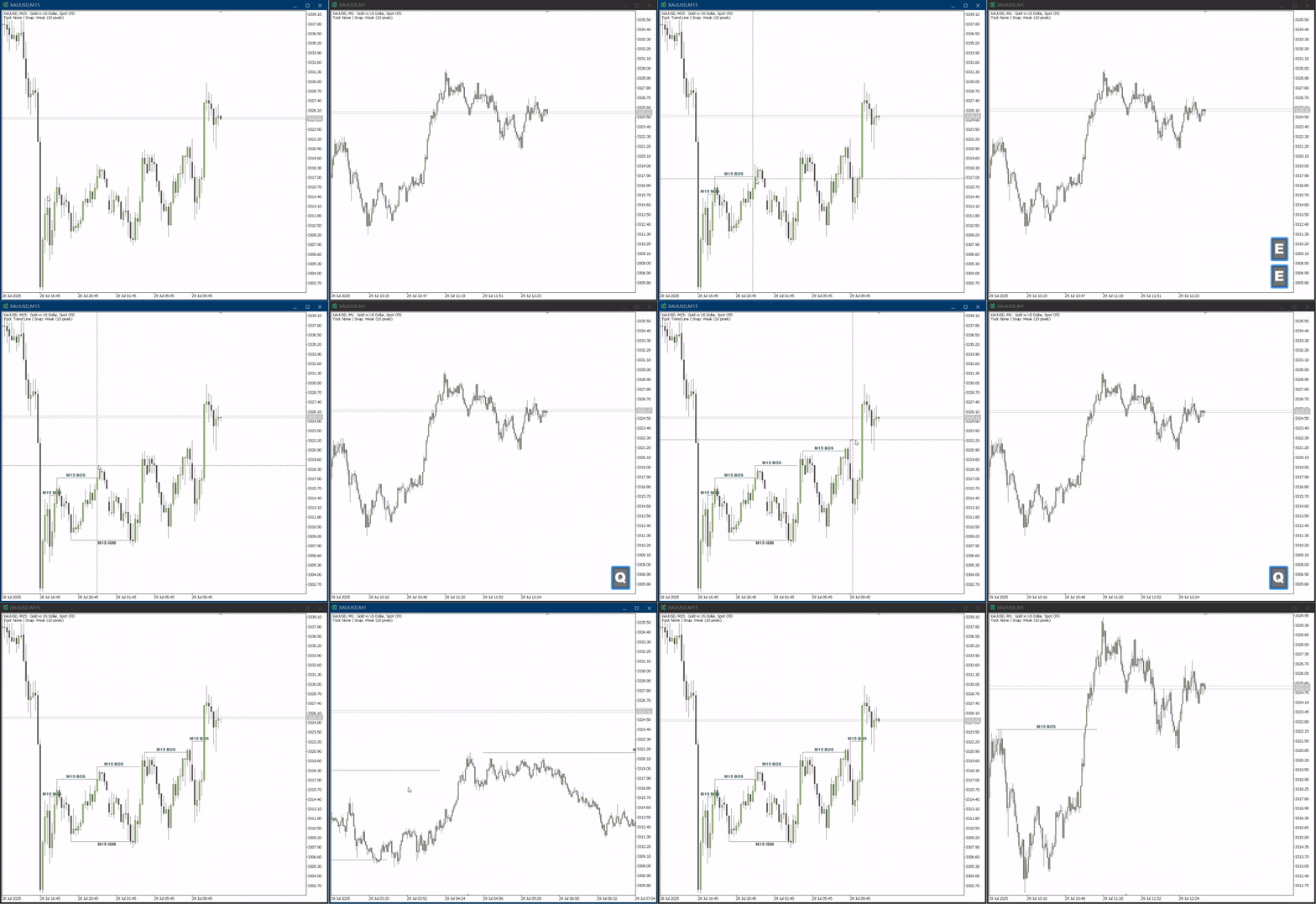
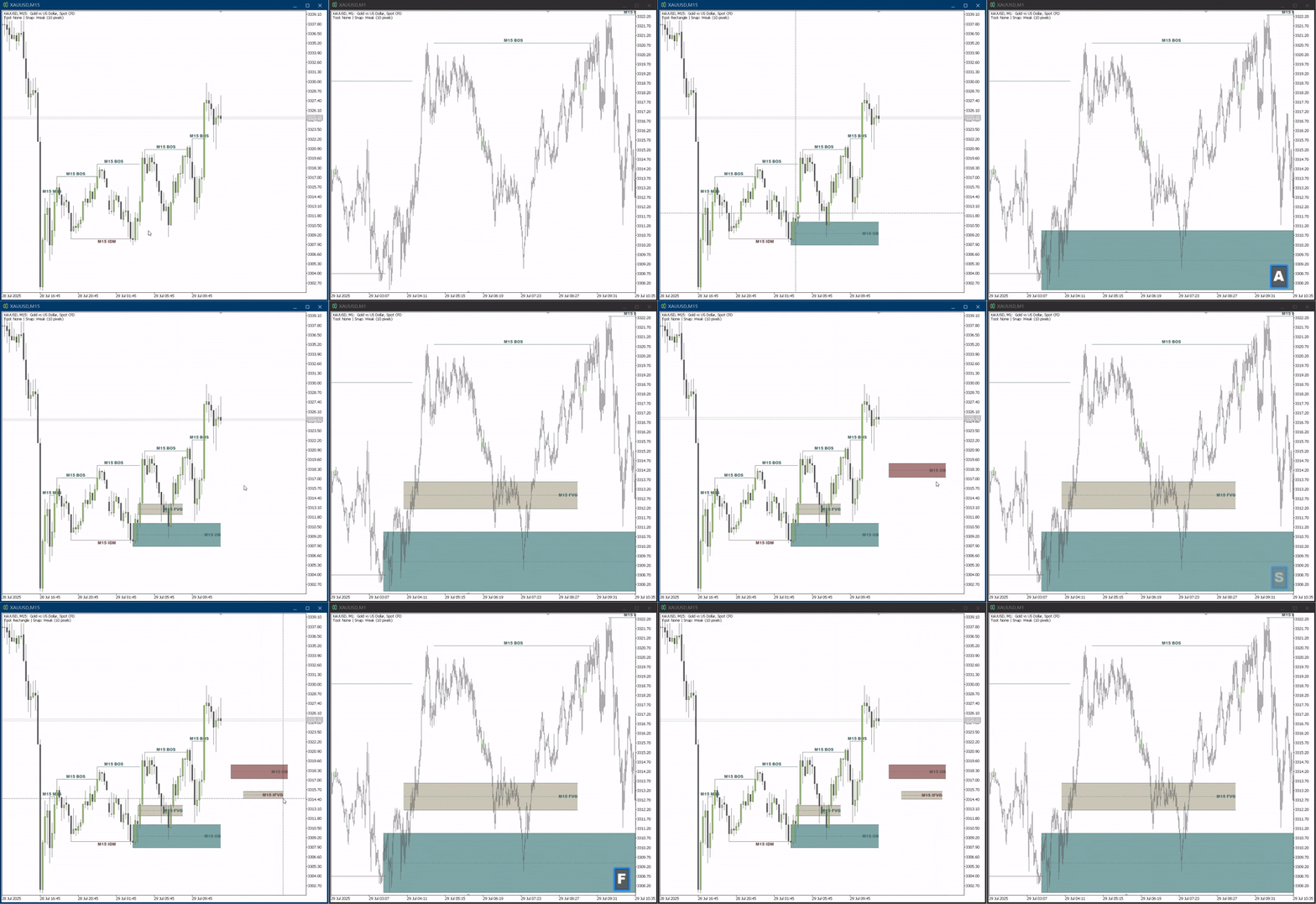
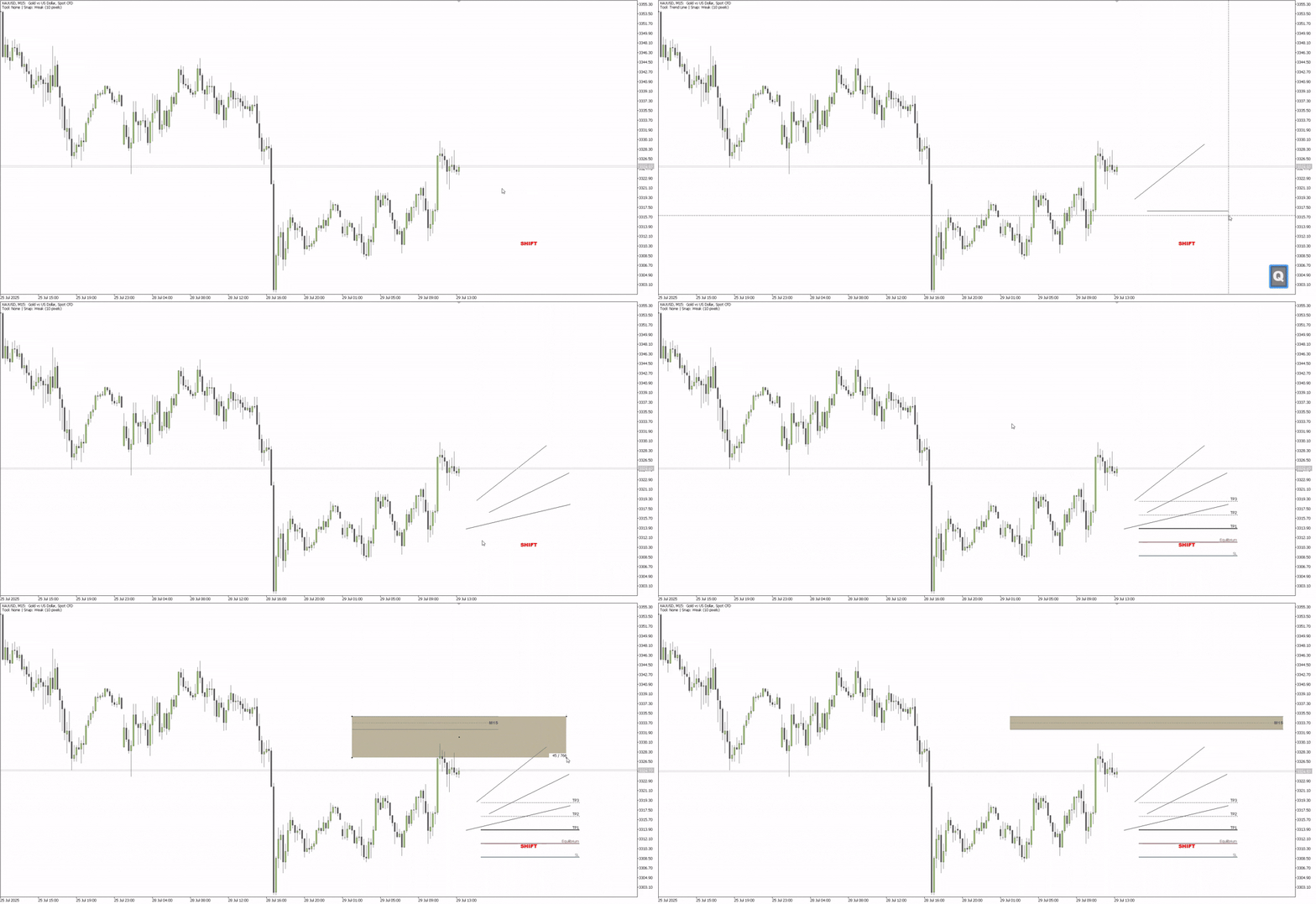
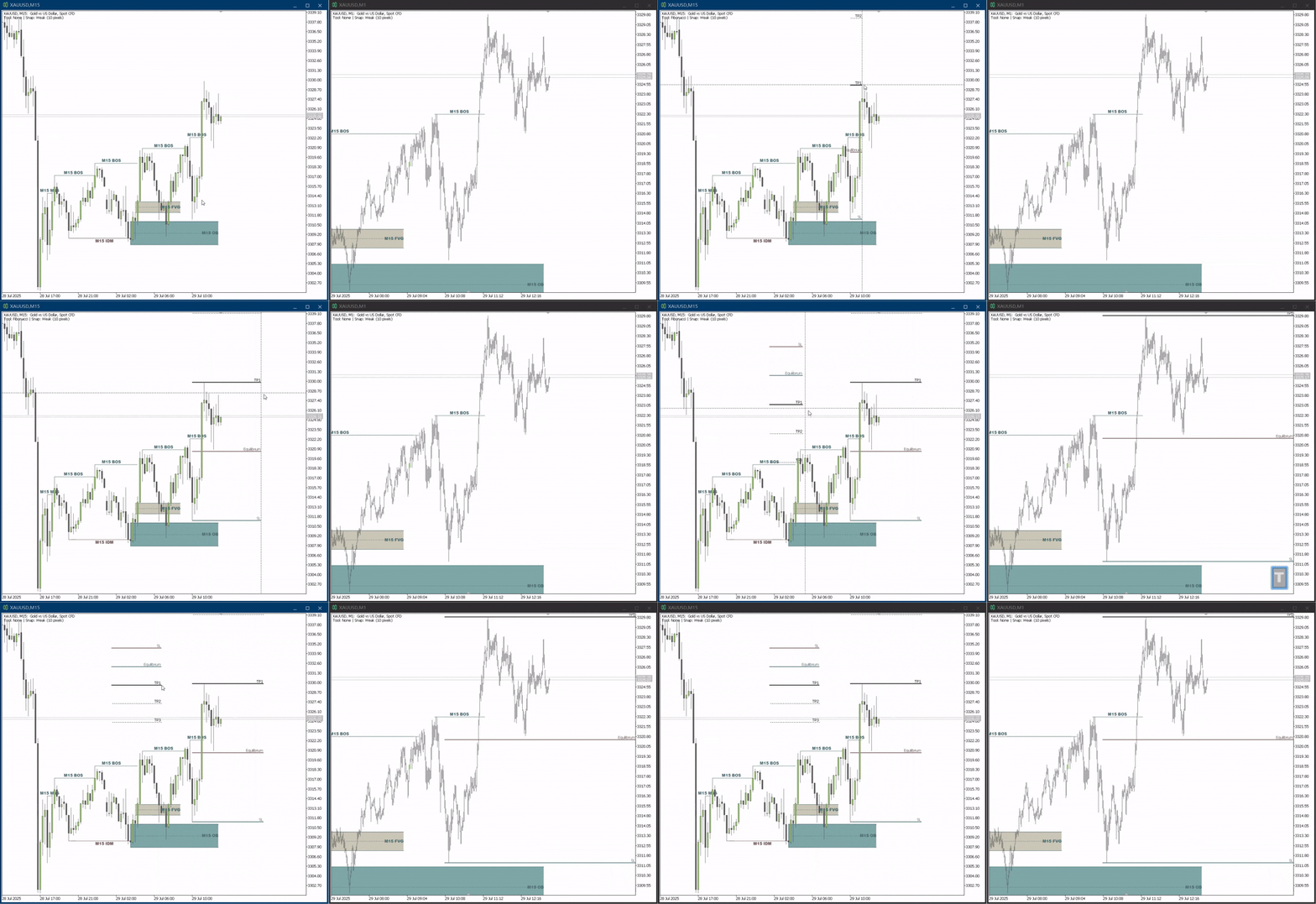
The indicator provides a set of hotkey-driven core drawing tools, including the Trendline (Q key) for plotting trends and the Rectangle (A key), which is ideal for marking Order Blocks (OB) and Fair Value Gaps (FVG). It also integrates Fibonacci Retracement (T key) and Fibonacci Channel (H key) to aid in identifying potential reversal zones.
To complement the drawings, the tool features a smart labeling system, also triggered by hotkeys. You can easily mark critical market structure points like Market Structure Shift (MSS), Break of Structure (BOS), and Inducement (IDM). Furthermore, it allows for the clear identification of Buy/Sell Side Liquidity (BSL/SSL), significant Swing Highs/Lows, as well as Order Blocks (OB) and Fair Value Gaps (FVG).
Advanced Analytical Capabilities
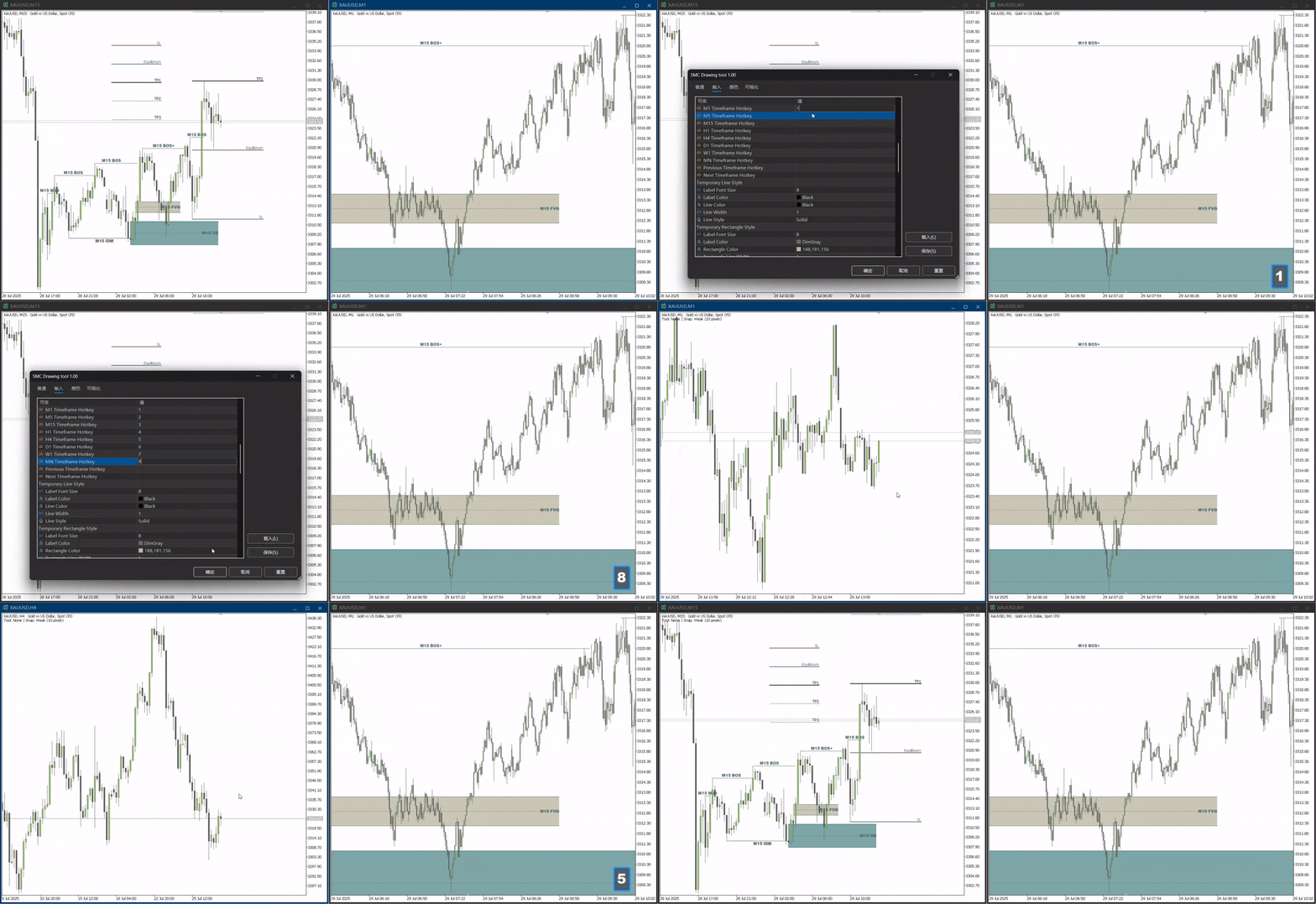
To enhance analytical efficiency, the indicator is equipped with several advanced capabilities. The Price Snap feature (G key) allows drawing objects to automatically align with key candle prices (High, Low, Open, Close). The Multi-Timeframe Display ensures that analytical objects from higher timeframe charts are automatically rendered on all lower timeframes, maintaining analytical consistency. Chart Synchronization provides real-time syncing of all objects across multiple charts of the same trading symbol. Finally, the Timeframe Linkage function can bind higher and lower timeframe charts for seamless analytical switching.
Customization and Usability
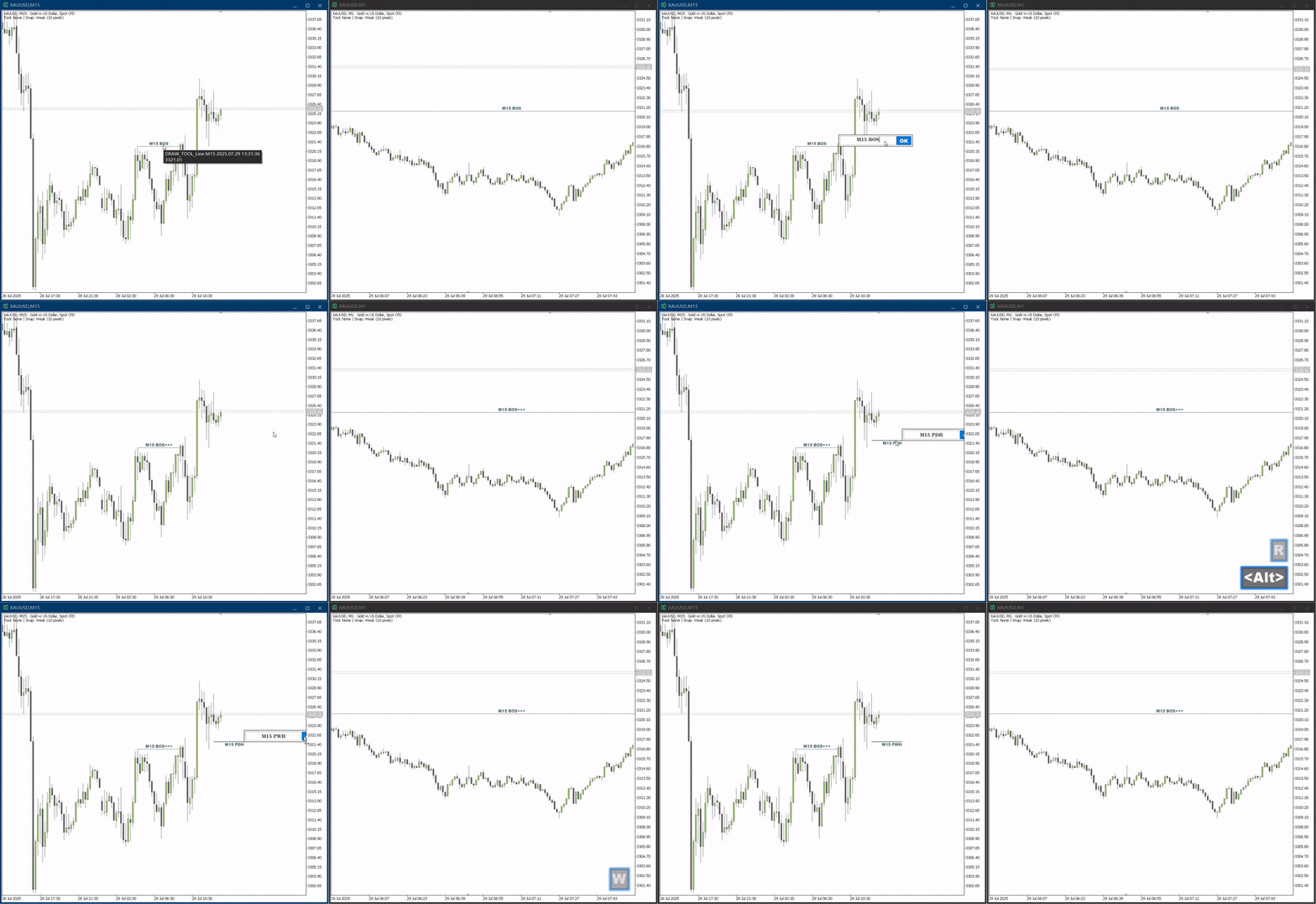
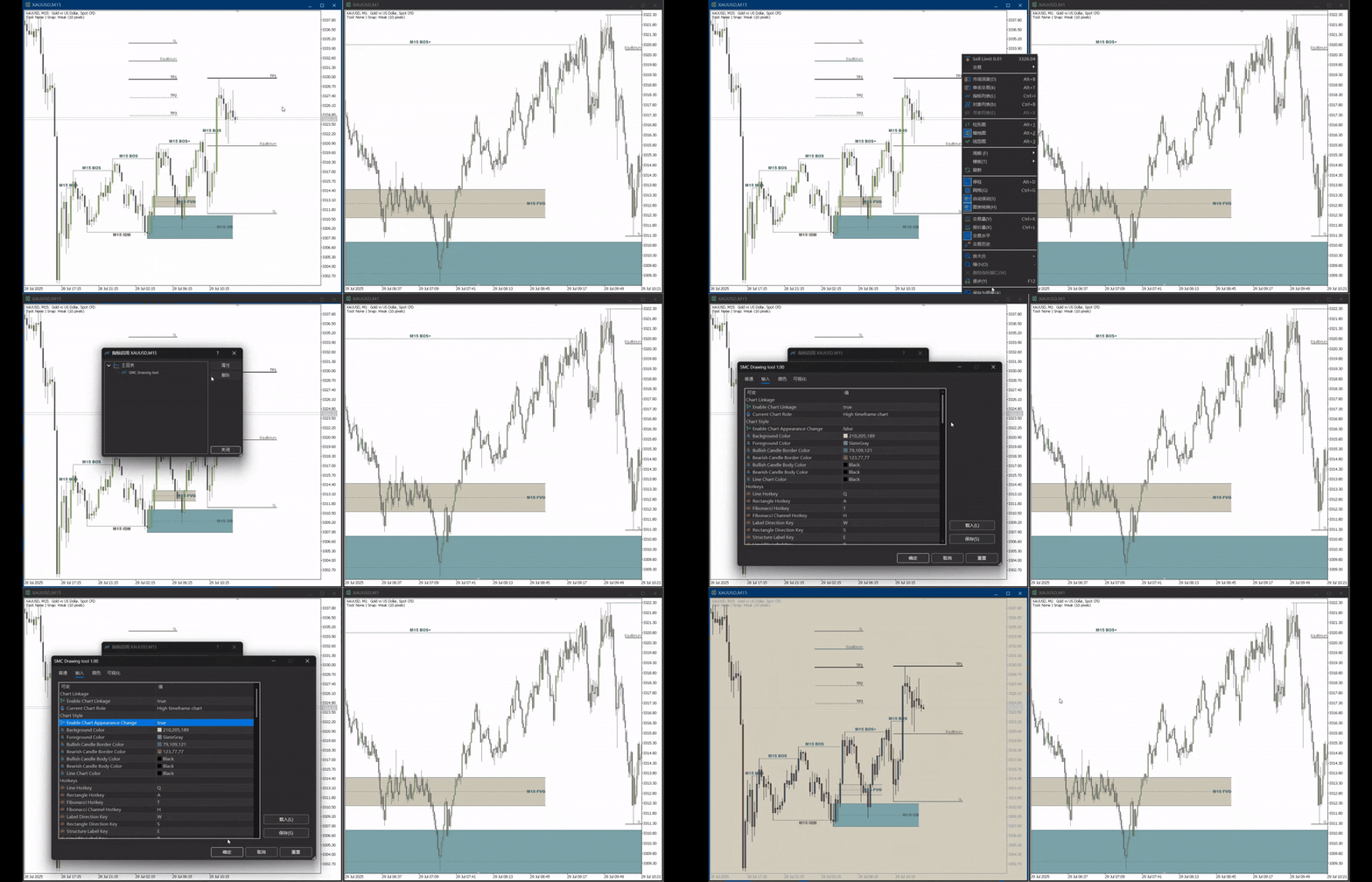
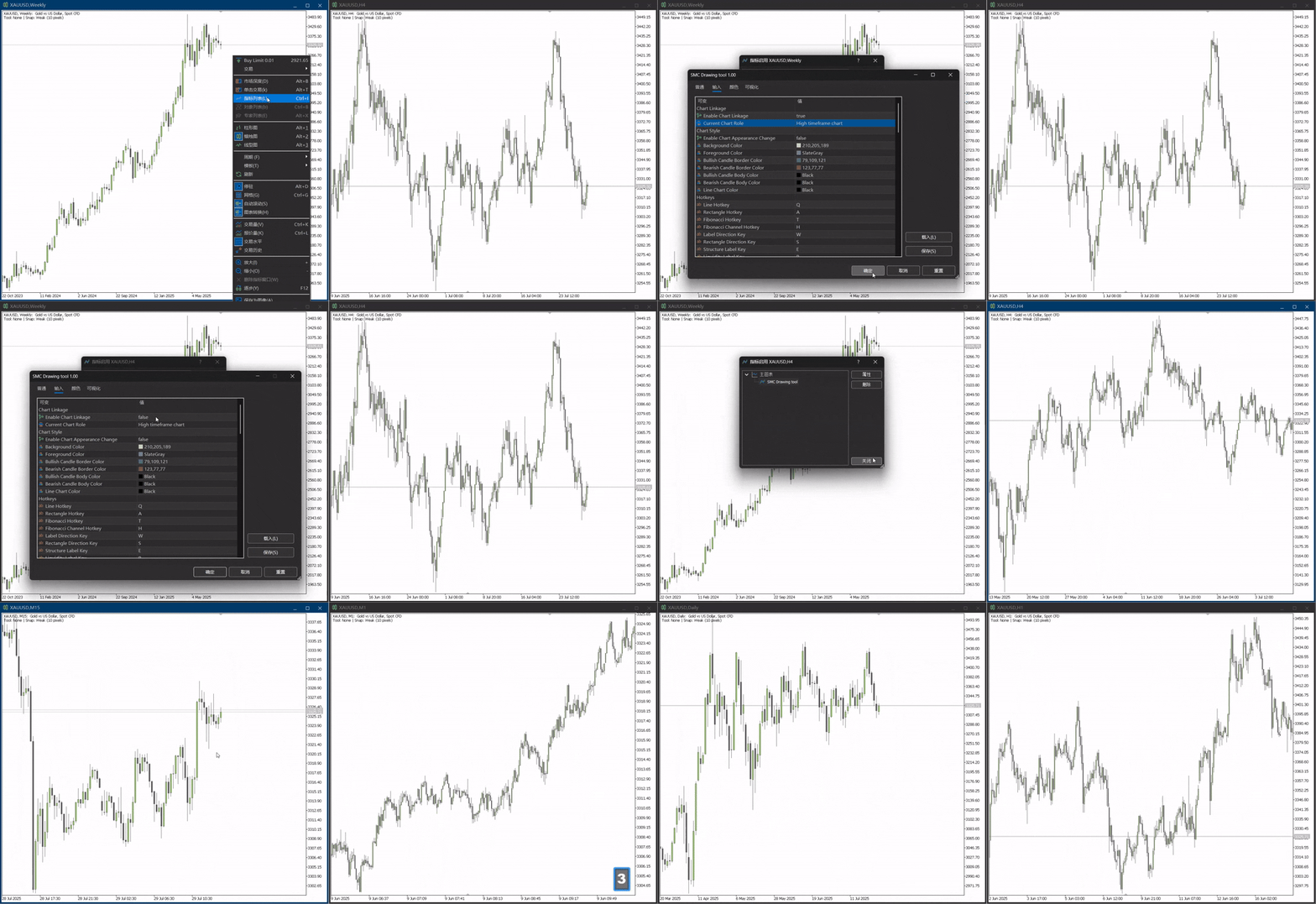
We prioritize user experience and personalization. Users can directly edit label text by holding the "Alt" key and clicking on a line. From drawing tools to various labels and functions, all hotkeys are fully customizable, allowing you to create a workflow that best suits your needs. The indicator also offers complete style configuration options, including colors, line widths, and font sizes for all drawing objects and labels. You can even modify the chart's appearance directly through the indicator parameters. After configuring your setup, the Save Template (P key) function allows you to save your workspace with a single click.
Input Parameters
Chart Linkage Settings
- EnableLinkage : (true/false) - Enables or disables the timeframe linkage feature between charts.
- ChartRole : (HighTimeFrame/LowTimeFrame) - Sets the role of the current chart for timeframe linkage.
Appearance Settings
- ChangeChartAppearance : (true/false) - Allows the indicator to override the default chart color scheme.
- BackgroundColor , ForegroundColor : Sets the chart's background and foreground colors.
- Bullish/Bearish Border/Fill Colors : Customize the colors for bullish and bearish candlesticks.
Hotkey Customization
- LineHotkey , RectangleHotkey , etc.: Set custom hotkeys for all drawing tools.
- StructureLabelHotkey , LiquidityLabelHotkey , etc.: Set custom hotkeys for all label types.
- SnapModeHotkey , SaveTemplateHotkey , etc.: Set custom hotkeys for functional toggles.
Style & Sync Configuration
- Style Configuration: You can configure in detail the styles for temporary lines and rectangles during the drawing process, as well as unique colors and styles for each label type (BOS, MSS, OB, etc.). The bullish/bearish colors for Fibonacci tools are also customizable.
- Snap Settings: The SnapDistancePixels parameter defines the distance in pixels within which the cursor will snap to candle prices.
- Sync Settings: Parameters like SyncOnCreate and SyncOnModify allow you to toggle the real-time synchronization of objects upon their creation, modification, or deletion.











































good indicctor