SL TP Panel
- Utilità
- Versione: 5.1
- Attivazioni: 5

SL TP Panel — Visual Trading Panel for MT5
A convenient trading panel that lets you place pending orders by simply dragging lines on the chart. Stop Loss, Take Profit, order type, and lot size — everything is controlled with your mouse in seconds.
🎯 Who is this for
This panel is designed for manual traders who value speed of execution. Instead of opening the order window, filling in fields, and calculating levels — just drag a line to the desired price and click one button.
⚡ Key Features
Visual Order Placement
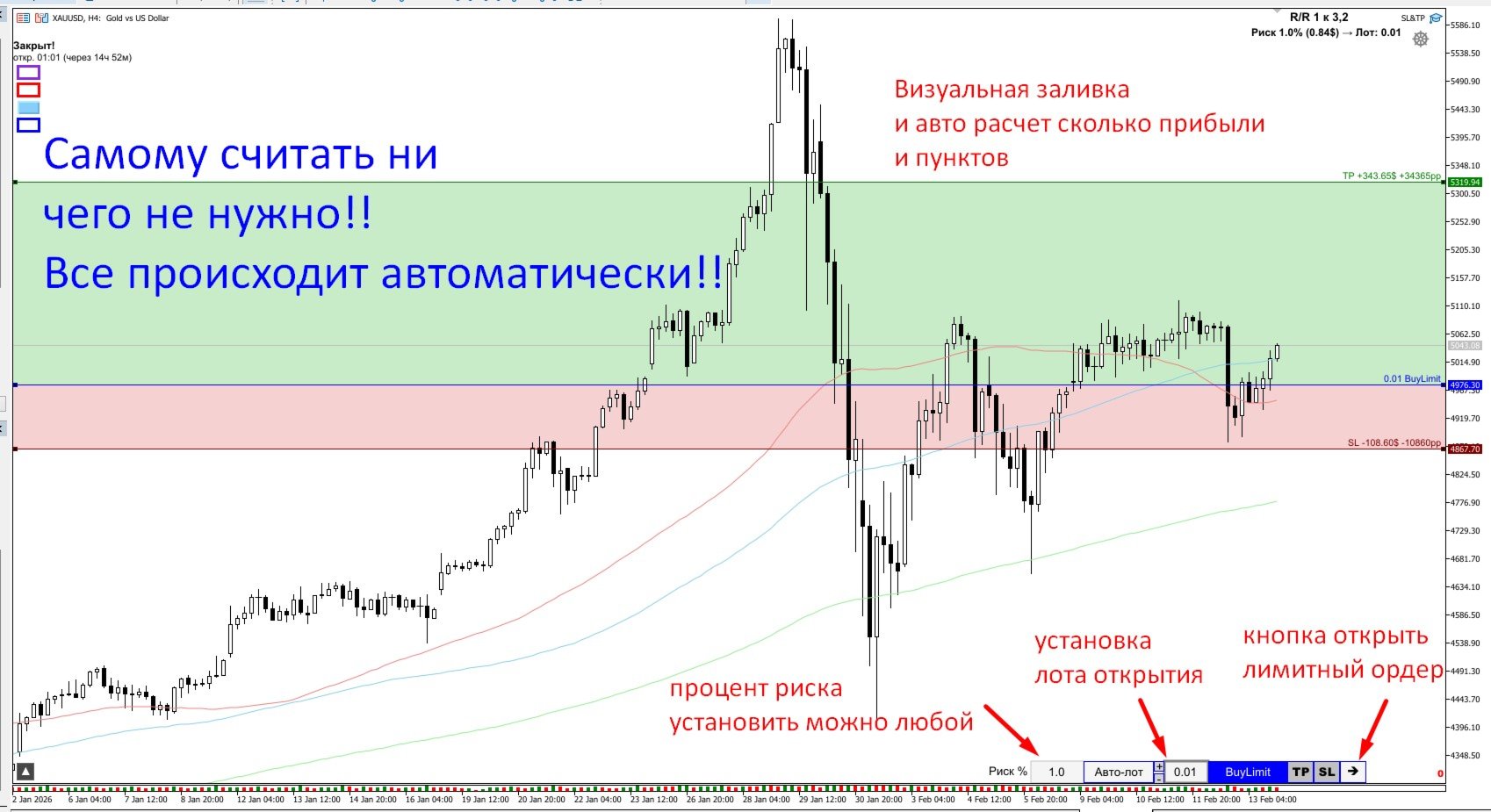
- Drag the order line with your mouse — the type (BuyLimit / SellLimit / BuyStop / SellStop) is determined automatically based on its position relative to the current price
- TP and SL lines are also draggable — see the result in real time
- Colored profit (green) and loss (red) zones are displayed directly on the chart
Instant Profit & Loss Calculation
- Potential profit/loss in dollars and pips is shown next to each TP/SL line
- Risk/Reward ratio (R/R) is calculated and displayed automatically
- All calculations are accurate for any instrument — Forex, crypto, stocks, indices
Built-in Risk Calculator
- Set your acceptable risk as a percentage of your account balance
- The panel automatically calculates the optimal lot size based on the distance to SL
- "Auto-lot" mode — the lot is automatically updated whenever SL is moved
Automatic Order Type Detection
- Drag the line below price — BuyLimit; above — SellLimit
- Switch between Limit and Stop with a single button click
- When the order type changes, TP and SL are mirrored (not reset)
Error Protection
- Real-time Stop Level validation
- Margin sufficiency check before sending the order
- Min/max lot validation
- Clear error messages
📊 Additional Features
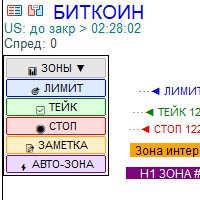
- Trading Sessions — display session time zones on the chart (configurable)
- Compact Panel — all controls are organized in a clean panel at the corner of the chart
- Optimized Performance — minimal resource consumption, updates only when values change
⚙️ Parameters
| Parameter | Description |
|---|---|
| Lot | Initial lot size |
| Risk in % | Risk percentage of account balance |
| Magic | Magic number for orders |
| Slippage | Allowed slippage in points |
| Show Sessions | Display trading sessions on chart |
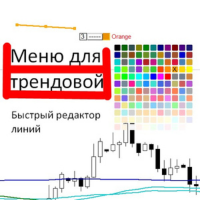
| Colors | Customizable colors for Buy/Sell/TP/SL |
📌 How to Use
- Click the ⏵ button in the top-right corner of the chart — the panel and order line will appear
- Drag the order line to your desired price
- Click TP and/or SL — the corresponding lines will appear, drag them into position
- Adjust the lot size with +/- buttons or type it manually
- Click ✓ to submit the order
💡 Tips
- Use the risk calculator — set a comfortable percentage (1-2%) and enable "Auto-lot"
- Monitor the R/R ratio — the panel highlights it when it reaches 2:1 or better
- The panel works on any timeframe and any trading instrument