Trend Range Breakout Pro
- Indicators
-
Carlos Dante Diaz
 Hi, I'm Carlos Díaz, a programmer and algorithmic trader from Argentina with more than 10 years of experience as a trader. I design, code and test all my Expert Advisors in MQL5, using MetaEditor and the MetaTrader 5 Strategy Tester.
- Version: 1.0
- Activations: 10
Trend Range Breakout Pro automatically finds sideways (consolidation) zones on your chart and shows you the moment price breaks out of them.
WHAT YOU SEE ON THE CHART
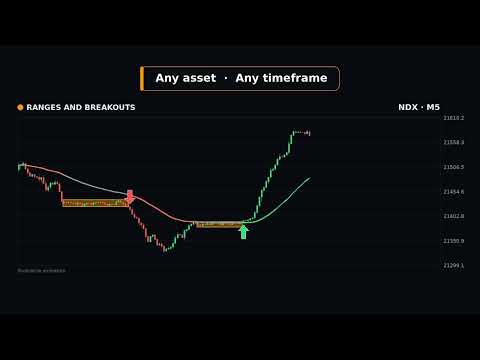
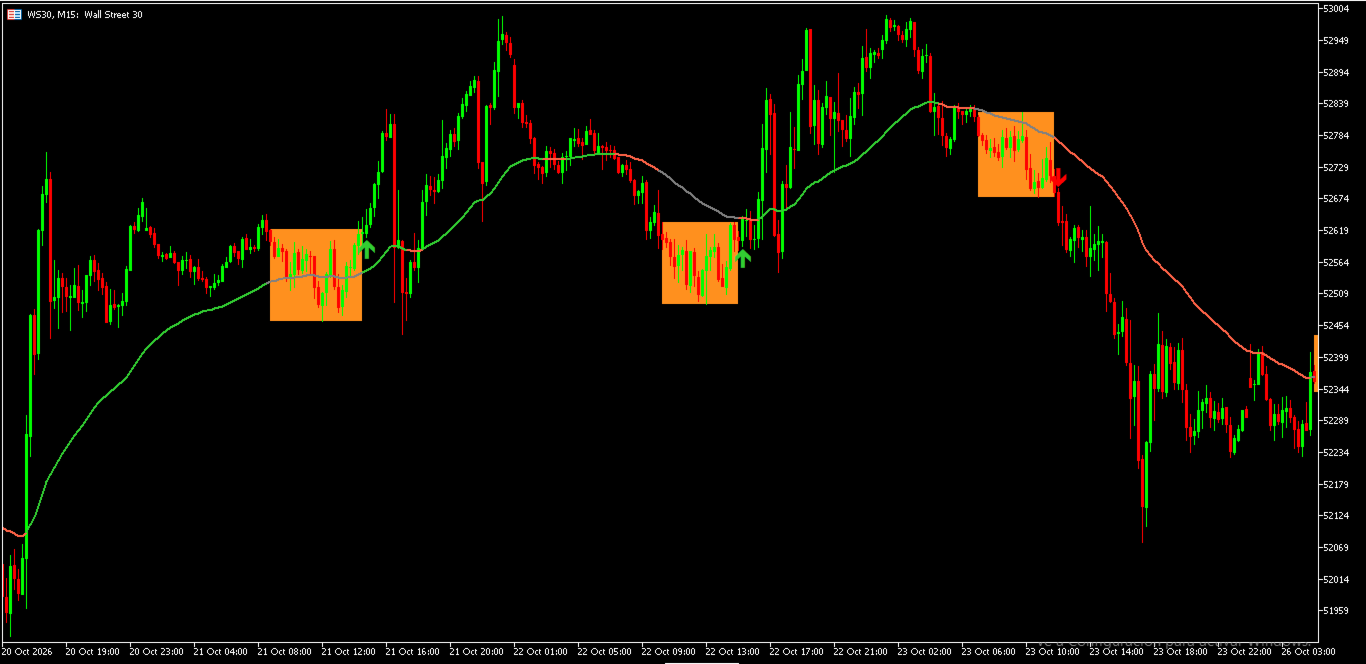
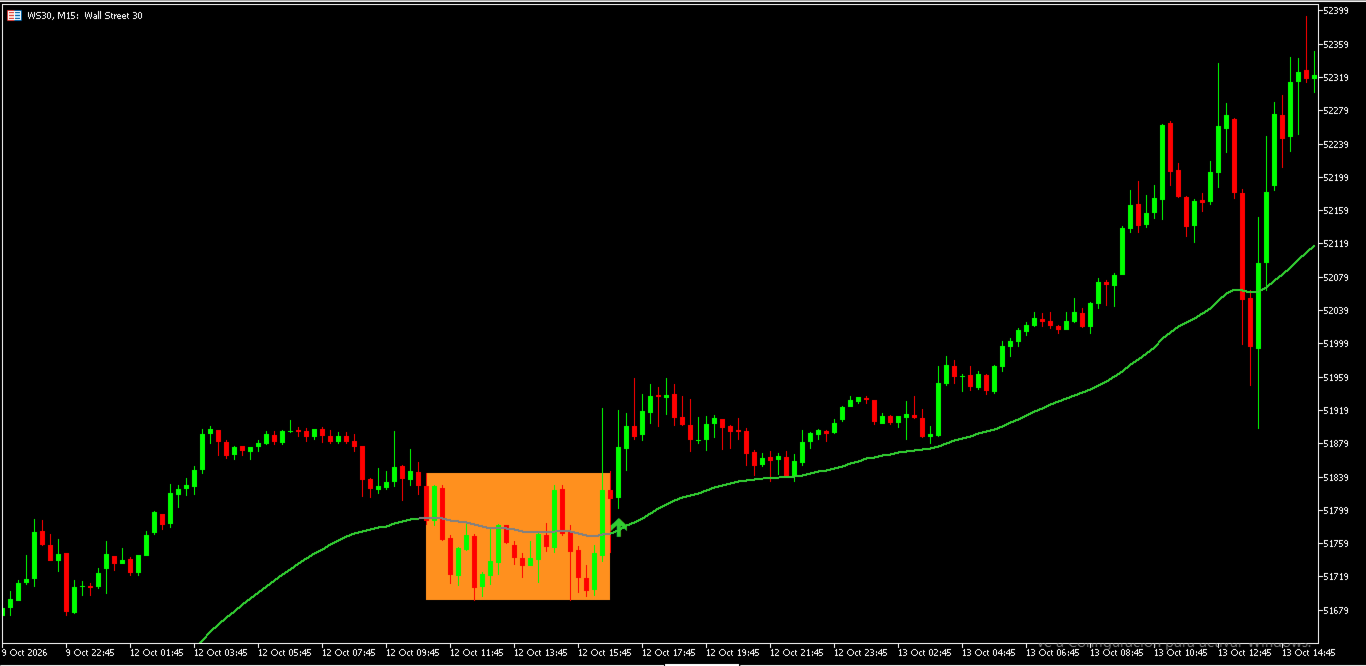
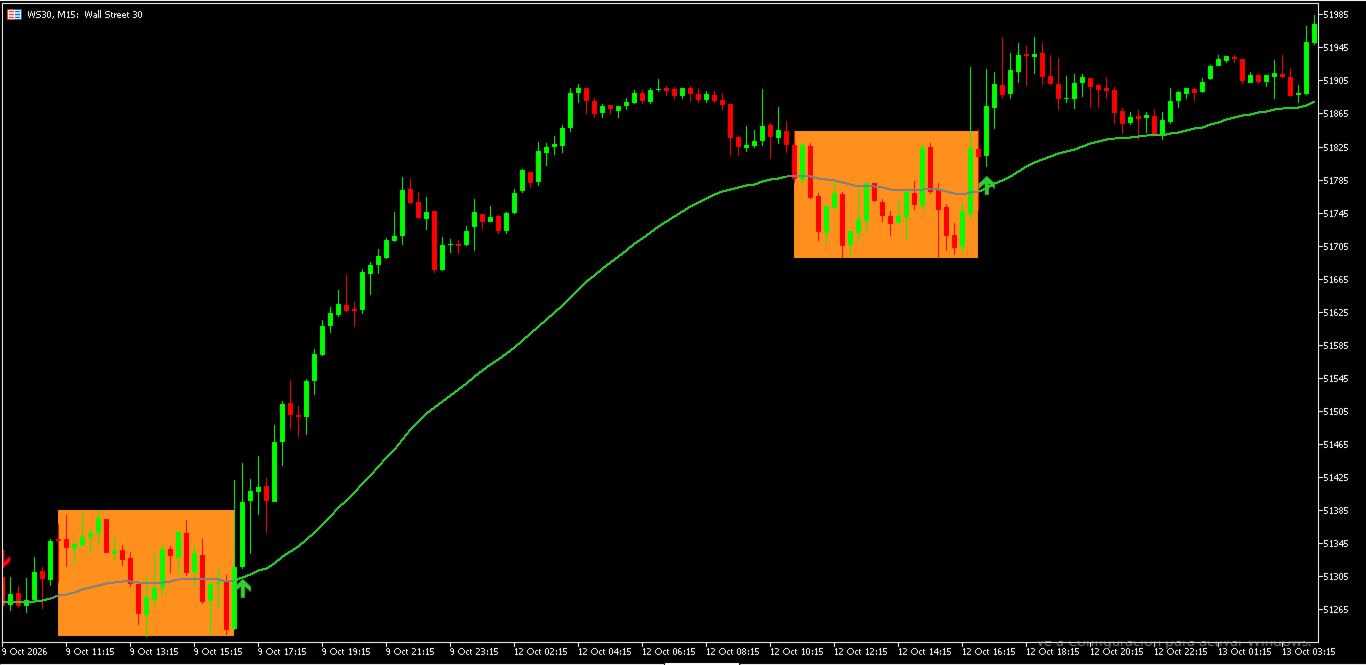
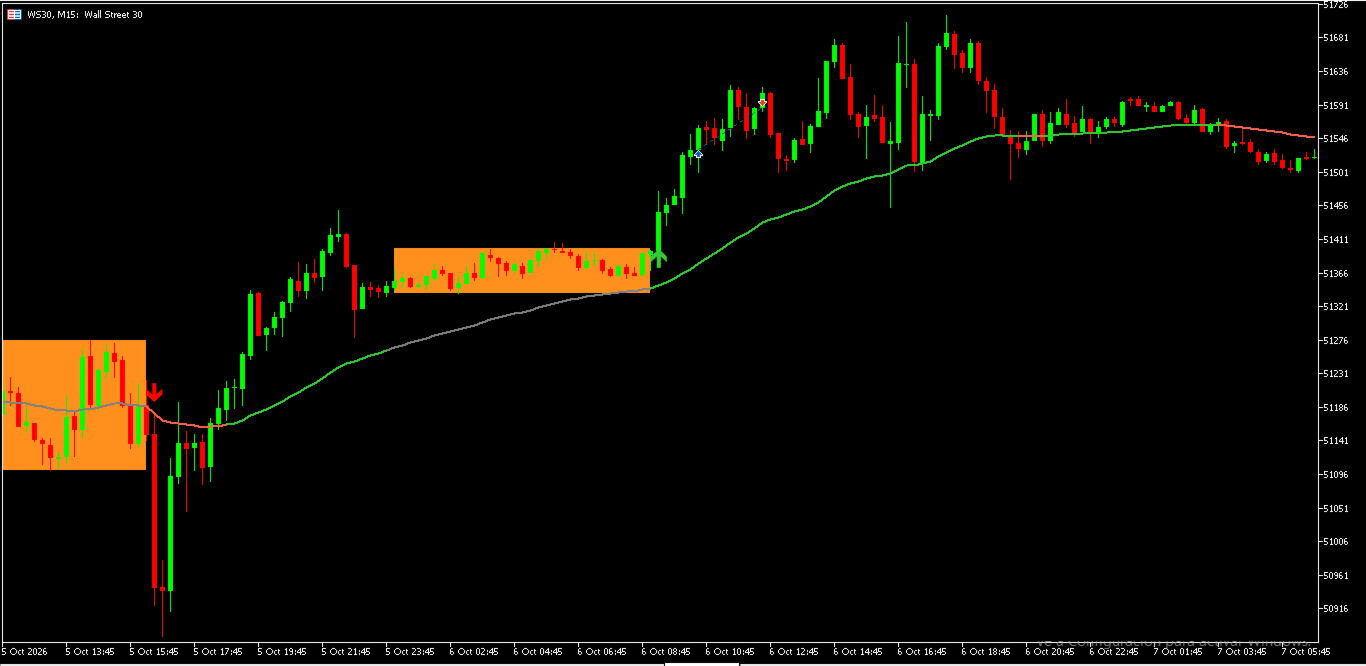
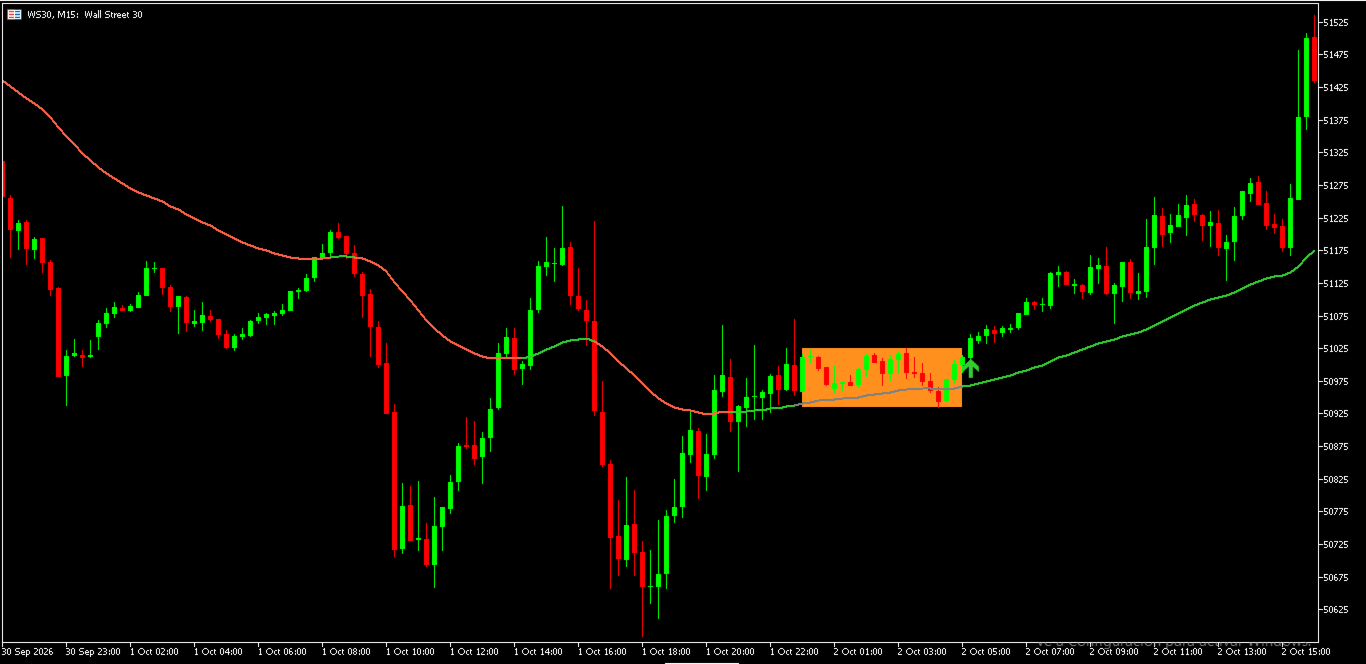
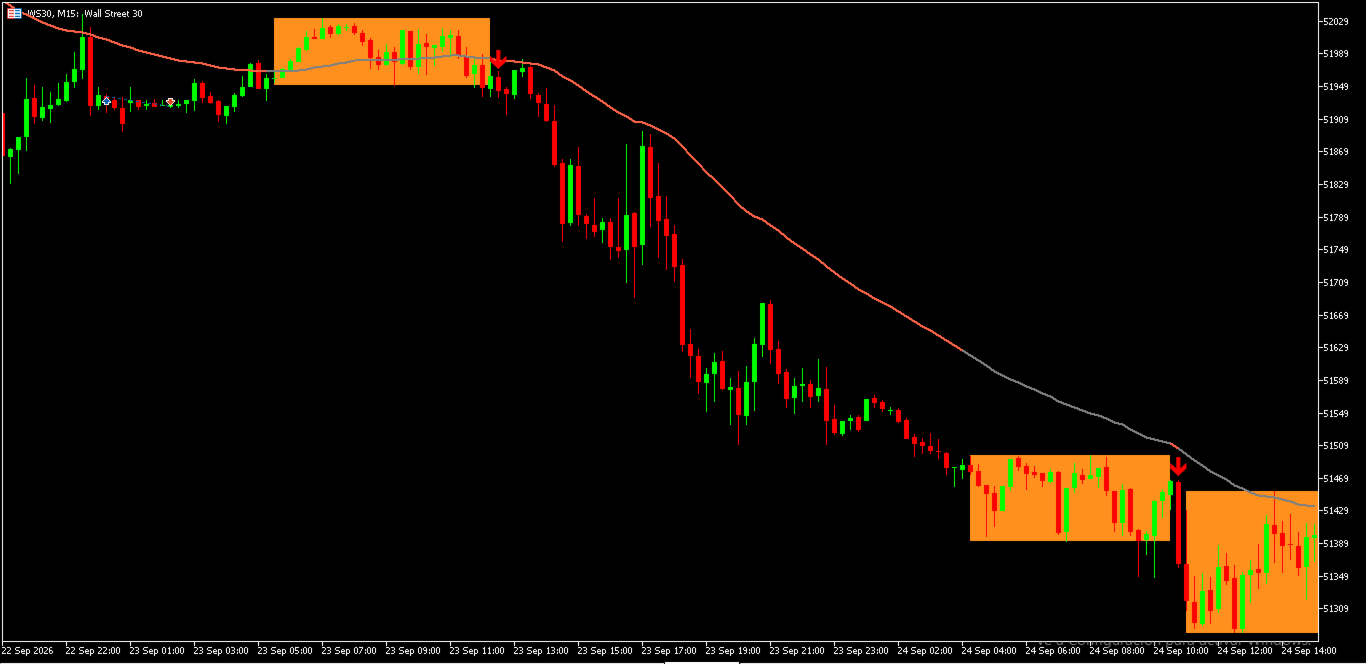
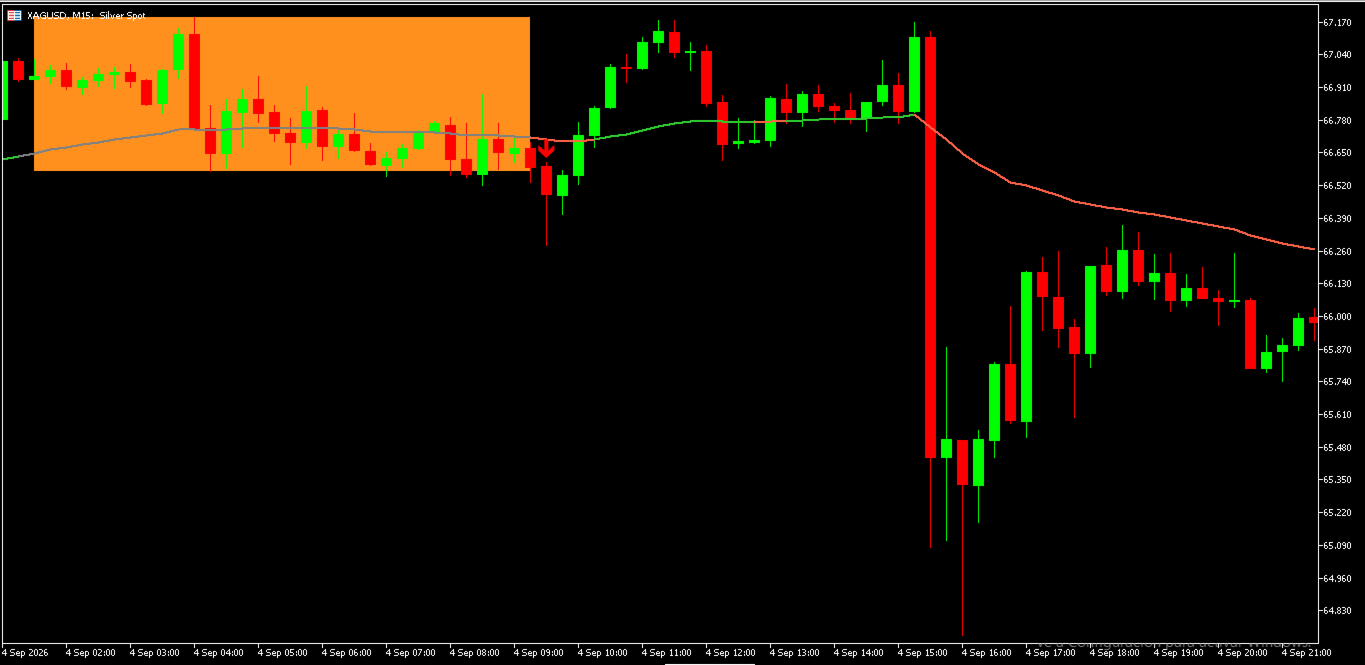
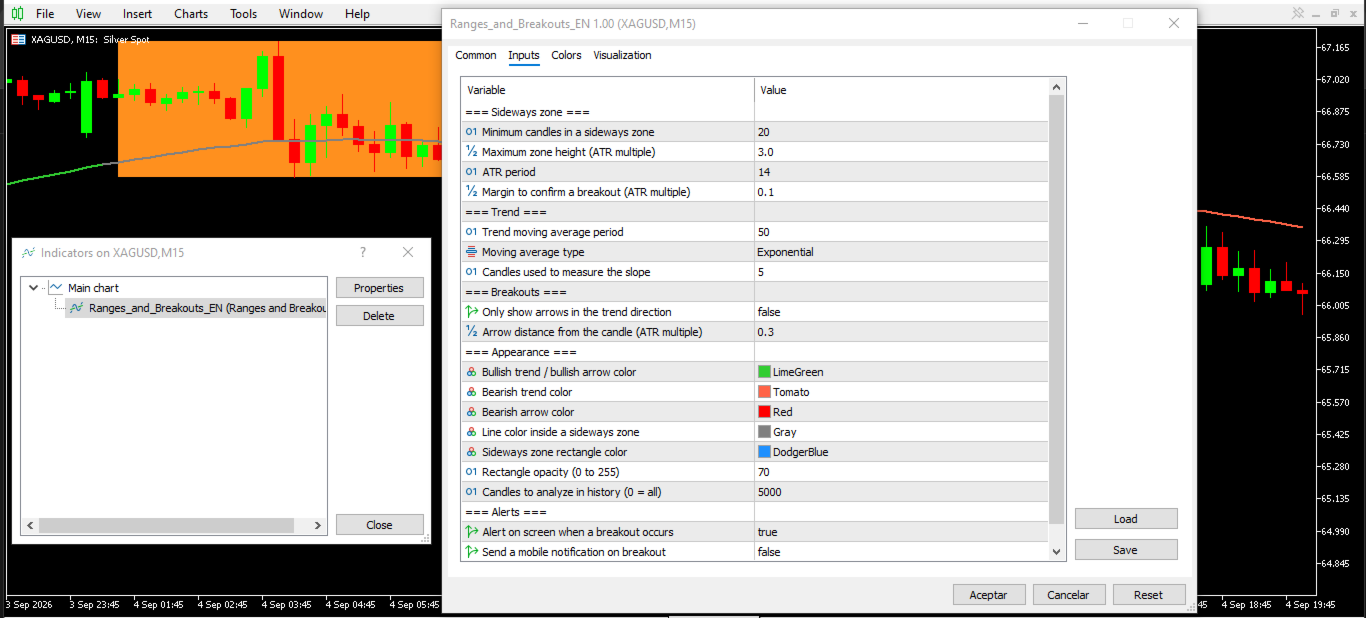
• Sideways zones: when price stalls inside a narrow range, the indicator draws a rectangle that extends candle by candle until the zone ends.
• Trend line: a moving-average line that changes color: green when the trend is rising, red when it is falling, gray while price is inside a sideways zone.
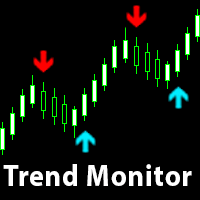
• Breakout arrows: when a candle closes beyond the edge of the zone, an up arrow (bullish breakout) or a down arrow (bearish breakout) is plotted and the rectangle is closed.
• Alerts: optional on-screen alert and mobile push notification for every breakout.
HOW IT WORKS
A sideways zone is detected when a group of candles (20 by default) fits inside a maximum height measured in ATR (3.0 ATR by default). A breakout is confirmed only when a candle CLOSES beyond the zone, plus a small margin (0.1 ATR by default). Arrows are evaluated on closed candles, so they do not appear and disappear while a candle is still forming.
KEY SETTINGS
• RangeBars: minimum candles in a sideways zone
• RangeATRFactor: maximum zone height (ATR multiple). Lower = tighter zones, higher = looser zones
• BreakoutMarginATR: extra distance required to confirm a breakout
• TrendPeriod / TrendMethod / SlopeBars: trend line settings
• OnlyWithTrend: show only the arrows that go in the trend direction
• Colors, rectangle opacity, arrow distance and number of candles analyzed
• AlertOnScreen / AlertPush: alert options
WHY TRADERS USE IT
• Spot consolidations at a glance, without drawing boxes by hand
• See breakouts clearly marked, on any symbol and any timeframe
• Combine it with your own strategy, oscillators or volume tools
NOTES
• Indicator only: it does not open or close trades.
• Works on any symbol and timeframe in MetaTrader 5.
• Past behavior does not guarantee future results. Trading involves risk. Use proper risk management and test on a demo account first.