Break Pullback Utilities
- Utilities
-
Arief
 ---------------------------------------------------------------------------------------------------- بِسْمِ اللَّهِ الرَّحْمَنِ الرَّحِيم لَاحَوْلَ وَلَا قُوَّةَ إِلَّا بِٱللَّٰهِ ٱلْعَلِيِّ ٱلْعَظِيمِ
Hello and Welcome ✤
Arief here, based in Indonesia. - Version: 1.2
- Updated: 2 November 2026
- Activations: 5
Built on the Original Break Pullback Indicator. Refined, enhanced, and taken to the next level.
7 Integrated Trading Tools for MetaTrader 5
BreakPullback Utilities is an all-in-one trading toolkit designed to help traders analyze market conditions, monitor price behavior, identify potential trading opportunities, and manage trade execution from a unified dashboard.
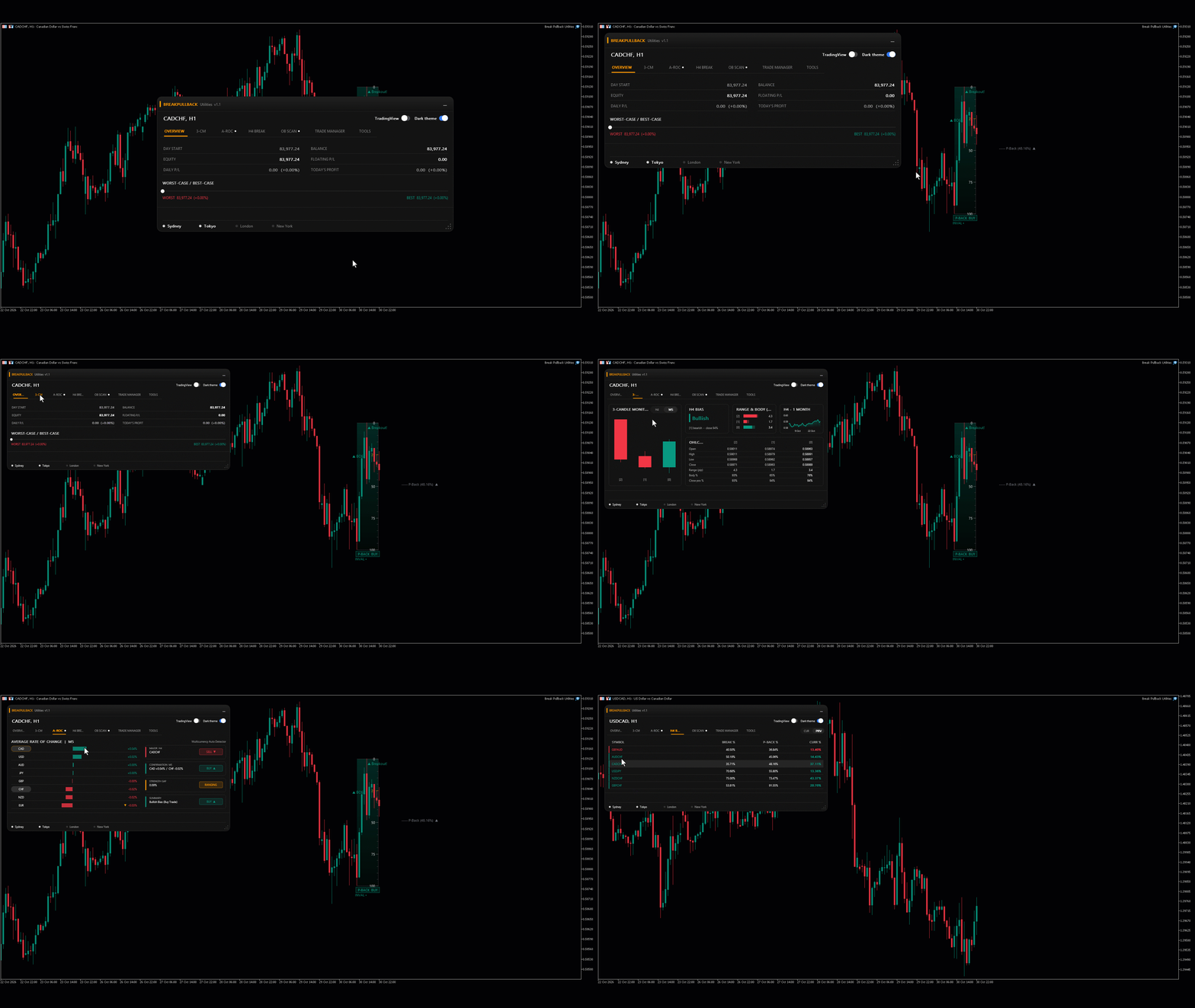
1. Overview — Account & Market Dashboard
Monitor essential account metrics and market conditions in one centralized interface.
Key features:
- Account Monitoring: Track starting balance, equity, current balance, and floating P/L.
- Daily Performance: Monitor daily profit and loss in both monetary value and percentage.
- Worst-Case / Best-Case Analysis: Review projected account outcomes based on stop-loss and take-profit scenarios.
- Market Conditions: Monitor spread, ADR5, daily price range, and market-session status.
- Session Clock: View London time and monitor the Sydney, Tokyo, London, and New York trading sessions.
Benefit: Gain a quick overview of account performance and market conditions without switching between multiple tools.
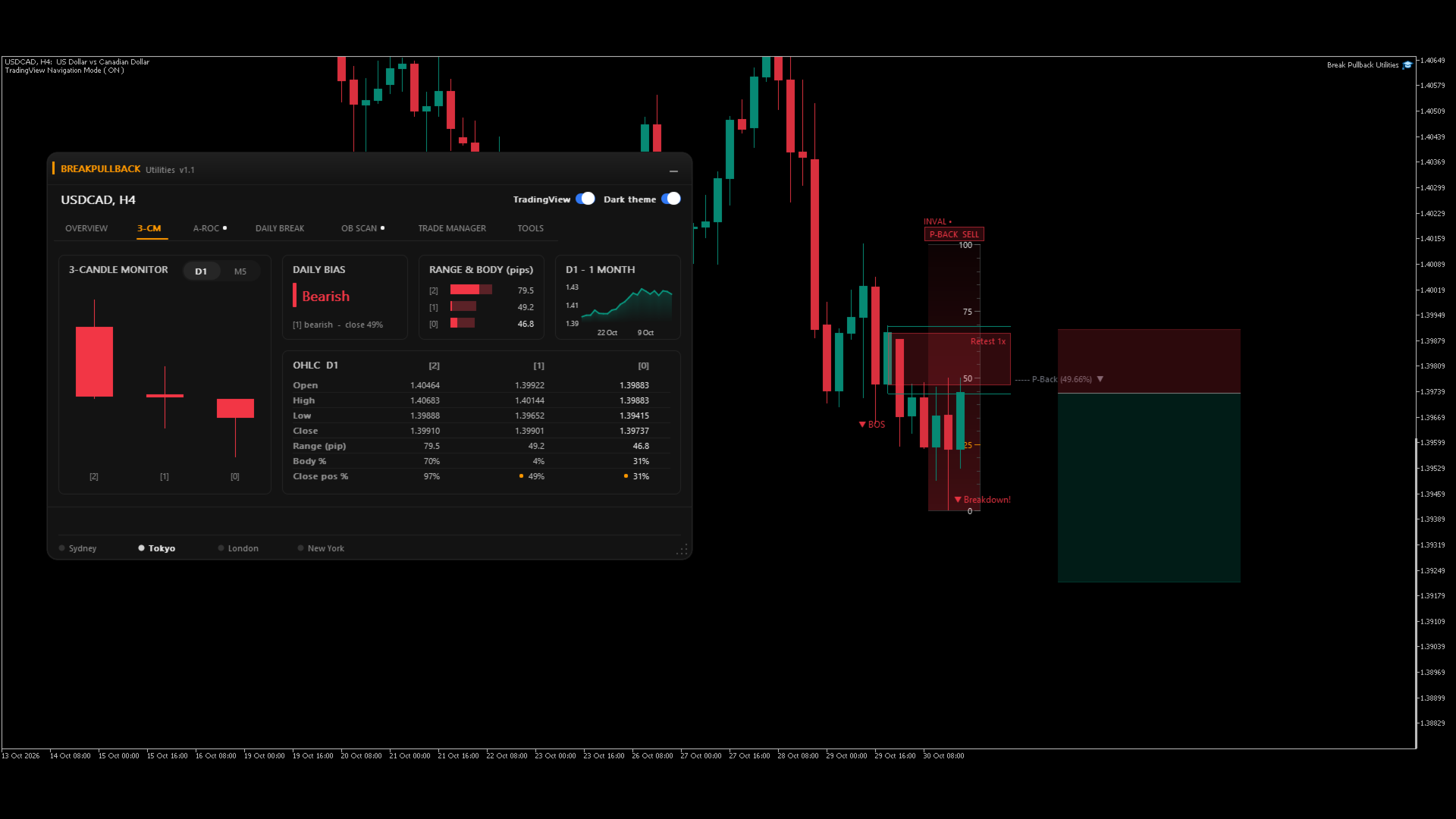
2. 3-CM — Three-Candle Monitor
Analyze the structure and behavior of the latest three completed or monitored candles across selected timeframes.
Key features:
- Three-Candle Visualization: View the relative structure of the three candles directly on the dashboard.
- Multi-Timeframe Monitoring: Switch between supported timeframes, including H4 and M5.
- Candle OHLC Data: Compare open, high, low, and close prices.
- Range & Body Analysis: Review candle ranges in pips, body percentages, and close positions within each candle's range.
- Directional Bias: Display the detected bullish or bearish bias.
- Historical Price Overview: Review a one-month price movement chart for additional market context.
Benefit: Evaluate recent candle structure and price behavior quickly, helping you assess momentum and potential market reactions.
3. A-ROC — Average Rate of Change
Compare currency strength and weakness through a rate-of-change dashboard.
Key features:
- Currency Comparison: View the relative performance of major currencies.
- Positive & Negative Momentum: Identify currencies showing positive or negative rate-of-change readings.
- Visual Strength Ranking: Compare relative momentum using proportional histogram bars.
- Multi-Currency Auto Detector: Display potential currency-pair trading directions based on the configured detection logic.
- Signal Summary: Review the detected directional bias and strength-gap information.
Benefit: Identify relative currency momentum and potential directional opportunities without manually comparing every currency pair.
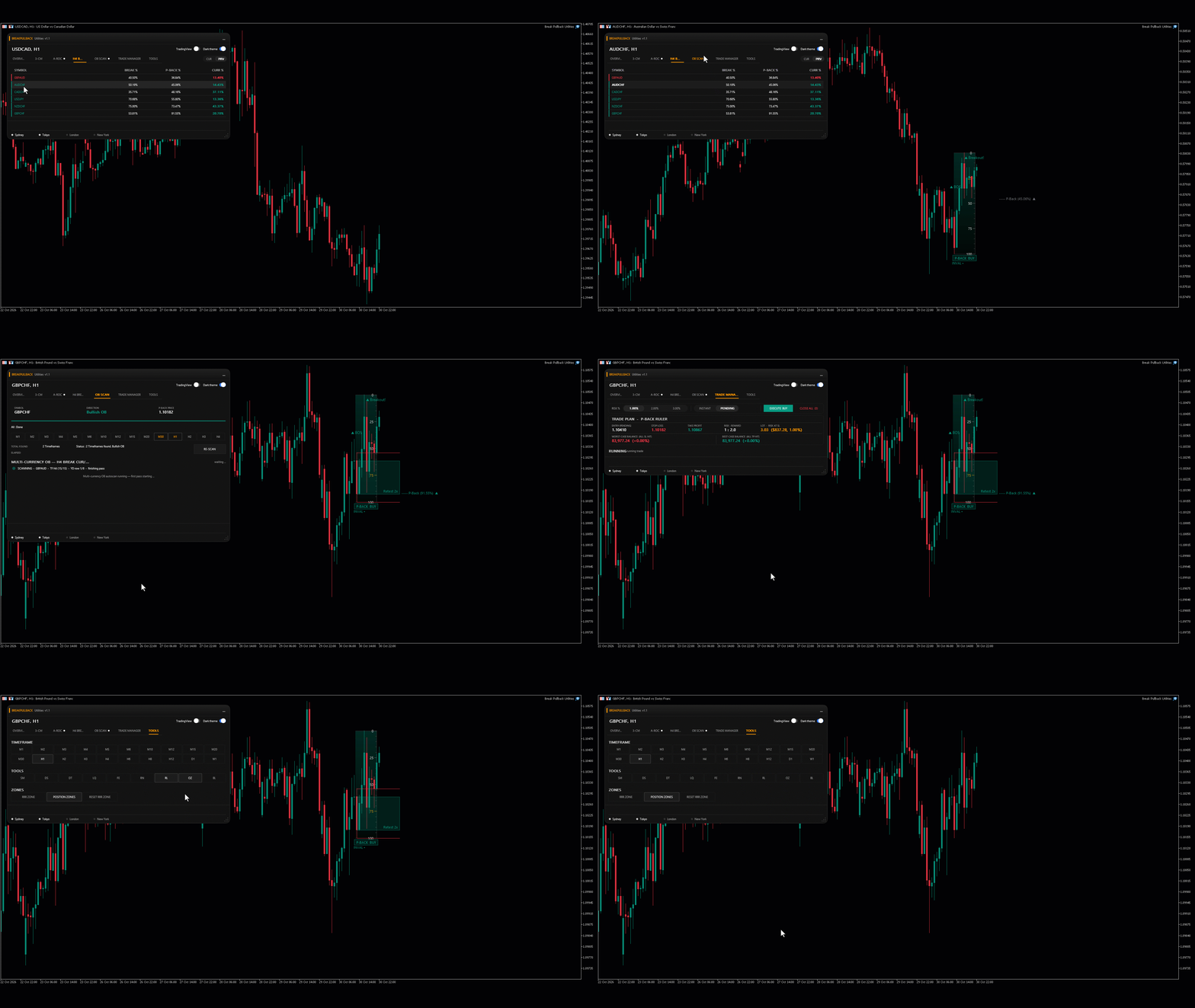
4. MULTI-TIMEFRAME BREAK — Breakout & Pullback Statistics
Compare breakout and pullback percentages across available currency pairs.
Key features:
- Multi-Symbol Analysis: Review breakout and pullback statistics for multiple currency pairs.
- Break Percentage: Monitor the displayed breakout measurement.
- Pullback Percentage: Compare the displayed pullback measurement.
- Current Percentage: Review the current percentage metric.
- CUR / PRV View: Switch between the available current and previous data views.
Benefit: Compare historical or current breakout-related measurements across symbols to support your market analysis.
5. OB SCAN — Order Block Scanner
Scan selected symbols and timeframes for detected order-block conditions.
Key features:
- Multi-Timeframe Scanning: Select supported timeframes, from M1 through H4 and other available intervals.
- Bullish / Bearish Detection: Display the detected order-block direction.
- Multi-Symbol Results: Review scan results across multiple currency pairs.
- Retest Information: Display the recorded retest count where available.
- Scan Status: Monitor scan progress, elapsed time, and detected results.
- Re-Scan Control: Initiate another scan when needed.
Benefit: Organize order-block scanning and review detected setups from a single dashboard instead of inspecting every chart individually.
6. Trade Manager — Risk & Trade Execution
Configure trade risk, calculate trade parameters, and manage supported trade-execution actions through a centralized interface.
Key features:
- Risk-Based Planning: Select a risk percentage for trade planning.
- Instant / Pending Modes: Choose the available execution mode.
- Trade Parameter Calculation: Review entry price, stop loss, take profit, risk-to-reward ratio, and calculated lot size.
- Risk-at-Stop-Loss Display: View the estimated monetary risk associated with the configured stop loss.
- Worst-Case / Best-Case Projection: Review projected account outcomes if the stop-loss or take-profit level is reached.
- Execution Controls: Access the Execute Buy and Close All controls.
- Running Trade Status: Review the current trade-management status.
Benefit: Keep essential risk calculations and supported trade-management controls together, helping you plan trades more consistently.
Note: Actual execution behavior depends on the product's implementation, account conditions, and applicable trading settings.
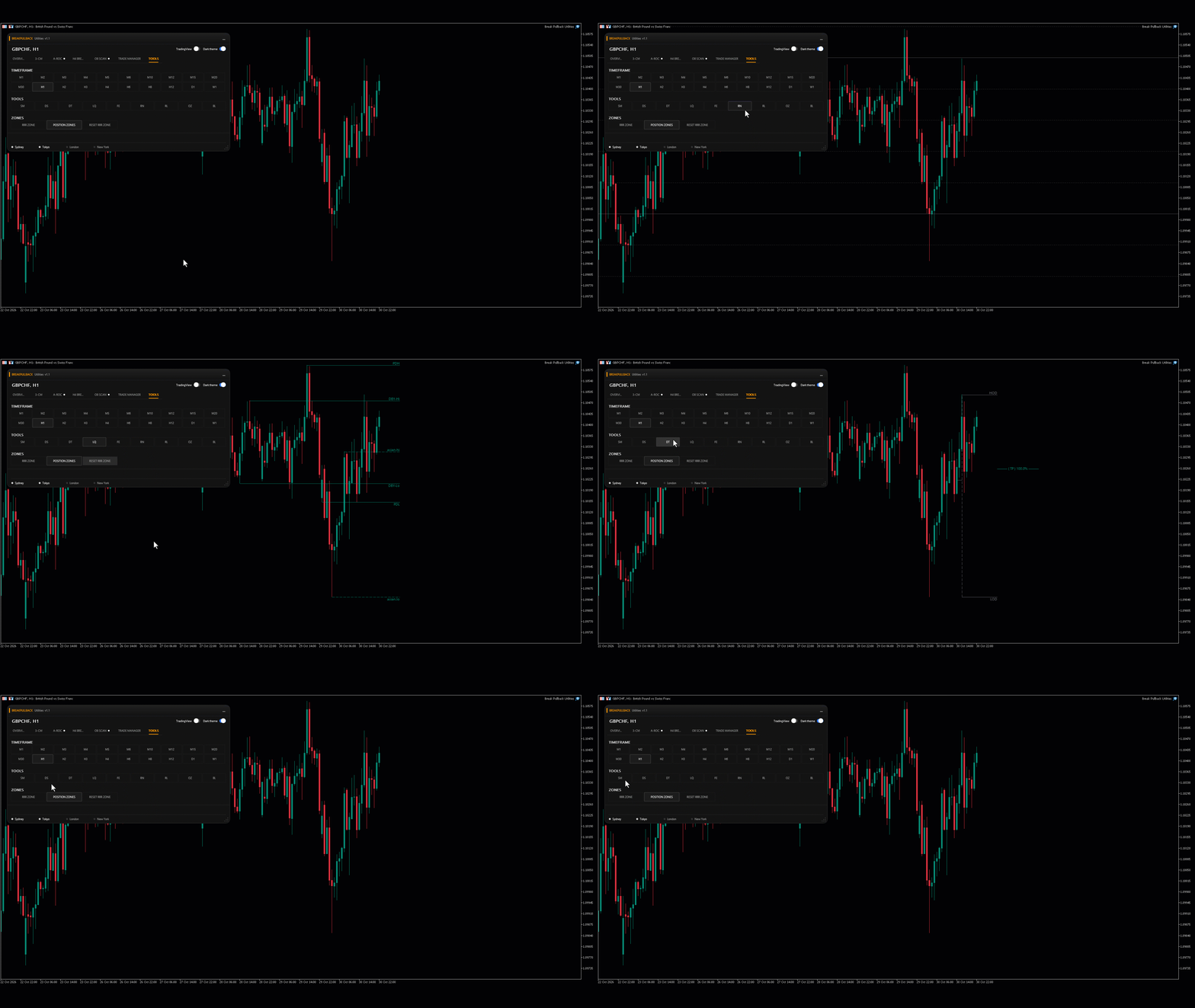
7. Tools — Technical Analysis Utilities
Access a collection of technical-analysis tools and chart-zone controls from one interface.
Key features:
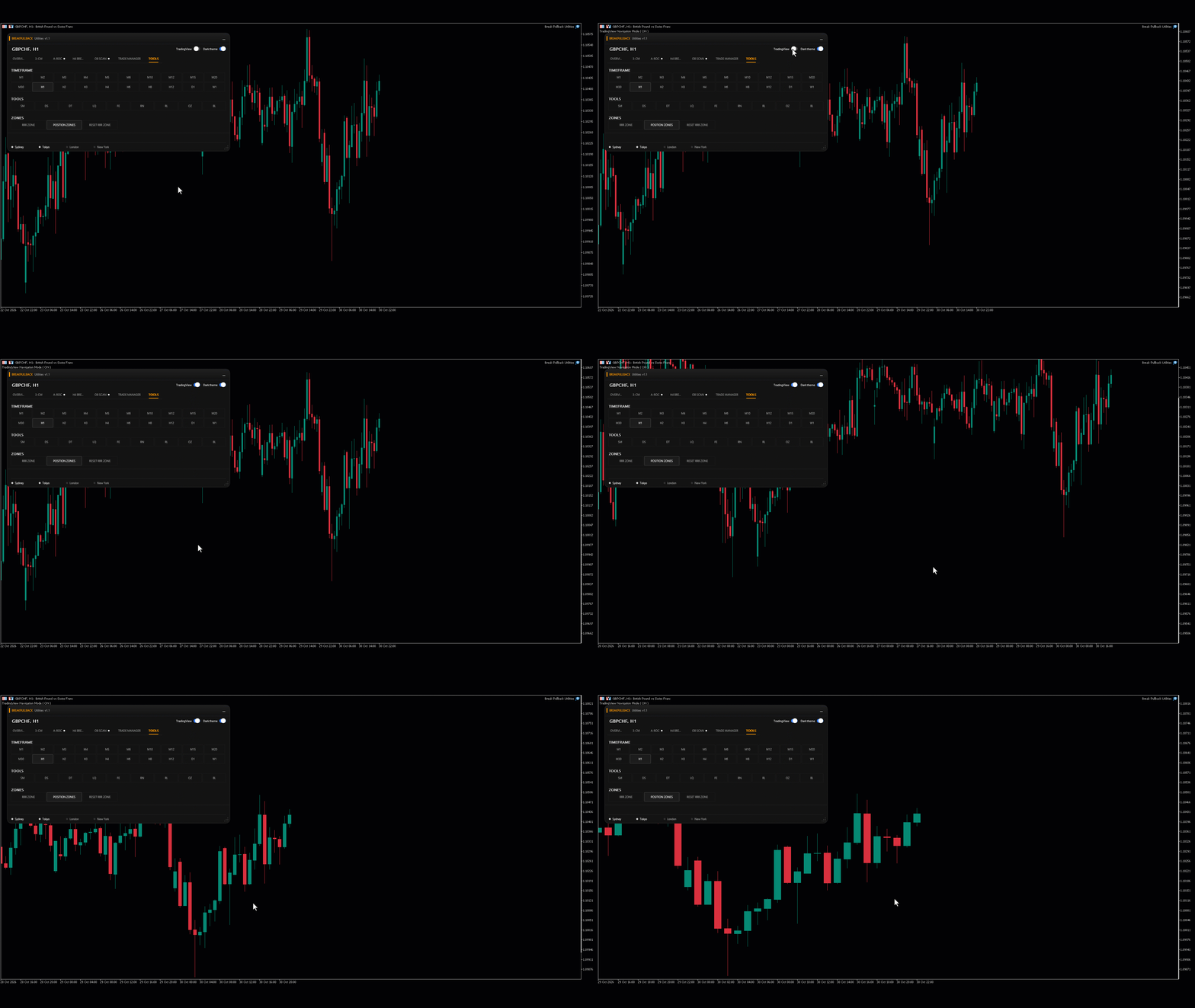
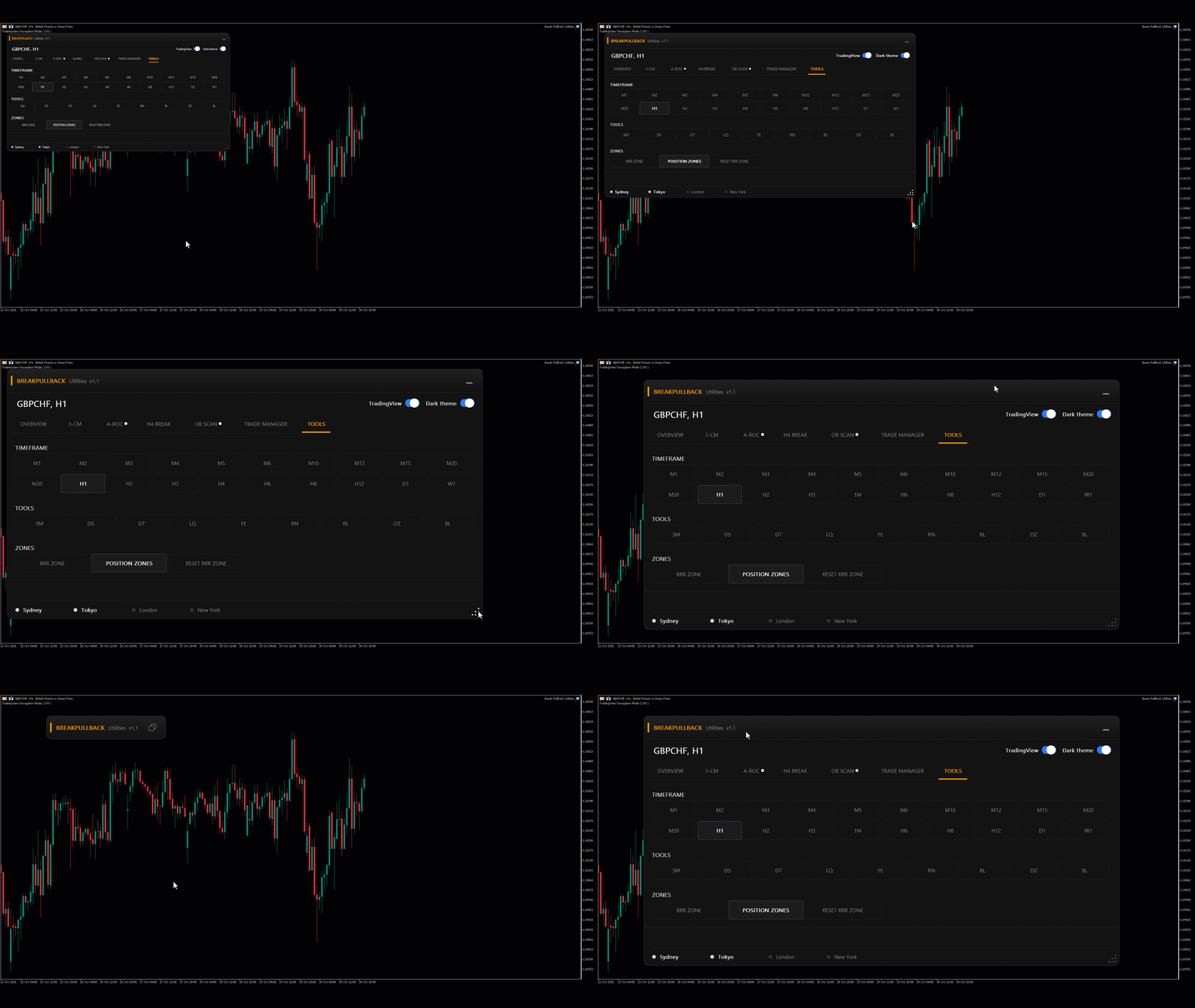
- Multi-Timeframe Selection: Choose from the displayed timeframes, including intraday and higher-timeframe intervals.
- Technical Tool Selection: Access the available tools represented by SM, DS, DT, LQ, FE, RN, RL, OZ, and BL.
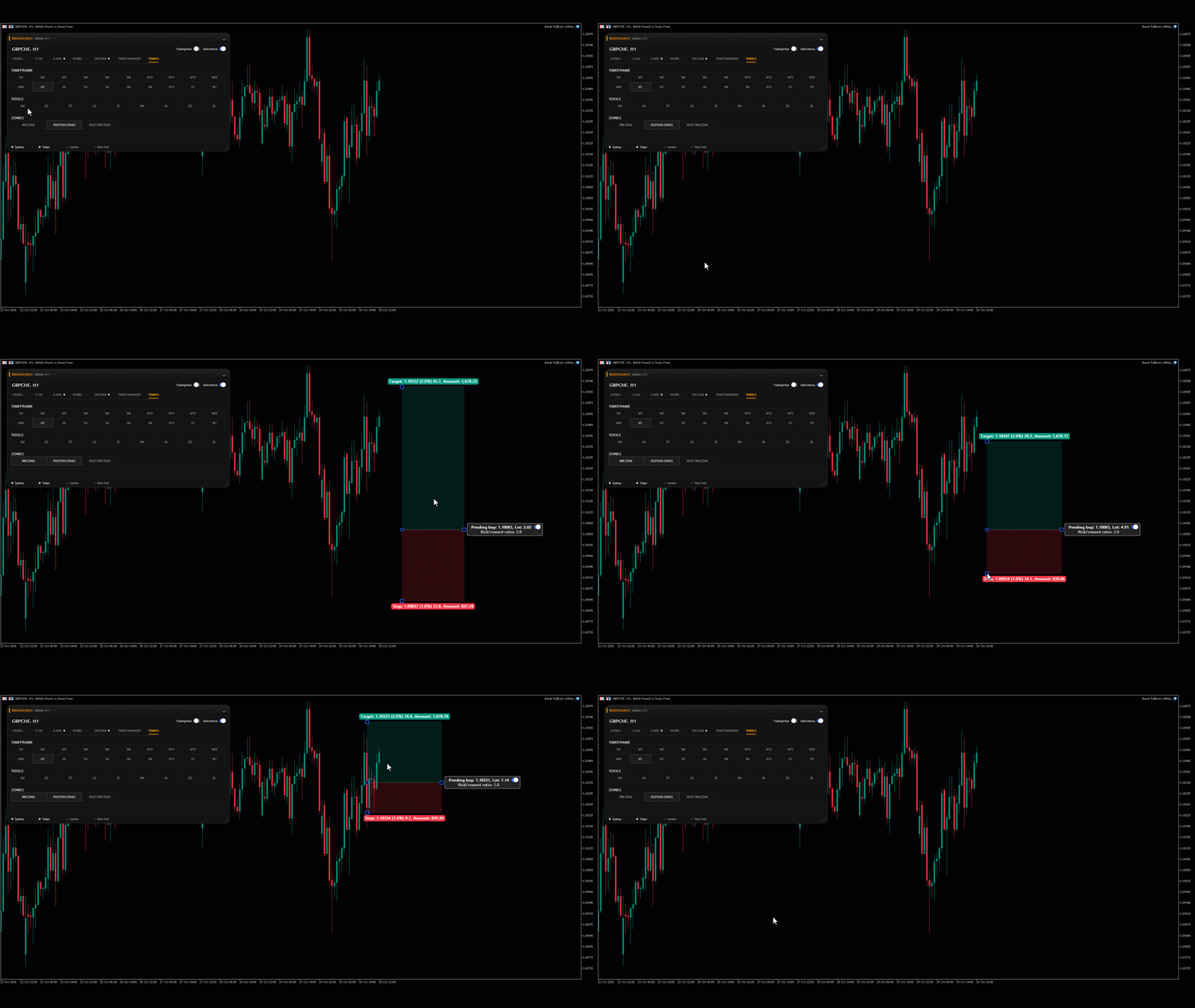
- Zone Controls: Access the RRR Zone, Position Zones, and Reset RRR Zone controls.
- Centralized Interface: Manage the available utilities without navigating through separate dashboard pages.
Benefit: Access multiple analysis utilities and zone controls from a single, organized workspace.
Designed for a More Efficient Trading Workflow
BreakPullback Utilities brings account monitoring, candle analysis, currency momentum, breakout statistics, order-block scanning, trade management, and technical-analysis utilities together in one integrated MetaTrader 5 dashboard.
Analyze the market. Evaluate opportunities. Plan risk. Manage trades. All from one interface.