Persistence Trend Line
- Indicators
-
Sable Pacific LLC
 Algorithmic trading systems developer for 20+ years.
We design and build automated trading systems for forex, futures and stocks. Here on MQL5 we publish Expert Advisors for MetaTrader 5. - Version: 1.0
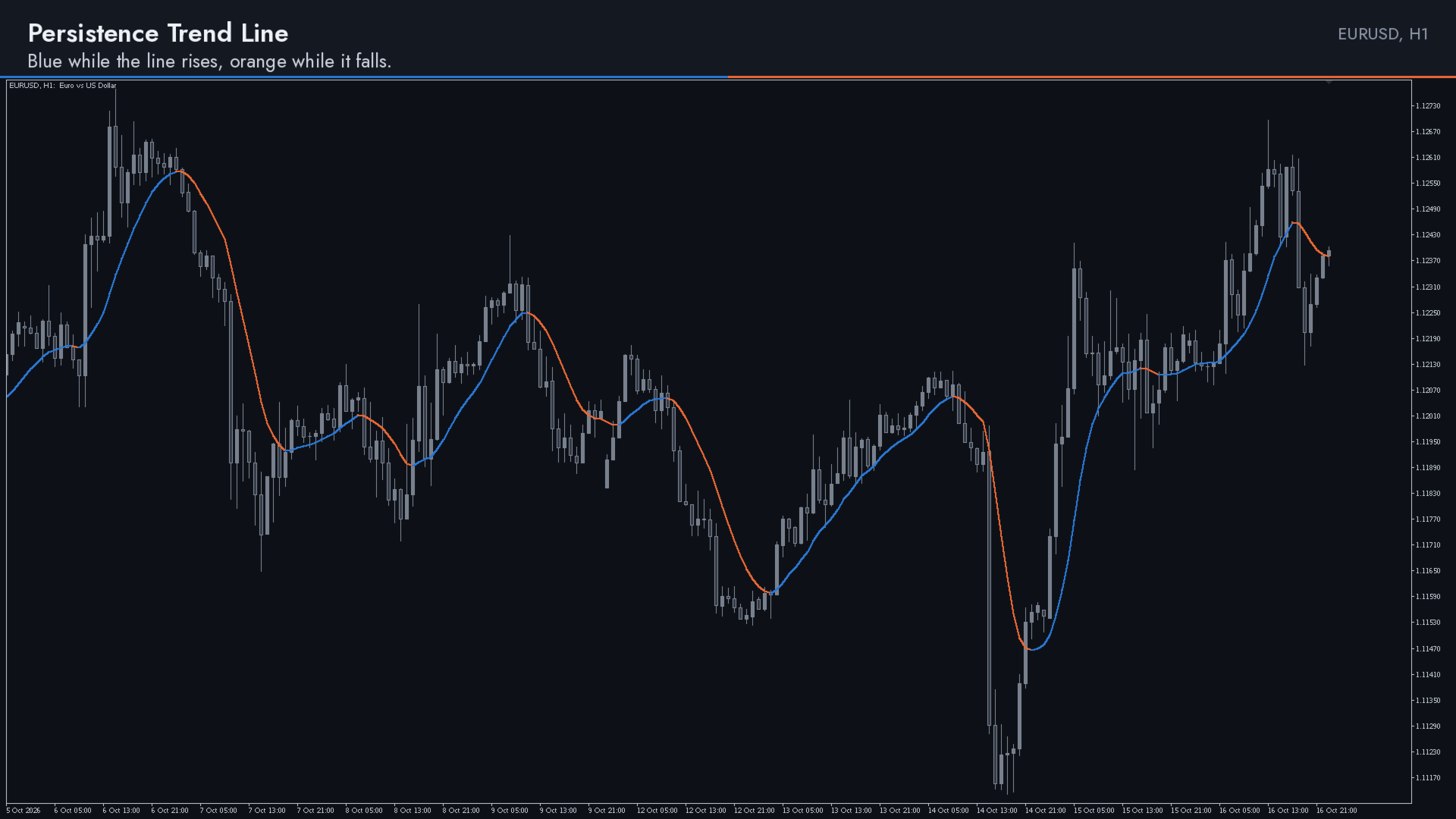
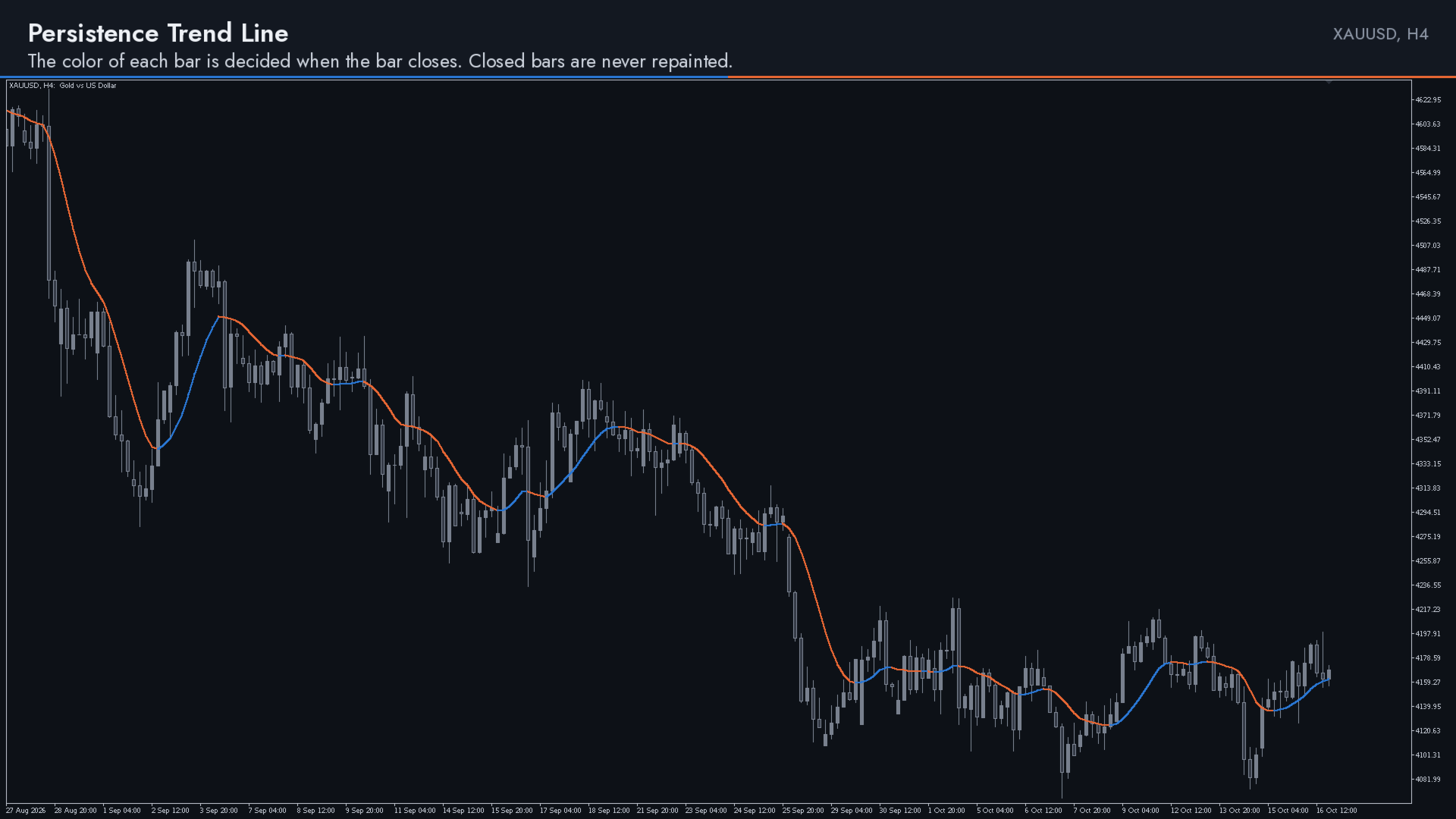
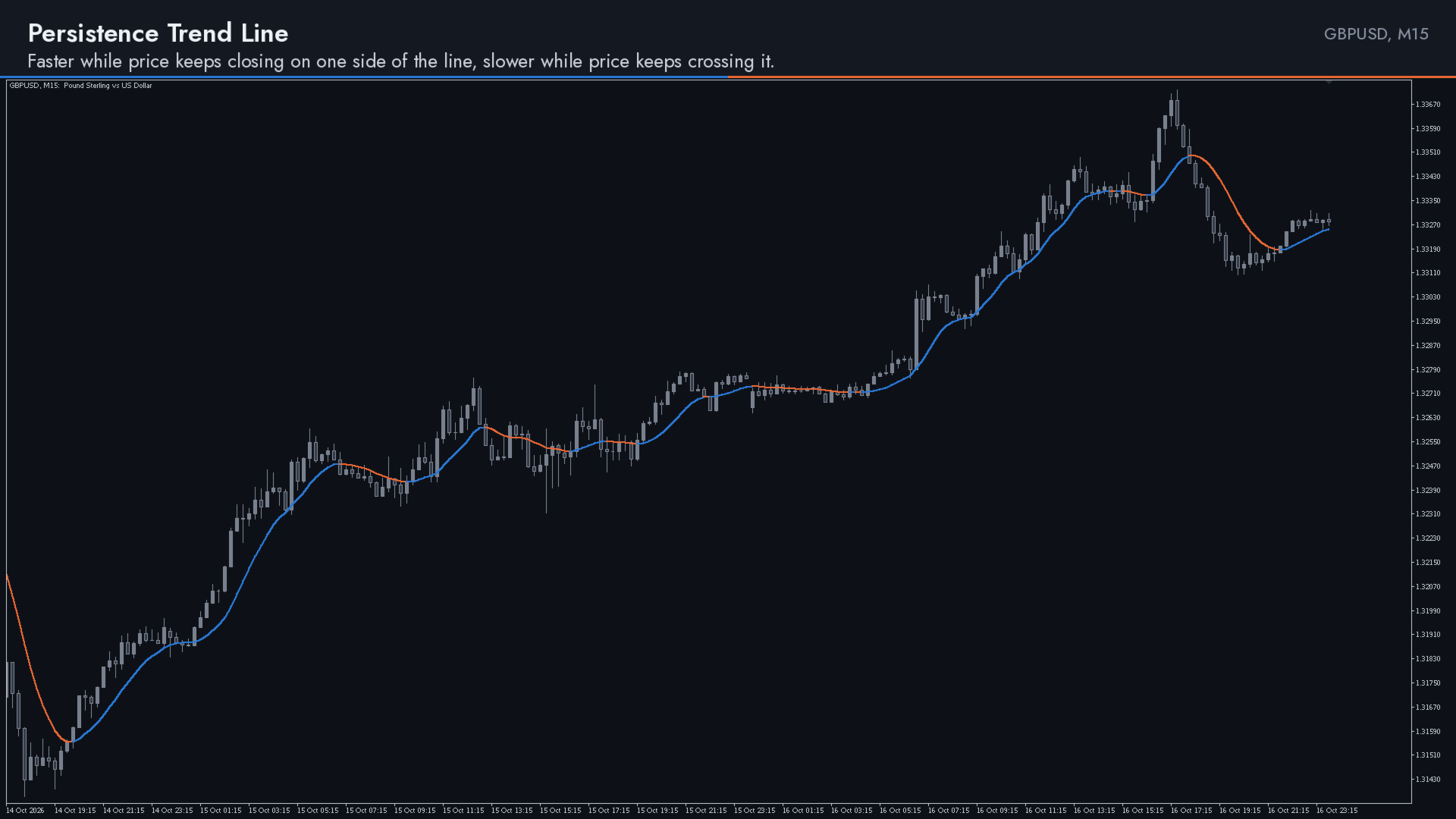
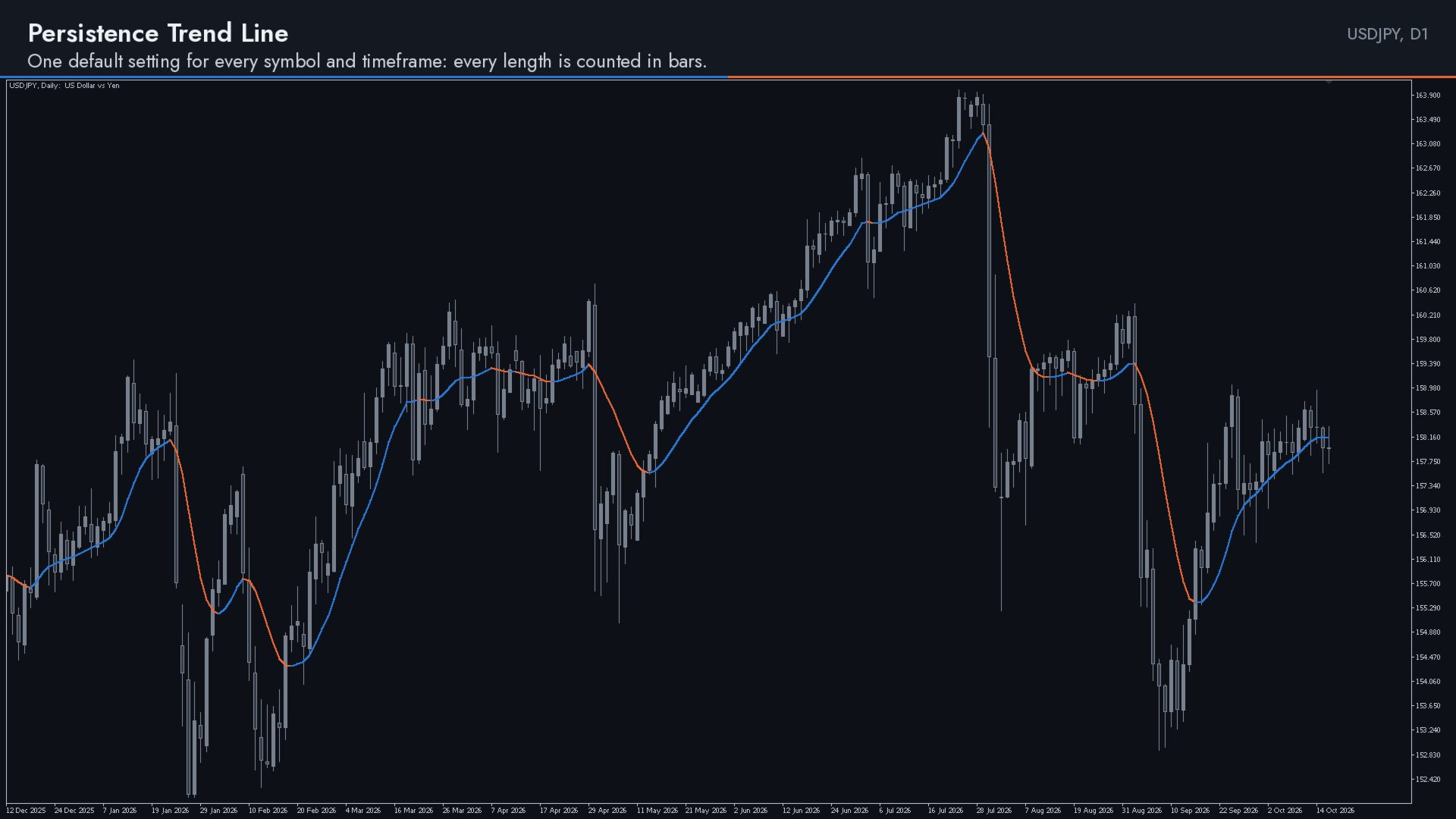
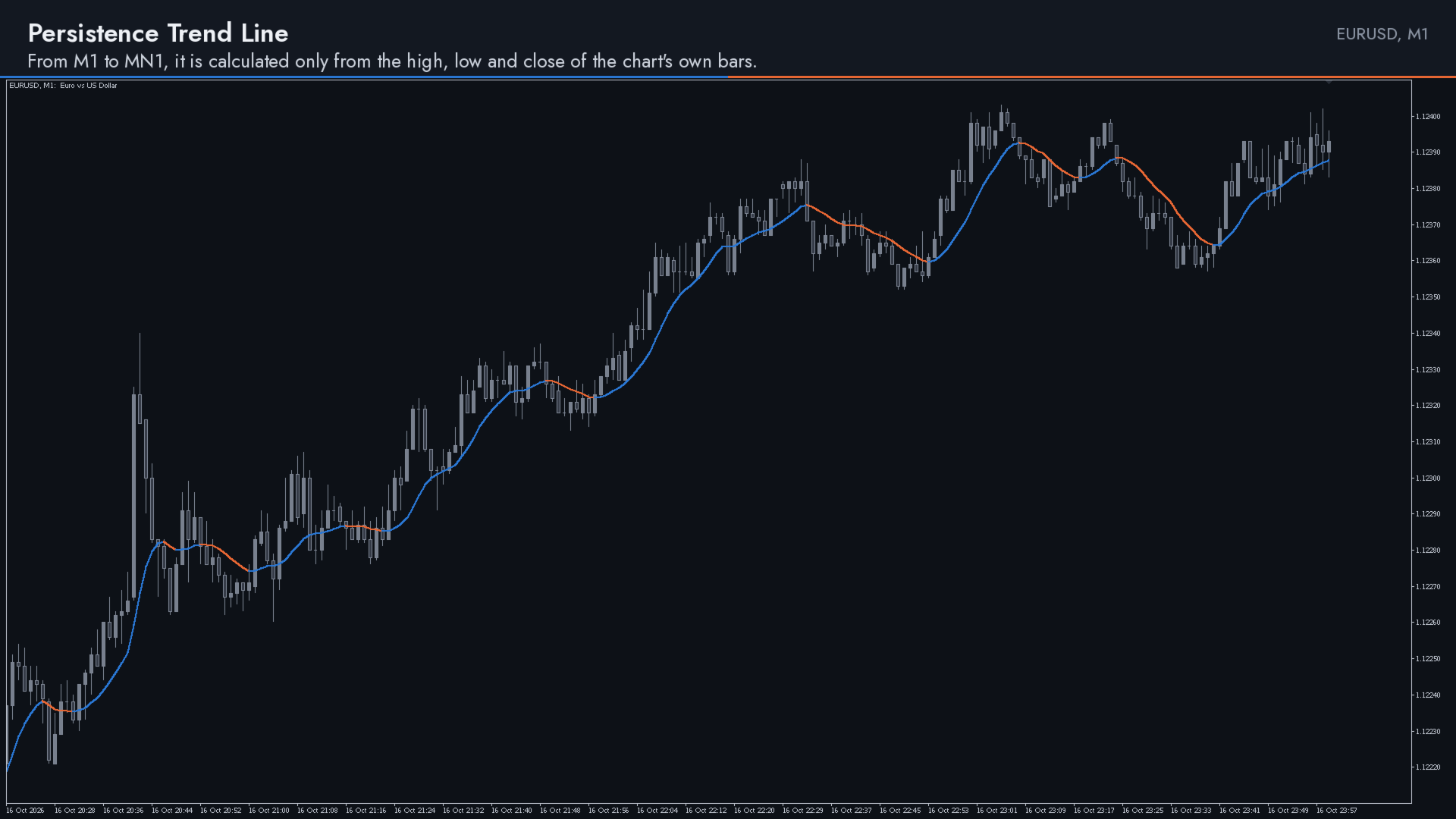
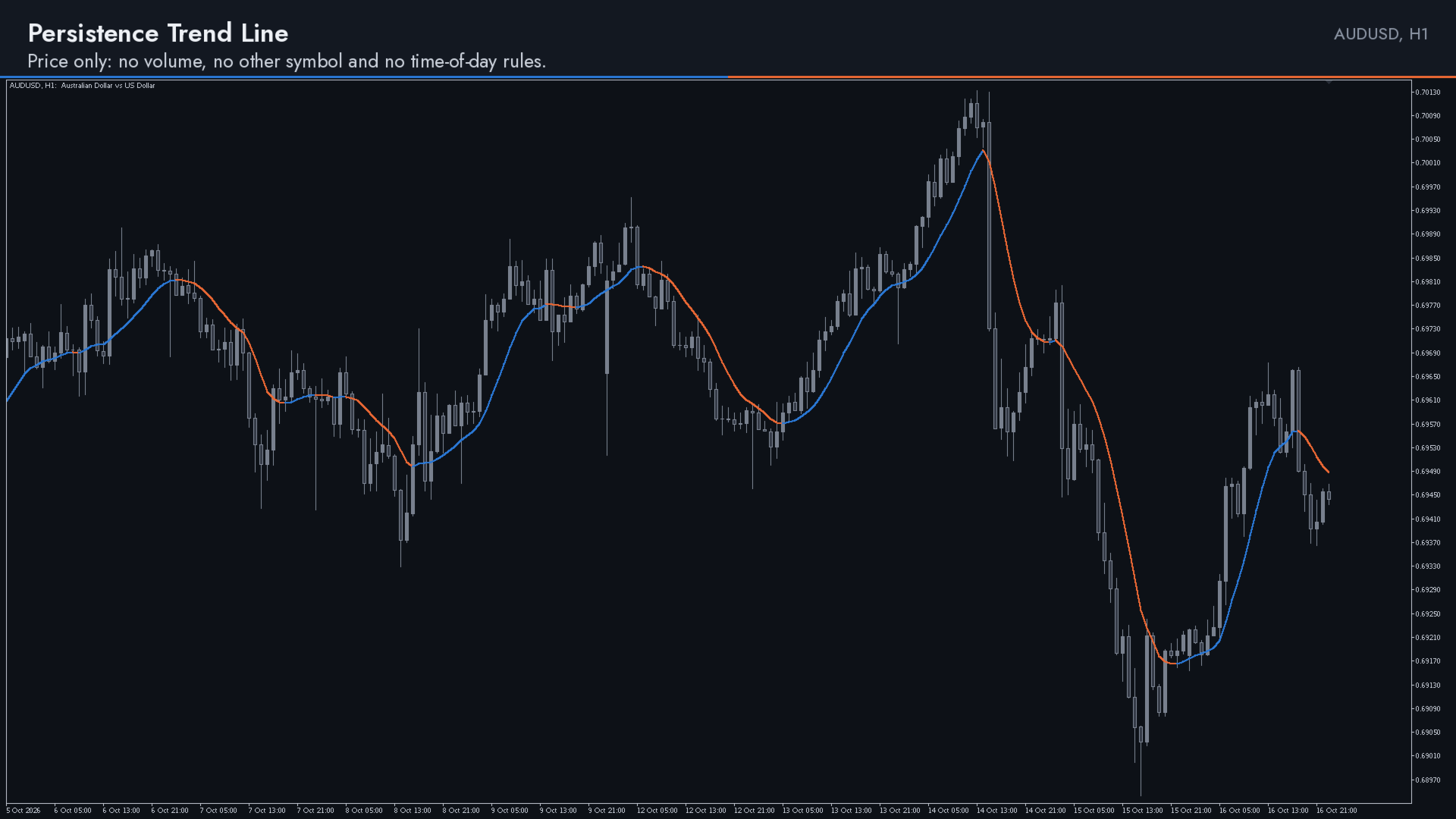
Persistence Trend Line is an adaptive trend line indicator for MetaTrader 5. It draws one smoothed line on the price chart whose speed adapts to the market: the line speeds up while price keeps closing on one side of it and slows down while price keeps crossing it. It is blue while it rises and orange while it falls. The color of each bar is decided when the bar closes, and closed bars are never repainted.
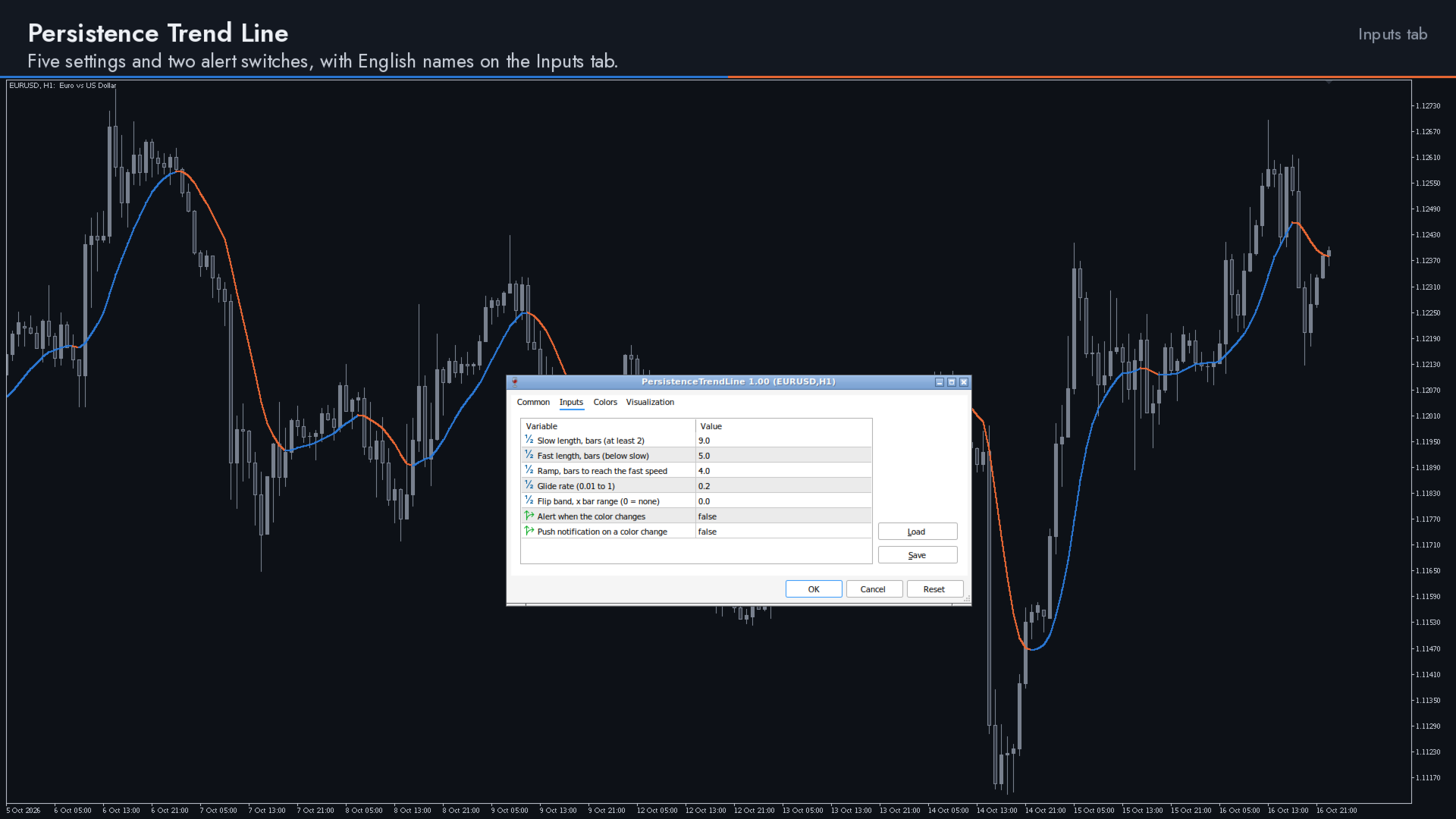
It uses only the price bars of its own chart. It has five settings and two alert switches, with one default setting for every symbol and timeframe.
How it works
The line is a double-smoothed exponential moving average of the close: a first stage follows the close, and the line follows the first stage, both at the same speed.
A clock counts how many bars in a row the close has stayed on the same side of the line. While price keeps crossing the line, the clock keeps restarting and the line moves at its slow speed, set by Slow length. While closes keep landing on one side, the clock grows and the speed moves toward the fast speed, set by Fast length, so the line follows a one-sided move more closely.
The speed changes gradually: on each bar it covers part of the way to its target speed, a share set by Glide rate.
How to read it
Blue means the line rose over the bar and orange means it fell. When the line moves by no more than the flip band, or not at all, the bar keeps the previous color. The color of a bar is set from its final close when the bar closes, and it does not change afterwards.
While a bar is still forming, the line follows price and keeps the color of the last closed bar. The new color appears when the bar closes. The value at each bar uses only that bar and the bars before it.
Inputs
The input names are shown here as they appear on the Inputs tab:
- Slow length, bars (at least 2), default 9: the length the line uses while price keeps crossing it, its slow and calm speed.
- Fast length, bars (below slow), default 5: the length it moves toward while closes stay on one side. It is kept below Slow length.
- Ramp, bars to reach the fast speed, default 4: how many closes in a row on one side move the target most of the way from slow to fast.
- Glide rate (0.01 to 1), default 0.2: the share of the remaining step to the target speed taken on each bar. 1 means no glide.
- Flip band, x bar range (0 = none), default 0: the line's change over one bar must be larger than this many times the average bar range (the true range, smoothed over 14 bars) before the color changes. At 0, any rise or fall changes it.
- Alert when the color changes, default false: shows an alert in the terminal when the color changes.
- Push notification on a color change, default false: sends a push notification to your phone when the color changes.
Both colors can be changed on the Colors tab.
Settings advice
Start with the defaults. Every length is counted in bars and the flip band is measured in average bar ranges, so the same setting can be used on any symbol and any timeframe without rescaling.
A larger Slow length makes the line calmer in sideways markets. A smaller Fast length lets it follow a one-sided move more closely. If you want fewer color changes while the line is nearly flat, raise Flip band, for example to 0.2 or 0.3.
A value outside an input's range is held at the nearest limit: Slow length at least 2, Fast length from 1 to Slow length minus 1, Ramp at least 0.1, Glide rate from 0.01 to 1, and Flip band at least 0.
Alerts
Turn on Alert when the color changes, Push notification on a color change, or both. A message is sent once for each color change, when the bar that changed the color closes, for example: Persistence Trend Line: turned up, EURUSD H1.
Push notifications need notifications turned on, with your MetaQuotes ID, on the Notifications tab of the terminal's Options.
Works on every symbol and timeframe
The indicator is calculated only from the high, low and close of the bars of the chart it is attached to. It uses no volume, no other symbol, no time of day and no files, and its calculation needs no internet connection, so it runs on any symbol and timeframe your MetaTrader 5 terminal offers, from M1 to MN1.
Each new bar adds the same small amount of work, however long the history is, so even a long chart loads quickly.