ManualTrade Panel Aligned
- Experts
- Version: 37.73
- Updated: 20 October 2026
- Activations: 20

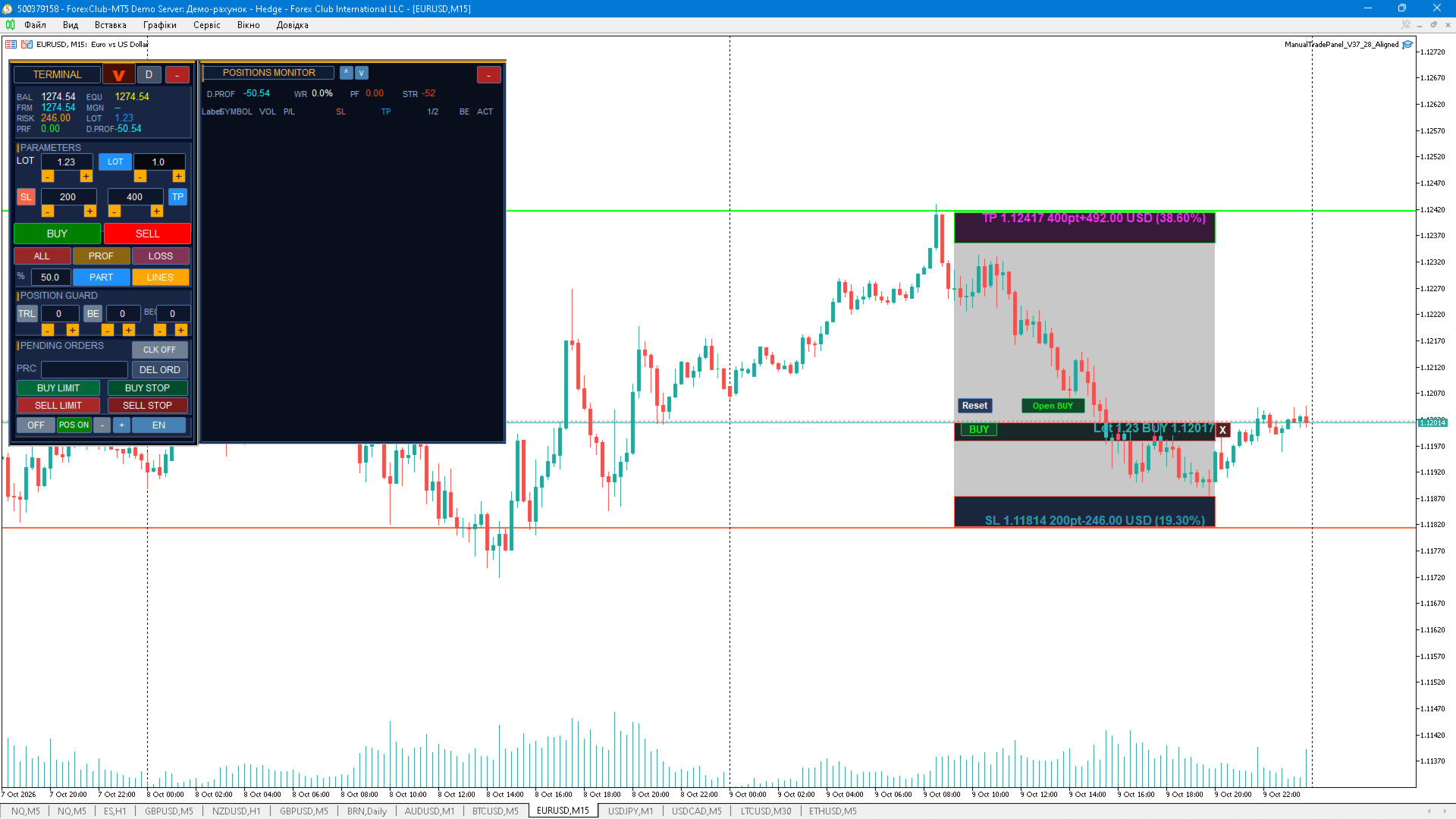
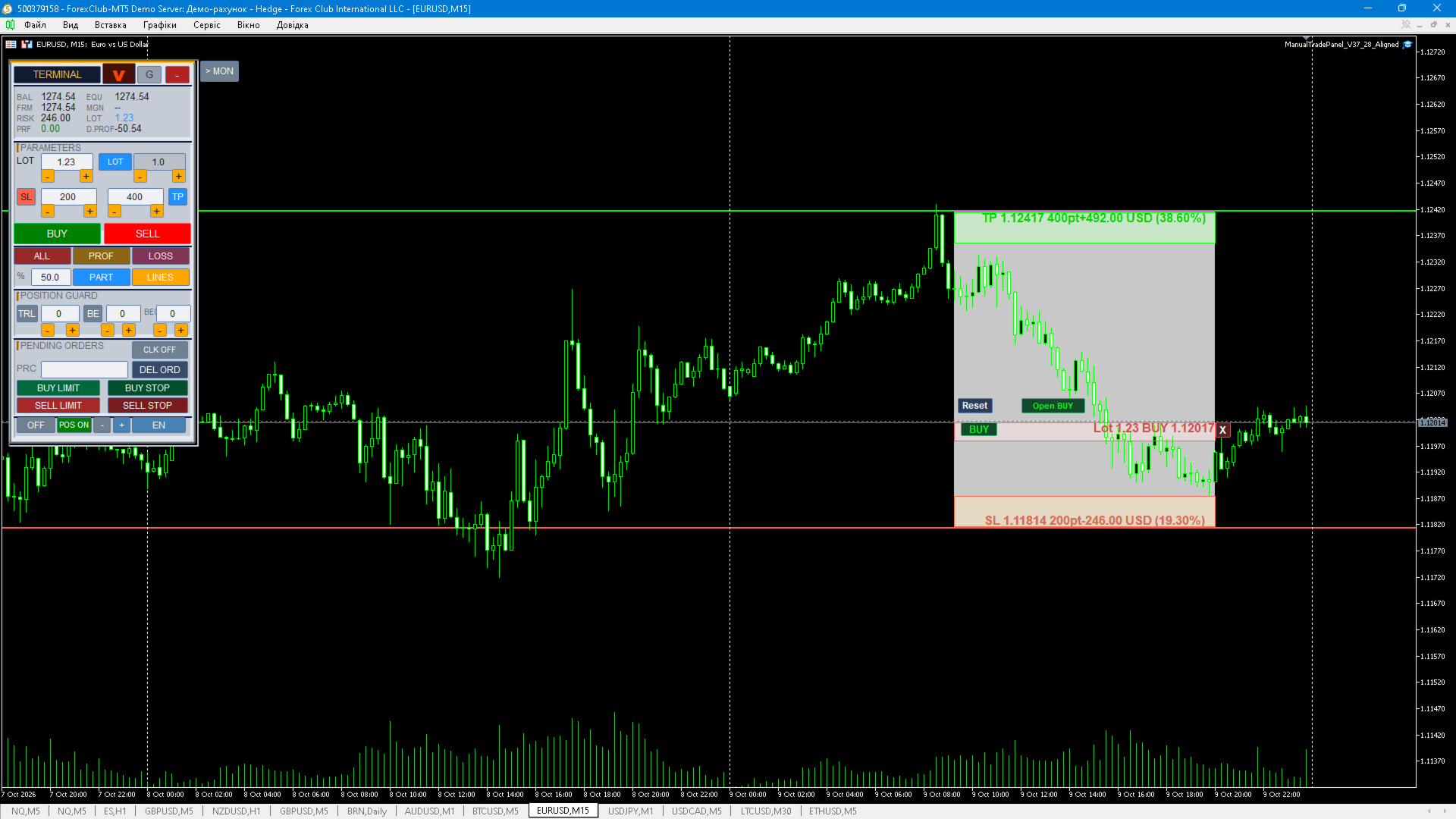
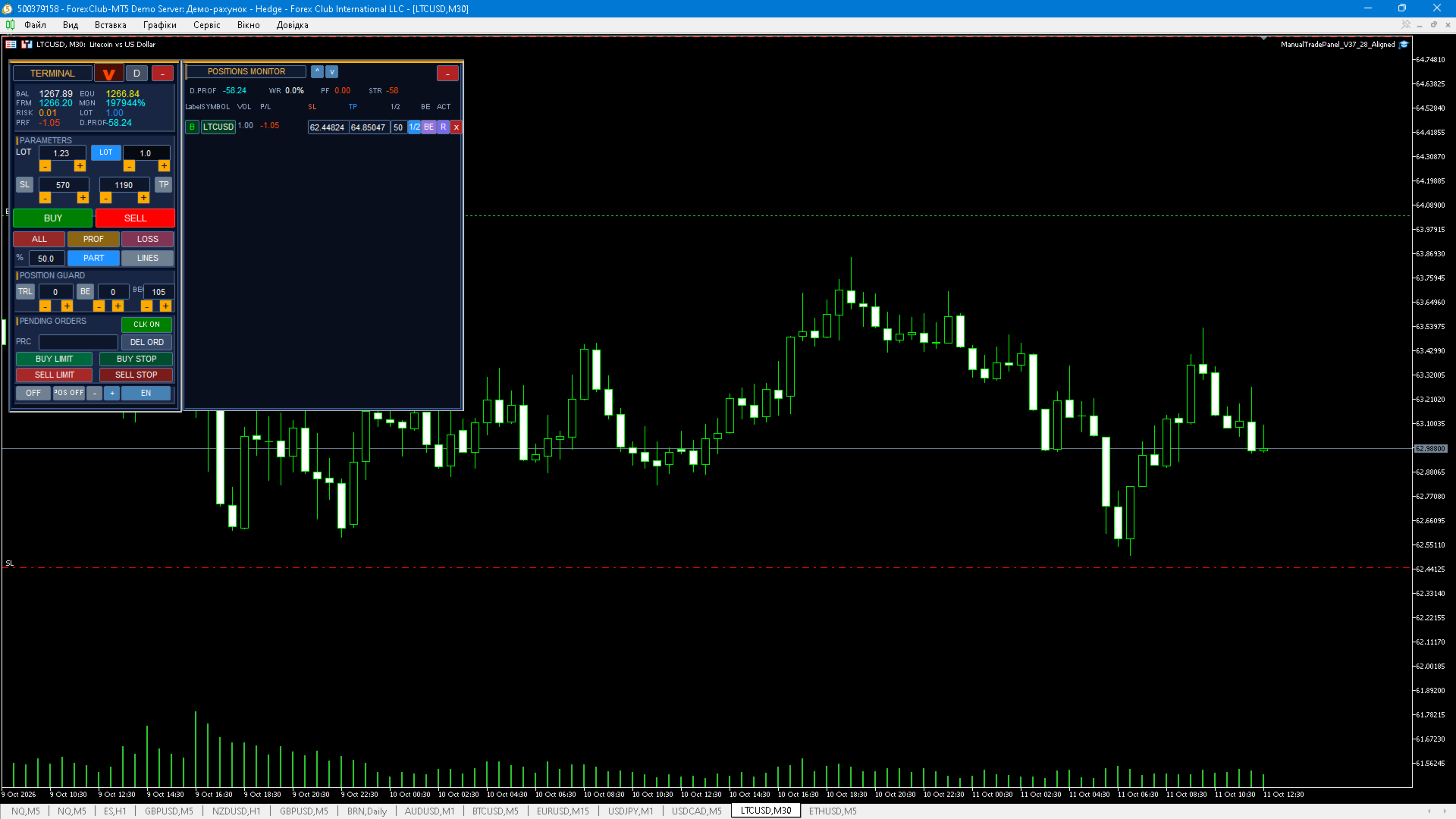
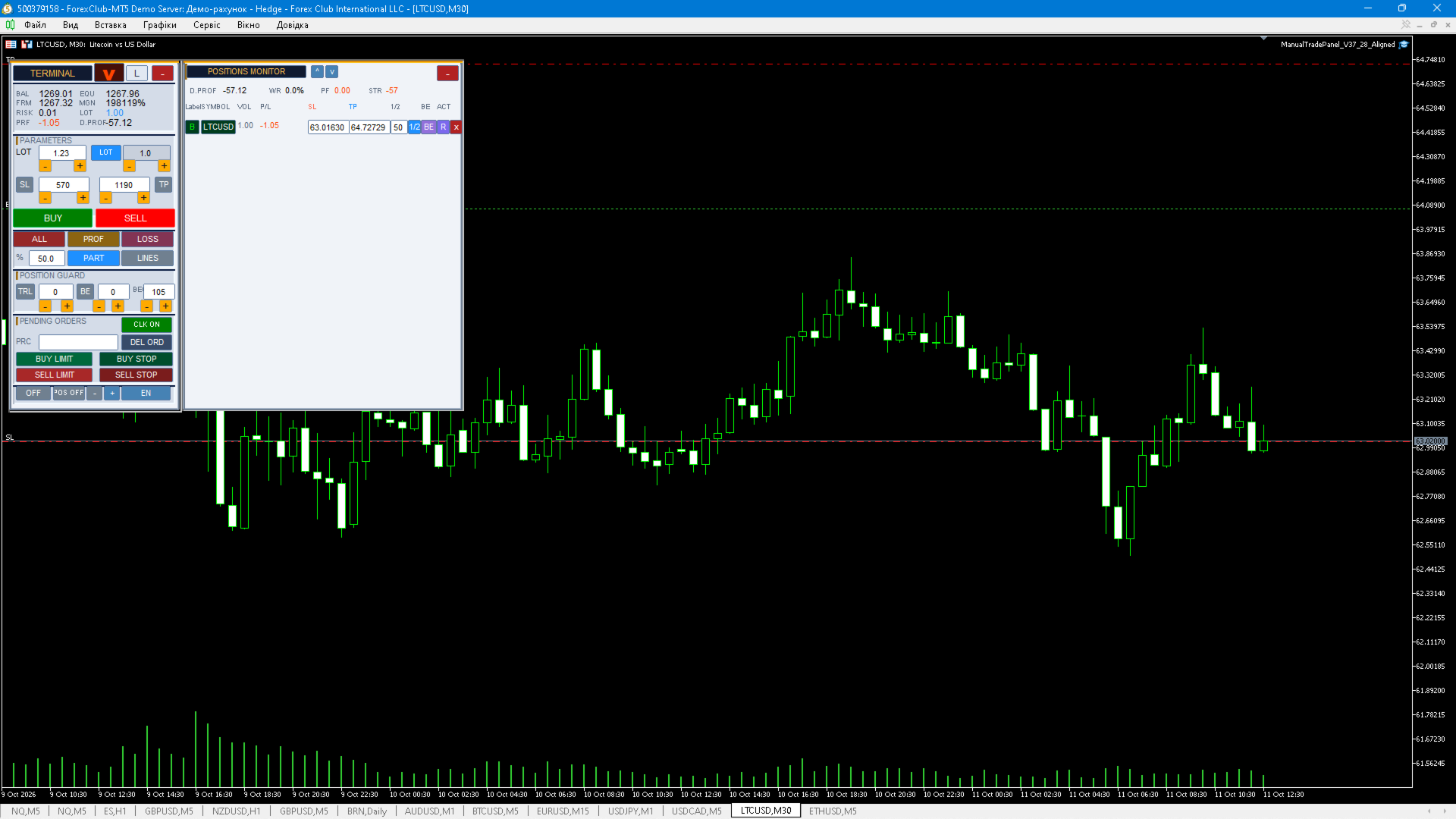
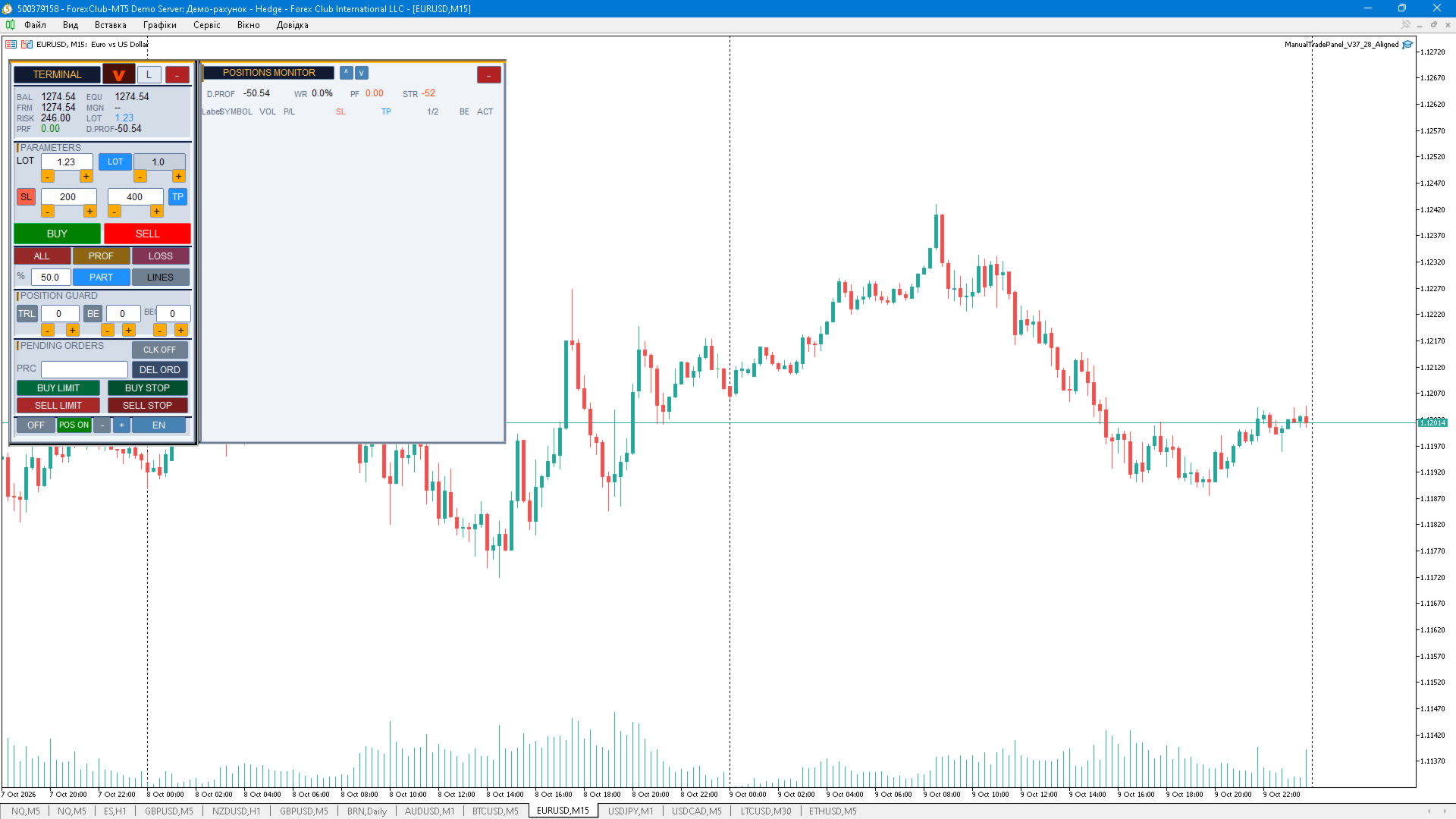
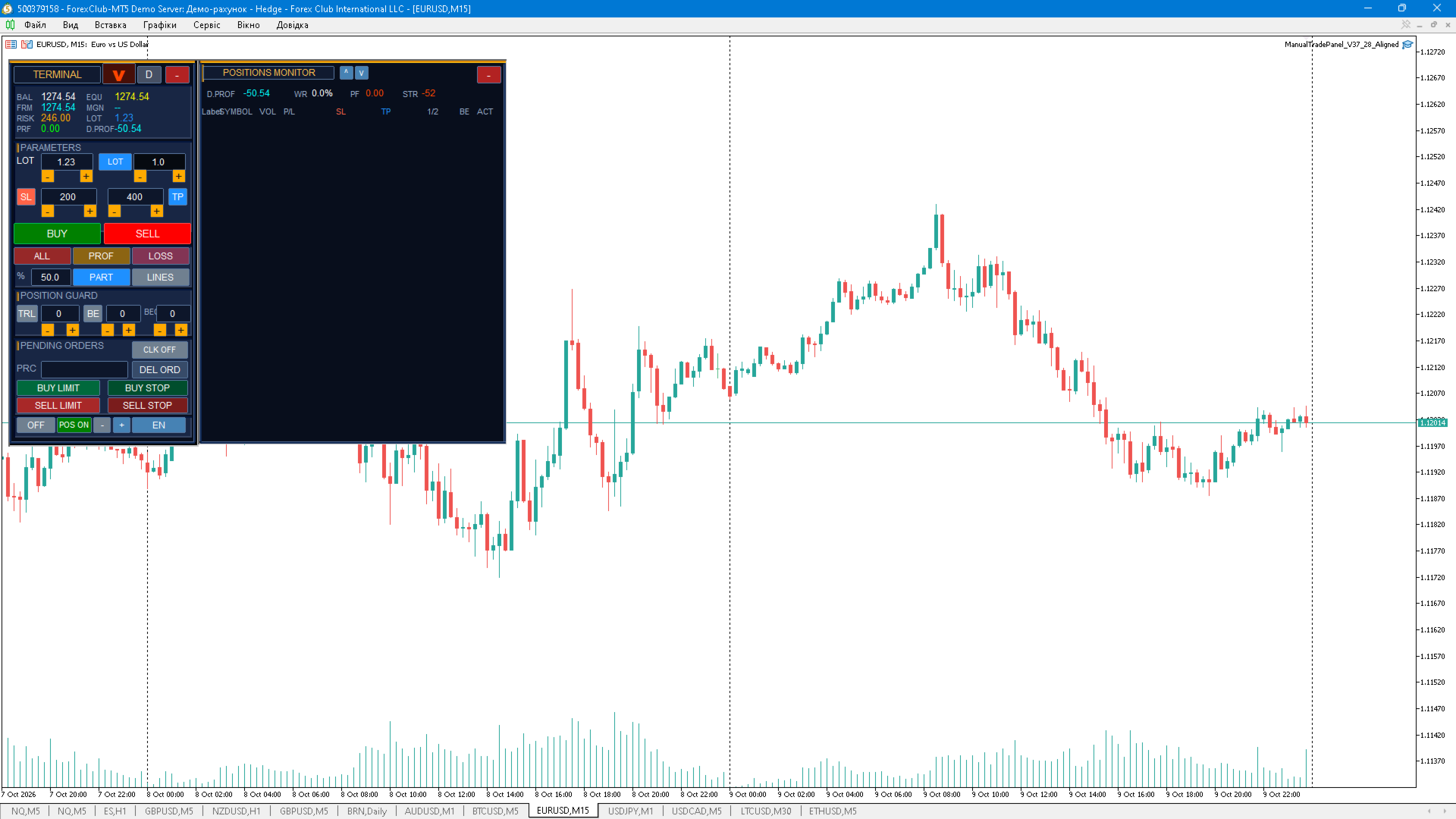
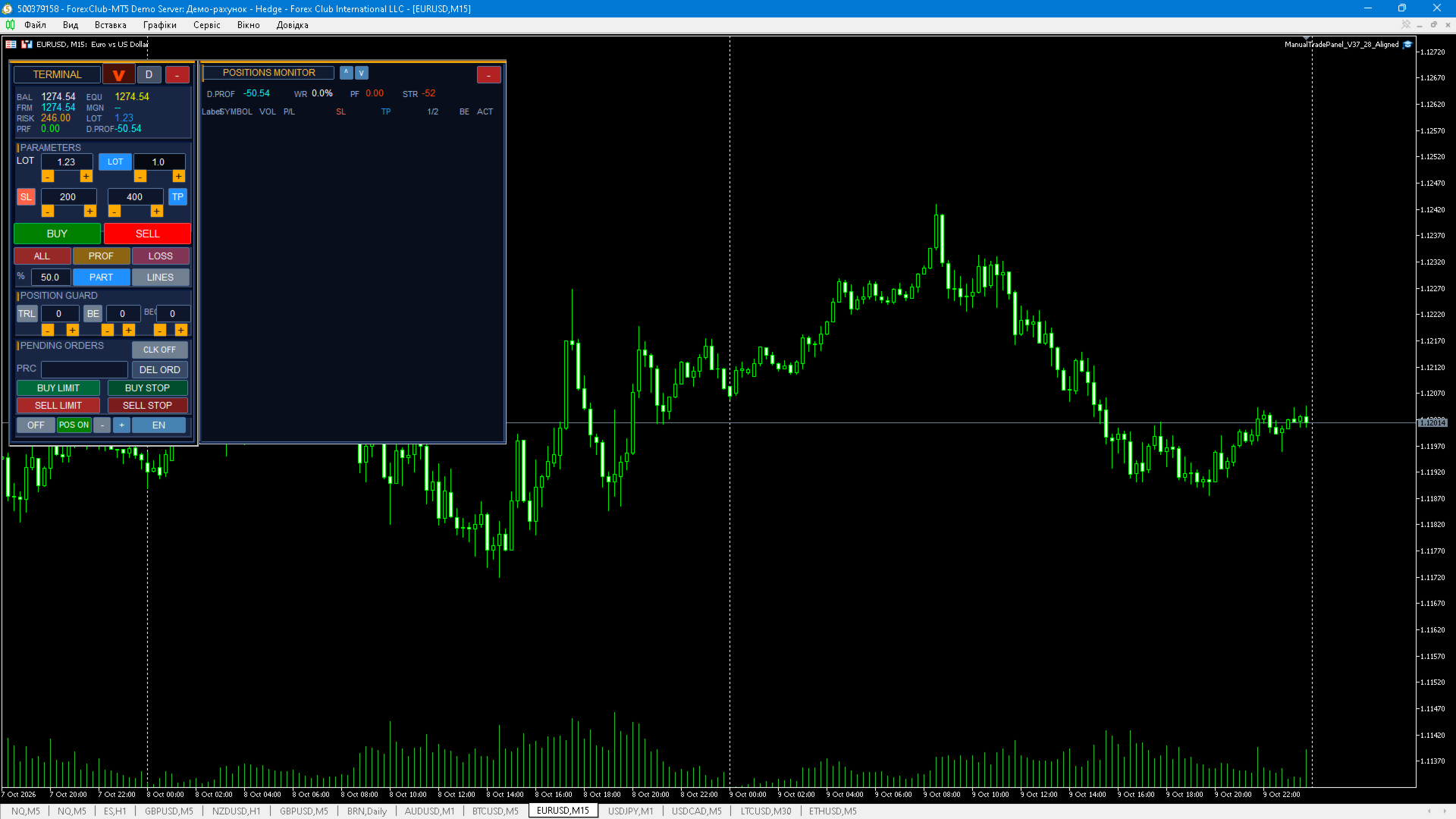
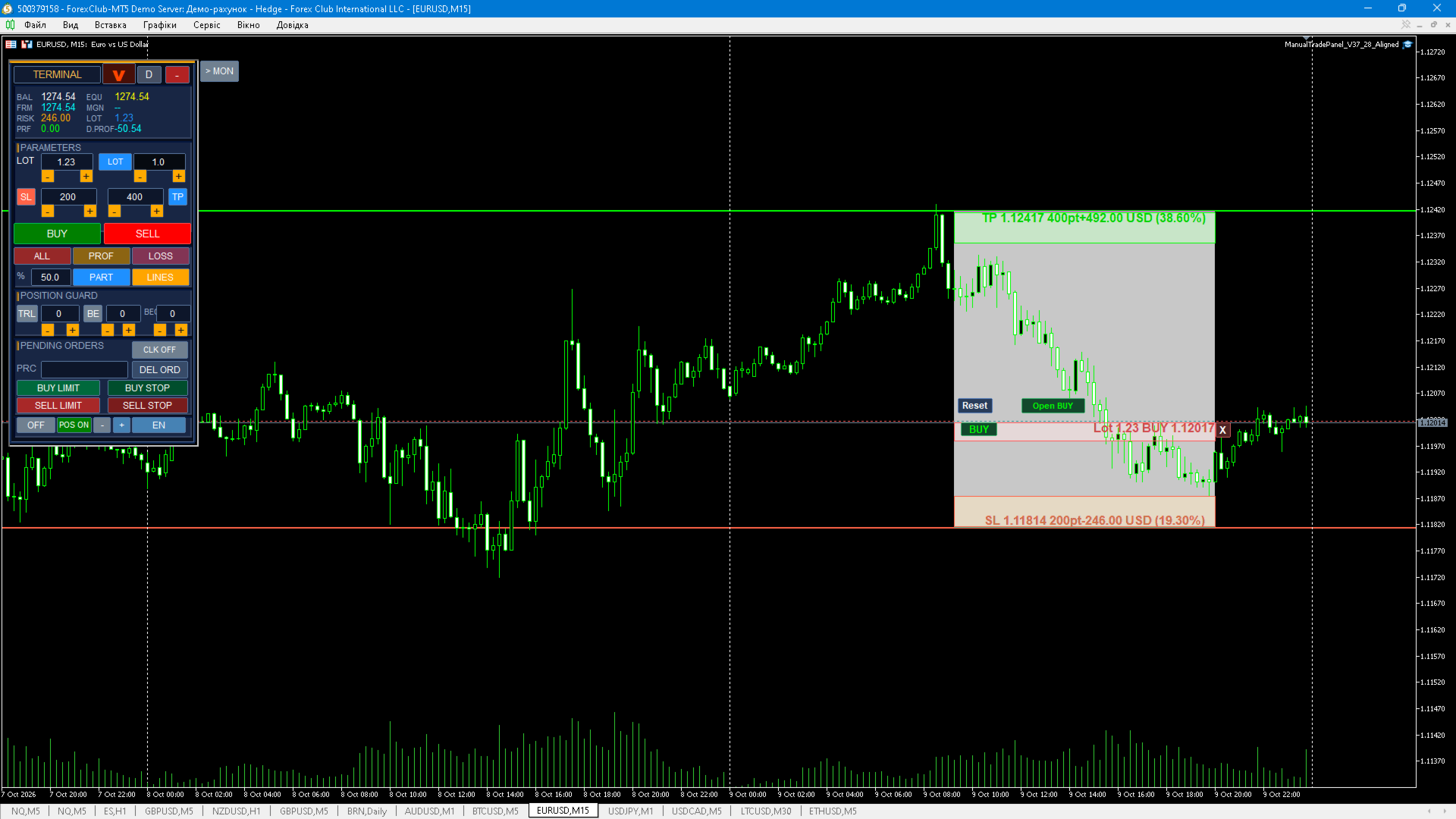
ManualTradePanel — manual trading panel for MetaTrader 5 Short description: A manual trading panel for MT5: one-click entries and exits, pending orders placed by drawing a line on the chart, visual SL/TP lines with risk in points, money and percent, a position monitor with partial close, risk control and notifications. PURPOSE The panel is built for manual and semi-automatic trading from the chart. It does not open trades from indicator signals: the trader makes every decision, while the panel handles lot calculation, protective levels, risk control and the management of open positions. KEY FEATURES - Manual trading: BUY / SELL with one button and automatic lot calculation. - Two volume modes: fixed LOT or volume from % of risk per trade. - Click-to-place pending orders: click a price on the chart and the panel offers only the order types that are actually valid for that price (Buy Limit, Buy Stop, Sell Limit, Sell Stop). - SL/TP chart lines: draggable, showing price, points, money and % of balance, with a configurable fill band, colours and opacity. - One-click BUY/SELL direction switch that mirrors SL and TP levels. - Mirror SL/TP lines for open positions and pending orders. - Average open price lines for BUY and SELL separately, each with a close-side button. - Position monitor: per-trade rows with price, volume, floating result and buttons for close, partial close and reverse of that exact trade. - Editing SL/TP of each position directly in the panel. - Automatic breakeven (spread-aware) and trailing stop in points. - Partial close: by percentage for a selected position or for all positions at once. - Quick actions: close ALL, profitable only, losing only, delete all pending orders. - Statistics: balance, equity, free margin, margin, risk, profit, daily profit, win rate, profit factor and win/loss streak. - Optional SMA H1 arrow as a visual hint. - Notifications: journal, push or both; a separate alert when SL or TP is triggered. - Interface: 3 themes (dark, light, light-gray), panel scaling, collapsible panel and monitor, EN / UA / RU language switch and an optional positions block under the panel. - State (panel position, modes, SL/TP lines, language, theme, scale) is stored in terminal global variables and restored on the next start. CLICK-TO-PLACE PENDING ORDERS 1. Enable the click mode (CLK ON button) and click the desired price on the chart — a plan line appears. 2. The line can be dragged with the mouse, or the price can be typed in the PRC field. 3. The order type button cycles only through the types that are valid for that price; when the line is moved, the type is corrected automatically to a placeable one. 4. The OK button sends the order at the line price. SL/TP are taken from the plan or from the panel fields. SL/TP LINES - Drawn on the chart and draggable; the state is kept across symbols and timeframes. - Captions show price, distance in points, money result and the percentage of balance for the calculated volume; the backing plate always moves together with the text. - Lines that move beyond the visible price scale do not stay stuck on the chart. - The fill between the lines is configurable by colour and opacity. RISK CONTROL AND PROTECTION - Risk limit per trade as a percentage of equity (0 = no limit). - Maximum volume limit (0 = no limit). - Optional requirement of a stop loss before an order is sent. - "Own positions only" mode (filtered by Magic Number). - Time-based auto close (0 = disabled). - Minimum SL/TP distance checks and instrument-aware price/volume normalisation. - Every trading operation is result-checked and written to the journal. INPUTS MagicNumber - magic number of the panel (positions and orders are filtered by it). CloseOwnOnly - close own positions only (ALL/PROF). DeviationPts - allowed slippage, points. ConfirmTrades - ask for confirmation before sending a trade. RequireSL - require a stop loss. MaxRiskPct - maximum risk per trade, % of equity (0 = no limit). MaxLotSize - maximum volume, lots (0 = no limit). NotifyMode - notifications: 0 = none, 1 = journal, 2 = push, 3 = journal + push. NotifyOnSLTP - notify when SL/TP is triggered. MaxPositionMinutes - auto close a position after N minutes (0 = disabled). BeIncludeCost - include spread in breakeven. UseRiskDefault - start-up volume mode: false = LOT, true = RISK %. InpSMAPeriod - SMA H1 period for the hint arrow. InpTesterDemo - in the strategy tester open a few training trades for validation. InpShowLines - show the SL/TP lines on start-up. InpColorSL - SL line colour. InpColorTP - TP line colour. InpFillColor - fill colour between the SL/TP lines. InpFillAlpha - fill opacity, % (0...100). QUICK START 1. Install the product from the Market and allow algo trading for the Expert Advisor. 2. Attach the panel to the chart of the required symbol and timeframe. 3. Choose the volume mode (LOT or RISK %) and set SL/TP in points. 4. Enable the SL/TP lines (LINES button) and open the position monitor if needed. 5. Trade with the BUY/SELL buttons or place pending orders by clicking the chart. IMPORTANT NOTES - The panel is not a trading advisor and gives no trading recommendations: trades are initiated by the trader. - The panel does not guarantee profit. Manual trading and leveraged trading involve the risk of losing funds. - Test the panel on a demo account and in the Strategy Tester before using it on a live account. - Test results do not guarantee similar results in the future. - The panel runs in MetaTrader 5; enable "Allow algo trading" and make sure the symbol is tradeable. - A trading-enabled account is required; consider your broker's specification (stops level, minimum volume, volume step).
For validation in MQL5 Market, the advisor can make small demonstration trades in the tester - this can be turned off in the parameters.