ManualTrade Panel Aligned
- Experts
- Version: 37.93
- Mise à jour: 31 octobre 2026
- Activations: 20

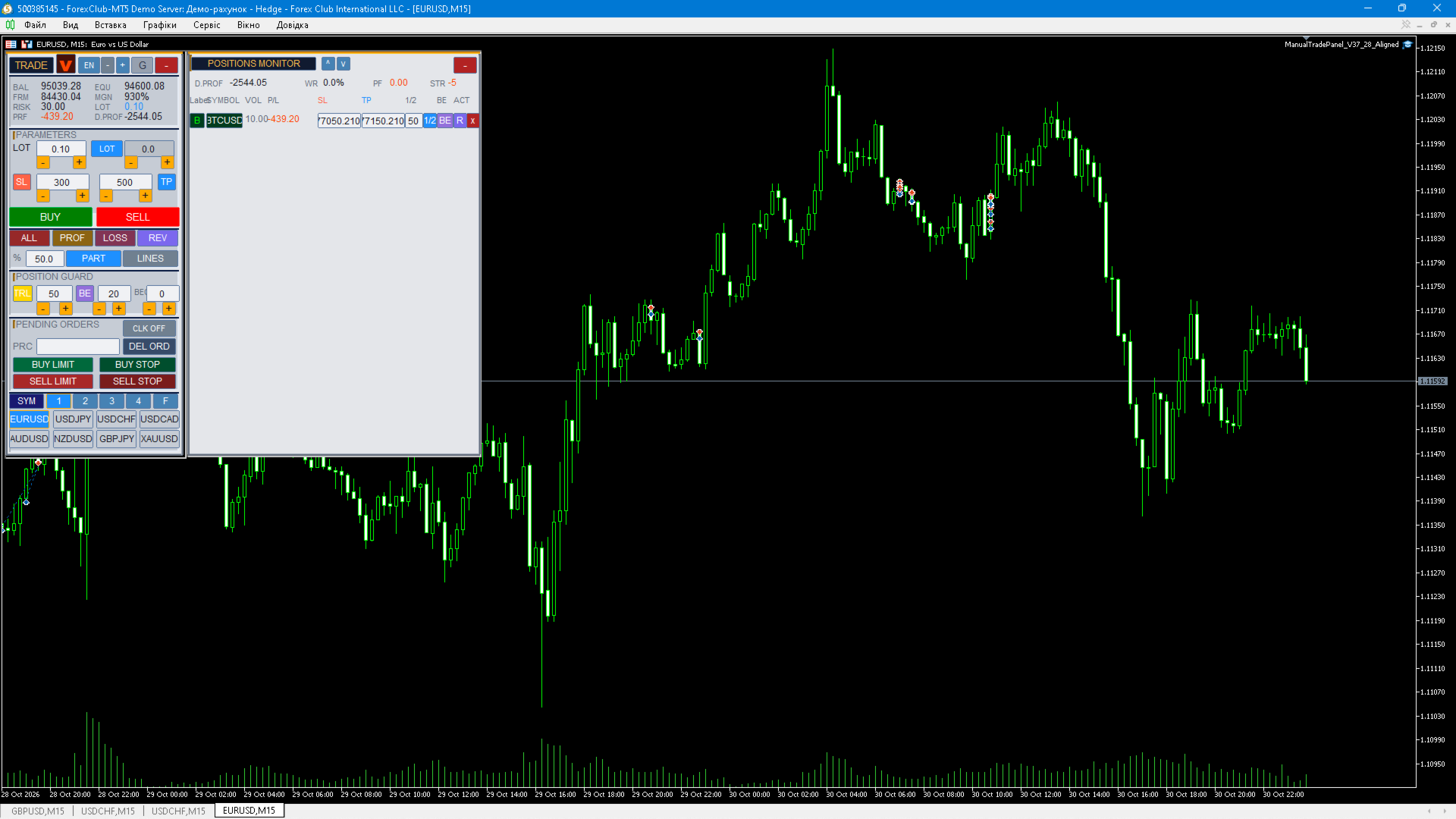
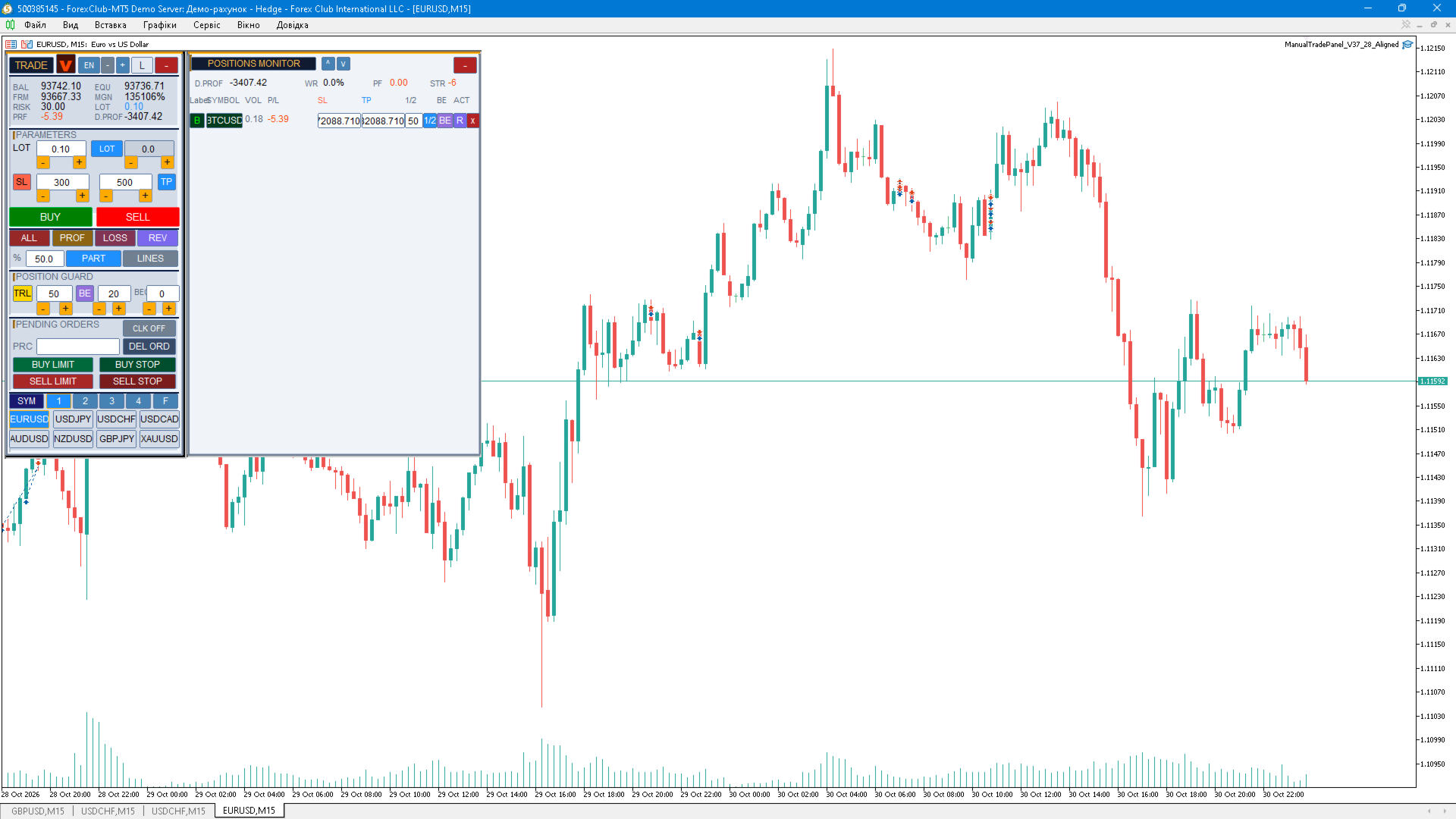
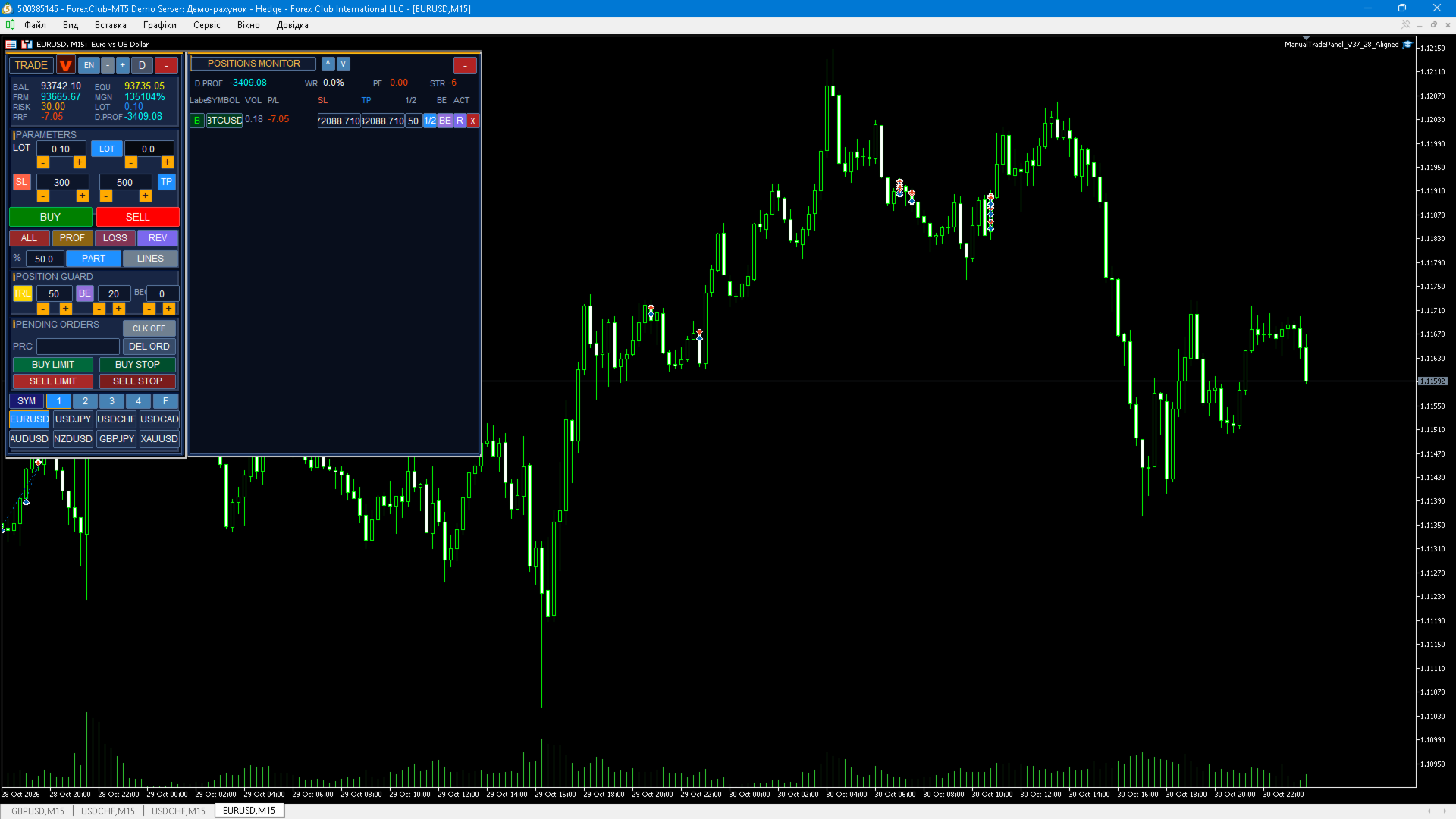
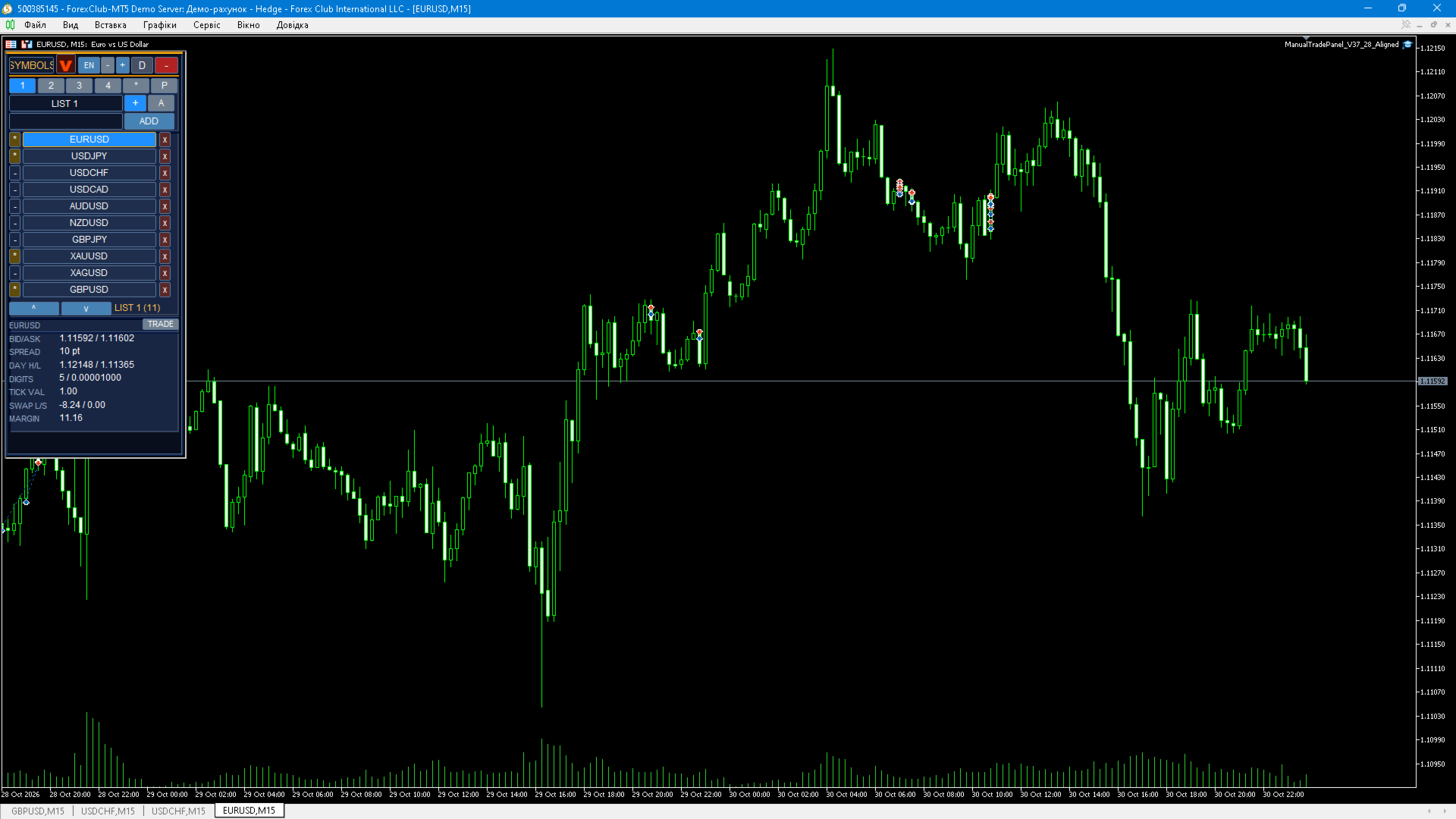
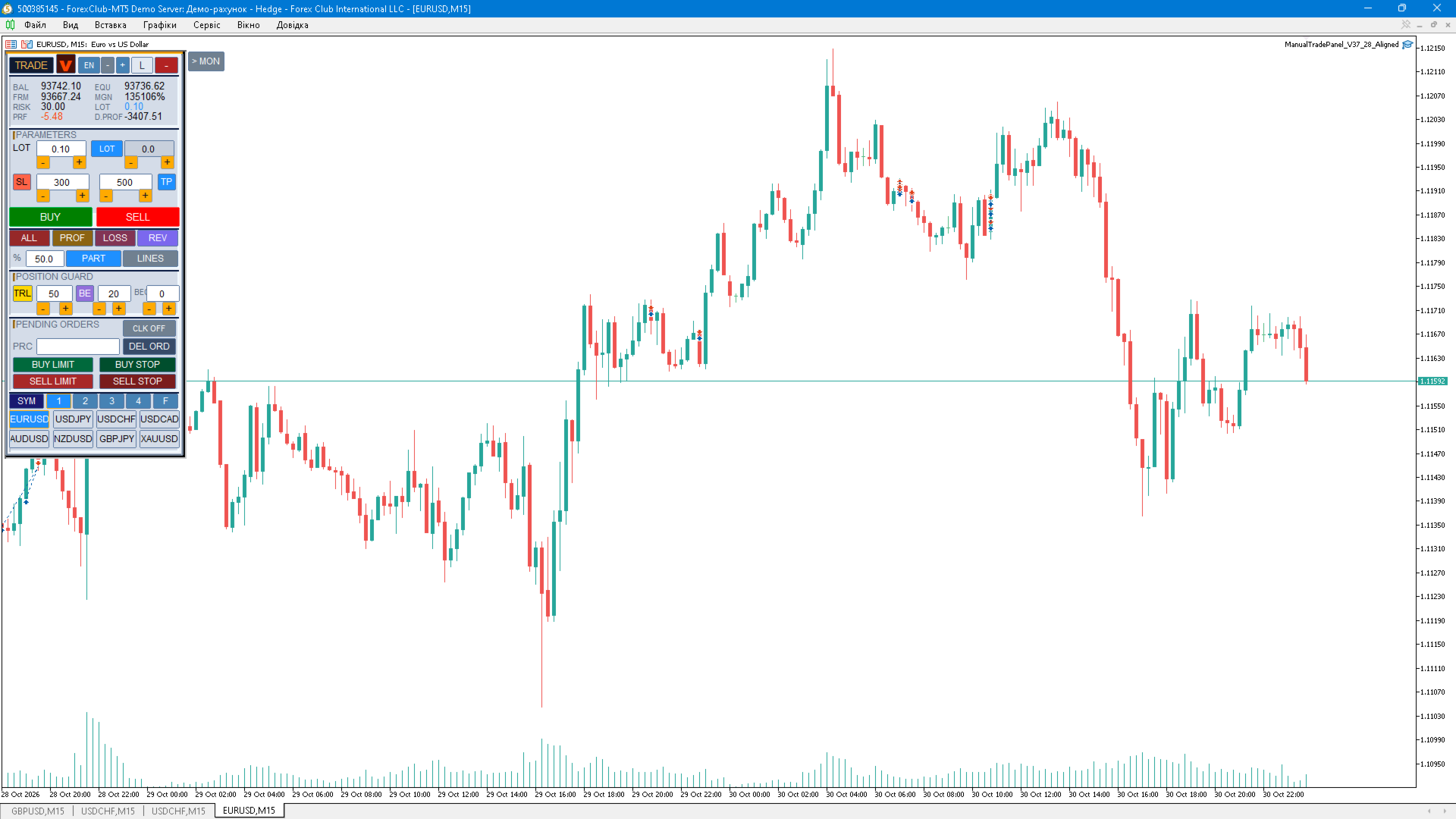
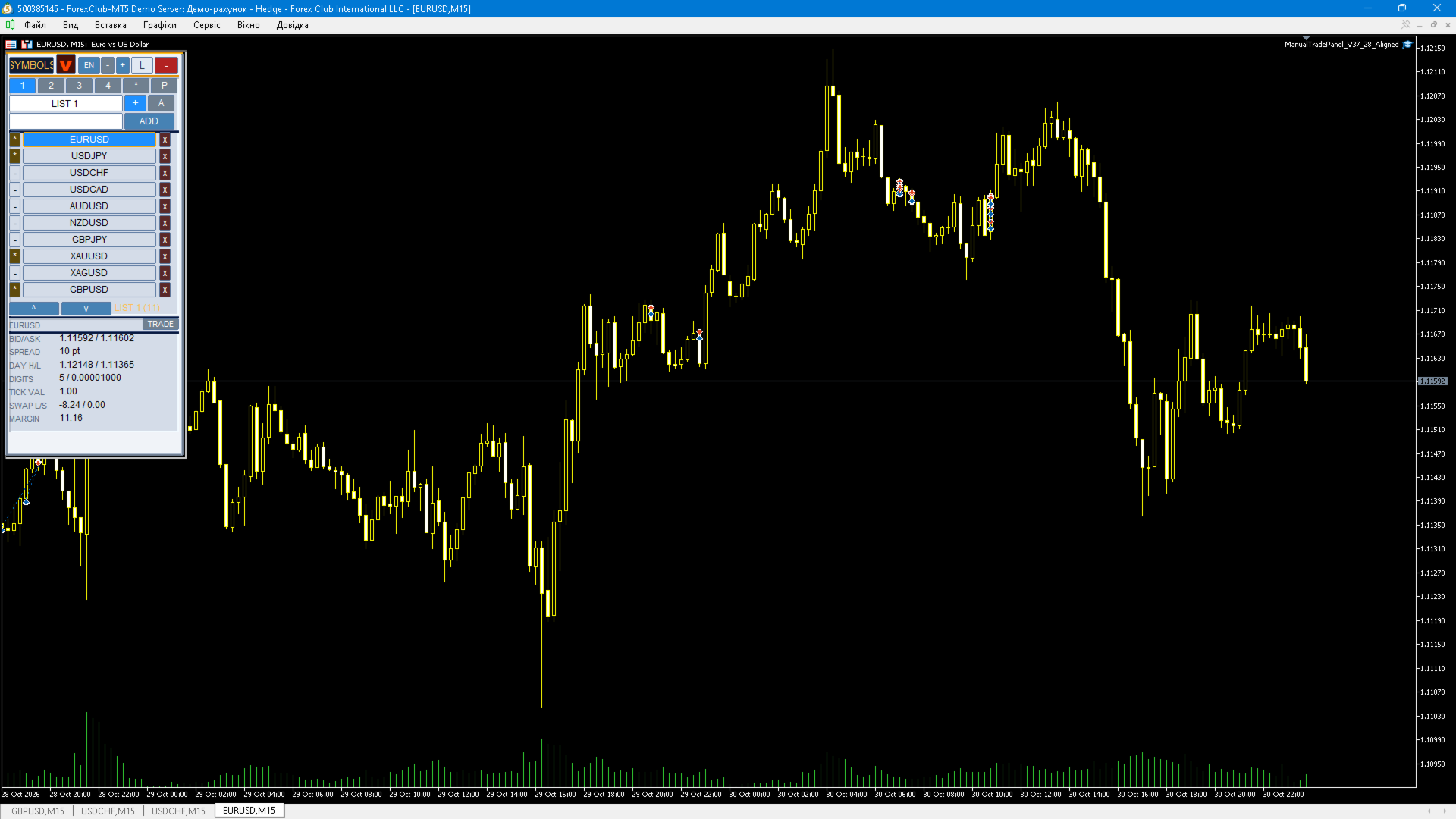
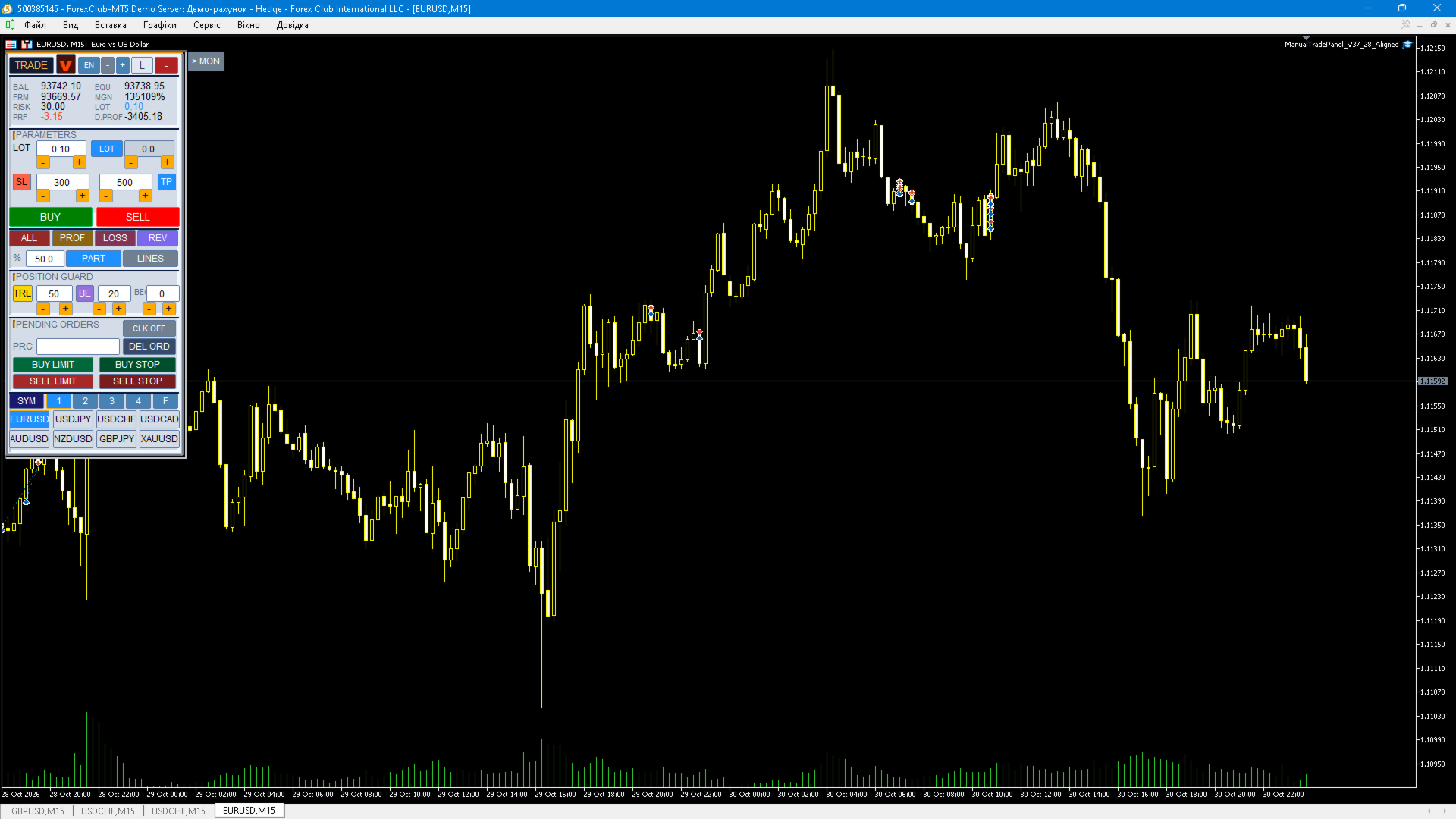
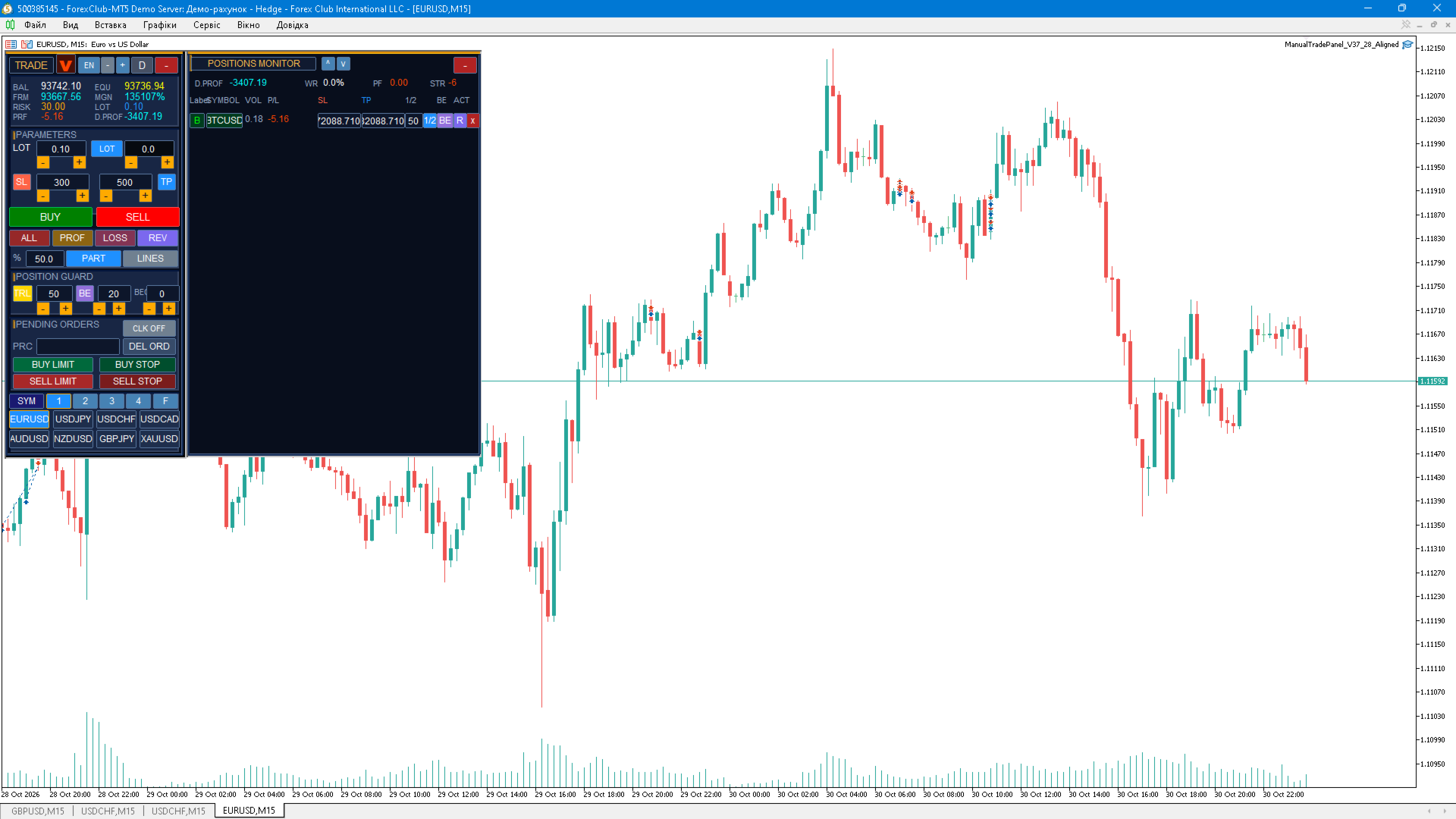
Manual Trade Panel is a manual trading tool that replaces the standard "New Order" dialog and keeps every routine trader action in one compact panel docked to the chart. The panel generates no trading signals and never trades by itself: every order is sent only after you click a button or place a line on the chart. FEATURES Market entries - BUY / SELL buttons executing at the current market price. - Two volume modes: LOT (fixed volume) and RISK% (volume is derived from the risk percentage of equity and the defined SL). - SL / TP fields in points with "-" / "+" step buttons and independent "SL on/off" and "TP on/off" switches for new trades. - Broker stop-level validation plus tick-size and volume-step normalisation. SL/TP lines on the chart - Draggable SL and TP lines with a filled zone between them; colour and opacity are configurable. - Line controls: BUY/SELL direction, reset levels, close the plan. - "Plan by lines" mode: set SL/TP with the mouse and open the trade at the prepared plan. Pending orders - Buy Limit, Buy Stop, Sell Limit and Sell Stop at the price taken from the field; the type cycles with one click and invalid types are skipped automatically. - Price validity check for the selected order type before sending. - Delete all pending orders with one button. Quick position actions - ALL closes all positions, PROF closes profitable ones, LOSS closes losing ones. - PART performs a partial close of all positions by a given percentage of volume. - REV reverses own positions on the current symbol: the position is closed and an opposite one is opened with mirrored protection; if the broker rejects the new order, the original position is restored automatically. - LINES toggles the SL/TP lines. Position protection - Buttons that apply SL and TP to all own positions using the values from the fields. - Trailing stop with a configurable step in points. - Automatic breakeven with activation threshold and offset, spread-aware. - Automatic time-based close after a given number of minutes. Position and order monitor - A separate panel on the right, height-aligned with the main panel. - One row per position and per pending order: symbol, volume, P/L including commission, SL, TP, editable SL/TP fields, and the "1/2" partial close, "BE", reverse and close buttons. - Account summary: day profit, win rate, profit factor, trade streak. - Scrollable list and a collapsible monitor. Symbol lists and quick pairs - Four user lists of 40 symbols each, a Favourites list and an automatic list of symbols with open trades. - One-click chart symbol switch: current chart only, or every terminal chart. - Per-symbol colour chips, favourites star, add the current symbol, remove a symbol from the list. - Quick-pair bar with eight slots in two rows of four taken from the selected list: switch the chart symbol in one click. Interface and usability - Three themes: dark, light and light-grey. - Three interface languages: English, Ukrainian and Russian. - Panel scale from 0.5 to 1.5 in steps of 0.05. - Collapsible panel with a fixed or draggable position. - When the symbol or timeframe changes the panel is not rebuilt, it only refreshes its data, so there is no flicker. - Settings, symbol lists and colours persist between terminal restarts. MA direction arrow - The panel header shows the direction of the selected moving average (SMA, EMA, SMMA or LWMA) on the selected timeframe. - The arrow tooltip contains the MA value, the current Bid and the distance in percent. - Optionally the direction is shown only when the MA was crossed within the last N bars, otherwise a question mark is displayed. INPUT PARAMETERS MagicNumber - panel magic number, used to identify the panel's own trades. CloseOwnOnly - ALL, PROF, LOSS, REV and partial close apply only to own positions. DeviationPts - allowed slippage in points. ConfirmTrades - ask for confirmation before sending a trade. RequireSL - forbid entries without a stop loss. MaxRiskPct - maximum risk per trade in percent of equity, 0 means no limit. MaxLotSize - maximum lot size, 0 means no limit. NotifyMode - notifications: 0 none, 1 journal, 2 push, 3 both. NotifyOnSLTP - notify when SL or TP is triggered. MaxPositionMinutes - automatic close after N minutes, 0 means off. BeIncludeCost - include the spread in the breakeven price. UseRiskDefault - starting volume mode: LOT or RISK%. InpSMATF - moving average timeframe for the header arrow. InpSMAMethod - MA method for the arrow: SMA, EMA, SMMA or LWMA. InpSMAPeriod - MA period for the arrow. InpSMAFreshBars - show the arrow only if the MA was crossed within N bars, 0 always shows the direction. InpShowLines - show the SL/TP lines on start. InpColorSL - SL line colour. InpColorTP - TP line colour. InpFillColor - fill colour between the SL and TP lines. InpFillAlpha - fill opacity between the lines in percent from 0 to 100. InpShowSymbols - show the symbol lists page. InpTesterDemo - tester only: a few safe demo trades so the validator can see operations; not used in live trading. GETTING STARTED 1. Attach the panel to a chart of any symbol and timeframe. 2. Enable algorithmic trading in the terminal with the "Algo Trading" button. 3. Choose the volume mode LOT or RISK%, set the value and, optionally, SL/TP. 4. Optionally fill the symbol lists on the SYMBOLS page and the quick-pair bar. 5. Trade with the BUY/SELL buttons and pending orders, and manage positions from the monitor and the quick buttons. REQUIREMENTS AND COMPATIBILITY - MetaTrader 5, build 3000 or newer recommended. - Hedging and netting accounts. - Any symbols and timeframes, any broker. - One panel instance per chart; use different MagicNumber values on different charts. IMPORTANT - The panel is a manual trading tool: it contains no trading strategy, provides no signals and makes no profit promises. - Trading results depend solely on the trader's decisions. Test the panel on a demo account before using it on a live account. - Trailing stop, automatic breakeven and time-based auto close are executed by the panel and require the terminal to be running.
For validation in MQL5 Market, the advisor can make small demonstration trades in the tester - this can be turned off in the parameters.