XauusdPrecisionEA
- Experts
-
Korede Nathaniel Oladoyin
 🚀 Welcome to Smart Algo Trader — where smart strategies meet real results.
I'm a professional algorithmic trader and system developer with a deep focus on gold (XAUUSD) and high-precision strategies. - Version: 1.0
- Activations: 5
XAU Breakout Pro – The Ultimate GMT Gold Breakout Bot
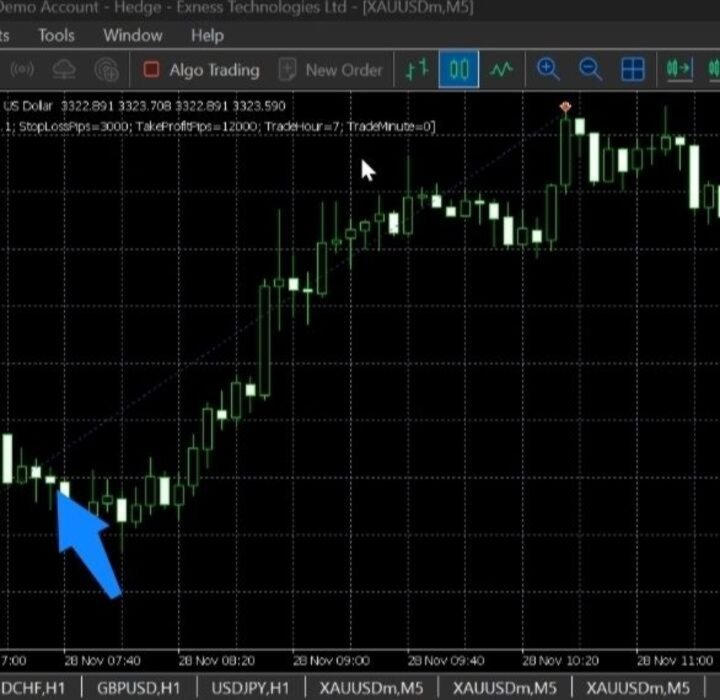
📈 Timeframe: M5
💰 Symbol: XAUUSD
⚙️ Type: Fully Automated Expert Advisor
🧠 Strategy Style: Volatility Breakout
🧠 Why XAU Breakout Pro?
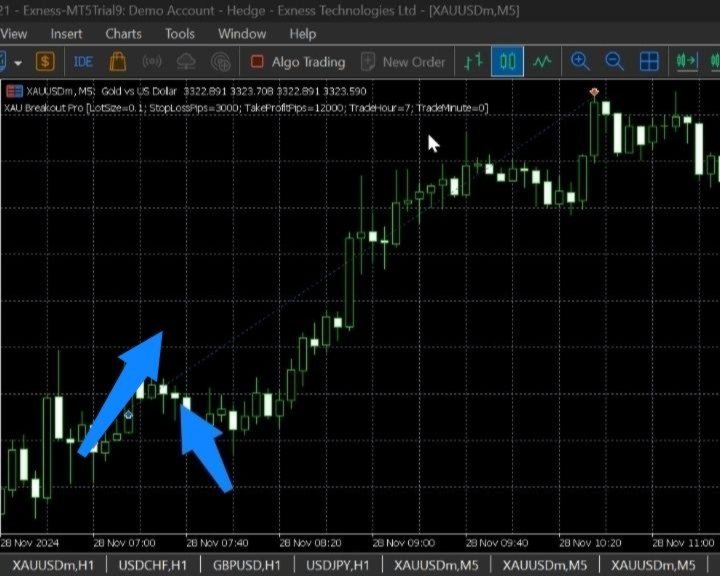
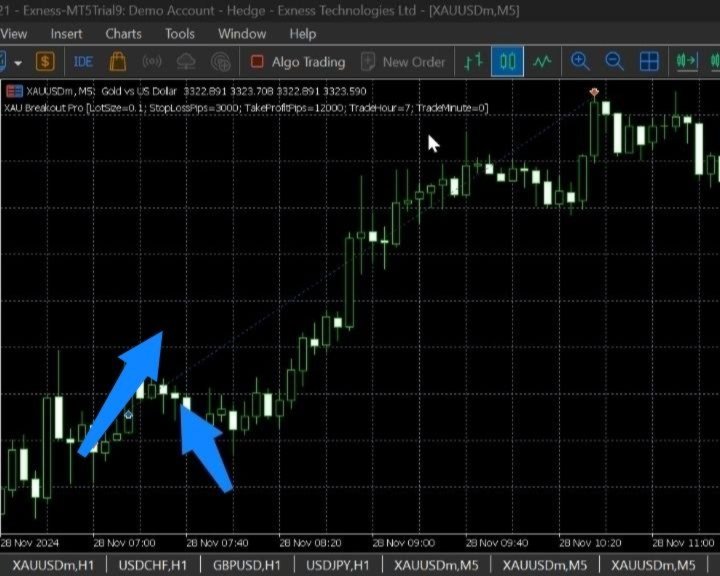
XAU Breakout Pro is engineered for precision, speed, and profitability. It captures high-volatility breakout moves that occur during the London market open — one of the most explosive times to trade gold (XAUUSD).
This EA doesn’t overtrade. It waits patiently for the right moment, then strikes with a clean pending order strategy — executing only one powerful trade setup per day.
✅ Key Features
📅 One trade setup per day (no overtrading)
🛑 Built-in Stop Loss and Take Profit (fully adjustable)
📉 Pending Buy Stop & Sell Stop orders (no market execution slippage)
🔒 Clean risk management
🖥️ No DLLs, news filters, or risky grid/martingale tactics
⚙️ Inputs & Parameters
| Input Name | Description |
| ---------------- | ------------------------------------------- |
| `TradeHour` | Hour of breakout |
| `TradeMinute` | Minute of breakout (default: 0) |
| `StopLossPips` | Stop loss in points |
| `TakeProfitPips` | Take profit in points |
| `LotSize` | Fixed lot size per trade |
🛠️ How It Works
At the specified time for the EA:
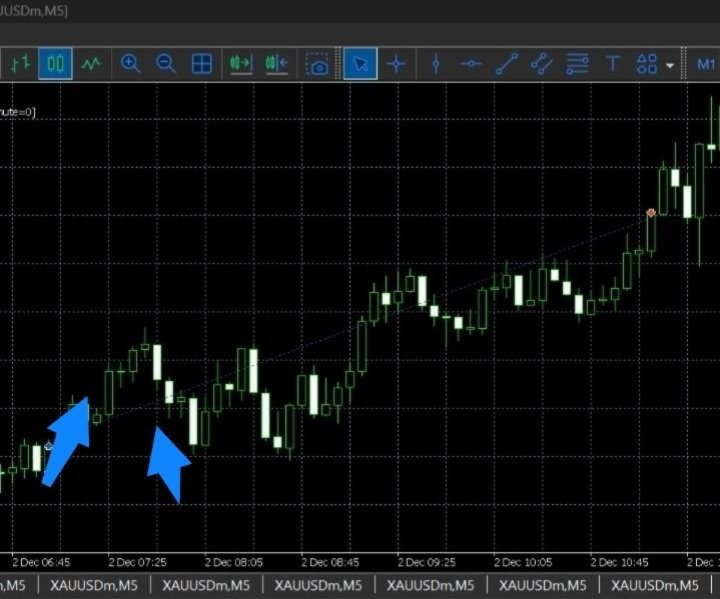
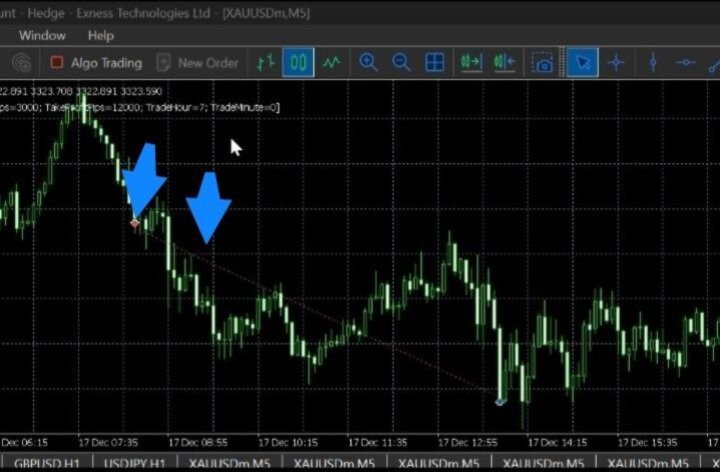
Looks at the high and low of the previous M5 candle.
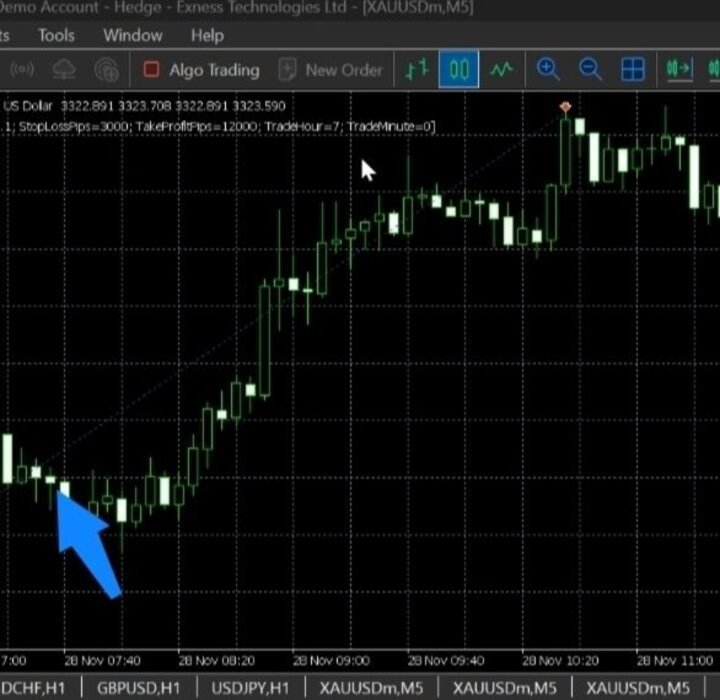
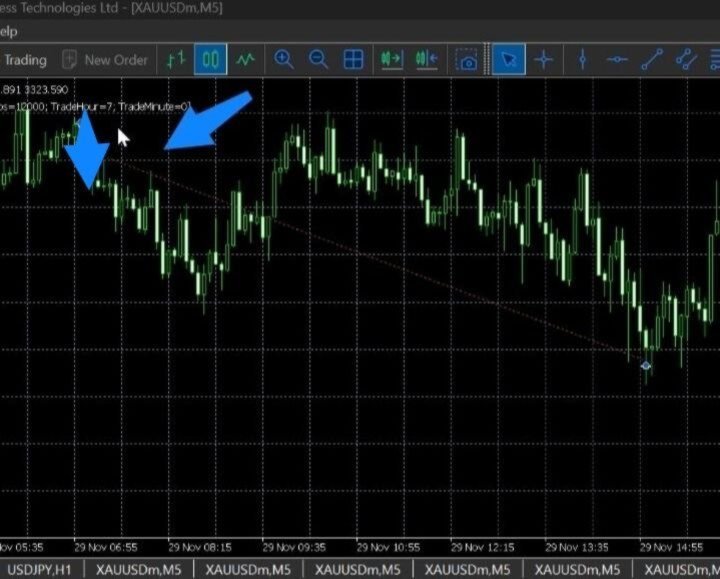
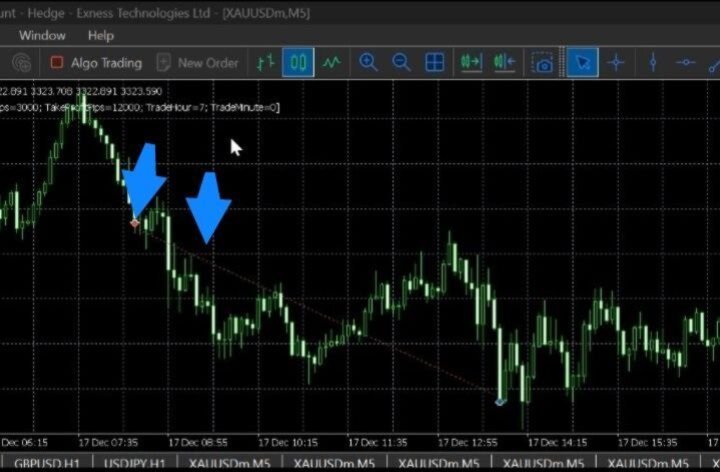
Places Buy Stop and Sell Stop pending orders just outside the range.
Waits for breakout in either direction.
Cancels the opposite order once one trade is triggered.
No trade stacking. Only one opportunity per day.
This mirrors how professional prop firms and fund traders structure gold breakouts.
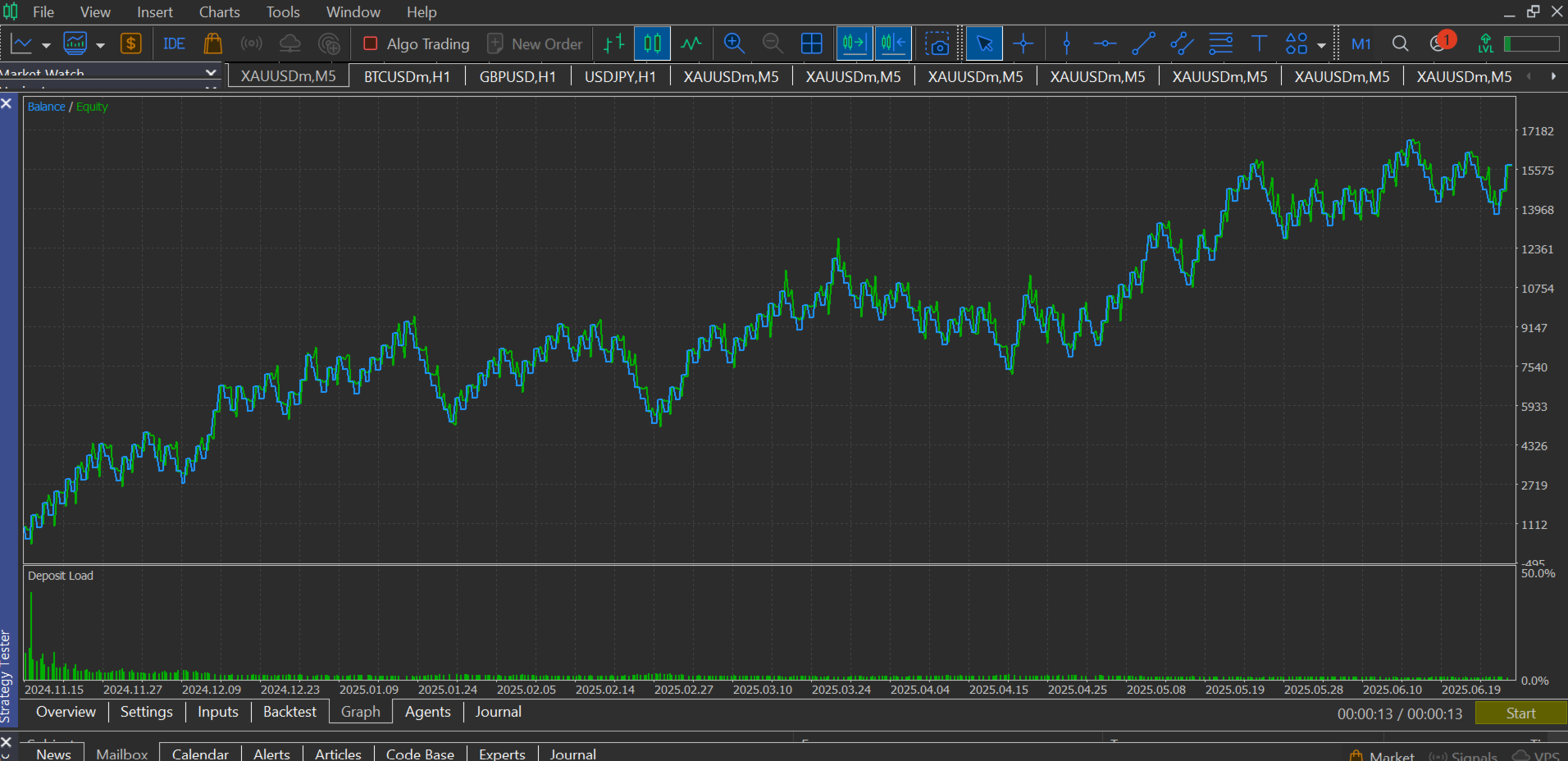
📊 Backtest & Live Results
Extensive backtests and forward testing on:
XAUUSD M5, Exness, IC market & Eightcap raw spread accounts
Best tested with low spread ECN brokers and VPS for 24/5 trading
✔️ An impressive win rate with good risk to reward settings
✔️ Clean equity growth without overfitting
📌 Installation
Download and install MetaTrader 5.
Open Data Folder > MQL5 > Experts.
Paste the XAU_Breakout_Pro.ex5 file.
Restart MT5 or refresh the Navigator.
Attach to XAUUSD M5 chart.
Enable AutoTrading.
🧑💻 Support & Contact
For help, updates, or to request a licensed PRO version with added filters:
📨 Email: smartalgotrader001@gmail.com
💬 Telegram: @SmartAlgoTrader_001