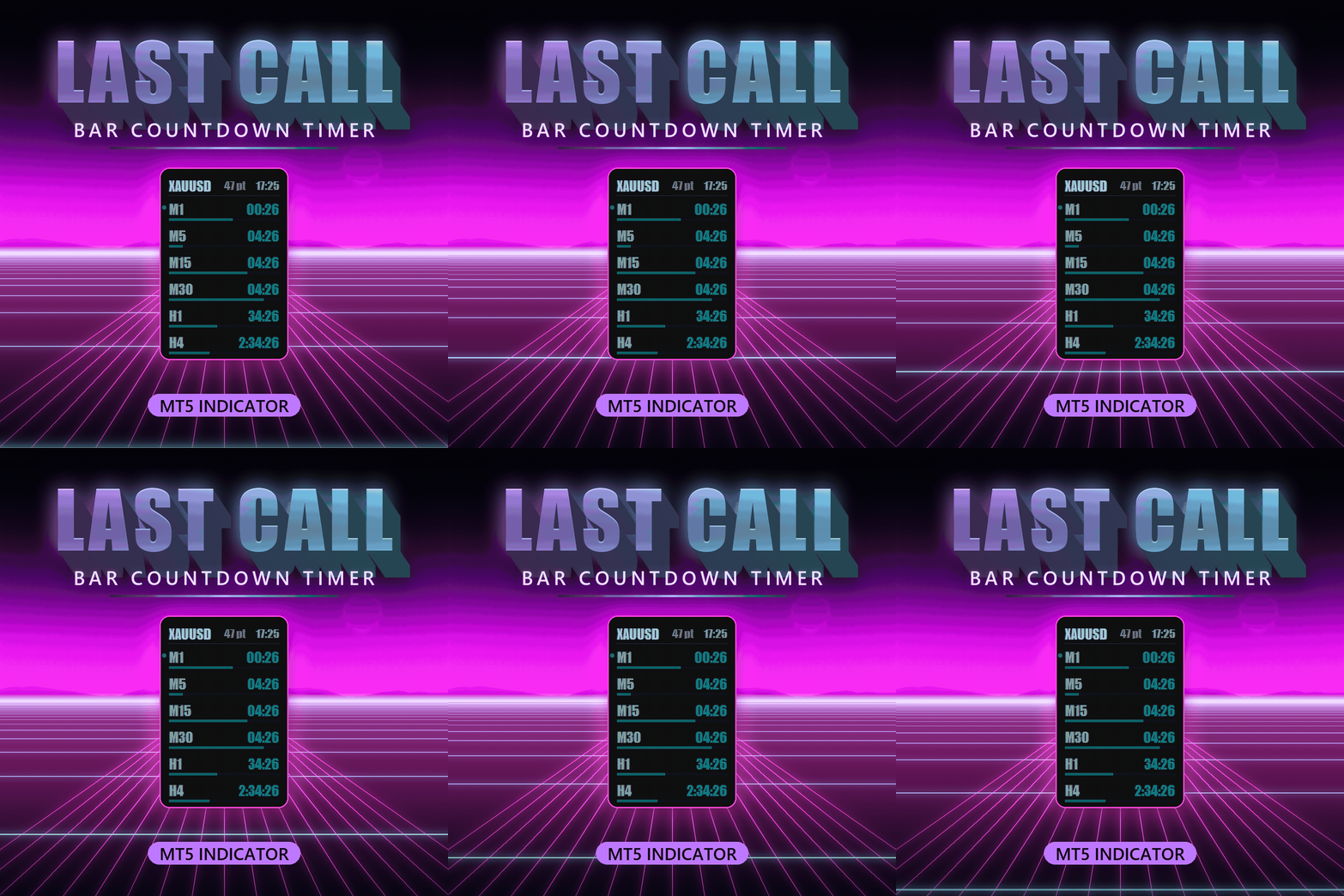
Last Call Bar Countdown Timer MTF
- Индикаторы
-
Oliver Crane
 Prop trader who couldn't fix his own bad habits, so he built the tools to do it for him. I make MT5 panels and indicators from the ground up — obsess over how they feel, trade with every one myself, and only ship them when they're right. Better at building than behaving, honestly.
 - Версия: 4.14
- Активации: 5
Last Call — Bar Countdown Timer.
PLEASE LEAVE A REVIEW, REALLY APPRECIATE THE FEEDBACK, HOPE YOU ENJOY THE PRODUCT.
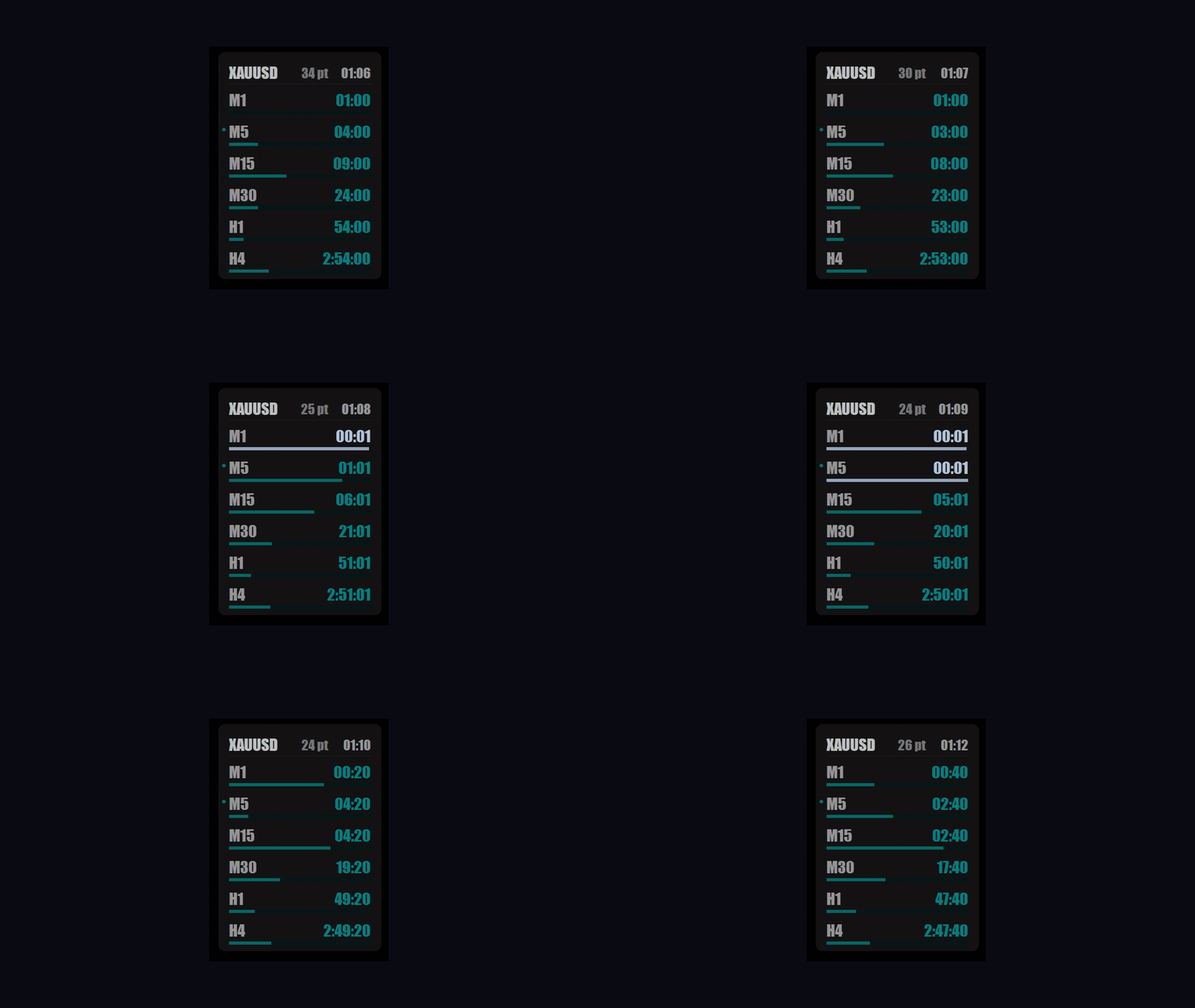
Never get caught out by a candle close again. Last Call puts a live, second-by-second countdown to the next bar right on your chart — for up to six timeframes at once. One glance tells you exactly how long the current M1, M5, M15, H1 — or whatever periods you choose — have left before they close. If you trade bar closes, time entries to the open, or just hate missing the moment, it turns "is it about to close?" into a number you can see at a glance.
WHAT IT SHOWS
- Up to 6 timeframes at once, plus your chart's current timeframe added automatically and marked with a dot. Choose any of the standard periods, M1 right up to monthly.
- A progress bar under every row that fills as the bar completes, so you can see how far through each bar you are, not just the number.
- An optional header with the symbol, a live server clock and the current spread.
- A time format that adjusts itself — seconds on fast timeframes (00:45), hours on slower ones (2:53:20), days on the big ones (3d 04h) — and even the monthly timeframe counts down correctly.
ALERTS
- A countdown alert a set number of seconds before each new bar — you choose how many.
- A new-bar alert the instant a fresh candle opens.
- Alerts switch on per timeframe, so you can watch your H1 close without being pinged by the M1.
- Sent your way: on-screen popup, sound, mobile push, and email.
- Comes with its own built-in alert sounds, so there's nothing to install — or use any terminal sound, or your own .wav file.
- In the final seconds the timer and its bar flash and change colour, so it catches your eye even when you're focused on the chart.
BUILT TO LIVE ON YOUR CHART
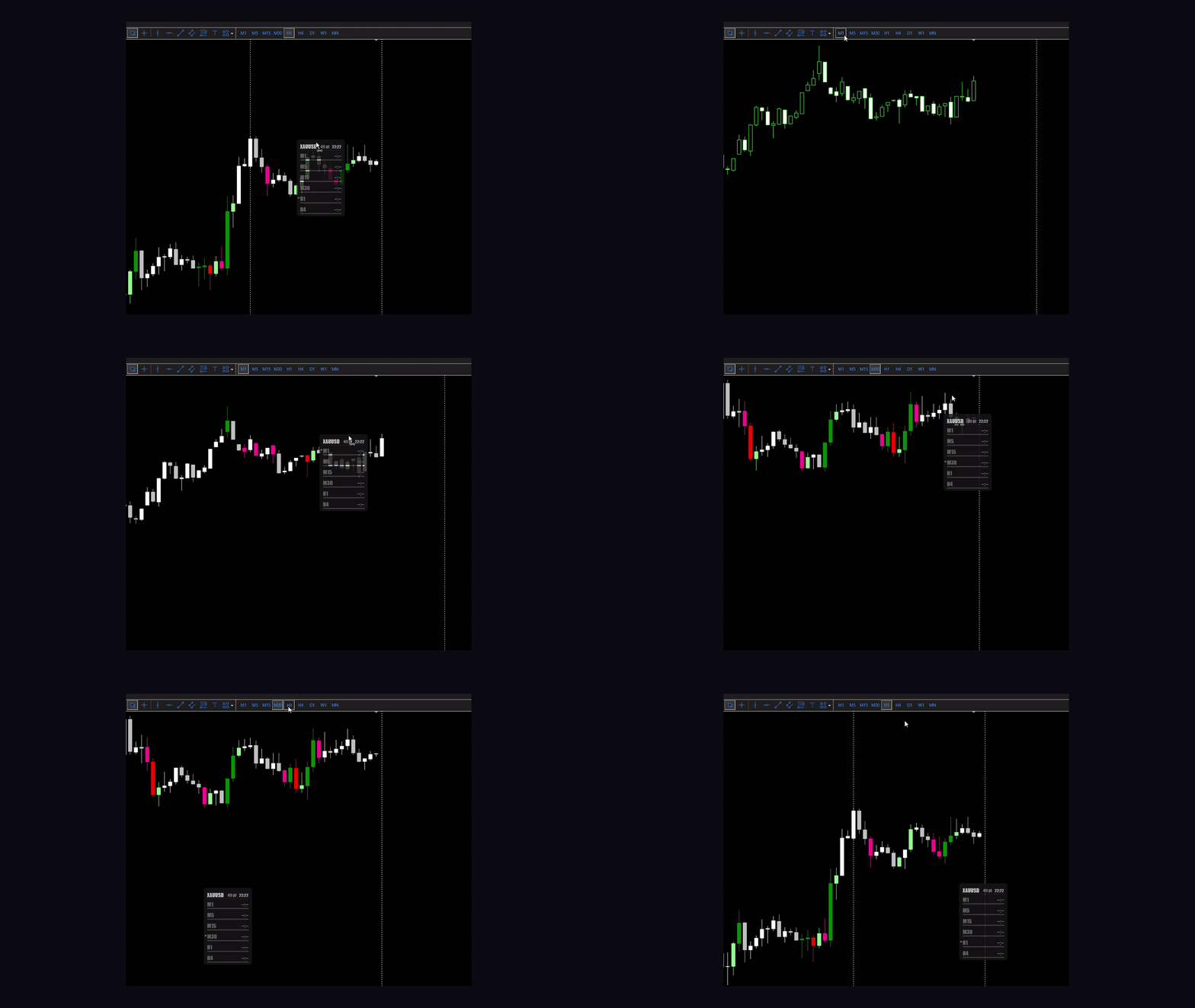
- Drag the panel anywhere. It remembers where you left it, even after you restart the terminal or change timeframe.
- Click any row to switch the chart straight to that timeframe (turn this off if you prefer).
- Run more than one copy on the same chart, each independent.
- Sharp, clear text, and the whole panel scales from 50% to 300% to fit any screen.
MAKE IT YOURS
- A choice of 37 fonts, plus your own custom font.
- Full colour control: normal text, alert-zone text, header and labels, background, and progress bar.
- Solid or fully transparent background, with separate transparency for the background, text and bars.
GOOD TO KNOW
- Works on any symbol and any timeframe, on any account — it's a chart indicator, not an EA.
- Handles weekends, market breaks and start-up cleanly: it shows a quiet waiting state instead of a fake countdown, and won't spam you with alerts when you first attach it.
- Light on resources and fully self-contained in a single file.
SETTINGS
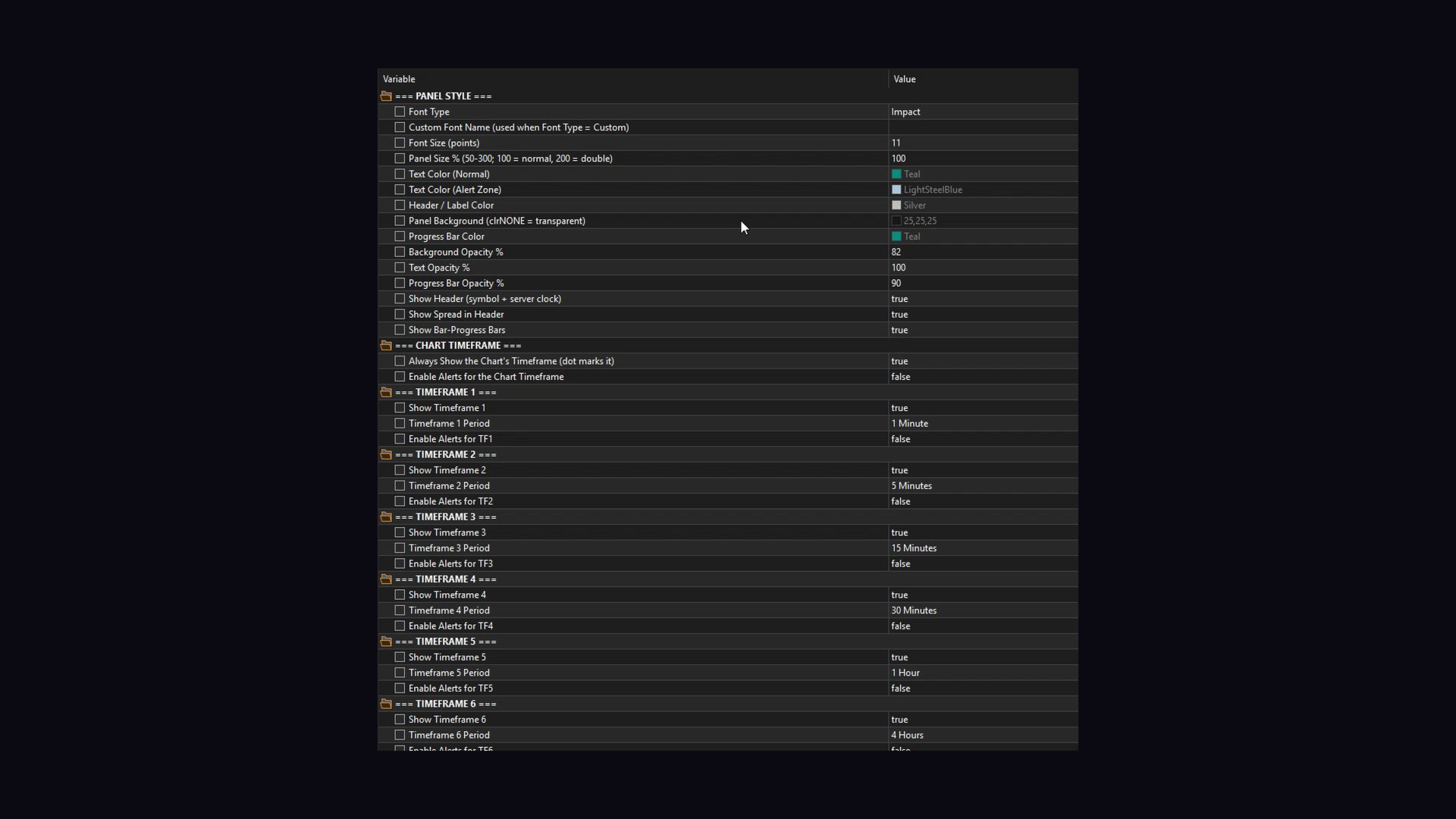
- Panel Style — font, custom font name, font size, panel size %, normal and alert-zone text colour, header/label colour, background colour (or transparent), progress bar colour, background/text/progress transparency, show header, show spread, show progress bars.
- Chart Timeframe — always show the chart's timeframe, and alert on it.
- Timeframe 1 to 6 — show on/off, period, and alert on/off for each.
- Alerts — countdown alerts on/off and seconds before the bar, new-bar alerts on/off, sound on/off, countdown sound, new-bar sound, custom .wav names, popup, push, email, and flash in the last few seconds.