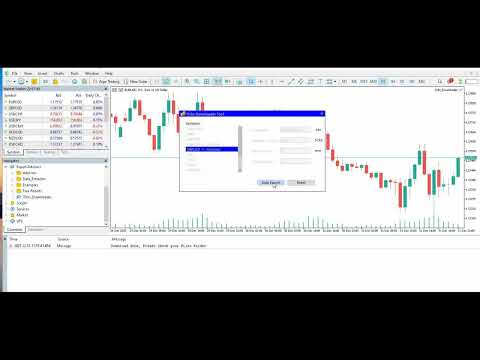
Ticks Downloader for MT5
- Utilità
- Versione: 1.1

This tool allows you to export Ticks for any financial instrument available in MetaTrader 5.
You can download multiple symbols into the same CSV file. You can also schedule the download frequency (every 5 minutes, 60 minutes, etc.).
There is no need to open multiple charts to get the latest data—the tool downloads the data directly.
The CSV file will be stored in the following folder: \MQL5\Files .
How it works
-
Select the symbols to download: Click an item to select or deselect it.
-
Enter the CSV file name: For example, EURUSD , Data_export , etc.
Do not use the following characters: \ / : * ? " < > | . -
Set the number of ticks to download: Minimum is 1, maximum is 1 000,000.
-
Set the refresh time for scheduled downloads:
For example, if you enter 5, the file will be updated every 5 minutes with the specified number of bars.
Enter 0 to export the file only once. -
Click "Start Export" to begin downloading the file.
-
Click "Stop Export" if you need to stop the scheduled export.