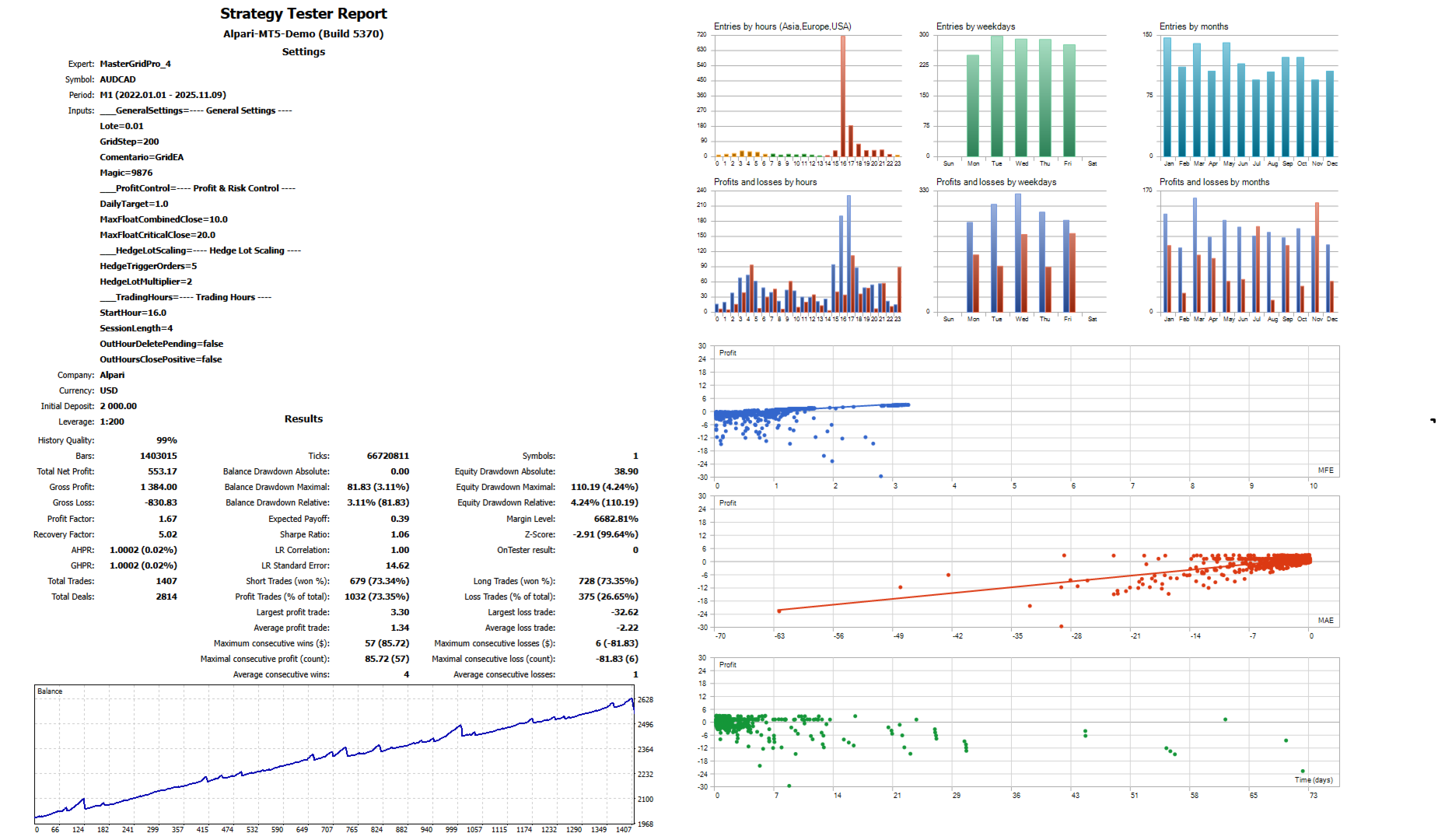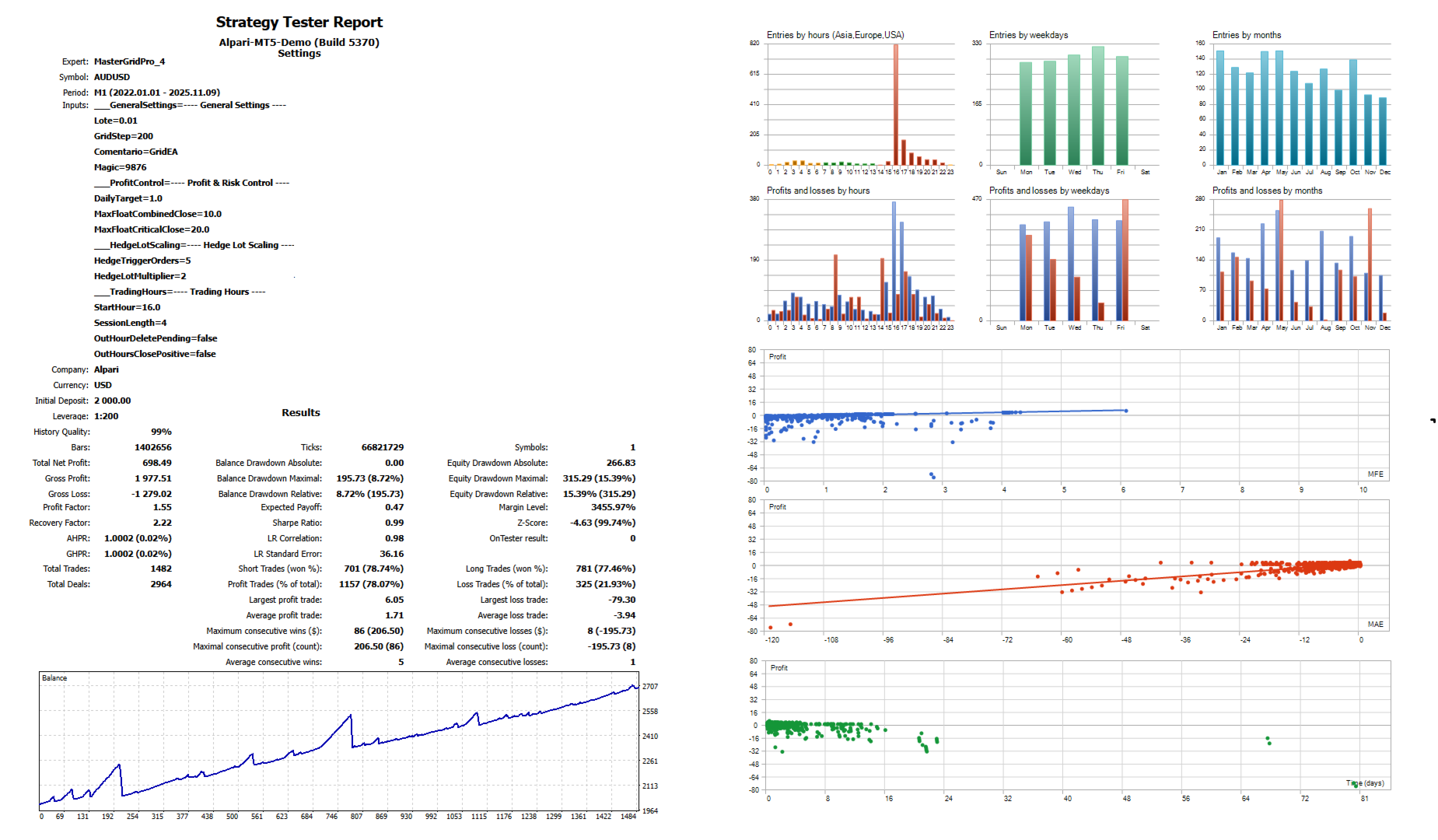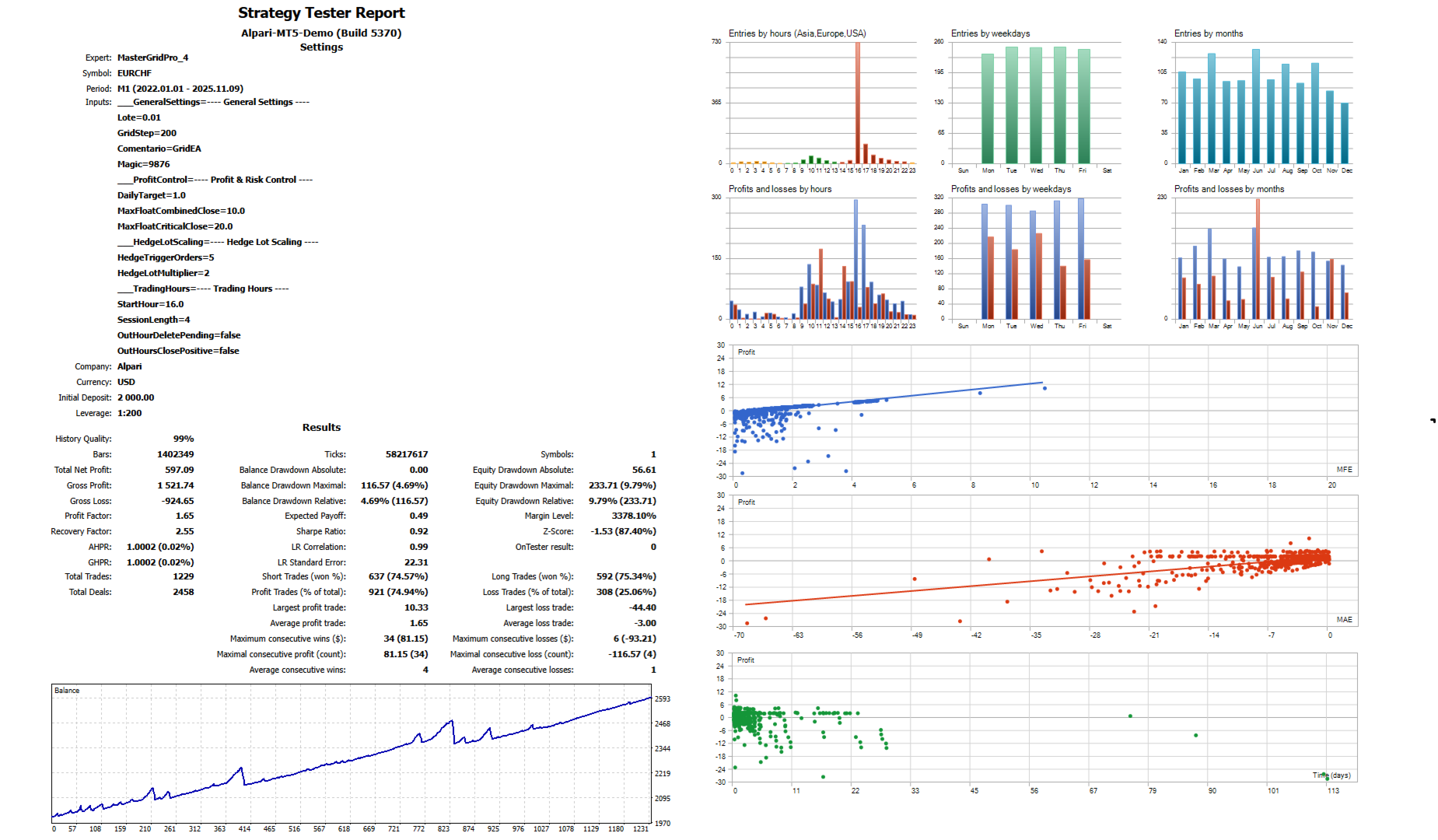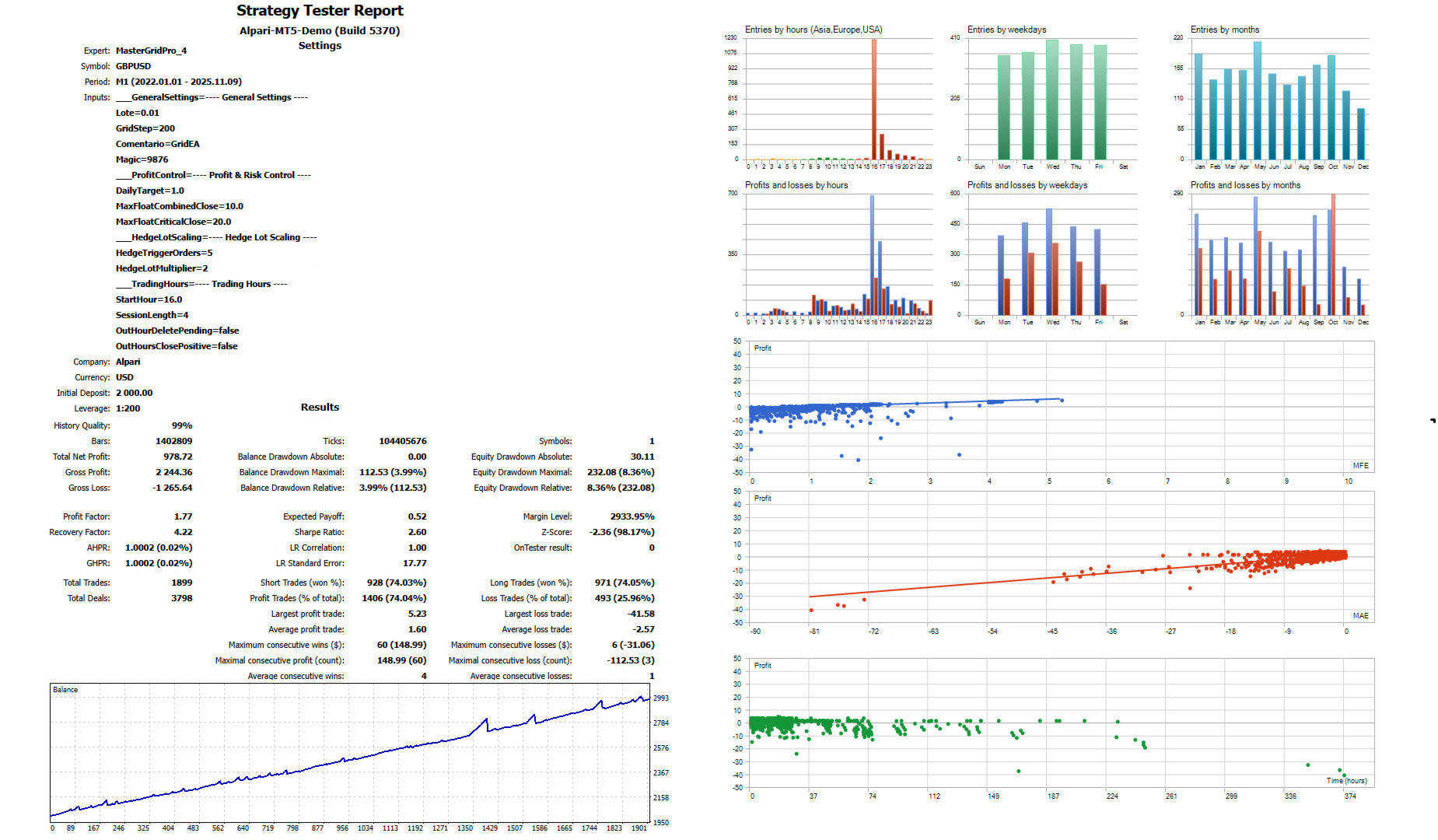
Master Grid PRO
- Experts
-
Cesar Napoleon Guio Martinez
 MQL5 EA developer. Automation of trading strategies, order management, and system optimization.
 - Versione: 1.8
- Aggiornato: 12 novembre 2025
- Attivazioni: 10
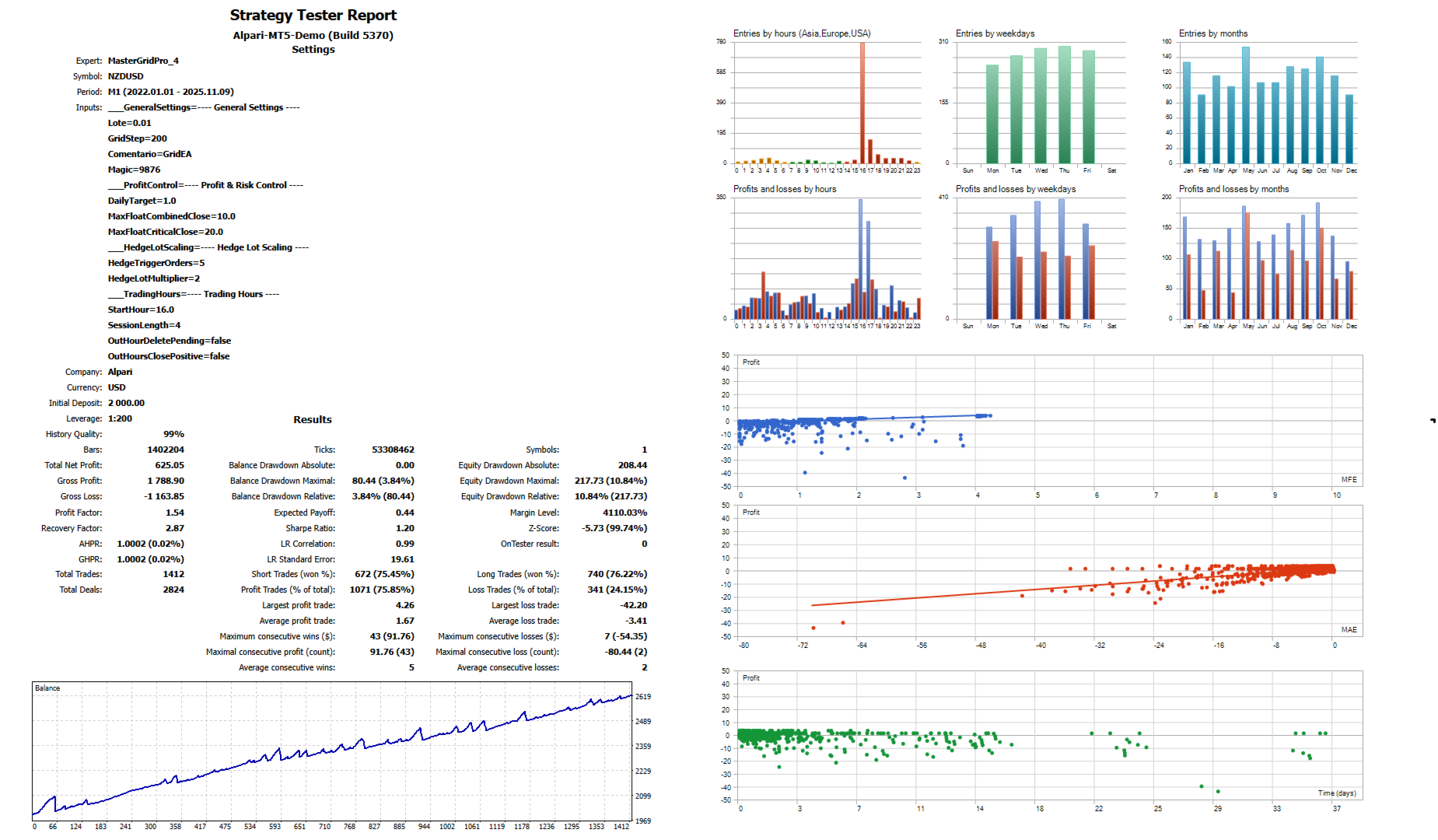
MasterGridPro is an advanced Expert Advisor designed for automated trading based on an pending-order grid strategy.
Unlike typical grid systems, MasterGridPro places BUY and SELL pending orders above and below the current market price, dynamically covering market ranges while continuously securing profits from winning positions.
The system is designed not only to capture price swings but also to protect capital through built-in risk management, daily profit targets, and customizable trading sessions.
These features make MasterGridPro highly adaptable to various market conditions while maintaining strict control over profitability and drawdown.
Input Parameters
General Parameters
-
Order Lot Size – Defines the fixed lot size for each order.
-
Grid Distance (points) – Distance between pending orders in points. Larger values create a wider grid; smaller values result in a tighter grid.
-
Order Comment – Custom label assigned to each order for easy tracking.
-
Magic Number – Unique identifier ensuring that trades from this EA are managed independently.
Profit and Risk Control
-
Daily Profit Target (currency) – When reached, all positions are closed, and trading is paused until the next session.
-
Floating % for Combined Floating Closure – Closes all trades when current floating losses are covered by recent profits.
-
Floating % for Critical Floating Closure – Forces the closure of all trades when floating losses exceed this critical threshold, regardless of previous results.
Hedging Lot Scaling
When multiple positions accumulate in one direction, the EA automatically increases the lot size of opposite hedging orders, improving balance and recovery potential.
-
Number of Positions to Activate Hedging – Minimum number of BUY or SELL positions required to activate opposite hedging orders.
-
Hedging Lot Multiplier – Multiplies the lot size of hedging orders relative to the original order size, helping balance exposure.
Trading Schedule
-
Start Time – Beginning of the trading session (server time).
-
Session Duration – Duration of the trading session in hours. Once the session ends, no new trades are placed until the next scheduled session.
-
OutHourDeletePending – When set to true, all pending orders are automatically deleted outside of the defined trading hours. When set to false, pending orders remain active.
-
OutHoursClosePositive – When set to true, the EA will automatically close any profitable positions that remain open outside of trading hours.
Disclaimer: Trading in financial markets involves risk, and no strategy can guarantee profits under all conditions. This Expert Advisor is a tool designed to assist your trading decisions, but you should only trade with capital you can afford to risk. Default settings are provided as a starting point and may not suit all trading styles or market environments. It is recommended to test and adjust the parameters to your needs. The author cannot guarantee specific results, and by using this Expert Advisor, you accept full responsibility for your trading decisions.