Time Based Range Breakout EA
- Experts
- Versione: 1.4
- Aggiornato: 1 novembre 2025
- Attivazioni: 5

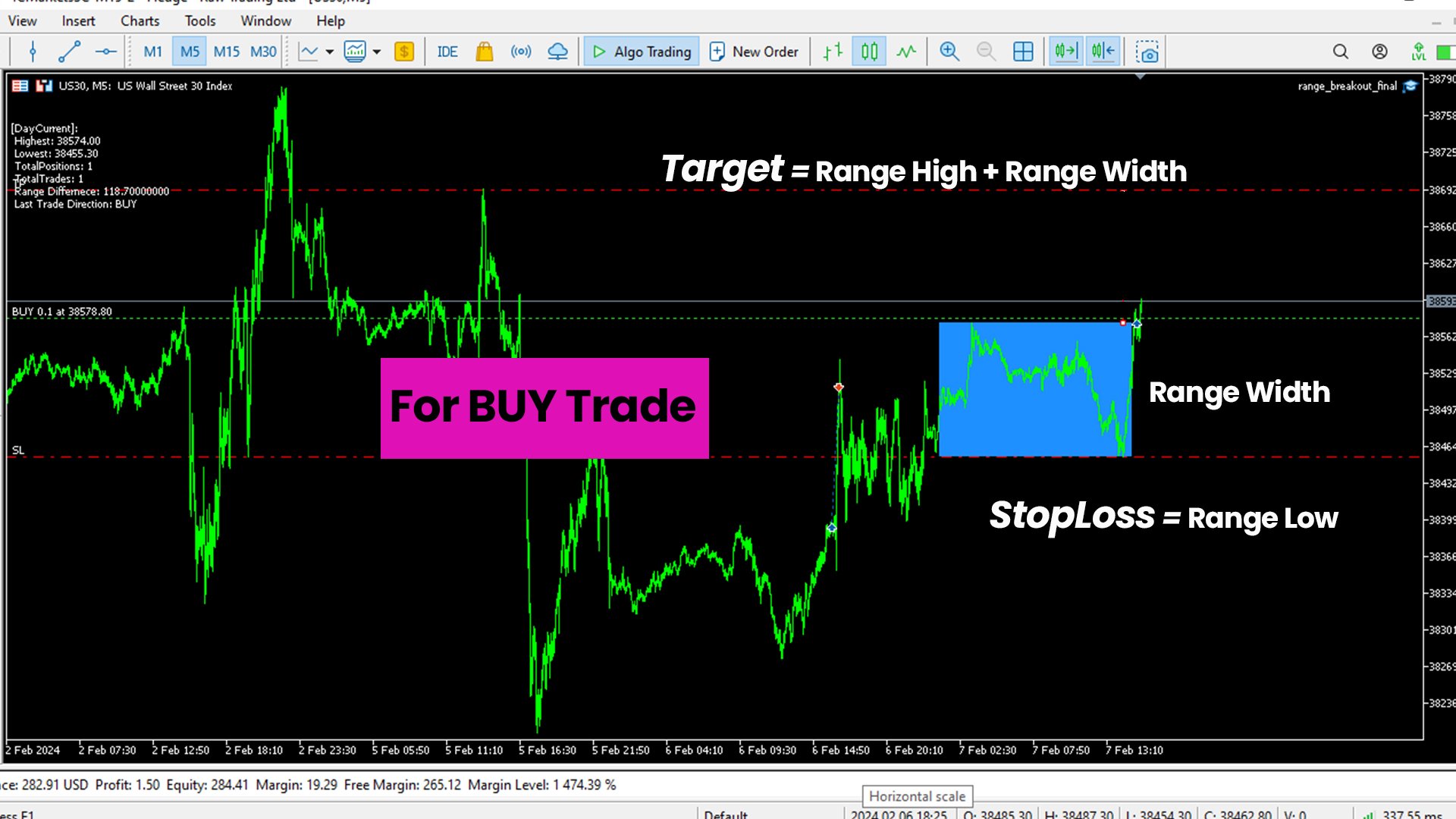
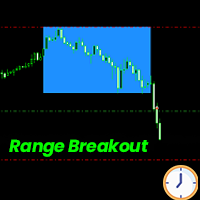
The Time Based Range Breakout Expert Advisor (EA) is a straightforward yet powerful tool designed to automate trading strategy based on intraday price range breakouts. It is suitable for traders who prioritize a disciplined and rule-based approach to trading and capitalizing on market movements within defined time windows. The EA marks the High and Low prices between the given time range and enter a trade when either the high/low of the range is breached. Suitable for trading different Forex sessions where the volatility is high.
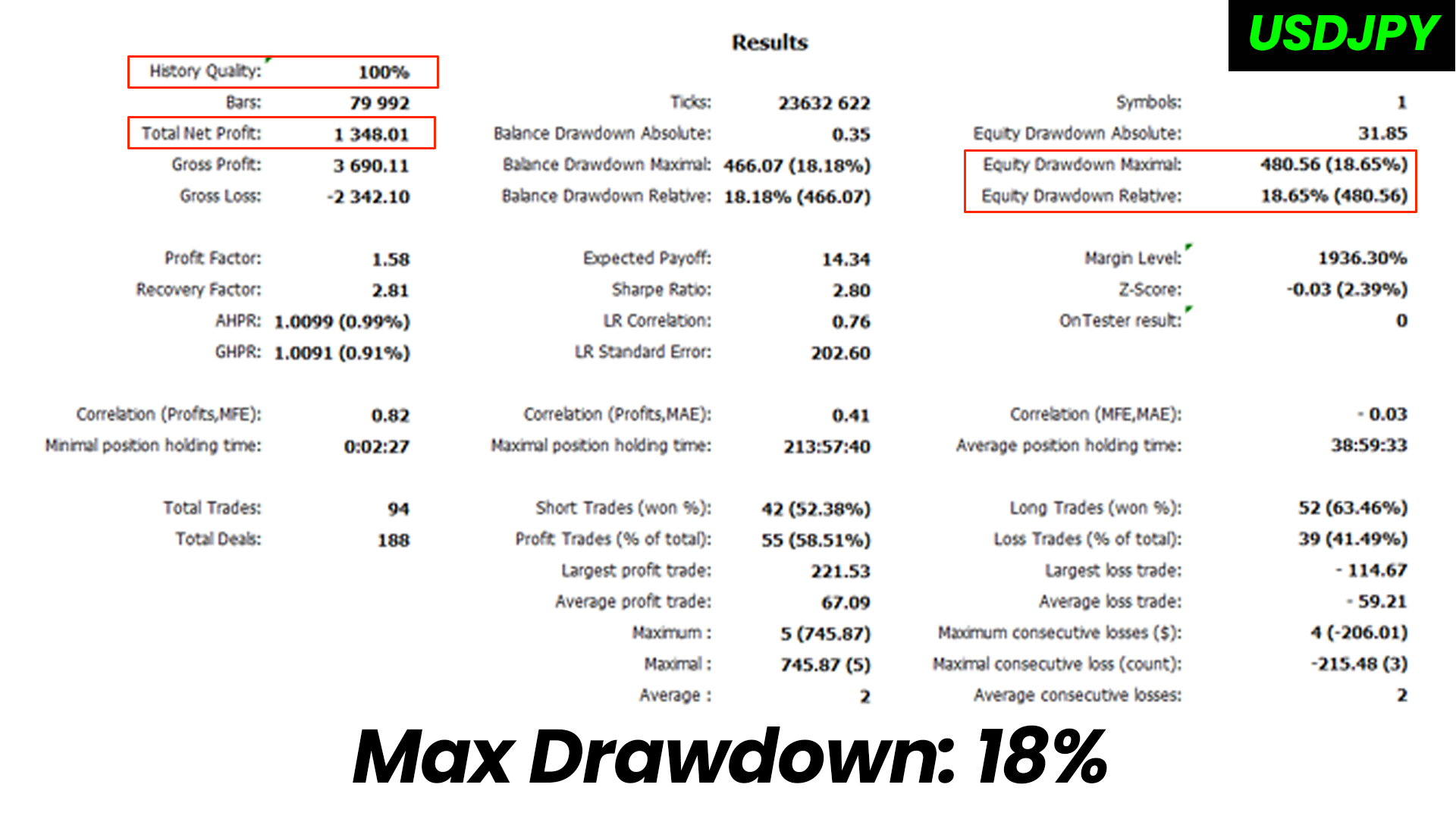
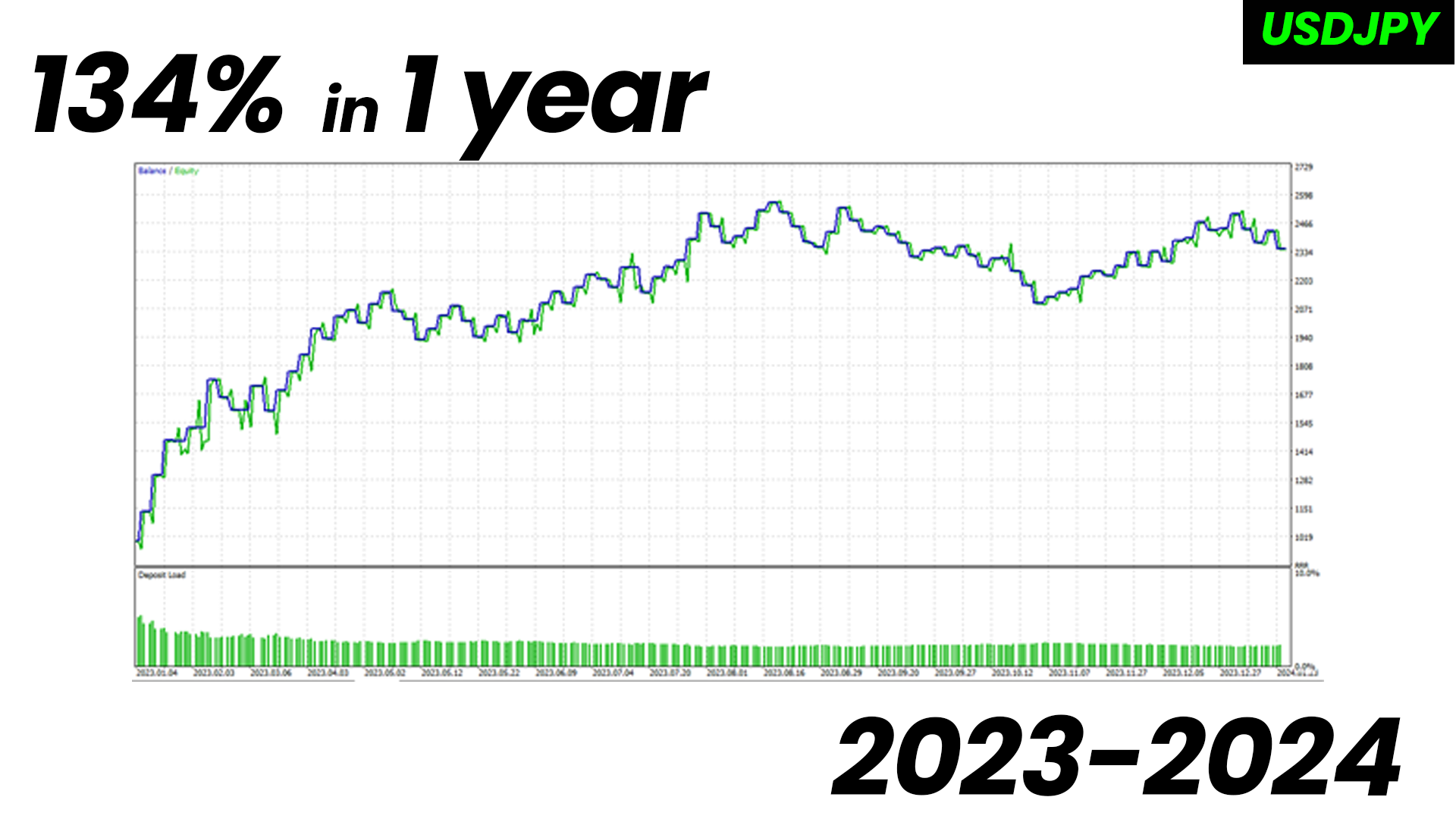
Live Performance
Supported Instruments: Currency/ Index/ Commodities
Key Features:
-
Range-Based Trading:
- The EA identifies price ranges by marking the high and low within specified time periods.
-
User-Defined Parameters:
- Easily customizable inputs such as start and end times, allowing traders to adapt the strategy to their preferred timeframes.
-
Visual Range Representation:
- Dynamic graphical representation of price ranges on the chart provides a clear visual reference for traders.
-
Trade Management:
- Integrated risk management with automatic placement of stop-loss and take-profit levels for optimal risk-reward ratios.
-
Daily Trade Limit:
- Control over the number of trades executed in a day, promoting disciplined trading.
How to Use:
- Drag and drop the EA on a M5 chart for any instrument.
- Set your preferred time window for range calculation.
- Define the start and end time for the trading day.
- EA will identify and mark price ranges on the chart.
- Trades are executed when either the range high/low is breached.
Settings:
1. Magic Number : Set the magic number for the EA. Its a unique number to identify the trades for an instrument.
2. Position Sizing Method : There are 3 Modes for position sizing
- Fixed Lots : EA will always trade with a fixed number of lots.
- Fixed Money : You can set a fixed amount of money to risk per trade. Lot size will be chosen in such a way based on SL that you will not loose more than this amount if SL is hit.
- Percent of Account : You can set the Percent of account balance you want to risk per trade.
3. TP Factor || SL Factor : Think of this as a range height multiplier. By default, for BUY trade the TP is set at range high + range height and SL is set as range low. But for example if you want to increase the TP and decrease SL, you can change TP Factor to 2(2xRange Height) and SL Factor to 0.5(0.5xRange Height).
4. Range Settings : Three parameters to set(Timings used are in 24hr clock format so 1pm Broker Time will be 13:00hr)
- Range Start time in minutes : This input helps you mark the start of the range. The time needs to be converted to minutes, for ex. if you want to start at 3:20 then the input value will be 200(3*60+20). If you want to start at 14:45(i.e 2:45pm) then the input value will be 885(14*60+45).
- Range End time in minutes : This input helps you mark the end of the range. Here you you can just mention for how long you want the range to end, for example if the range start time is 3:20 and the range should end at 5:20, this is a 2hr range so the final value of input will be 120(2*60). Another example can be, if the range starts as 14:45 and ends at 15:30, this is a 45min range so the final input will 45.
- Range Close time in minutes : This input helps in marking the day end where if any position is still open, it will get closed. This feature is there to make sure that no positions are carried forward to the next day and we can trade the new range.
- Range color : Select the color with which you want the range to be marked with.
5. Range Height Settings : Think of these inputs as range filter, if you do not want to trade either when range is too big or the range is too small, set these parameters accordingly. Trading will happen only when Min. Range Height <= Today's Range <= Max. Range Height.
6. No. of Trades : This input helps you select if you want to trade both High and Low breakouts or Only one breakout for the day.
7. Trailing Stop Loss : With this input you can enable/disable the trailing StopLoss. The way it works is that there is a Trigger point from the entry price which can be mentioned in percentage terms. Once the price reaches that threshold, trailing is triggered. After that for each pip that goes in your favor, the trailing SL is set behind the current price by x%.
8. Day of Week Filter : You can select the days you want or don't want to trade.
Disclaimer:
- Trade Responsibly !!