SpreadFX
- Experts
- Version: 5.30
- Activations: 5

SPREADFX – MULTI-CURRENCY SPREAD TRADING FOR METATRADER 5
1000 USD - 0.01
2000 USD - 0.02
3000 USD - 0.03
....
SpreadFX is a multi-currency Expert Advisor designed to trade the divergence and subsequent convergence between two currency instruments.
The term “spread” refers to the relative distance between the two instruments in a basket, not simply to the broker’s Bid/Ask spread. When all strategy filters are satisfied, SpreadFX opens two opposing positions belonging to the same basket and manages them as a single trade.
The objective is not to predict the market’s absolute direction, but to analyse the relative behaviour of the two currencies and identify situations in which their distance reaches statistically interesting conditions.
AVAILABLE BASKETS
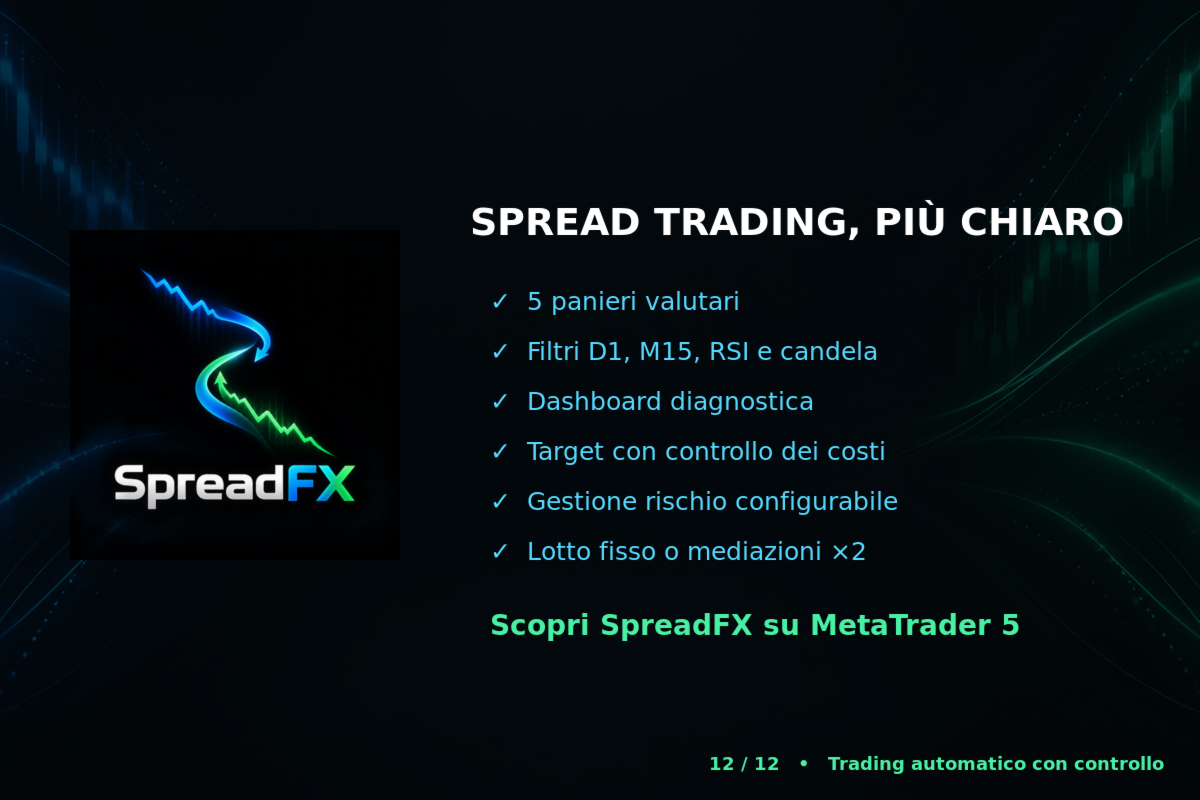
SpreadFX can monitor and manage up to five baskets:
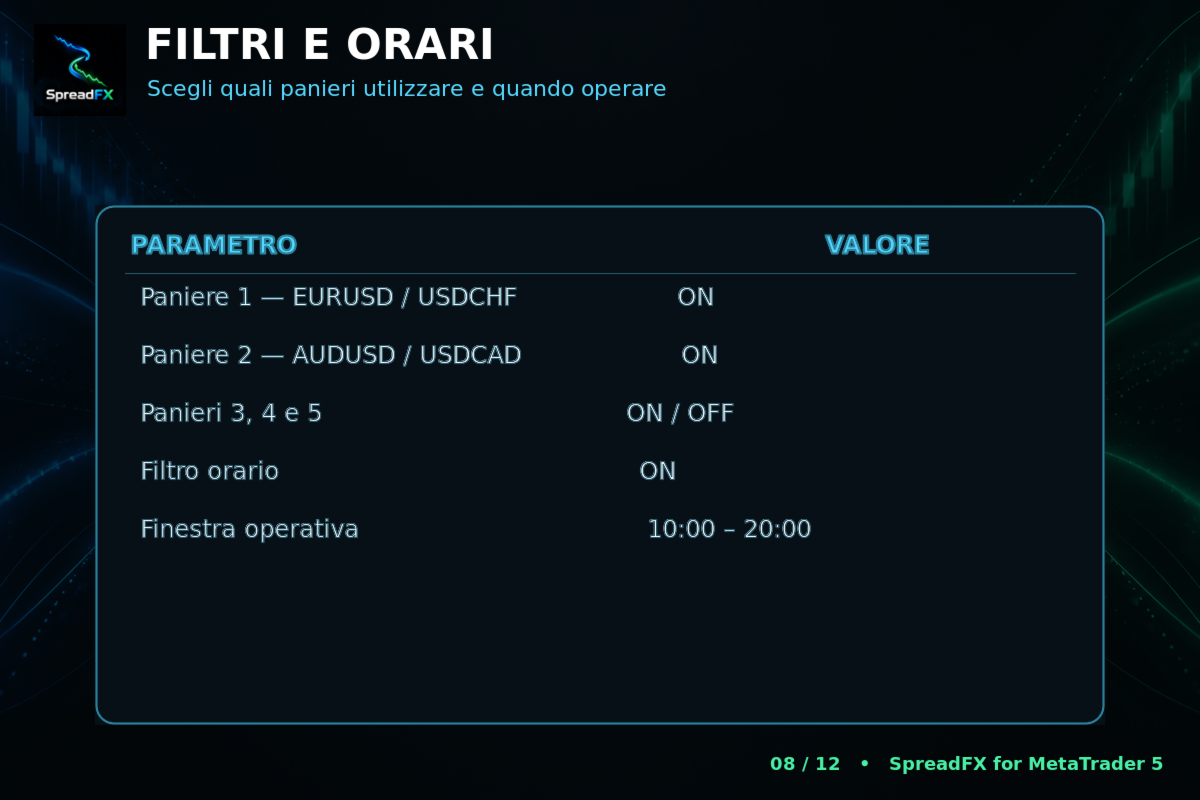
EURUSD / USDCHF
AUDUSD / USDCAD
NZDUSD / EURNZD
USDCAD / EURUSD
EURAUD / AUDCAD
Each basket has an independent Magic Number. This allows the Expert Advisor to identify, control and close only the trades that belong to it.
You can:
Enable or disable each basket
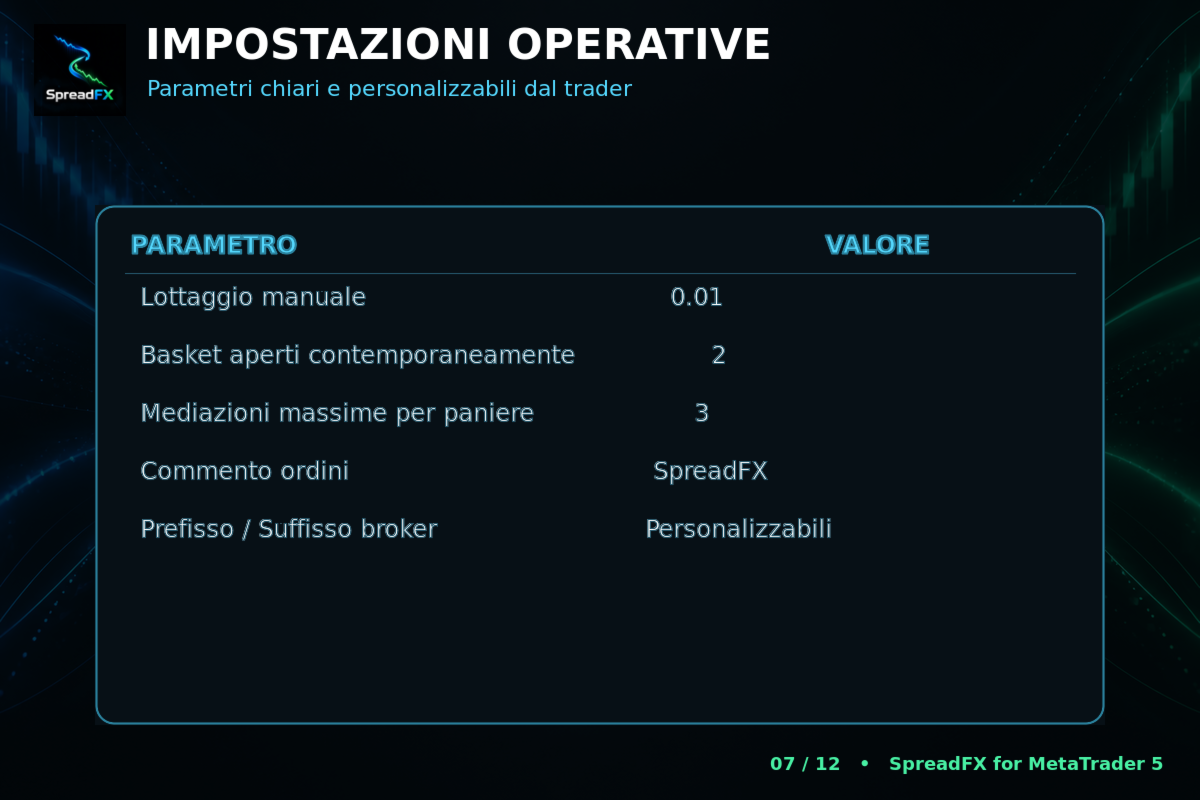
Set how many baskets may be open at the same time, from 1 to 5
Use prefixes and suffixes to adapt symbols to your broker
Add a custom comment to orders
ENTRY LOGIC
A basket is opened only when the strategy conditions are mutually compatible.
SpreadFX uses several checks:
D1 daily divergence analysis
M15 deviation and relative-behaviour analysis
RSI filter
Previous-candle check
Volatility filter
Symbol-data availability check
Slot and maximum-open-baskets check
Optional time filter
Check that the basket is not already occupied
The trade is authorised only when all required filters simultaneously reach the specified condition.
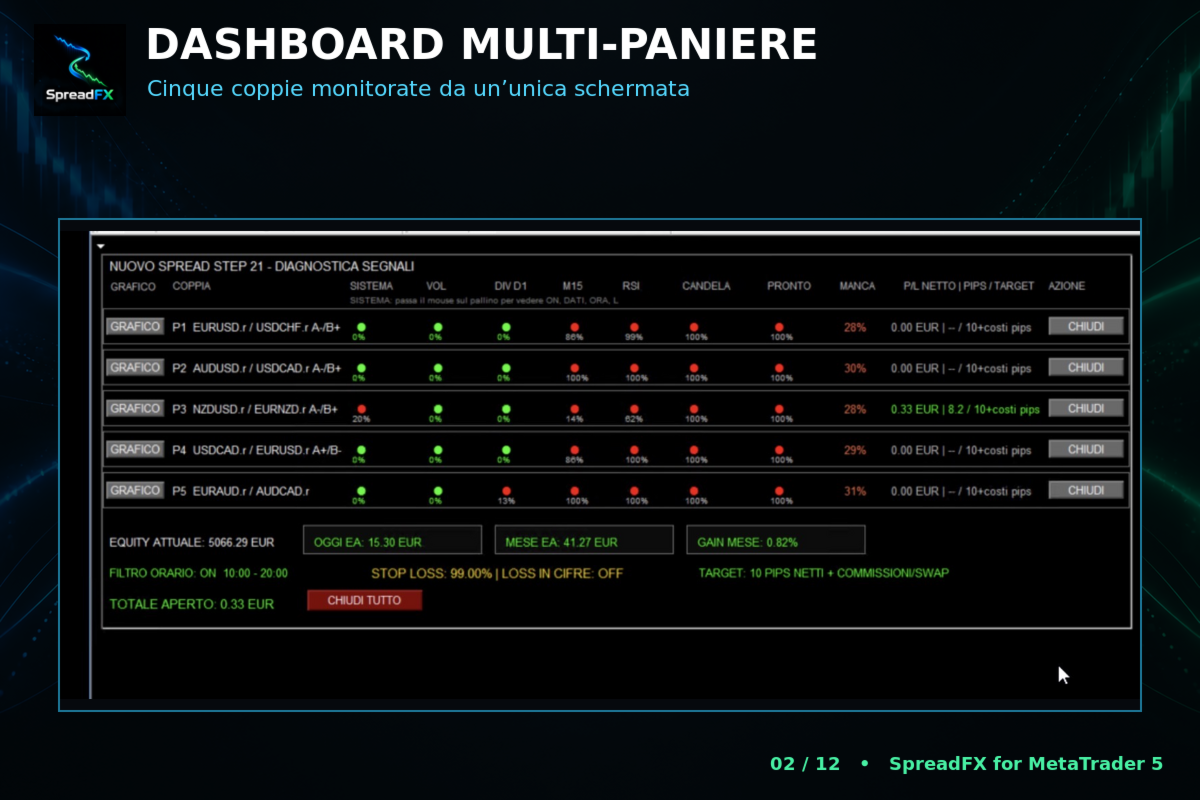
DIAGNOSTIC DASHBOARD
SpreadFX includes a graphical dashboard that lets you monitor the strategy status in real time.
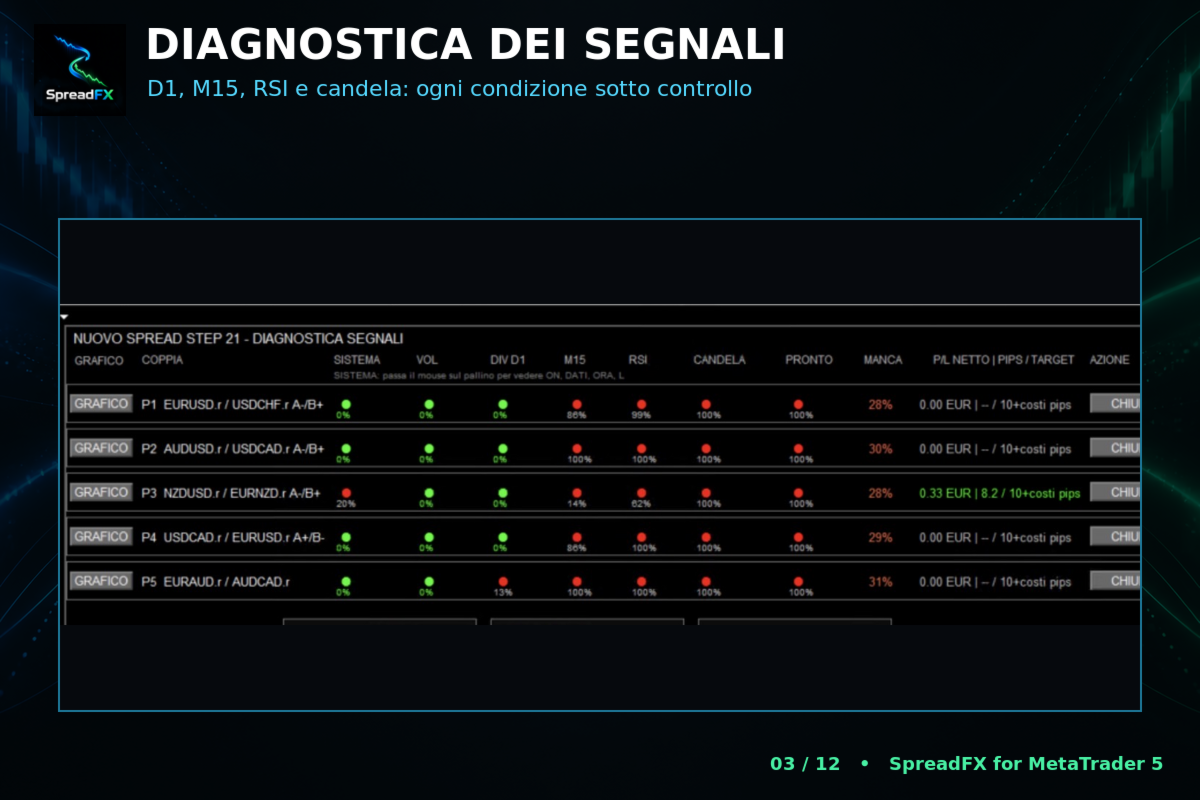
For each basket, it displays:
Overall system status
Volatility
D1 divergence
M15 condition
RSI
Candle
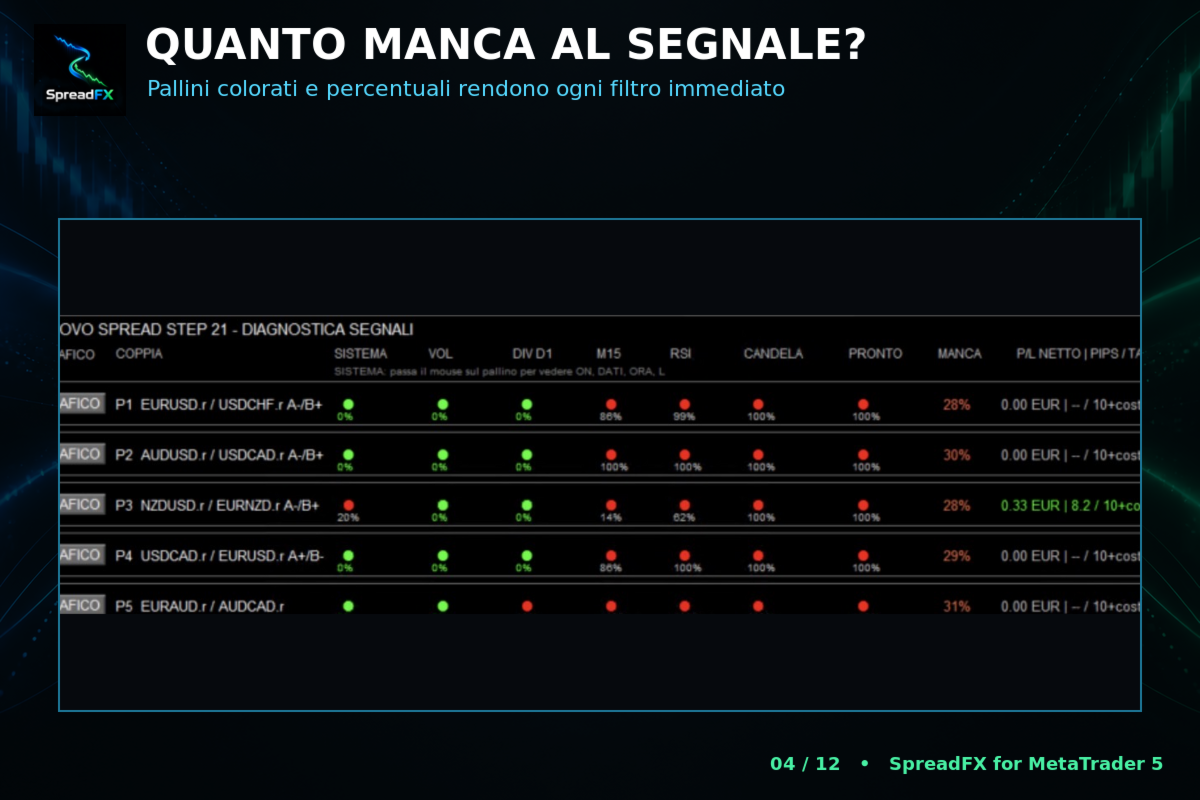
“READY” status
Overall percentage still missing before a signal
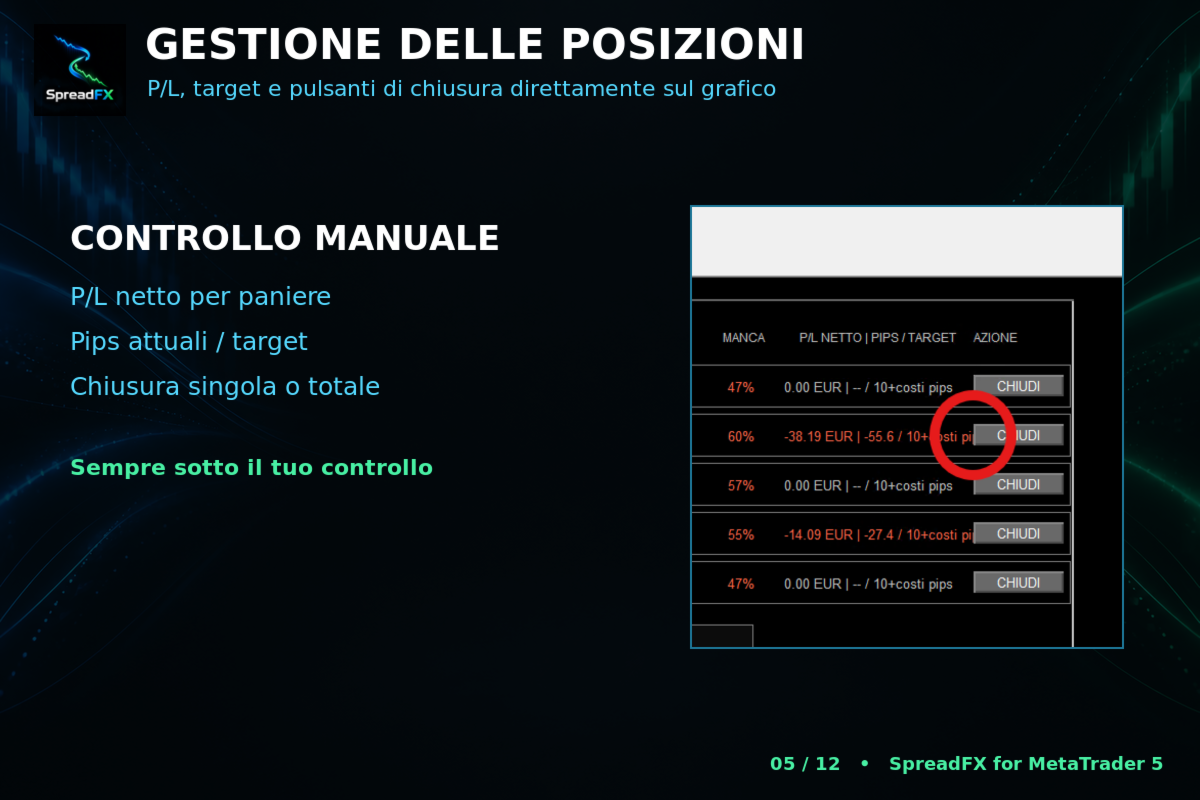
Net profit or loss of the basket
Current pips and target
Button for manually closing the individual basket
The row is highlighted when all operating conditions are ready.
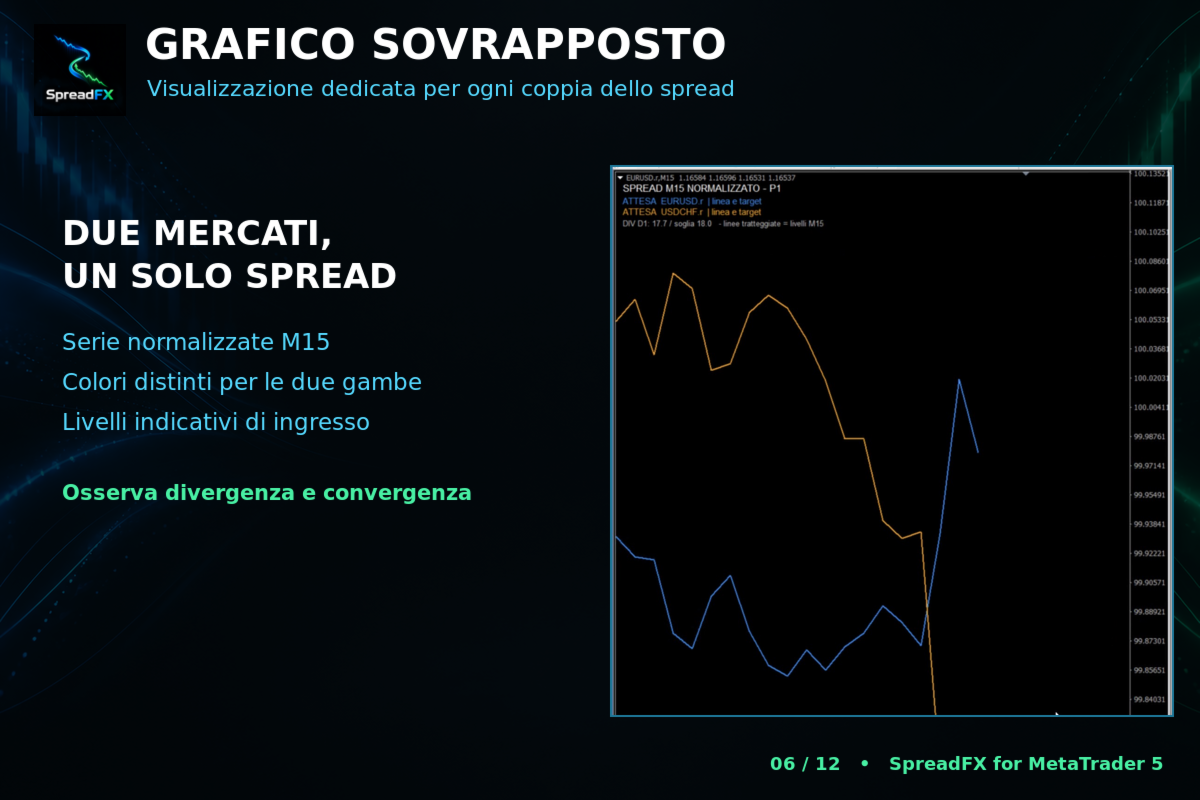
The CHART button opens a dedicated view showing the two instruments normalised and overlaid in different colours. It also displays the indicative levels used to observe the relative distance between the two currencies.
The dashboard also shows:
Current equity
EA daily result
Monthly result
Monthly percentage
Time-filter status
Loss-protection status
Operating target
Total value of open positions
CLOSE ALL button
TARGET MANAGEMENT
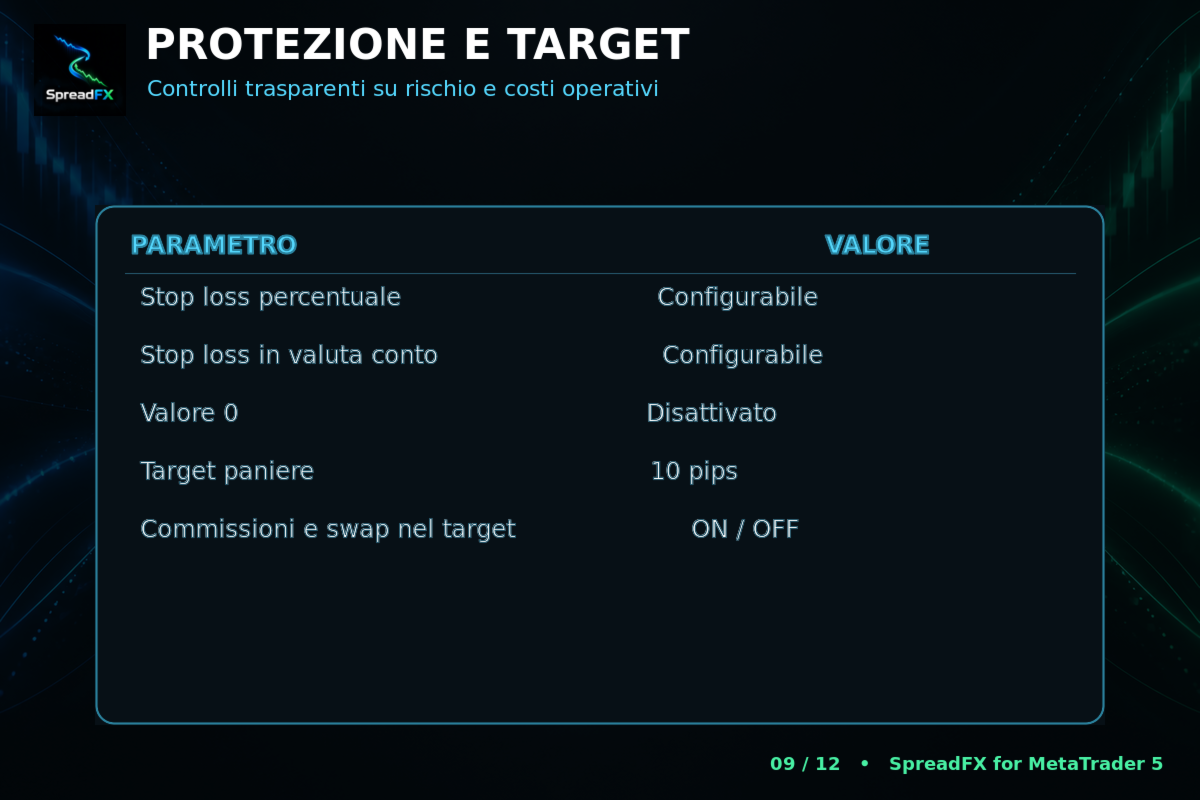
The default target is set in pips on the basket’s combined result.
When “Include costs in target” is enabled, SpreadFX also checks the net monetary result and takes into account:
Commissions
Swap
Costs already booked by the broker
A prudent estimate of the closing commission
This means that reaching the required pips is not sufficient if the basket’s net result has not yet recovered the detected costs.
AVERAGING MANAGEMENT
If the basket continues to diverge, SpreadFX can add progressive averaging entries according to the levels defined by the strategy.
The user can choose:
Maximum number of averaging entries
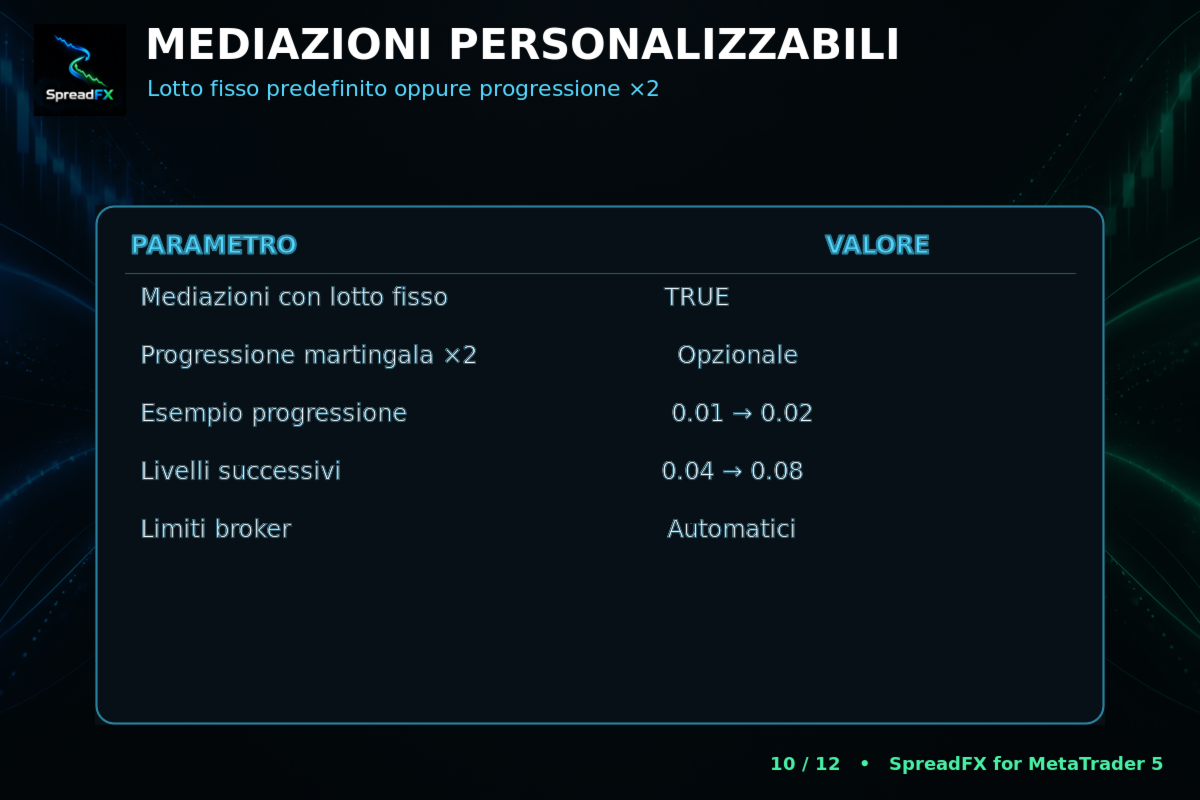
Fixed-lot averaging
Martingale ×2 averaging progression
With a base lot of 0.01 and martingale enabled, the theoretical progression is:
0.01 → 0.02 → 0.04 → 0.08 → 0.16
The lot is automatically adjusted to the minimum volume, volume step and maximum volume allowed by the broker.
Fixed-lot mode is the default and is generally more prudent. Martingale rapidly increases exposure, margin requirements and drawdown and should be used only after thorough backtesting.
RISK MANAGEMENT
SpreadFX allows two independent protections to be set:
Percentage stop loss based on equity
Stop loss expressed in the account currency
Entering 0 disables the relevant protection.
When either active limit is reached, the EA attempts to close all its own trades and stops operating.
A manual lot setting is also available, so the user retains direct control over the initial exposure.
TIME FILTER
The time filter can be enabled or disabled.
When enabled, the user can define:
Start time
End time
Times refer to the broker’s server time. The filter limits new entries, while existing positions continue to be managed by the Expert Advisor.
REQUIREMENTS
MetaTrader 5
M15 chart
HEDGING account
Historical data available for all symbols used
Prefix and suffix configured correctly
AutoTrading enabled
Stable connection or VPS recommended
SpreadFX must be attached to one M15 chart only. Because it is a multi-currency system, it independently monitors all instruments in the enabled baskets.
BACKTEST
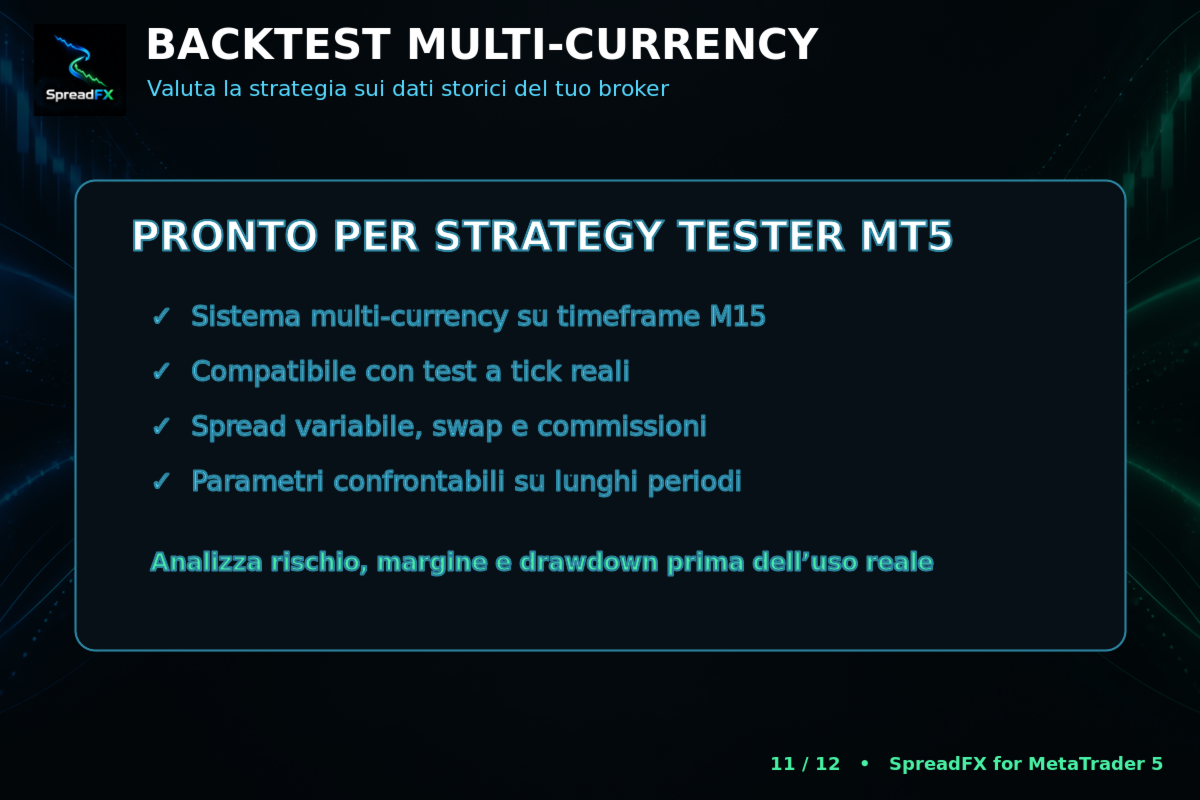
For an initial quick check, the 1-minute OHLC model can be used.
For a more realistic assessment, the following are recommended:
Real ticks
Variable spread
Commissions consistent with the account used
Sufficiently long historical periods
Graphical diagnostics disabled to increase speed
Before live use, it is advisable to compare different market periods and carefully assess drawdown, margin and averaging behaviour.
RISK WARNING
SpreadFX is an automated trading support tool and does not guarantee profits. Historical or backtest results are not a guarantee of future performance.
Forex and leveraged products involve a high level of risk. The user is responsible for selecting the lot size, protections, number of baskets and averaging entries. Starting on a demo account and using settings compatible with one’s capital and risk tolerance is recommended.