
Auto Trader X
- Experts
-
Van Minh Nguyen
 Hello! I'm an independent EA developer with a passion for algorithmic trading and automated systems. I specialize in building Expert Advisors and indicators for the MetaTrader platform, with a focus on reliability, performance, and user-friendly design. I’m here to share quality trading tools and
 - Version: 2.1
- Updated: 3 October 2026
Auto Trader X
Auto Trader X is a multi-mode Expert Advisor (EA) designed to automate trade execution using either its built-in trading logic or signals from supported indicators.
The EA provides three operating modes: Internal Logic, Trend Eye Sync, and FiboSniper Pro Sync.
Please see the User Guide for setup instructions and recommended configurations.
Trading Modes
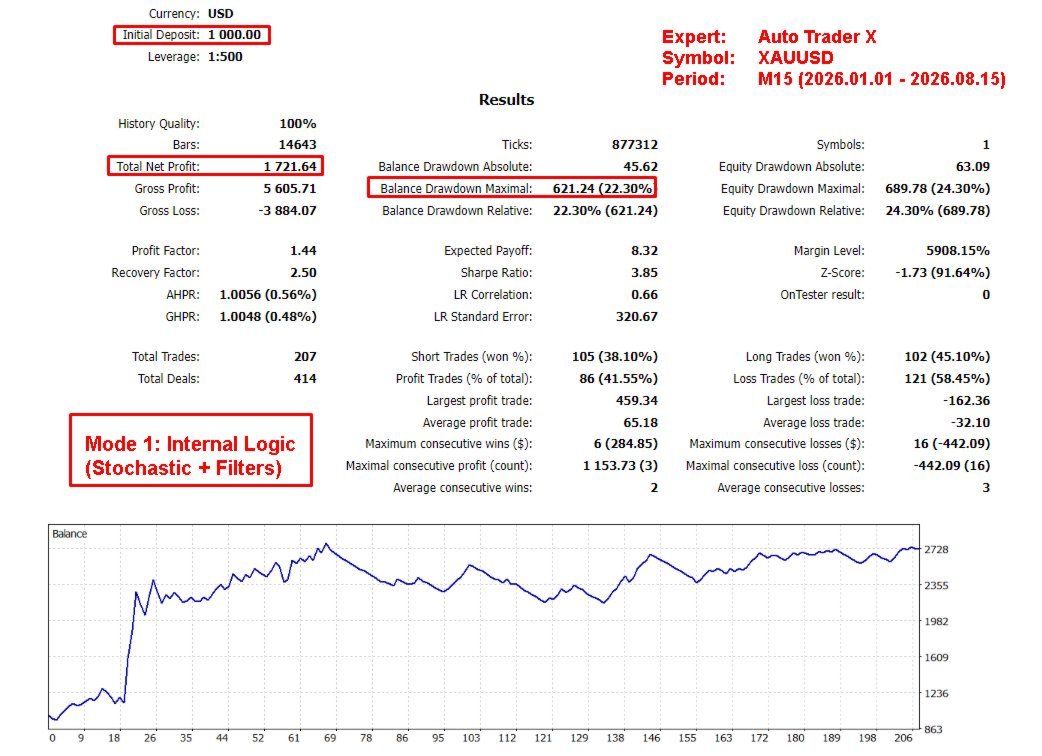
Mode 1 – Internal Logic
This mode uses the EA's built-in trading logic based on Stochastic signals combined with EMA, ADX, RSI, and Ichimoku filters.
The EA also provides ATR-based Stop Loss and Take Profit management, trading limits, position management, and a dashboard.
No external indicator is required.
Suggested configuration:
-
Symbol: XAUUSD
-
Timeframe: M15
-
Suggested starting balance: $500+
Mode 2 – Trend Eye Sync
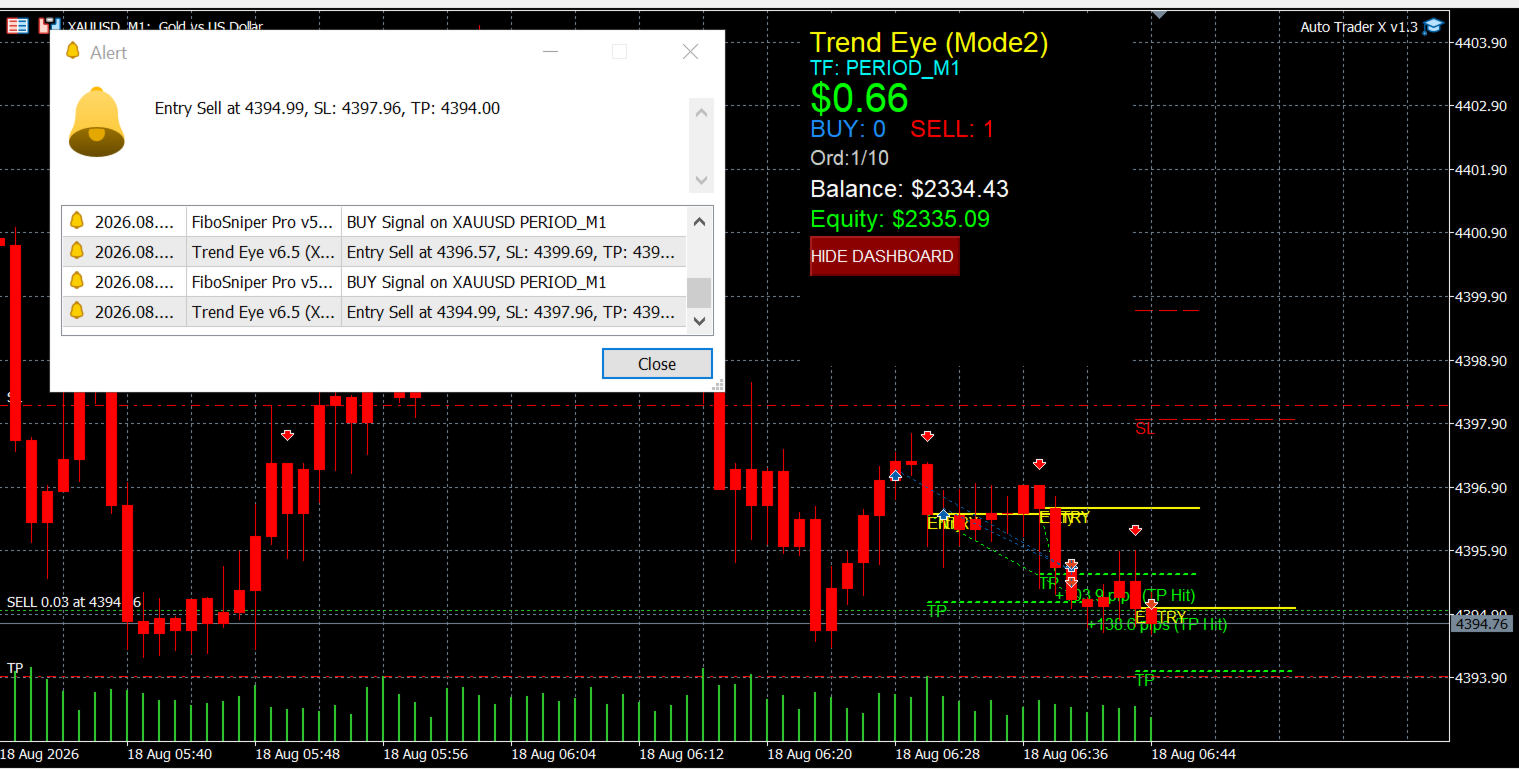
This mode works together with the Trend Eye indicator attached to the same chart.
Auto Trader X reads Buy/Sell signals, Stop Loss and Take Profit levels, and opposite-signal information from the indicator. The EA then executes and manages trades according to the signals provided by Trend Eye.
The EA does not generate independent trading signals in this mode.
Mode 3 – FiboSniper Pro Sync
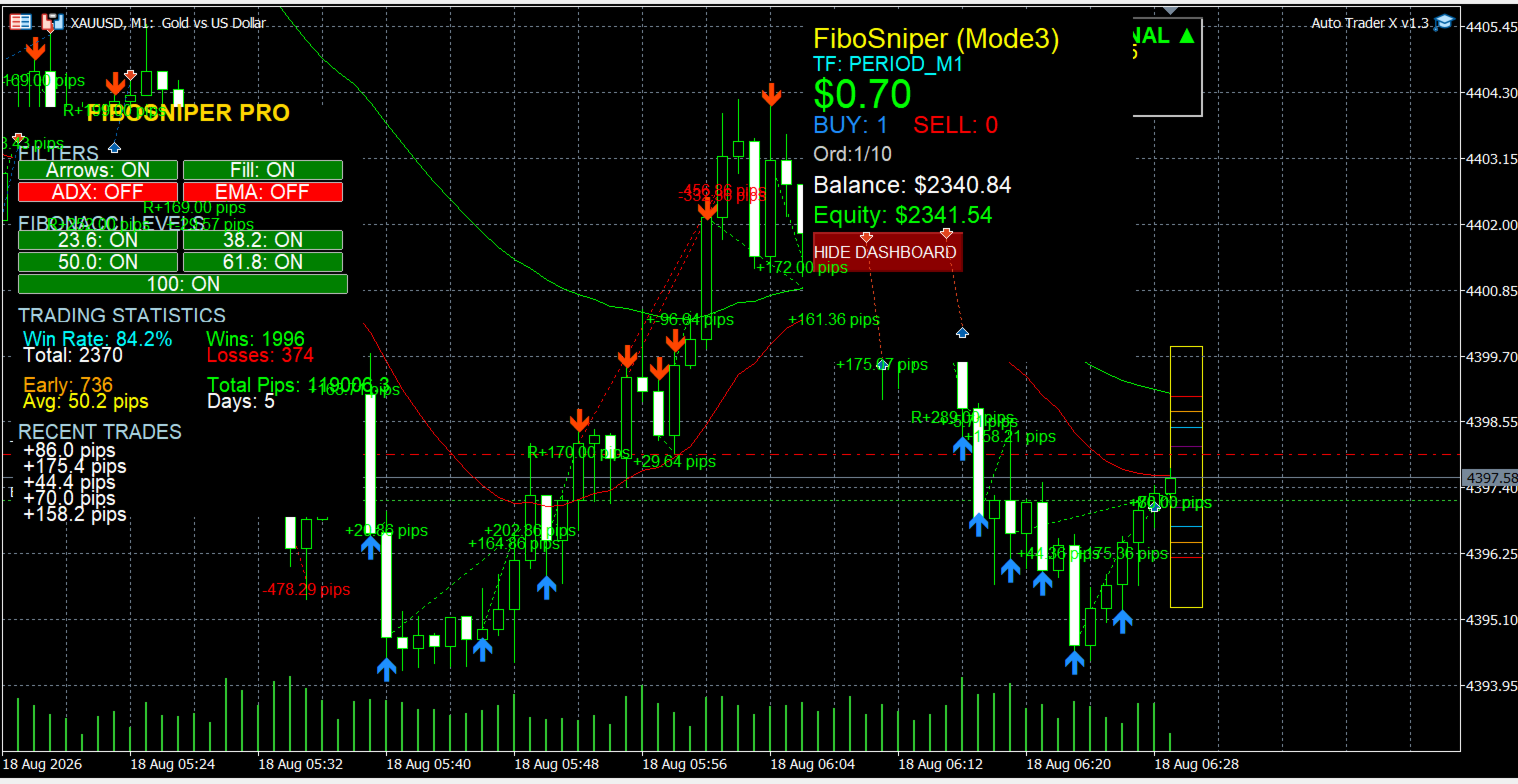
This mode works together with the FiboSniper Pro indicator attached to the same chart.
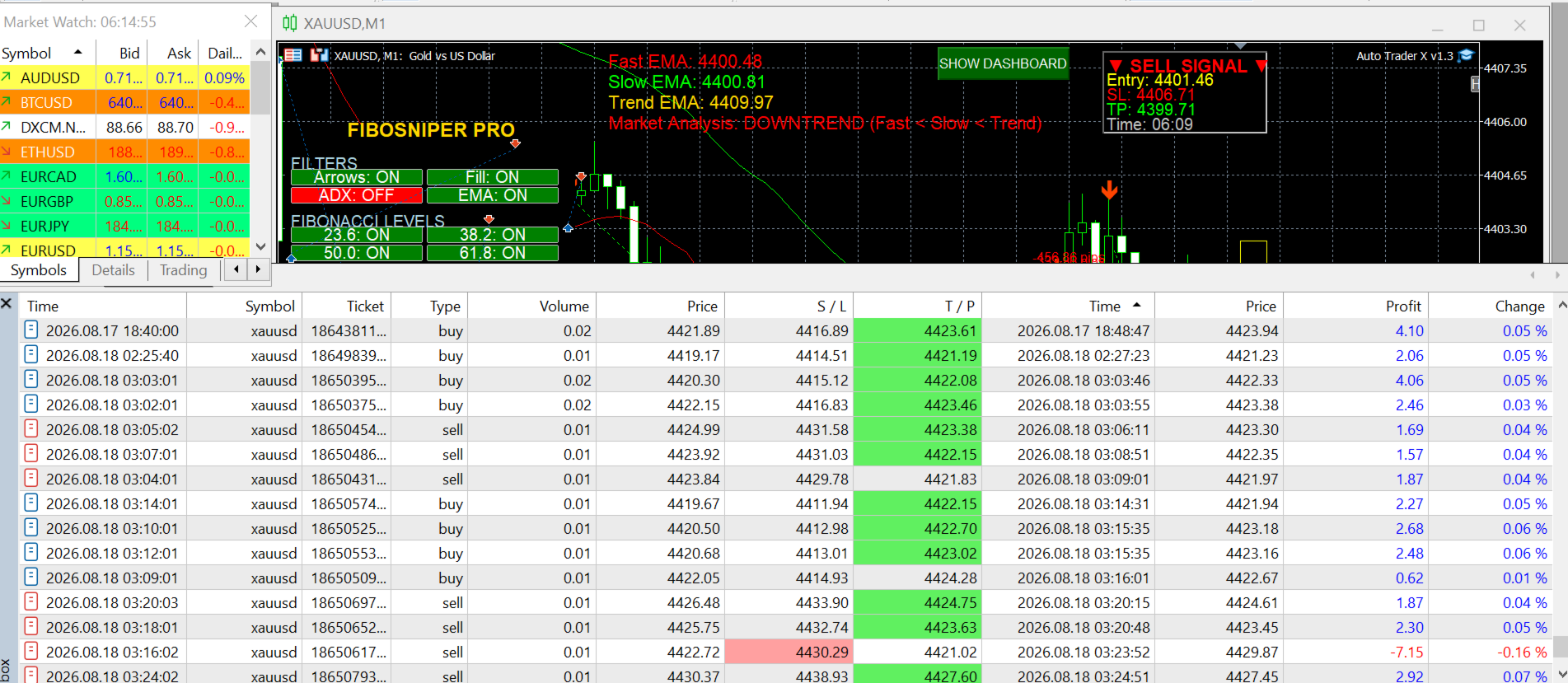
Auto Trader X reads Buy/Sell signals, Stop Loss and Take Profit levels, and opposite-signal information from FiboSniper Pro. The EA then executes and manages trades according to the indicator signals.
The EA does not generate independent trading signals in this mode.
Main Features
-
Three operating modes for different trading workflows
-
Automatic Buy and Sell trade execution
-
Indicator-based trade execution in Modes 2 and 3
-
Stop Loss and Take Profit management
-
Opposite-signal position closing
-
Fixed-lot or risk-based lot sizing
-
Daily profit and loss limits
-
Dashboard and notification functions
Recommended Setup for Modes 2 and 3
For indicator-based automated trading, attach the supported indicator to the chart first and then attach Auto Trader X to the same chart.
Set the corresponding SignalMode:
-
Mode 2: SIGNAL_MODE_TREND_EYE_SYNC
-
Mode 3: SIGNAL_MODE_FIBOSNIPER_SYNC
Enable AutoTrading in MetaTrader 5 and make sure both the indicator and EA remain active on the same chart.
For Mode 1, attach Auto Trader X to the chart and select:
SIGNAL_MODE_INTERNAL_LOGIC
No external indicator is required for Mode 1.
Recommended account conditions for Modes 2 and 3 include low-spread ECN, Raw, or Standard accounts. XAUUSD, BTCUSD, and major Forex pairs can be used depending on the selected indicator and trading setup.
Risk Disclaimer
Trading financial markets involves significant risk, and trading results may be affected by market conditions, spreads, broker execution, liquidity, and volatility. Auto Trader X does not guarantee profits or specific trading results, and users are responsible for their own trading decisions and risk management. Before using the EA on a live account, please test it on a demo account first to understand its operation and evaluate the associated risks. In Modes 2 and 3, Auto Trader X acts as an automated trade execution tool and places trades based on signals provided by the supported external indicator.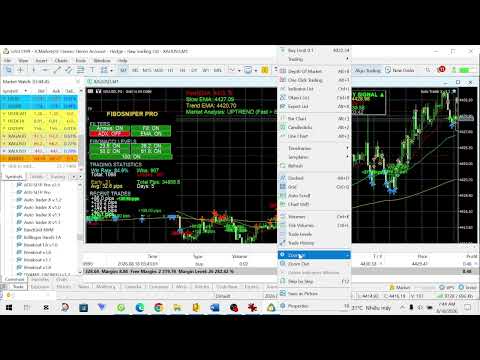









































What convinced me wasn't a big winning streak, it was the discipline. Same lot size every time, stop loss always in place, and it doesn't chase after a losing trade. On gold and BTC it has been steady and low-drama, which is what you actually want from an EA. Support is a real strength too. Van answers fast and helps you get it set up properly instead of pointing you at a manual. Solid product, honest seller.