Boleta ata
- Утилиты
- Версия: 1.21
- Обновлено: 18 августа 2026

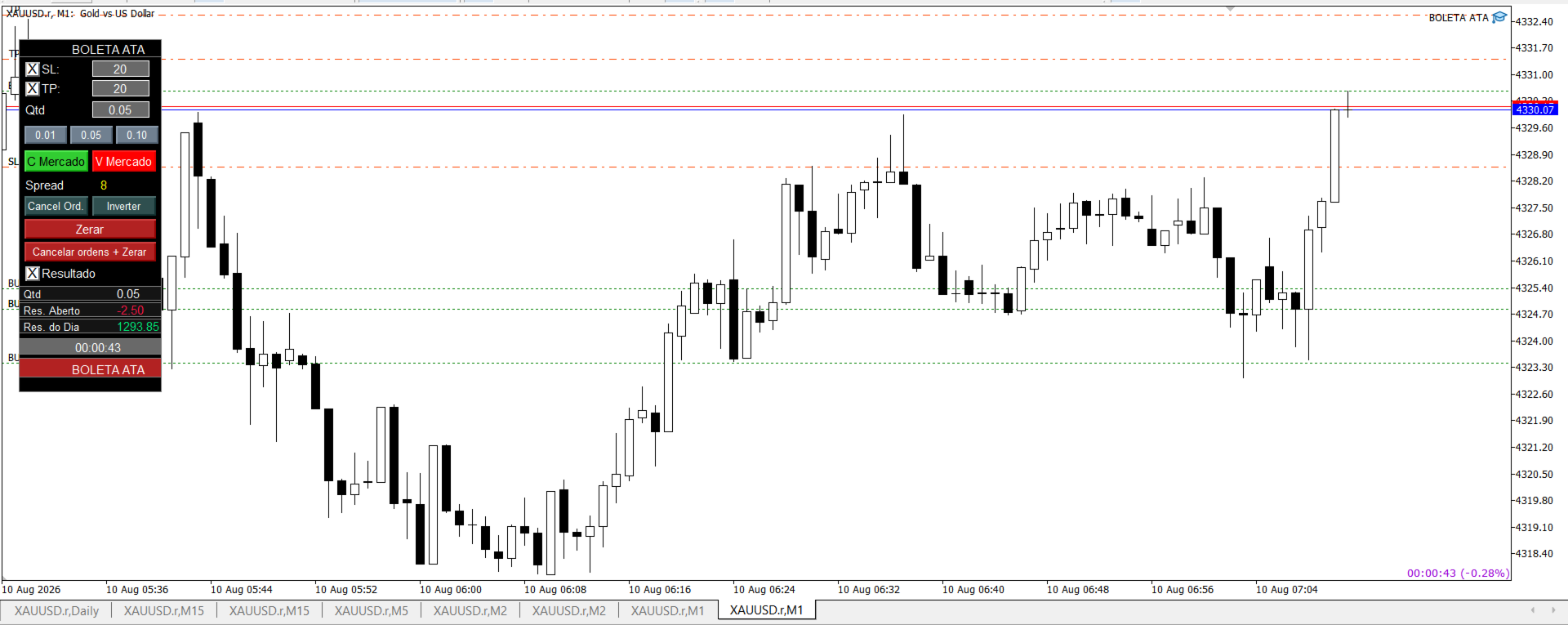
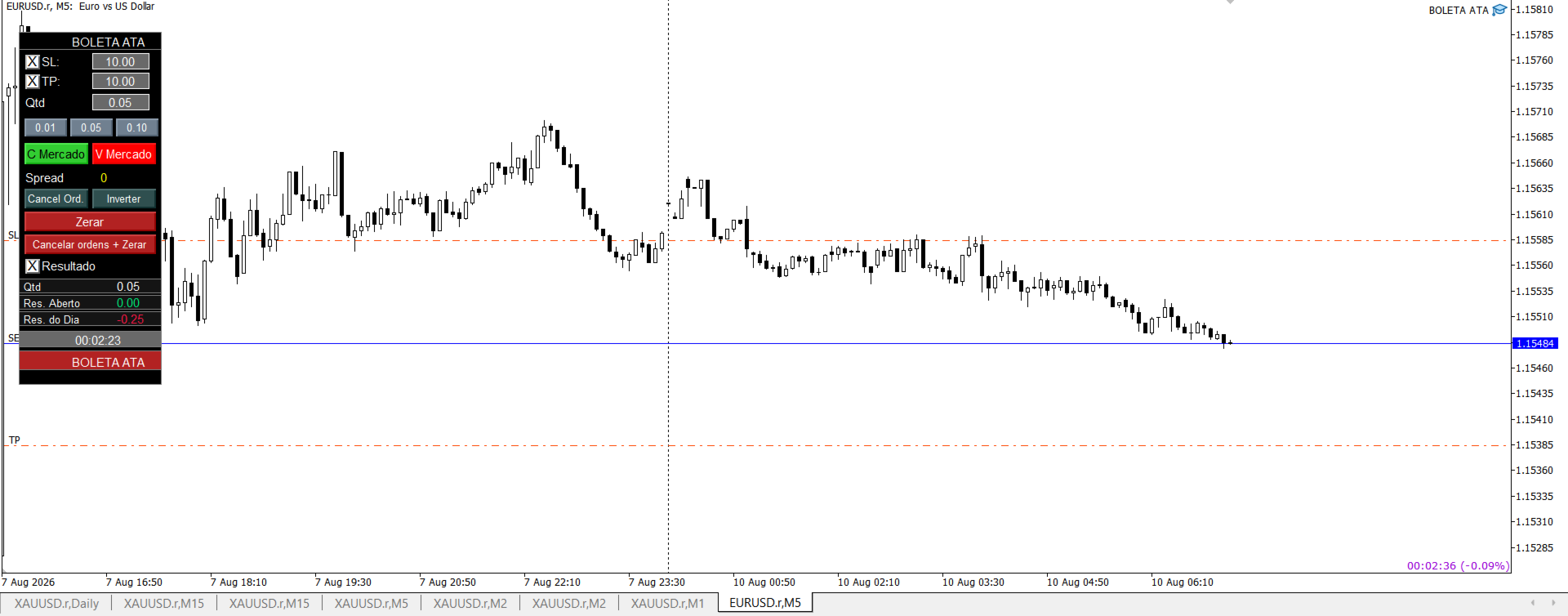
BOLETA ATA is a quick-execution trading panel for MetaTrader 5, built for manual traders who want to buy, sell, and manage positions without leaving the chart. Compact, straightforward, and with built-in protection automations.
Main Panel
- Stop Loss and Take Profit with an on/off checkbox and an editable field — click and type the value directly, no need to open settings
- Lot size field (Qty), editable at any time
- 3 clickable lot presets: a single click applies the value to the Qty field; a double click opens the preset for editing, letting you redefine all three values directly from the panel, without touching the robot's properties
- One-click Buy and Sell at Market, already using the configured SL/TP
- Live spread display
- Cancel Orders — removes all pending orders for the symbol/magic
- Reverse — closes the current position and opens a new one in the opposite direction with the same volume, already applying SL/TP
- Close All — closes every open position
- Cancel Orders + Close All — clears everything at once
- Result panel: open volume, floating P&L, and daily P&L, with highlighted colors (green/red) for quick reading
- Countdown timer to the current candle's close, automatically adapting to the chart's timeframe (M1, M5, H1, etc.)
Pending orders directly on the chart
- Hold Shift to draw an entry line on the buy side; hold Ctrl for the sell side
- The line follows the mouse freely, and the label automatically switches between Stop and Limit depending on whether you're above or below the current price
- If SL and TP are enabled on the panel, auxiliary lines show where those levels would land, following the main line
- A click while the key is still held confirms and sends the order at the exact price where the line stopped; releasing the key without clicking cancels everything instantly
Average price line
- When you open a second buy (or sell) position on the same symbol, a dotted line automatically appears showing the volume-weighted average price for that side
- Buy and sell are calculated separately — having positions on both sides at once (hedging) won't trigger the line until one side has 2 or more positions
- Customizable colors for each side (default: dark blue for buy, purple for sell)
- Can be fully disabled via input
Protection automations
- Trailing Stop: on/off toggle, with a minimum profit (in ticks) to start trailing the Stop Loss, and a configurable distance from the current price. Never loosens protection already achieved
- Automatic Breakeven: on/off toggle, with a profit trigger (in ticks) and configurable additional protection — can move the SL exactly to the entry price, or a few ticks beyond it, locking in minimum profit. Works independently from the trailing stop; both can be active at the same time without conflict
Multi-language
- Automatically detects the language configured in the user's MetaTrader (Portuguese, English, or Spanish) and adapts the panel's texts
- Can be manually forced via input, bypassing auto-detection
Full customization via inputs
- Magic number, default SL/TP, initial lot size, and the 3 lot presets
- Panel X/Y position on screen
- Average price line colors (buy and sell)
- All trailing stop and breakeven parameters
- Panel language