WaveMasterPro
- Эксперты
- Версия: 4.0
- Обновлено: 2 июля 2026
- Активации: 5

WaveMaster Pro: Institutional Algorithmic Risk & Portfolio Management
Retail trading algorithms fail because they rely on binary, margin-destroying stop-losses or unmanaged, blind grid expansion. WaveMaster Pro abandons retail logic entirely. Engineered as a comprehensive Algorithmic Accounting Matrix, it introduces a proprietary ledger-based risk model that mathematically neutralizes floating drawdown without realizing immediate capital damage.
Designed with an ultra-lightweight, zero-latency CPU architecture, WaveMaster Pro operates like a digital hedge fund—dynamically routing capital allocation based on real-time market microstructure.
Core Execution Protocols
WaveMaster Pro is not a single strategy; it is a dynamic transmission. It houses four distinct execution modules that seamlessly switch to counter changing market conditions, actively engaging only when specific threat or opportunity thresholds are met:
-
The Wave Breaker (Momentum & Quarantine Protocol): Designed for volatile market conditions. When strong trends erupt, this module leverages structural analysis to capitalize on momentum while isolating toxic counter-trend exposure. Once a basket crosses a strict structural threat threshold, it systematically utilizes pre-allocated ledger reserves to neutralize the deepest exposure behind the scenes, protecting your free margin.
-
The Grid Shrinker (Spatial Compression Protocol): Engineered for grinding, drifting market conditions. Instead of waiting for a full market reversal, this module uses structural spatial compression to physically shrink the size of your active exposure. It cuts away high-risk extremes to immediately free up margin, directly funneling surplus yields back into account growth.
-
The Volatility Harvester (Micro-Structure Scalper): A highly adaptive extraction engine for ranging, low-volume sideways markets. It tracks real-time statistical deviations to harvest high-probability yields, automatically funneling a designated portion of every successful cycle into your account’s defensive ledger.
-
The Macro Flush (Portfolio Stabilizer): The ultimate heavy-duty safeguard for complex, multi-level cycles. The split-second the collective basket achieves mathematical parity or reaches its designated recovery targets, it flushes the entire cycle, securing net-positive equity and instantly resetting your risk exposure to zero.
The Defense Matrix & System Safeguards
-
Proprietary Ledger Accounting: WaveMaster Pro physically refuses to take an unmanaged loss. By utilizing an advanced algorithmic ledger, the system smoothly absorbs market trauma over time, allowing your equity curve to grow without the violent, sharp drops associated with traditional trading systems.
-
The Precision Sniper Entry Engine: The EA refuses to chase prices or enter blindly. Utilizing a decoupled, highly responsive lower-timeframe sniper radar, the engine actively tracks price extremes during expansions. It holds its trigger during rapid, vertical drops and executes only after catching a localized confirmation hook at the structural bottom of the wick, securing the absolute maximum price advantage.
-
System-Safe Performance Throttling: Built for real-world server environments and high-impact news protection, the execution engine features a time-weighted safety lock. By enforcing a strict mathematical breathing window between individual grid additions, it prevents double-clicking errors and broker execution loops, naturally expanding your grid distance during flash crashes while keeping CPU usage completely optimized.
-
External Intervention Synchronization: WaveMaster Pro possesses absolute awareness of your portfolio. If a trade is closed manually by the user, a broker, or a third-party script, the EA's built-in synchronization engine instantly detects the event and recalculates its internal mathematical ledger to maintain flawless accuracy.
-
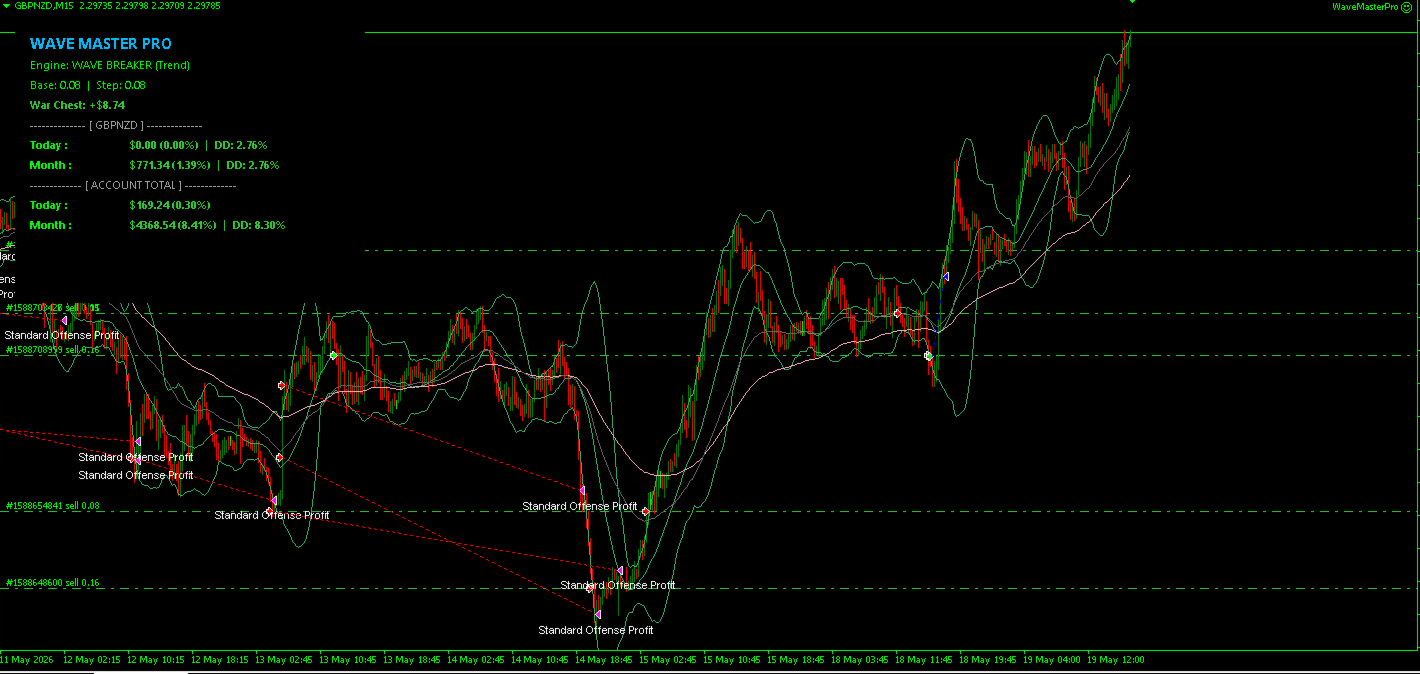
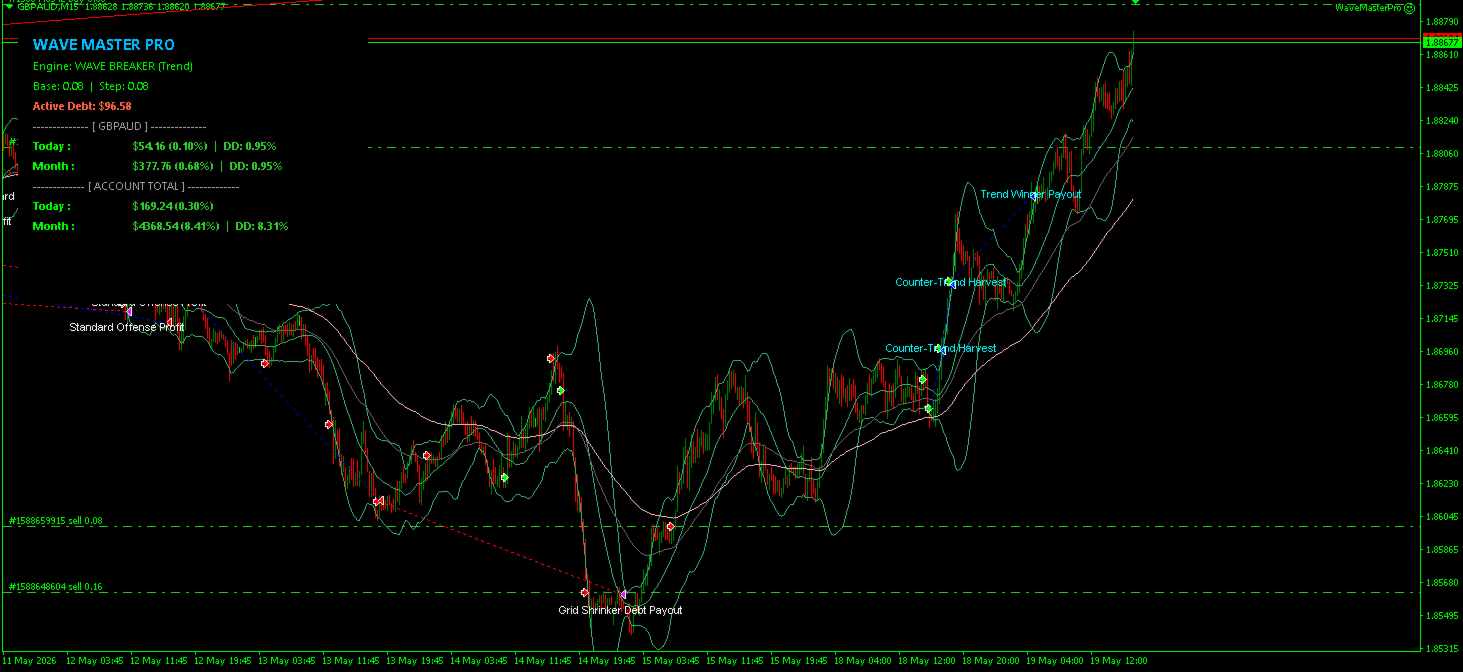
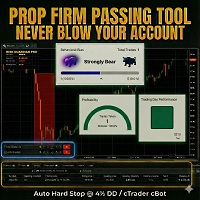
Dynamic Visual Telemetry: A completely responsive on-chart UI provides instant, color-coded visual confirmation of your portfolio's internal health, allowing you to monitor active targets, trend filters, and ledger reserves at a single glance.
Swap-Free & Islamic Account Optimization
WaveMaster Pro is engineered with special consideration for extended maturity cycles. In standard grid systems, overnight swap fees can quietly erode your margins and alter your calculated break-even parity.
-
100% Swap-Free Friendly: The accounting engine's multi-level tracking matrix is fully optimized for Islamic and Swap-Free accounts, ensuring that holding positions across sessions incurs zero structural drag or premium decay.
-
Frictionless Extended Recovery: By neutralizing holding-cost friction, the algorithm operates with absolute mathematical purity over long-duration market cycles, ensuring your equity curve reflects raw performance without overnight fee deductions.
WaveMaster Pro: Master Input Guide
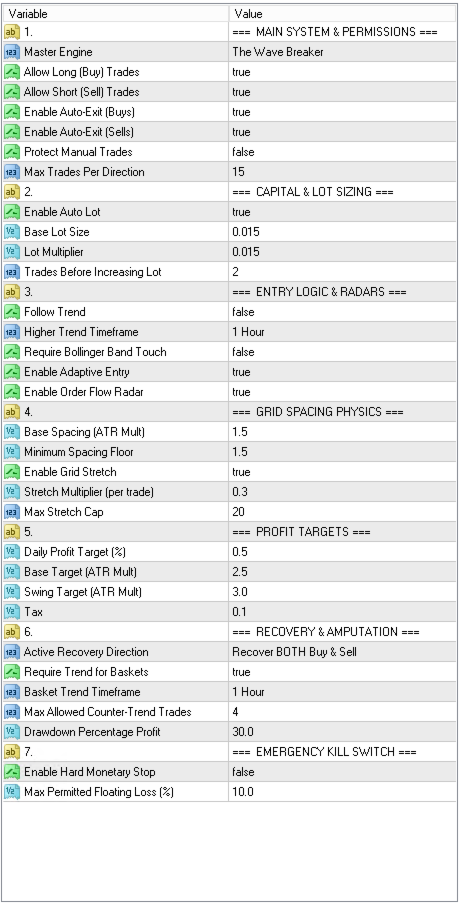
Section 1: Main System & Permissions
-
RecoveryMode: Selects the active algorithmic gear (SCALPER, GRID_SHRINKER, WAVE_BREAKER, or MACRO_FLUSH). This dictates the overarching philosophy of how the master engine manages drawdown, taxes profits, and executes basket closures.
-
allowBuy / allowSell: Master directional toggles. Set to true to permit the EA to open positions in the Long (Buy) or Short (Sell) directions.
-
AutoCloseBuy / AutoCloseSell: Grants the EA permission to automatically liquidate trades when dynamic profit targets, trailing exits, or ledger recovery goals are achieved.
-
ProtectManualTrades: When enabled, the EA's automated Harvester and Recovery engines will completely ignore any trades placed manually under magic number 0, protecting your discretionary setups from being swept up in algorithmic closures.
-
MaxGridTrades: The absolute maximum number of grid levels the EA is permitted to open in a single direction. Acts as a hard structural safety cap to protect free margin.
Section 2: Capital & Lot Sizing
-
UseAutoLots: When true, the EA dynamically scales lot sizes based on your available account balance. When false, it utilizes fixed, static lot metrics.
-
BaseLotPercent: If UseAutoLots is ON, this serves as the math percentage to calculate your starting lot size based on balance. If OFF, this serves directly as your static starting lot volume.
-
MartingaleStepPercent: The precise lot calculation step increment utilized as the grid levels deepen to guarantee localized mathematical recovery.
-
TradesPerLevel: Volume staging constraint. Dictates how many trades are opened at the current volume level before the EA escalates to the next lot size calculation.
Section 3: Entry Logic & Radars
-
UseEntryEmaFilter: When enabled, the initial entries filter assigns permissions strictly in alignment with the macro trend.
-
EntryEmaTimeframe: The specific higher timeframe baseline monitored by the macro radar to determine trend direction.
-
UseBBEntry: The Bollinger Band entry sniper gate. Requires the market price to physically touch the outer bands before initiating a trade setup.
-
UseTrailingEntry: Activates the local M5 pullback trailing sniper. Instead of chasing price instantly, it holds trigger execution until tracking an active reversal hook at the structural bottom of the wick.
-
UseOrderFlowGate: Activates the multi-timeframe order flow gate. Dynamically monitors H1/H4 momentum trends to prevent buying into straight vertical drops or flash crashes.
Section 4: Grid Spacing Physics
-
at_Multiplier: The dynamic baseline distance between grid trades, calculated as a multiplier of the current timeframe's true volatility (Average True Range).
-
SafetyFloor: A scalable minimum spacing limit multiplier. Prevents trades from clustering too densely if market volatility collapses and the native spread widens.
-
UseGridExpansion: Enables the grid stretch algorithm to expand gaps as exposure levels scale.
-
SpacingMult: The incremental multiplier added per active level to step-widen grid distribution distances.
-
SpacingCount: The maximum structural level cap where grid spacing expansion stops stretching.
Section 5: Profit Targets
-
baseProfit: The standard cash target multiplier (calculated via local ATR) utilized for counter-trend harvesting or flat, sideways market scalping.
-
swingProfit: A heavily expanded take-profit target multiplier utilized when the macro trend and order flow are strongly aligned in your favor.
Section 6: Recovery & Amputation
-
RecoveryDirection: Restricts the active recovery engine tracking to focus entirely on resolving Buy debt, Sell debt, or managing both simultaneously (BUY_AND_SELL).
-
ShredTradeCount: The critical threat threshold. The minimum number of counter-trend levels required before advanced drawdown mitigation or basket flushing engines wake up.
-
loseTarget: Target yield optimization. Defines the acceptable percentage of peak floating loss to secure as a cash buffer when executing an emergency basket flush or recovery exit.
Section 7: Risk Management
-
UseHardStop: The ultimate emergency account safeguard. Must be set to true to enable absolute liquidation protocols.
-
MaxLossPct: The maximum allowable floating drawdown percentage permitted for the symbol before the system flushes all trades and halts operations to preserve capital.
-
UseDynamicRiskShield: Activates adaptive mitigation protocols that dynamically scale down lot size increments or flatline the multiplier during deep drawdown phases.
-
MidRiskDrawdownPct: The primary drawdown milestone where the system first activates positioning gears to scale down risk exposure.
-
MidRiskReduction: The lot step size percentage reduction applied once the mid-risk threshold is crossed.
-
HighRiskDrawdownPct: The critical risk boundary that forces uniform-size formatting, flatlining the lot multiplier to eliminate account blowout parameters.