
Telegram To MT5 Receiver
- 유틸리티
- 버전: 5.20
- 업데이트됨: 1 8월 2026
- 활성화: 10

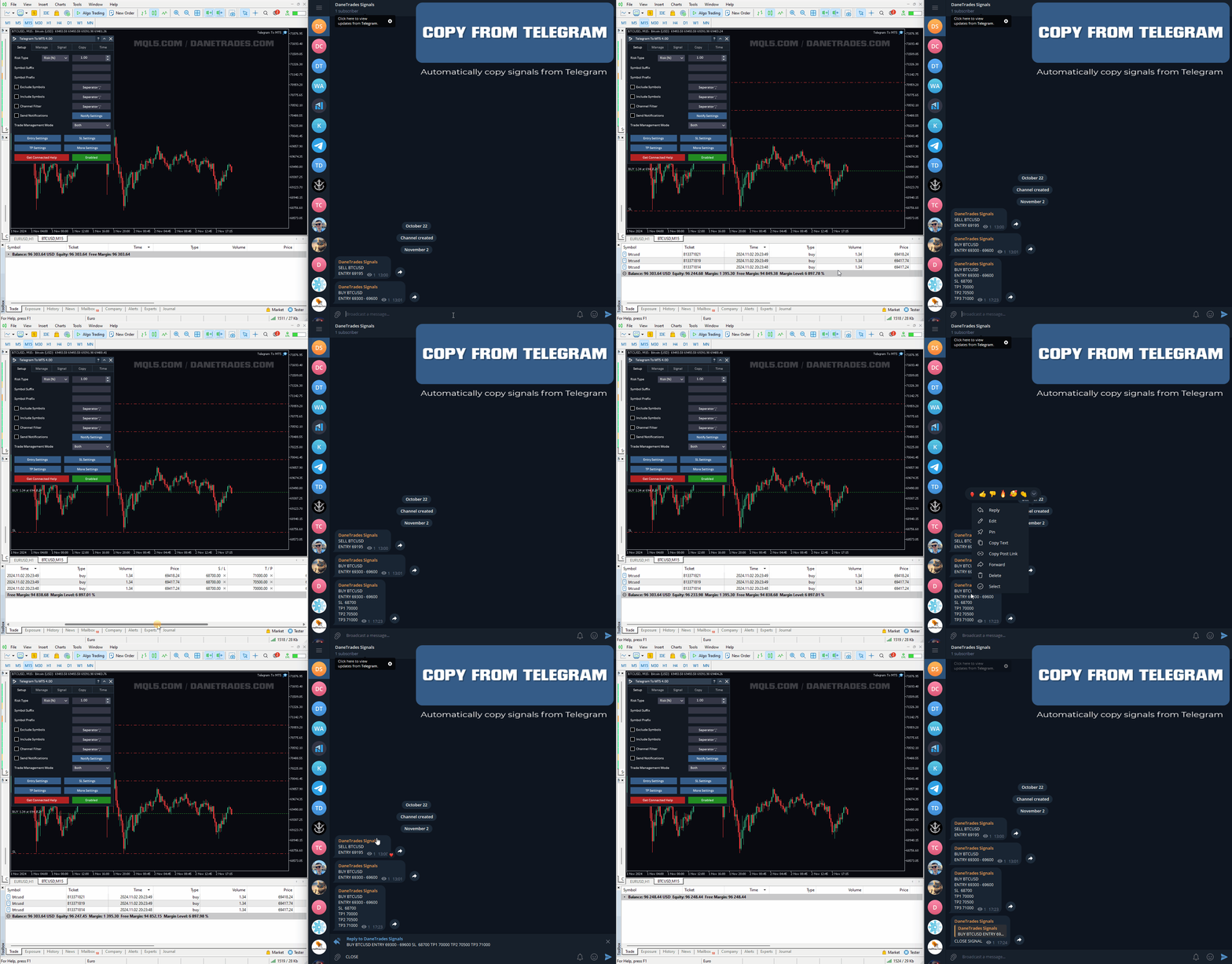
가입한 모든 채널에서 (개인 및 제한된 채널 포함) 시그널을 바로 MT5로 복사합니다.
이 도구는 사용자를 고려하여 설계되었으며 거래를 관리하고 모니터하는 데 필요한 많은 기능을 제공합니다.
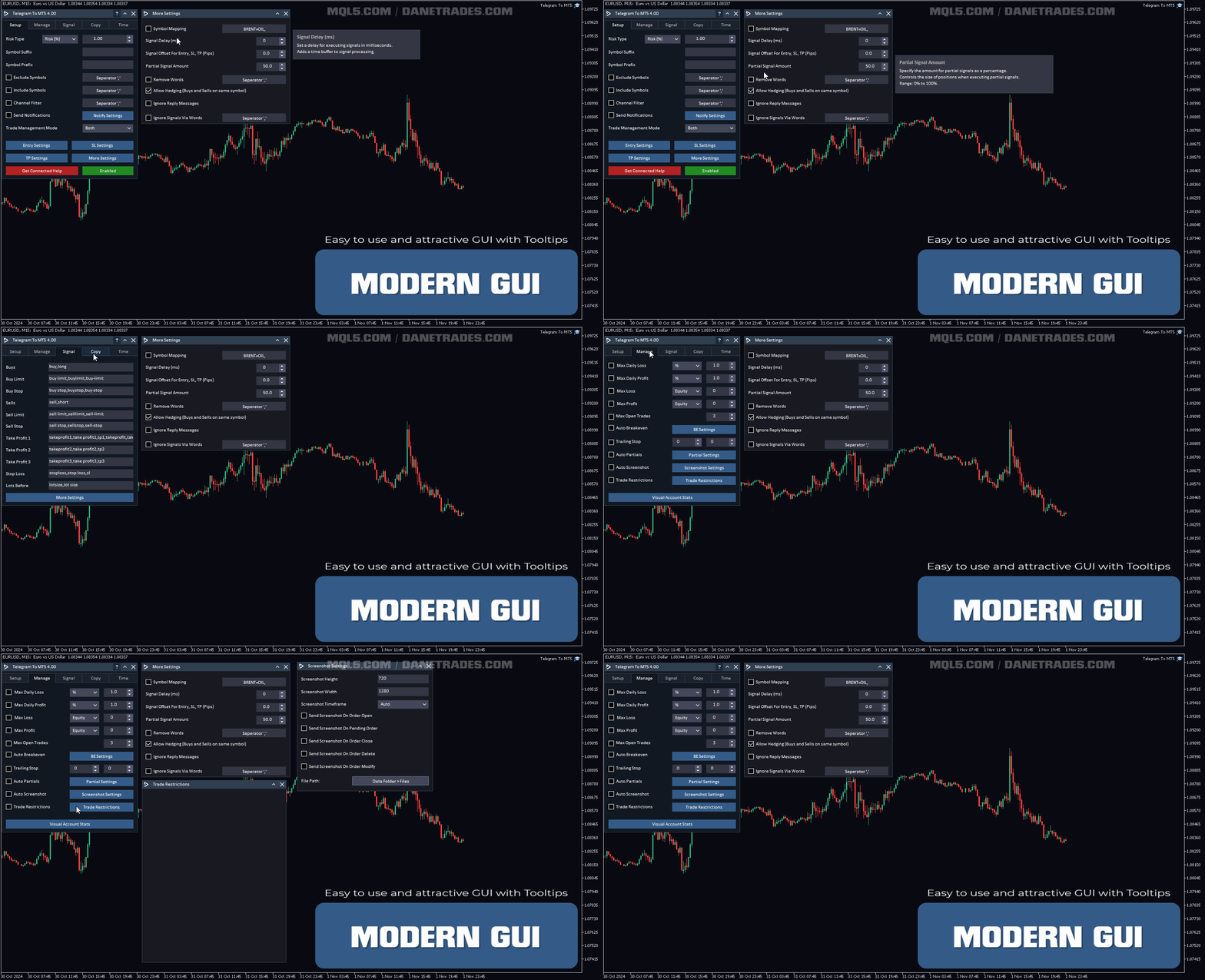
이 제품은 사용하기 쉽고 시각적으로 매력적인 그래픽 인터페이스로 제공됩니다. 설정을 사용자 정의하고 제품을 몇 분 안에 사용할 수 있습니다!
Telegram To MT5 특징
- 여러 채널에서 동시에 신호를 복사합니다.
- 개인 및 제한된 채널에서 신호를 복사합니다.
- Bot 토큰이나 채팅 ID가 필요하지 않습니다. (원하는 경우에는 사용할 수 있습니다)
- 위험 % 또는 고정된 로트로 거래합니다.
- 특정 심볼을 제외합니다.
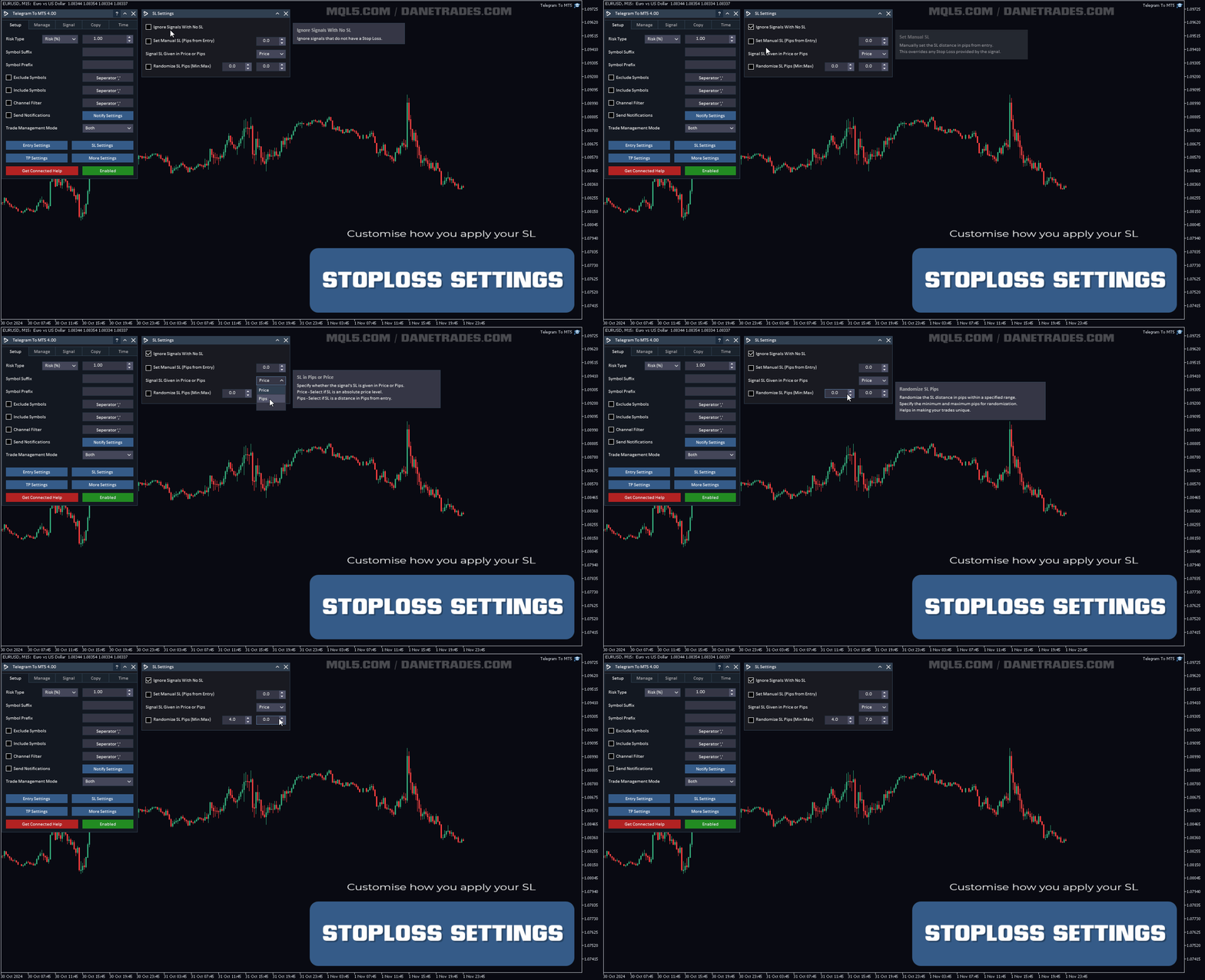
- 모든 신호를 복사할지 또는 복사할 신호를 사용자 정의할지 선택할 수 있습니다.
- 모든 신호를 인식하는 단어 및 구문을 구성합니다 (기본 설정은 99%의 신호 제공자에게 적합합니다).
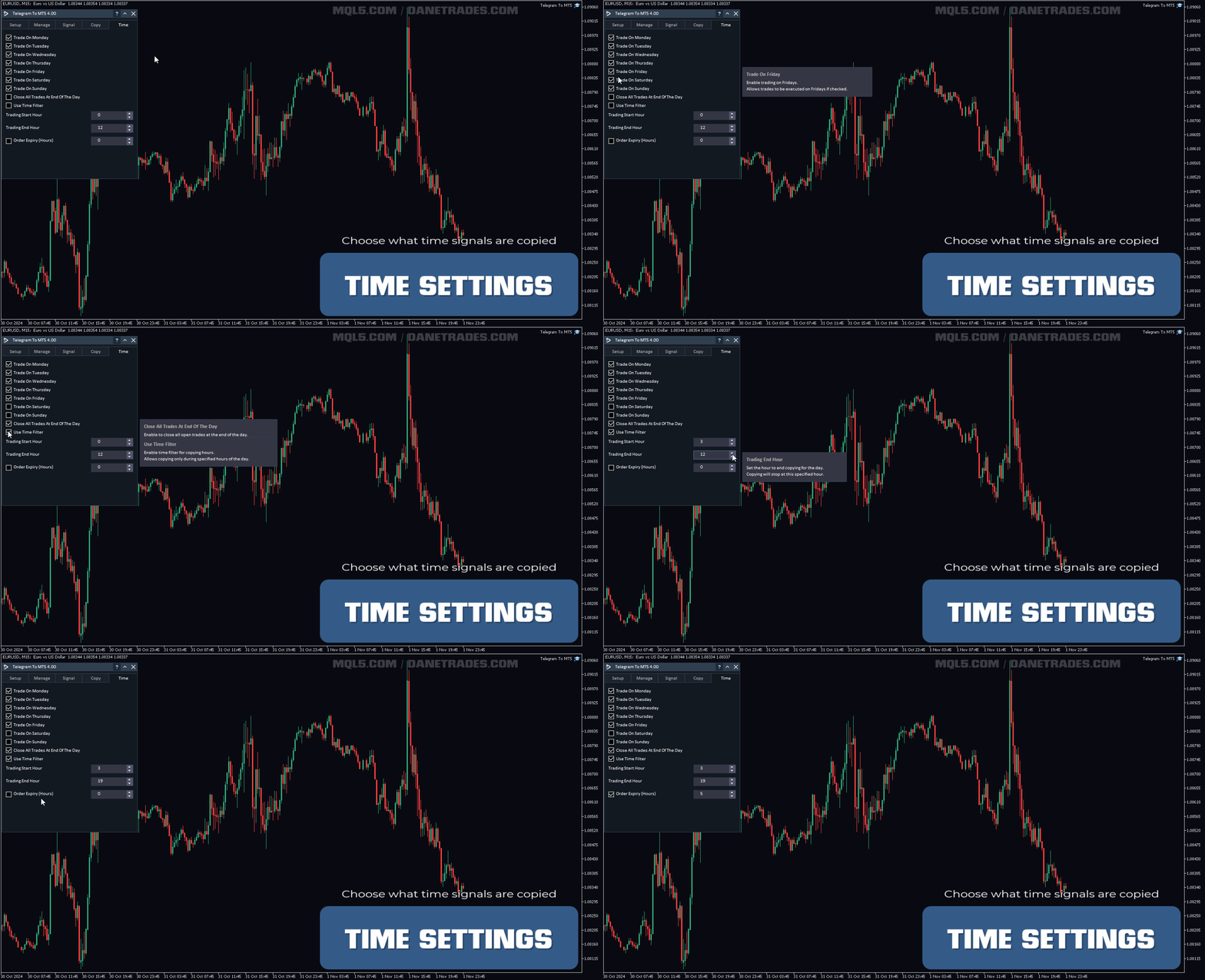
- 원하는 때에만 신호를 복사하도록 시간 및 일 설정을 구성합니다.
- 한 번에 열려있는 최대 거래 수를 설정합니다.
거래 및 포지션 관리
- 신호 또는 자동 설정에서 관리를 사용합니다.
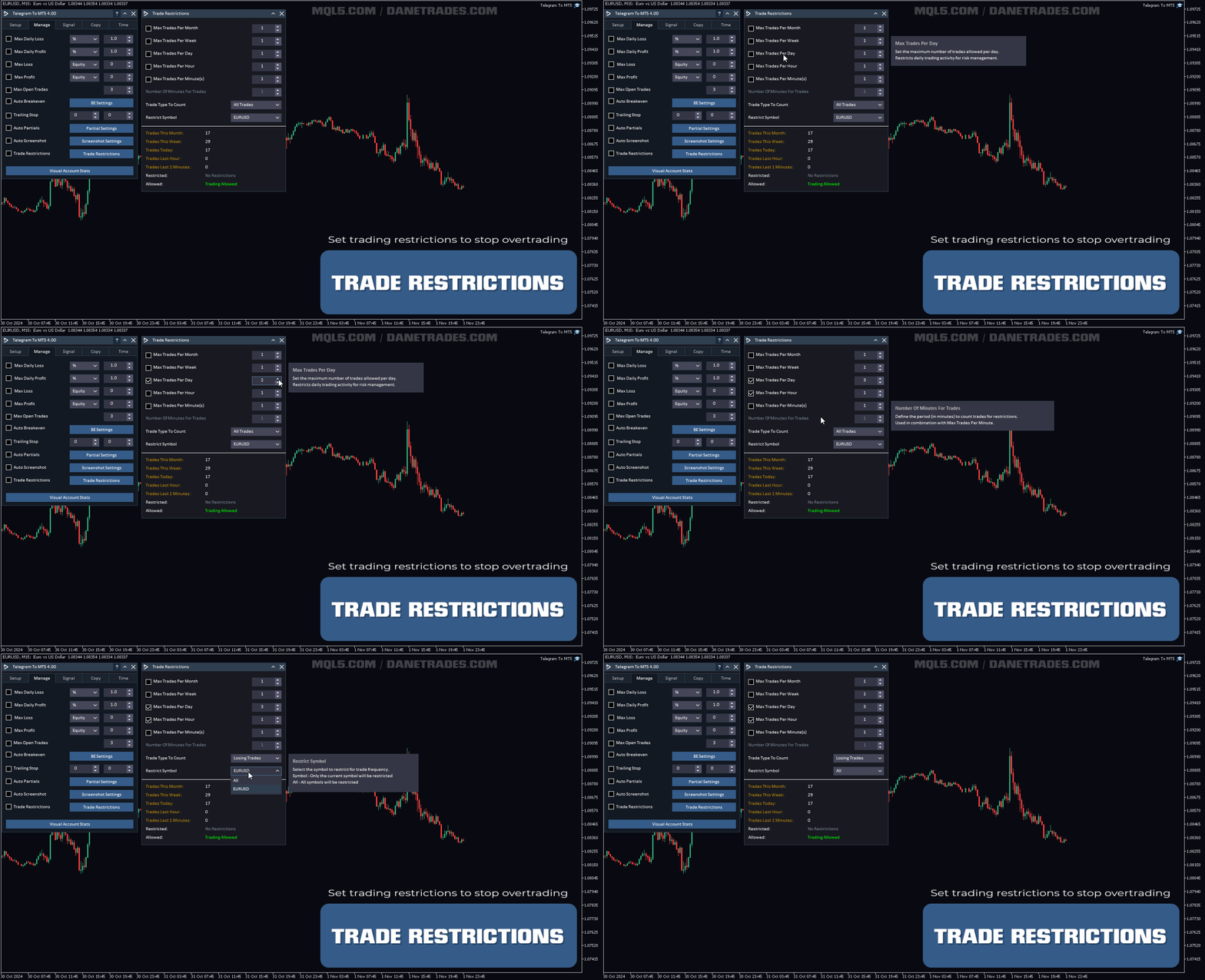
- 월, 주, 일, 시간 또는 분당 최대 거래 수를 설정하여 과다 거래 및 복수 거래를 중지합니다.
- 시장 주문 및 대기 주문 모두 지원
- 위치를 안전하게 보호하고 과다 거래를 중지하는 최대 일일 이익 목표 ($)
- 위치를 안전하게 보호하는 최대 일일 이익 목표 (%)
- 위험 및 노출을 제한하기 위해 최대 열린 거래
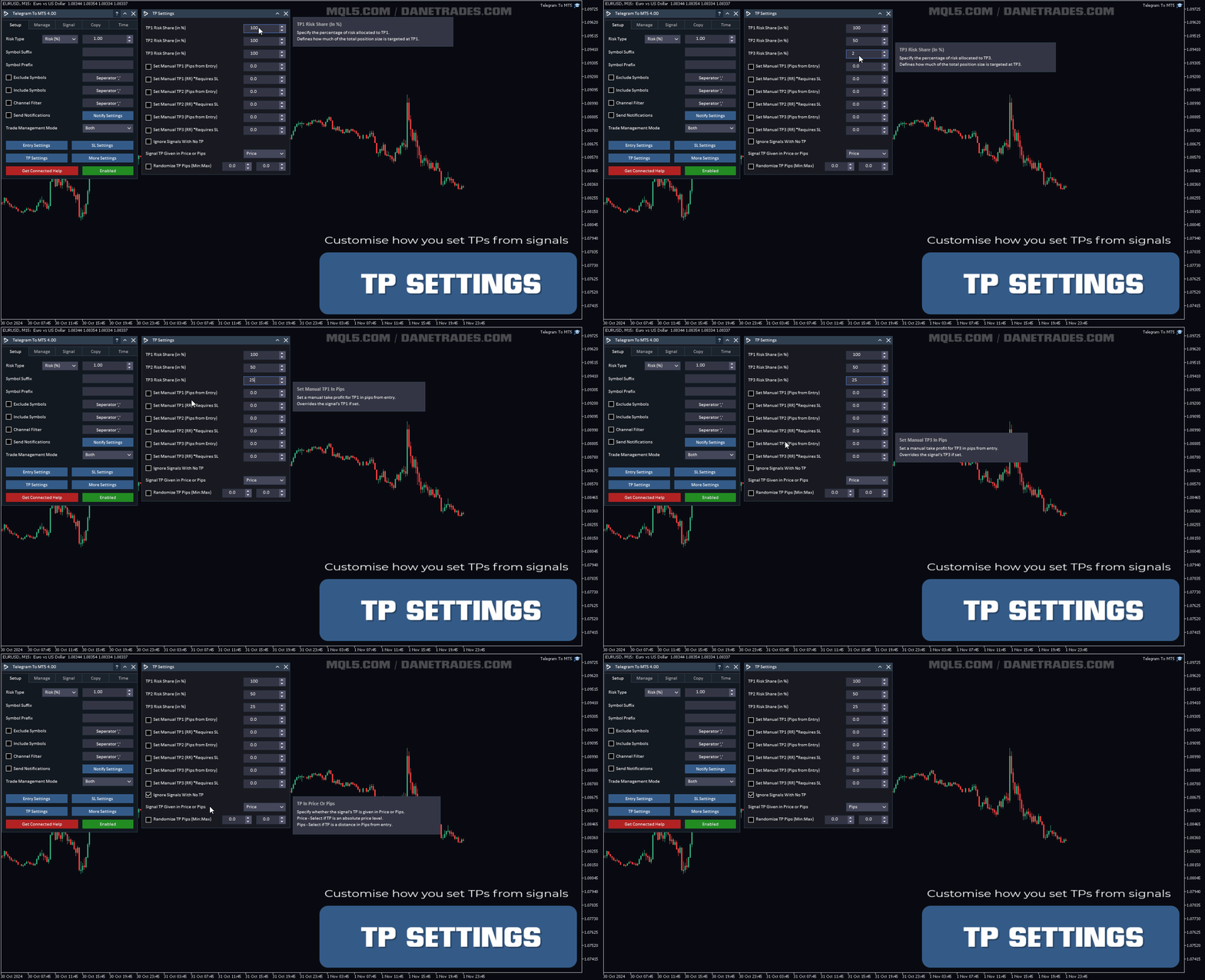
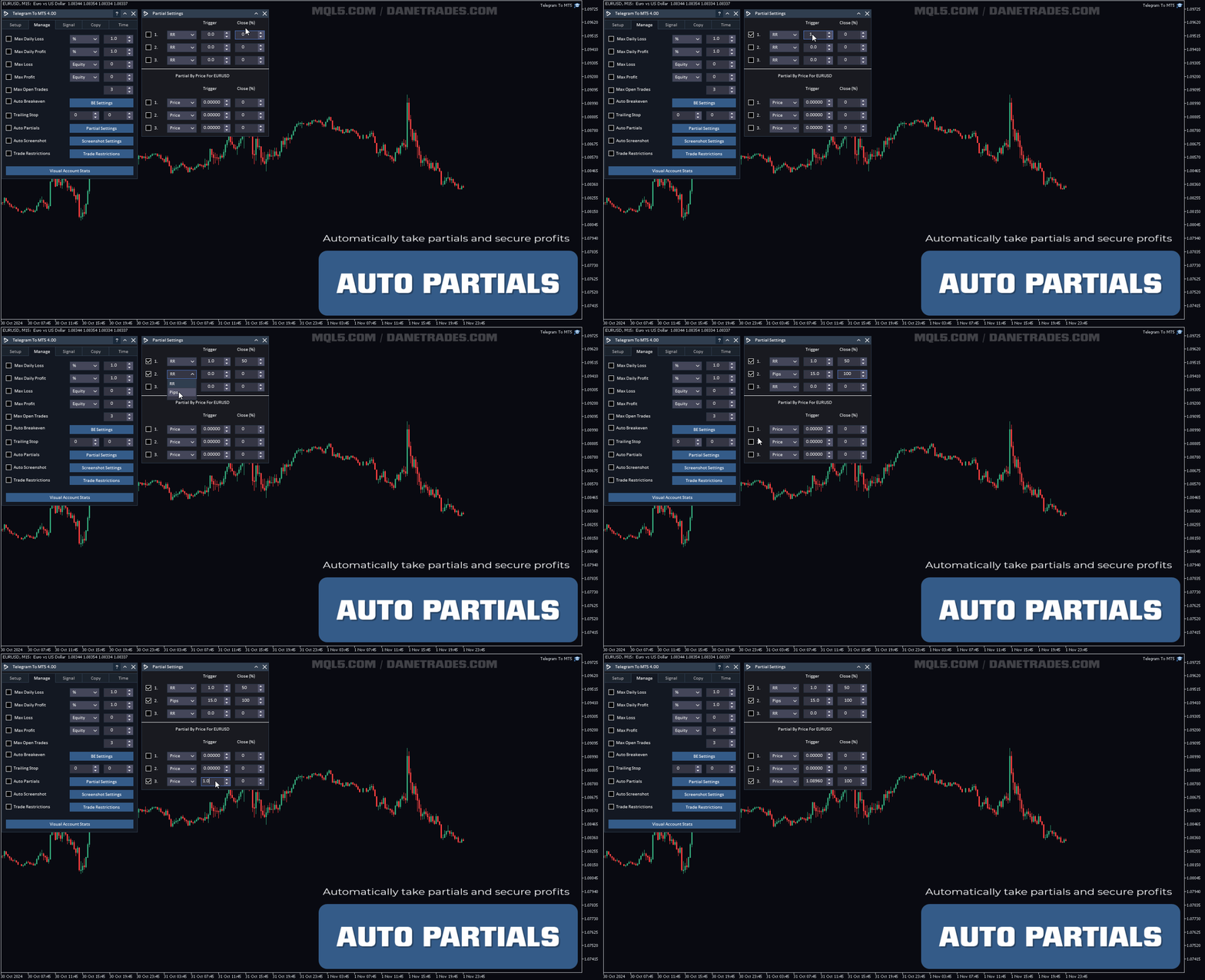
- RR, Pips 또는 가격을 사용하여 자동으로 부분을 차지합니다.
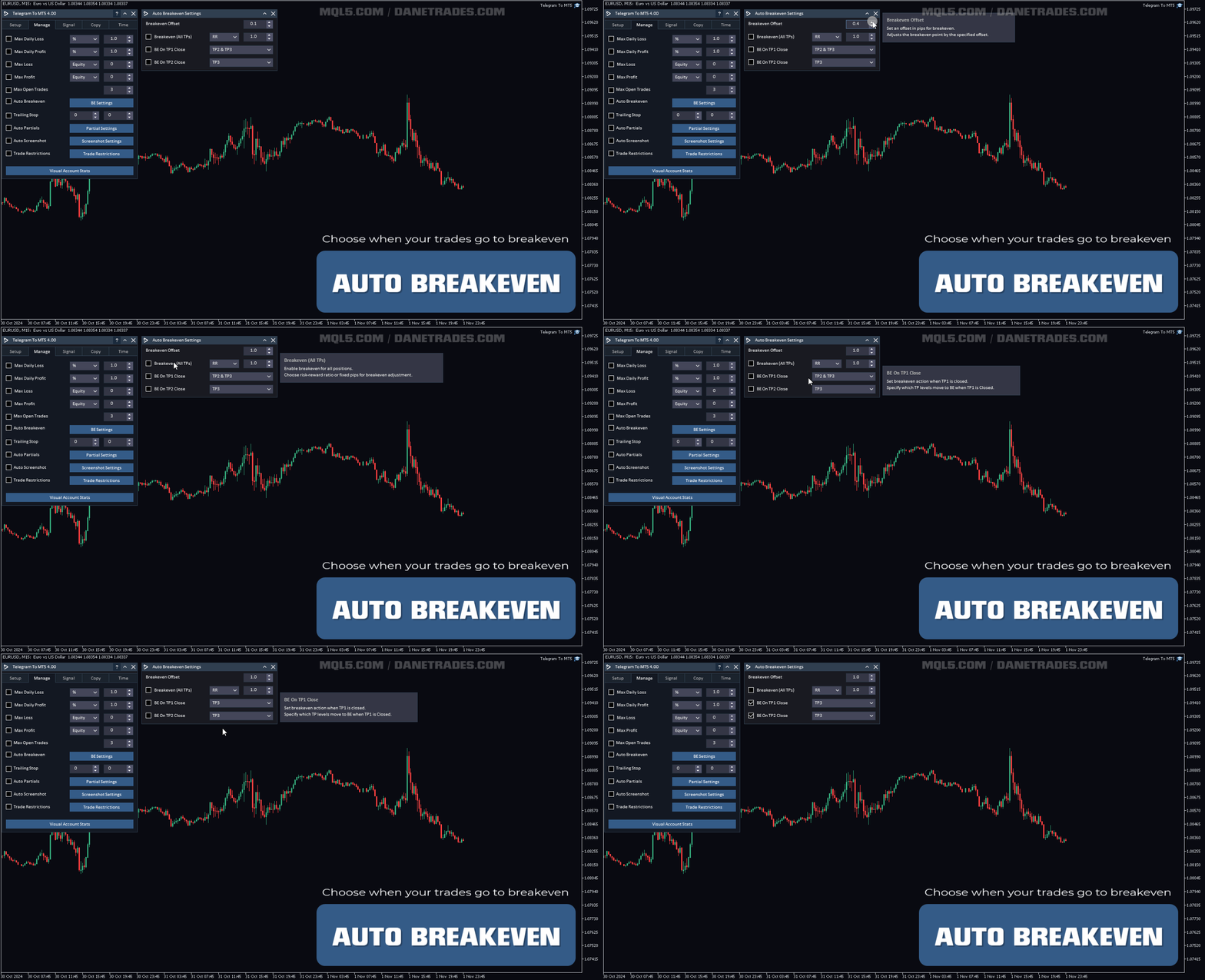
- TP1 또는 TP2가 도달되면 자동으로 브레이크 이븐으로 이동합니다.
알림 전송
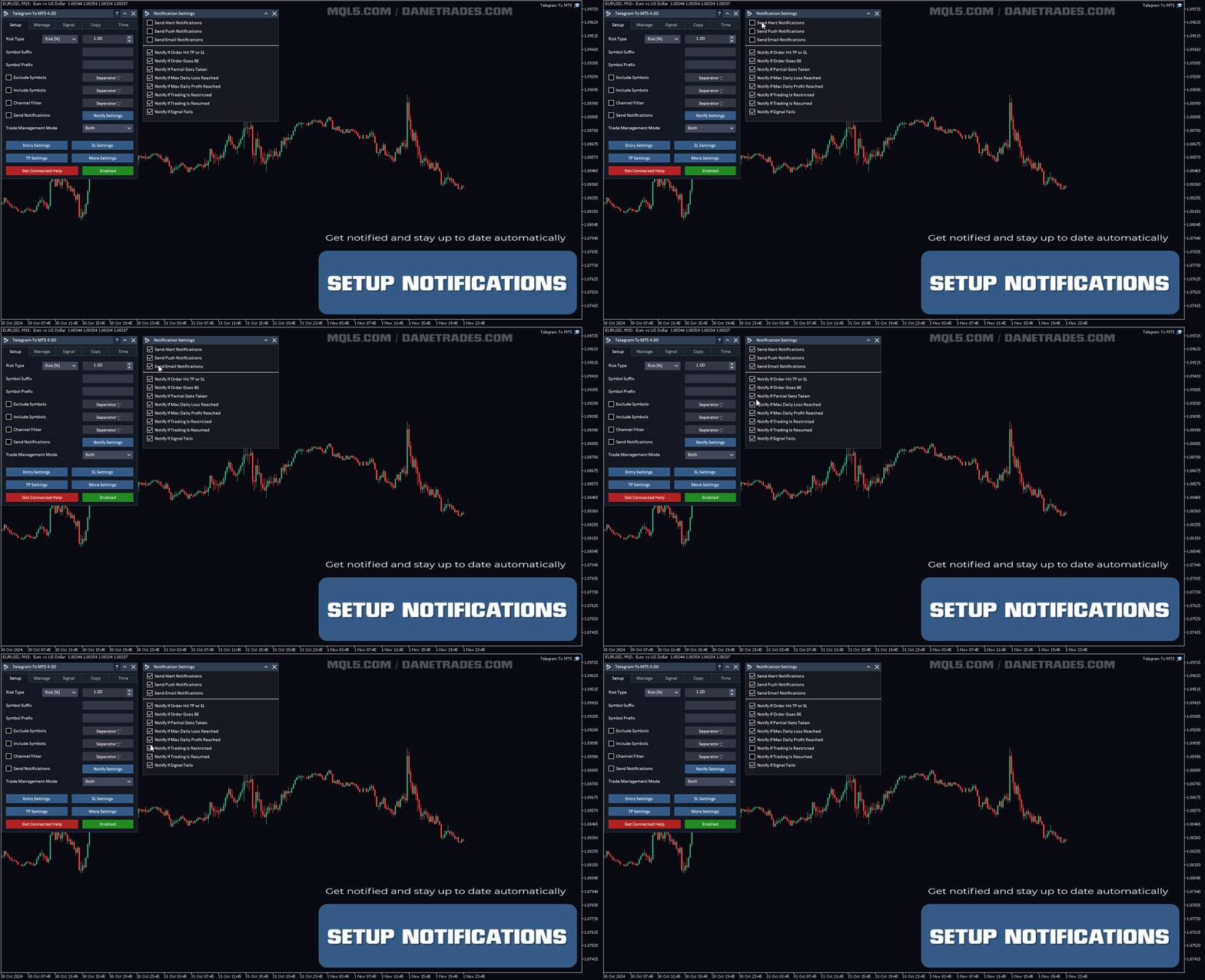
- 경보, 푸시 및 이메일 알림 중에서 선택합니다.
- 주문이 SL 또는 TP에 도달하면 알립니다.
- 주문이 브레이크 이븐으로 이동하면 알립니다.
- 부분이 실행되면 알립니다.
- 최대 일일 손실 한도에 도달하면 알립니다.
- 최대 일일 수익 한도에 도달하면 알립니다.
- 거래가 제한되면 알립니다.
- 거래가 허용되면 알립니다.
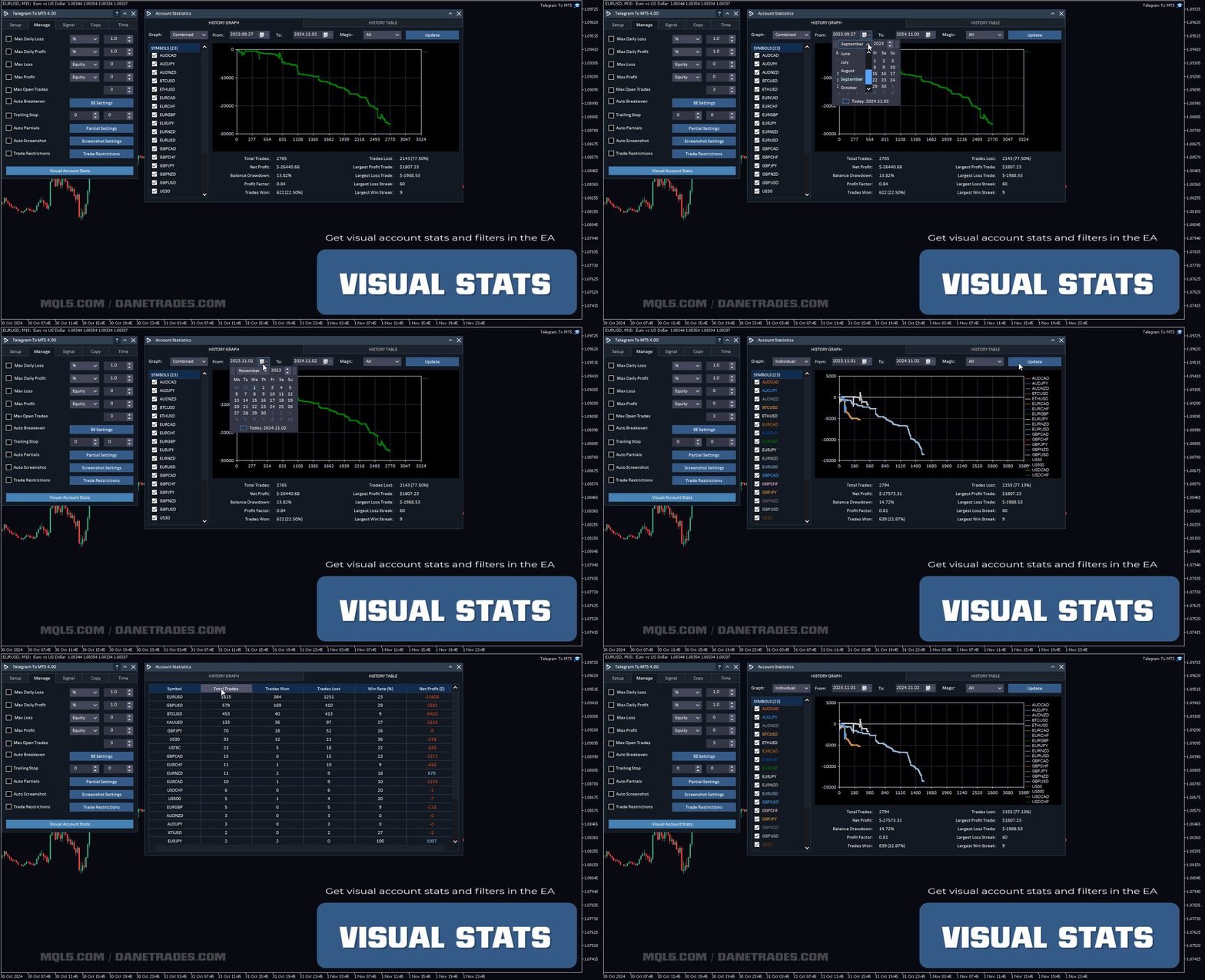
시각적 계정 통계
- 승률, 손실률, 총 거래 등과 같은 계정 성능 및 통계를 확인합니다.
- 심볼, Magic No 및 날짜 범위와 같은 필터를 사용하여 거래 성능을 시각화하고 통계 그래프를 얻습니다.
- 가장 수익성이 높은 신호를 확인하고 볼 수 있습니다.
- 심볼 성능 및 통계 요약을 확인합니다.

































































I rented the product initially, just to test it and make sure it worked. The download and install process was very easy, I ran into some difficulties on getting the system run on my VPS, quick zoom call with the support team and it transpired it was an issue with my VPS settings, quickly set up another VPS and the run program worked first time. I then followed the set up instructions which are very competent, the whole process was flawless and to get the actual copier set up with my telegram and have it running on the MT5 terminal took only a few minutes. The actual set up took about 30 minutes, but that is simply because the amount of options and settings the developer has created is incredible, pretty much if you can think of a process you want to happen, they have already built it in to the product. Getting the system to work with my test channel was very easy, getting it to work with the real signal channel was a bit harder. But this is where special credit to the support team come in, requested a zoom call, got one within 3 hours, they worked through the settings and identified an "at" being used in the signal message after the actual entry price, which was confusing the copier. So they simply removed the "at" in the signal dictionary and it wad fixed. As a couple of other people have already said, this is the real deal and an incredible EA if you use signal channels. Highly recommend this product.