
Telegram To MT5 Receiver
- ユーティリティ
- バージョン: 5.20
- アップデート済み: 1 8月 2026
- アクティベーション: 10

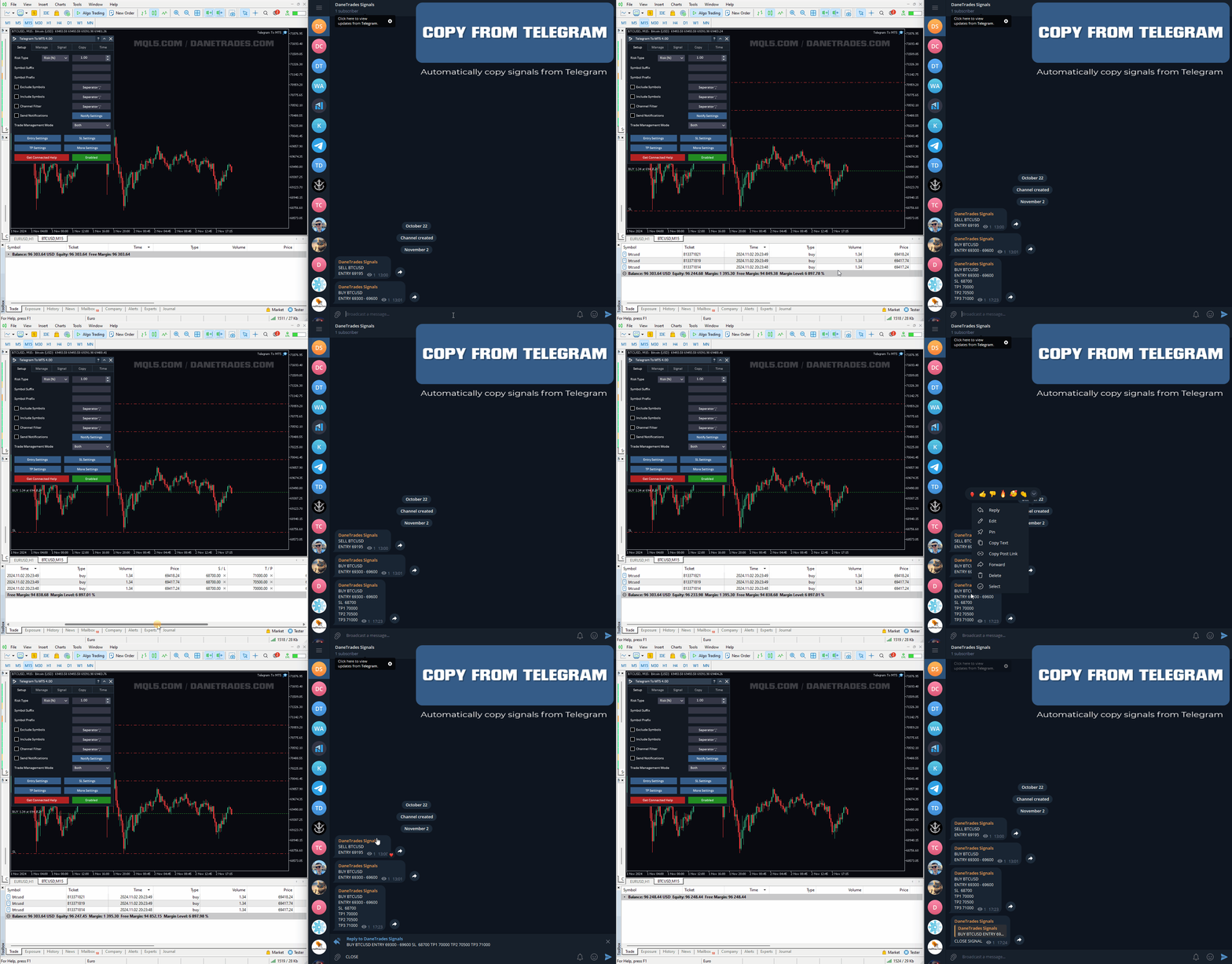
あなたがメンバーである任意のチャネルから(プライベートおよび制限されたものを含む)シグナルを直接あなたのMT5にコピーします。
このツールは、トレードを管理し監視するために必要な多くの機能を提供しながら、ユーザーを考慮して設計されています。
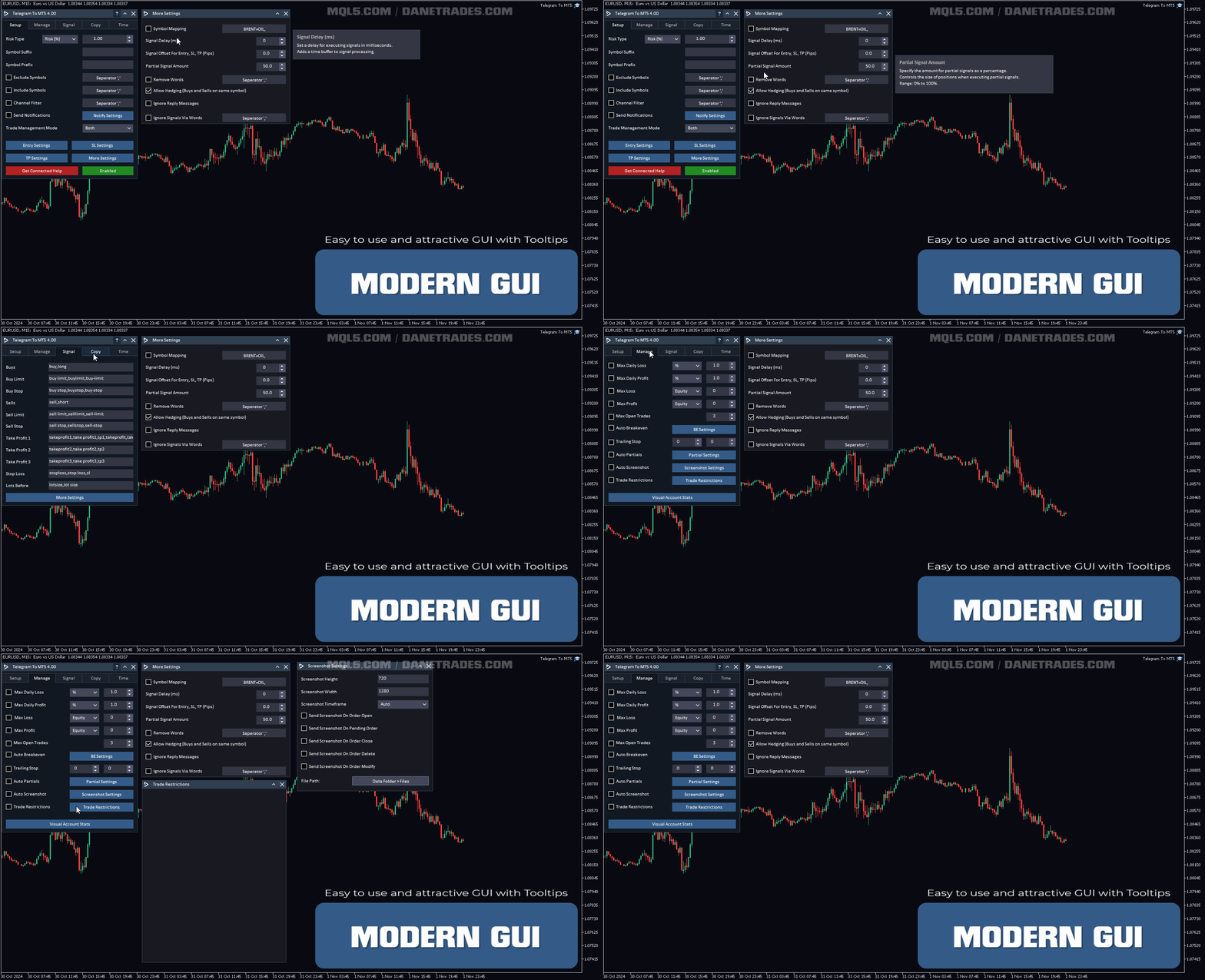
この製品は使いやすく、視覚的に魅力的なグラフィカルインターフェースで提供されています。設定をカスタマイズして、数分で製品を使用を開始できます!
ユーザーガイド + デモ | MT4版 | Discord版
デモを試してみたい場合は、ユーザーガイドにアクセスしてください。
Telegram To MT5 受信機は、ストラテジーテスターで動作しません!
Telegram To MT5の特徴
- 複数のチャネルから一度にシグナルをコピー
- プライベートおよび制限されたチャネルからシグナルをコピー
- BotトークンまたはChat IDは必要ありません (必要に応じて使用することができます)
- リスク%または固定ロットを使用して取引
- 特定のシンボルを除外
- すべてのシグナルをコピーするか、コピーするシグナルをカスタマイズするかを選択
- すべてのシグナルを認識するための単語とフレーズを設定します(デフォルトでは99%のシグナルプロバイダーに適しています)
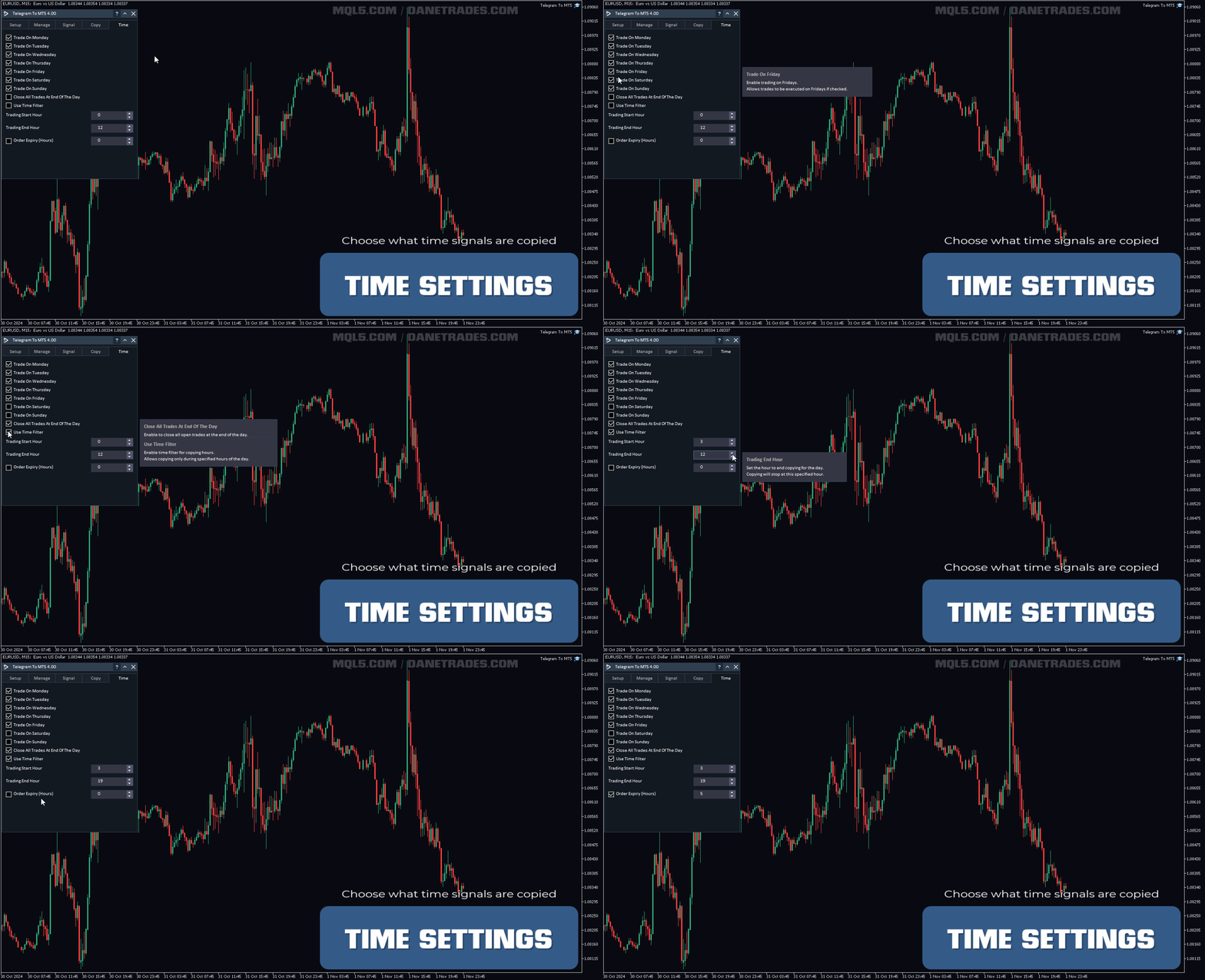
- シグナルをコピーするときだけ、時間と日付の設定を構成
- 一度にオープンする取引の最大数を設定
トレードとポジション管理
- シグナルまたは自動設定からの管理を使用
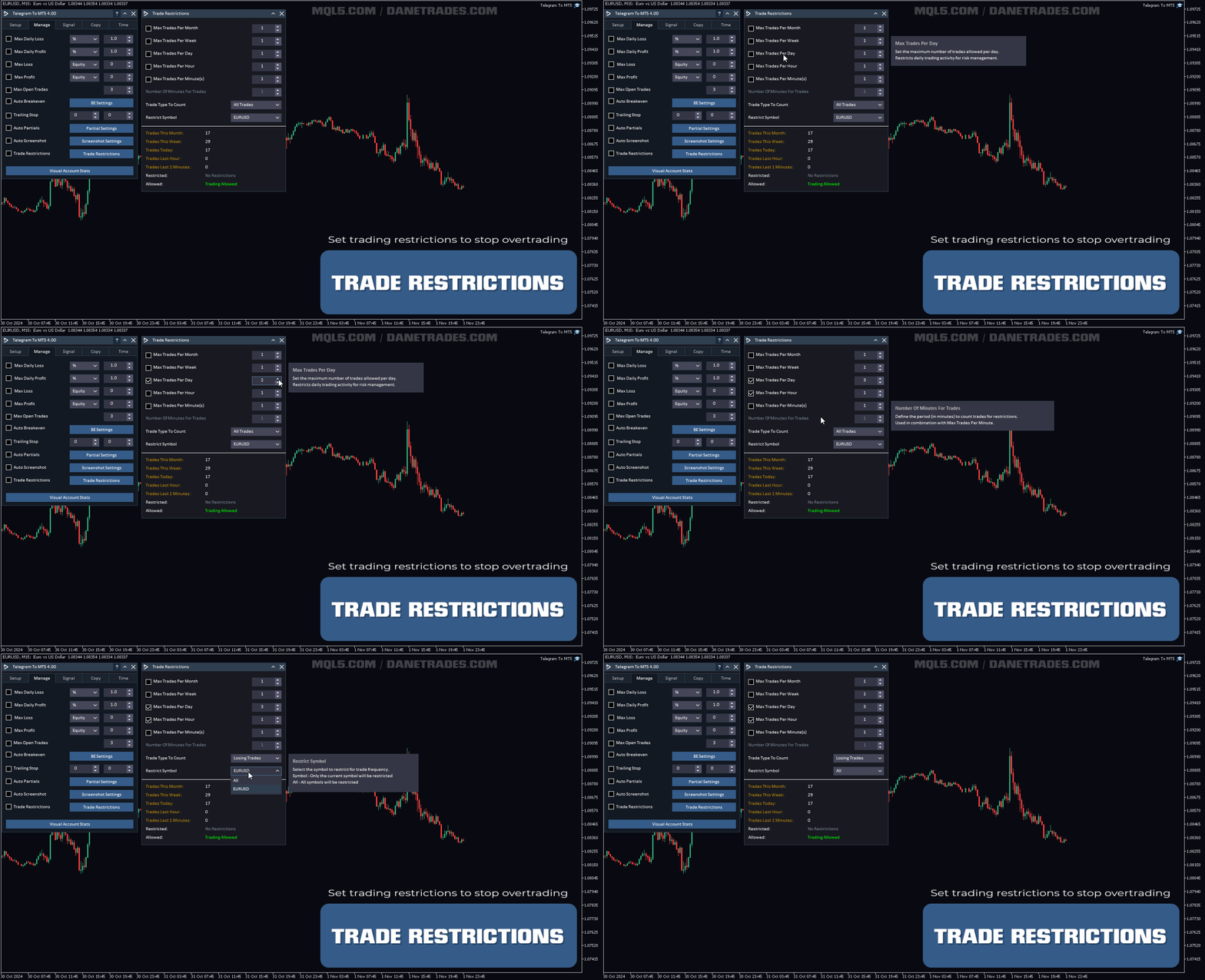
- 月、週、日、時間、または分ごとに最大取引数を設定して、過度の取引やリベンジ取引を停止します。
- 市場注文と未決注文の両方をサポート
- ポジションを確保し、過度の取引を停止するための最大日次利益目標($)
- ポジションを確保するための最大日次利益目標(%)
- リスクと露出を制限するための最大オープン取引
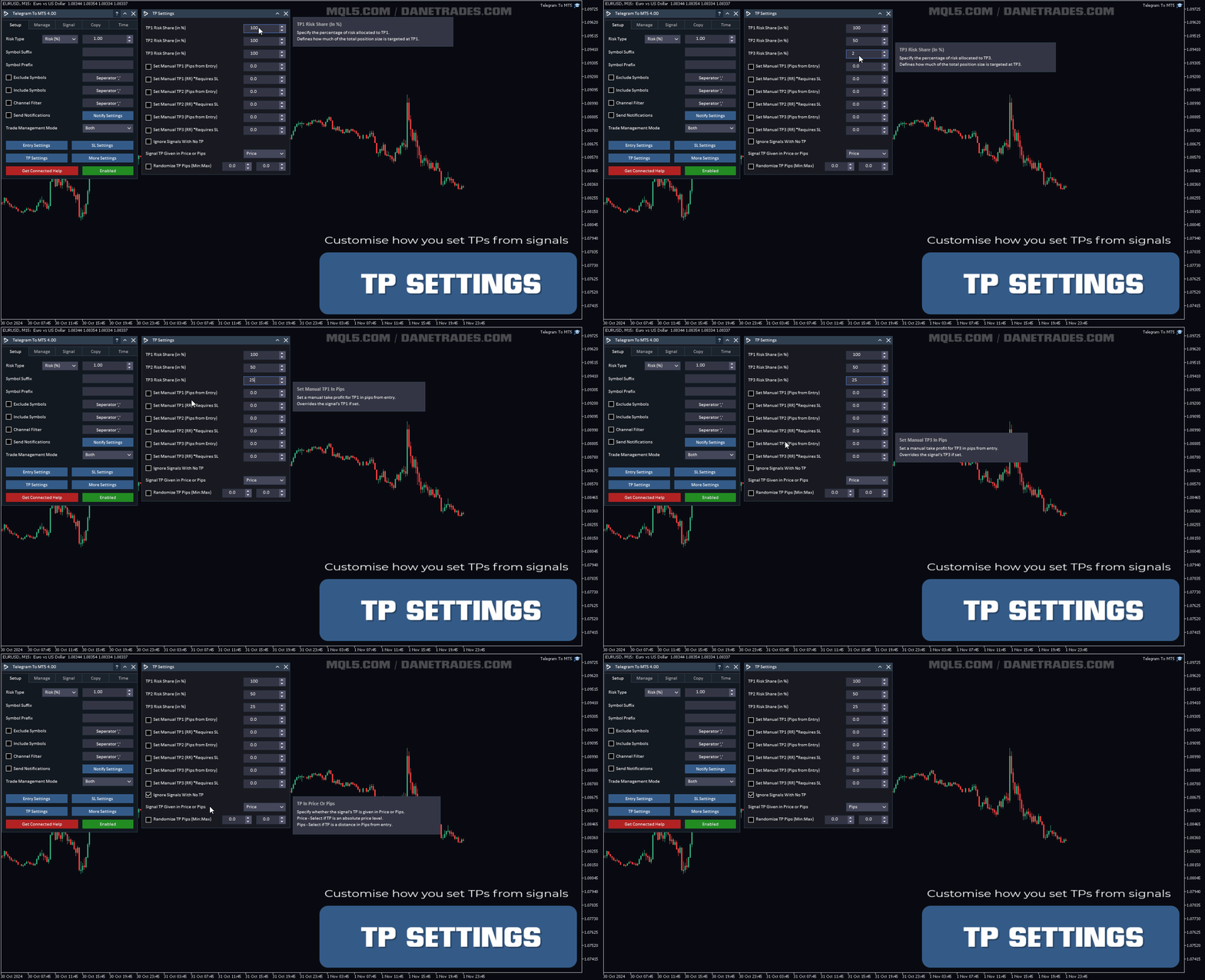
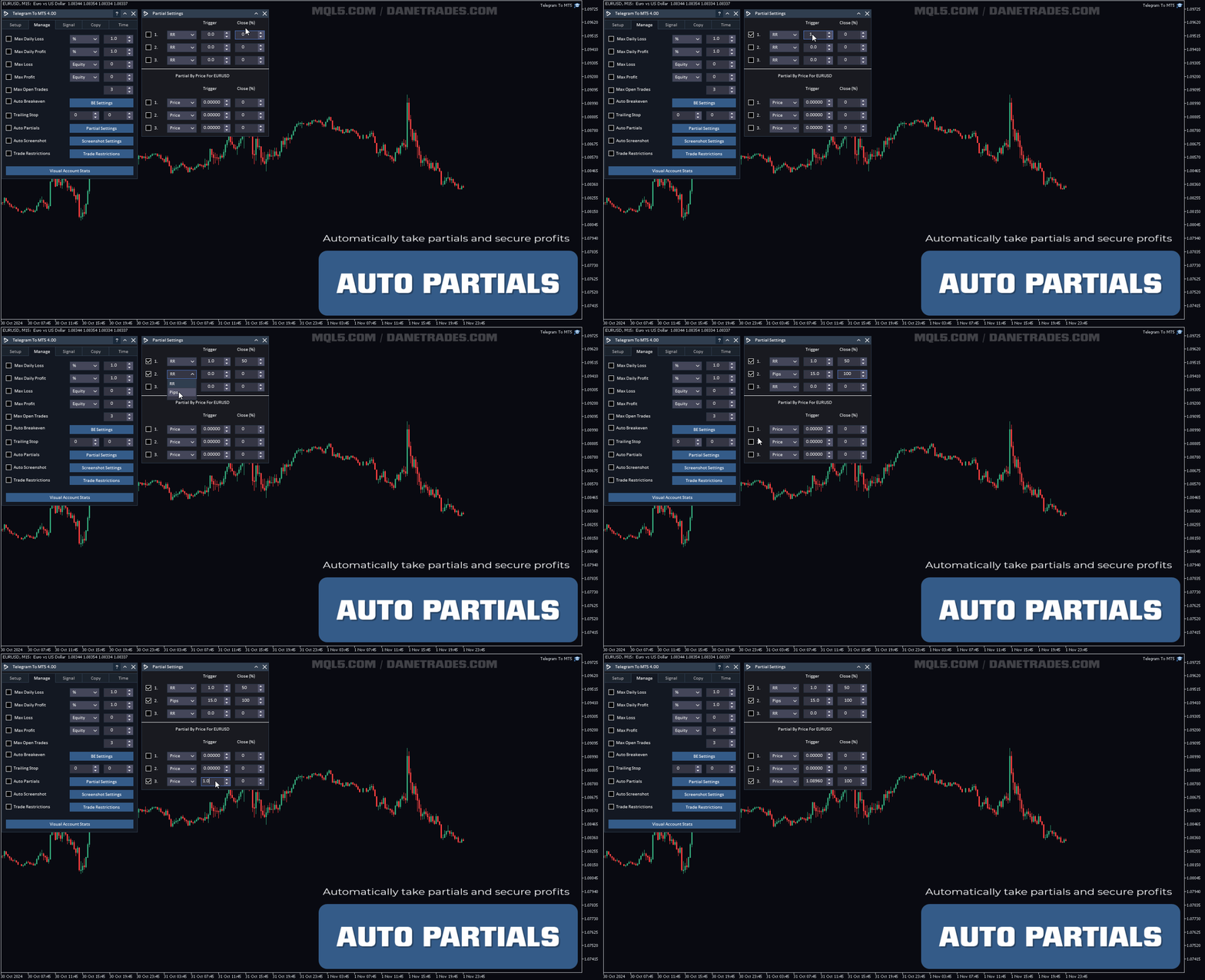
- RR、Pips、またはPriceを使用して自動的にパーシャルを取得
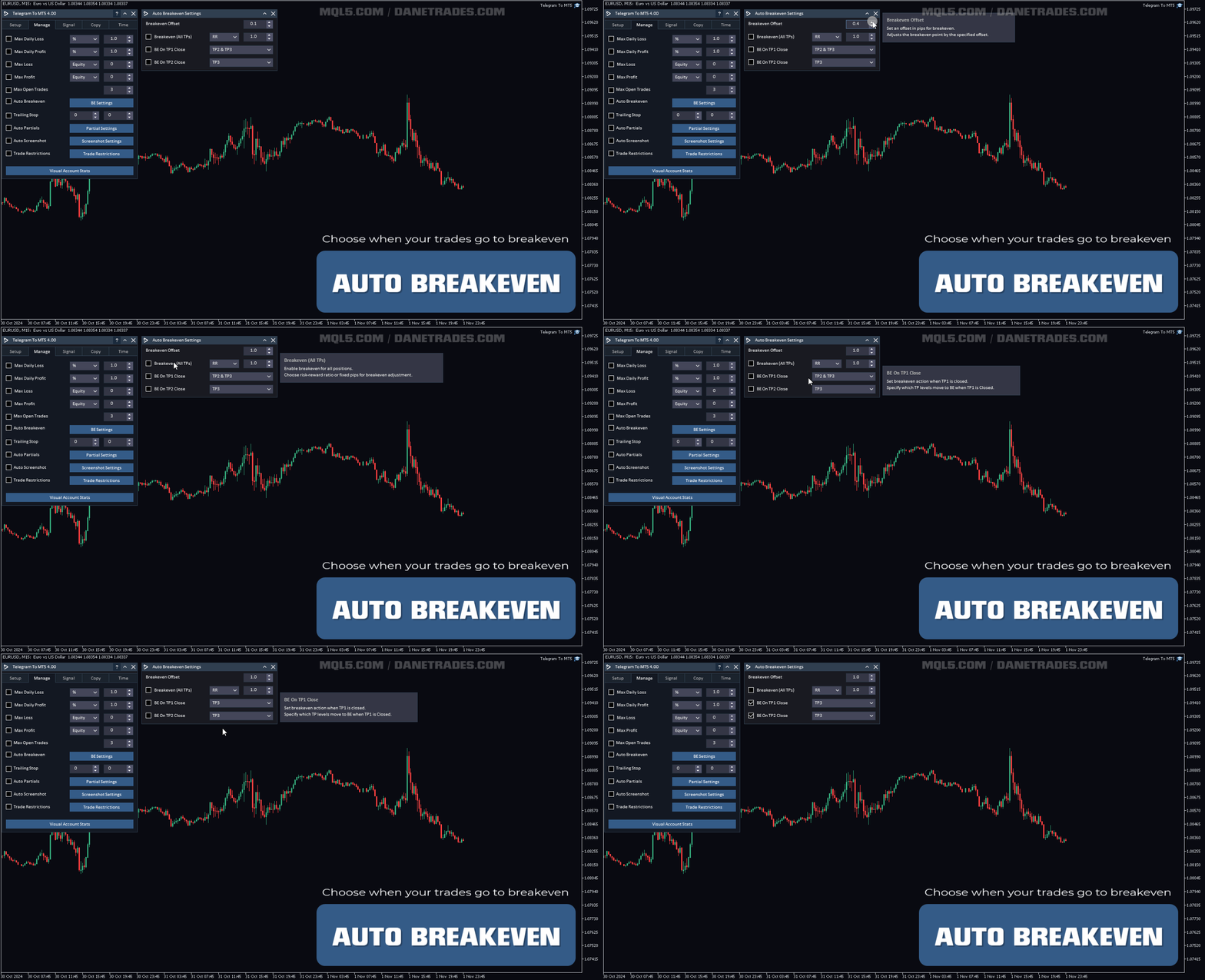
- TP1またはTP2がヒットしたときに自動的にブレイクイーブンに移動
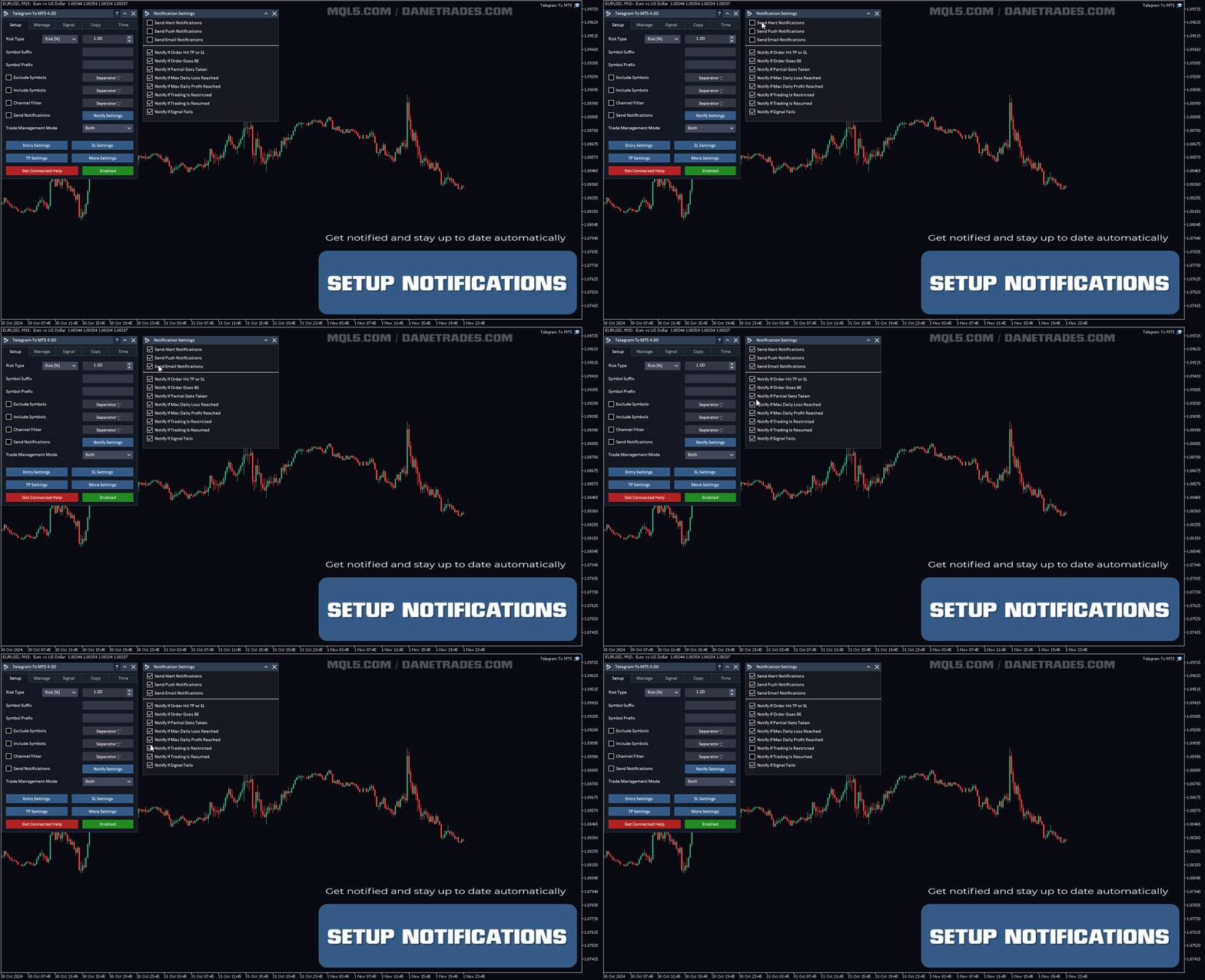
通知を送信
- アラート、プッシュ通知、電子メール通知から選択
- 注文がSLまたはTPに到達した場合に通知
- 注文がブレークイーブンに移動した場合に通知
- パーシャルが取られた場合に通知
- 最大日次損失が達成された場合に通知
- 最大日次利益が達成された場合に通知
- 取引が制限された場合に通知
- 取引が許可された場合に通知
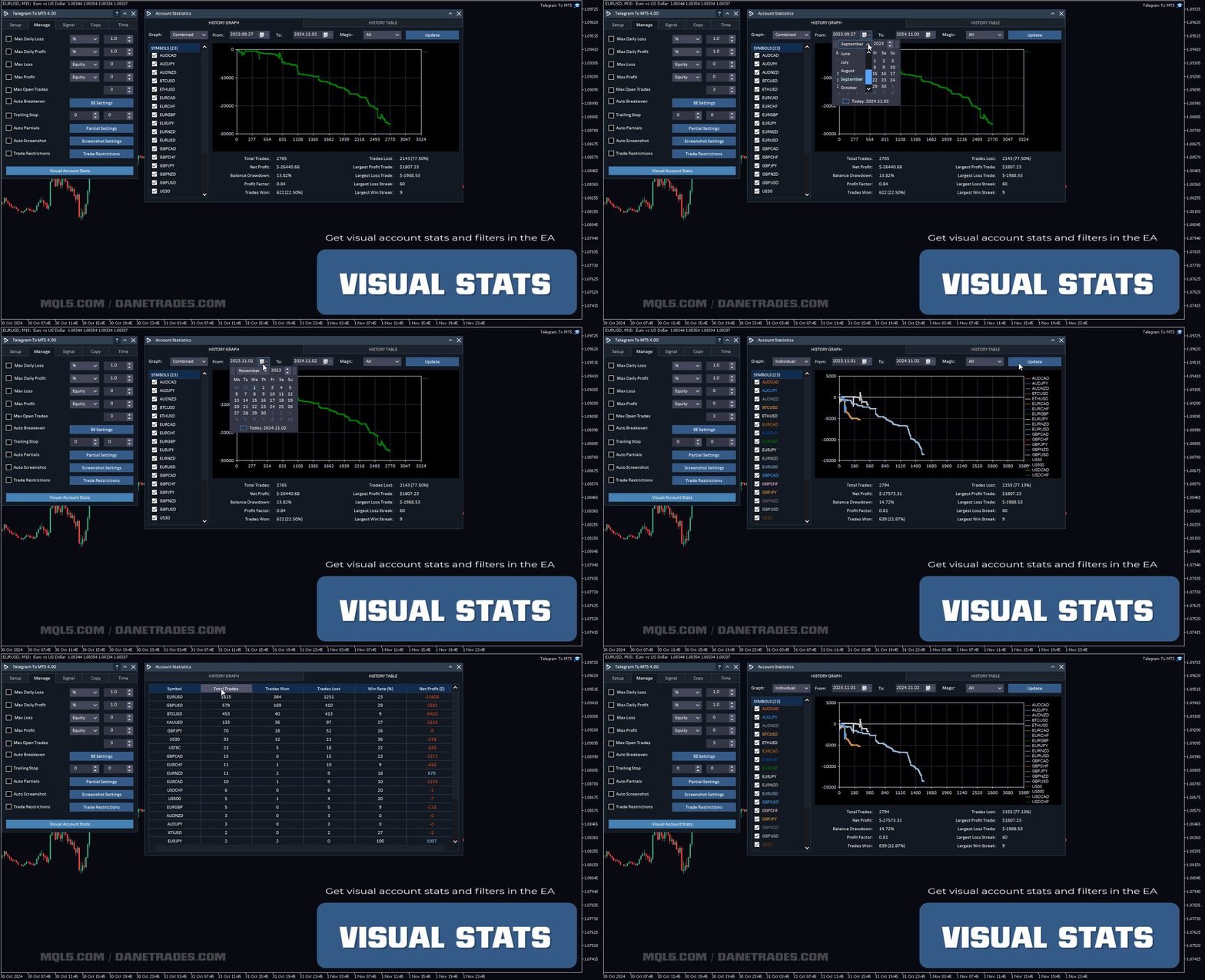
ビジュアルアカウント統計
- 勝率、敗率、総取引などのアカウントパフォーマンスおよび統計を確認
- シンボル、Magic No、日付範囲などのフィルターを使用して、取引のパフォーマンスを視覚化し、統計のグラフを取得します。
- どのシグナルが最も収益性が高いかを確認します
- シンボルのパフォーマンスと統計の概要を確認します



































































I rented the product initially, just to test it and make sure it worked. The download and install process was very easy, I ran into some difficulties on getting the system run on my VPS, quick zoom call with the support team and it transpired it was an issue with my VPS settings, quickly set up another VPS and the run program worked first time. I then followed the set up instructions which are very competent, the whole process was flawless and to get the actual copier set up with my telegram and have it running on the MT5 terminal took only a few minutes. The actual set up took about 30 minutes, but that is simply because the amount of options and settings the developer has created is incredible, pretty much if you can think of a process you want to happen, they have already built it in to the product. Getting the system to work with my test channel was very easy, getting it to work with the real signal channel was a bit harder. But this is where special credit to the support team come in, requested a zoom call, got one within 3 hours, they worked through the settings and identified an "at" being used in the signal message after the actual entry price, which was confusing the copier. So they simply removed the "at" in the signal dictionary and it wad fixed. As a couple of other people have already said, this is the real deal and an incredible EA if you use signal channels. Highly recommend this product.