ATR Stop Loss All Trades MT4
- Utilità
-
Prafull Manohar Nikam
 Hello! Traders, I hope you are doing great.
Most forex people search online for "How to make 10 pips or more profit per day?" They never search for "How to make only 10 pips loss per day?" Why?! - Versione: 1.3
- Aggiornato: 13 gennaio 2026
- Attivazioni: 10
Live testing available. Please contact.
ATR Auto Stop Loss & Take Profit Manager
Automatically apply volatility-based Stop Loss and Take Profit levels to every new trade using the Average True Range (ATR).
Unlike fixed-pip stop losses, ATR-based levels adapt to current market conditions. During high volatility, wider stops help prevent premature exits. During low volatility, tighter stops help improve risk efficiency.
The utility automatically calculates and applies Stop Loss and Take Profit levels using your chosen ATR multipliers. It also includes Break Even and ATR-based Trailing Stop functionality to help protect profits as trades develop.
Ideal for discretionary traders, swing traders, day traders and automated trading systems that require dynamic risk management.
Key Features
✓ Automatic ATR-based Stop Loss
✓ Automatic ATR-based Take Profit
✓ Dynamic volatility-adjusted trade management
✓ Break Even protection
✓ ATR-based Trailing Stop
✓ Manage Manual Trades
✓ Manage EA Trades
✓ Filter trades by Magic Number
✓ Works with any symbol and timeframe
✓ Lightweight and easy to configure
ATR Settings
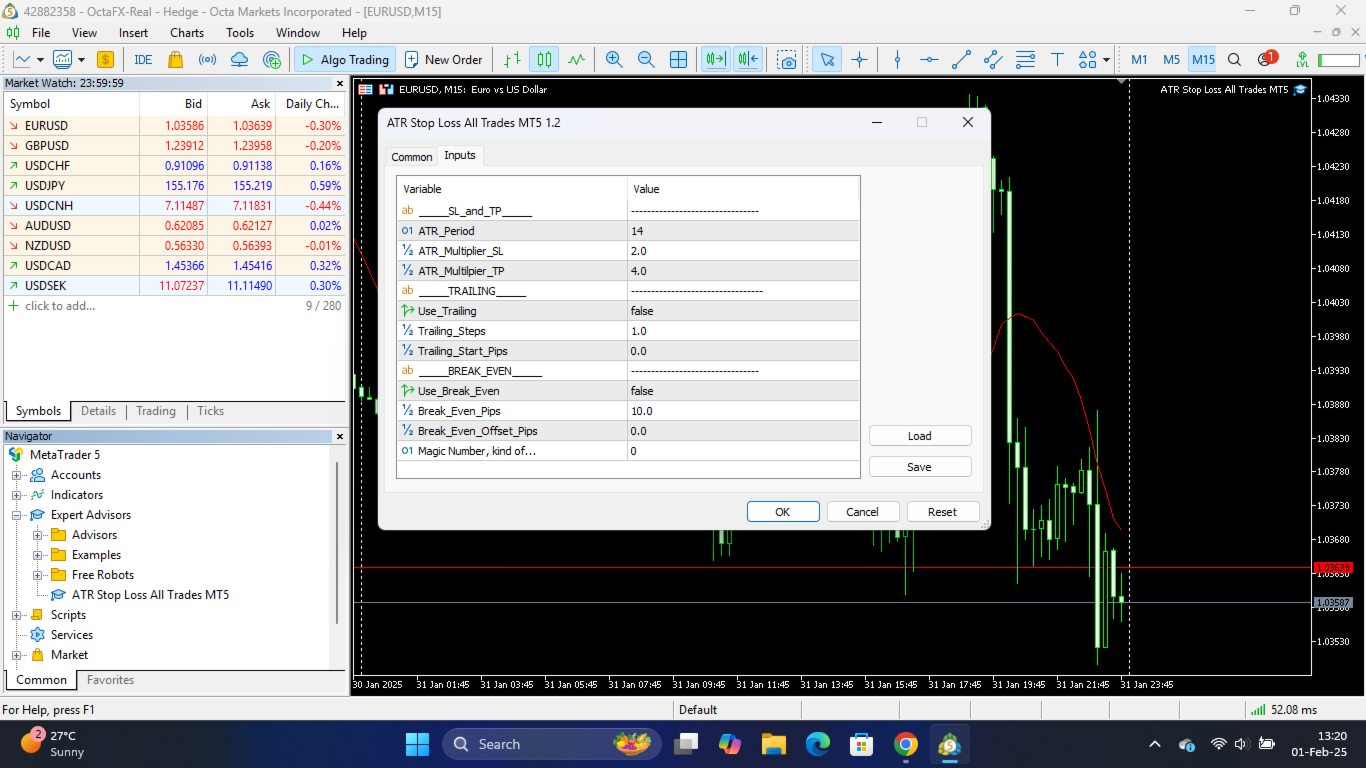
ATR Period
The number of candles used to calculate the Average True Range.
Common setting: 14
ATR Timeframe
The timeframe used for ATR calculations.
Examples:
-
M15 for short-term trading
-
H1 for intraday trading
-
H4 for swing trading
-
D1 for longer-term trading
Stop Loss Multiplier (x ATR)
Defines the Stop Loss distance from the entry price.
Example:
-
ATR = 20 pips
-
SL Multiplier = 2.0
Stop Loss = 40 pips from entry.
Take Profit Multiplier (x ATR)
Defines the Take Profit distance from the entry price.
Example:
-
ATR = 20 pips
-
TP Multiplier = 3.0
Take Profit = 60 pips from entry.
Trade Management Settings
Manage Manual Trades
When enabled, the utility manages manually opened positions.
Manage EA Trades
When enabled, the utility manages positions opened by Expert Advisors.
Specific Magic Number
Manage only trades that match a specific Magic Number.
Set to 0 to manage manual trades.
Advanced Protection Features
Enable Trailing Stop
Automatically trails the Stop Loss as the trade moves into profit.
The trailing distance follows the Stop Loss ATR multiplier.
Enable Break Even
Moves the Stop Loss to Break Even once a predefined profit target has been reached.
Break Even Trigger (x ATR)
The profit distance required before Break Even activates.
Example:
-
ATR = 20 pips
-
Trigger = 1.0
Break Even activates after 20 pips profit.
Break Even Lock (x ATR)
Locks in additional profit beyond the entry price.
Example:
-
ATR = 20 pips
-
Lock = 0.1
The Stop Loss is moved 2 pips beyond the entry price.
This can help cover spreads, commissions and swap costs.
Example
Current ATR = 20 pips
Settings:
-
Stop Loss Multiplier = 2.0
-
Take Profit Multiplier = 3.0
Trade Entry = 1.2000
The utility automatically places:
-
Stop Loss = 1.1960
-
Take Profit = 1.2060
No manual calculations required.
Why Use ATR-Based Stops?
Fixed-pip Stop Losses often ignore current market volatility.
ATR-based Stop Loss and Take Profit levels automatically adjust to changing market conditions, helping traders:
-
Avoid unnecessarily tight stops during volatile markets
-
Maintain consistent risk management
-
Adapt to different symbols and trading sessions
-
Reduce manual trade management
By using market volatility as the foundation for risk management, ATR-based levels provide a more adaptive and professional approach to trade protection.
Compatible with both manual trading and automated trading strategies.
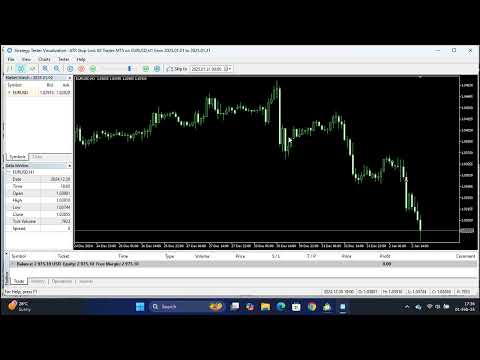
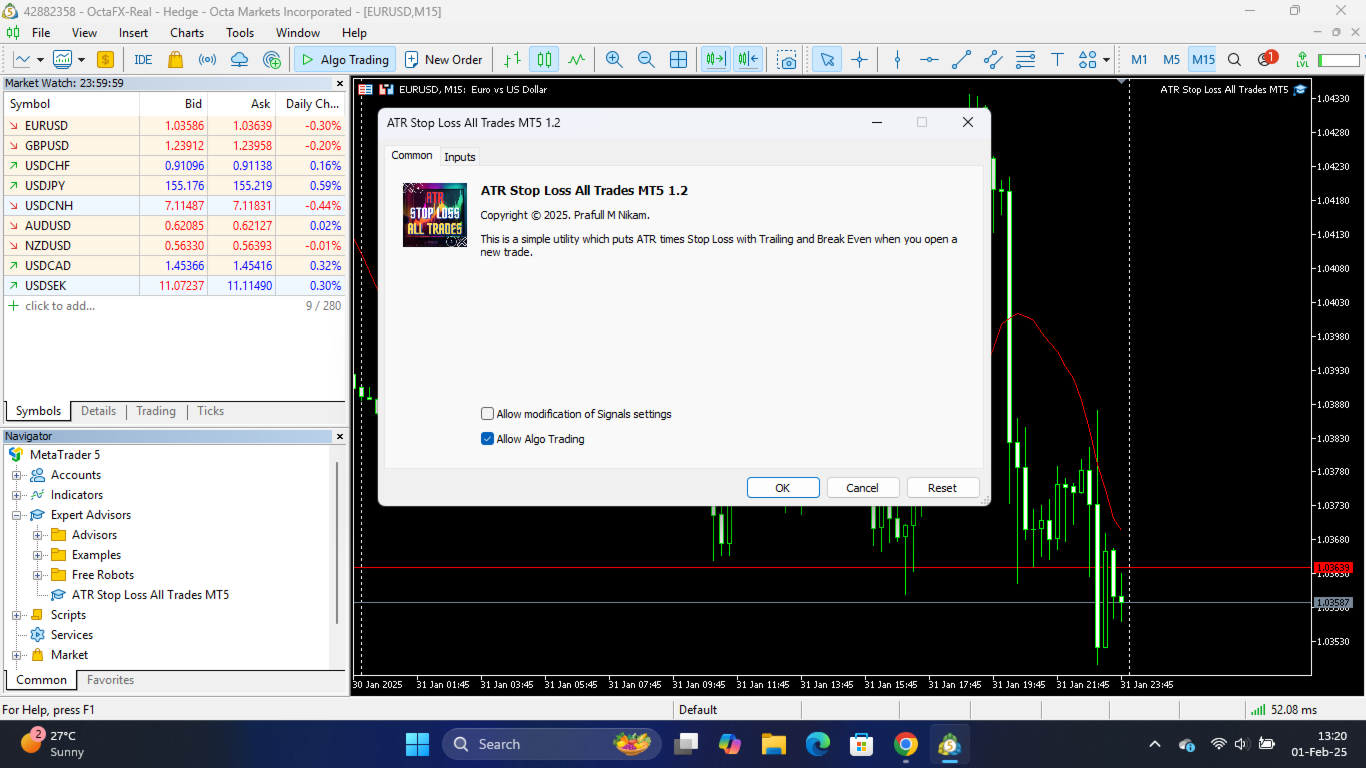



















































































Does not work half the time
Edit - Changed the rating to high because the developer quickly released an update which seems to have fixed the problem