
Blahtech Supply Demand MT5
- Indicadores
-
Blahtech Limited
 Professional IT developer with over 20 years of experience working with top tier investment banks (Barclays Capital, Credit Suisse, Merrill Lynch, ABN Amro, Mizuho Bank) - LinkedIn profile available on request
 - Versión: 4.3
- Actualizado: 2 julio 2024
- Activaciones: 16
Antes: $299 Ahora: $99
Oferta Demanda utiliza la acción previa del precio para identificar desequilibrios potenciales entre compradores y vendedores. La clave está en identificar las zonas con mejores probabilidades, no sólo las que no se han tocado.
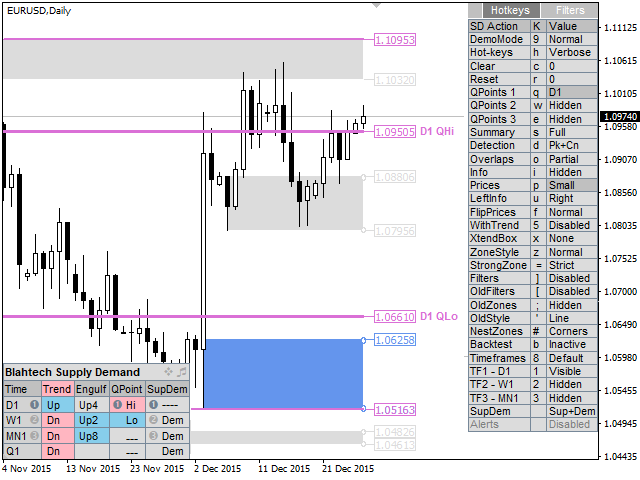
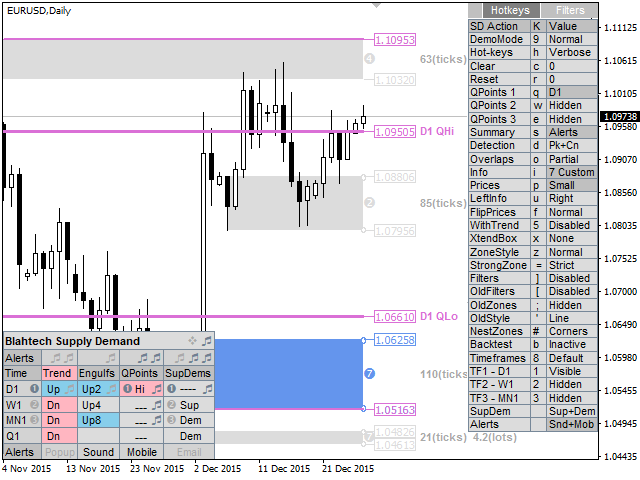
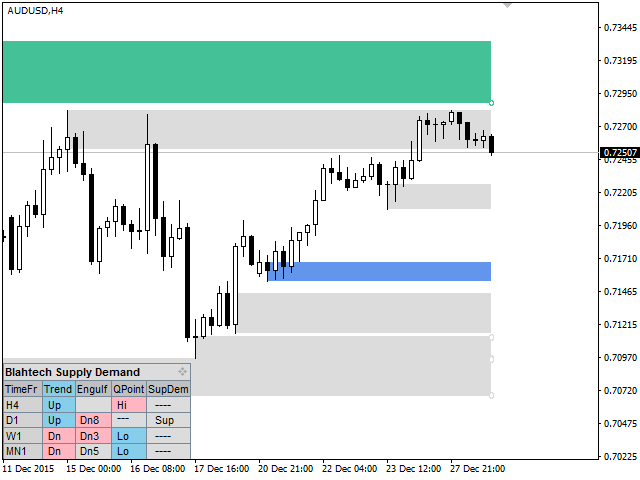
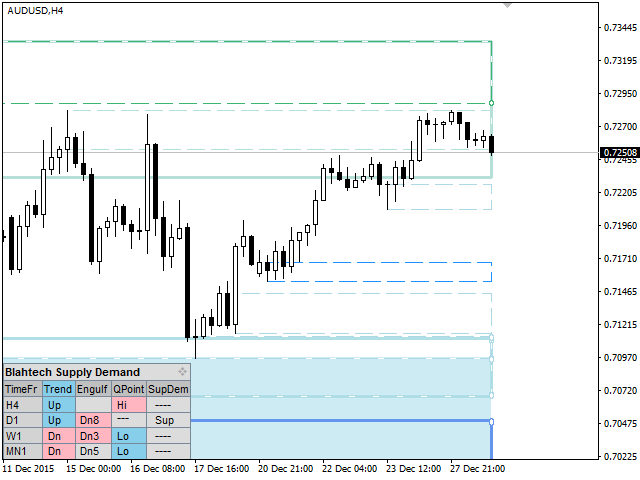
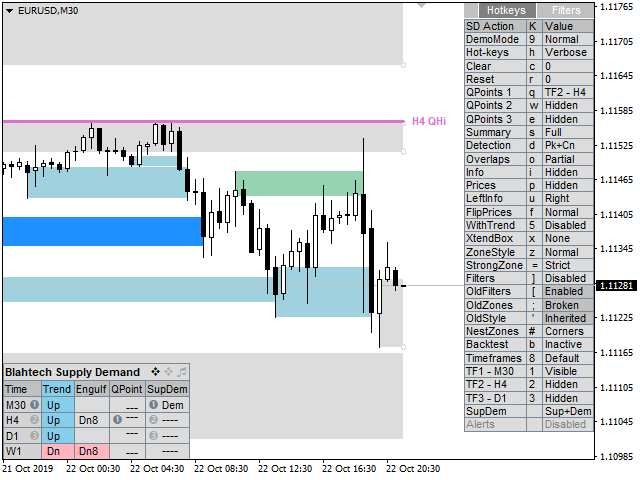
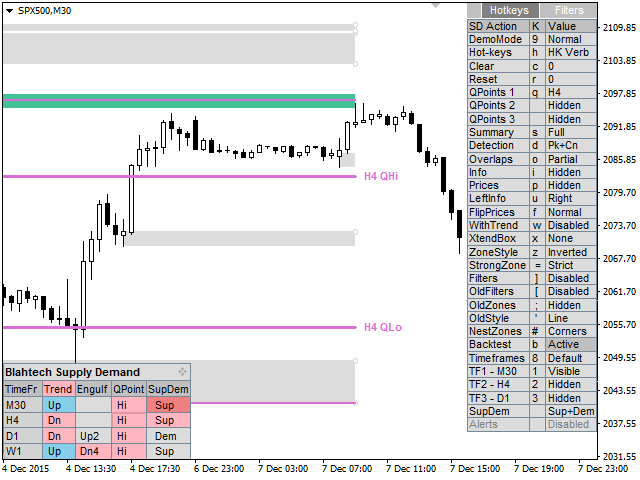
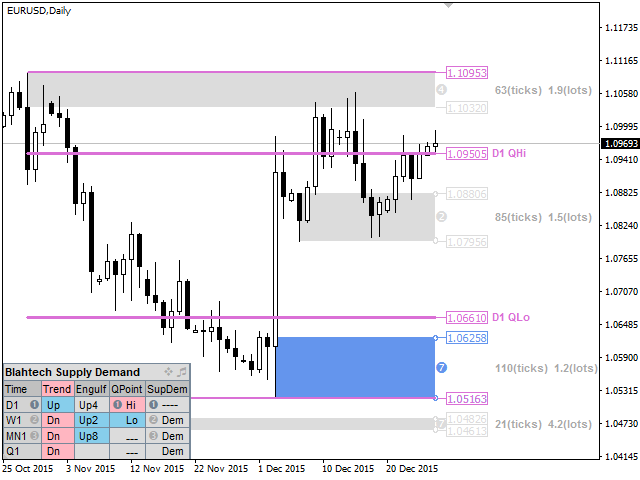
El indicador Blahtech Supply Demand ofrece una funcionalidad que antes no estaba disponible en ninguna plataforma de negociación. Este indicador 4 en 1 no sólo destaca las zonas de mayor probabilidad utilizando un motor de fuerza multicriterio, sino que también lo combina con análisis de tendencias en múltiples marcos temporales, oscilaciones confirmadas previamente y detectores de engulfing. Impulsado por una interfaz fácil de usar y un innovador modo de backtest, este indicador es imprescindible para todos los operadores de oferta y demanda.
Enlaces [ Instalar | Actualizar | Documentación & Formación ]
Características destacadas
- Visualización en múltiples marcos temporales
- Backtest directamente en el gráfico
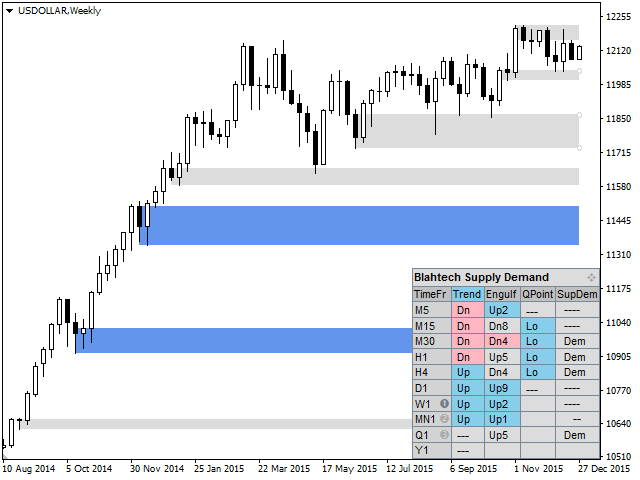
- Panel de resumen
- Análisis de tendencias en múltiples marcos temporales
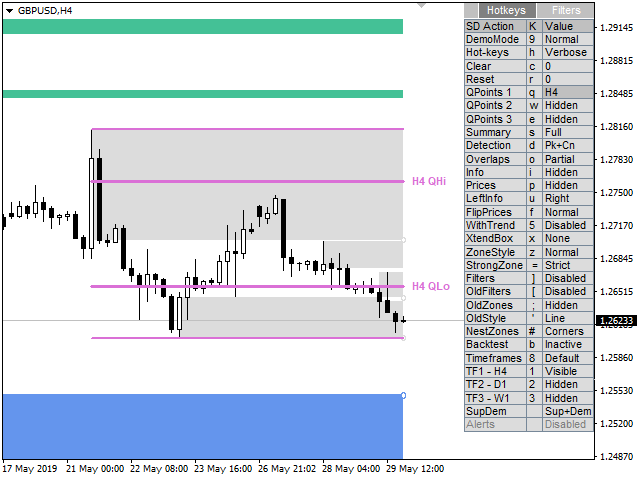
- Oscilaciones confirmadas (puntos Q altos y bajos)
- Motor de fuerza zonal (siete criterios)
Características más destacadas...
- Detección avanzada de niveles (picos, consolidaciones, caídas)
- Teclas de acceso rápido
- Alertas
- Detector de engullimiento
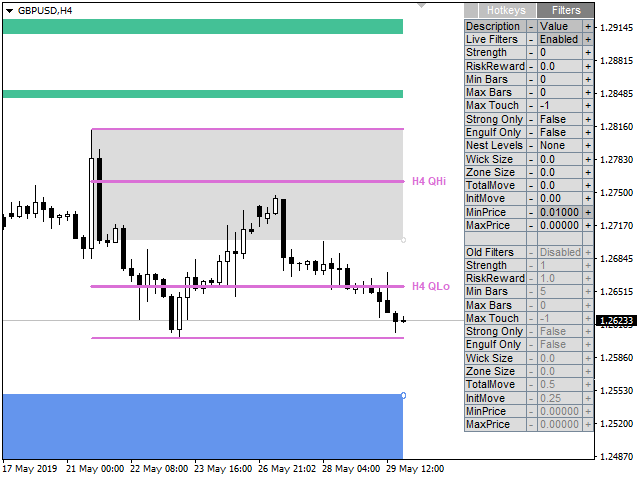
- Filtros de visibilidad
- Zonas antiguas (niveles rotos o cambios de tendencia)
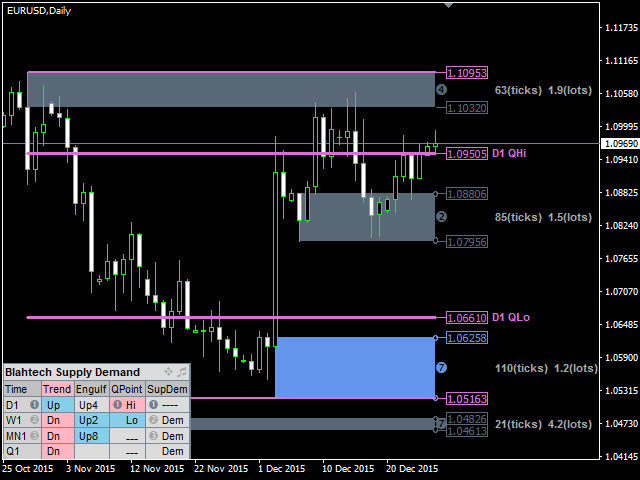
- Resaltado de zonas anidadas
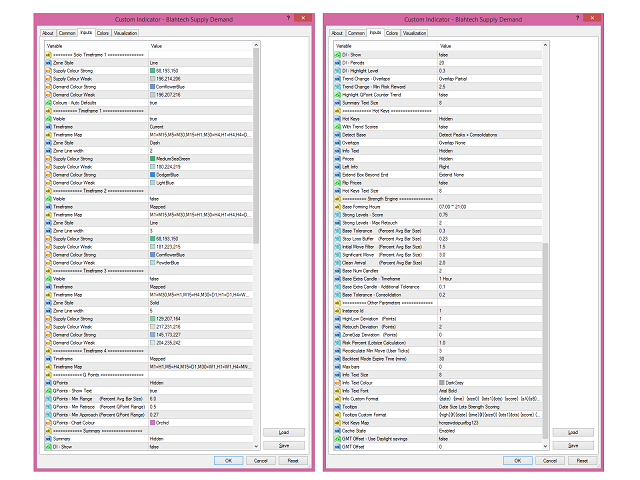
Parámetros de entrada
- Descargue la documentación utilizando el enlace anterior para más detalles
































































Hello, I'm building an Expert Advisor around Blahtech Supply Demand MT5 (and Blahtech Market Profile MT5) using `iCustom()` buffer reads, per the "Expert Advisor Mode -- Reserved for iCustom calls from an Expert Advisor. Code examples available on request" note in your documentation. I'd like to request those code examples, and also have three specific technical questions that would help me integrate correctly: 1. "Avg Bar Size" calculation Your QPoints parameters (Min Range, Min Retrace, Min Approach) are all expressed as multiples/percentages of "Avg Bar Size." Could you confirm: The exact averaging method (simple average of high-low range? ATR-style? something else?) The lookback window length used I've built an independent swing-detector using a 20-bar simple average of (high-low) range, and while my confirmed swing highs are landing close to your displayed QHi levels, my detector requires a materially larger range to confirm a swing low than what your indicator appears to accept -- suggesting our "Avg Bar Size" figures may differ even though we're both using "6.0x" as the Min Range multiplier. 2. QPoint confirmation mechanism Is QPoint/swing confirmation based on a standard zigzag-style pivot re-anchoring approach (i.e., a candidate pivot is replaced whenever price makes a new extreme past it, before the opposite-direction range/retrace conditions are met), or a different mechanism entirely? Understanding this would help me match your confirmed-swing output more precisely. 3. Zone boundary buffers Via `iCustom()`, I can only read one boundary per zone (SupLow for supply zones, DemHigh for demand zones) -- there's no SupHigh or DemLow buffer exposed. Can you confirm: Whether the opposite boundary is intentionally not exposed, and if so, the recommended way for an EA to reconstruct it (e.g., via the originating candle indicated by SupBarNum/DemBarNum) Which of the two boundaries is intended as the "distal" (invalidation) edge vs. the "proximal" (entry-trigger) edge for each zone type Any documentation, code examples, or clarification you can share on these three points would be a big help. Happy to provide more detail on my specific `iCustom()` setup if useful. Thank you for your time, Fabian