
Blahtech Supply Demand MT5
- Indikatoren
-
Blahtech Limited
 Professional IT developer with over 20 years of experience working with top tier investment banks (Barclays Capital, Credit Suisse, Merrill Lynch, ABN Amro, Mizuho Bank) - LinkedIn profile available on request
 - Version: 4.3
- Aktualisiert: 2 Juli 2024
- Aktivierungen: 16
War: $299 Jetzt: $99
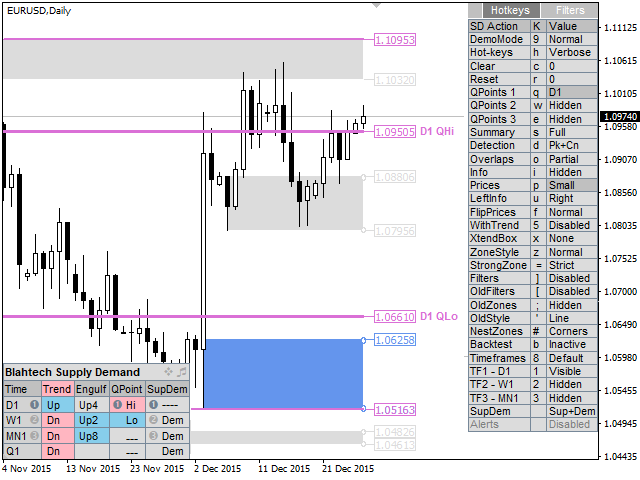
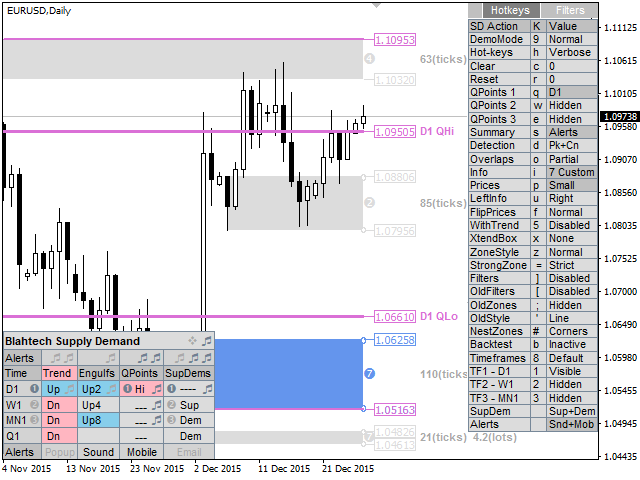
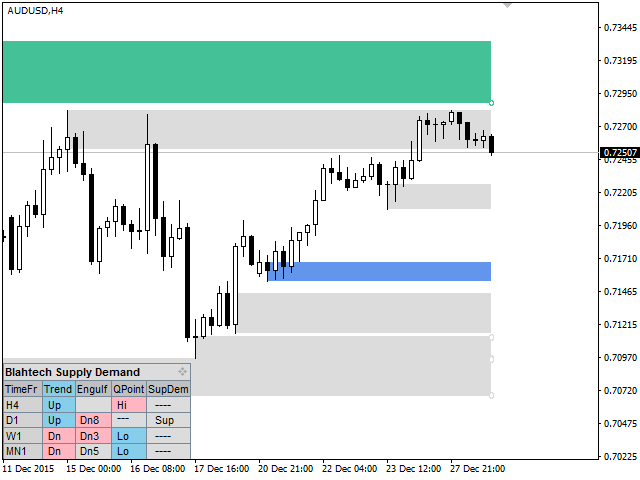
Supply Demand nutzt frühere Kursbewegungen, um potenzielle Ungleichgewichte zwischen Käufern und Verkäufern zu erkennen. Der Schlüssel liegt darin, die Zonen mit den besten Chancen zu identifizieren, nicht nur die unberührten Zonen.
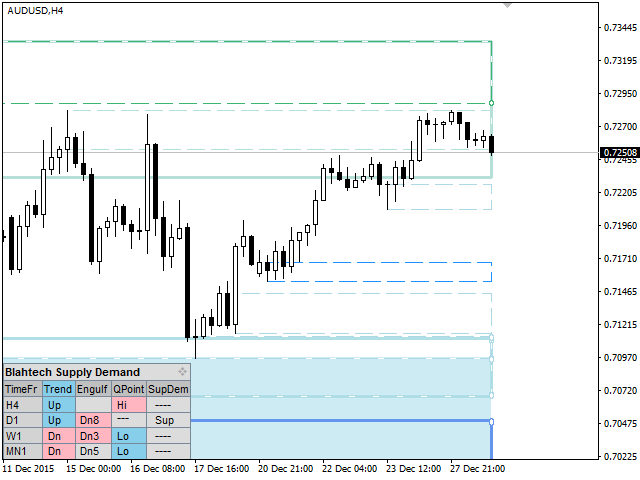
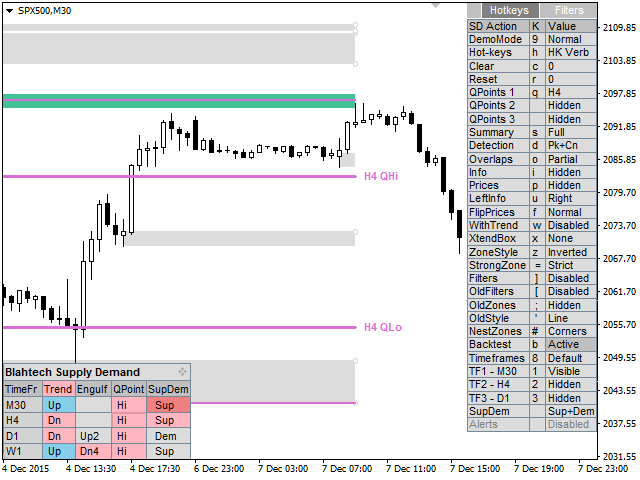
Der Blahtech Supply Demand Indikator bietet eine Funktionalität, die bisher auf keiner Handelsplattform verfügbar war. Dieser 4-in-1-Indikator hebt nicht nur die Zonen mit höherer Wahrscheinlichkeit hervor, indem er eine Multikriterien-Stärke-Engine verwendet, sondern kombiniert diese auch mit einer Multi-Timeframe-Trendanalyse, zuvor bestätigten Schwankungen und Engulfing-Detektoren. Mit einer einfach zu bedienenden Benutzeroberfläche und einem innovativen Backtest-Modus ist dieser Indikator ein Muss für alle Angebots-Nachfrage-Händler.
Links [ Installieren | Aktualisieren | Dokumentation & Schulung ]
Funktions-Highlights
- Multi-Timeframe-Anzeige
- Backtesting direkt auf dem Chart
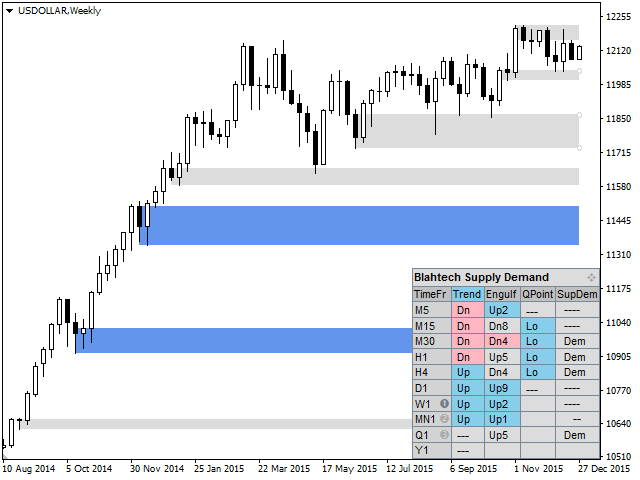
- Zusammenfassendes Panel
- Multi-Timeframe-Trendanalyse
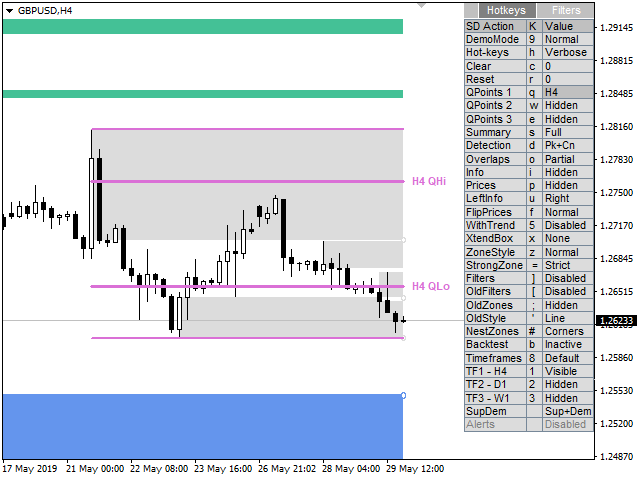
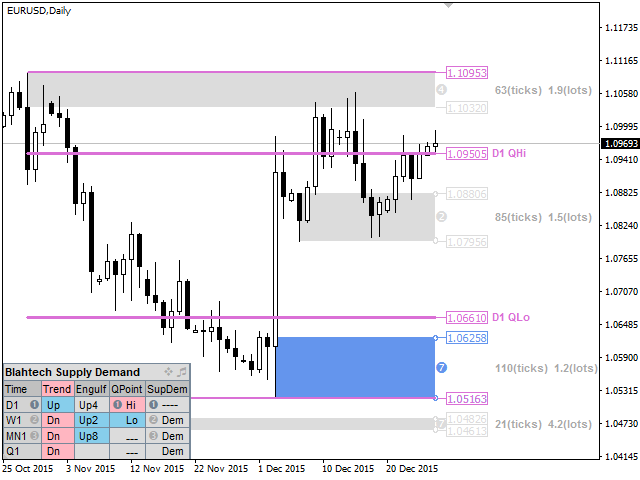
- Bestätigte Schwankungen (High und Low QPoints)
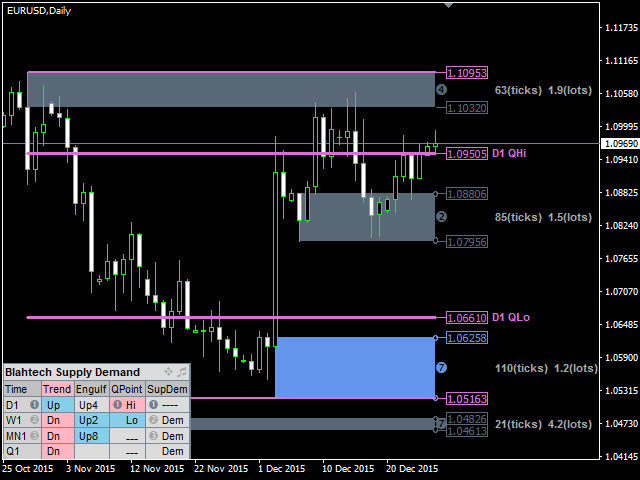
- Zonenstärke-Engine (sieben Kriterien)
Funktions-Highlights Fortsetzung...
- Erweiterte Level-Erkennung (Spitzen, Konsolidierungen, Drop-Base-Drops)
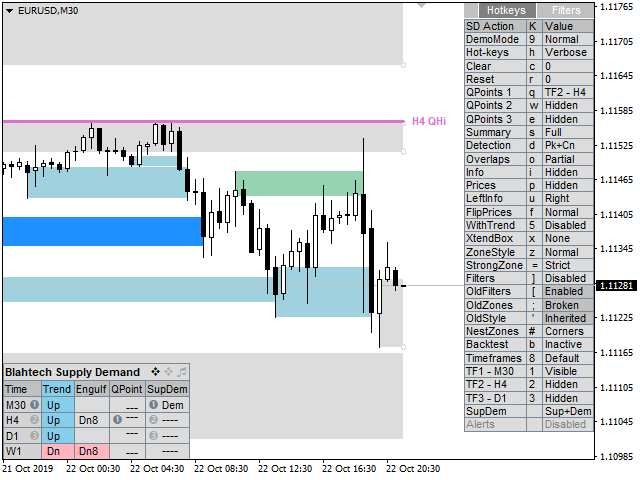
- Schneller Zugriff über Hotkeys
- Warnungen
- Engulfing-Detektor
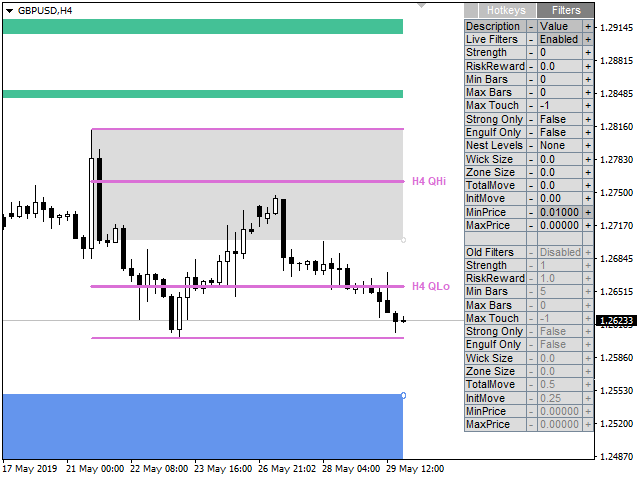
- Sichtbarkeits-Filter
- Alte Zonen (gebrochene Niveaus oder Trendwechsel)
- Hervorhebung von verschachtelten Zonen
Eingabe-Parameter
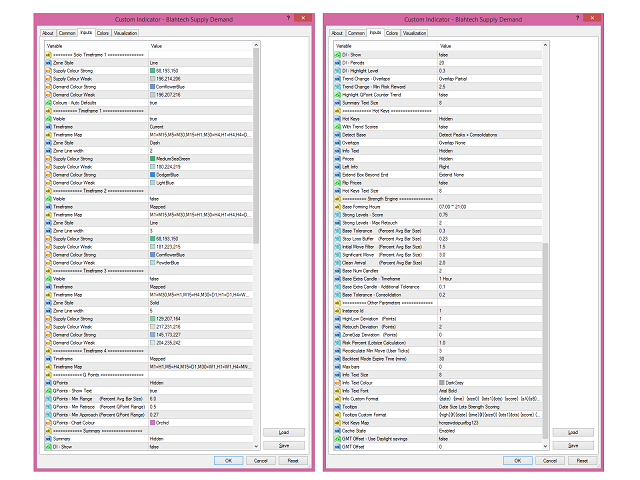
- Laden Sie die Dokumentation über den obigen Link herunter, um Details zu erfahren






























































Hello, I'm building an Expert Advisor around Blahtech Supply Demand MT5 (and Blahtech Market Profile MT5) using `iCustom()` buffer reads, per the "Expert Advisor Mode -- Reserved for iCustom calls from an Expert Advisor. Code examples available on request" note in your documentation. I'd like to request those code examples, and also have three specific technical questions that would help me integrate correctly: 1. "Avg Bar Size" calculation Your QPoints parameters (Min Range, Min Retrace, Min Approach) are all expressed as multiples/percentages of "Avg Bar Size." Could you confirm: The exact averaging method (simple average of high-low range? ATR-style? something else?) The lookback window length used I've built an independent swing-detector using a 20-bar simple average of (high-low) range, and while my confirmed swing highs are landing close to your displayed QHi levels, my detector requires a materially larger range to confirm a swing low than what your indicator appears to accept -- suggesting our "Avg Bar Size" figures may differ even though we're both using "6.0x" as the Min Range multiplier. 2. QPoint confirmation mechanism Is QPoint/swing confirmation based on a standard zigzag-style pivot re-anchoring approach (i.e., a candidate pivot is replaced whenever price makes a new extreme past it, before the opposite-direction range/retrace conditions are met), or a different mechanism entirely? Understanding this would help me match your confirmed-swing output more precisely. 3. Zone boundary buffers Via `iCustom()`, I can only read one boundary per zone (SupLow for supply zones, DemHigh for demand zones) -- there's no SupHigh or DemLow buffer exposed. Can you confirm: Whether the opposite boundary is intentionally not exposed, and if so, the recommended way for an EA to reconstruct it (e.g., via the originating candle indicated by SupBarNum/DemBarNum) Which of the two boundaries is intended as the "distal" (invalidation) edge vs. the "proximal" (entry-trigger) edge for each zone type Any documentation, code examples, or clarification you can share on these three points would be a big help. Happy to provide more detail on my specific `iCustom()` setup if useful. Thank you for your time, Fabian