Command Matrix
- Experts
-
Angelo Marcelo Serafin
 Founder of UltronFXTrade and developer of automated trading systems for MetaTrader 5.
I specialize in algorithmic trading, Expert Advisors, trading automation and systematic strategies for Forex, Gold and financial markets. - Version: 1.20
- Updated: 13 September 2026
- Activations: 10
Command Matrix US30 is a fully automated Expert Advisor developed specifically for the US30 index.
The system combines multi-timeframe market analysis, automated execution, dynamic position management and an integrated trading dashboard in a single Expert Advisor.
US30 is a market characterized by strong directional movements, fast volatility changes and frequent intraday expansions. Command Matrix US30 was designed to analyze these conditions across several timeframes before deciding whether a new position should be opened.
The EA operates automatically from signal detection through position management and exit.
Launch price: $149
Planned regular price: $999
As part of the launch promotion, buyers of Command Matrix US30 may choose one additional product from my current portfolio at no additional cost.
Available products:
- Atlas Core
- Tornado Engine Pro
- Golden Vortex EA
- Dominion Gold
- Ultron Conflux
- Aurum Range Matrix
- Triple Session Breakout
- Phalanx Neural AI
- Orion Pulse
After purchasing Command Matrix US30, contact me through the MQL5 private messaging system and indicate which one product you would like to receive.
Introducing Command Matrix US30
Command Matrix US30 was developed around a multi-timeframe decision process.
Instead of relying on a single indicator or a single chart timeframe, the Expert Advisor evaluates market information from several timeframes, including D1, H1, M30 and M1.
These different layers are used by the internal signal engine to evaluate market structure, momentum, volatility and price behavior before an entry is considered.
The recommended operating chart is US30 M1.
All internal indicators used by the Expert Advisor are calculation-only. They remain hidden from the chart, allowing the user to maintain a clean trading environment.
When Command Matrix US30 is attached to the chart, it automatically applies its own dark visual theme and displays the integrated Command Matrix dashboard.
Multi-Timeframe Market Analysis
The main signal engine evaluates the relationship between different market conditions instead of reacting to a single indicator crossing.
Higher timeframes provide broader market context, while lower timeframes provide information about current price behavior and execution conditions.
The Expert Advisor continuously processes this information and determines whether the current market state qualifies for a BUY signal, SELL signal or no trade.
Command Matrix US30 also includes an additional dynamic 6-hour model that can evaluate new market opportunities following previously completed trading cycles.
Every decision is performed automatically.
Trade Management
Opening a position is only part of the system.
Command Matrix US30 continues managing the exposure after execution.
Each new logical trade can use a predefined Stop Loss and Take Profit. Once price moves favorably, the dynamic trailing system begins protecting the position according to its internal staged management logic.
The EA can progressively protect favorable movement while allowing the position to continue developing.
A dedicated early-exit model also monitors open trades. When market conditions change significantly, the system can close an exposure before the original fixed Stop Loss is reached.
This creates a combination of predefined protection and adaptive position management.
Exposure Structure
Command Matrix US30 does not use Martingale.
It does not use Grid recovery.
It does not increase position size because a previous trade lost.
It does not continuously average into losing positions.
The system works with independent logical exposures generated by its signal engine.
Up to two logical exposure slots can be managed when valid market conditions overlap.
Depending on the broker's maximum allowed volume per order, one logical exposure can also be divided into multiple execution tickets.
This is only order-volume fragmentation required for execution and should not be confused with Grid trading, Martingale or position averaging.
Integrated Command Matrix Dashboard
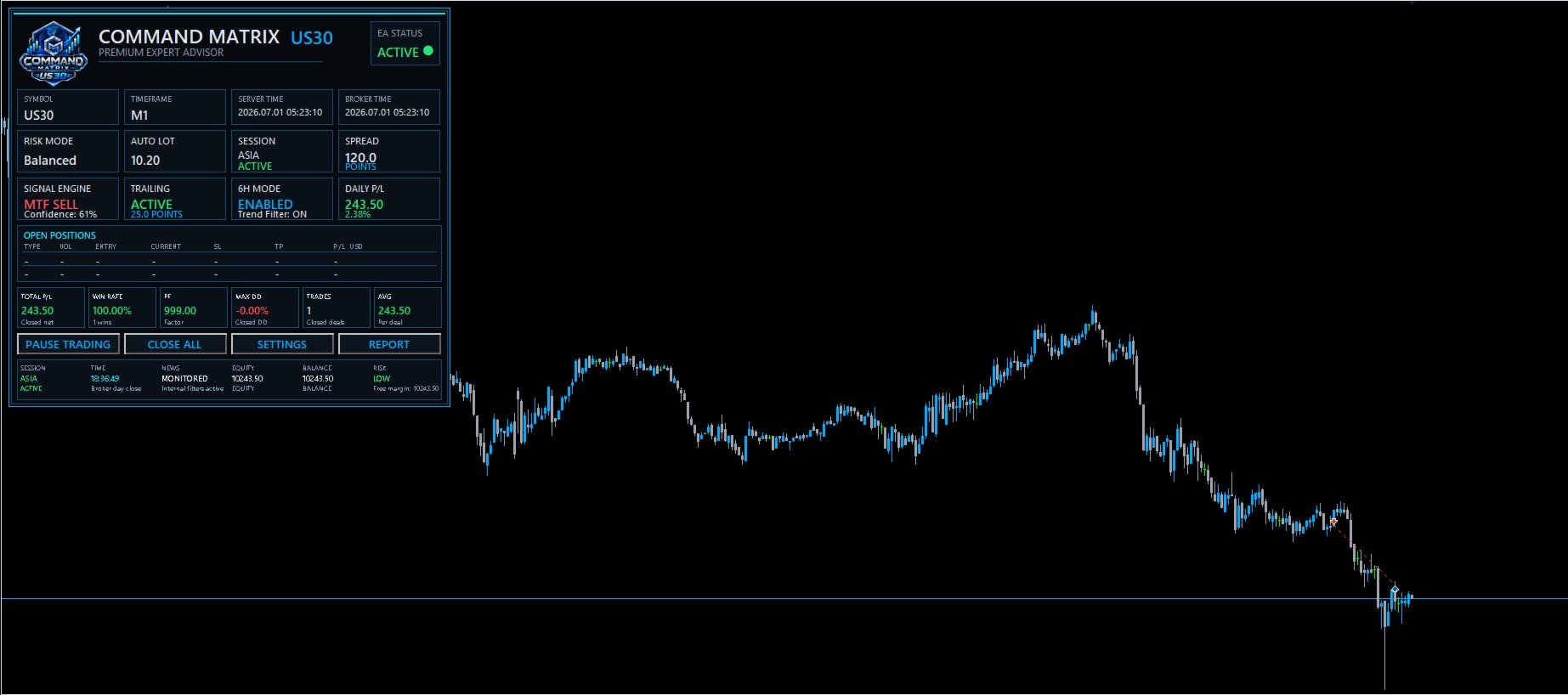
The EA includes a custom dashboard designed specifically for Command Matrix US30.
The dashboard provides a compact overview of the current system state directly on the chart.
It displays:
- Symbol and timeframe
- Server time
- Broker time
- Risk mode
- Automatic lot size
- Market session
- Spread
- Signal engine status
- Trailing Stop status
- 6-hour engine status
- Daily P/L
- Open positions
- Total P/L
- Win rate
- Profit Factor
- Drawdown information
- Total trades
- Average trade
- Equity
- Balance
- Risk status
The dashboard also includes controls for pausing new entries and closing managed positions.
When the EA is attached to the chart, the visual environment is automatically changed to a clean black theme.
Internal calculation indicators remain hidden.
Main Characteristics
- Developed specifically for US30
- Recommended operating timeframe: M1
- Internal D1, H1, M30 and M1 analysis
- Fully automated BUY and SELL execution
- Automatic or fixed lot mode
- Multiple selectable automatic risk levels
- Fixed Stop Loss and Take Profit structure
- Dynamic staged Trailing Stop
- Adaptive early-exit management
- Dynamic 6-hour opportunity engine
- Up to two logical exposure slots
- Broker-volume fragmentation when necessary
- No Martingale
- No Grid recovery
- No loss-based position averaging
- Custom Command Matrix dashboard
- Automatic black chart theme
- Internal indicators hidden from the chart
- BUY and SELL operation can be enabled or disabled independently
- Trading-day controls
- NFP Friday filter
- Designed for automated 24/5 operation
Risk Management
Command Matrix US30 provides both automatic and fixed-volume operation.
In Automatic mode, the system calculates the logical position volume according to the selected risk profile and the current account balance.
Several risk levels are available, allowing users to choose a configuration more appropriate for their account size and individual risk tolerance.
Fixed Lot mode can also be used when the trader prefers direct control over position volume.
Higher risk settings can significantly increase both potential returns and potential drawdown.
Users should test different configurations in the MetaTrader 5 Strategy Tester before using the Expert Advisor on a live account.
Recommended Configuration
Symbol: US30 / Dow Jones CFD equivalent
Recommended chart: M1
Account type: Hedging recommended
Minimum leverage: 1:100
Recommended leverage: 1:500
Recommended starting balance: $1,000 or higher
Trading conditions: ECN, RAW or other low-spread environments are recommended
VPS: Recommended for continuous 24/5 operation
Broker symbol names and contract specifications may vary.
Always verify:
- Spread
- Commission
- Swap
- Contract size
- Minimum lot
- Volume step
- Maximum volume
- Margin requirements
- Execution conditions
before using the EA on a live account.
Installation
- Install Command Matrix US30 in MetaTrader 5.
- Open the US30 chart.
- Select the M1 timeframe.
- Attach Command Matrix US30 to the chart.
- Enable Algo Trading.
- Select the desired risk configuration.
- Verify the broker's US30 contract specifications.
- Allow the Expert Advisor to operate automatically.
Once attached, Command Matrix US30 applies its custom black chart theme and displays the integrated dashboard.
Important Information
Trading conditions differ between brokers.
Differences in spread, commissions, swaps, contract size, tick value, liquidity, execution speed, slippage and historical quotes can produce different results even when the same Expert Advisor and parameters are used.
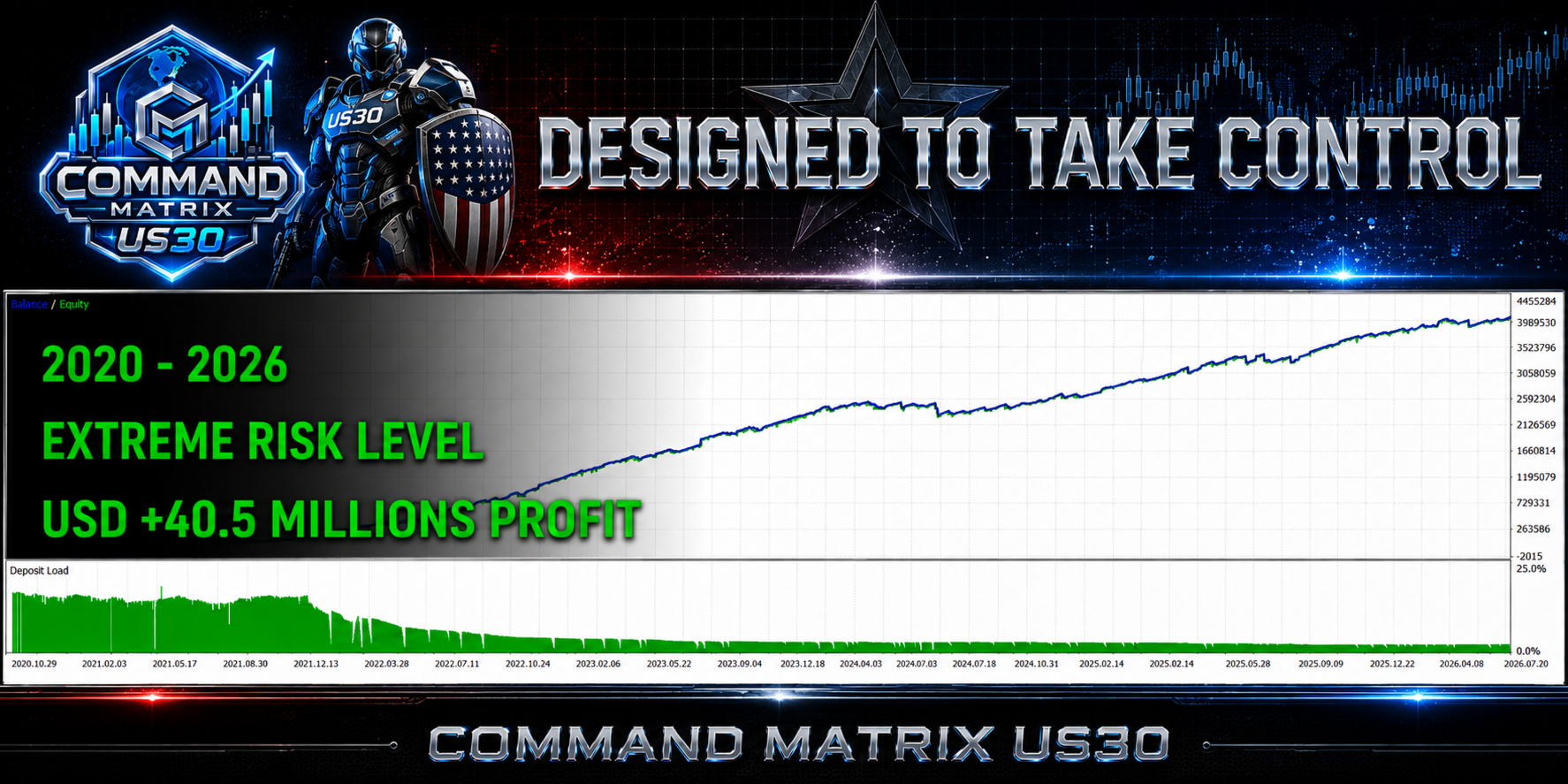
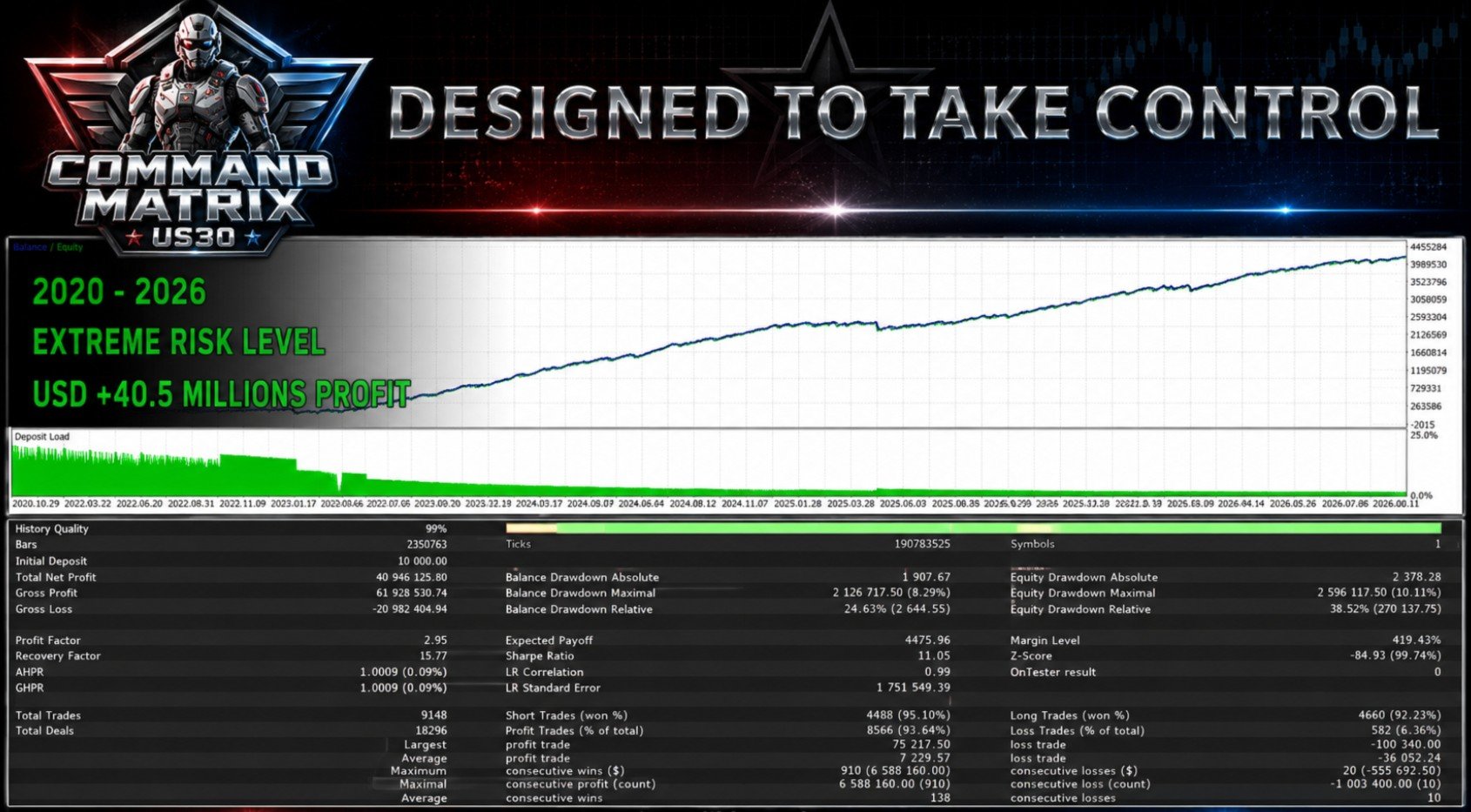
Backtests represent historical simulations and should not be interpreted as live trading results or as a guarantee of future performance.
Disclaimer
Trading US30 and other leveraged CFD instruments involves significant financial risk and may not be suitable for every trader.
Automated trading systems cannot eliminate the possibility of losses or drawdown.
Market gaps, spread expansion, slippage, execution delays, unexpected volatility and changes in liquidity can affect trading results.
Past performance and historical testing do not guarantee future results.
Command Matrix US30 does not use Martingale or Grid recovery, but this does not mean that the system is risk-free.
Every trader is responsible for selecting an appropriate account size, leverage, broker and risk configuration.
Testing on a demo account and in the MetaTrader 5 Strategy Tester is recommended before using the Expert Advisor with real funds.