Signal Bridge Pro MT4
- 专家
- 版本: 4.10
- 更新: 9 十一月 2026
- 激活: 20

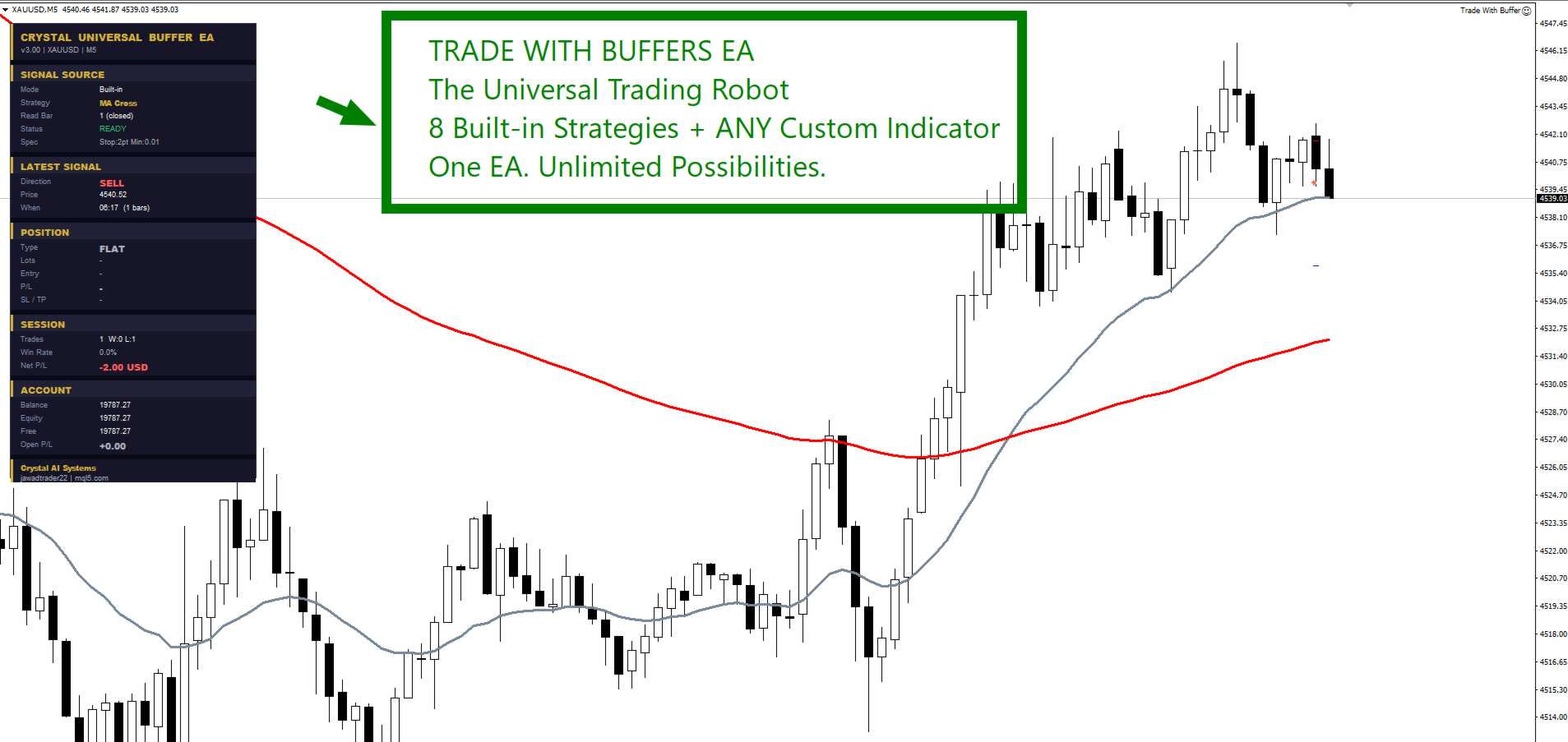
Signal Bridge Pro MT4 - Trade Any Indicator Automatically
Turn the arrows, lines and levels of almost any MT4 indicator into fully managed trades - or trade one of 8 classic strategies built into the EA. One Expert Advisor, no coding.
You found an indicator you trust. Now you are glued to the screen, waiting for the arrow, typing the lot size, placing the stop loss, and missing the signals that come while you sleep. Most "universal" EAs promise to automate this, then ask you to guess buffer numbers, read only one kind of arrow and fail silently when something does not match.
Signal Bridge Pro MT4 does the reading for you. It looks at your indicator, works out how its signals are drawn, shows you a clear setup report, and then trades every signal with your lot, stop loss, targets and filters. If something is wrong, it tells you exactly what and how to fix it.
Using MetaTrader 5? Get the MT5 edition here: Signal Bridge Pro for MT5.
Trading without it vs. trading with Signal Bridge Pro MT4
| Without it | With Signal Bridge Pro MT4 |
|---|---|
| You guess which buffer numbers hold the BUY and SELL signals | A buffer map in the log shows what every buffer holds - read the right numbers off directly |
| Your EA reads only arrows, so line, colour and histogram indicators are useless | 10 reading modes plus AUTO: arrows, line cross, colour change, zero cross, levels, slope, +1/-1, 1/2 codes |
| The indicator draws lines instead of buffers, so no EA can read it | Chart Lines mode reads the indicator's Entry, SL and TP lines by name |
| A trade is skipped and you never learn why | Every signal gets one log line: traded, or skipped with the reason and the fix |
| You place SL and TP by hand from the indicator's levels | SL, TP1, TP2 and TP3 come straight from the indicator, with an automatic split close |
Why traders choose Signal Bridge Pro MT4
| Benefit | What it means for you |
|---|---|
| AUTO signal reading | The EA studies the last 250 bars and picks the right way to read your indicator |
| Setup report at start | READY or CHECK SETUP, with buffers, mode, signals found in the last 500 bars, SL/TP and filters |
| Auto-fix | Wrong buffer numbers that are always empty? It finds the single signal buffer and uses it |
| Indicator levels as targets | Trade the indicator's own SL and TP1 / TP2 / TP3, with fallback to points or ATR |
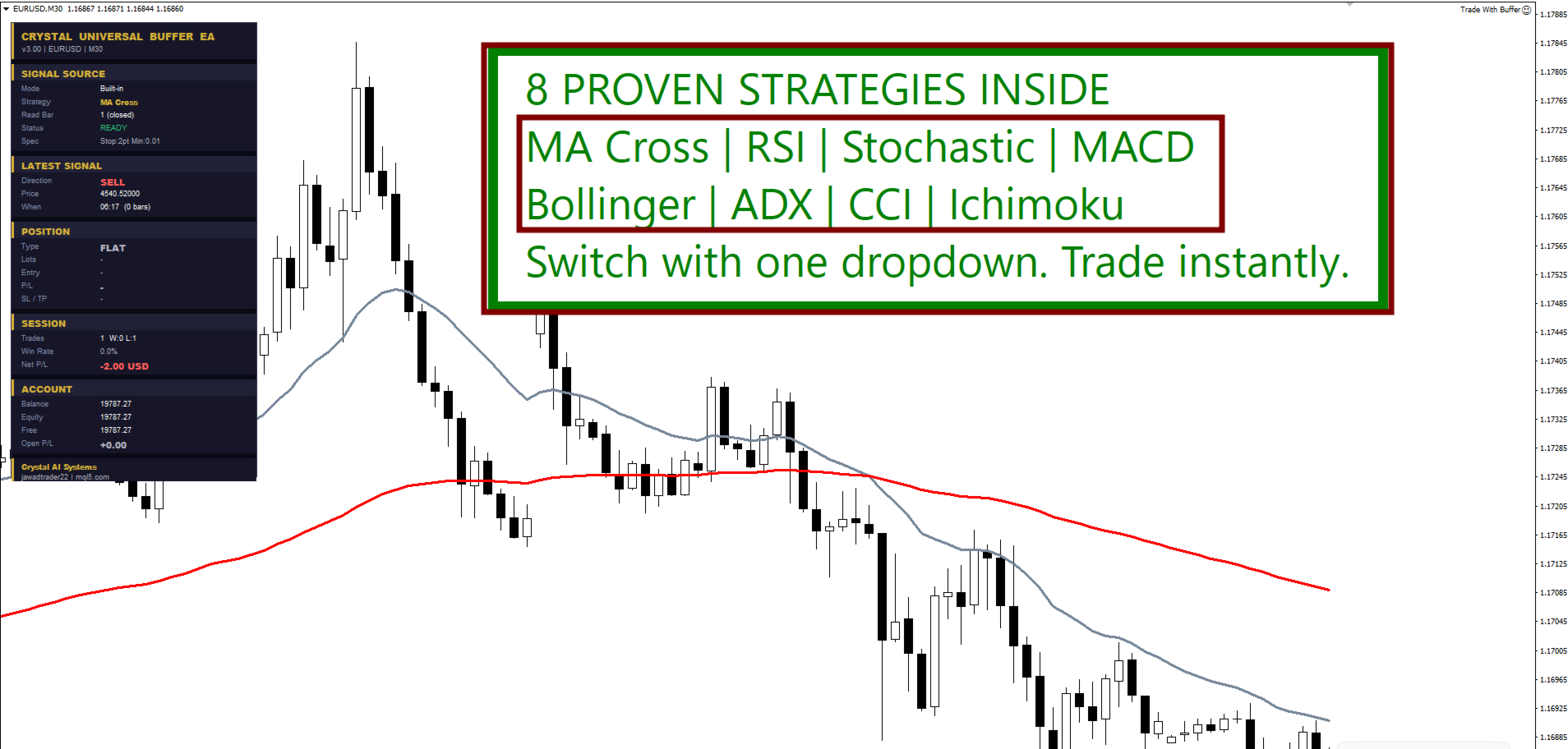
| 8 built-in strategies | No indicator needed - MA, RSI, Stochastic, MACD, Bollinger, ADX, CCI, Ichimoku |
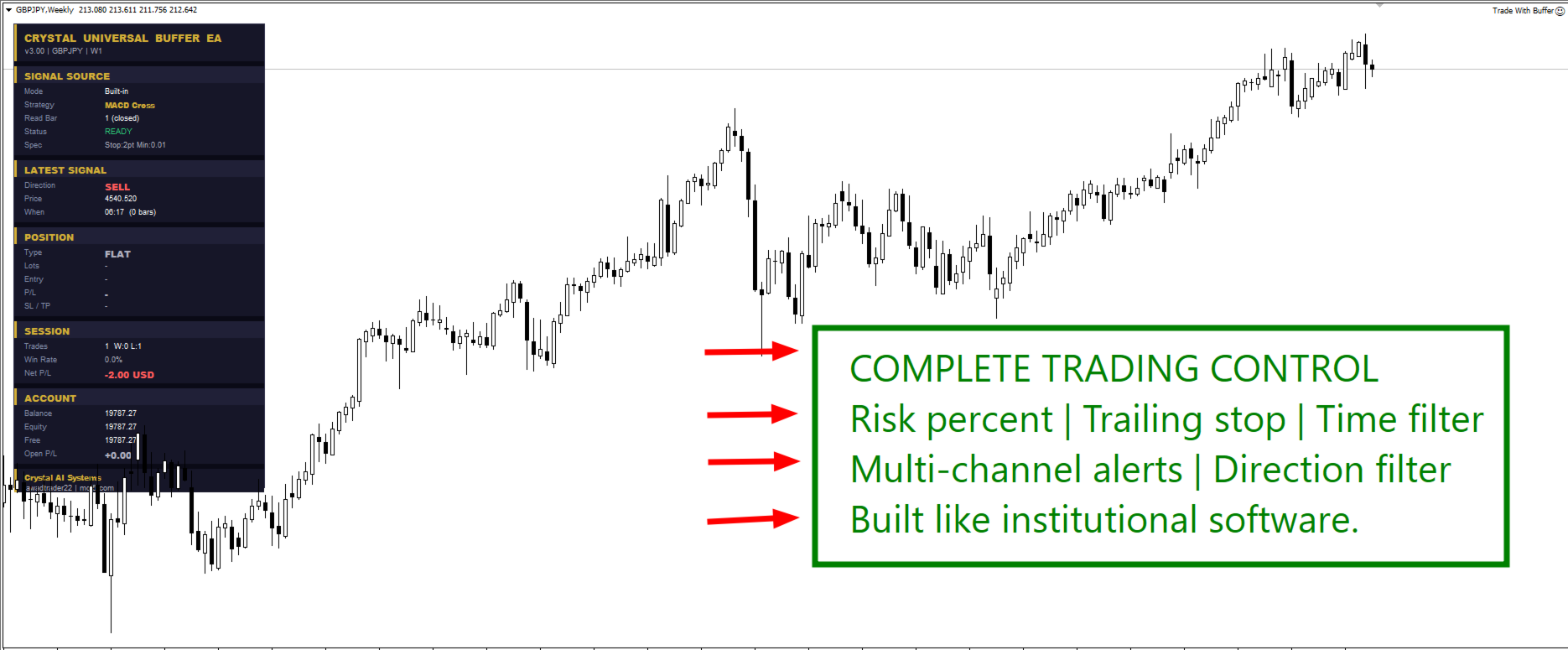
| Protection built in | Risk guard, news filter, spread guard, Friday guard, break-even, trailing, partial close |
New in version 4.10
| Feature | What changed |
|---|---|
| New name | Trade With Buffers is now Signal Bridge Pro MT4, the MT4 edition of Signal Bridge Pro |
| Smart buffer engine | AUTO mode plus 10 reading modes (was 4), edge detection so one signal = one trade |
| Indicator inputs | Pass your indicator's settings (numbers and true/false) straight from the EA |
| Market indicators | Indicators bought on the Market are found automatically in the Market folder |
| Chart Lines mode | Trade indicators that draw Entry / SL / TP lines instead of buffers |
| Second indicator | Confirm or filter signals with another indicator, on the same or a higher timeframe |
| TP1 / TP2 / TP3 split | Bank part at TP1, part at TP2, let the rest run to TP3 |
| News filter | Forex Factory calendar, impact levels, pause windows, close or protect before news |
| Risk guard | Daily loss limit, daily target, daily give-back %, account drawdown, loss streak stop |
| New dashboard | Modern panel in any corner - click its header to fold it to one slim bar |
| CSV journal | Every entry, exit, partial close, skip and refusal written to a CSV file |
| Lower CPU load | The indicator is read once per bar (or every 500 ms on the live bar), the panel redraws only on change |
Smart signal reading - 10 modes plus AUTO
Indicators show signals in very different ways. Leave the mode on AUTO and the EA chooses; or pick a mode yourself.
| Mode | A signal is | Best for |
|---|---|---|
| Arrows - new arrow | An arrow appears where there was none | Most arrow and dot signal indicators |
| Arrows - every bar | Any bar that holds a value | Indicators that mark single bars only |
| Two lines cross | BUY line crosses above SELL line | MA ribbons, signal-line indicators |
| Histogram zero cross | Value crosses above / below 0 | Oscillators, momentum histograms |
| Levels | Line crosses your BUY / SELL level | RSI-style indicators, bands |
| Colour change | Colour index turns 0 (up) or 1 (down) | Two-colour trend lines and candles |
| Slope | One line turns up or down | Single trend lines, smoothed averages |
| One buffer +1 / -1 | +1 = BUY, -1 = SELL | Signal-state buffers |
| One buffer 1 / 2 | 1 = BUY, 2 = SELL | Code-style buffers |
| Value equals level | The value becomes your set number | Indicators that write a fixed code |
"No signal" can be 0 or EMPTY_VALUE - the EA detects which one your indicator uses.
Chart Lines mode - for indicators without buffers
Many commercial indicators draw their setup as lines named like Entry, SL, TP1. Enter those names (or just their first letters) and the EA trades each new setup.
| What it handles | How |
|---|---|
| Horizontal lines, trend lines, zones | Reads the price of each, the middle of a zone |
| Names with a counter (Entry_125) | Name prefix finds the newest one |
| BUY or SELL? | Worked out from where the SL and TP lines are |
| Entry line moving on the live bar | Waits until the setup holds still, so one setup = one trade |
| Wrong names | The log lists every object with a price on the chart |
8 built-in strategies - no indicator needed
| Strategy | BUY when | SELL when |
|---|---|---|
| Moving Average cross | Fast MA crosses above slow MA | Fast MA crosses below slow MA |
| RSI | RSI leaves the oversold zone | RSI leaves the overbought zone |
| Stochastic | %K crosses up near oversold | %K crosses down near overbought |
| MACD | Main crosses up above 0 | Main crosses down below 0 |
| Bollinger Bands | Close returns inside the lower band | Close returns inside the upper band |
| ADX | +DI crosses -DI with strong ADX | -DI crosses +DI with strong ADX |
| CCI | CCI leaves the oversold zone | CCI leaves the overbought zone |
| Ichimoku | Tenkan crosses Kijun above the cloud | Tenkan crosses Kijun below the cloud |
Every strategy also works as a trend filter and with the second indicator.
Second indicator - confirm before you trade
| Combine mode | A trade opens when | Best for |
|---|---|---|
| Filter | The main signal fires and #2 trend agrees | Trading with a higher timeframe trend |
| Veto | The main signal fires and #2 does not point against it | Blocking only clear counter-trend trades |
| AND | Both indicators agree | Fewer, stricter entries |
| OR | Either indicator fires | More entries from two sources |
| Sequence | #2 fires, then the main signal within N bars | Setup + trigger strategies |
Stop loss, targets and lot size
| Option | What it does |
|---|---|
| SL / TP plans | None, fixed points, ATR, from the indicator, or from the indicator with points / ATR fallback |
| Indicator targets | Close at TP1, TP2 or TP3 - or split: part at TP1, part at TP2, rest at TP3 |
| Separate SELL levels | Indicators with their own SELL SL / TP buffers are supported |
| Lot modes | Fixed lot, risk % of equity (sized from the real stop), or 0.01 lot per X equity |
| Protect profit | Break-even with lock, step trailing stop, one partial close at a profit |
| Broker rules | Stop level, freeze level, lot step, free margin and market-execution accounts are respected |
Filters and protection
| Protection | What it does |
|---|---|
| Trade direction | Both, BUY only, SELL only, or only with the trend |
| Opposite signal | Reverse, close only, or keep (hedge) - separate max BUY and max SELL trades |
| Signal timing | Closed bar (no repaint) or live bar, entry delay, max signal age, max price drift |
| Risk guard | Daily loss limit, daily profit target, daily give-back %, account drawdown %, loss streak stop |
| News filter | High / medium / low impact, minutes before and after, your currencies only, lines on the chart |
| Pre-news protection | Move to break-even, tighten SL, close part or close all a few minutes before the release |
| Spread guard | Hard maximum plus spike detection against the normal spread, with cool-down |
| Time and weekend | Trading hours (over midnight too), weekdays, no new trades late Friday, Friday close, skip the week open |
Dashboard and logs
| Item | What you see |
|---|---|
| Signal Source card | Symbol, timeframe, indicator or strategy, reading mode, last signal |
| Position card | Lot mode, SL / TP, open trades, floating P/L, direction mode |
| Daily card | Today's P/L, closed / open, daily and account drawdown, trades and win %, spread and next news |
| Status line | Waiting, in trade, news pause, spread too wide, AutoTrading off - always the real reason |
| Fold / unfold | Click the header to fold the panel to one bar; the choice is remembered |
| CSV journal | Entries, exits, partial closes, skips and refusals with balance and equity |
Settings at a glance
| Group | You control |
|---|---|
| 1-3. Signal source | Buffers, chart lines or built-in strategy; timeframe; symbols; buffer numbers; mode; indicator inputs |
| 4-6. Confirm and timing | Second indicator, signal bar, delay, age, drift, direction, opposite signal |
| 7-9. Money | Lot mode, SL / TP plan, indicator levels, TP split, break-even, trailing, partial |
| 10-16. Protection | Risk guard, trade control, time, Friday, spread, news, pre-news |
| 17-18. Display and logs | Dashboard corner, size, alerts (popup, push, e-mail), CSV, signal log |
How to start
New to buffer EAs
- Attach the EA to the chart. Choose Custom indicator - BUFFERS and type the indicator name.
- Leave the reading mode on AUTO, read bar on 1 (closed bar).
- Open the Experts tab and read the setup report. READY means it found signals; CHECK SETUP tells you what to change.
- Run it in the Strategy Tester (visual mode) first, then on a demo account.
Experienced traders
- Map the SL / TP1 / TP2 / TP3 buffers and use "From the indicator, otherwise fixed points".
- Add a higher timeframe indicator as #2 in Filter mode.
- Set the risk guard and the news filter, then fine-tune with the Strategy Tester.
Who it is for
- Traders who own a signal indicator and want it traded automatically
- Buyers of Market indicators that have no EA of their own
- Traders who want a ready strategy without installing any indicator
- Developers who want to test indicator ideas fast without writing an EA
Compatibility
| Item | Details |
|---|---|
| Platform | MetaTrader 4 (Expert Advisor). MT5 users: Signal Bridge Pro |
| Markets | Forex, gold, indices, crypto, commodities - any symbol your broker offers |
| Timeframes | All, with a separate signal timeframe and a separate #2 timeframe |
| Accounts | Hedging and FIFO, instant and market execution, 4 and 5 digit, any lot step |
| Indicators | Files in MQL4\Indicators or MQL4\Indicators\Market (.ex4) |
| Alerts | Popup, push notification (needs your MetaQuotes ID), e-mail |
Good to know before you buy
- MT4 can pass only number and true/false inputs to an indicator. A text input keeps the indicator's own default.
- The news filter downloads the Forex Factory calendar: add its URL once in Tools - Options - Expert Advisors - Allow WebRequest. MT4 does not allow web requests in the Strategy Tester, so the news filter is off there.
- Alerts, push and e-mail are not sent in the Strategy Tester.
- For the demo and the Strategy Tester your indicator must be installed in the same terminal.
- Distances are in points. On a 5-digit broker, 10 points = 1 pip.
- An indicator that repaints will give different results live than in the tester. Use read bar 1 (closed bar) for repainting indicators.
Support
Questions and setup help through the product comments or MQL5 private messages. Send the setup report from the Experts tab and your indicator name, and we will tell you the exact settings. All future updates are free for buyers.
Risk disclaimer
Trading forex and CFDs carries a high level of risk and may not be suitable for all investors. Past performance, including Strategy Tester results, is not indicative of future results. Signal Bridge Pro MT4 automates the signals of the indicator or strategy you choose; it does not guarantee profits and is only as good as that signal source. Always test on a demo account first and use proper risk management.