Prop Limit Sentinel
- Утилиты
- Версия: 1.1
- Обновлено: 30 октября 2026
- Активации: 5

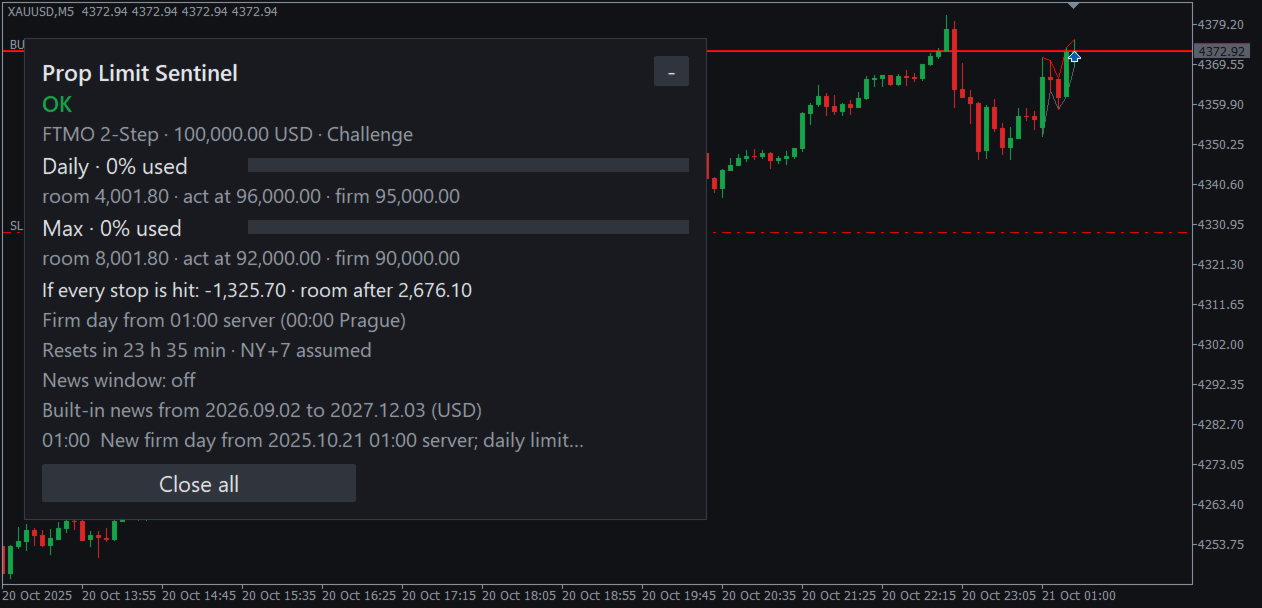
A prop account is lost at one line on the firm's dashboard. Prop Limit Sentinel counts the daily loss and the max loss the way your firm counts them, and acts before equity reaches that line.
The problem
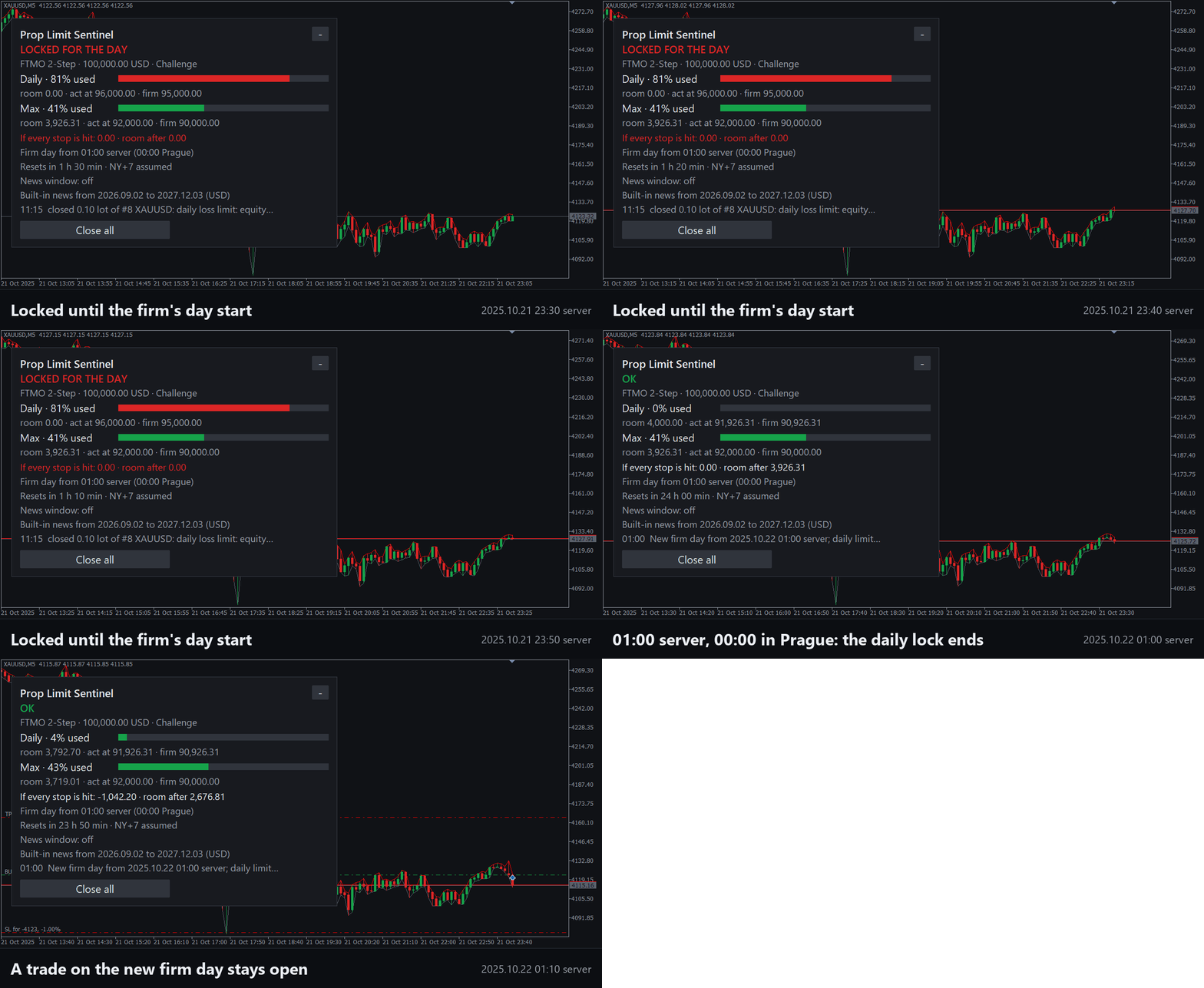
Each firm counts the day in its own way. FTMO starts the day at midnight in Prague. On a broker server that is 01:00 most of the year and 02:00 for about three weeks, when Europe and the United States change their clocks on different dates. A guard set to a fixed server hour counts the wrong day then. And a position without a stop has no limit on its loss.
What it does
- Counts the daily and the max loss from the firm's own reference, static or trailing. Presets: FTMO 2-Step and 1-Step, FundedNext Stellar 2-Step and 1-Step, The5ers High Stakes, and Custom rules.
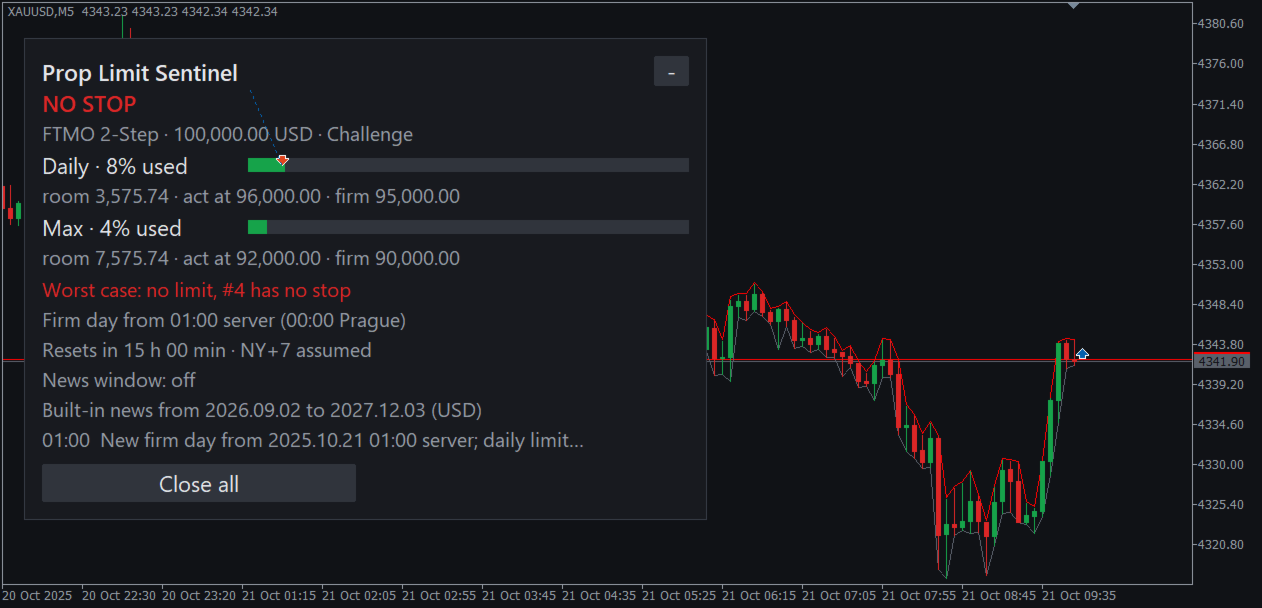
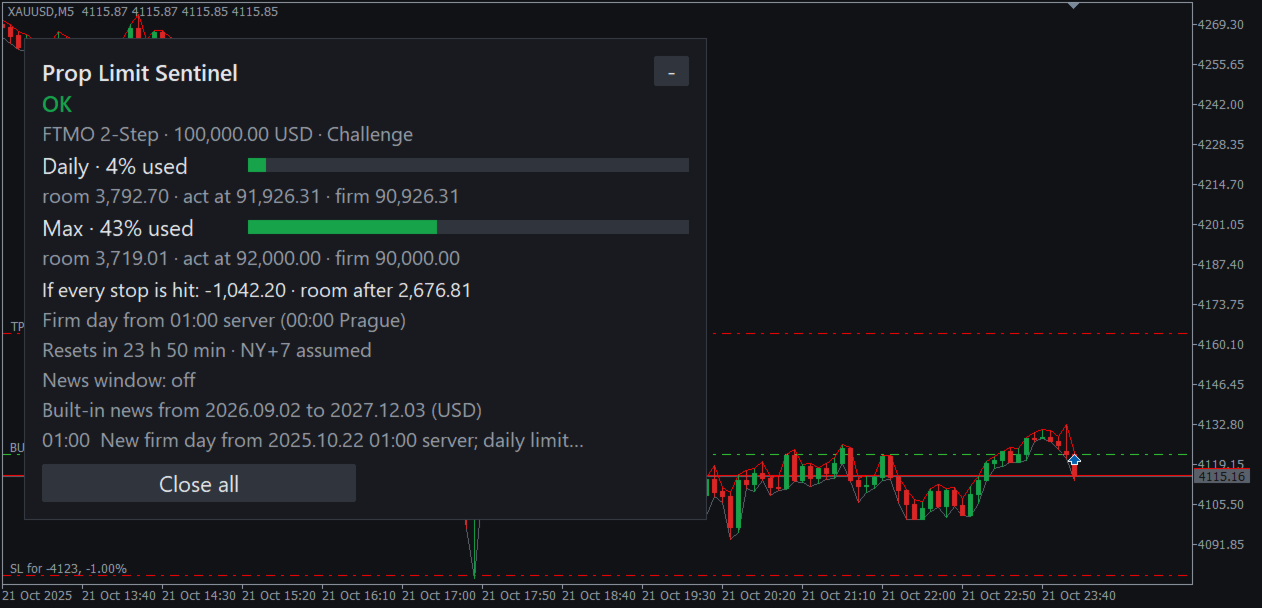
- Finds the firm's day start from its time zone with summer time and the measured server offset, and shows it on the panel.
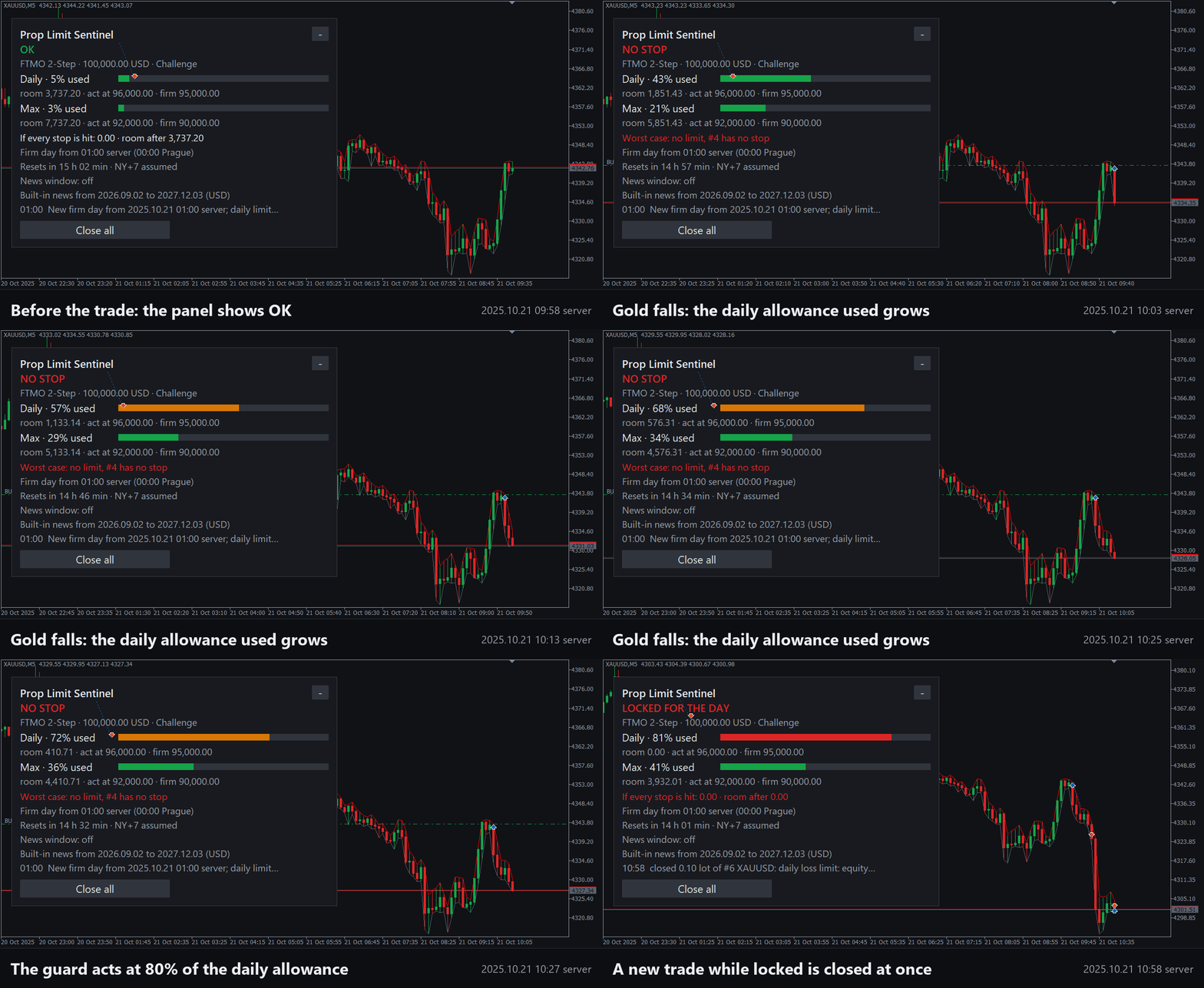
- Checks the worst case before a trade can fill: every stop hit, every pending order filled, plus a slippage allowance. A new order or position that would take the worst case past the trigger is deleted or closed.
- Shows a red NO STOP for a position or an order without a stop, and alerts or closes it, as you choose.
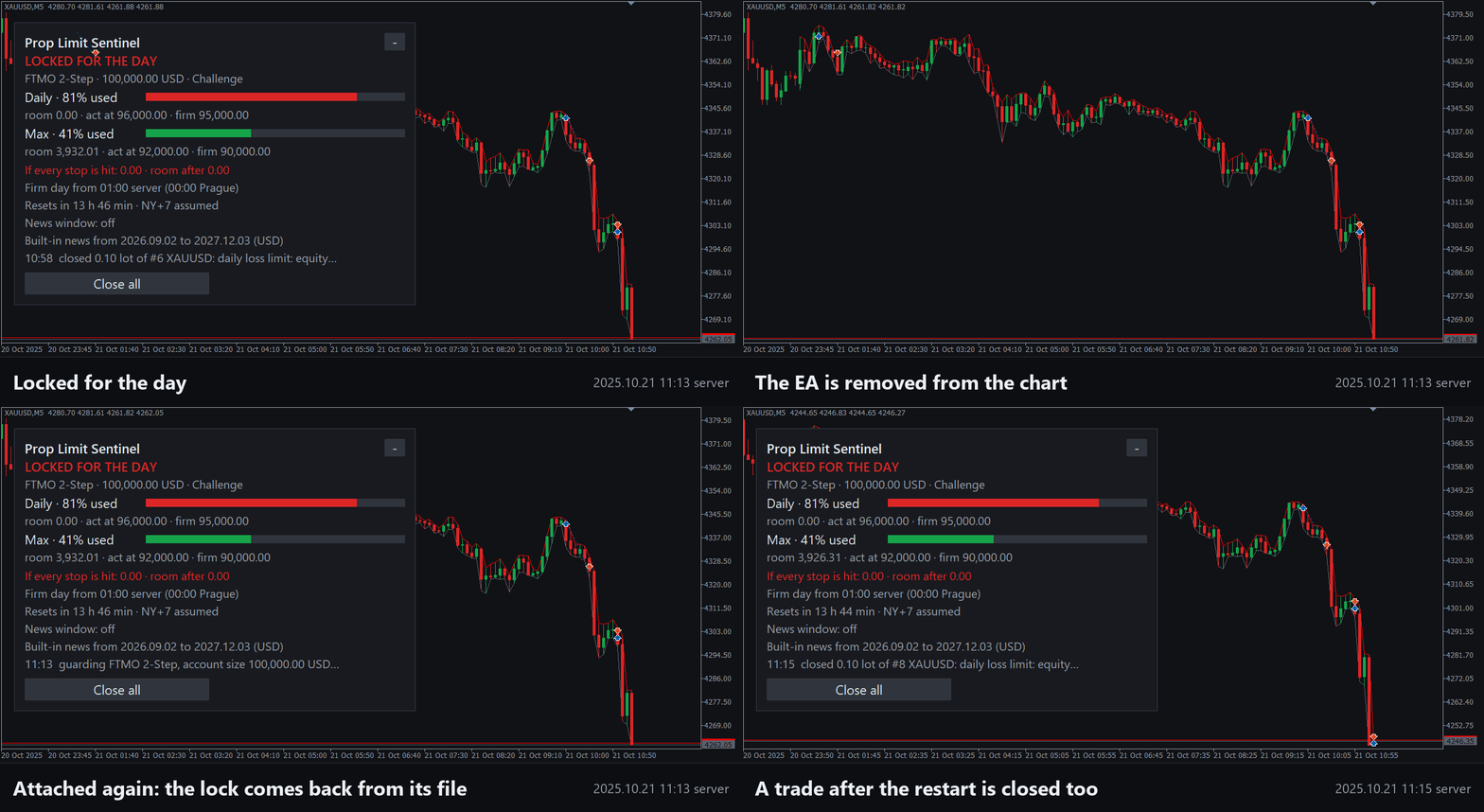
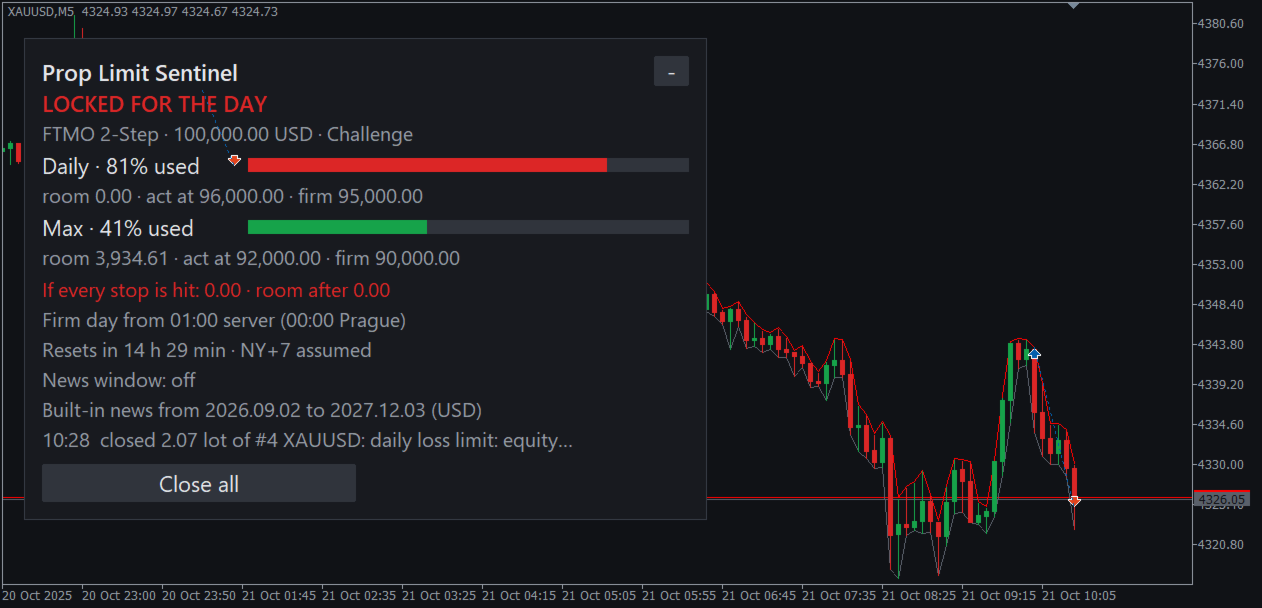
- At a limit: Close all and lock (the default), Block new trades, or Alert only. The daily lock ends at the next firm day. The max lock ends only with a two-click Start a new account.
How to use it
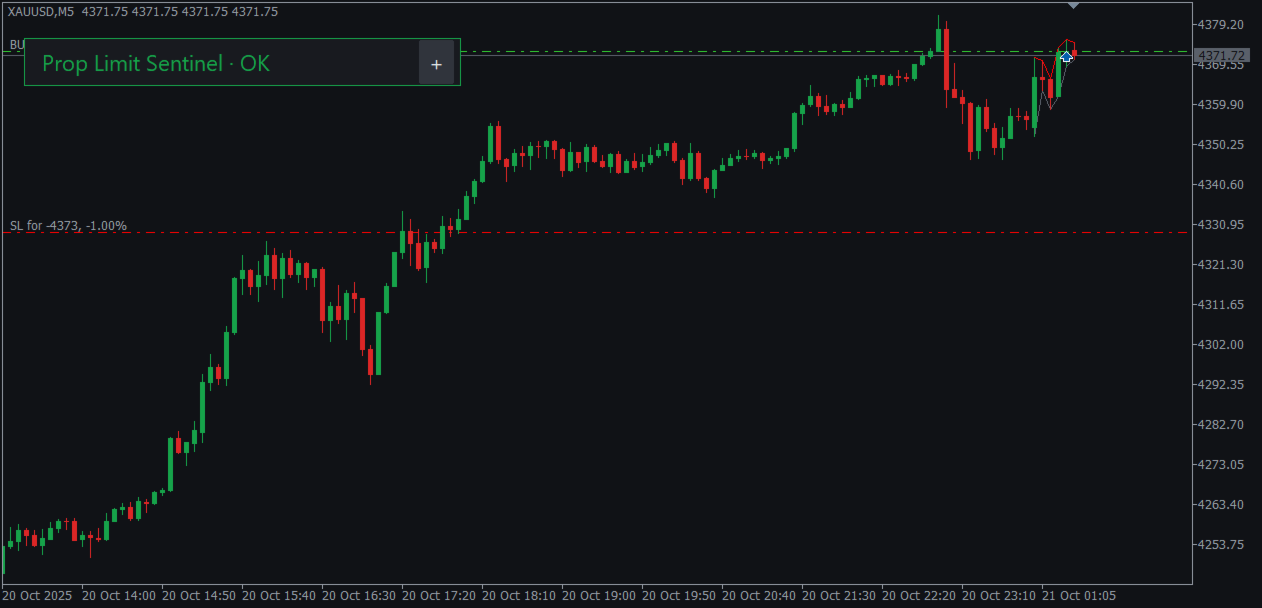
- Attach Prop Limit Sentinel to one chart and turn on Algo Trading. It watches the whole account: manual trades, the phone and every expert advisor.
- Choose the firm rules, the account size, the stage and what to do at a limit.
- Compare the firm's day start on the panel with your firm's dashboard.
When it checks
On every tick, every 250 ms and on every trade event. In our Strategy Tester run on real gold ticks of 21 October 2025, the close request went out 191 ms after gold crossed the trigger.
Inputs
- Simple. Firm rules, account size (0 = from the deposit in the history), stage, and the action at a limit.
- Trigger. Act at 80% of the firm's allowance (10 to 95); warnings at 50% and 75%.
- Worst case. On; a slippage allowance of 2 spreads; a trade without a stop: Alert or Close.
- Risk per trade. Off by default.
- News and Weekend. As the firm's rules say: pending orders deleted before a high-impact release of the MT5 calendar or of the built-in schedule (US CPI, payrolls and FOMC, and the rate decisions of eight central banks, from their official calendars; to December 2027, the RBNZ to February 2027), positions closed 15 minutes before a market break over 2 hours.
- Custom rules. Daily percent and reference, the day start clock, max percent and max loss type.
- Clock, Scope, Profit target, Day start. The server clock, magic numbers to close, a target lock, a typed day-start balance.
- Alerts. Pop-up and push on, sound and e-mail off.
Questions
Does it trade? No. On a live chart it only closes positions and deletes orders. In the Strategy Tester it opens demo trades so you can watch it work.
What happens after a restart? The locks, the peaks and the day's reference are kept in a file for each login. After a restart while locked, anything still open is closed again.
I changed my limit and it is still locked. Every change of the inputs checks the lock again. If the new limit is not breached, the lock ends.
Limits
It runs inside the terminal and cannot refuse an order before the broker accepts it; a trade from the phone is closed after it appears. A gap or slippage can pass the firm's line before a close fills, which is why the trigger sits below it. It works only while the terminal runs; a VPS is recommended. The firm's dashboard is the judge: the presets follow the firms' pages as read on 26 October 2026, and firms change their rules. The MT5 calendar does not run in the Strategy Tester, where the news window uses the built-in schedule alone; the schedule runs from September 2026 to December 2027 (the RBNZ to February 2027), so a test before September 2026 has no news window; the panel shows where it ends for the currencies of the chart and of the open trades and orders, and product updates extend it. Holidays are not in the broker's session tables. Netting accounts are supported but so far tested only on hedging accounts.
Versions
MetaTrader 5 only.