EBP OC Bot EA
- Experts
- Versione: 1.25
- Attivazioni: 5

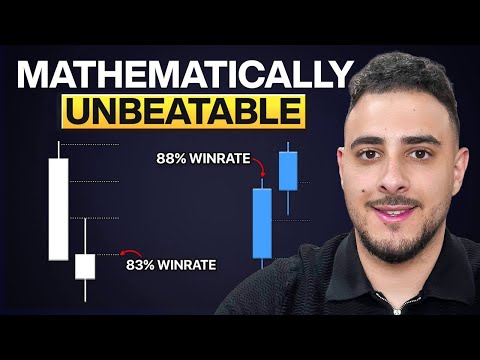
[ Introduction ] Stop staring at the charts waiting for the perfect reversal. EBP OC Bot EA is the automated execution of the high-accuracy trading system popularized by Omar Agag on YouTube.
This EA waits patiently for the "Perfect Storm": A liquidity sweep, a strong engulfing candle, and a re-entry into a Fair Value Gap (FVG). It executes mechanically, removing emotions from your trading.
[ Why Use This EA? ] While the original strategy is powerful, it requires you to be awake at specific "Kill Zones" (6 AM, 10 AM, 2 PM EST). This EA does the hard work for you:
-
Never Miss a Setup: It scans the market 24/7 (or during specific hours) to catch the entry the second the FVG is tapped.
-
Optimized Presets: Includes built-in, optimized settings for US30, NAS100, and Gold (XAUUSD).
-
Advanced Filtering: We added optional RSI and Trend Filters to filter out low-quality signals that the raw strategy might take.
-
Capital Protection: Built-in "Smart Lot" calculation prevents trades if your margin is too low, protecting you from "Not Enough Money" errors.
[ Key Features ]
-
Plug & Play Presets: Select your asset (US30, US100, or Gold) from the dropdown, and the EA loads optimized RSI and Risk settings automatically.
-
Fail-Safe Order Entry: Uses Limit Orders to ensure you get the best possible price (no slippage chasing).
-
Prop Firm Ready: Includes parameters to limit Max Daily Drawdown and customizable trading hours to fit prop firm rules.
-
Custom Mode: Want to trade exactly like the video? Switch to "Custom" mode to disable all filters and trade the raw price action.
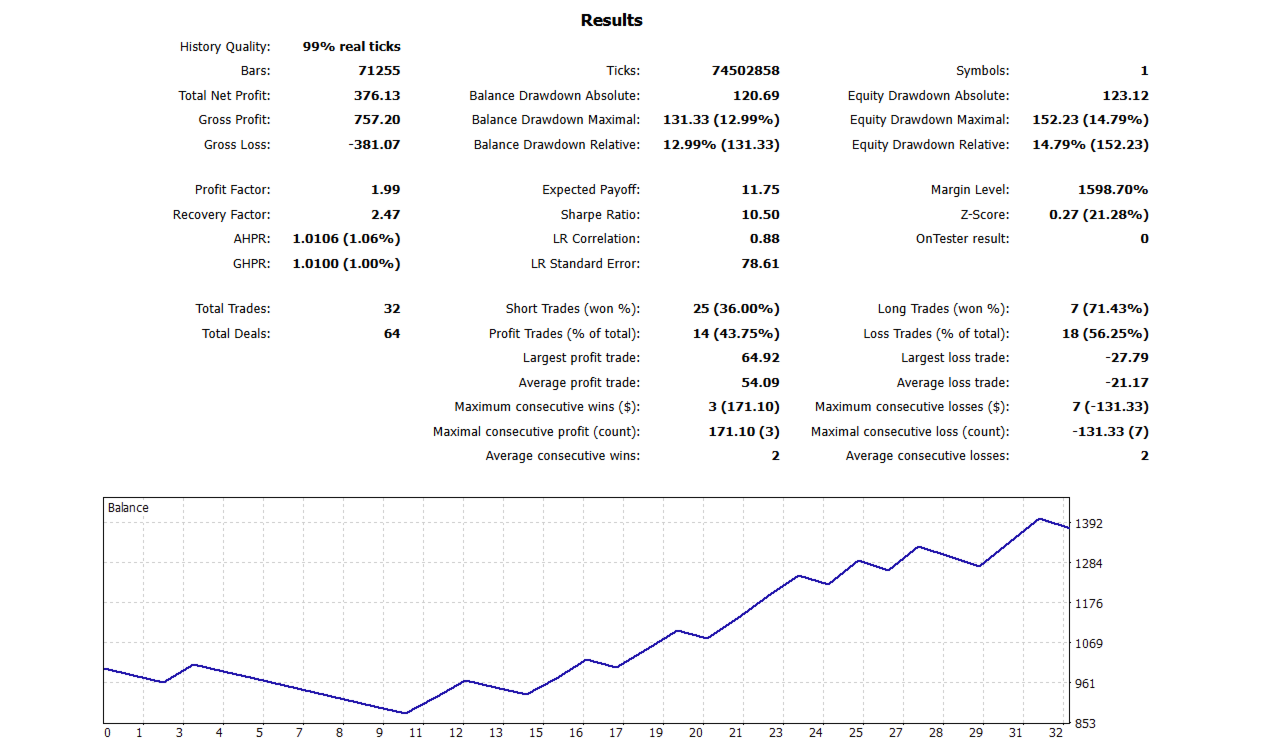
[ Important: Low Frequency, High Quality ] Please Read Before Buying: This is a SNIPER system, not a scalper. It does not open 10 trades a day.
-
It waits for a specific H4 Candle formation.
-
It requires a specific 15-minute FVG confirmation.
-
Expect days with NO TRADES. This is normal. The EA is designed to sit on its hands and protect your capital until the specific requirements are met. Patience is the key to profitability.
[ Setup Instructions ]
-
Timeframe: Attach the EA to the M15 Chart (The logic internally scans H4, but runs on M15).
-
Set True to pass Validation (Trades 24/7): Set to false if you want to trade only the specific "Kill Zones" (6 AM, 10 AM, 2 PM EST)
-
Broker Time: Set the ServerTimeOffset to match the difference between your Broker and EST (New York Time).
-
Example: If New York is 8:00 AM and your Broker is 15:00 PM, your offset is 7. (Keep testing the value from 0-12 to get better result by your broker)
-
-
Strategy Mode:
-
For US30/NAS100/Gold, select the corresponding "OPTIMIZED" mode in the inputs.
-
For other pairs (EURUSD, GBPUSD), select STRATEGY_CUSTOM and adjust the RSI/Trend filters to fit that pair's volatility.
-
[ Disclaimer ]
-
Past performance is not indicative of future results. No trading strategy can guarantee profits.
-
Risk Warning: Trading CFDs and Forex involves significant risk. Use the built-in "Risk Percent" setting to manage your exposure responsibly.
-
Settings: The default settings in "Custom Mode" are close to the raw video strategy. We highly recommend backtesting and optimizing parameters for your specific broker and spread conditions.