Double Fractal Entry Bot MT4
- Experts
- Version: 1.0
- Activations: 5

Double Fractal Entry Bot trades automatically using fractal breakouts or rebounds. It detects precise entry points, places SL and TP based on market structure, and includes logic to manage risk and avoid false signals. Simple, smart, and powerful.
This product is also available for MetaTrader 5 => https://www.mql5.com/en/market/product/143608
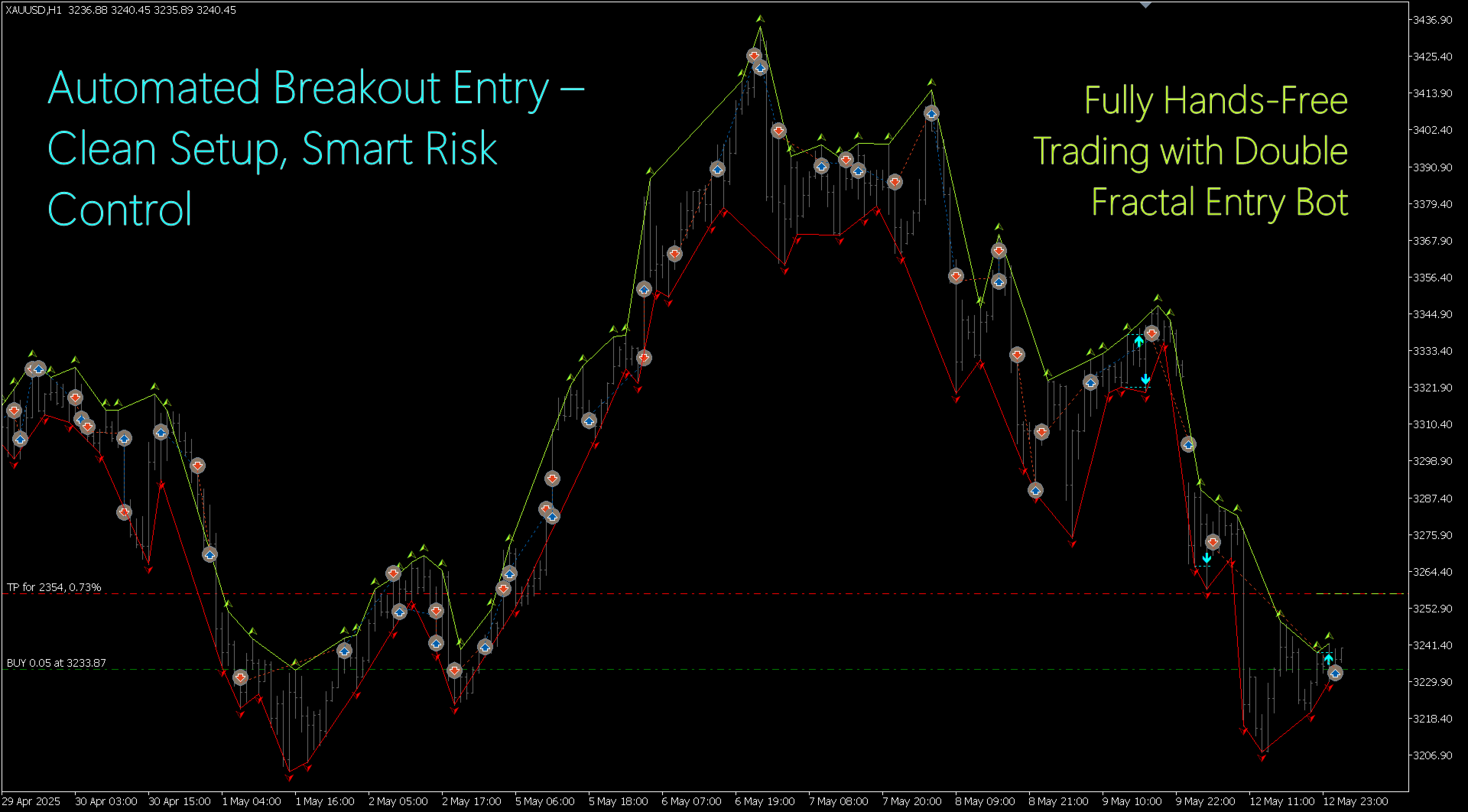
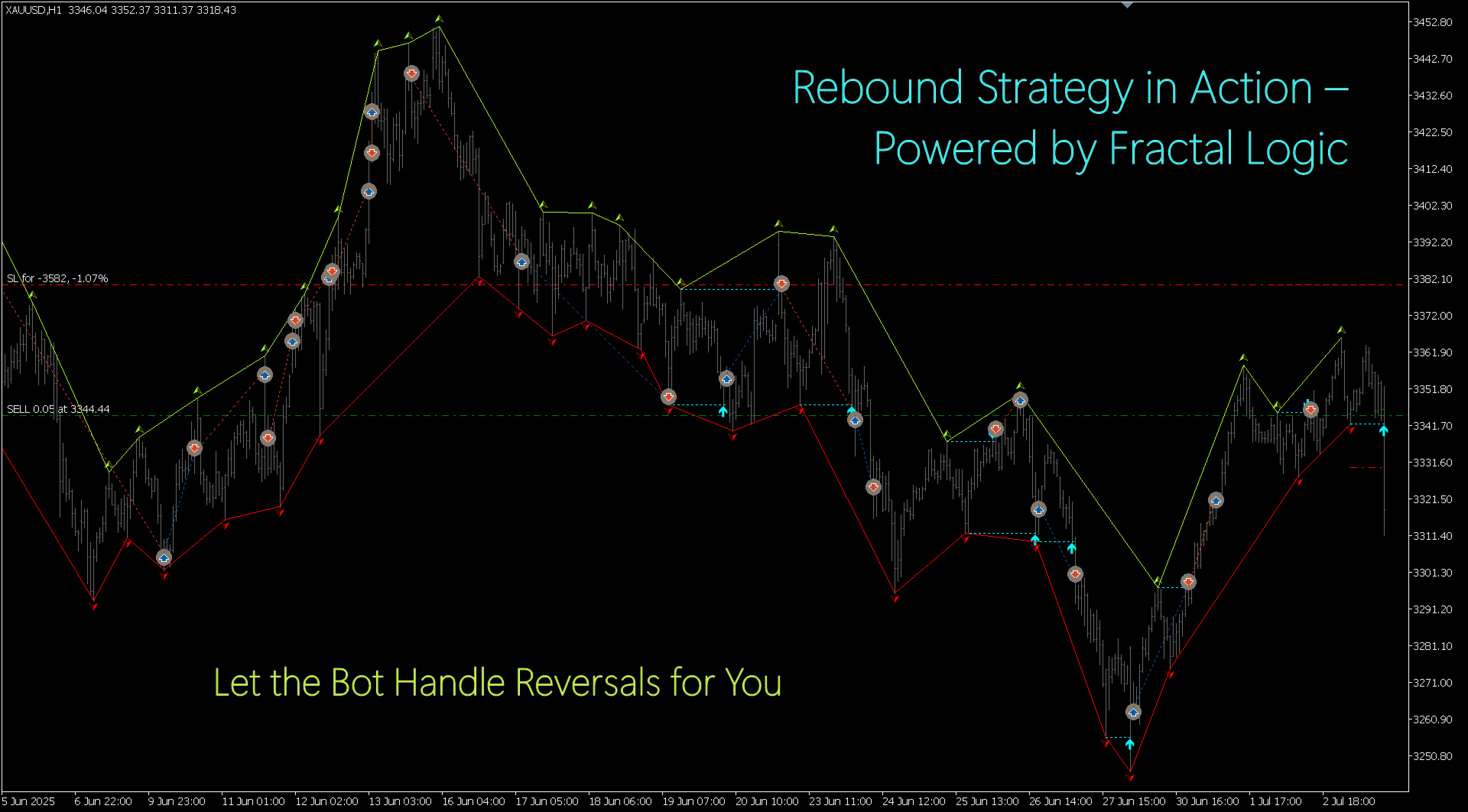
Double Fractal Entry Bot is an intelligent trading robot based on the proven logic of the Double Fractal Entry indicator. It analyzes price using upper and lower fractals to define a dynamic market structure and generates precise entry signals based on breakouts or rebounds from key fractal levels.
The bot automatically places orders, calculates Stop Loss and Take Profit using the range between opposite fractals, and includes multiple trade management filters to improve performance and avoid emotional errors.
🧠 Entry Logic:
- Fractal Breakout – entry when price breaks above/below a key fractal;
- Fractal Rebound – entry when price bounces off a fractal level.
⚙️ Trade Management Options:
- Set SL and TP in fractal-based range units;
- Choose whether to open opposite (contra) positions before the current one is closed;
- Auto-close current trade on contra signal (optional: only in profit or always);
- Skip next same-direction signal after loss or SL;
- Customize trade volume, Magic Number, and comments.
📈 Visual Tools & Notifications:
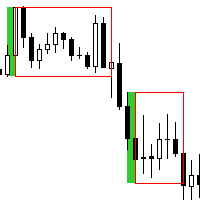
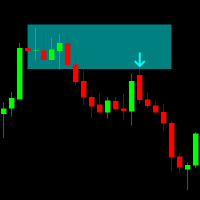
- Shows fractals, entry points, SL/TP lines directly on the chart;
- Historical trades are displayed for review;
- Alerts via terminal, push notifications, or email.
🧪 Compatibility:
- Works on any symbol and timeframe;
- Suitable for both trend-following and reversal strategies;
- Ideal for traders who want automated logic based on structure, not randomness.
Input Parameters:
| === RATES HISTORY CALCULATIONS === | History calculation settings. |
|---|---|
| Calculate History From Bar Shift | The bar (offset from the current one) from which history calculation begins. |
| Calculate History From Bar DateTime | The date and time of the bar from which history calculation begins. |
| === FRACTALS === | Fractal settings. |
|---|---|
| Fractals Number Of Bars | Number of bars used to construct a single fractal. |
| === POSITIONS === | Position settings. |
|---|---|
| Positions Open Type | Entry type: By Fractal Breakout – entry on fractal breakout; By Fractal Rebound – entry on fractal rebound. |
| Positions Stop-Loss Ranges | Stop-Loss distance (measured in the number of ranges between opposite fractals). |
| Positions Take-Profit Ranges | Take-Profit distance (measured in the number of ranges between opposite fractals). |
| Positions Open Contra While Current Is Not Closed | Behavior when opening an opposite position while the current one is still open: No Open Contra While Current Is Not Closed – do not open; Open Contra While Current Is Not Closed – allow opening. |
| Positions Close Current By Contra | Behavior when a contra signal appears while a position is open: No Close – do not close; Close Only in Plus – close only if in profit; Close Always – always close. |
| Positions Skip Next Same Direction After Loss | Behavior after a losing trade: No Skip – do not skip next signal; Skip After Loss – skip next signal after a loss; Skip After Stop-Loss – skip next signal only after a Stop-Loss. |
| Positions Volume | Position volume (lot size). |
| Positions Magic Number | Unique Magic Number identifier for trade management. |
| Positions Comment | Trade comment (displayed in the terminal). |
| === GRAPHICS === | Visual settings. |
|---|
| --- FRACTALS --- | Fractal display settings. |
|---|---|
| Fractals Up Color | Color of upper fractals. |
| Fractals Down Color | Color of lower fractals. |
| Fractals Width | Line width for fractals. |
| Fractals Channel Width | Line width of the channel connecting fractals. |
| --- POSITIONS --- | Trade display settings. |
|---|---|
| Positions History Show Count | Number of previous entries to display. |
| Positions Open Color | Color of the entry arrow. |
| Positions Open Width | Width of the entry arrow. |
| Positions Stop-Loss Color | Color of the Stop-Loss line. |
| Positions Take-Profit Color | Color of the Take-Profit line. |
| Positions SL & TP Style | Style of SL and TP lines. |
| Positions SL & TP Width | Width of SL and TP lines. |
| === NOTIFICATIONS === | Notification settings. |
|---|---|
| Send Alert Notifications | Enable standard alerts. |
| Send Push Notifications | Send push notifications. |
| Send E-Mail Notifications | Send email notifications. |