Epsilon EA
- Experts
- Version: 1.10
- Activations: 5

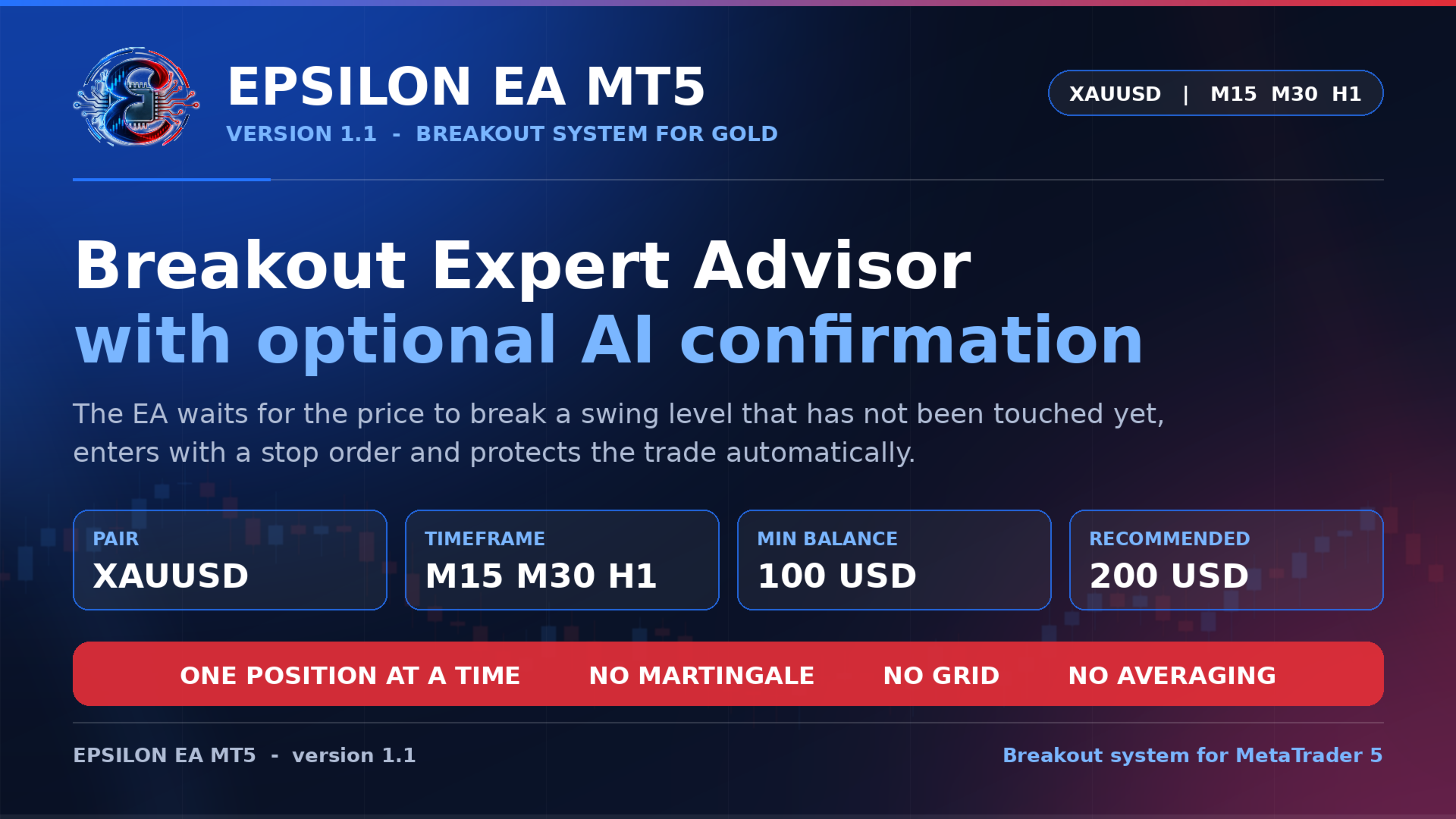
Epsilon EA is a breakout Expert Advisor for MetaTrader 5, built for gold. It marks the nearest swing high and swing low that the market has not broken yet, places a stop order in front of that level and joins the move only when the breakout actually happens. Every position is then managed by break-even, trailing stop and a profit lock. An optional AI review can be switched on, but the EA is complete and fully functional without it.
Recommendations
- Pair: XAUUSD recommended
- Timeframe: M15, M30, H1
- Minimum balance: 100 USD
- Recommended balance: 200 USD
A broker with a low gold spread and a fast execution is preferable. One chart is enough, and each additional chart should use its own magic number.
Price
Promo price 250 USD. After 10 purchases the price becomes 500 USD.
How it works
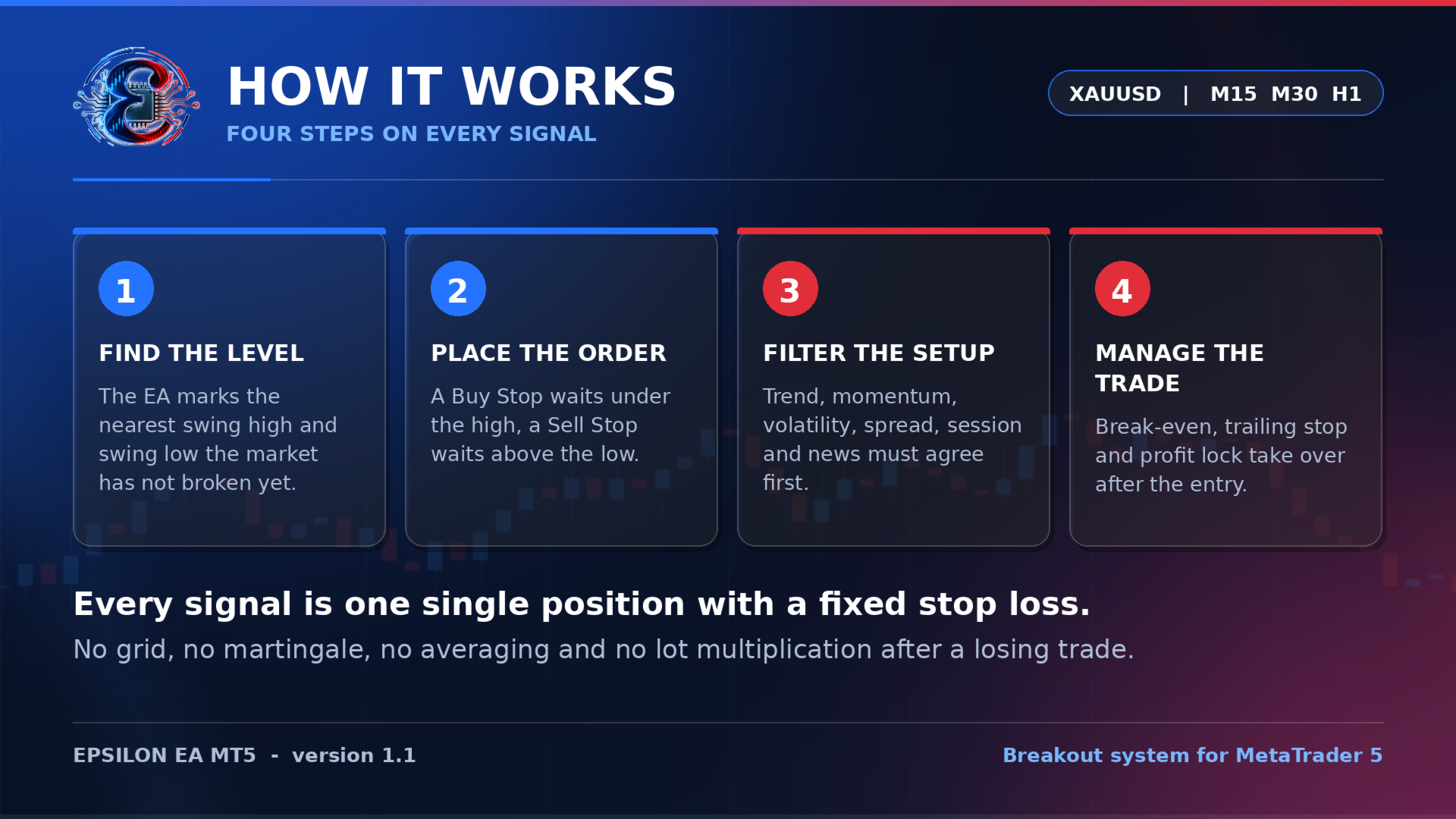
The EA scans the signal timeframe for untouched swing levels, then places a Buy Stop below a swing high or a Sell Stop above a swing low. Before the order is sent, the setup must agree with the higher timeframe trend, momentum, volatility, spread, trading session and the news filter. Once the order is triggered, the stop is moved to break-even and then trailed, while a money based profit lock protects a share of the best profit the trade has reached.
Risk control
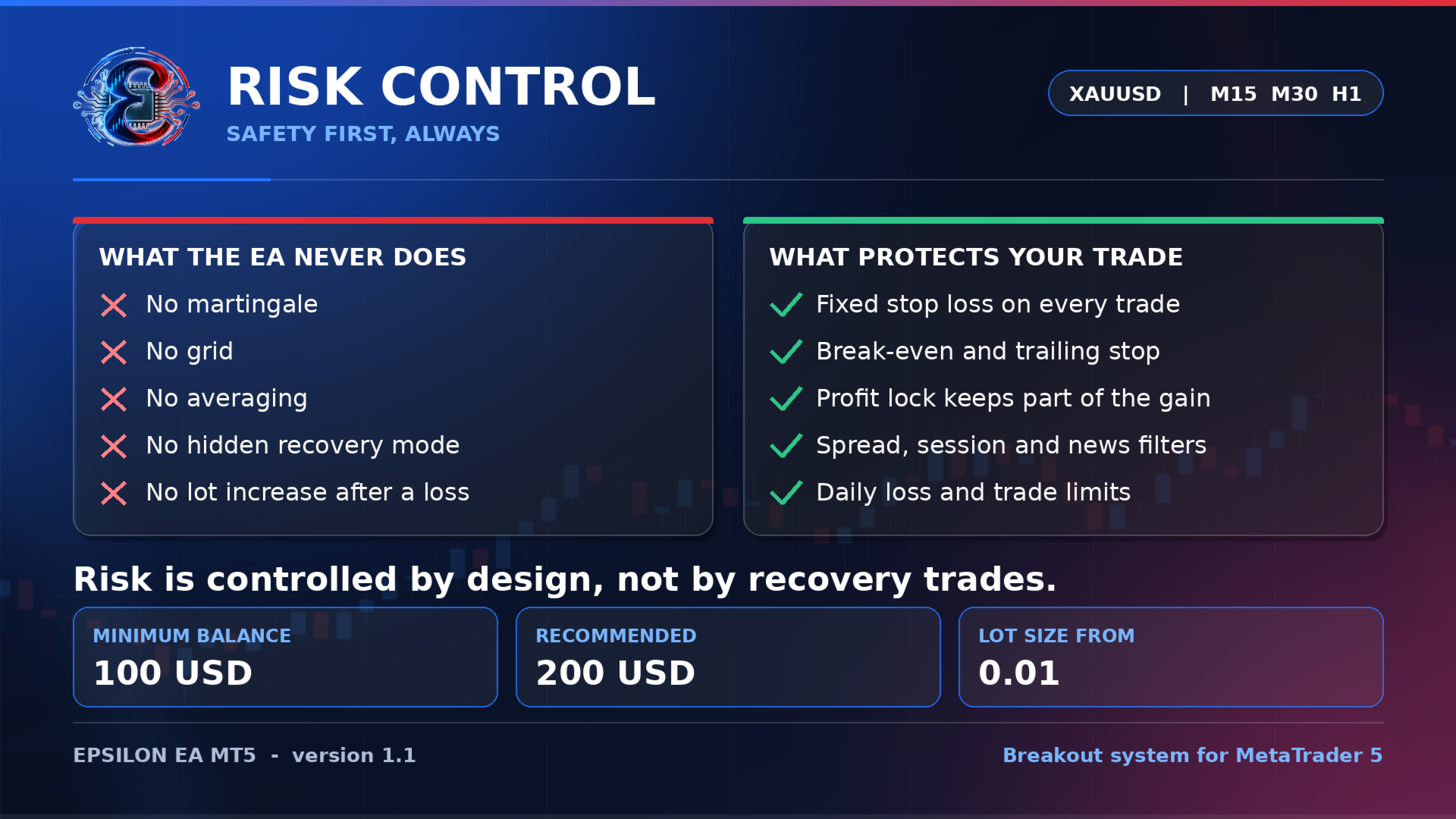
- One position at a time
- Fixed stop loss on every trade
- No grid, no martingale, no averaging, no lot multiplication after a loss
- Spread, session and news filters
- Optional daily loss limit, daily trade limit and drawdown protection
Optional AI analysis
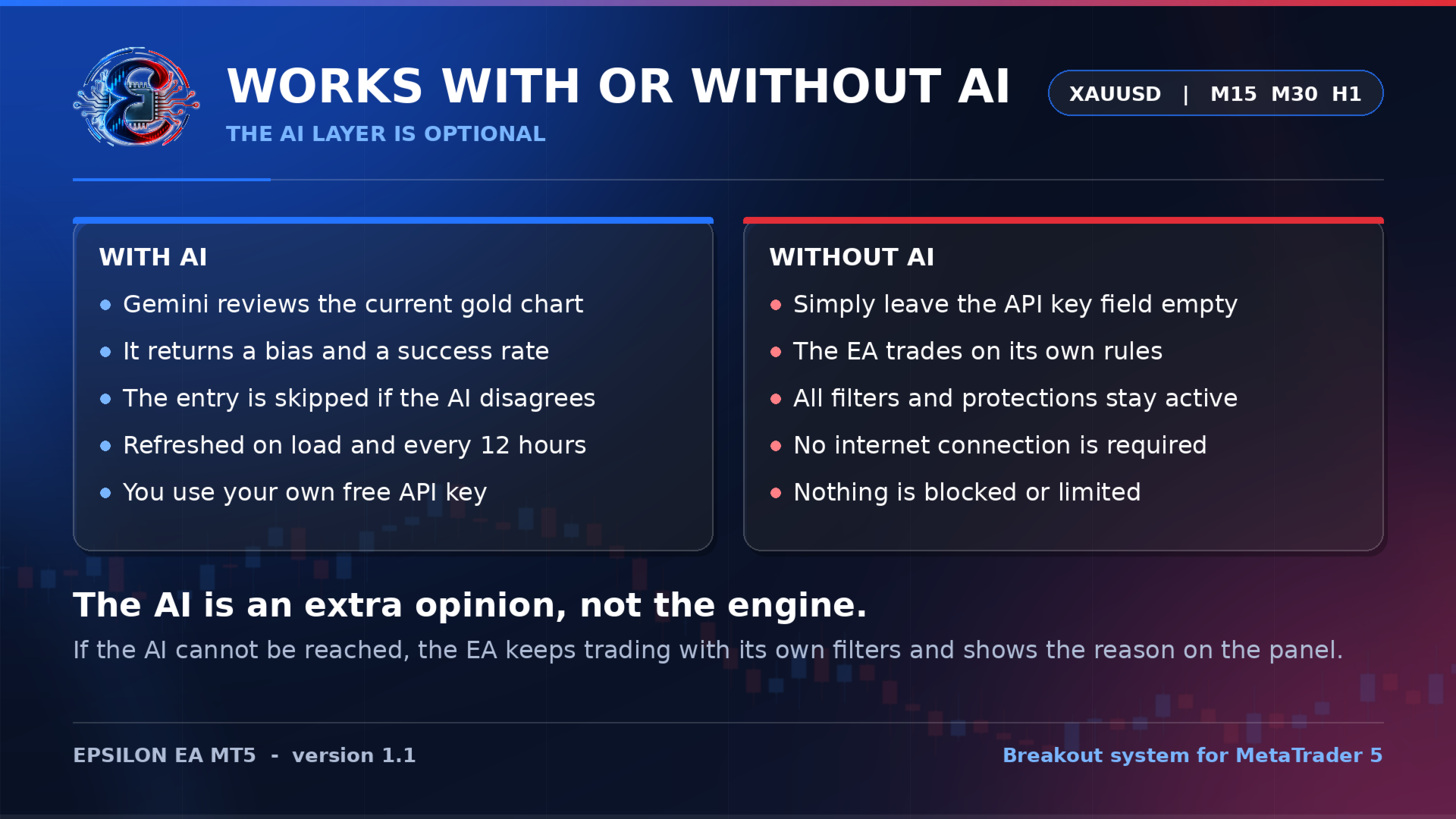
Epsilon can send the current gold picture to Google Gemini and receive a directional bias with a success rate, refreshed when the EA loads and every 12 hours. If the AI disagrees with a setup, the trade is skipped. You use your own API key, which is free to create. Leave the key field empty and the EA trades on its own rules, with every filter and protection still active.
Input parameters
Strategy: the profile controls the whole behaviour, with Safe for fewer and stronger setups, Balanced as the default and Aggressive for more trades with a tighter stop. The signal timeframe sets the chart being scanned, the trade direction allows both sides or only one, and the magic number identifies the orders of that chart.
Lot size: the lot mode offers a fixed lot, a lot per balance step, a percentage of free margin or a percentage of the balance risked per trade, completed by the fixed lot, the risk percentage and the maximum lot.
Stops and protection: stop loss and take profit in pips, where zero lets the profile decide, a switch for break-even and trailing stop, and a switch for the profit lock.
Risk management: drawdown protection with its percentage, a daily loss limit, a daily trade limit and a reset switch that restarts the EA after it has halted.
Filters: the spread filter with its maximum spread, the session filter with start and end time, and the news filter with the currencies to watch, the pause before and after an event and an option to close orders.
Gemini AI: the switch, your API key, the model name, the refresh interval in hours, the minimum success rate and a switch that requires the AI to agree before an entry.
Panel and chart: the panel itself, its size and position, the side of the AI panel, the chart theme, the breakout levels, the scanning animation and the accent colours.
Information panel
The chart shows account and equity figures, results for the day, week, month and year, server time and GMT source, live and average spread, the detected breakout levels, trend and pending orders, news status and the scanner phase with the AI bias and success rate.
Support
A complete manual guide is available on request. Please write in the product comments section or send me a private message here on MQL5, and I will send you the guide and help with the settings.
Note: trading involves risk. Test the EA on a demo account first and use a lot size that matches your balance. Past results do not guarantee future results.