Pivot Rush EA MT5
- Experts
- Version: 1.9
- Activations: 12

Quantora Pivot Rush EA
Quantora Pivot Rush EA is a MetaTrader 5 Expert Advisor developed primarily for XAUUSD trading. It combines automated order placement, position management, and trailing stop functionality in an integrated trading system.
The EA performs market analysis and trading operations through its internal logic. Users can select a lot mode, choose an Automatic risk profile, and monitor trading activity through the integrated Quantora dashboard.
Promotional Offer
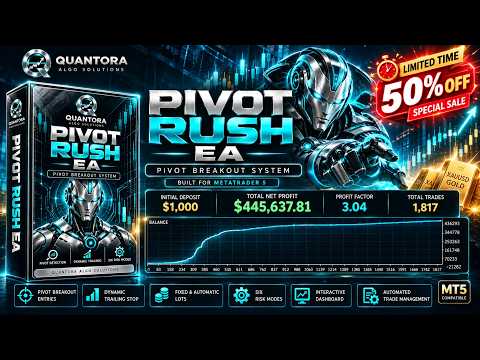
For a limited time, the unlimited-use purchase option is available for 89 USD with a 50% discount. The promotional price applies to the purchase option only. Rental options are priced separately. The offer may change after the promotional period ends.
Core Functionality
- Automated order placement and position management
- Initial Stop Loss placement
- Dynamic trailing stop management
- Fixed and Automatic lot modes
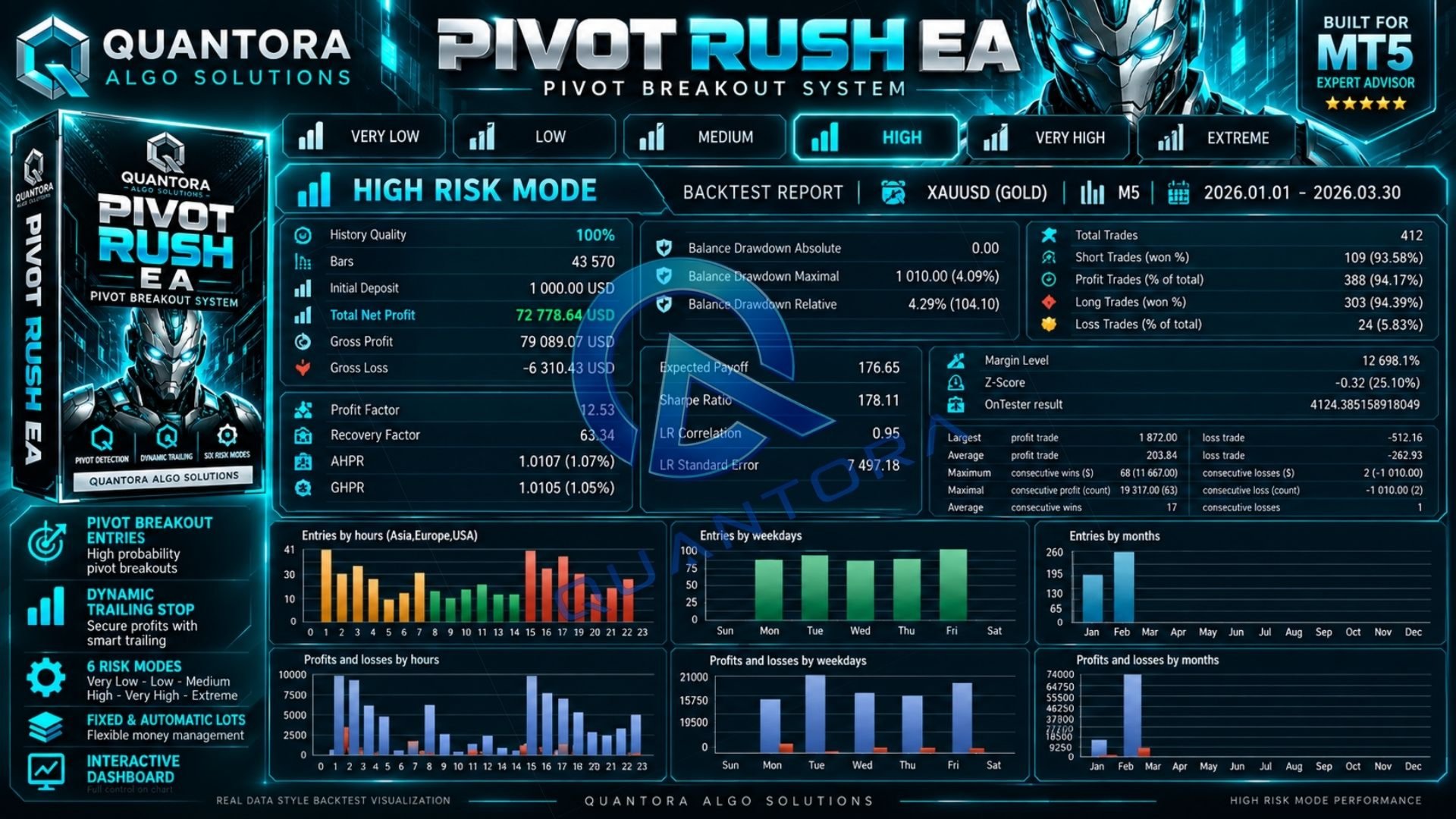
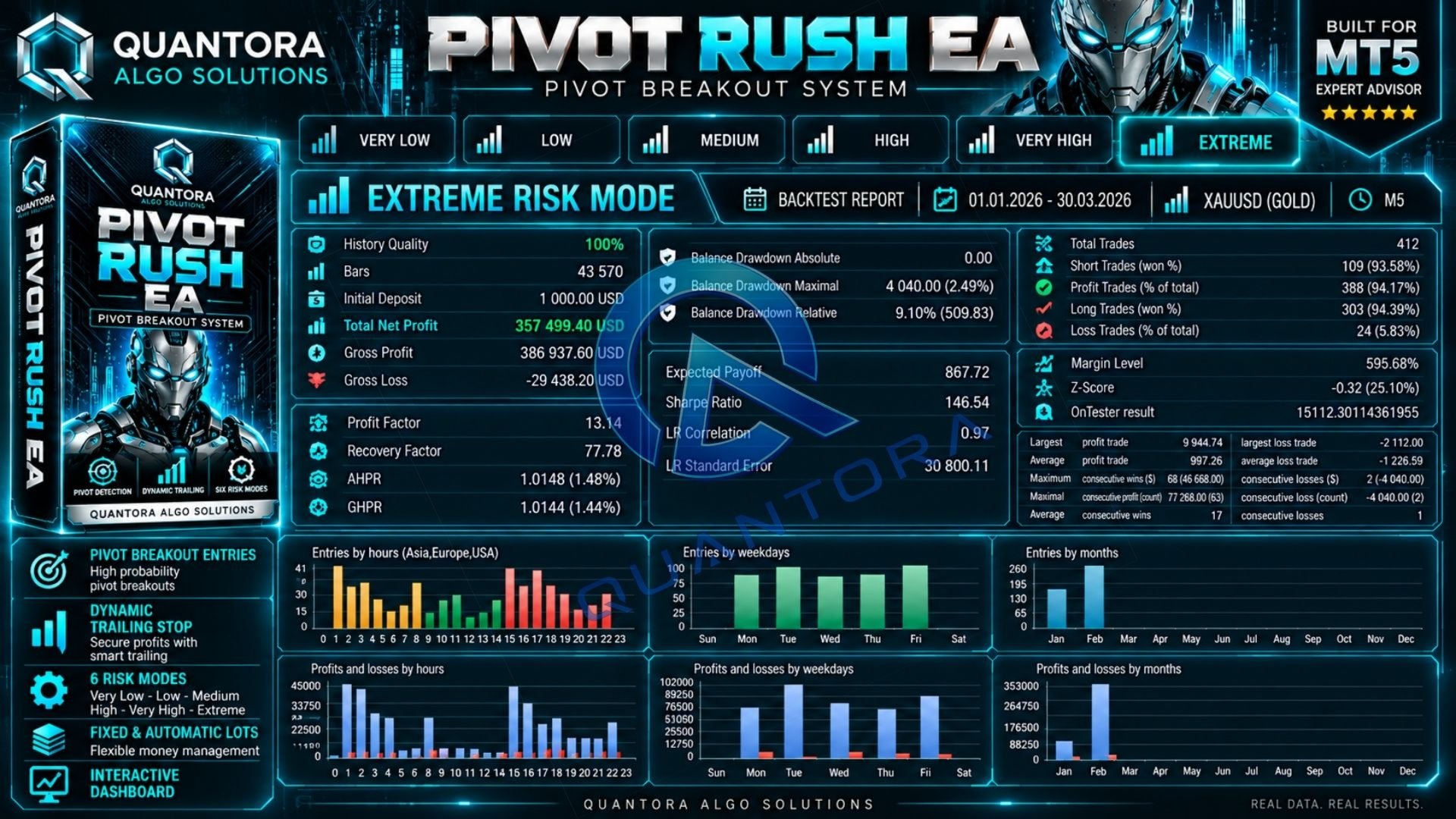
- Six predefined Automatic risk profiles
- Integrated trading dashboard
- Pending order management
- Internal spread and exposure checks
- Magic Number support
Fixed and Automatic Lot Modes
Fixed Mode allows users to specify the preferred lot size for new orders. The requested volume remains subject to internal limits and broker volume requirements.
Automatic Mode calculates position size using account equity, the selected risk profile, and the initial Stop Loss distance. Each profile has its own maximum volume limit.
The lot mode and fixed lot size can be selected through the EA inputs or dashboard. Changes apply to subsequent orders and do not resize existing positions.
Automatic Risk Profiles
- Very Low
- Low
- Medium
- High
- Very High
- Extreme
Each profile provides a different automatic exposure setting. Lower profiles use smaller risk budgets, while higher profiles allow larger position sizes within their applicable volume limits.
Risk profiles apply only to Automatic mode. Their names indicate relative exposure and do not guarantee a particular drawdown, profitability, or maximum account loss.
Interactive Quantora Dashboard
The integrated dashboard provides access to trading controls and account information directly from the chart.
- Switch between Fixed and Automatic lot modes
- Adjust the fixed lot size
- Select an Automatic risk profile
- Start or pause new trading activity
- Request cancellation of managed pending orders
- Request closure of managed positions
- View account information and trading statistics
Pausing trading also requests cancellation of the EA's pending orders, while existing positions remain under management. The Close control pauses trading and requests closure of managed positions. These operations are subject to market availability and broker execution.
Trailing Stop Management
The EA adjusts stop levels as positions move in a favorable direction, according to its internal position management rules.
Virtual trailing functionality is used. MetaTrader 5 must therefore remain running and connected for ongoing trailing management. A suitable VPS is recommended for continuous operation.
Trailing stops do not guarantee a profitable exit. Actual execution may differ from requested stop levels due to market conditions, gaps, and slippage.
Operating Conditions
- Platform: MetaTrader 5
- Primary instrument: XAUUSD / Gold
- Recommended chart timeframe: M15
- Internal analysis timeframe: M15
- Default lot mode: Fixed
- Default requested lot size: 0.01
The EA uses its internal M15 analysis timeframe independently of the chart display timeframe. Trading conditions and results may vary between brokers.
Quick Setup
- Attach Quantora Pivot Rush EA to your broker's XAUUSD chart.
- Enable Algo Trading in MetaTrader 5.
- Choose Fixed or Automatic lot mode.
- Set the fixed lot size or select an Automatic risk profile.
- Keep the terminal connected and monitor activity through the dashboard.
Important Information
Quantora Pivot Rush EA is an automated trading tool. It can place orders and manage positions according to its internal logic and selected user settings.
Trading leveraged financial instruments involves risk and may result in the loss of capital. The EA does not guarantee profitability or specific results. Performance may vary depending on market conditions, spreads, commissions, broker execution, and account settings. Gaps and slippage may result in execution beyond requested stop prices.
Historical and simulated results do not guarantee future performance. Test the EA under realistic broker conditions using a demo account before trading with live capital.
Support
For installation and setup assistance, contact Quantora through MQL5 messages.
Quantora Algo Solutions