

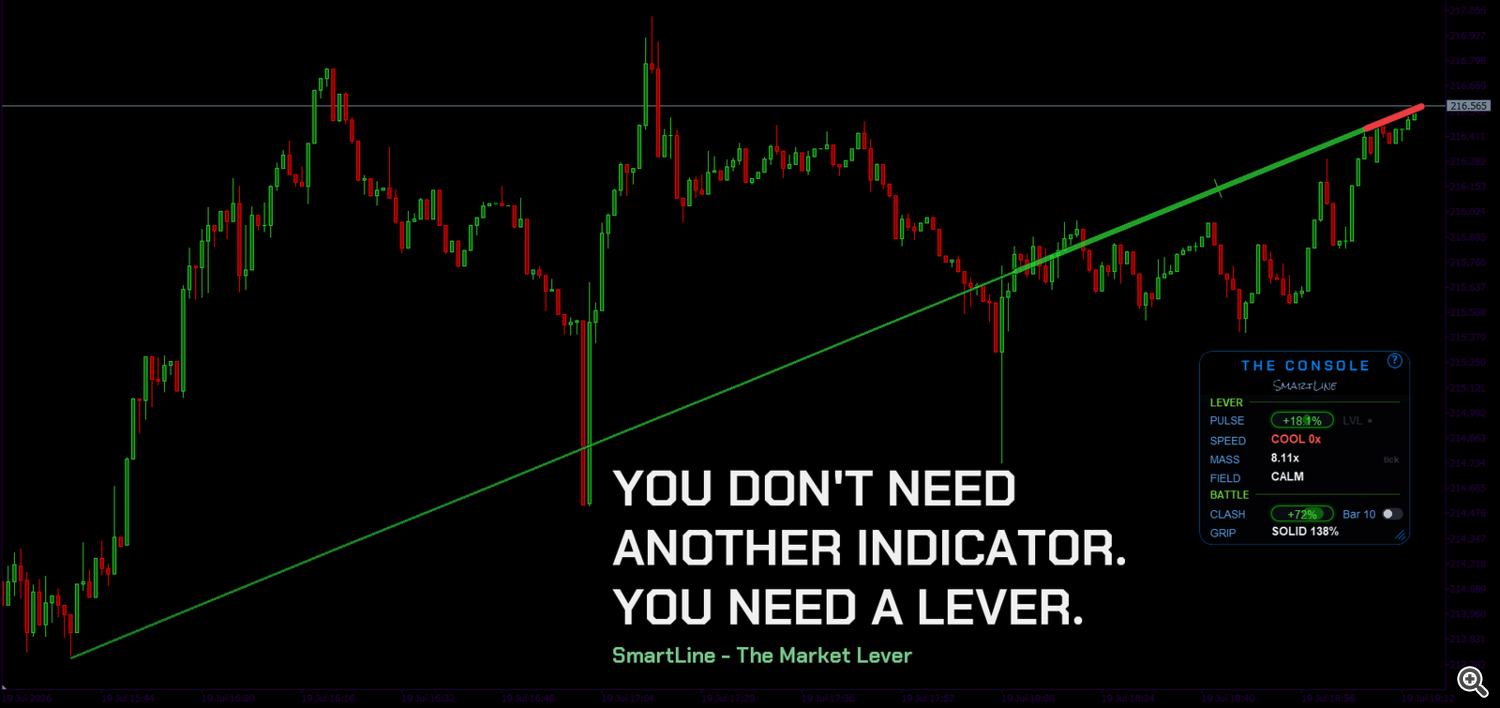
 You Don't Need Another Indicator. You Need a Lever.
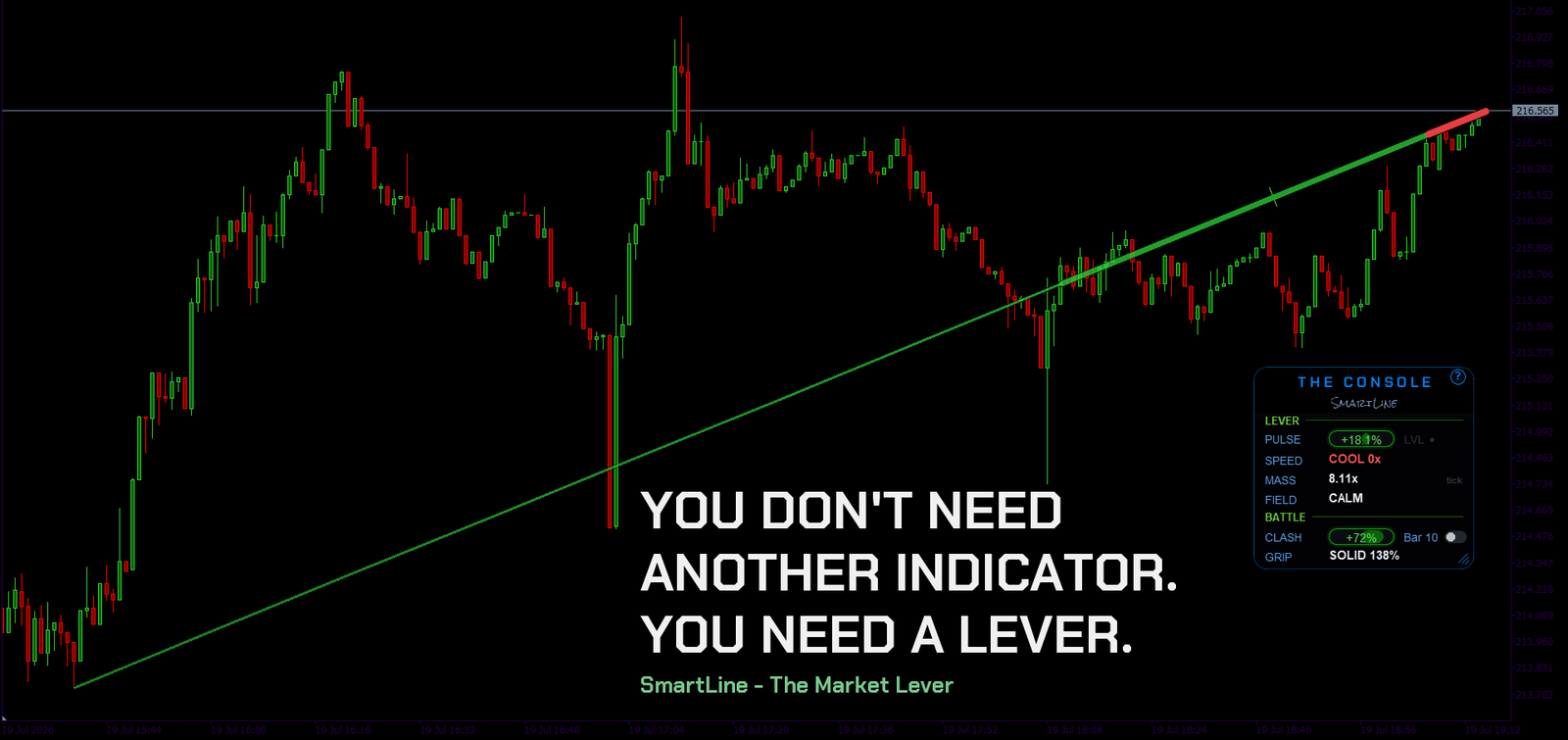
Pull up. Two minutes — then you'll never look at your chart the same way again.
I spent years watching traders drown their charts. Ten oscillators stacked under the price, three moving averages braided over it, a footprint grid turning every candle into a spreadsheet. More numbers, less understanding. At some point I asked the only question that matters: what do I actually need to see?
The answer turned out to be embarrassingly short: who is pushing, how heavy, and is the push alive or dying. Everything else is decoration.
So I built a lever.
SmartLine is not a panel bolted under your chart. It's one object drawn on the price — a lever. You Ctrl+Click where you want it anchored. You stab the anchor into the chart, and from that second the lever reads everything from your point to right now: the balance of aggression, the weight behind the move, the momentum left in it.
That anchor is the whole philosophy. Every classic indicator measures from a formula's chosen past — 14 bars, 200 bars, somebody's 1978 default. The lever measures from the point you chose, because you know which swing matters in your trade. The tool never picks the spot for you.
The engineering (for the builders in the room)
MQL5 people appreciate the machine room, so I'll tell you what it cost — not how it runs. A chef shows you the plate, not the kitchen.
Rendering. If you've ever drawn a serious UI in MQL5, you know the enemies: flicker, jagged edges, a panel that stutters when the market gets loud. The standard toolbox does not get you past them — I know because I tried, then threw the renderer away and rebuilt it more times than I want to admit. The bar I refused to lower: zero flicker, clean edges at any angle and any zoom, a console that feels like hardware — gauges, not a spreadsheet. The engine that finally hit that bar is custom, written from scratch, and it stays in the shop.
Data. Every reading comes from the raw tick stream — every tick, not bar closes, not somebody's smoothing. Trades are attributed to the aggressive side using methods from market microstructure literature, adapted for MT5 feeds in ways I keep in-house. What I will say out loud is the honest part: on exchange-fed symbols with real volume that attribution is meaningful enough to color the display; on CFD/forex there is no true buy/sell volume, and SmartLine says so on screen instead of pretending. That deserves its own post — it's next in the series.
One rejected version. There was a build of SmartLine with a full footprint grid inside. It worked. It also turned the lever into everything I was running away from — a spreadsheet stapled to the price. I deleted it. Restraint is a feature you ship.
Onboarding. The tutorial lives inside the indicator: twelve steps, drawn over your own live chart, pointing at your own lever. No PDF. You learn the tool where you'll use it.
What it deliberately does not do
No arrows. No buy/sell signals. No "87% win rate" banner. That's a promise printed in the product description, and it's load-bearing: the market doesn't need another fortune teller, it needs the blindfold taken off. The lever shows you force, weight and fatigue — the raw mechanics of who's fighting and who's already gasping. It reveals. You decide.
The crowd stares at yesterday's candle. You watch who cracks right now.
What's next
This post opens a short series:
1. this one — why the lever exists
2. Reading the Lever: the complete manual — every row of the console, every state, every combo
3. Tick data on MT5: what it can tell you — and what it can't — the honest-data post
4. CALM, WAVE, LOADING — reading energy instead of direction
The demo is free and runs in the Strategy Tester. Try it, anchor it to your last trade's turning point, and tell me in the comments: what did the lever show you that your old chart didn't?
Built different. Drawn different. Reads different.