
GOLD Edge PRO MT5
- Эксперты
- Версия: 4.9
- Обновлено: 3 марта 2026
- Активации: 10

Gold Edge Pro is the EA designed exclusively for GOLD (XAUUSD). It can also be used in other currency pairs.
This EA trades trend-follow using the moving average and multiple time frame RSIs. Use GRID trade.
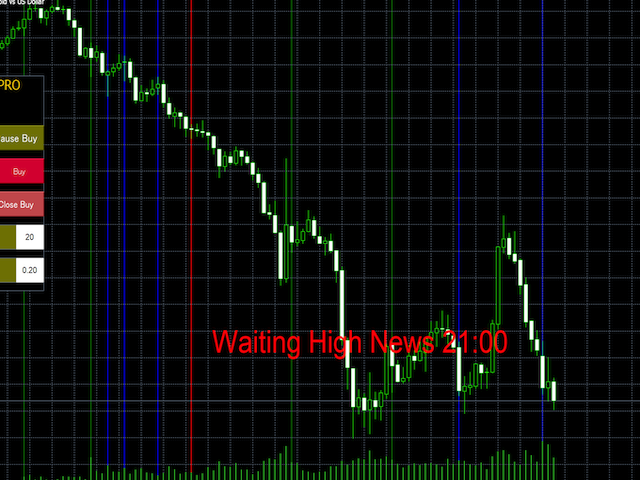
News filters are available.
This EA closes with the "DD Reduce" function when drawing down.
You can set trailing stop for "GRID trading" and "DD Reduce" function.
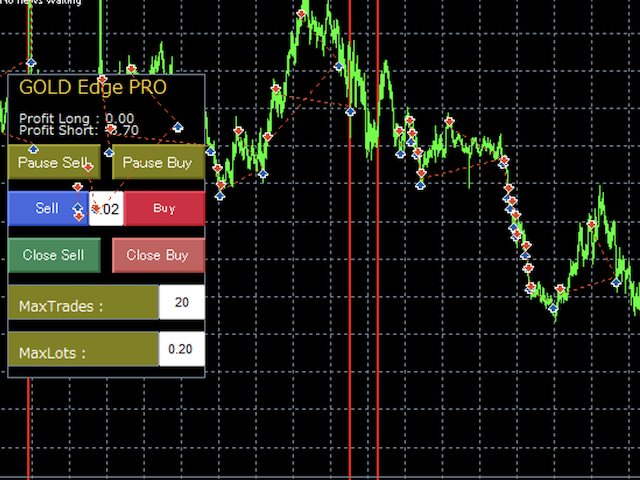
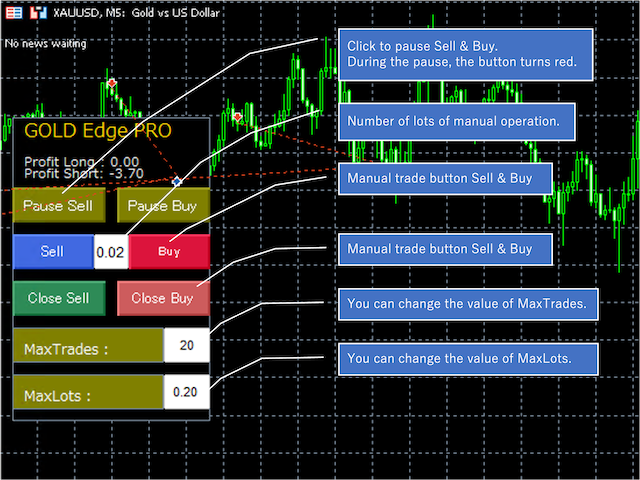
Additional trades can be made using the panel. These are automatically settled as GRID series.
You can also manually settle all transactions. You can also change Max Trades and Max Lot Size from the panel.
DD Reduce function:
A function that closes the oldest order and closes it together with the latest order.
The following features are:
The PRO version includes nine additional features:
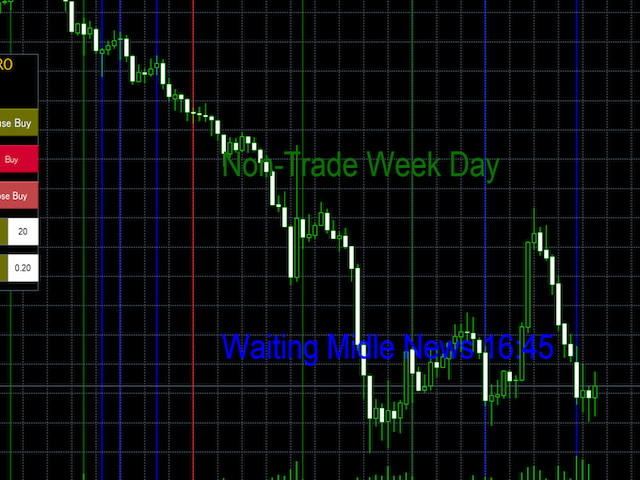
- News Filter: Pause trading during important news announcements when unexpected price movements can occur
- Daily Profit Stop: Set a daily profit target - once reached, trading stops for that day (e.g., entering "10" stops trading when $10 profit is reached in your account currency)
- Spread Filter: Stop trading if the spread exceeds a set value, helping prevent losses during large spreads
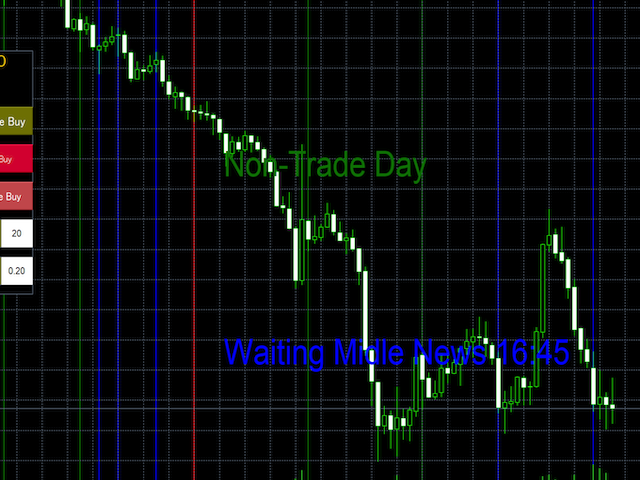
- Non-Trading Days: Designate specific days as non-trading days to avoid higher-risk periods (month-end, month-beginning), with option to close all open trades on those days
- Auto Set Distance: Automatically calculates the grid interval, making it suitable for various currency pairs (in GOLD Edge, "Distance" must be set manually)
- Time to Trade (Additional Option): Extends trading hours feature by allowing all open trades to be closed when specified trading hours are exceeded
- Day of the Week to Trade (Additional Option): Enhances weekday specification by enabling all open trades to be closed on designated non-trading days
- Use Candle Filter (Filter ON/OFF): Disable the candlestick filter (enabled by default) - when disabled, grid trading occurs unconditionally when the set distance is reached
- Use Panel (Panel ON/OFF): Toggle display/hide settings for the panel and includes manual buttons for changing settings
Please be sure to read the GUIDE and FAQ before asking questions or using.
Important: This EA analyzes market conditions before trading, so it may not trade every day.
Please read the Guide and FAQ for information about trading behavior.
The recommended set files is at the bottom of the GUIDE.
User GUIDE: https://www.mql5.com/en/blogs/post/752711
FAQ: https://www.mql5.com/en/blogs/post/757388
I recommend reading the GUIDE describing this EA first. setfile is also here.
To enable the news filter, you need News setting.
User GUIDE: https://www.mql5.com/en/blogs/post/752711
Recommendations:
- Time Frame: M5 recommended
- AUDUSD: Minimum deposit $1500
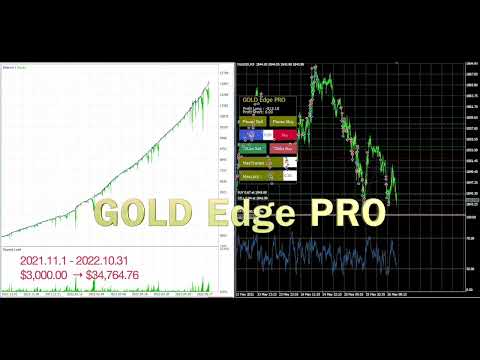
- XAUUSD: Minimum deposit $3,000, Lot 0.01 (use .set file "lowrisk"), Recommended $6000 or more
- Other: EURUSD, GBPUSD and also other Currency pair (Use the.setfile of the guide)
Settings & Setfiles:
settings and set files here. User GUIDE: https://www.mql5.com/en/blogs/post/752711
FAQ:
Important: This EA analyzes market conditions before trading, so it may not trade every day.
Please read the Guide and FAQ for information about trading behavior.
If you have any questions, please read the guide and FAQ before asking.
Please ask the question in a message, not a comment.
Read the user guide & FAQ.
User GUIDE: https://www.mql5.com/en/blogs/post/752711






































Excellent bot. made stable profit. thanks a lot