SmartColorFibo
- Индикаторы
- Версия: 2.7
- Обновлено: 1 сентября 2026
- Активации: 5

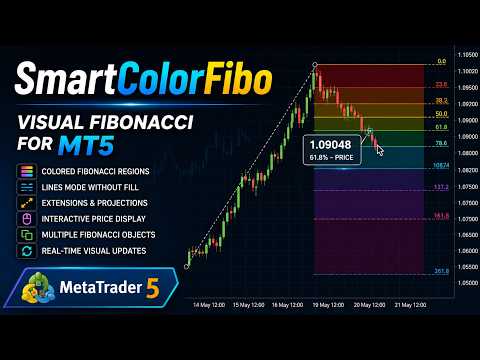
SmartColorFibo – Visual and Customizable Fibonacci for MetaTrader 5
SmartColorFibo transforms the native MetaTrader 5 Fibonacci tool into a clearer, more organized, and customizable visualization while maintaining the convenience of working directly on the chart.
The indicator was developed for traders who use Fibonacci retracements and extensions and want to identify different price regions more easily through visual representation.
Main Features
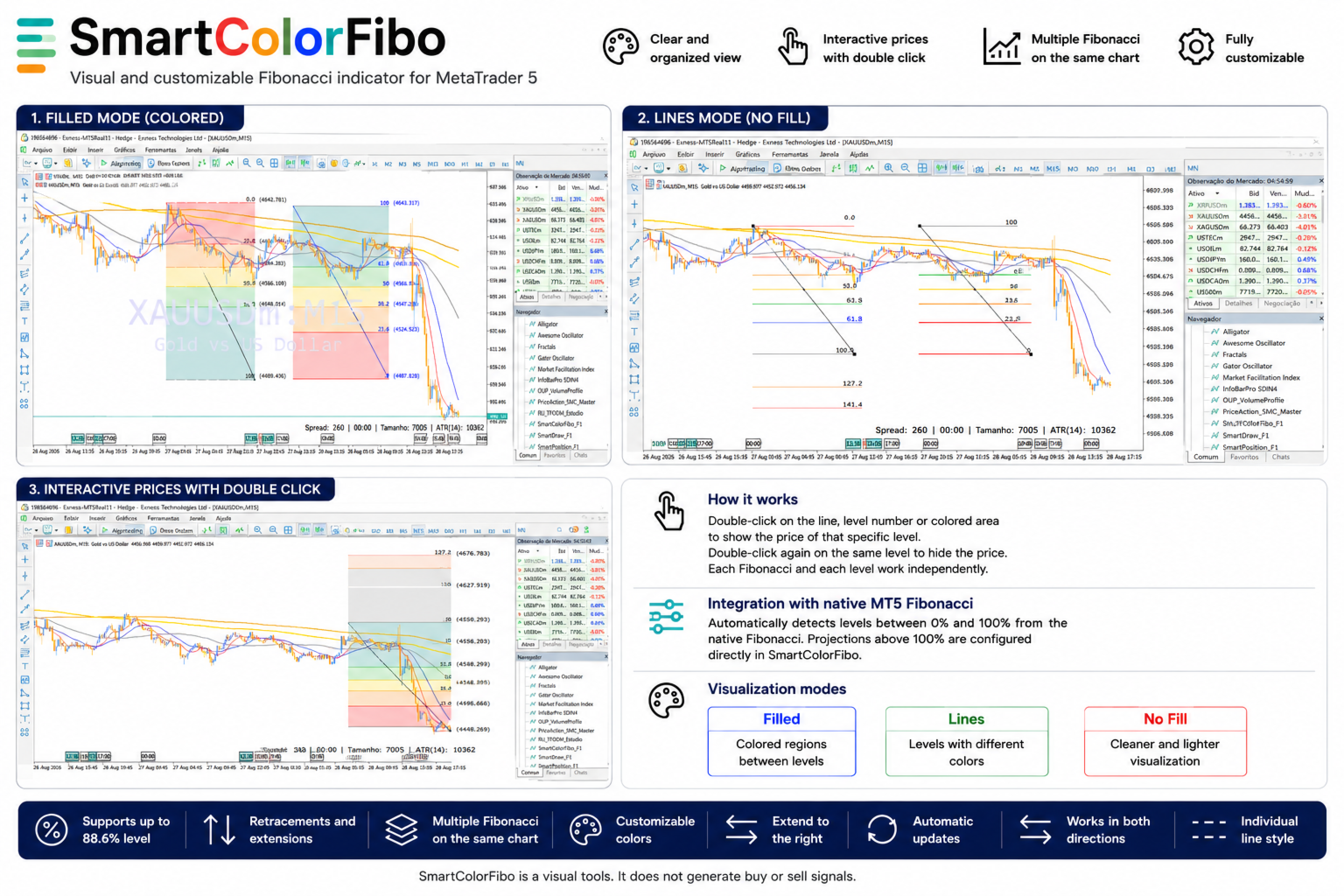
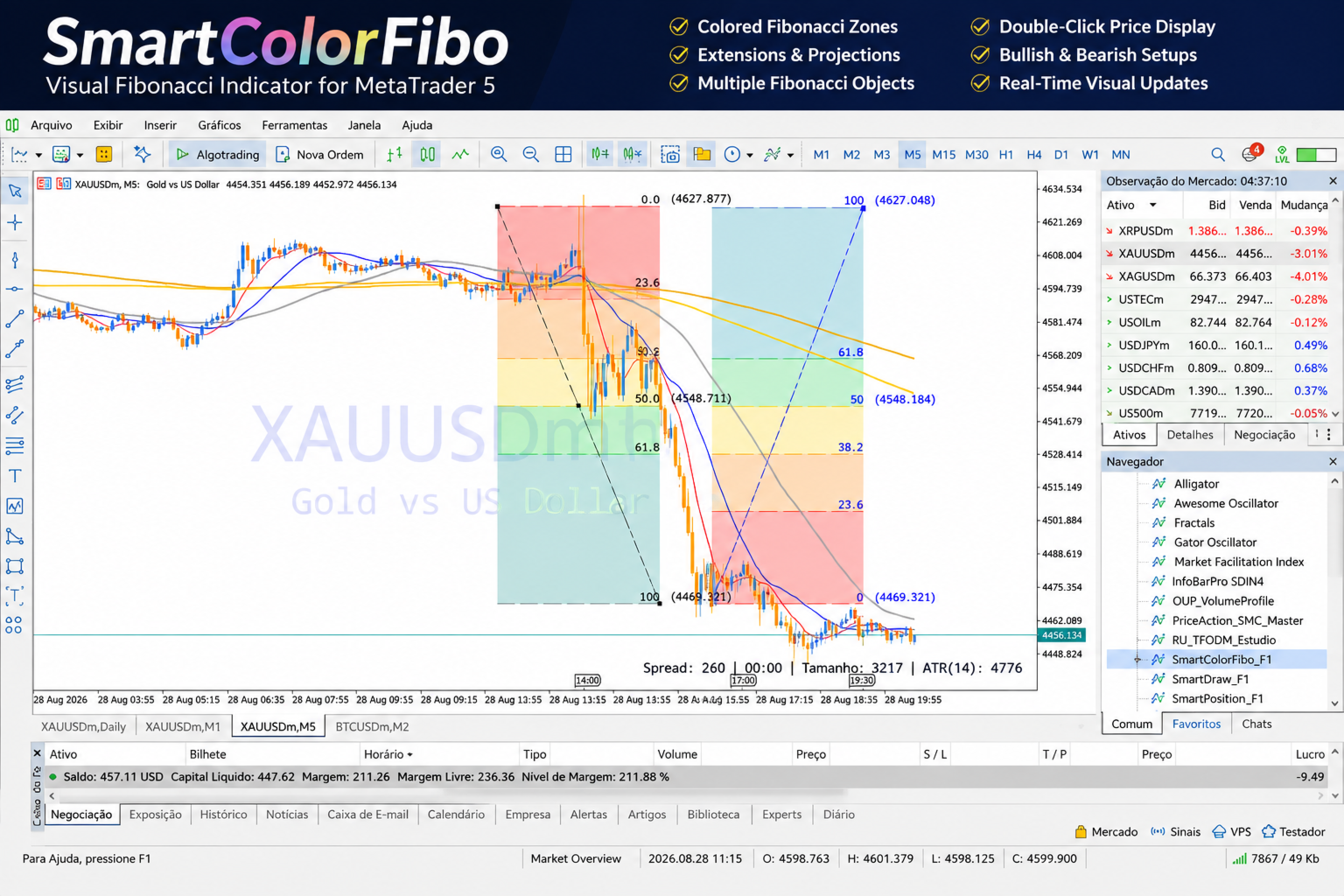
• Colored filling between Fibonacci levels.
• Colored lines mode without filling.
• No-fill option for a cleaner chart visualization.
• Interactive level prices available by double-click.
• Support for the 88.6% level.
• Support for Fibonacci retracements and extensions.
• Automatic detection of the 0% to 100% levels available in the native Fibonacci object.
• Customizable colors for different levels and regions.
• Option to extend the visualization to the right side of the chart.
• Visual updates when moving or adjusting the Fibonacci object.
• Works with Fibonacci objects drawn in either direction.
• Supports multiple Fibonacci objects on the same chart.
• Each Fibonacci object maintains its own individual line style.
• Keeps the Fibonacci tool integrated with the MetaTrader 5 environment.
Interactive Prices by Double-Click
To keep the chart clean, Fibonacci level prices are hidden by default.
Double-click a line, level number, or colored area to display the price of that specific level. Double-click the same level again to hide the price.
Each Fibonacci object and each level work independently. This allows you to use multiple Fibonacci objects on the same chart while displaying only the prices you want to see.
Integration with the Native MT5 Fibonacci Tool
SmartColorFibo automatically detects the levels between 0% and 100% that exist in each native Fibonacci object. If a Fibonacci object contains only specific levels, SmartColorFibo respects that configuration.
For example, if a native Fibonacci object contains only the 50% and 100% levels, SmartColorFibo will use those levels within the 0% to 100% range.
Projections above 100% are configured directly in SmartColorFibo, allowing you to enable or disable the desired projection levels individually.
Each Fibonacci object maintains its own line style. For example, you can use one Fibonacci object with solid lines and another with dashed lines on the same chart.
Display Modes
Fill: displays colored regions between Fibonacci levels.
Colored Lines: uses different colors for the levels without displaying filled regions.
No Fill: provides a cleaner visualization when colored areas are not desired.
SmartColorFibo is a tool designed to support chart analysis. It does not execute trades automatically and does not represent a promise or guarantee of financial results.