Binance Chart
- Utilità
-
Mohammad Taher Halimi Tabrizi
 I have been studied financial markets in the university and programmed successful experts and scripts for MT4 & MT5 for many years.
I have done more than 500 jobs and have 5 stars out of 5 where you can read all of previous clients review in below link: - Versione: 1.0
Product Description:
Effortlessly bridge the gap between Binance and MetaTrader 5 with this sleek integration tool. Designed for traders who demand precision and real-time data, this product fetches live Binance chart information directly into MT5, enabling seamless technical analysis and strategy execution. Whether you're tracking candlestick patterns or refining your forex indicators, this tool ensures your MT5 environment stays synced with the crypto market pulse.
Getting Started:
- Place the EA file into your Experts folder within the MT5 directory.
- Open MT5 and navigate to Tools > Options > Expert Advisors.
- Enable WebRequest for listed URL by checking the box, then add:
https://api.binance.com - Attach the EA to any chart.
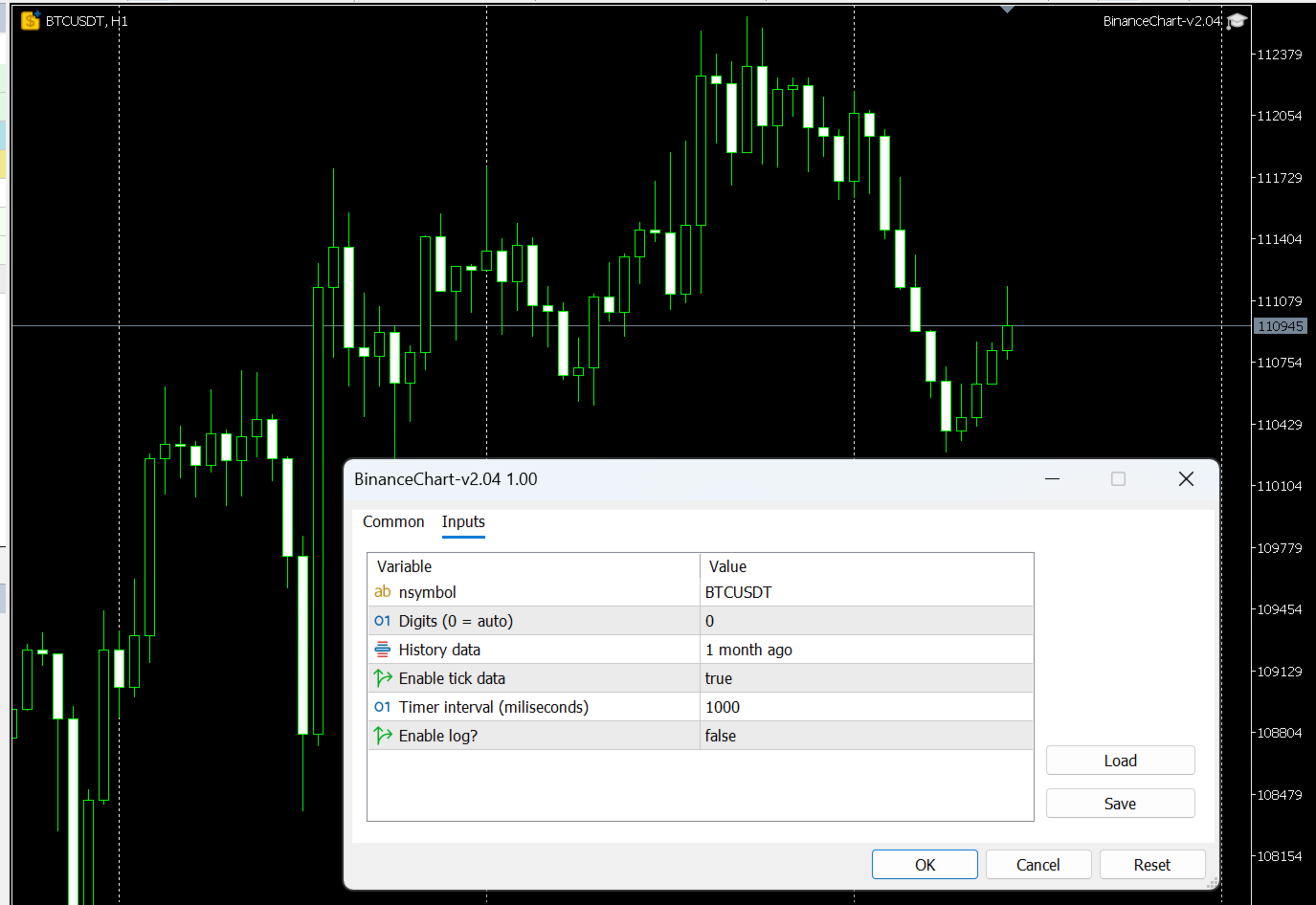
- In the EA’s input settings, enter the symbol you want to fetch data for.