QV Unlock
- Experts
-
Maksim Molodkin
 I am a co-founder of QuantView and lead the development of algorithmic trading systems. I build Expert Advisors, indicators, and position-management tools for MetaTrader 4/5. I validate their behavior in Strategy Tester and use forward observation where appropriate. Freedom Pro FX is our retail
 - Version: 1.1
- Mise à jour: 14 juin 2026
- Activations: 5
QV Unlock — Control and Management Tool for Locked Positions in MetaTrader 4
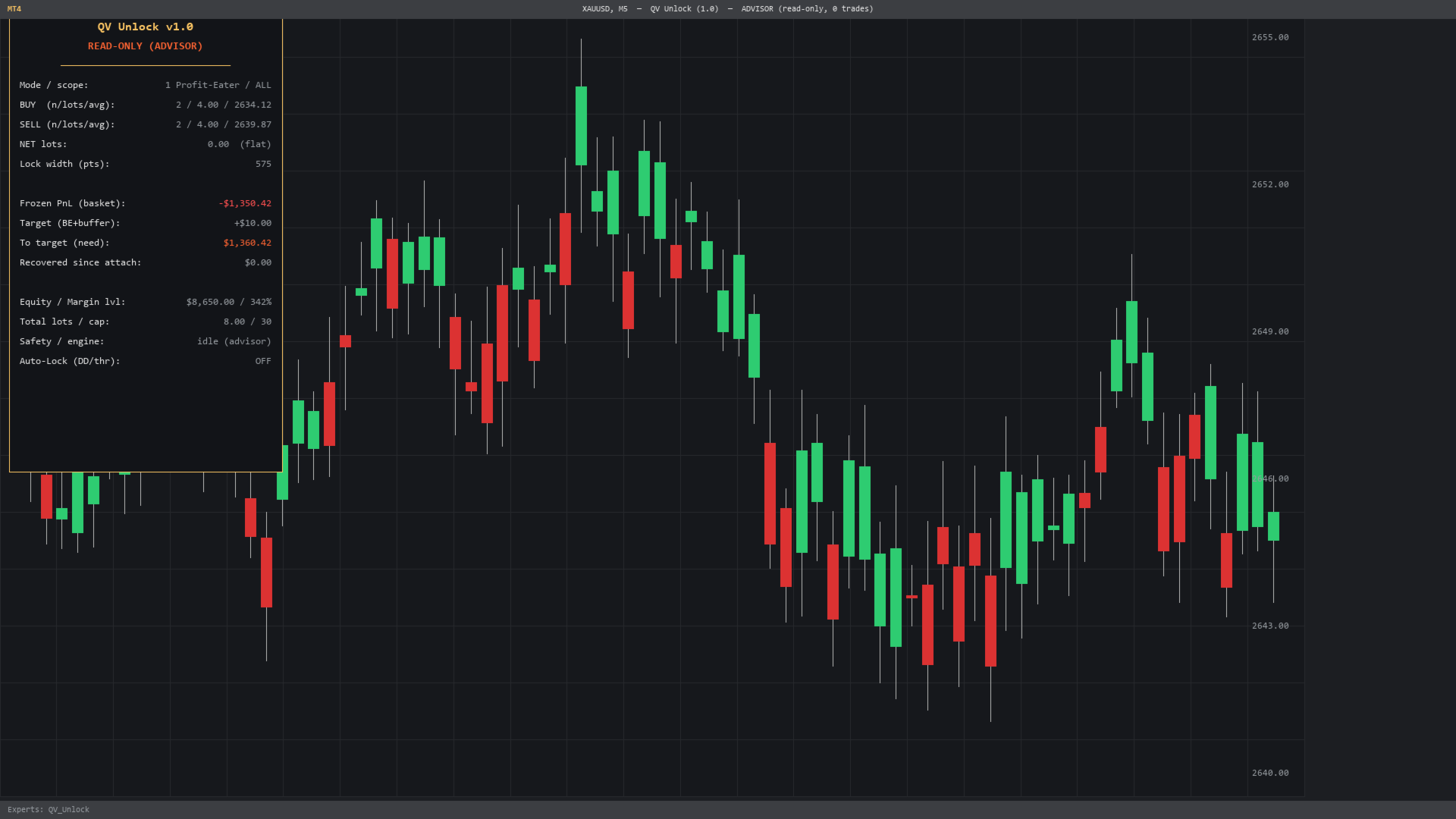
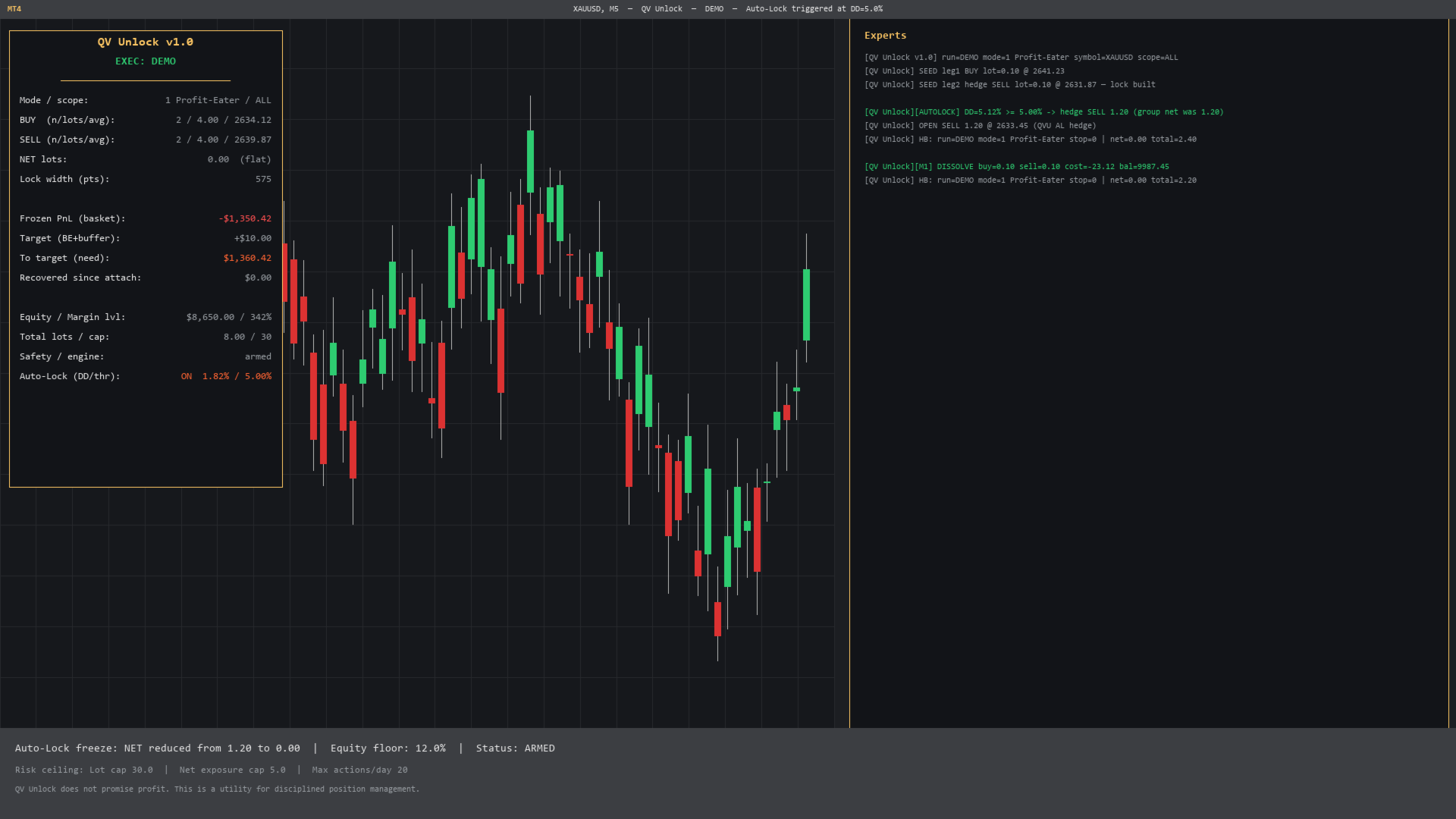
When opposite BUY and SELL positions form a lock, the real state of the basket can become difficult to understand. QV Unlock brings the key information into one panel: BUY and SELL volume, net exposure, current basket P&L, amount remaining to the selected target, equity, margin level and active limits.
The utility works with positions that are already open on the current symbol: manual trades, orders opened by another EA or a selected group of positions.
MONITOR FIRST
In Advisor mode, QV Unlock only displays information and sends no trading commands on a live account. Trading actions must be enabled separately by the user.
KEY FEATURES
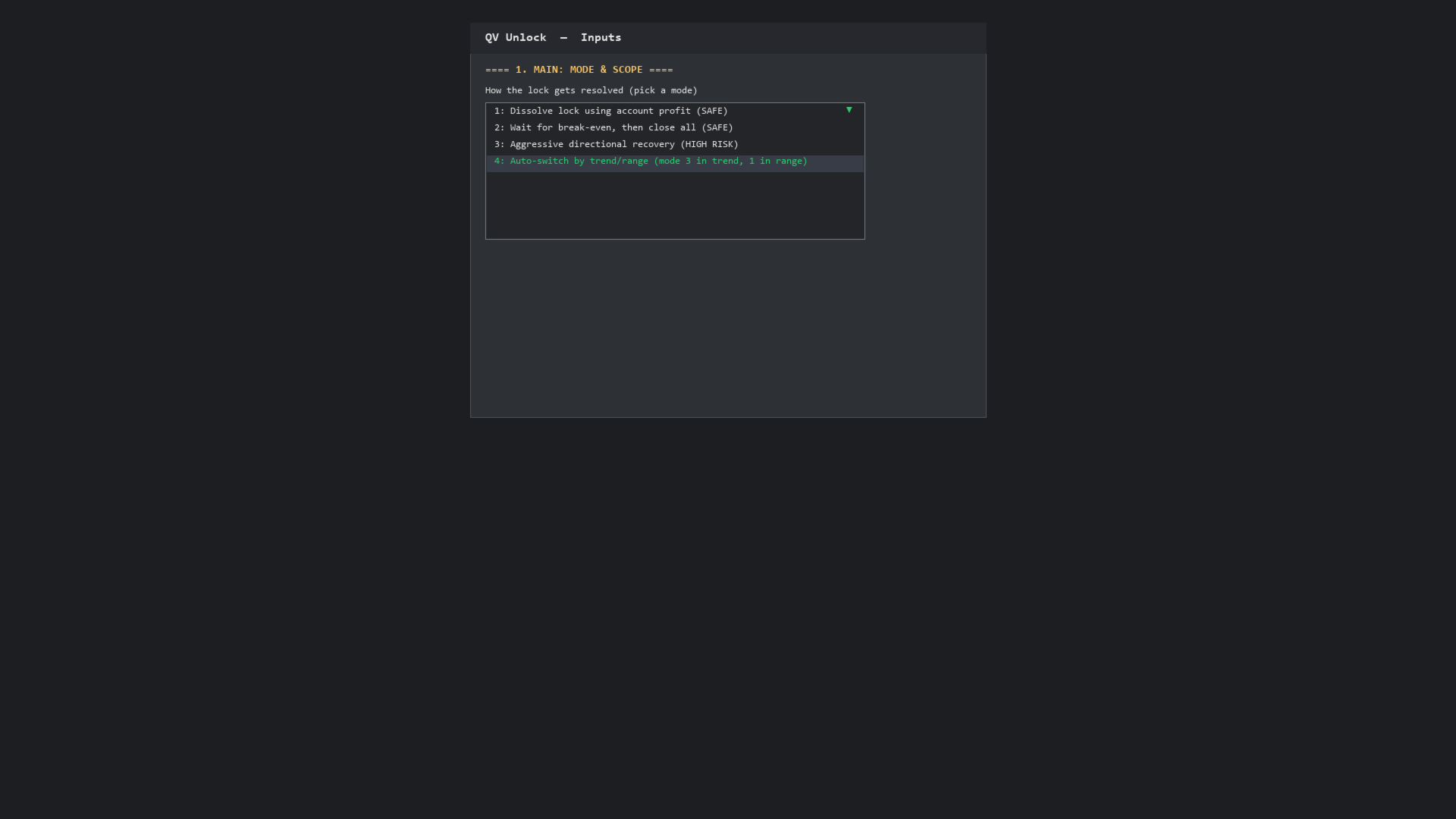
• Clear on-chart view of the locked basket
• Read-only monitoring with zero trading actions
• Controlled reduction without increasing exposure
• Passive closing based on a user-defined target
• Advanced management with additional volume — high risk
• Adaptive management using an internal market-state assessment
• Optional Auto-Lock protection for a selected group
• Manage all positions on the symbol or selected Magic Numbers
• Standard and cent account support
RISK CONTROLS
Configurable limits are available for volume, net exposure, action frequency, account conditions and market conditions. These controls may stop new actions or initiate closing, but they cannot guarantee a maximum loss or remove execution risk.
WHAT IS INCLUDED
• Monitor preset — read-only observation
• Auto-Protect preset — monitoring and optional protection
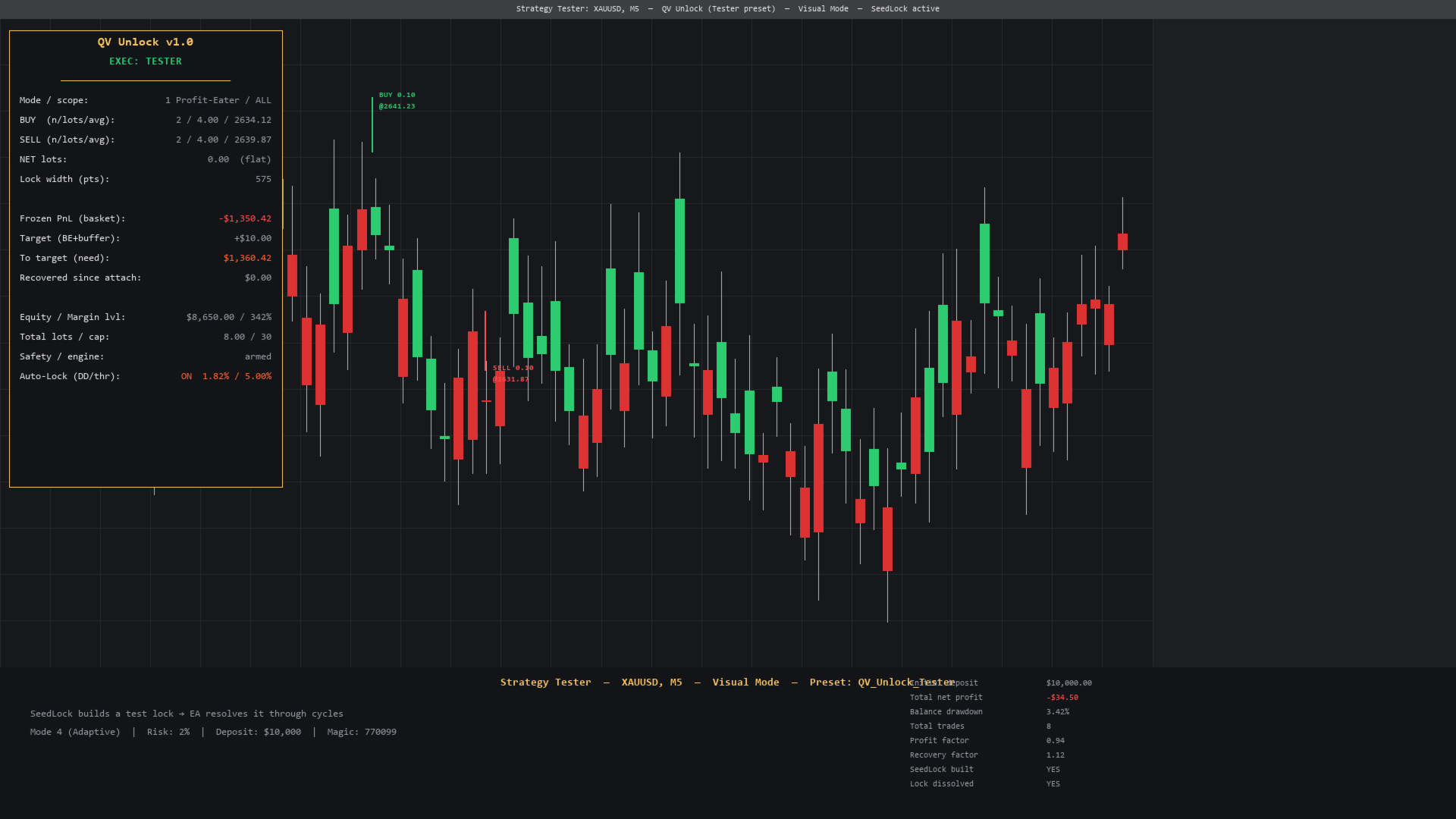
• Tester preset — product demonstration in Strategy Tester
• English and Russian inputs reference
• Updates through MQL5 Market
• Support on the Discussion tab
REQUIREMENTS
• MetaTrader 4
• An account that supports simultaneous BUY and SELL positions
• Intended for symbols where hedging is available
• Developed and verified on XAUUSD
• Test on a demo account before using another symbol or broker
IMPORTANT
QV Unlock does not predict the market, create a trading edge or guarantee position recovery or profit. Modes that add volume can significantly increase risk.
Gaps, slippage, spread, commissions, swap and broker restrictions may affect the result. Test the product in Strategy Tester and on a demo account first. Start with Monitor mode on a live account.
DOWNLOAD THE FREE DEMO
1. Run QV Unlock in Strategy Tester
2. Load the Tester preset
3. Review the panel and product behaviour
4. Use the Monitor preset for the first launch on a live account
MetaTrader 5 version: