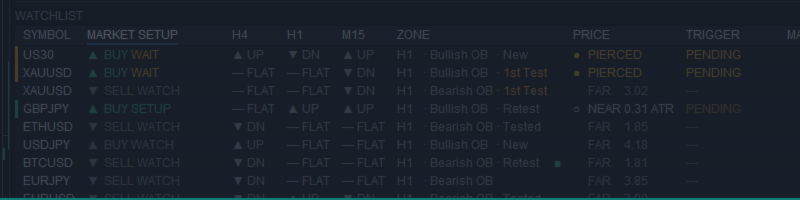
10 symbols, one panel: how the Nexus scanner and indicator work as a pair

If you trade from order blocks, you know the picture: setups form on different symbols and timeframes at different times. While you flip to the tenth chart, price on the third has already reached its zone — and left. Ten or twenty charts by hand: a missed setup or a late one.
That is why I use two tools that work as one. The Nexus Order Block Workspace indicator finds and draws zones, structure and trend on the chart. The SMC Nexus Scanner Pro runs that same indicator in the background on every listed symbol — 10 symbols and three timeframes by default — and shows in one panel where a setup is forming.
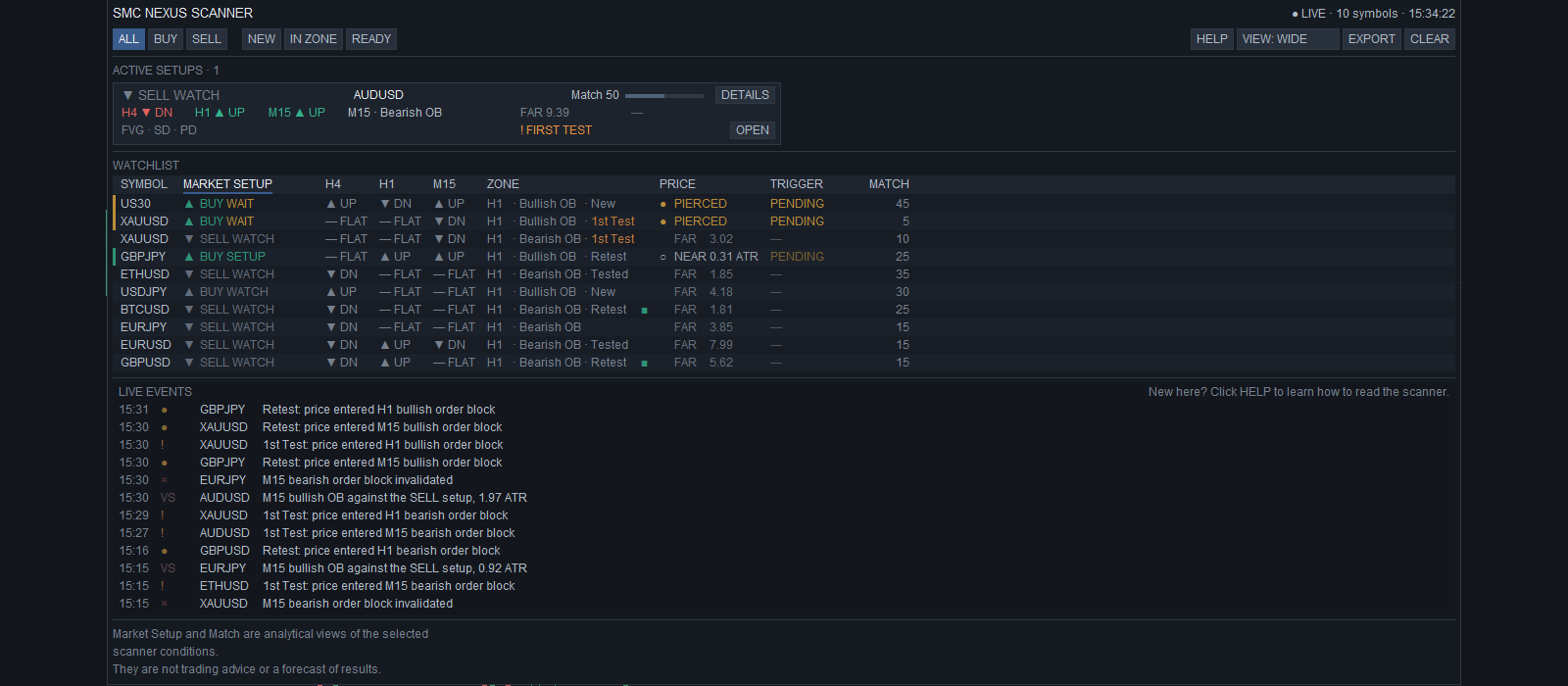
What the scanner shows. At the top — active setup cards with the side and the state: WATCH (the zone is far), SETUP (the zone is near), WAIT FOR CONFIRMATION (price is in the zone, no confirmation yet) or SETUP READY (price is at the zone and the lower timeframe has broken in the setup direction). Below — the symbol list: state, SmartTrail side on H4, H1 and M15, the working zone, price relative to it and the confirmation. At the bottom — live events: a new order block, a first touch, a SmartTrail flip, a BOS or CHoCH confirmation. Key events can also come as an alert and a phone push.
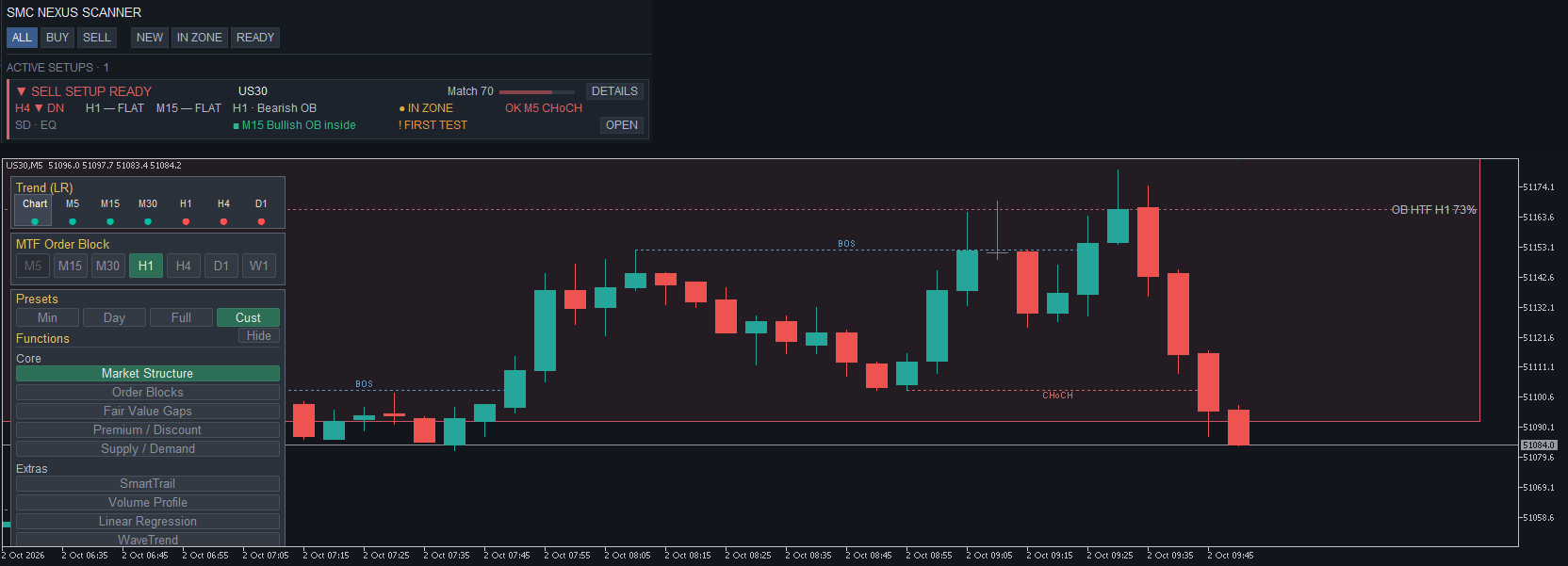
Why the pair beats two separate tools. One data source: the scanner reads the indicator itself, there is no second algorithm, and with default settings the zone in the table is the zone on the chart. A click on a symbol name opens its chart; a click on an event line opens it on the event's timeframe. The H4 · H1 · M15 trend of every symbol at a glance. Alerts and push only for key events — zone entry, a higher-timeframe flip, a confirmation.
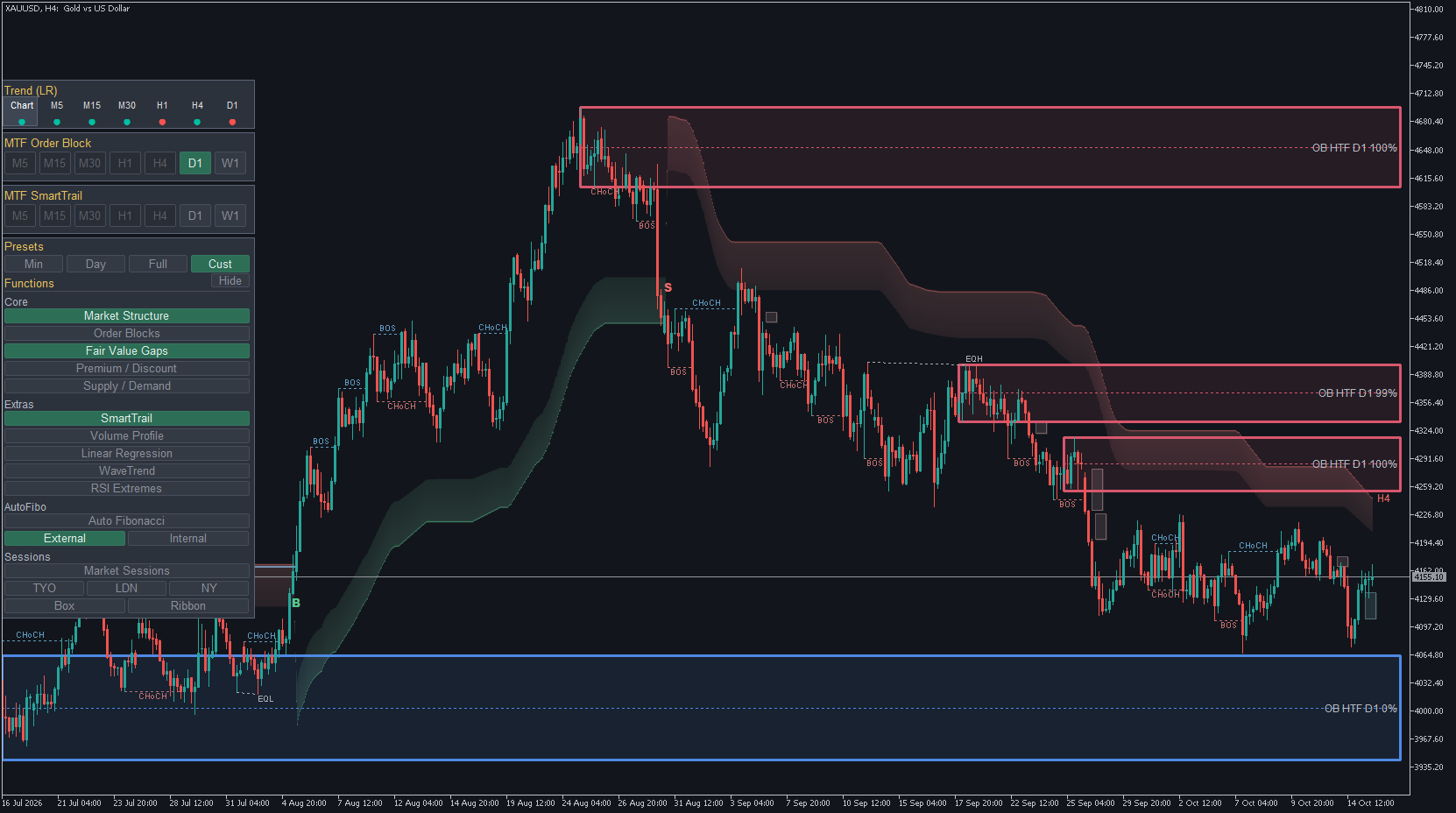
On the chart, the indicator does the work: order blocks, including higher-timeframe ones via the MTF selector, FVG, BOS and CHoCH structure, the SmartTrail cloud, the Trend (LR) strip across timeframes, closed-bar alerts and one-click presets for the whole layout. A zone's percentage is block strength, not a probability.
Three steps. The scanner shows SETUP READY — click the symbol, its chart opens. On the indicator you check the zone and structure yourself. The decision is yours. To be straight: the pair does not trade for you and does not promise any result. It saves screen time and shows one picture across all your symbols.
The scanner is a free bonus for buyers of Nexus Order Block Workspace: after your purchase, message me on MQL5 and I will send it. The indicator and its full description: https://www.mql5.com/en/market/product/185202




