Stay Connected
Join MQL5 Channel 👉 https://www.mql5.com/en/channels/issam_kassas
Must-Read PSTS Guide 👉 https://www.mql5.com/en/blogs/post/766038
Free Online Course 👉 https://www.mql5.com/en/blogs/post/766525
Free Pro Trading Ebook 👉 https://www.mql5.com/en/blogs/post/766038

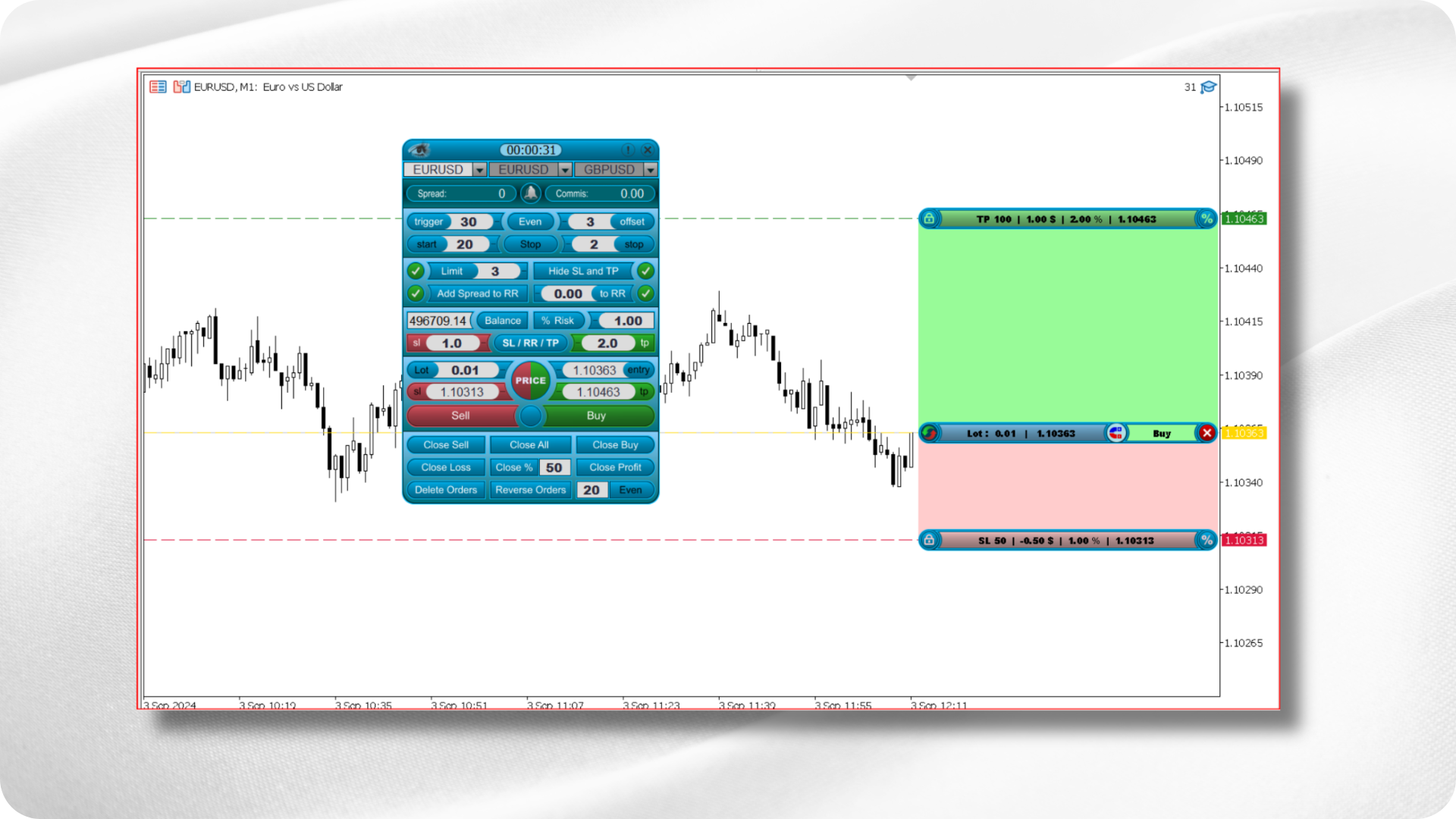
Smart Trading Copilot is a modern trading assistant built to simplify execution, strengthen risk management, and streamline your daily trading workflow.
Designed with a clean user interface and advanced backend logic, it provides structure, control, and precision for traders who want consistent execution without complications.
It is not a strategy or signal provider.
It is a management tool meant to make your decision process cleaner, safer, and more organized.
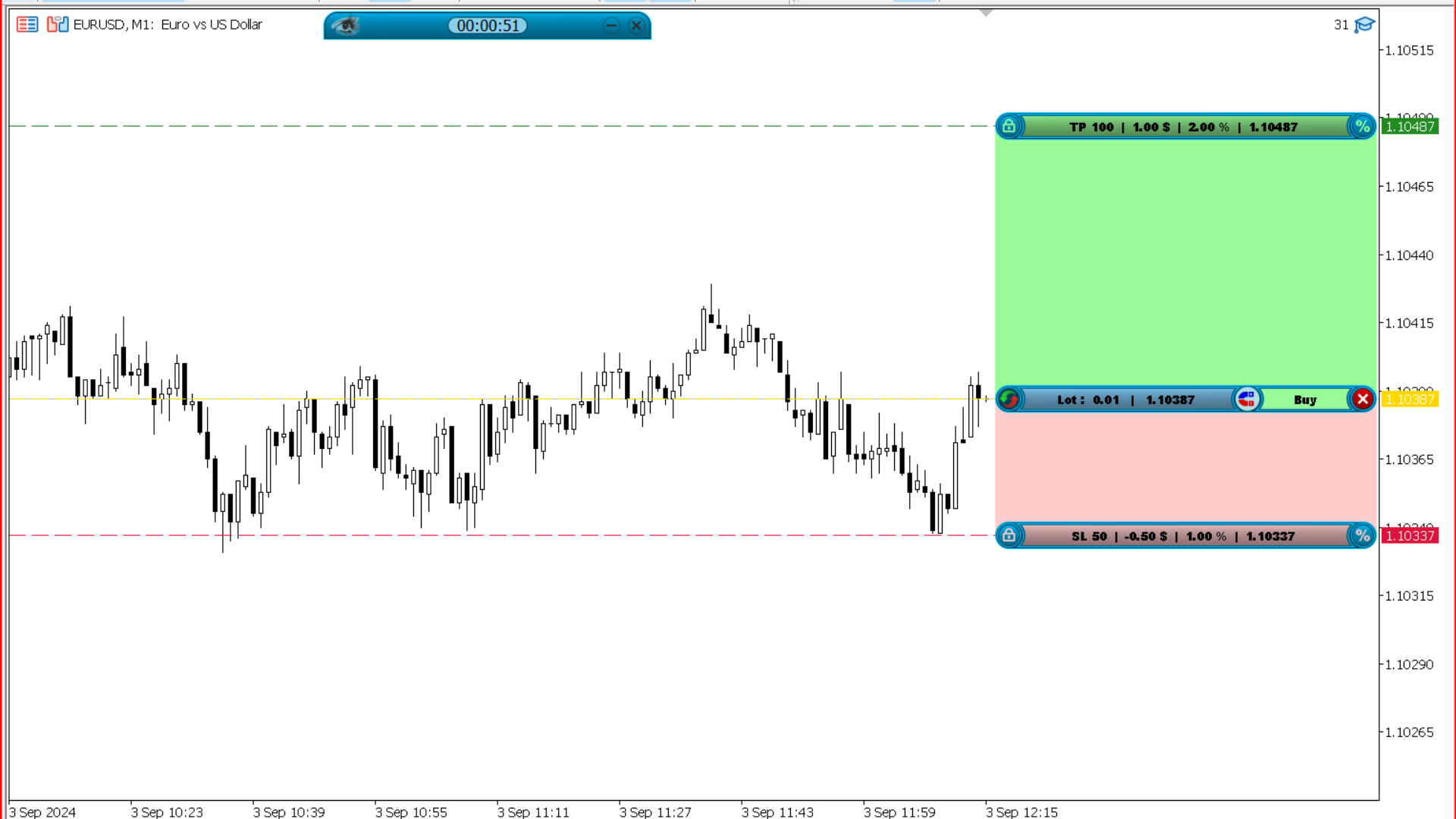
How to Download, Set Up, and Use
-
Attach the utility to any chart.
-
Adjust your preferred risk settings.
-
Use the trade panel to execute and manage positions.
-
Enable breakeven, trailing stop, or hidden SL/TP if needed.
-
Customize the panel layout and behavior for your workflow.
Why Smart Trading Copilot Exists
Most traders lose not because they misread the market, but because they mismanage their trades.
Lot sizes are inconsistent, risk is unclear, spreads go unnoticed, and manual execution introduces errors.
Smart Trading Copilot solves these issues by providing:
-
Consistent lot sizing
-
Clean risk-to-reward previews
-
Real-time spread and commission awareness
-
Quick trade management controls
-
Automated protective features
With this tool, you trade with structure instead of guesswork.
What the Copilot Includes
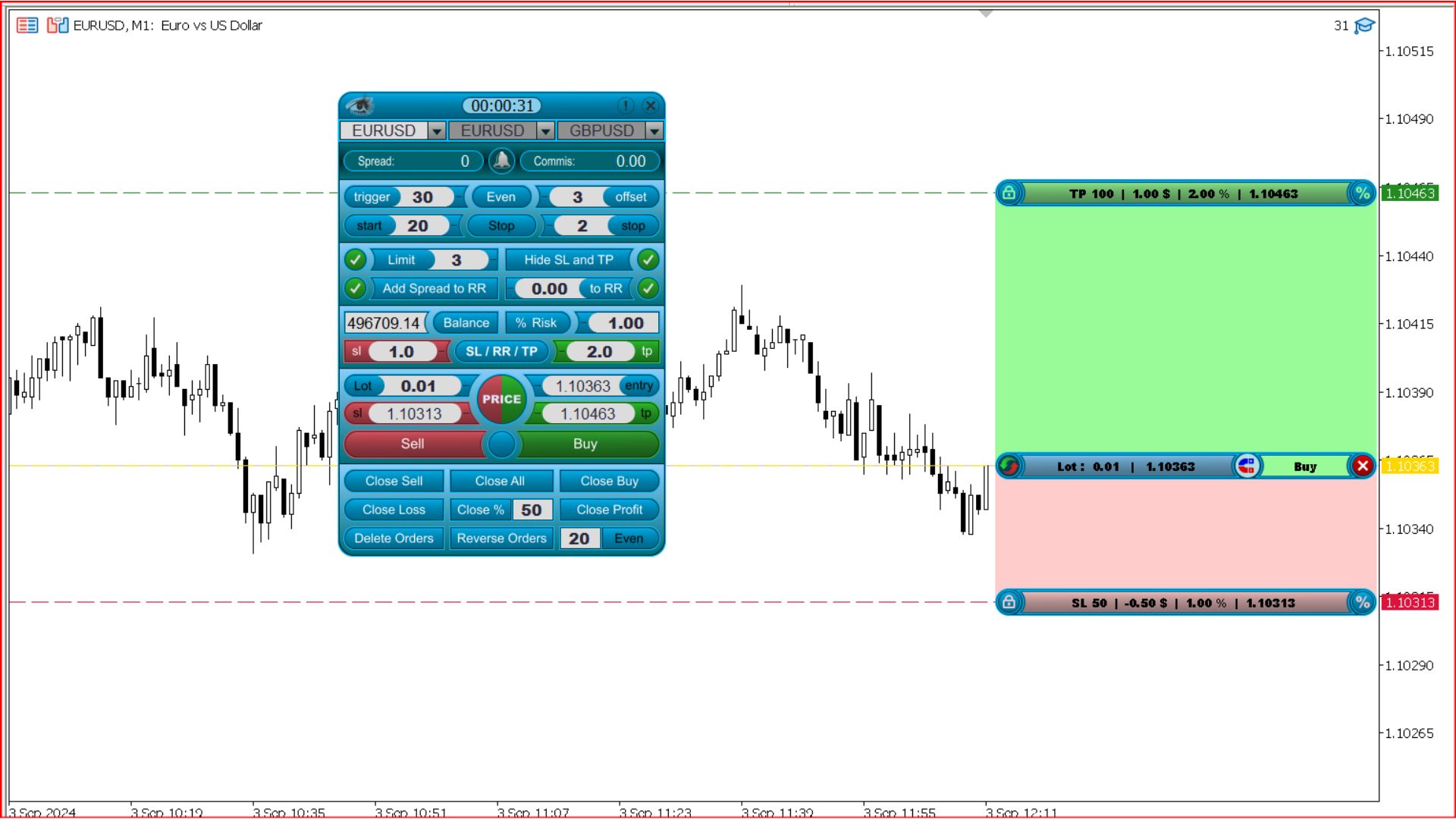
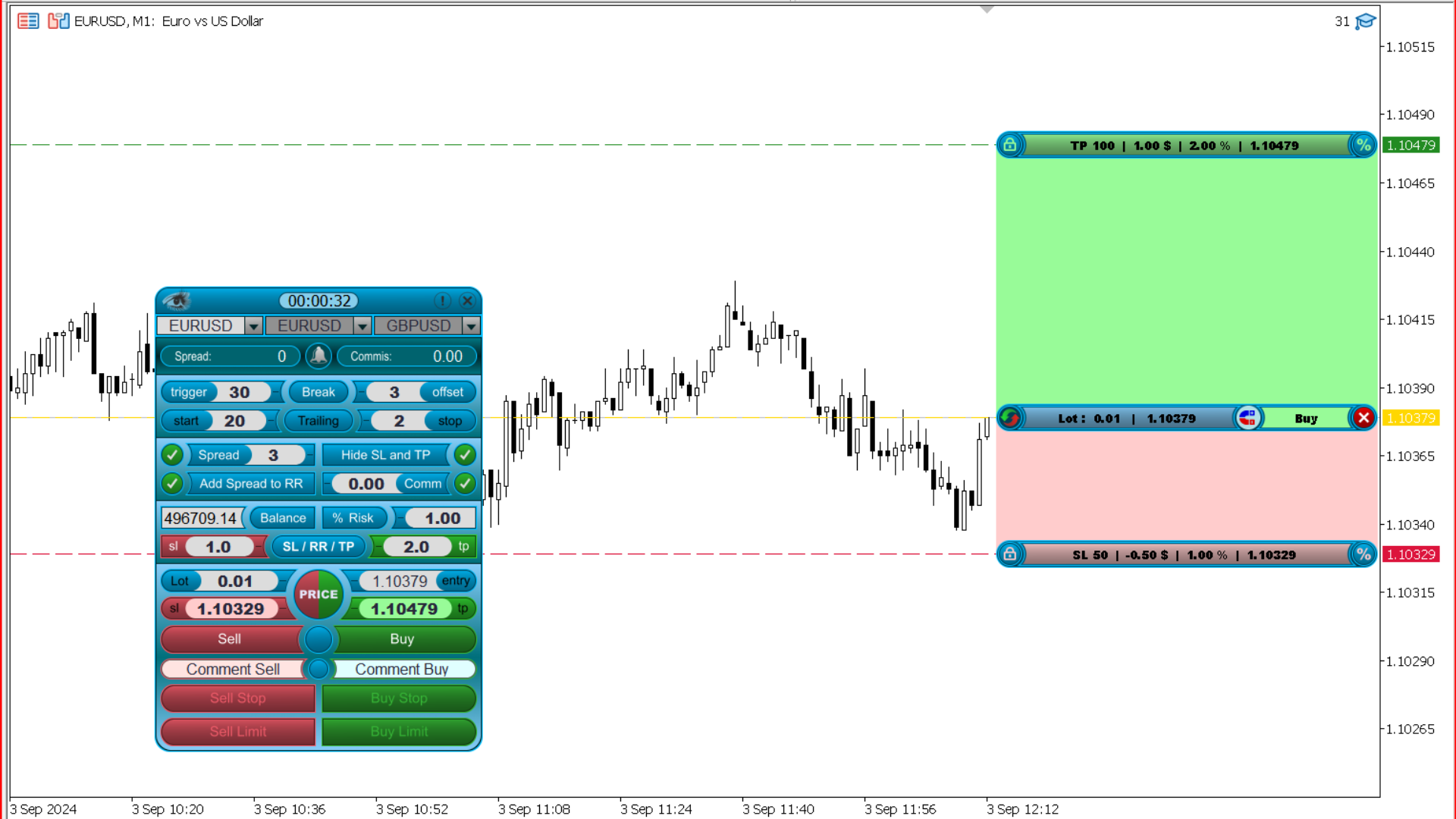
Once applied to the chart, the Copilot gives you a full professional management panel with:
Risk Management Tools
-
Automatic lot-size calculation based on SL and risk percentage
-
Ability to risk balance or custom balance
-
Real-time commission and spread display
-
Max-spread filter to avoid bad execution
-
Risk-to-reward previews before opening trades
Trade Execution and Order Control
-
Market, buy stop, sell stop, and pending orders
-
One-click breakeven
-
One-click trailing stop
-
Hide SL/TP from broker
-
Close all or selectively close buy, sell, win, or loss trades
-
Partial closure options
Workflow Enhancements
-
Hotkey for the risk tool (X)
-
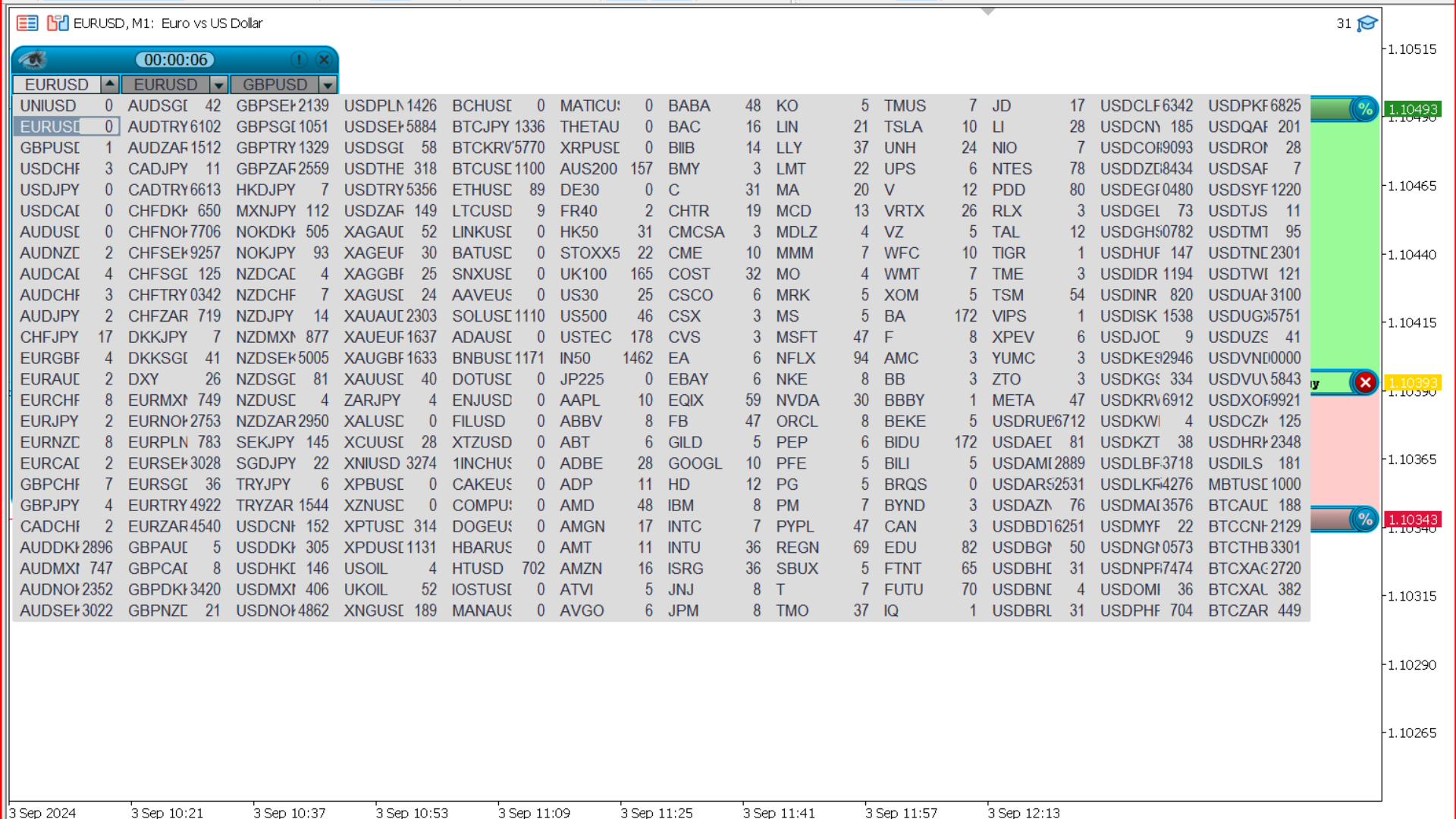
Favorite pairs for fast switching
-
Local and server time display
-
Bar countdown timer
-
Minimizable panel with hover access
-
Trade comments for organization
-
Reverse trade button
-
Pending order management
Smart Trading Copilot is designed to reduce mistakes, speed up execution, and support traders who prefer a structured, disciplined workflow.
Practical Usage
Traders use Smart Trading Copilot to:
-
Keep risk uniform on every trade
-
Avoid overexposure during volatile spreads
-
Preview profit/loss before entering
-
Manage trades cleanly with one-click tools
-
Execute quickly without opening multiple MT5 windows
-
Avoid emotional decision-making by following predefined settings
It supports scalpers, intraday traders, swing traders, and system traders who need consistency.
Pro Tips
-
Always verify spread before entering a trade.
-
Use hidden SL/TP only if your broker requires it.
-
Keep the lot-size automation active to maintain discipline.
-
Use the minimizable layout to avoid chart clutter.
-
Log comments for long-term tracking and analysis.
Final Thoughts
Smart Trading Copilot is built for traders who want structure and precision in their daily execution.
It replaces manual errors with clean, rule-based management and gives you full control over entries and exits without overwhelming complexity.
It is a tool that supports your system — not one that replaces it.
Disclaimer
Trading forex and CFDs involves significant risk.
Tools, utilities, and indicators — including Smart Trading Copilot — do not guarantee profits or protect against losses.
Always test on a demo account before using live settings.
You remain fully responsible for your trading decisions and financial outcomes.