Expert Manager
- Утилиты
- Версия: 1.0
- Активации: 5

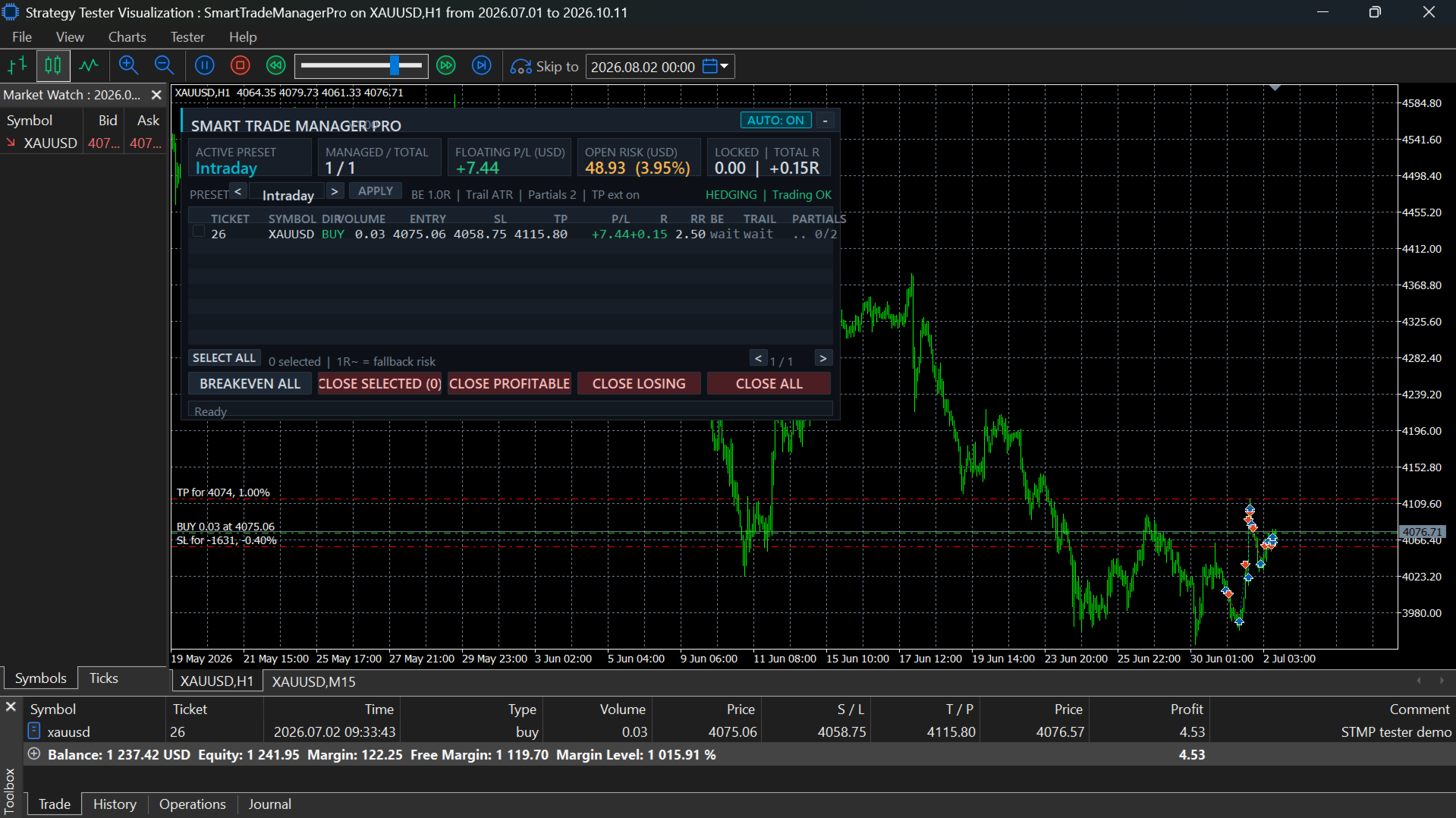
Smart Trade Manager Pro is an MT5 Expert Advisor. It manages positions opened manually or by other EAs, and only the positions that match your scope rules. It does not open trades on a live account. The one exception is the Strategy Tester, where it can open demo trades to manage (see the Market validation section).
Files:
| File | Purpose |
|---|---|
| `SmartTradeManagerPro.mq5` | Complete source code |
| `SmartTradeManagerPro.ex5` | Compiled program (MetaEditor: 0 errors, 0 warnings) |
| `README.md` | Installation, inputs, operating manual and example scenarios |
| `TEST_CHECKLIST.md` | Test plan with pass/fail tracking |
---
## 1. Installation
1. In MT5, open **File > Open Data Folder**.
2. Copy `SmartTradeManagerPro.mq5` to `MQL5\Experts\`. You can also copy the `.ex5` file to run it without recompiling.
3. Open the `.mq5` in MetaEditor and press **F7** to compile. It should report 0 errors and 0 warnings.
4. In the terminal, open **Navigator > Expert Advisors** and refresh.
5. Drag **SmartTradeManagerPro** onto a chart:
- On the **Common** tab, tick **Allow Algo Trading**.
- On the **Inputs** tab, set the scope (Section 3) **before** pressing OK.
6. Enable the **Algo Trading** button on the terminal toolbar.
7. Optional: to get push alerts, set your MetaQuotes ID under **Tools > Options > Notifications**.
**Run one instance per set of positions.** Two instances with overlapping scopes would both manage the same positions. If you run several instances on purpose, give each a different **Instance tag** and make their scopes non-overlapping.