Pulse Trade EA
- Эксперты
-
Jyotirmay Thakar
 MYB2B INC.
Smarter Tools. Sharper Trading Skills. - Версия: 1.39
- Активации: 5
Pulse Trade EA
Proprietary algorithmic trading and integrated position management for MetaTrader 5.
Developed by MyB2B Inc., Pulse Trade EA combines a proprietary market-analysis and trade-decision algorithm with automated execution and active position management. It is designed as a complete Expert Advisor, not simply an indicator that displays trading signals.
The internal analytical methodology, trade qualification rules and proprietary parameters are not disclosed. This description focuses on product capabilities, operating requirements and risk controls.
Developed Through Detailed Research
Pulse Trade has evolved through detailed quantitative research, historical market analysis, instrument-specific profile evaluation and repeated MetaTrader 5 Strategy Tester validation. Development included examining strategy behavior under different historical conditions and validating how trading decisions interact with actual broker specifications.
Additional engineering tests cover order execution, monetary risk calculations, duplicate-entry protection, terminal restart recovery and chart-timeframe consistency. This research and testing describes the development process; it does not guarantee future trading results.
Core Capabilities
- Proprietary trade-decision algorithm: automated market evaluation and eligible trade selection.
- Automated trading: order placement and management from within MetaTrader 5 when new entries are enabled.
- Integrated trade management: initial protective stops, break-even functions and profit-protection features when applicable.
- Broker-aware position sizing: volume calculated against the selected account-risk setting, broker specifications and protective stop.
- Execution safeguards: checks covering order permissions, stops, margin, exposure, duplicate submissions and ownership of Pulse Trade positions.
- Restart and recovery handling: controls intended to reconcile saved EA state with broker positions before new execution proceeds.
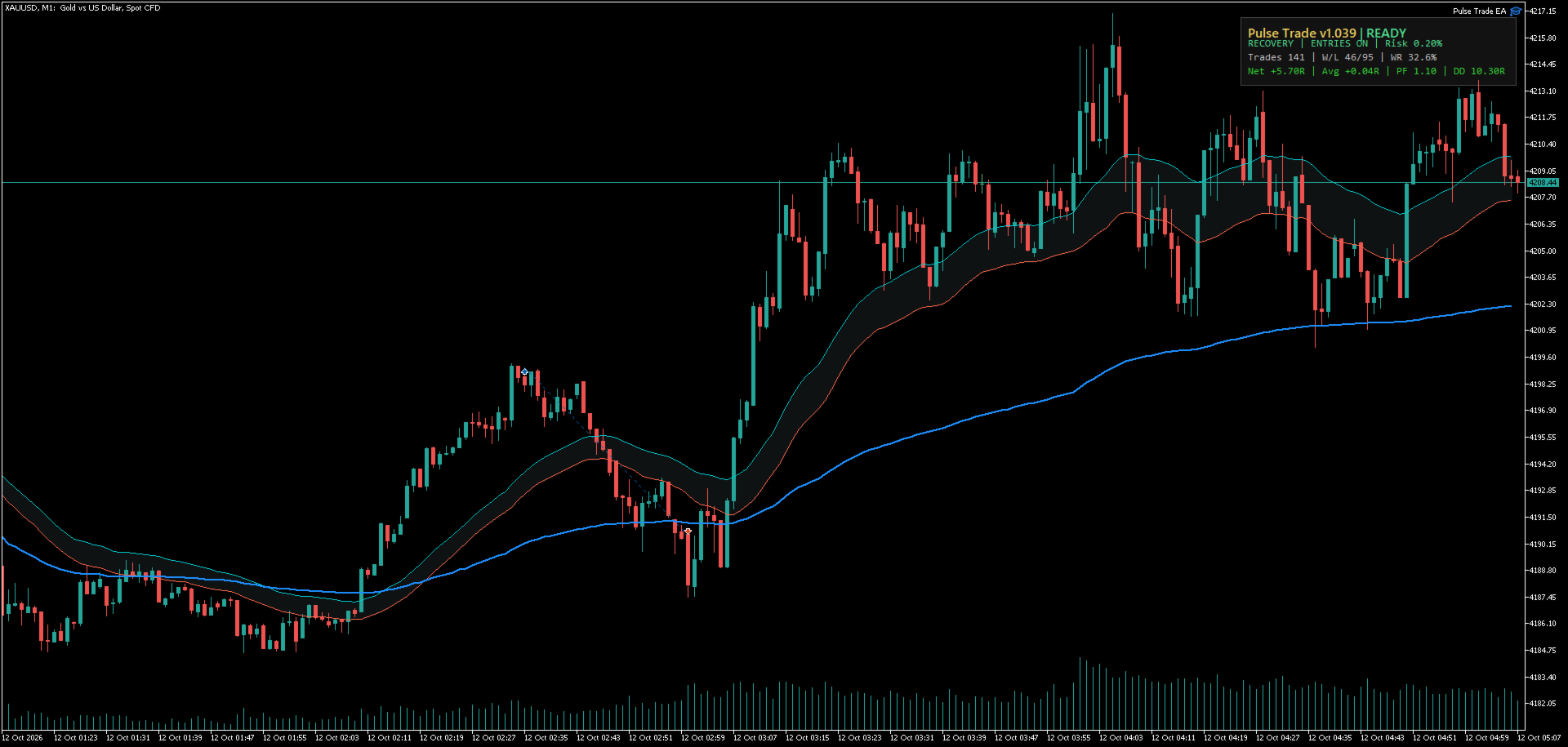
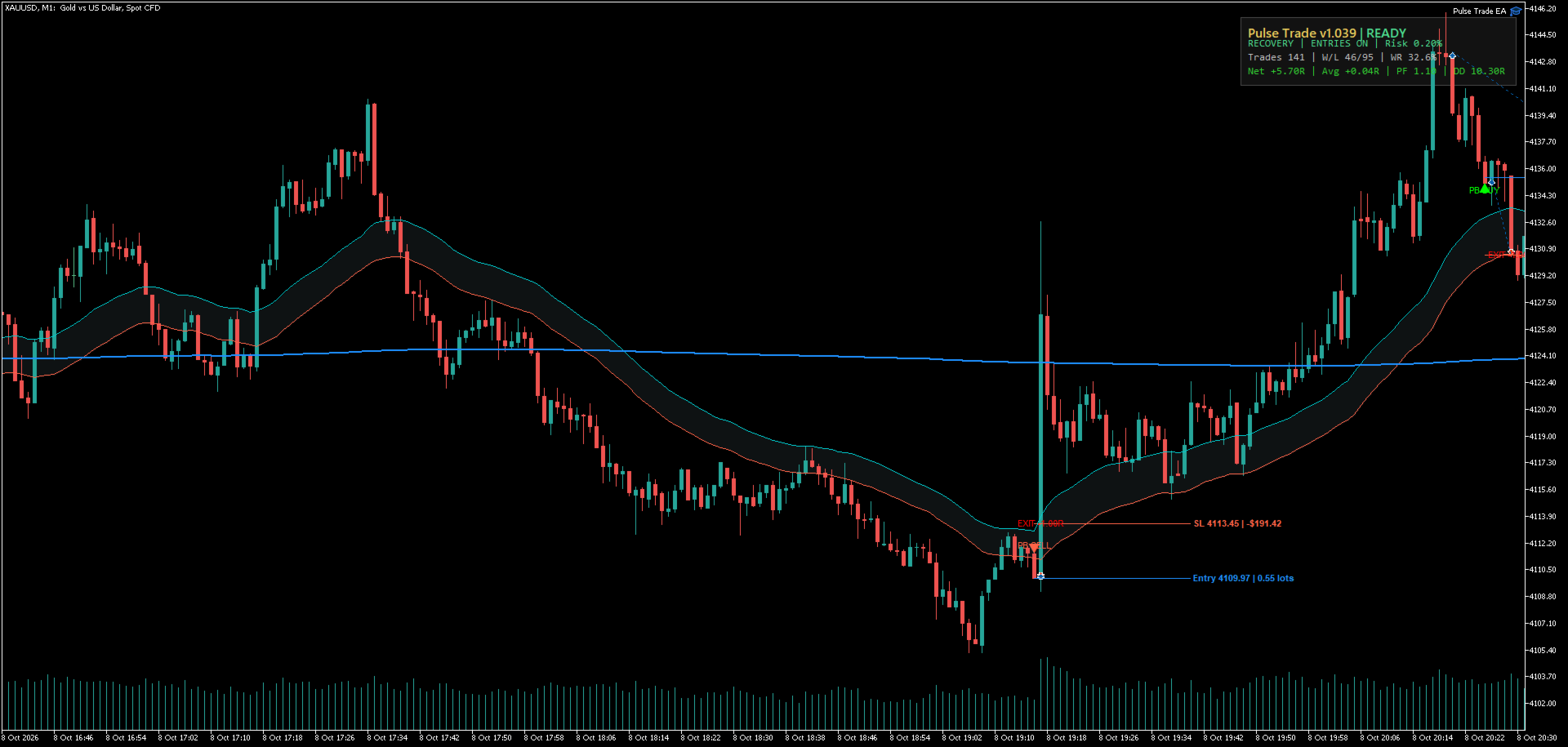
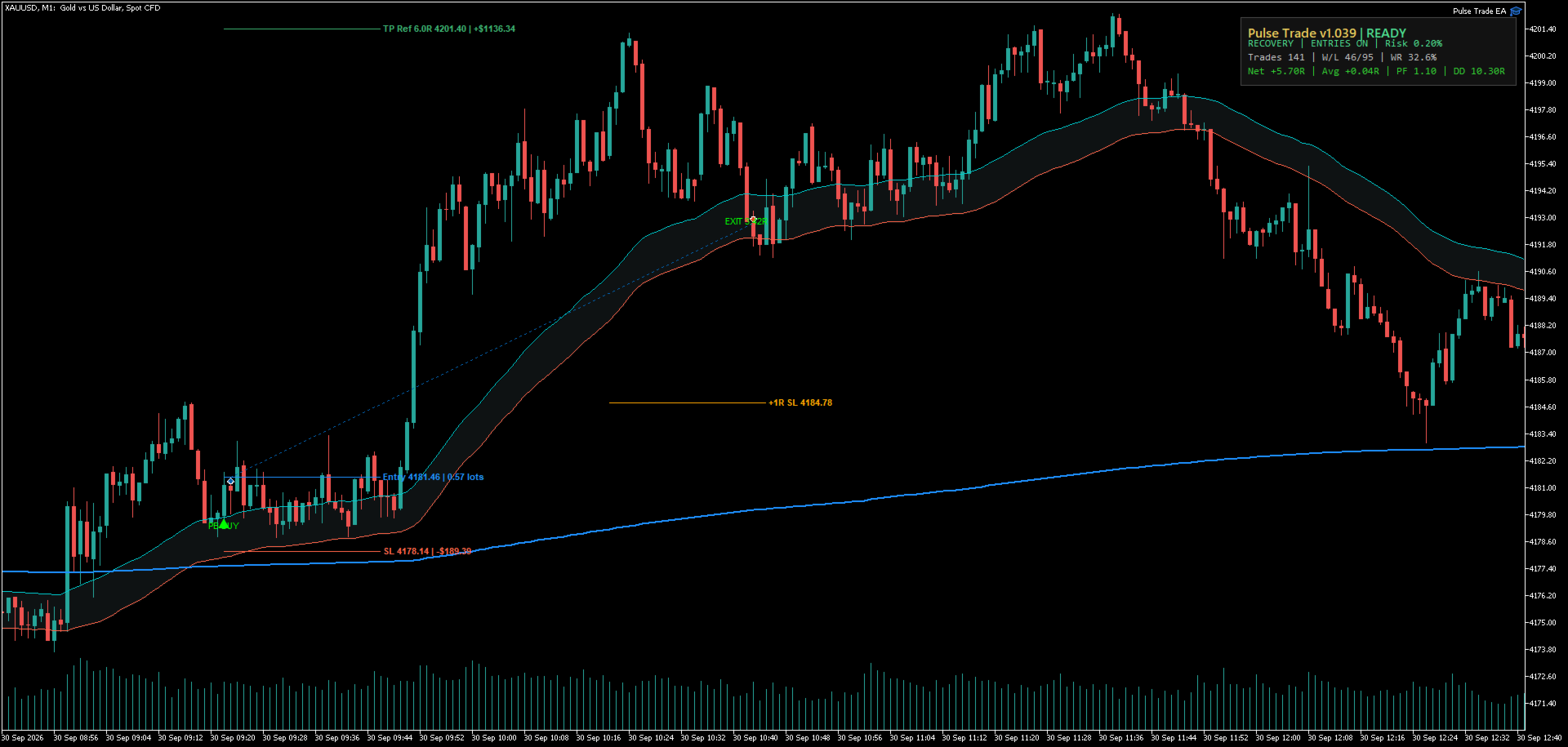
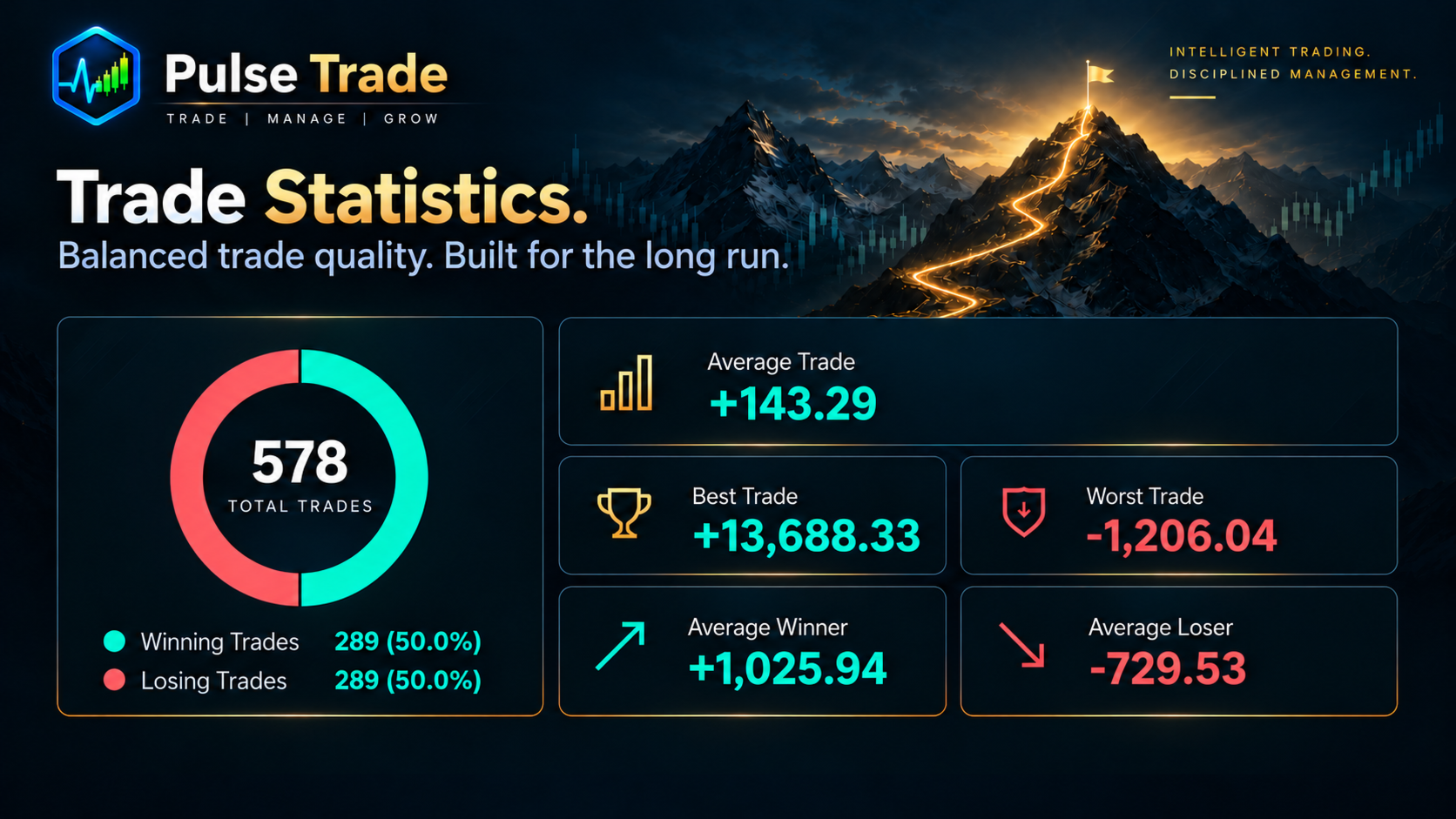
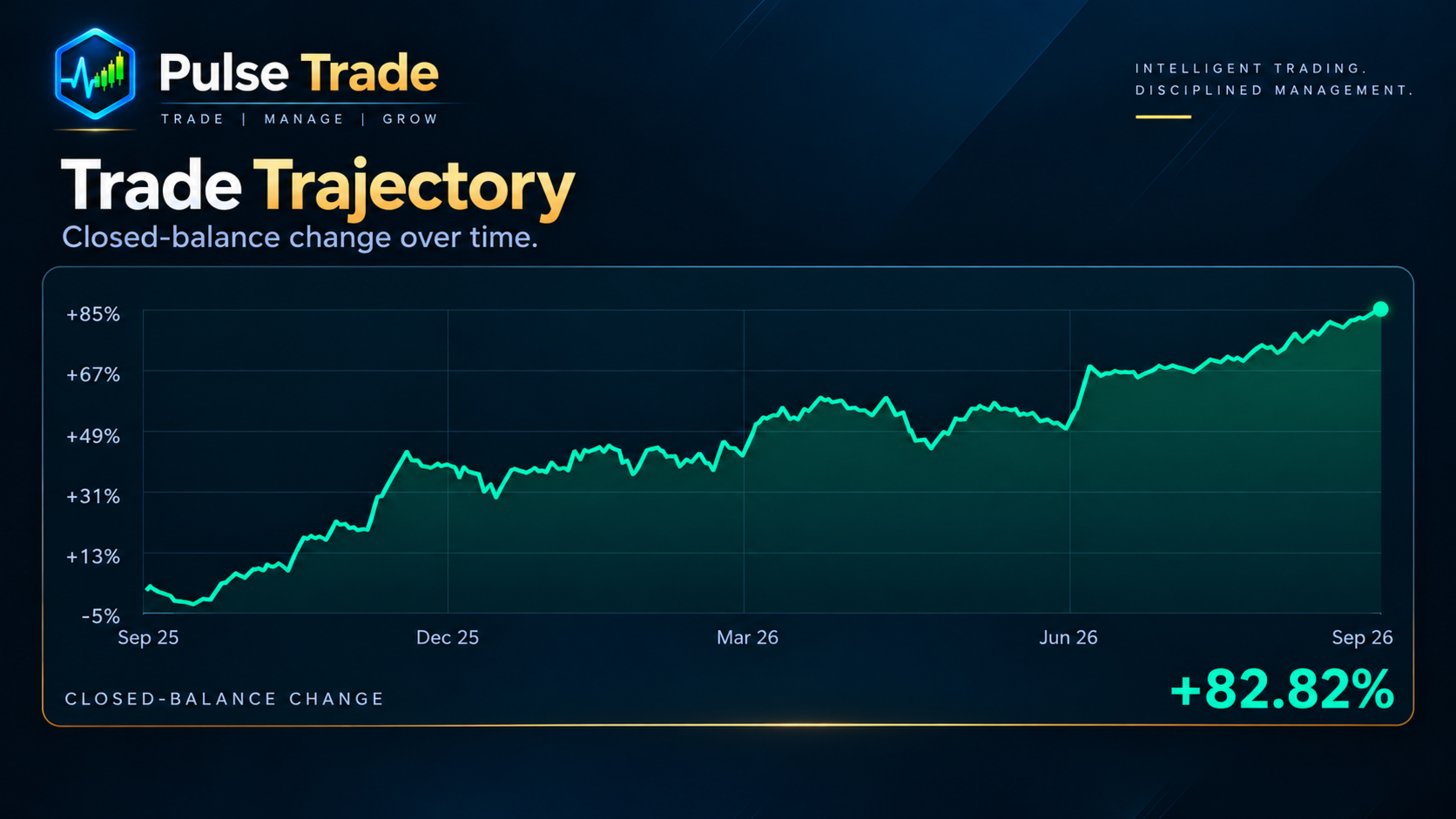
- Compact on-chart panel: current EA status, entry permissions, configured risk and recorded closed-trade statistics.
No separate DLL, third-party licensing service or WebRequest connection is required for the core product.
Research and Validation
Pulse Trade EA is supported by extensive historical strategy research and repeated testing in MetaTrader 5.
Our research and validation process has included:
- Trade-event comparisons on gold (XAUUSD) and major U.S. indices (US30 and US100).
- Execution and risk checks covering order handling, position sizing and initial trade-risk calculations.
- Compatibility testing across multiple trading symbols and chart timeframes to assess software operation under different conditions.
- MQL5 Market validation, which the published Pulse Trade EA has successfully passed.
These checks help establish how the software operates under tested conditions. They do not establish profitability on every instrument or timeframe, and historical testing cannot guarantee future trading performance.
Recommended Instruments and Timeframe
Primary researched instrument profiles: XAUUSD, US30.cash and US100.cash. Actual broker symbol names and contract specifications may vary.
Internal strategy timeframe: M1. Pulse Trade uses M1 data for its internal analysis even if the EA is attached to another chart timeframe. M1 is recommended for reviewing the chart display.
Compatible major Forex pairs can also run through a separate generic, unoptimized operating profile. These additional pairs are not presented as researched performance profiles or recommendations. Trading availability remains subject to the broker's symbol settings and permissions.
Risk Controls
Default initial risk: 0.10% of account balance per eligible trade.
Maximum configurable risk: 1.00% per trade.
The EA checks broker volume minimums and increments, protective-stop restrictions, available margin and execution conditions. If a proposed order cannot satisfy the configured monetary-risk limit within the broker's trading constraints, the EA may decline that entry rather than increase risk to force a trade.
Stop-loss, break-even and profit-management functions operate according to the active instrument profile and market conditions. Not every potential trading opportunity results in an order.
Setup and Monitoring
- Attach Pulse Trade EA to the intended instrument on a compatible MetaTrader 5 hedging account.
- Review the broker symbol, account permissions and the Risk Per Trade (%) setting.
- Enable MetaTrader Algo Trading and set Enable New Entries when you want the EA to execute trades.
- Use the on-chart panel to monitor status and closed-trade history. The panel can be displayed or hidden and its corner location can be selected.
Users should become familiar with the software in the MetaTrader 5 Strategy Tester or a demo environment before considering real-account operation.
Product Support
For product questions, setup assistance or technical support, contact the seller through the MQL5 messaging system or the Comments section of this product. Pulse Trade is developed by MyB2B Inc.
Risk Notice
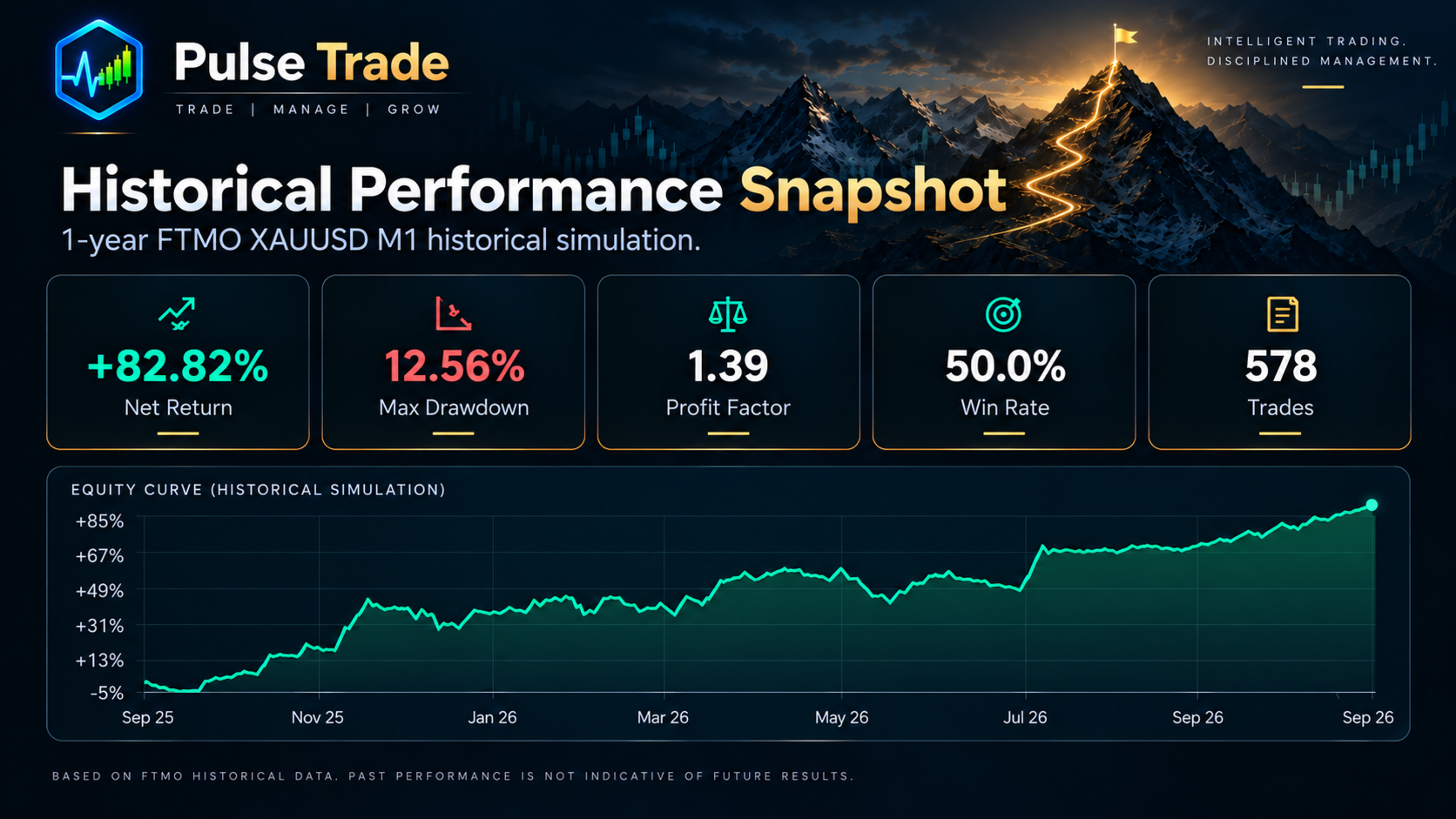
Automated trading involves risk, including possible loss of capital. Historical research and Strategy Tester results are simulations and do not predict or guarantee future performance. Results depend on spreads, commissions, execution, liquidity, broker specifications and market conditions. Use risk settings appropriate for your account and circumstances.