Norg Sh
- Эксперты
-
Jackson Fonseca Nazare
 I'm a trader and MQ4/MQ5 programmer. I like working with robots that have a profit target and daily loss ratios. Most EAs fail because they don't have a risk-reward ratio configuration, and most traders still don't understand that to become a millionaire in forex you have to start as a billionaire
 - Версия: 1.10
- Обновлено: 13 сентября 2026
- Активации: 10
NORG SH MT4 is an automated Expert Advisor for MetaTrader 4.
SH stands for Smart Hedge.
The Expert Advisor combines market entry logic with dynamic position management. When the market moves against an initial position, the system can use additional positions and dynamically calculated recovery levels to manage the active trading cycle.
The default configuration is mainly intended for XAUUSD on the M5 timeframe.
Trading Method
NORG SH evaluates price direction, market movement and volatility before starting a new trading cycle.
The initial entry is determined by internal price, trend and momentum conditions.
If the market moves against the initial position, the Expert Advisor can calculate additional recovery levels based on current volatility instead of using only a fixed distance between positions.
Recovery levels are recalculated according to the selected volatility settings.
The objective of the recovery mechanism is to manage the combined exposure of the active positions. It does not guarantee that a trading cycle will close with a profit.
Dynamic Position Management
The Expert Advisor can manage multiple positions as one trading cycle.
Its position management includes:
-
Dynamic recovery spacing
-
Configurable lot multiplier
-
Minimum distance between positions
-
Basket break-even calculation
-
Basket-level trailing management
-
Maximum spread control
-
Emergency cycle protection
The distance between recovery positions can be adjusted according to current volatility.
Users should select lot size, multiplier and recovery settings according to their account size and risk tolerance.
Virtual Recovery Levels
Recovery levels can be calculated and maintained internally by the Expert Advisor.
These internal levels do not need to remain as broker-side pending orders while they are waiting for their activation conditions.
When the configured conditions are met, the Expert Advisor manages the corresponding order according to its trading logic.
This function is part of order management and does not prevent normal market execution effects such as spread, slippage or price gaps.
Market Filters
NORG SH includes optional filters used to evaluate market conditions before opening new trading cycles.
The available filters include:
-
Trend conditions
-
Volatility conditions
-
Range conditions
-
Spread conditions
Each filter can be enabled or disabled through the Expert Advisor inputs.
Market filters can reduce the number of entries when their configured conditions are not met. They do not guarantee the quality or outcome of a trade.
Basket Management
When multiple positions are active, the Expert Advisor evaluates the combined result of the trading cycle.
The basket management system can calculate the combined break-even level and apply trailing management to the total position structure.
The behavior of the basket depends on market movement, position volume, execution prices, spread and the configured parameters.
Daily Trading Controls
The Expert Advisor includes configurable daily controls.
The user can define:
-
Daily positive equity threshold
-
Daily loss threshold
-
Trading start time
-
Trading end time
When a configured daily threshold is reached, the Expert Advisor can stop starting new trading cycles for the remainder of the configured period.
These settings are trading and risk controls. They are not profit targets or loss guarantees.
Main Parameters
General Settings
InitialLot
Defines the initial trading volume of a new cycle.
Multiplier
Defines the volume multiplier used for additional recovery positions.
MagicNumber
Identifies orders managed by this Expert Advisor.
Slippage
Defines the permitted execution deviation according to the trading logic.
Dynamic Recovery Settings
Vol_TimeFrame
Defines the timeframe used for volatility calculations.
Vol_Period
Defines the calculation period used by the volatility component.
Vol_Dist_Multiplier
Adjusts the distance calculated for additional recovery levels.
MinGridPoints
Defines the minimum distance allowed between recovery positions.
Market and Risk Controls
UseEmergencyStop
Enables the emergency position-management condition.
MaxSpread
Defines the maximum spread condition allowed for new entries.
UseRangeFilter
Enables or disables the range filter.
UseVolatilityFilter
Enables or disables the volatility filter.
UseTrendFilter
Enables or disables the trend filter.
Daily Controls
UseDailyGoals
Enables or disables the daily equity thresholds.
DailyProfitPercent
Defines the positive daily equity threshold as a percentage.
DailyLossPercent
Defines the negative daily equity threshold as a percentage.
Trading Time
Start Hour
Defines when the Expert Advisor is allowed to start new trading activity according to broker server time.
End Hour
Defines when new trading activity is stopped according to broker server time.
Visual Information
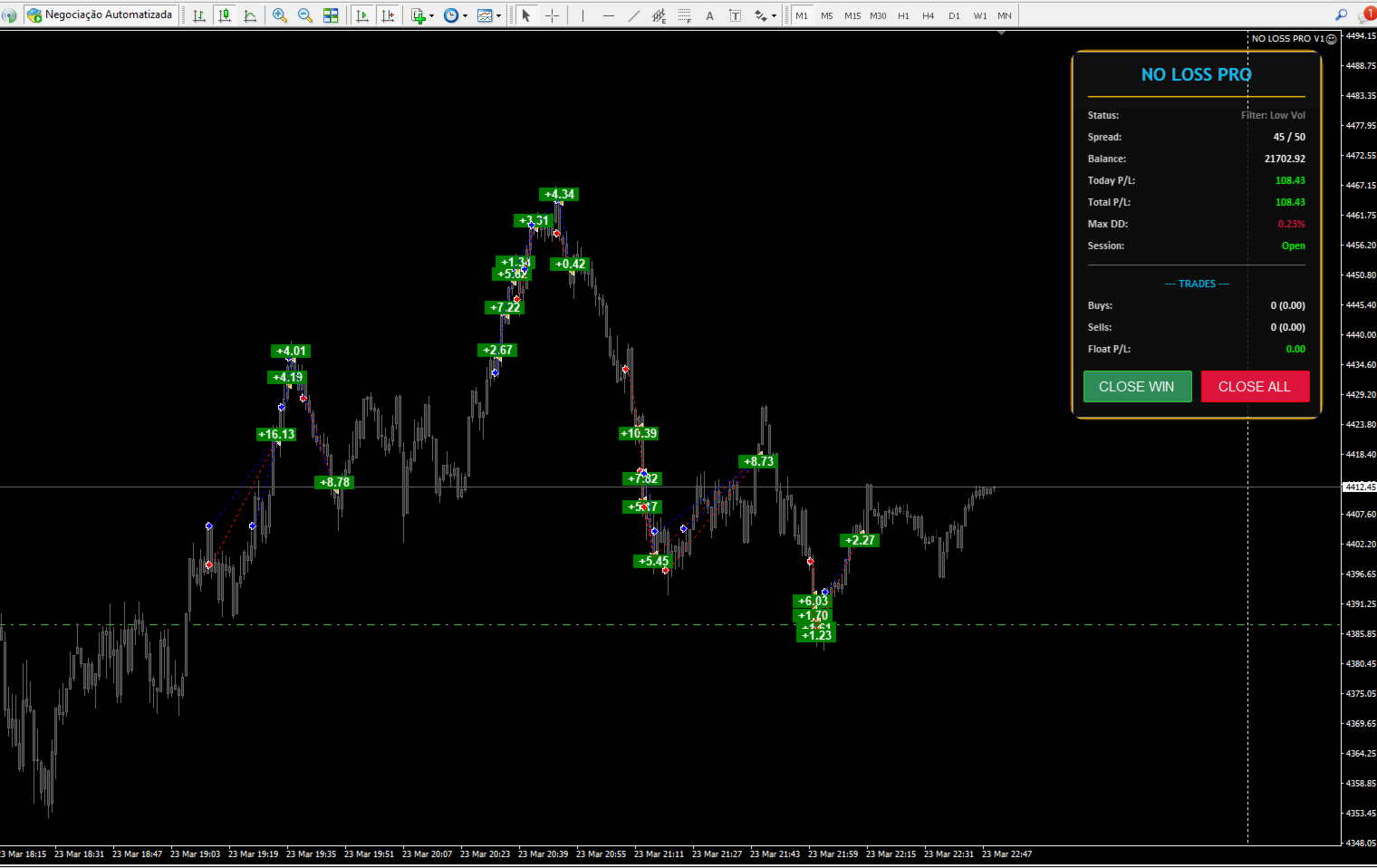
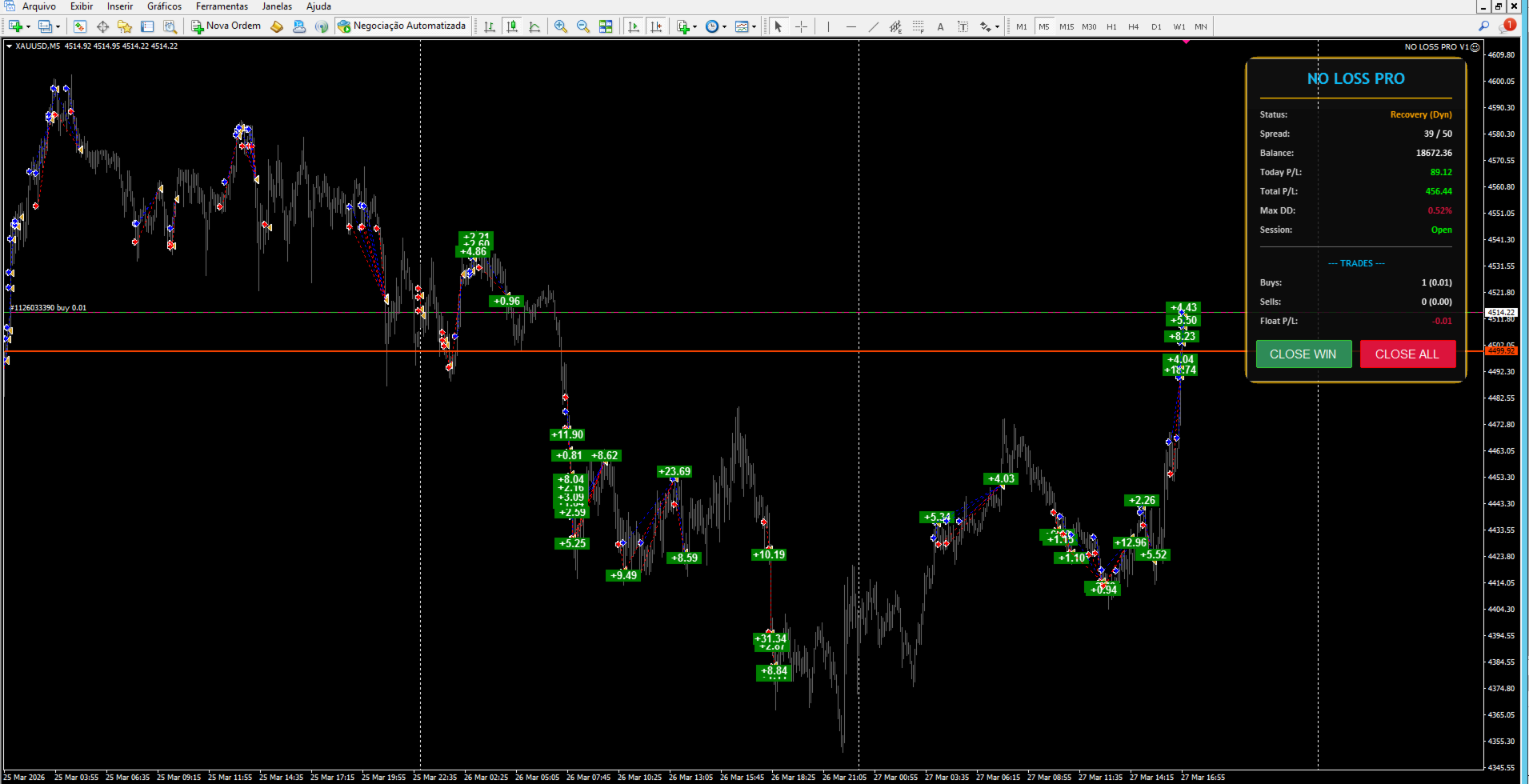
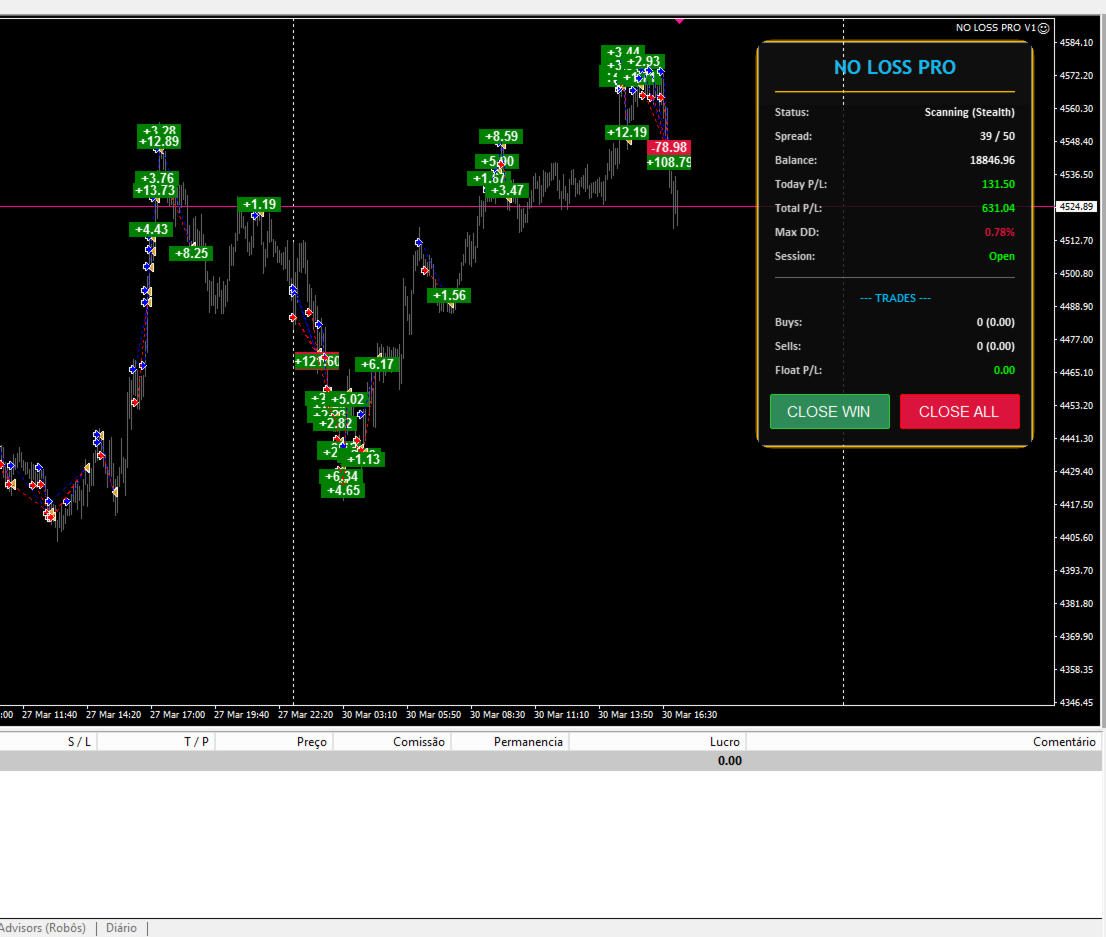
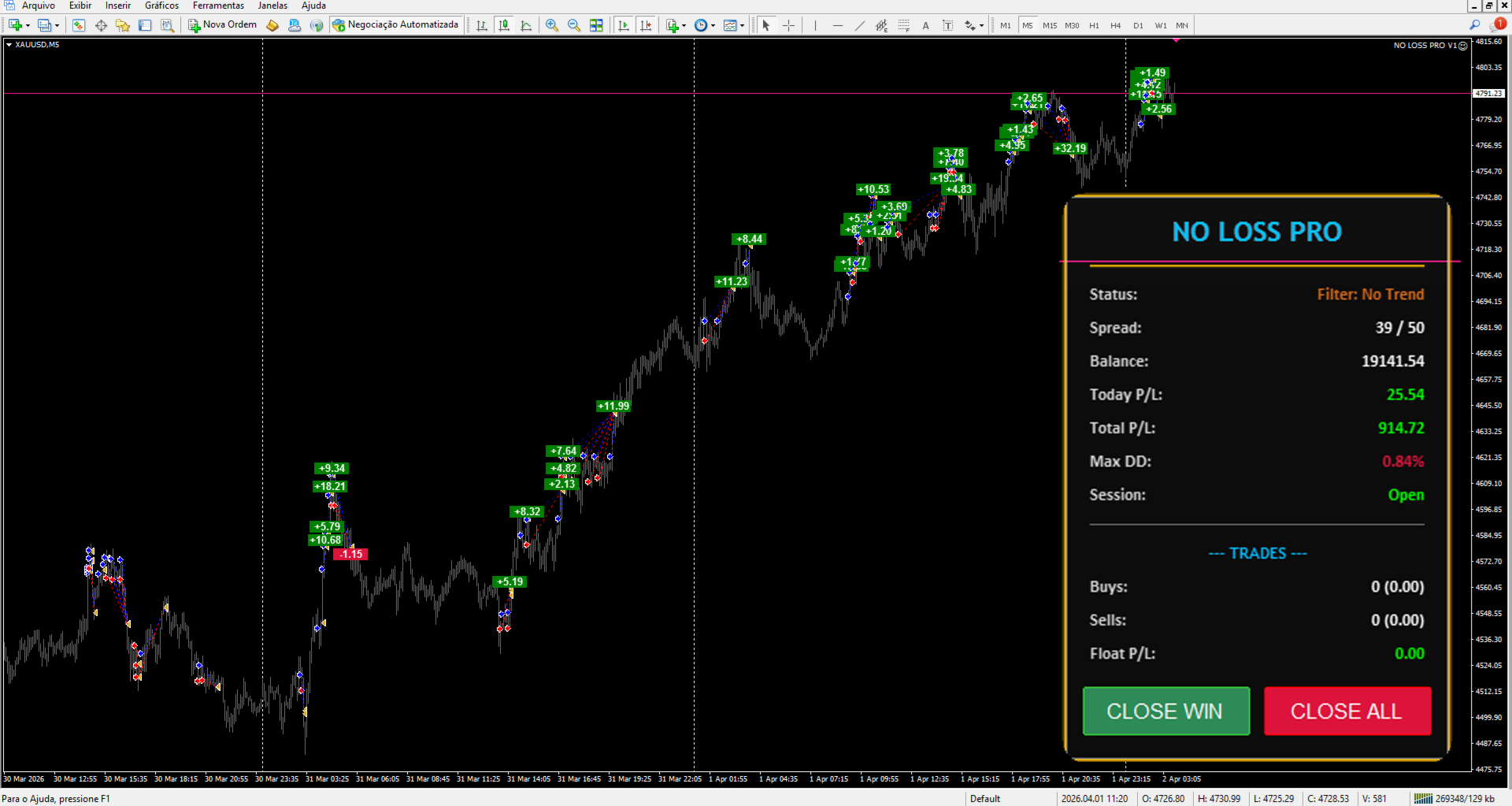
NORG SH includes chart information for monitoring the Expert Advisor.
Depending on the version and selected settings, the chart can display information about active positions, floating results and completed trades.
Visual elements are intended to provide information about Expert Advisor activity and do not affect future trading results.
Suggested Environment
The default configuration is mainly intended for:
Symbol: XAUUSD
Timeframe: M5
Platform: MetaTrader 4
Broker conditions can differ in symbol specifications, spread, commission, execution, liquidity and price feed.
Users should verify the settings for their own trading environment before using the Expert Advisor on a live account.
Testing
Users can evaluate the Expert Advisor in the MetaTrader 4 Strategy Tester before using it on a live account.
Testing conditions should be selected as close as possible to the intended trading environment.
Historical tests can be affected by data quality, spread assumptions, execution modeling and broker conditions.
Historical performance does not guarantee future trading results.
Risk Information
NORG SH uses a recovery mechanism that may maintain multiple positions at the same time.
Increasing the number or size of recovery positions can increase margin usage and account exposure.
Trading with an Expert Advisor involves financial risk and can result in losses.
Market conditions, spread, slippage, liquidity, price gaps, broker execution and user-selected parameters can affect results.
Users are responsible for selecting appropriate trading volume, recovery settings and risk limits for their account.